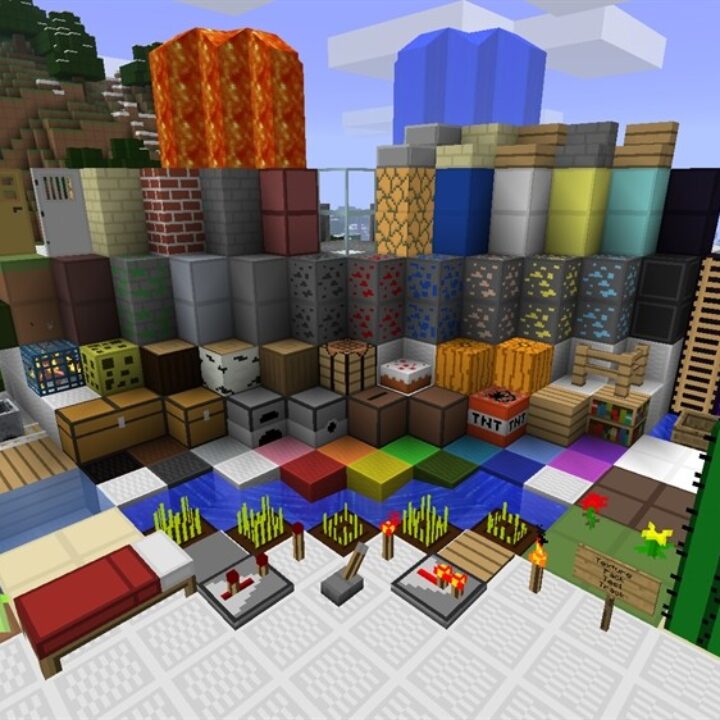
PVP Texture Pack for Minecraft PE

PVP Texture Pack for Minecraft PE

Download PVP Texture Pack for Minecraft Bedrock to use hotbar buttons, 2-finger mode, custom sizes, and quick tool swaps.
10 August 2026
  1. 5
  2. 4
  3. 3
  4. 2
  5. 1
(122 votes, Rating: 2.9 out of 5)
Download Download New Textures

Download PVP Texture Pack for Minecraft PE: improve combat visibility, cleaner item use, crosshair control, fast hotbar buttons, and smoother battles on mobile.

PVP Texture Pack for Minecraft Bedrock Edition

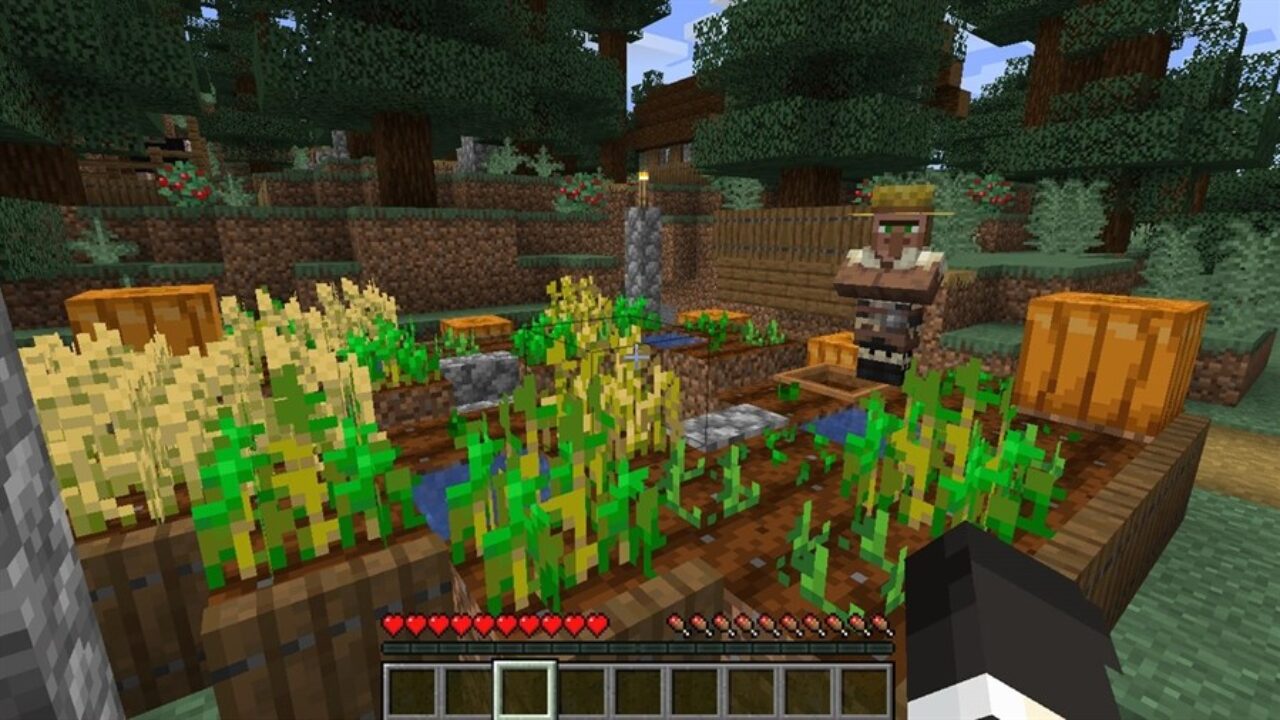
PVP Texture Pack is made for players who want fights to feel clearer and more comfortable. It improves the visual side of combat, helps with quick reactions, and makes important screen elements easier to read during battles.

PVP pack does not change damage, armor rules, mobs, or survival progression. Its goal is practical: cleaner visuals, better focus, and a more convenient combat screen for mobile users.

For Minecraft PE players, this can matter in duels, team fights, minigames, survival raids, and fast arena battles. A clearer view helps players notice movement, switch items faster, and avoid screen clutter.

Dynamic Duo

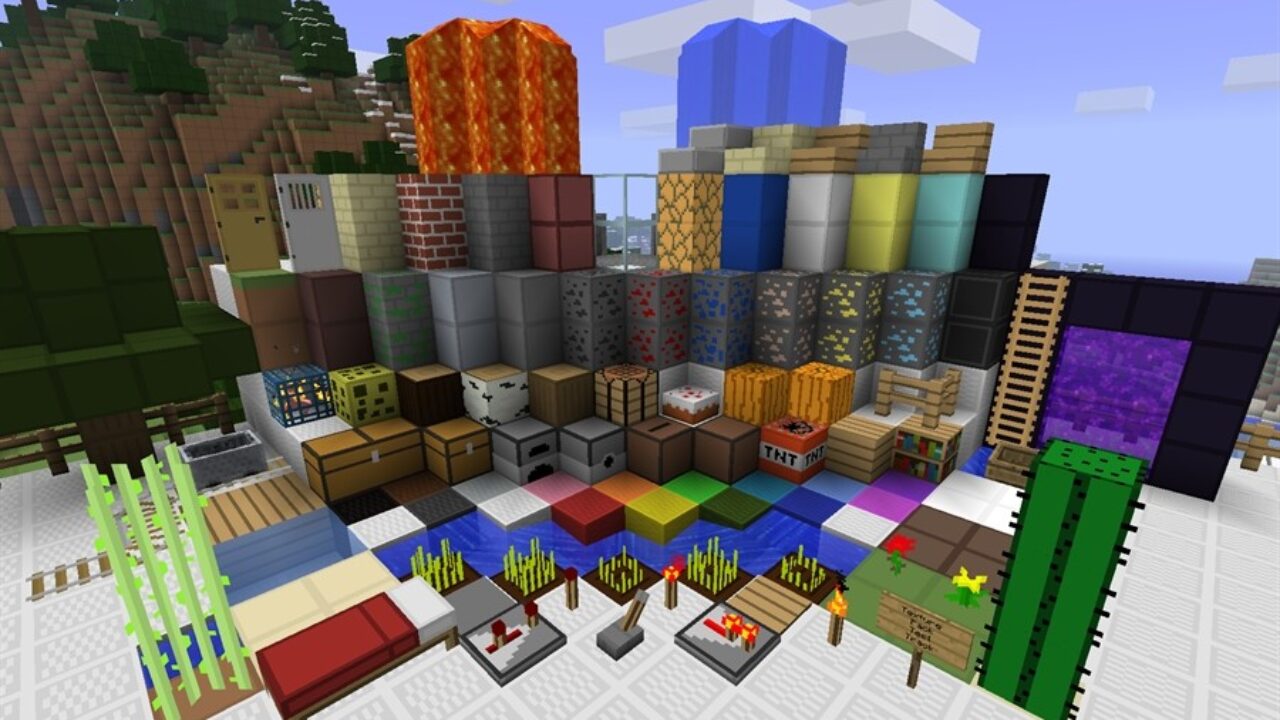
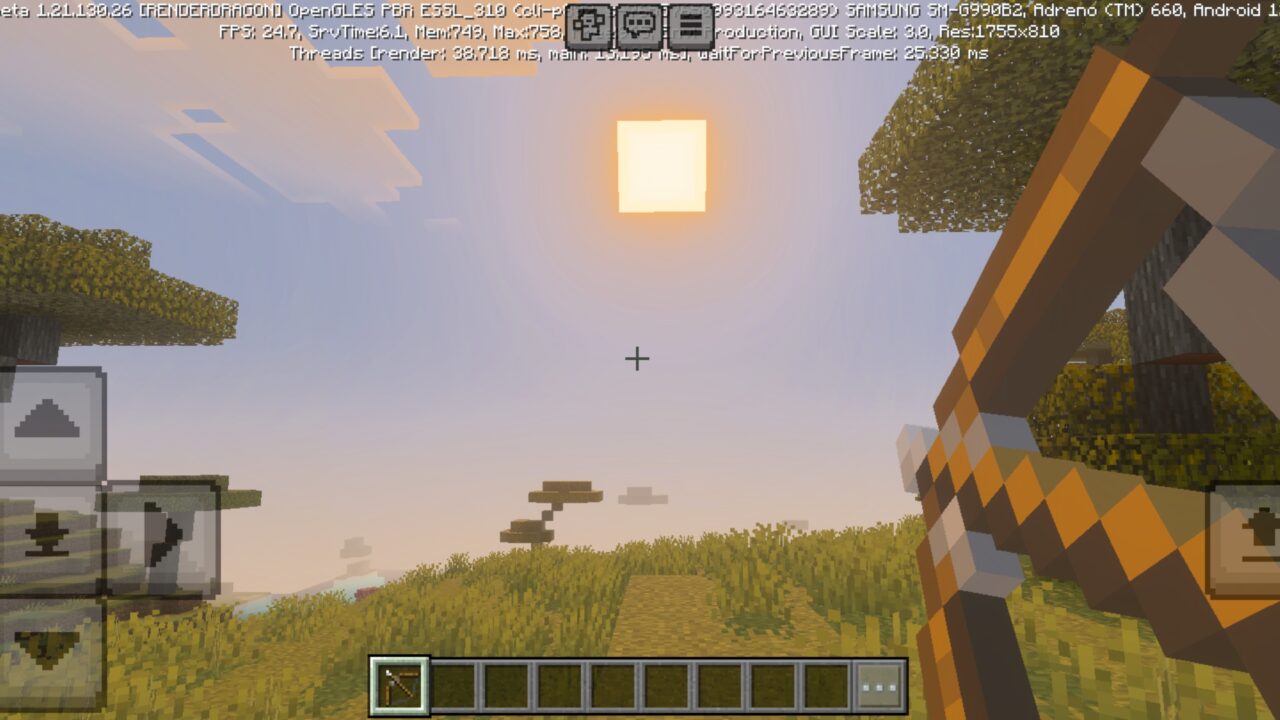
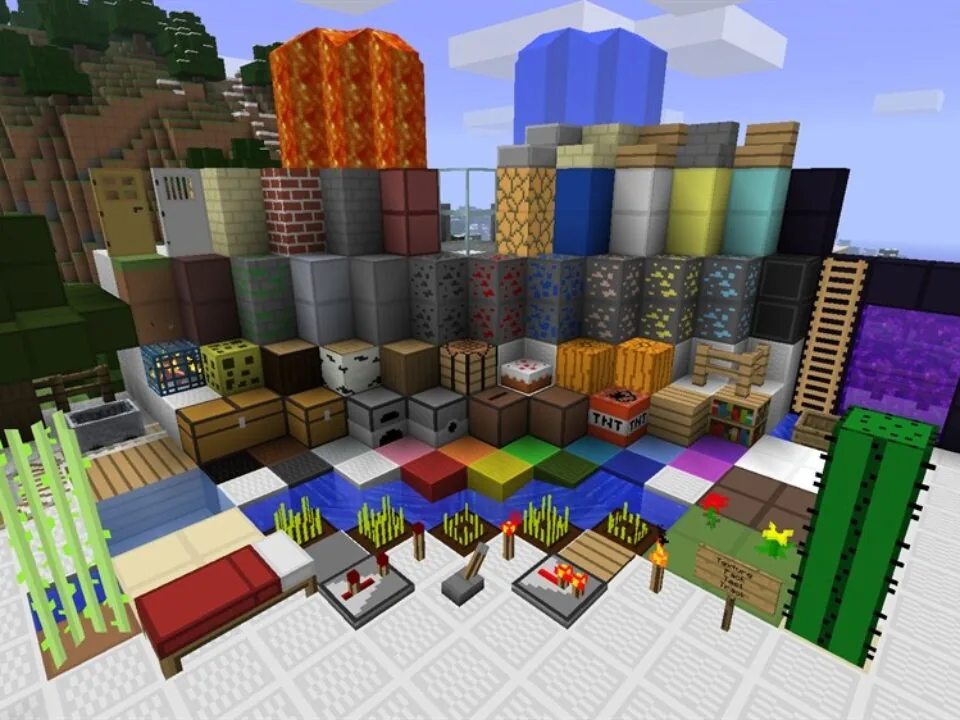
Dynamic Duo gives the world a mixed visual style. It combines sharper fantasy-like elements with darker and more detailed blocks, creating a more noticeable look during movement and combat.

Wood, ores, and many world textures gain stronger character. This can make arenas, bases, and battle zones feel less plain while still keeping the game recognizable.

Dynamic Duo focuses on visual comfort in fights. It helps players see items, blocks, and targets more clearly.

This option works well for players who want PvP visuals with more style, not just a completely flat or minimal pack.

Infinity PVP

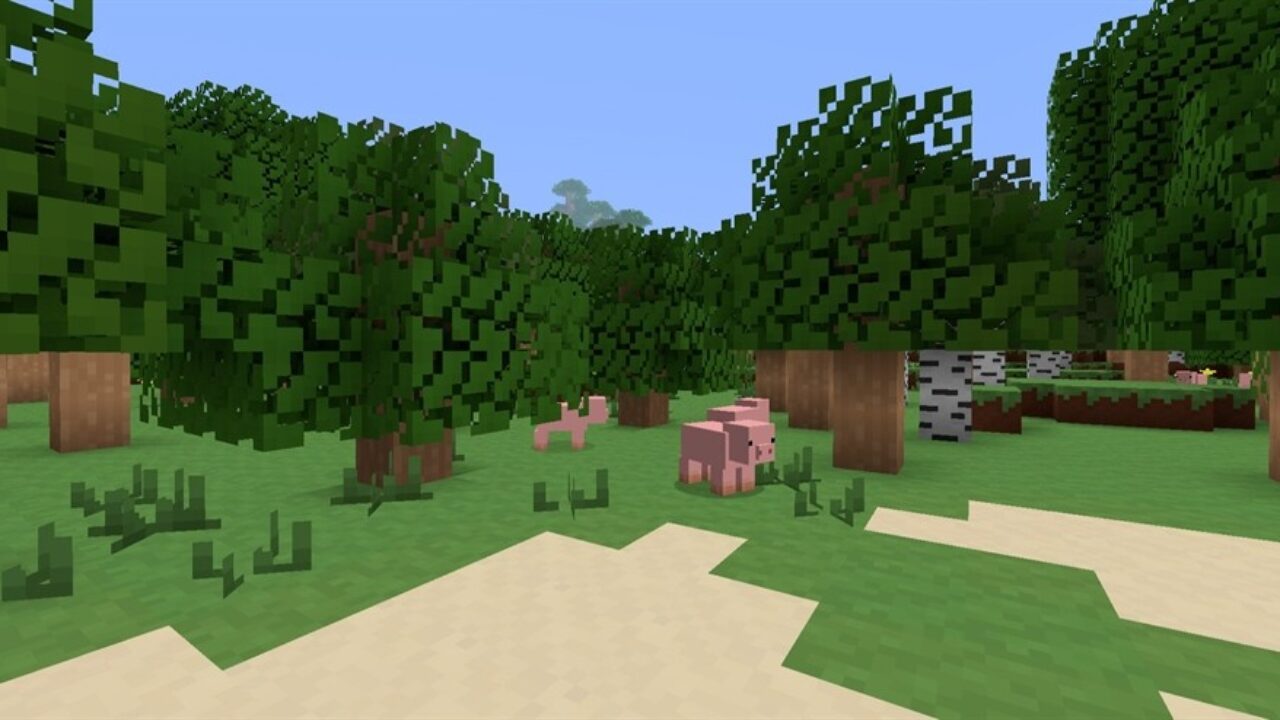
Infinity PVP focuses on smoother combat visuals and better performance. It keeps the pack lightweight, which can help weaker devices run battles with fewer drops and less lag.

Low-resolution design does not mean the world has to look bad. The main idea is to reduce visual pressure while keeping items and blocks readable.

Players who prefer lighter visuals can also use Simple Texture Packs for Minecraft PE to improve their skills in the game.

This version is useful when speed matters more than decoration. Cleaner textures can make movement, aiming, and quick decisions feel easier during tense fights.

Crosshairs

Crosshairs add another practical layer to combat. Players can choose different aiming styles, including dots, round shapes, and other options that may feel better for different weapons or screens.

A clear crosshair helps during bow shots, projectiles, close combat, and quick target tracking. This is especially important on touch controls, where small aiming details can affect the fight.

The PVP Texture Pack for Minecraft Bedrock Edition can make battles feel more controlled without adding new mechanics. Players still fight normally, but the interface becomes easier to follow.

Choose the crosshair and visual setup that feels comfortable on your screen size. Small changes can make mobile fights easier.

Hotbar Slot Button

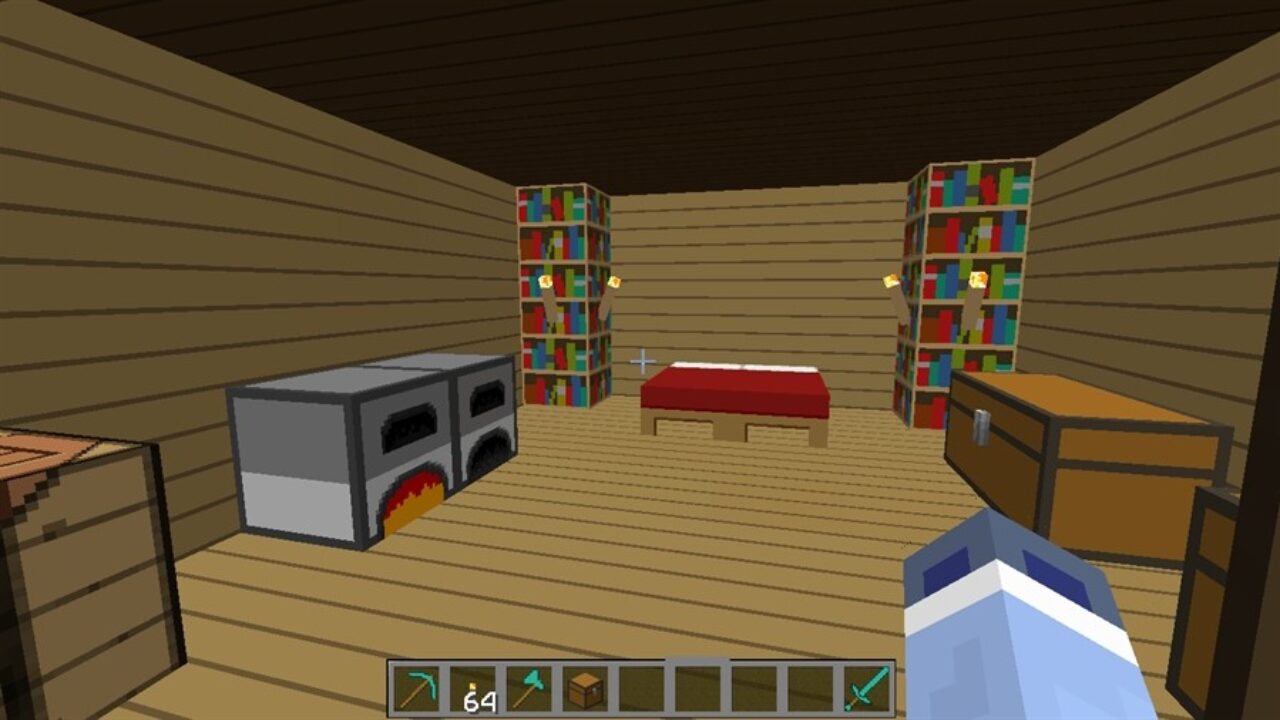
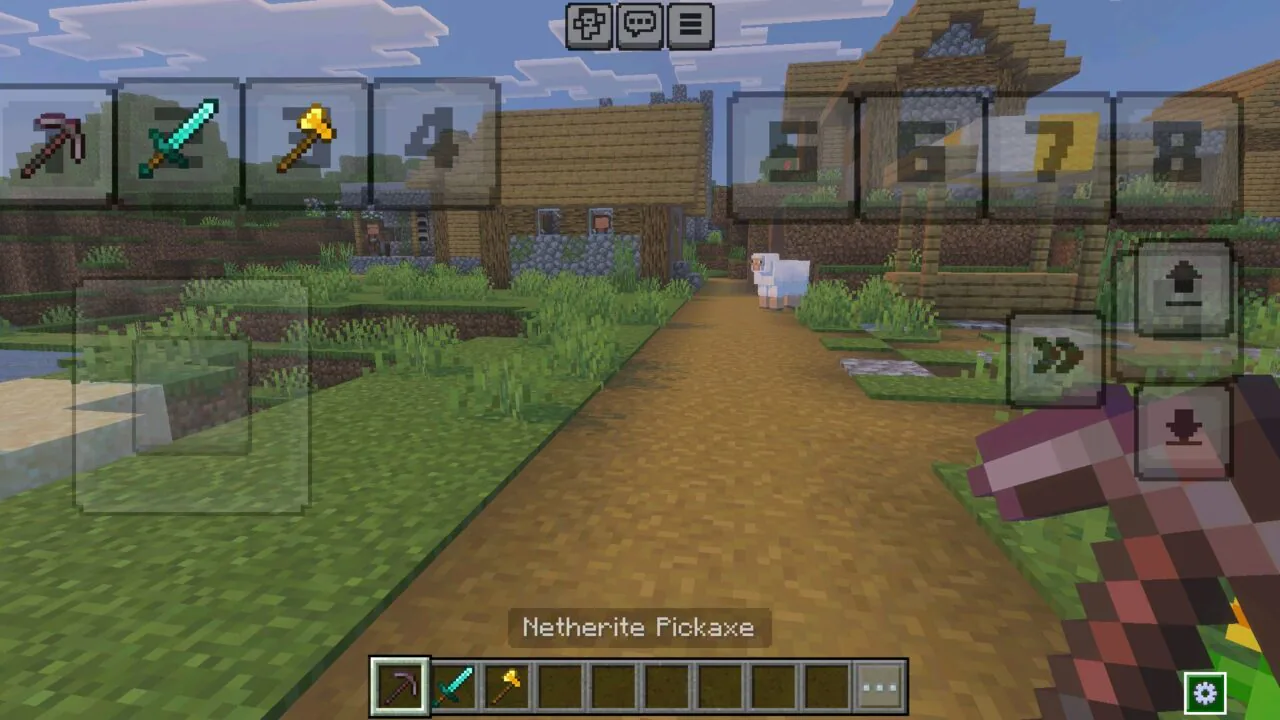
Hotbar Slot Button adds extra buttons that act like hotbar slots. Each button switches to a selected held item, so players can change tools or weapons without lifting a finger from movement or mining.

The buttons support 2-finger mode and can be moved or resized through the editor panel.

  • Does PVP Texture Pack help with item switching?
  • Will PVP Texture Pack improve aiming?
  • Can PVP Texture Pack help weak devices?

Download PVP Texture Pack for Minecraft PE

Dynamic Duo
Infinity
Crosshairs
Slot Hotbar Button
See also:


PVP Texture Pack for Minecraft PE
10 August 2026 2.9
PVP Texture Pack ...

Download PVP Texture Pack for Minecraft PE: imp...
No Fog Texture Pack for Minecraft PE
25 July 2026 5
No Fog Texture Pa...

Download No Fog Texture Pack for Minecraft PE: ...
Bare Bones Texture Pack for Minecraft PE
3 July 2026 3
Bare Bones Textur...

Download Bare Bones Texture Pack for Minecraft ...
2 x 2 Texture Pack for Minecraft PE
14 December 2025 5
2 x 2 Texture Pac...

Download 2 x 2 Texture Pack for Minecraft PE: g...

1 Comments

  1. The hotbar buttons sound super useful. I always mess up switching tools on my phone, especially when someone attacks me.