Download Utility Work Map for Minecraft PE: enter Xanni Electronics,…
Download Maps for Minecraft Bedrock Edition
Download maps for Minecraft PE and drop into hand-built worlds made for survival runs, horror escapes, city tours, parkour, PvP battles, and story-driven adventures. Every map for Minecraft Bedrock on this page is a ready-to-play mcworld file that imports with a single tap on your Android phone or tablet — no extra tools, no account, no setup. Pick a genre from the tags above, sort by the newest releases, and grab a fresh world in seconds.
Popular Maps for Minecraft PE
These are the newest and most-downloaded worlds in the catalog — grab any of them in a single tap.
Fast Download
One Block (mcworld)Read More...
Squid Game 3 (mcworld)Read More...
Zombie Bunker (mcworld)Read More...
Map
Parkour
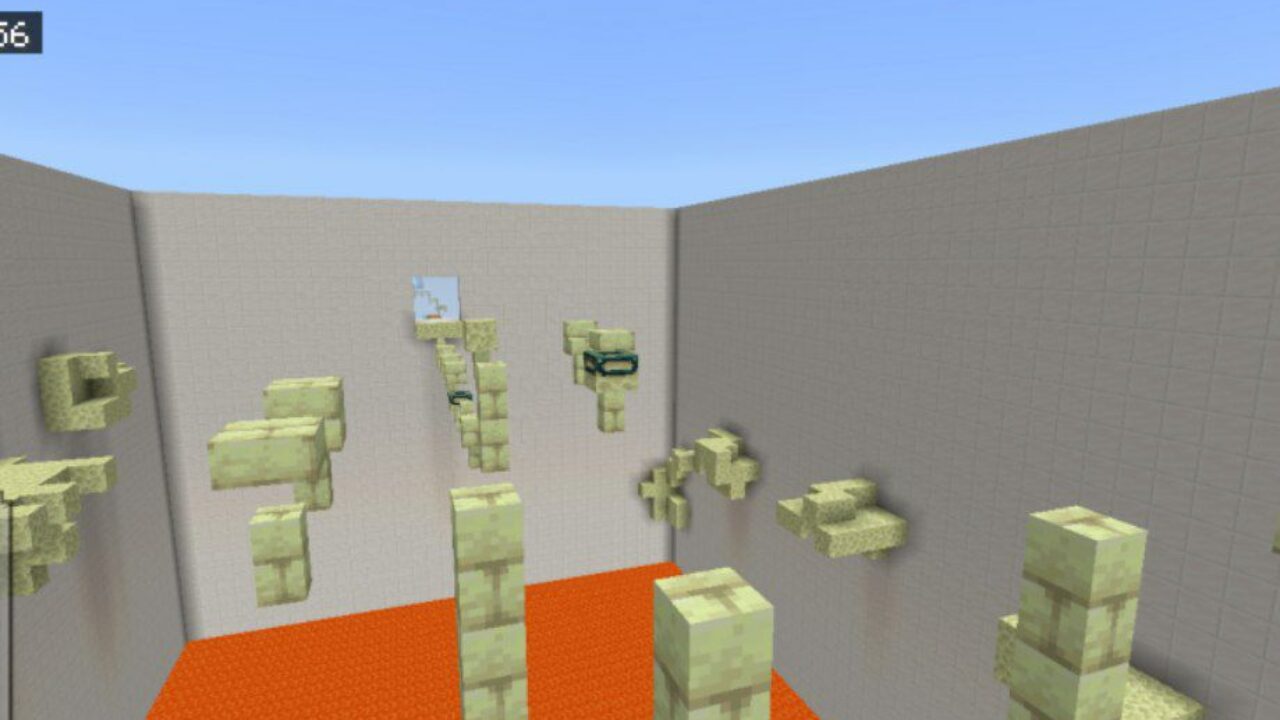
Parkour Challenge Map for Minecraft Bedrock
Download Parkour Challenge Map for Minecraft PE: test your agility,…
Map
Parkour
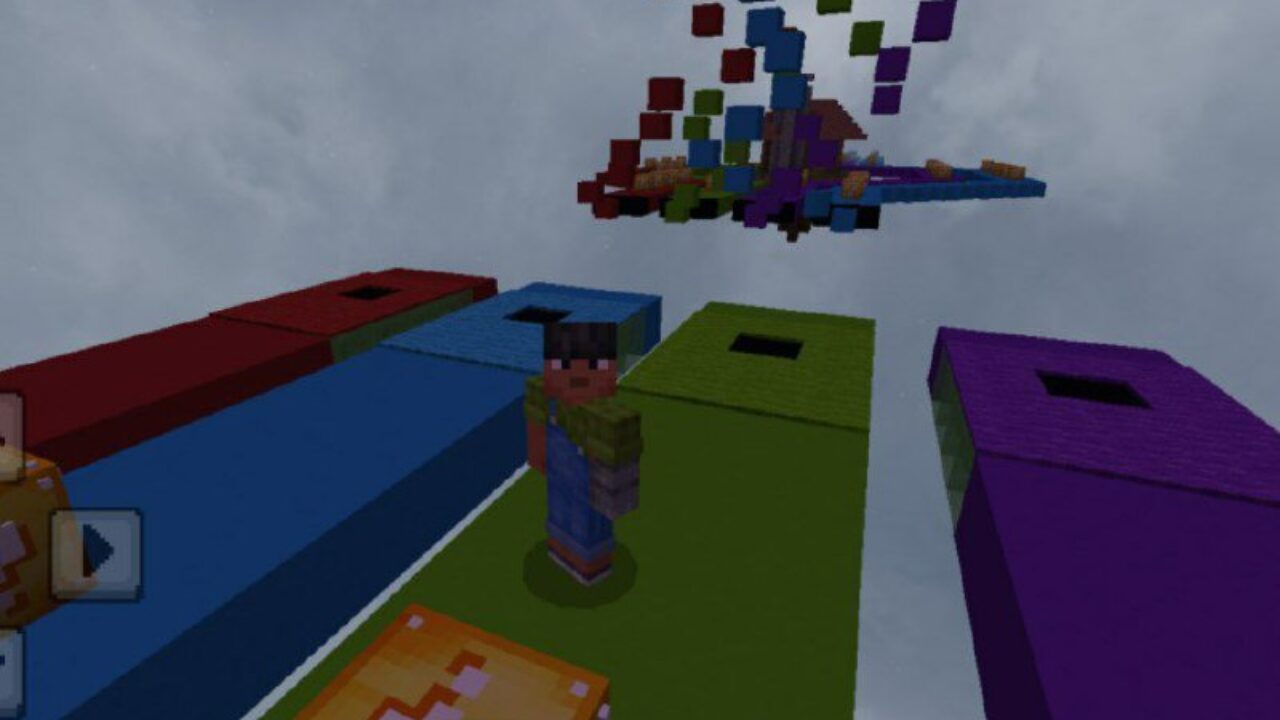
Lucky Block Race Map for Minecraft Bedrock
Download Lucky Block Race Map for Minecraft PE: spend time…
Map
Kevins Elytra Mace PvP Practice Map for Minecraft PE
Download Map for Minecraft PE: Map for Minecraft Bedrock EditionDownload…
Map
Minigame
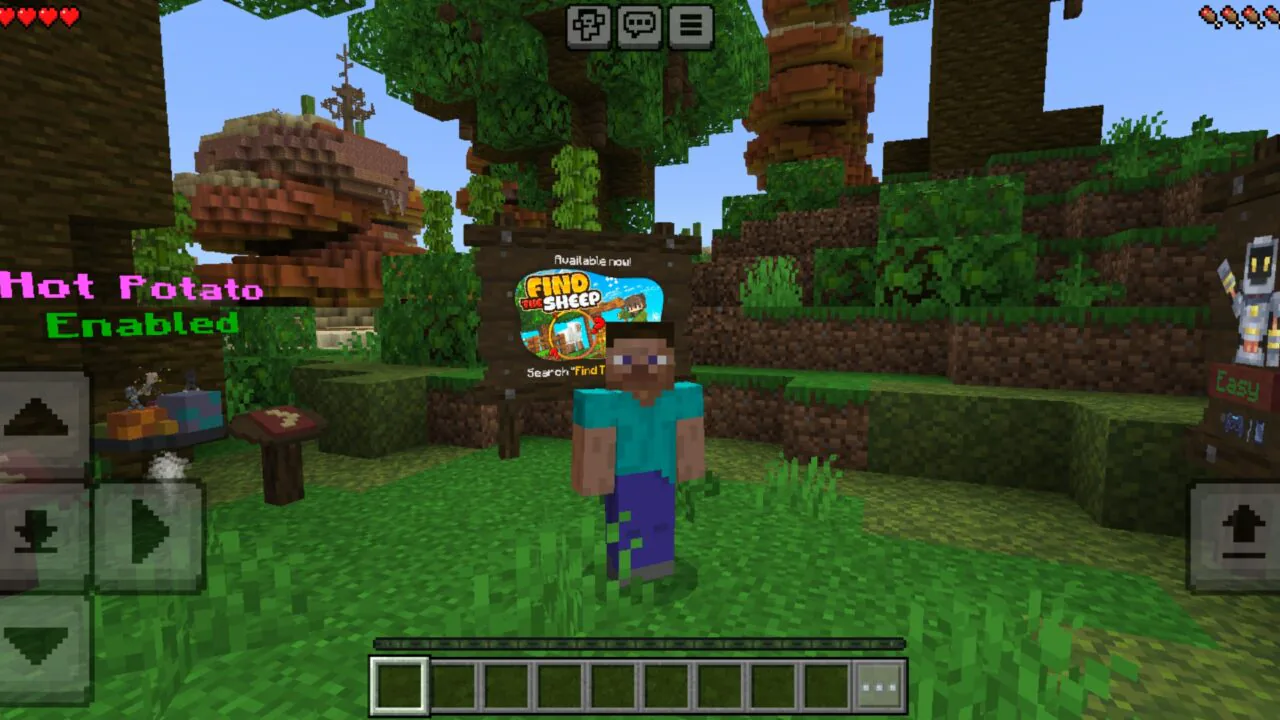
Minigame Island Map for Minecraft PE
Download the Minigame Island Map for Minecraft PE: explore a…
Map
Multiplayer
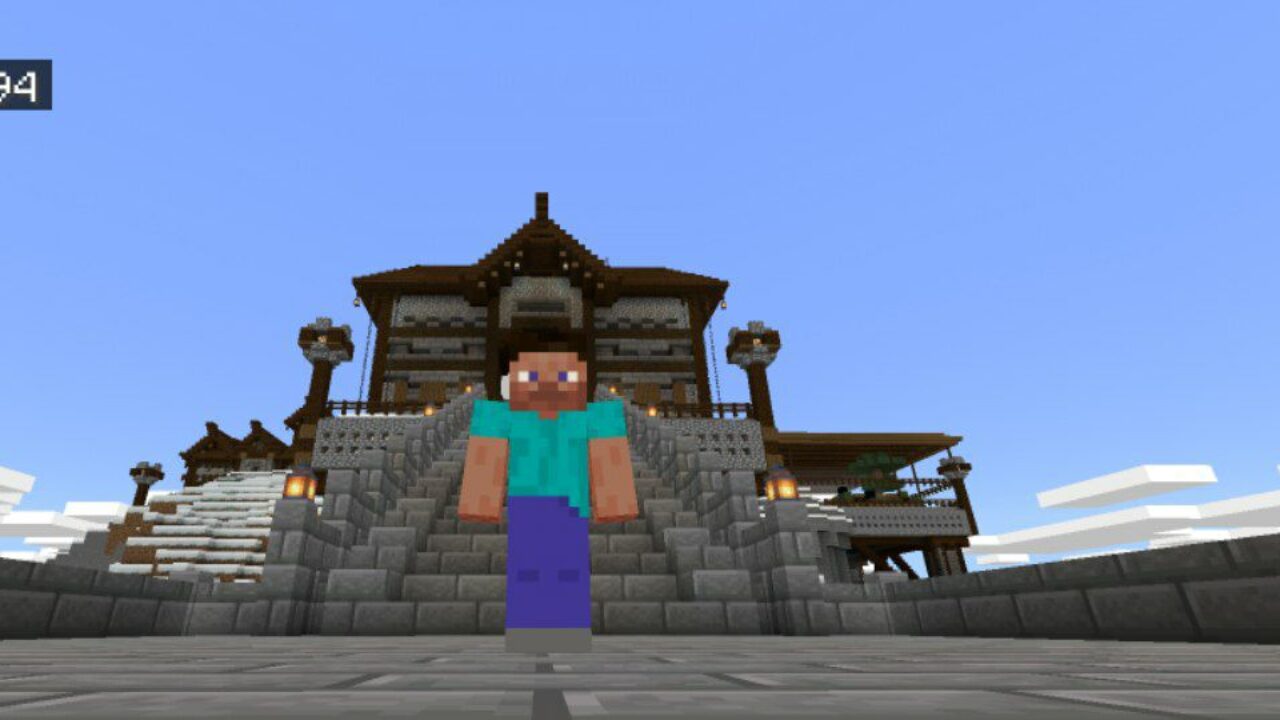
Kingdom Map for Minecraft PE
Download Kingdom Map for Minecraft PE: step into medieval castles,…
Map

Lucky Flat World Map for Minecraft PE
Download Lucky Flat World Map for Minecraft PE: survive in…
Map
Survival
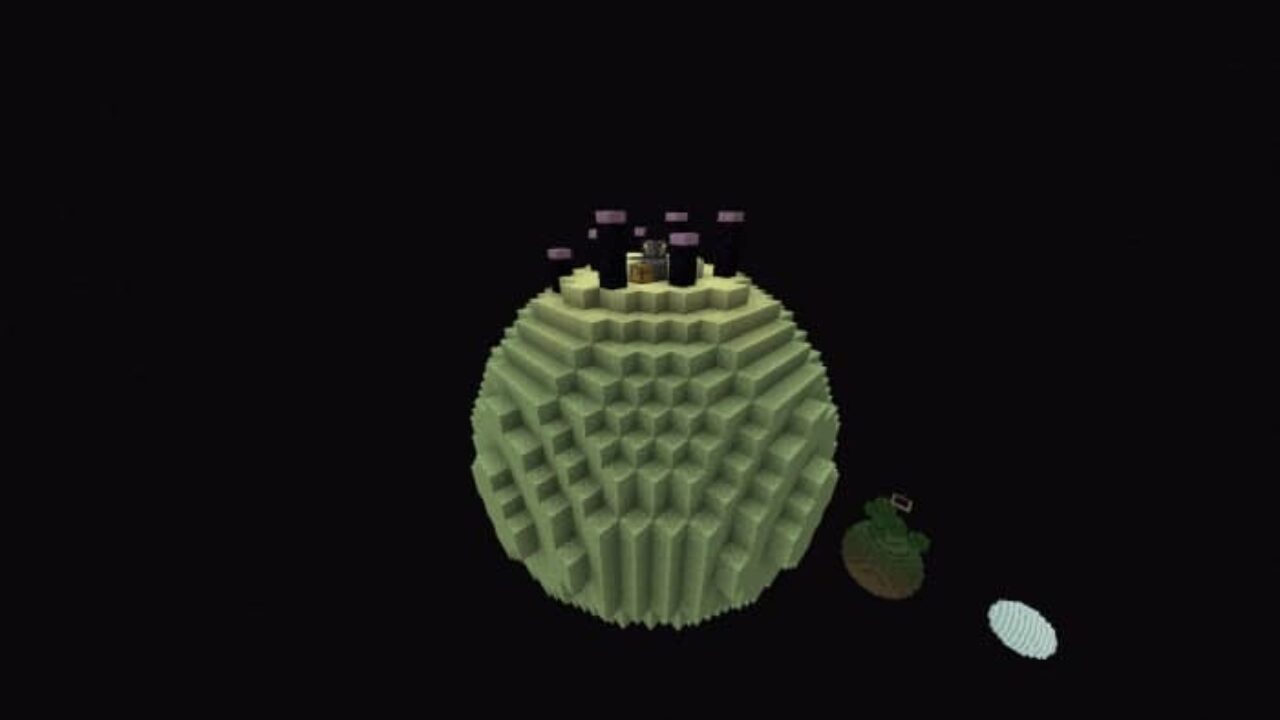
Skyblock Map for Minecraft PE
Download Skyblock Map for Minecraft PE: survive on floating islands,…
Map
Cities
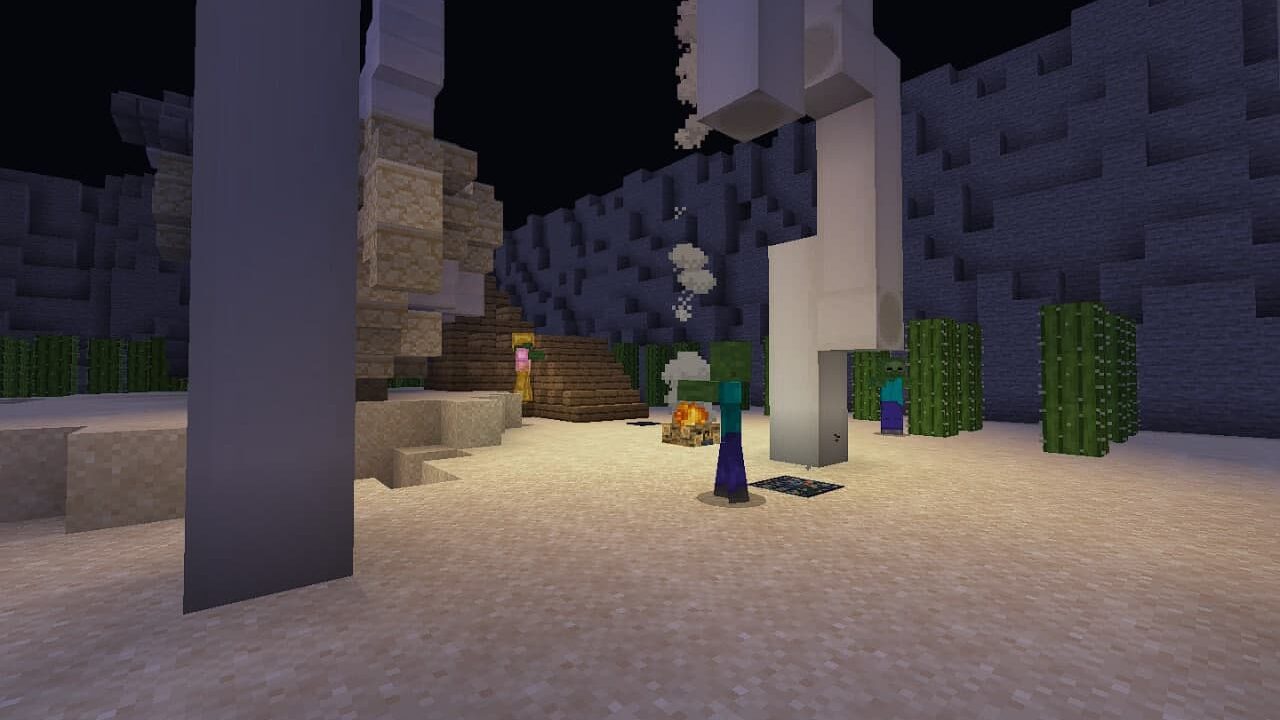
Zombie Apocalypse City Map for Minecraft PE
Download Zombie Apocalypse City Map for Minecraft PE: fight through…
Map
Survival
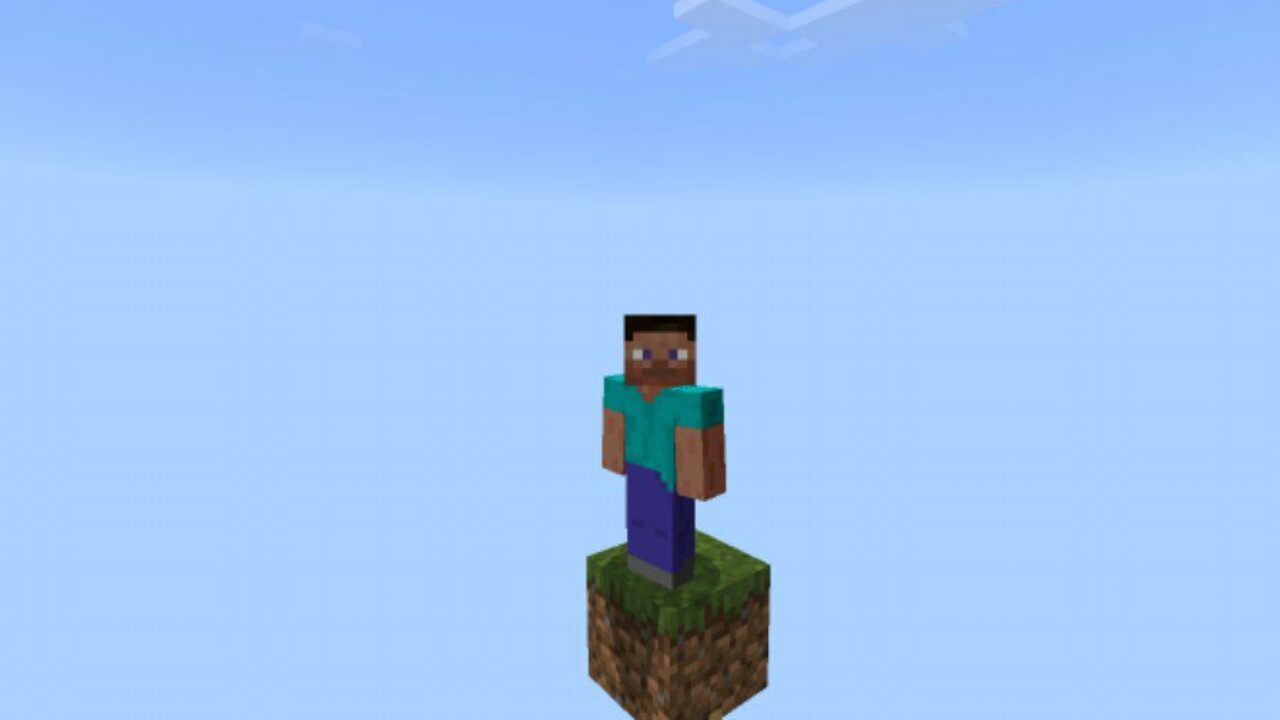
One Block Map for Minecraft PE
Download One Block Map for Minecraft PE: survive on a…
Map
Minigame
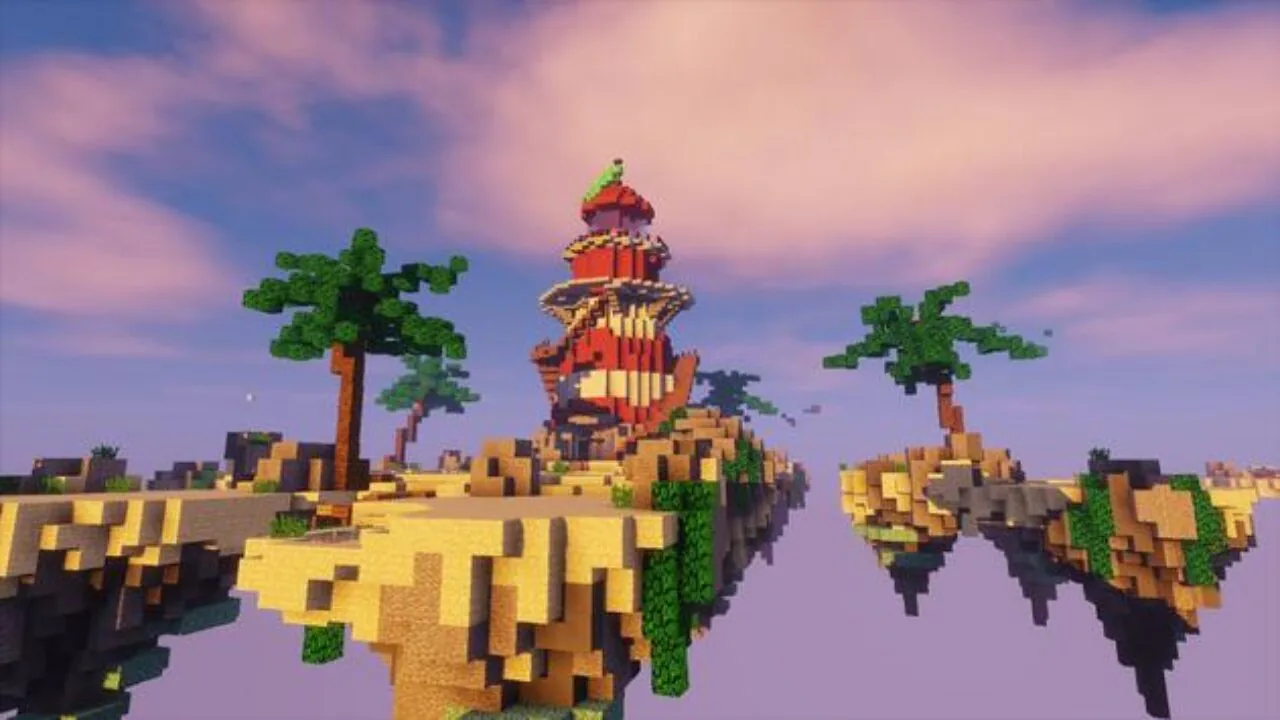
Download Bed Wars Map for Minecraft PE
Download the Bed Wars map for Minecraft and race to…
Map
Minigame
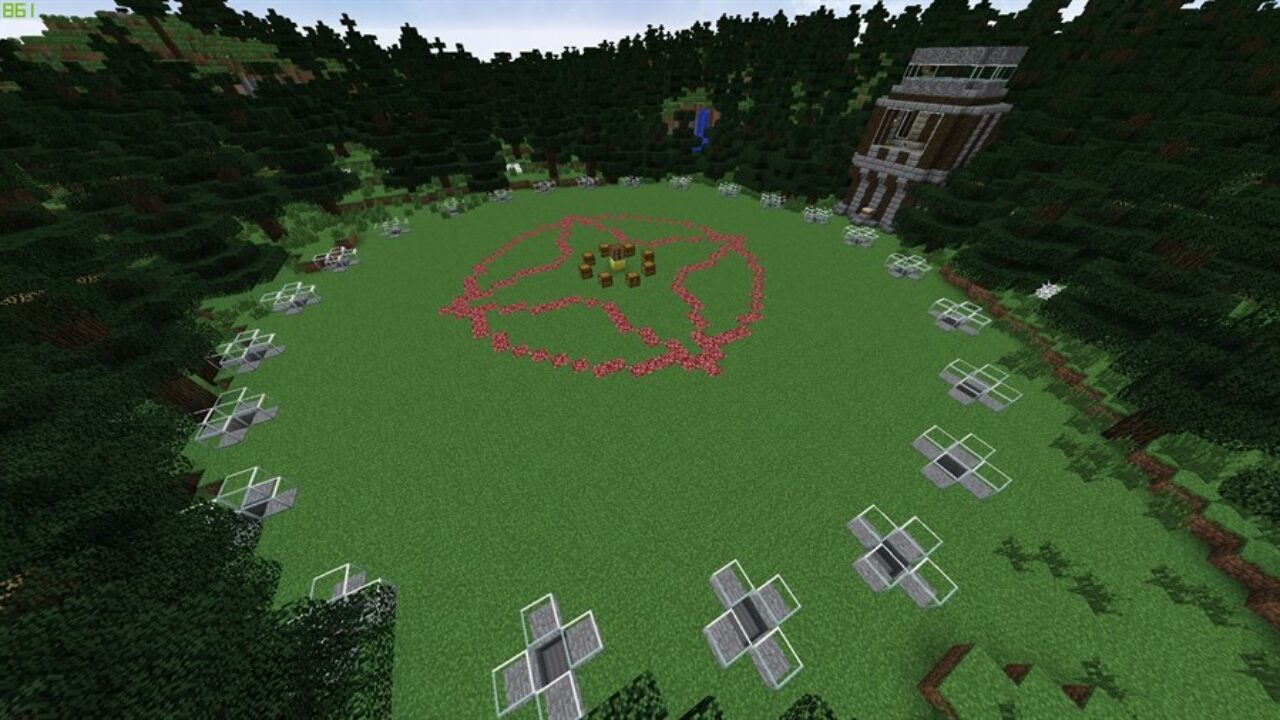
Hunger Games Map for Minecraft PE
Download the Hunger Games map for Minecraft PE: a favorite…
Download maps for Minecraft Bedrock Edition
A map for Minecraft PE is a custom world that swaps randomly generated terrain for a place built around one idea — a story to finish, a puzzle to crack, an arena to fight in, or a landmark to admire. Every download here arrives as an mcworld file that loads straight into your world list beside your other saves, and once imported it runs fully offline. Because each build targets Bedrock and Pocket Edition, the controls feel right on a touchscreen and stay compatible with the current game version, as long as the Minecraft Bedrock app for Android is installed on your device.
Types of maps for Minecraft PE
The catalog covers nearly every style a mobile player could want. Survival maps are the core — One Block and skyblock islands strip you to a single cube, while bunker and breakout scenarios like Zombie Bunker, Squid Game, and Alcatraz Prison push resource management to the edge.
Horror maps such as Poison and In the Shadows fill dark corridors with jump scares and escape-room tension, and hide-and-seek turns a quiet build into a nervous chase. For competition there are PvP arenas, Bed Wars, Skywars, and quick minigame rounds.
Builders and sightseers get detailed Cities like New York and Tokyo, huge Creation projects such as London, open World and Nature landscapes from underwater depths to outer space, cozy House builds, plus Adventure quests, Parkour courses, Roller Coaster rides, and Modded worlds that bundle add-ons for new mobs.
Maps built for multiplayer
Plenty of these worlds also shine in multiplayer — host a map on a local network, load it onto a Realm, or send the file so a friend can join the same session, whether you play in a pair or a full squad.
Minecraft Bedrock map file formats
Most worlds on this page use the mcworld format, which packs an entire map into one file that imports with a single tap. You may run into a few close relatives, though. A map that adds custom textures or new mobs sometimes ships with an mcpack — a single resource or behavior pack — or an mcaddon, which bundles several packs together; both install the same way, by tapping the file so the game applies it.
Once in a while a map arrives as a plain .zip archive instead, and that version is not tap-to-install: you either rename it to .mcworld or unpack it and drop the world folder into the games/com.mojang/minecraftWorlds directory using a file manager. Knowing which format you have saved makes almost every install problem quick to solve.
How do I download and install a map for Minecraft PE on Android?
Tap the download button to save the mcworld file, then open it from your notifications or downloads folder. The game launches on its own and imports the world into your list automatically, right next to your other saves. You do not need a file manager, a third-party installer, or an account — the whole process takes a few seconds. If a file ever refuses to open or ends up in the wrong place, our full step-by-step guide on how to install maps walks through every method and the fixes for the most common errors.
What file formats do Minecraft Bedrock maps use?
The main one is mcworld, a single-file package that holds a complete world and imports in one tap. Add-on content comes as mcpack (one resource or behavior pack) or mcaddon (several packs in one file), and both apply automatically when tapped. A .zip is not a native game format — it is a compressed archive that has to be unpacked before the world will show up.
Why won't my mcworld file open when I tap it?
The usual cause is that the game is not installed or not updated, so nothing is registered to open the file — install or update it first, then tap the file again. If the game is fine, another app such as an archive tool may be grabbing the file instead; choose "Open with Minecraft" so the world imports correctly. Do not try to unzip an mcworld by hand, since that breaks the import.
My map downloaded as a .zip file — what do I do?
Some browsers rename mcworld downloads to .zip. First try renaming the file back to .mcworld and tapping it — often that is all it takes. If it still will not import, open the archive with a file manager, extract the world folder inside, and move that folder into games/com.mojang/minecraftWorlds. The world then appears in your list the next time you open the game.
The world imported but the textures are missing or look wrong — how do I fix it?
That happens when a map relies on a resource pack that is not active. Open the world settings and enable its resource pack under the pack list, or, if the map came with a separate mcpack or mcaddon, tap that file to apply it before launching. Restarting the world after the pack is active clears up most visual glitches.
Why do I have two copies of the same map?
Tapping an mcworld file more than once imports it again and creates a duplicate. It is harmless — just open your world list and delete the extra copy you do not want. Deleting a duplicate never touches the other worlds on your device.
Are these Minecraft PE maps free to download?
Yes. Every world on this page is a free, fan-made creation shared with the community, and none of it is official DLC. There are no hidden fees and no paid unlocks, so you can download and try as many maps as you like at no cost.
Where do maps go after installing, and how do I find them in the game?
Imported maps appear in your world list on the Play screen, mixed in with the worlds you built yourself. Nothing is buried in a separate menu — open the game, scroll your saves, and the new map is ready to launch.
Can I play these Minecraft Bedrock maps with friends?
Many of them are made for group play. Host a map over a shared local network, upload it to a Realm so friends join from anywhere, or send the mcworld file directly so everyone loads the same world — ideal for PvP arenas, Bed Wars, and hide-and-seek.
Do downloaded maps still work offline?
Yes. Once a map is imported it is stored on your device, so it runs with no internet connection. You can keep playing on a flight, on a commute, or anywhere without a signal.
Will a map still work after the game updates, and which one should a beginner try first?
Most maps keep working after an update because they target the current Bedrock version; if an older world behaves oddly, grabbing the newest version from its page usually fixes it. If you are just starting out, a survival island or a simple adventure map is the easiest entry point, and a city build or quick minigame is a fun next step to see the full range of what the community makes.