FullBright Texture Pack for Minecraft PE

FullBright Texture Pack for Minecraft PE

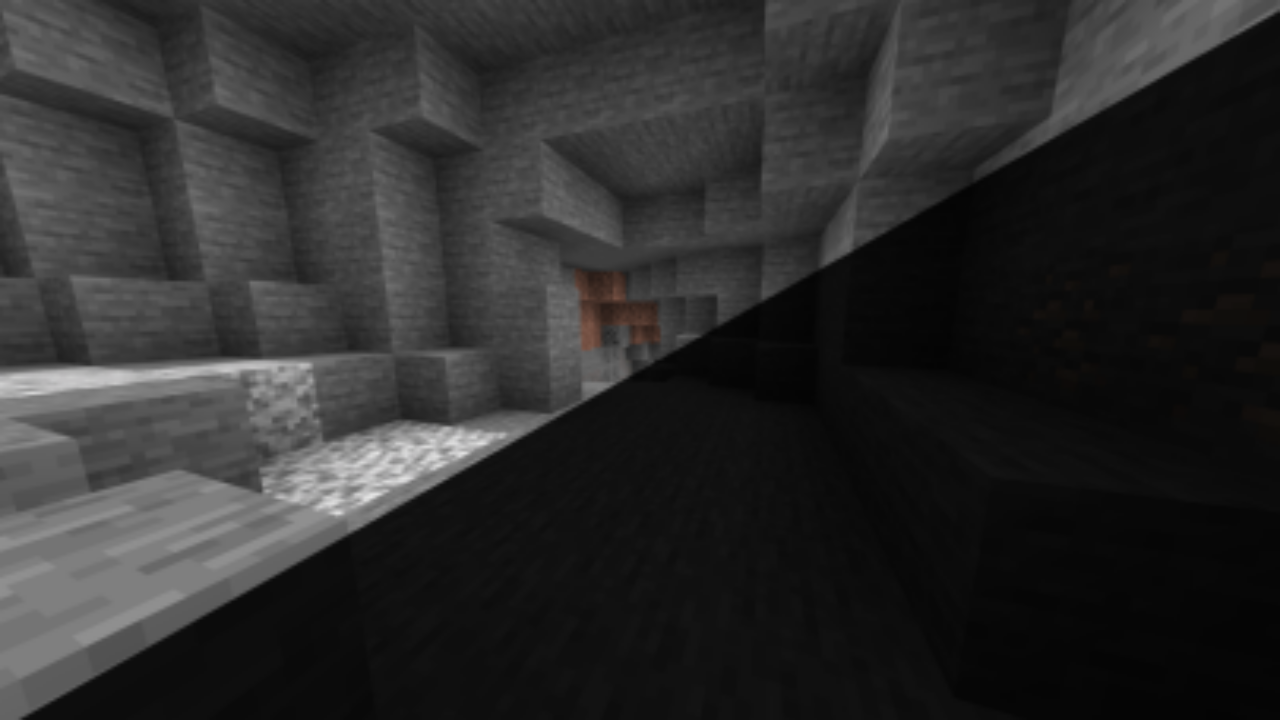
FullBright Texture Pack for Minecraft PE removes darkness from caves, mines, and night areas for clear mobile exploration.
7 July 2026
  1. 5
  2. 4
  3. 3
  4. 2
  5. 1
(314 votes, Rating: 3.4 out of 5)
Download Download New Textures

Download FullBright Texture Pack for Minecraft PE: remove darkness from caves, mines, and night exploration while keeping your mobile gameplay clear and lightweight.

FullBright Texture Pack for MCPE

FullBright Texture Pack for Minecraft PE is made for players who want better visibility in dark places without wasting time on constant torch placement.

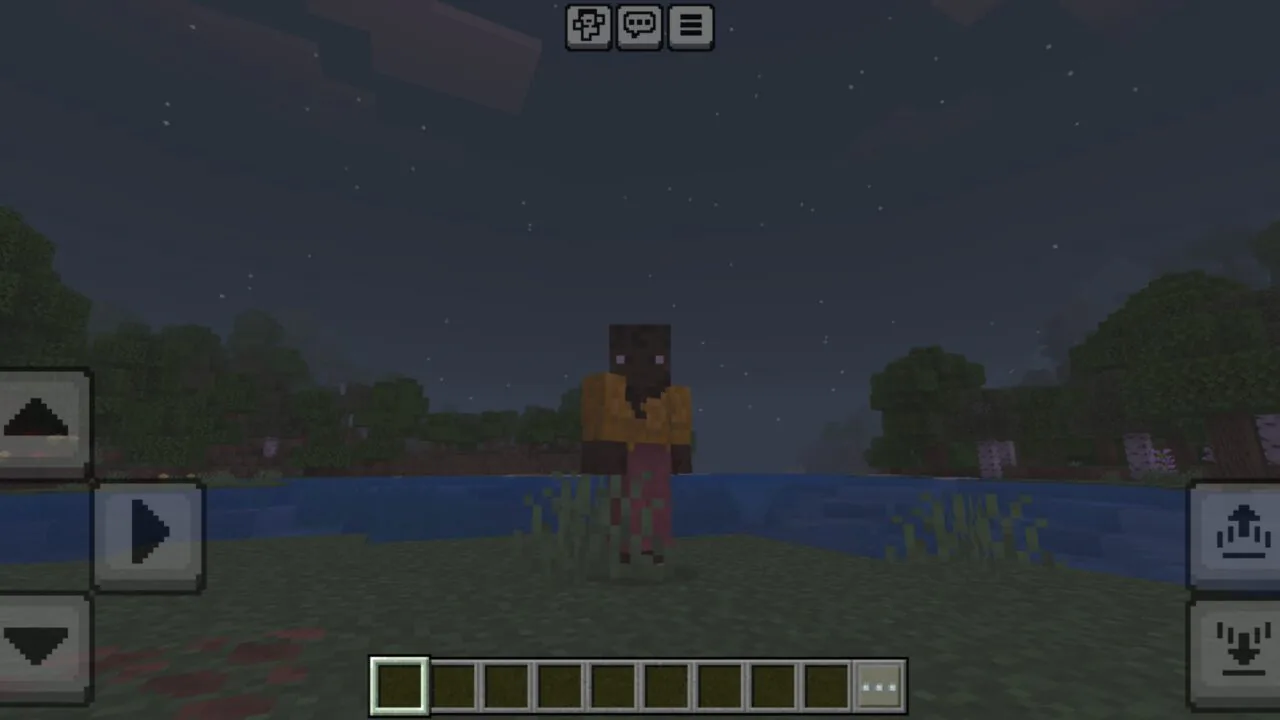
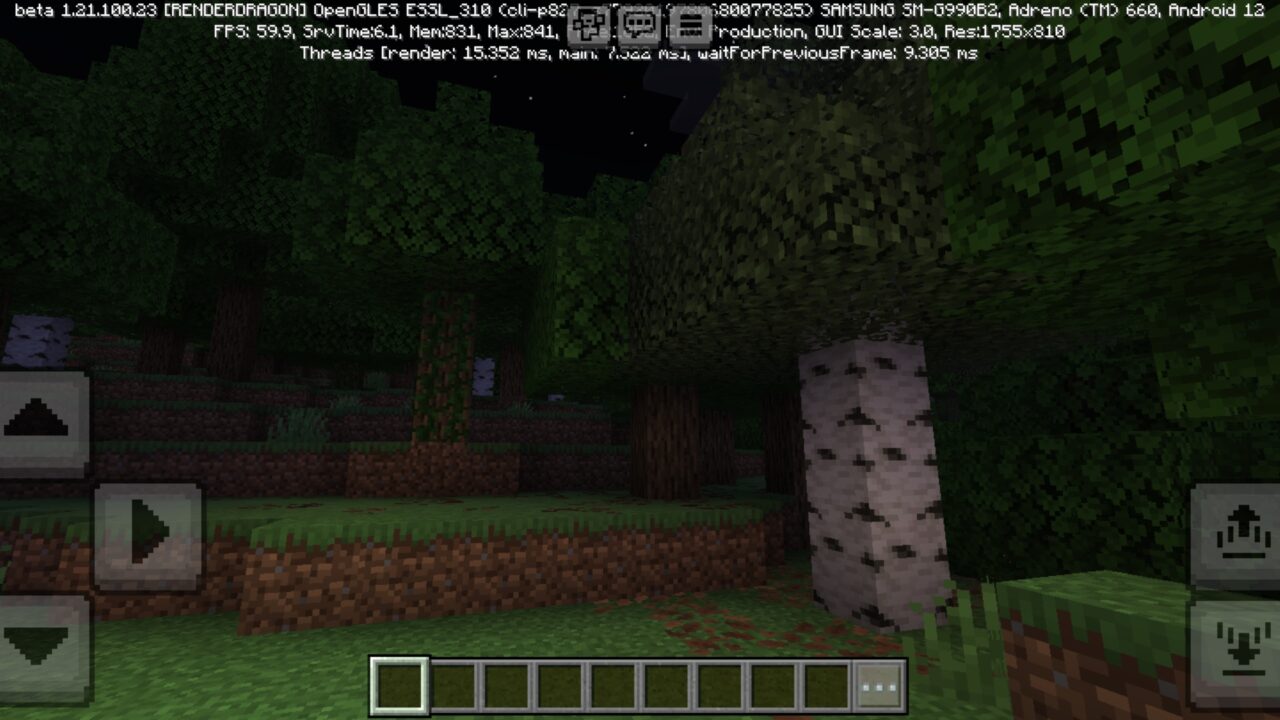
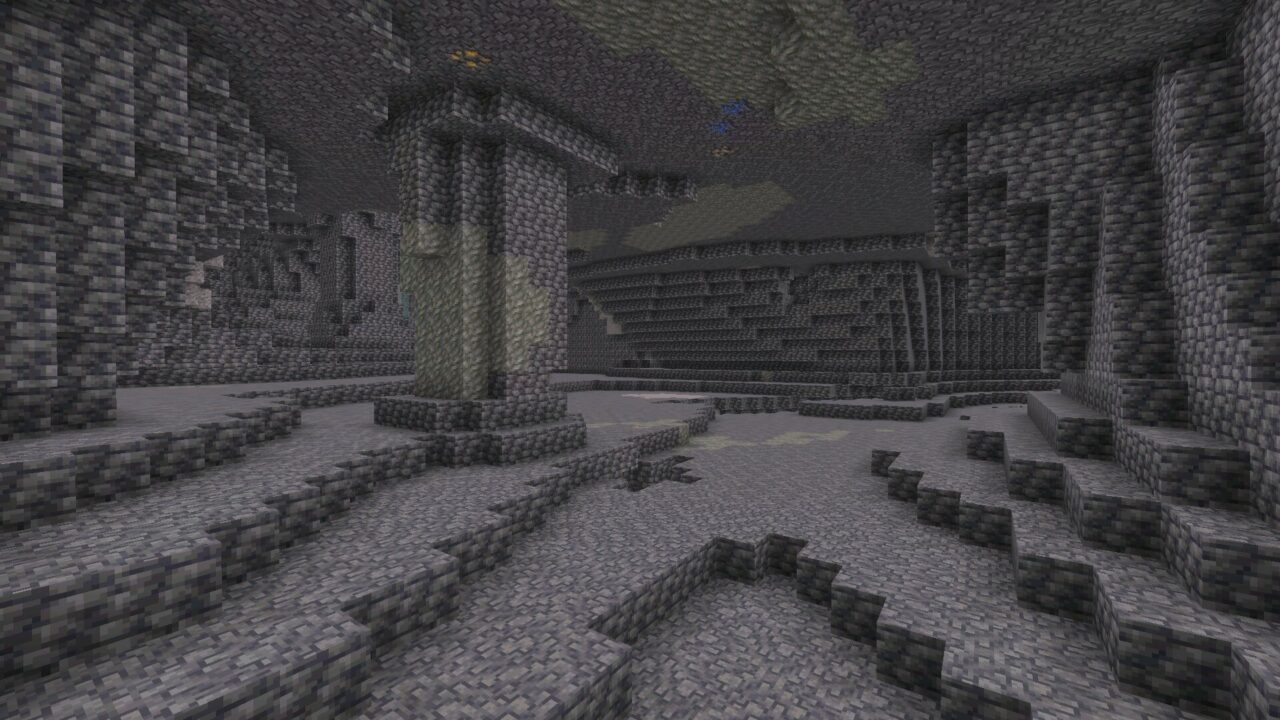
Many areas in the game can still feel too dim, even when brightness is turned up in the settings. Caves, mines, forests at night, and underground tunnels become harder to read when shadows hide mobs or resources.

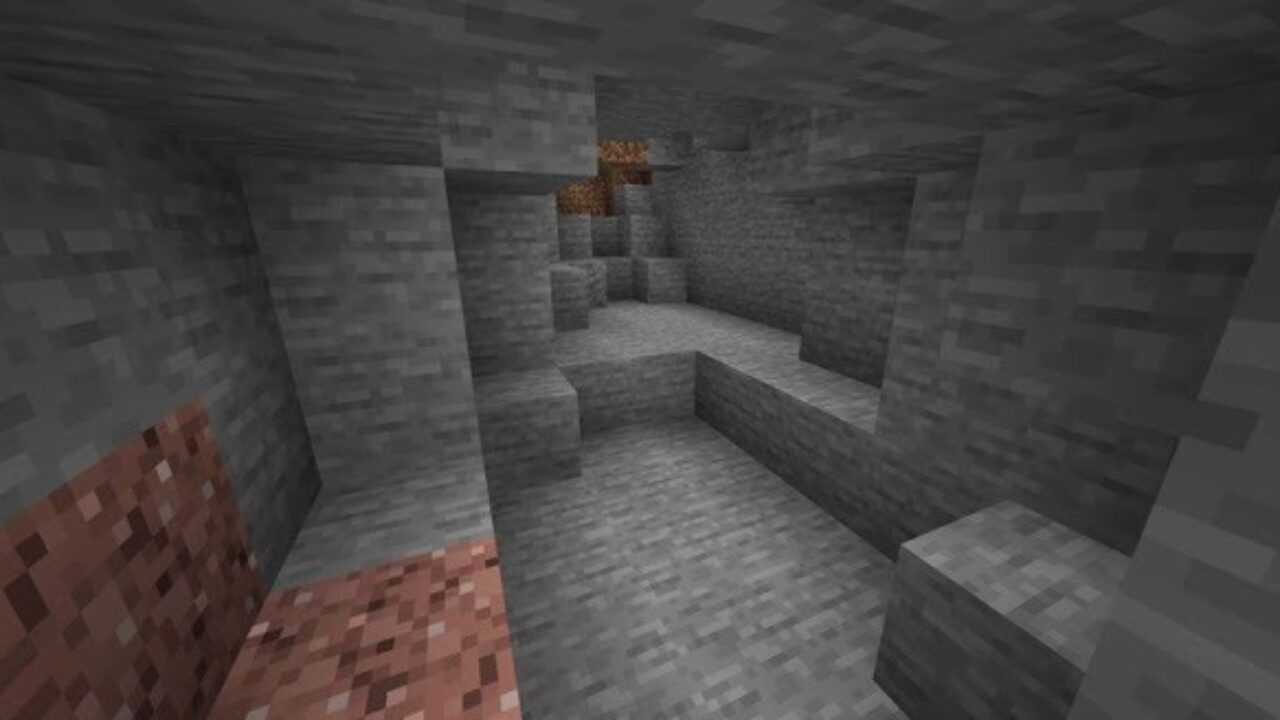
This texture pack solves that problem by making dark spaces bright and visible. It helps players explore longer, mine faster, and move through dangerous areas with more confidence.

Install Realistic Texture Packs for Minecraft Bedrock and spend time in a more readable world.

FullBright

FullBright Texture Pack for Minecraft Bedrock Edition removes the need to rely on torches only for basic vision.

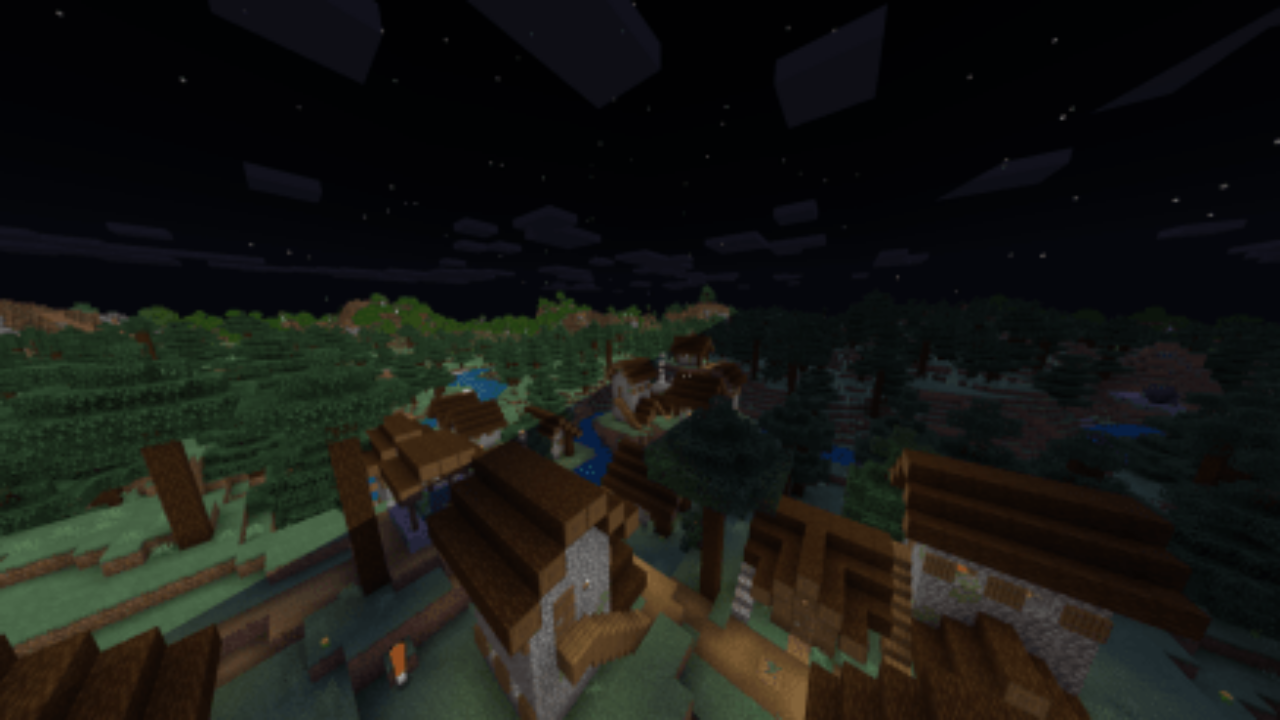
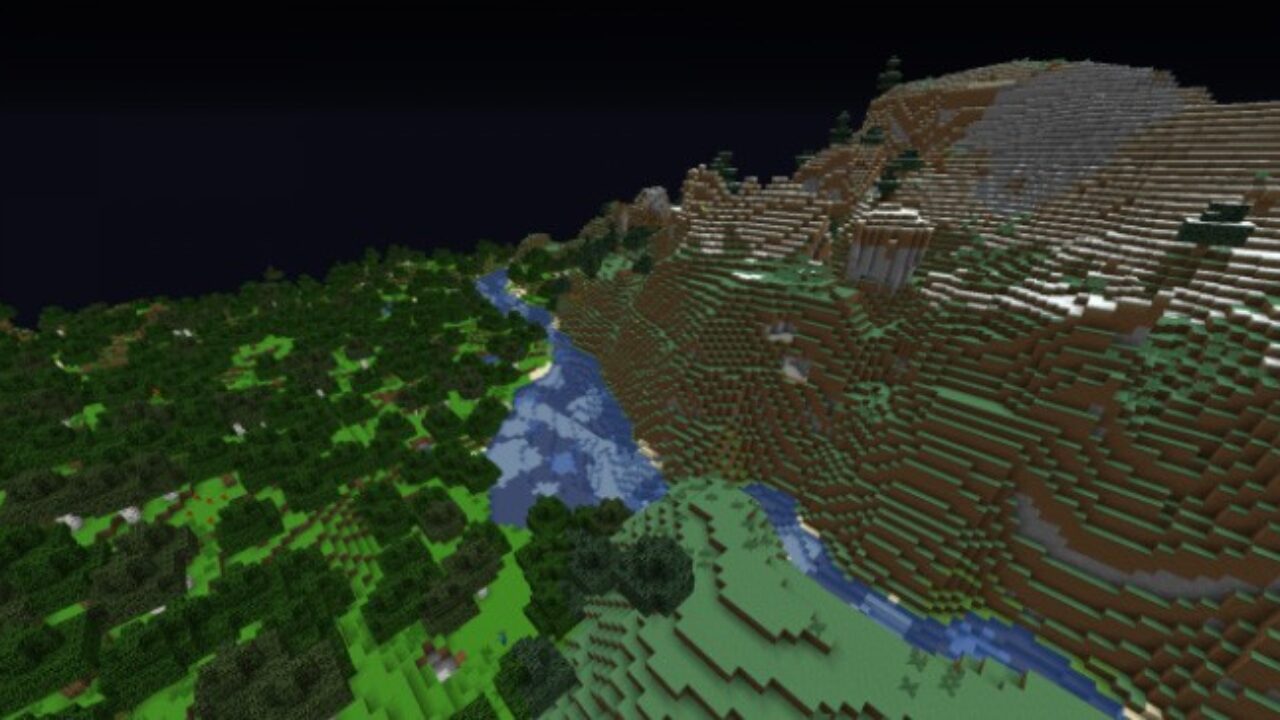
The world stays easier to see during night travel, cave runs, and resource hunting. Players can notice mobs earlier, avoid sudden attacks, and continue building or mining after sunset.

The main goal is simple. Darkness no longer blocks progress. The pack focuses on visibility, not extra decoration or heavy visual changes.

Vibrant Visuals must be enabled in video settings for this pack to work properly.

Options for using

FullBright Texture Pack works best during mining, cave exploration, and night movement.

It is useful when the game day ends too quickly and the player still needs to gather wood, build walls, or search for resources underground.

The brighter view also helps on mobile screens, where small shadows can hide danger. A skeleton behind a tree or a spider in a cave becomes easier to spot before it gets close.

Updated

FullBright Texture Pack keeps the update focused on clear visibility and simple gameplay comfort.

The pack completely removes darkness from dark areas, makes nights brighter, and improves underground visibility. It also stays lightweight, so it is suitable for players who want a clean utility option without unnecessary effects.

It does not change survival into a new mode. It only makes the environment easier to read, which is helpful for long mining sessions and late-night building.

PM5 FullBright

PM5 FullBright Texture Pack was created for players who want to enjoy adventures at any time of day.

It helps make caves and dark routes easier to explore while keeping the screen clear. This is especially useful when collecting valuable resources or checking tunnels without stopping every few blocks.

This pack is performance-friendly and built for simple visibility improvement on mobile devices.

Full Bright Voxen

Full Bright Voxen is a focused visibility texture pack that removes darkness in caves, mines, and night areas. It keeps exploration clear, reduces the need for torches, and works best when Vibrant Visuals is enabled in video settings.

  • Do I have to twist the brightness to its fullest?
  • Can I use it on servers?
  • Have weapons chaged their textures?

Download FullBright Texture Pack for Minecraft PE

Fullbright
Updated
PM5 FullBright
Full Bright Voxen
See also:


FullBright Texture Pack for Minecraft PE
7 July 2026 3.4
FullBright Textur...

Download FullBright Texture Pack for Minecraft ...
Rusty Toons Texture Pack for Minecraft PE
15 June 2026 3
Rusty Toons Textu...

Download Rusty Toons Texture Pack for Minecraft...
Solace Visuals Texture Pack for Minecraft PE
28 February 2026 5
Solace Visuals Te...

Download Solace Visuals Texture Pack for Minecr...

Immersive Visuals Texture Pack for Minecraft PE
14 January 2026 5
Immersive Visuals...

Download the Immersive Visuals Texture Pack for...

3 Comments

    1. Enable the Experimental Settings and wait for nightfall. You will notice that the area around you is much brighter than usual.

  1. This helped a lot in caves. I do not have to place torches every few steps, and mining on my phone feels way less annoying now.