Redstone Mod for Minecraft Bedrock

Redstone Mod for Minecraft Bedrock

Download Redstone Mod for Minecraft Bedrock to use smart blocks, wireless signals, timers, sensors, logic gates, and automatic farms.
8 September 2026
  1. 5
  2. 4
  3. 3
  4. 2
  5. 1
(8 votes, Rating: 3.8 out of 5)
Download Download New Mods

Download Redstone Mod for Minecraft PE: create automatic farms, wireless machines, smart blocks, timers, sensors, logic gates, and simple mechanisms in your mobile world.

Redstone Mod for Minecraft Bedrock Edition

Redstone Mod expands how players build mechanisms and technical devices. Instead of using only long wiring, repeaters, and manual layouts, the addon adds tools that make automation easier to understand.

Completely new and more convenient blocks become available for players who want faster farms, cleaner machines, and simple technical builds. Use Block Mods for Minecraft PE and create useful devices without spending too much time on complicated layouts.

Utilities

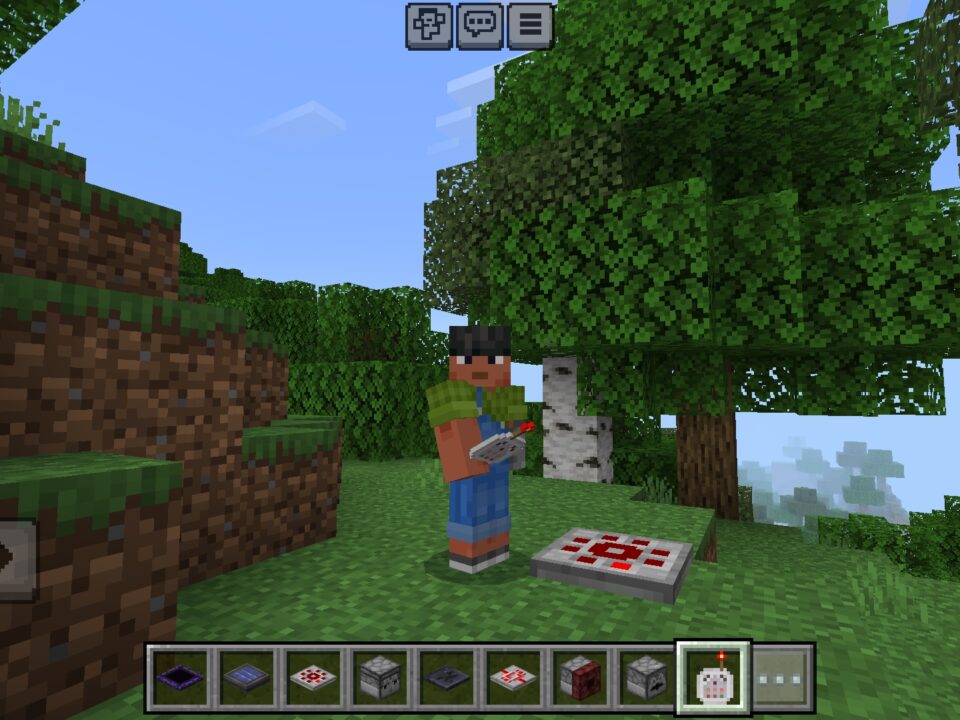
Redstone Mod for Minecraft PE adds several blocks for building mechanisms in survival and creative worlds. Players can use them to move signals, control devices, automate actions, and improve technical builds.

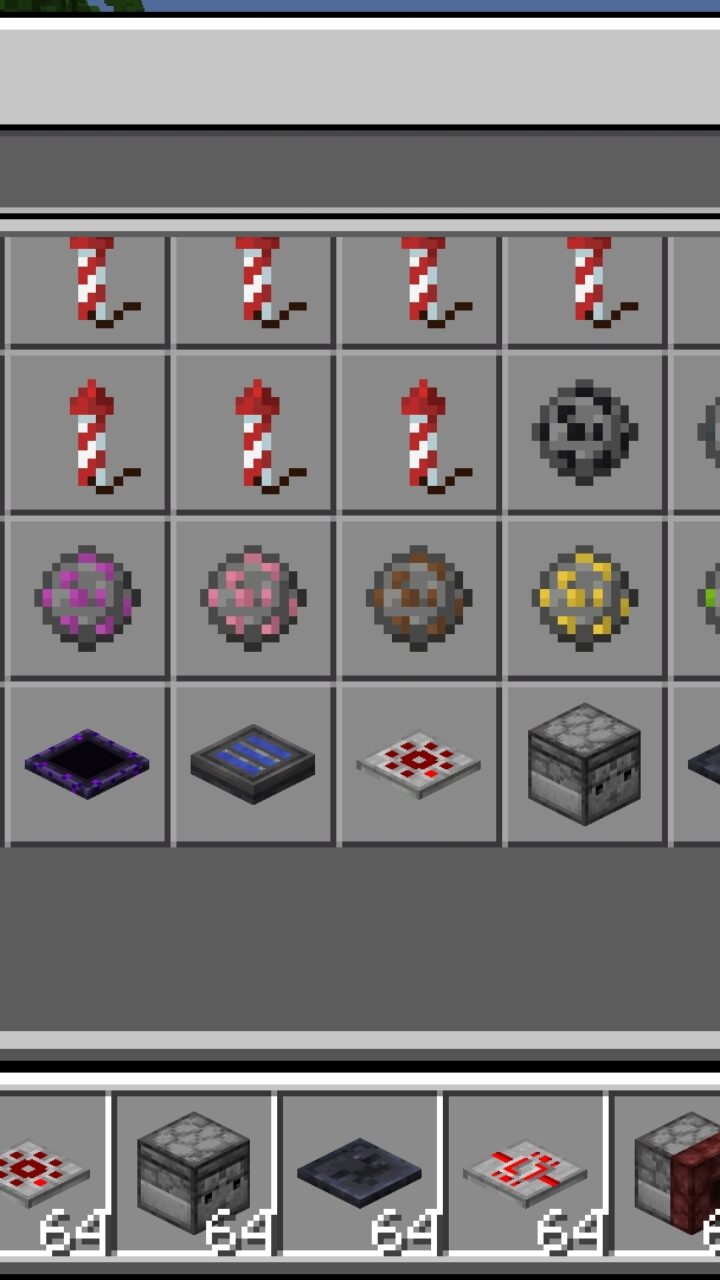
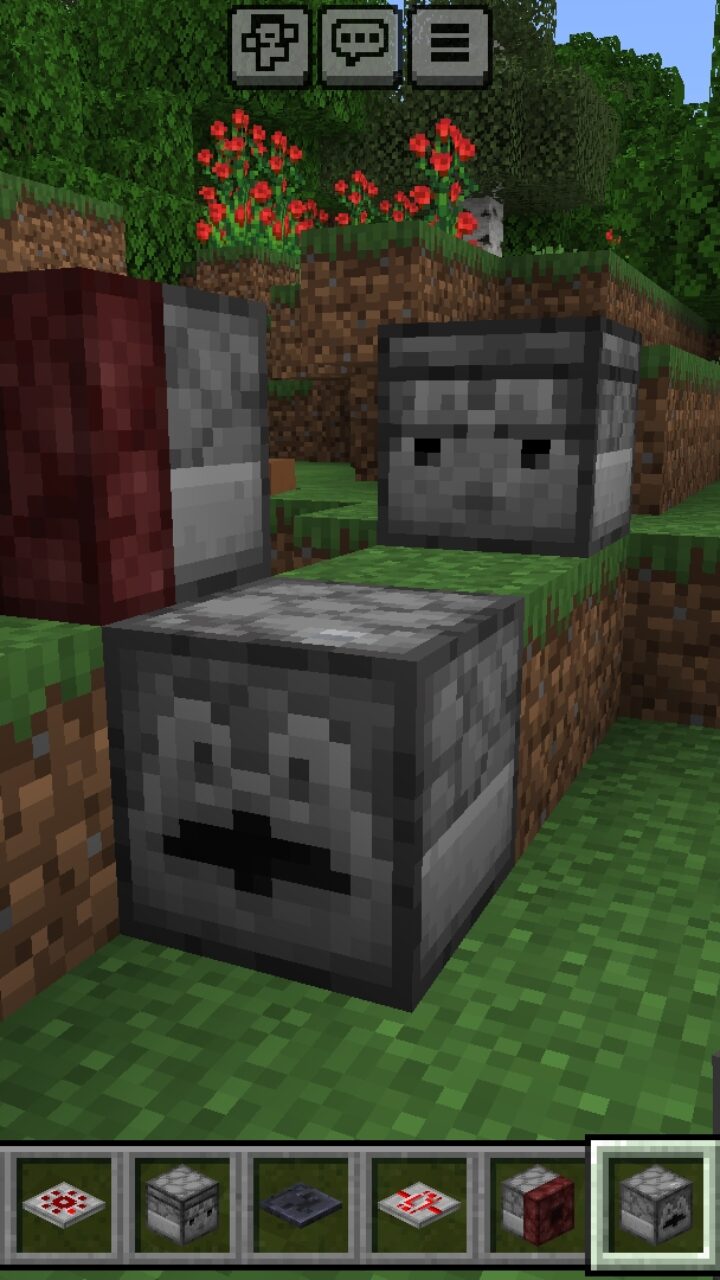
The main utility set includes a Block Observer, Vertical Transmitter, LED Lamp, Wireless Lever, and Block Breaker. These items help players build systems that are more compact than classic redstone lines.

The addon also fits beginners because the new blocks make technical gameplay easier to read. Players can start with simple machines, then move to bigger farms and automatic setups.

For wider gameplay changes beyond technical blocks, Mods for Minecraft PE can help players find more addons for survival, building, and automation.

Start with Creative mode when testing new devices. It is easier to understand each block before using resources in survival.

Some tools focus on wireless signals, while others help with detection or control. This makes the system useful for doors, farms, traps, lamps, and compact rooms.

Lamp

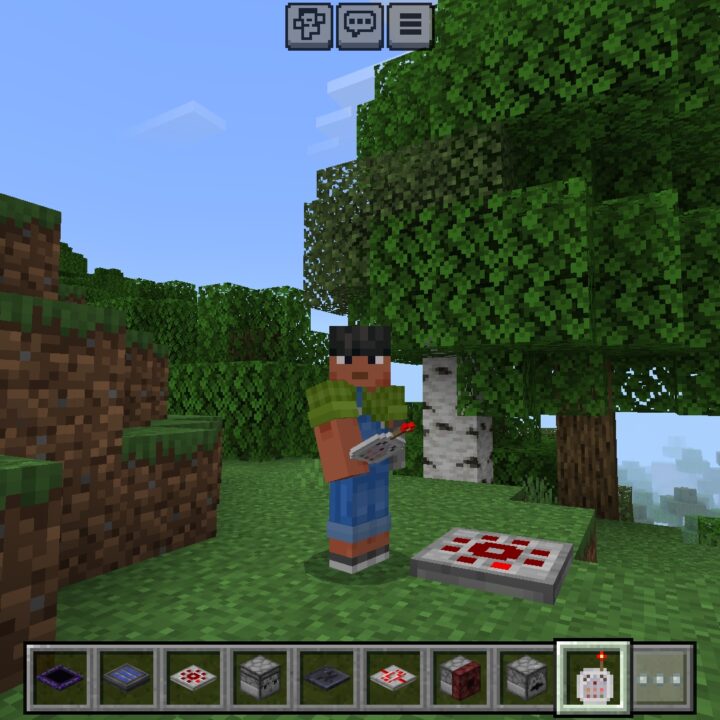
The Redstone addon also updates lamp-related gameplay. Instead of only changing the look of a block, it helps make lighting setups feel more modern and useful for builds.

Players can use improved lamps for houses, bases, technical rooms, farms, and decorative mechanisms. A cleaner lamp design makes automatic lighting easier to fit into modern builds.

Minecraft Bedrock Edition users can combine these blocks with other automation tools. This helps create systems where light, sensors, switches, and timing work together.

Easy Redstone

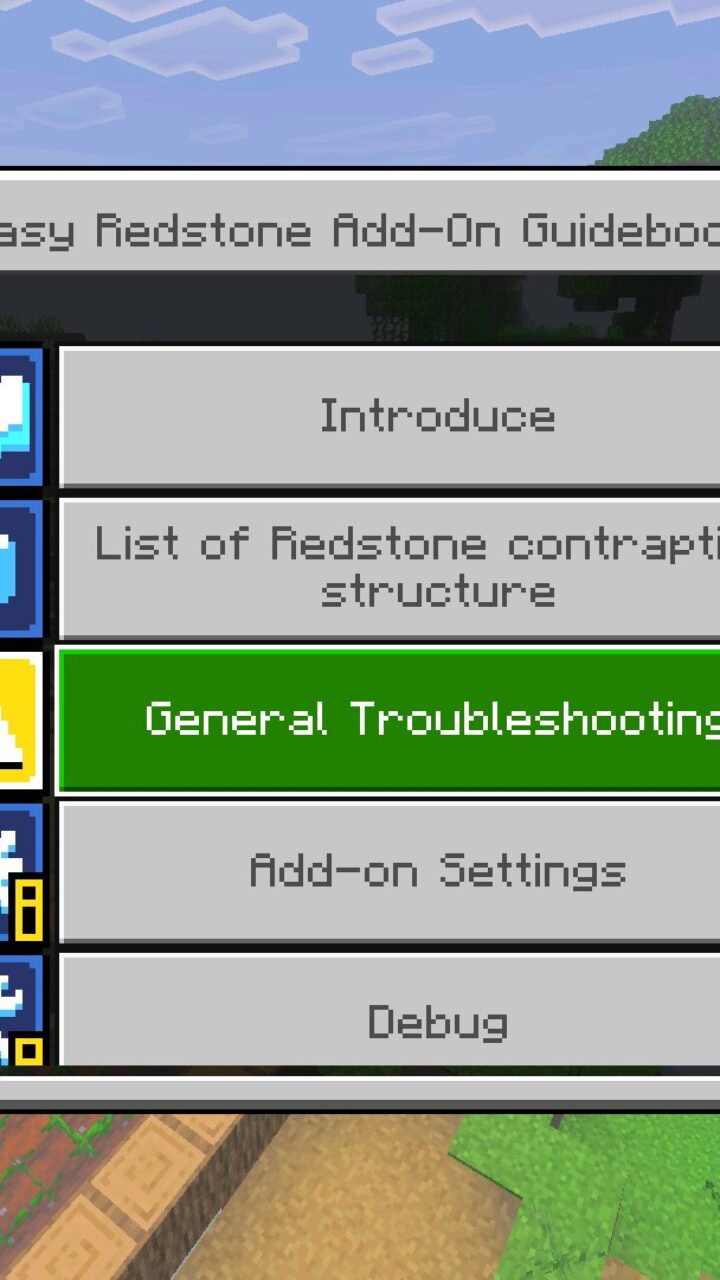
Easy Redstone turns technical building into a menu-based system. It removes the need for difficult wiring and lets players use smart blocks for fast automation.

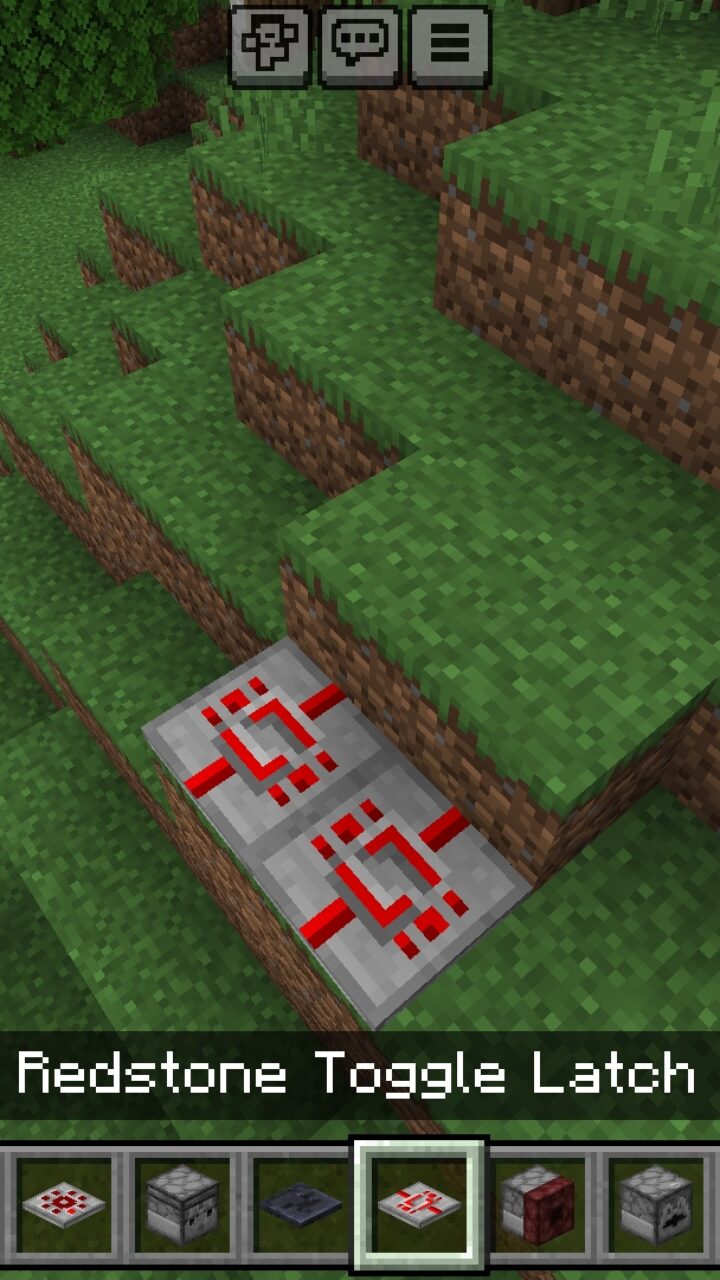
Controller can manage systems from one block. Wireless transmitters and receivers help send signals over distance, while Timer Blocks support custom timing.

Logic Gates combine AND, OR, NOT, and XOR in one block. Sensor Blocks can detect players, mobs, light, and items, which makes automatic machines easier to plan.

This update is useful for mobile players who want automation without learning complex circuits from scratch.

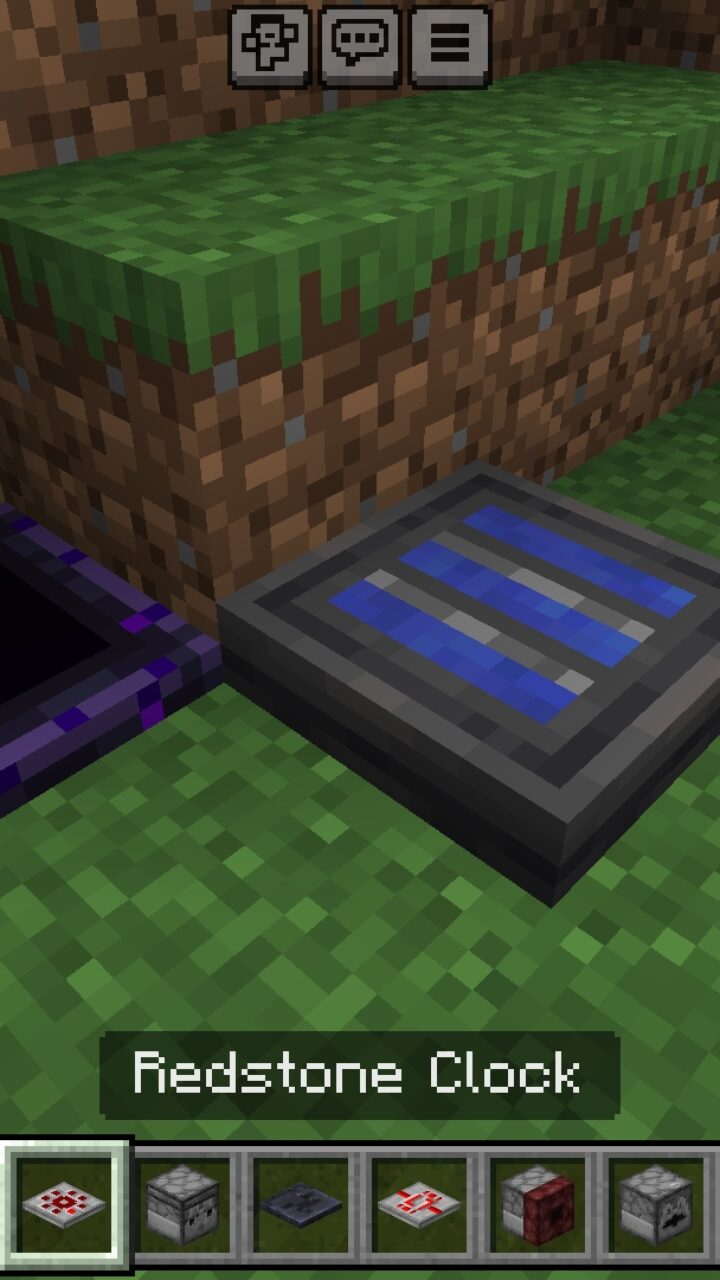
Build Holograms show a blue preview before placement. Farm Templates also help create automatic farms faster, making the addon practical for beginners and technical players.

  • Does Redstone Mod help beginners automate farms?
  • Will Redstone Mod work in survival gameplay?
  • Can Redstone Mod be used on Realms?

Download Redstone Mod for Minecraft PE

Redstone Utilities
Redstone Lamp
Easy Redstone

Redstone Mod for Minecraft Bedrock
8 September 2026 3.8
Redstone Mod for ...

Download Redstone Mod for Minecraft PE: create ...

Music Mod for Minecraft PE
1 August 2026 2.4
Music Mod for Min...

Download Music Mod for Minecraft PE: add backgr...
Framed Blocks Mod for Minecraft PE
21 January 2026 3.1
Framed Blocks Mod...

Download Framed Blocks Mod for Minecraft PE: no...
Custom Blocks Mod for Minecraft PE
30 December 2025 5
Custom Blocks Mod...

Download Custom Blocks Mod for Minecraft PE: ge...

1 Comments

  1. The blue preview idea is actually super helpful. I mess up farm layouts on mobile all the time, so seeing it before placing sounds perfect.