Download Minecraft 26.50.24 (1.26.50.24) APK for Android Phones and this…
Drop 3
1.26.50.24
Beta
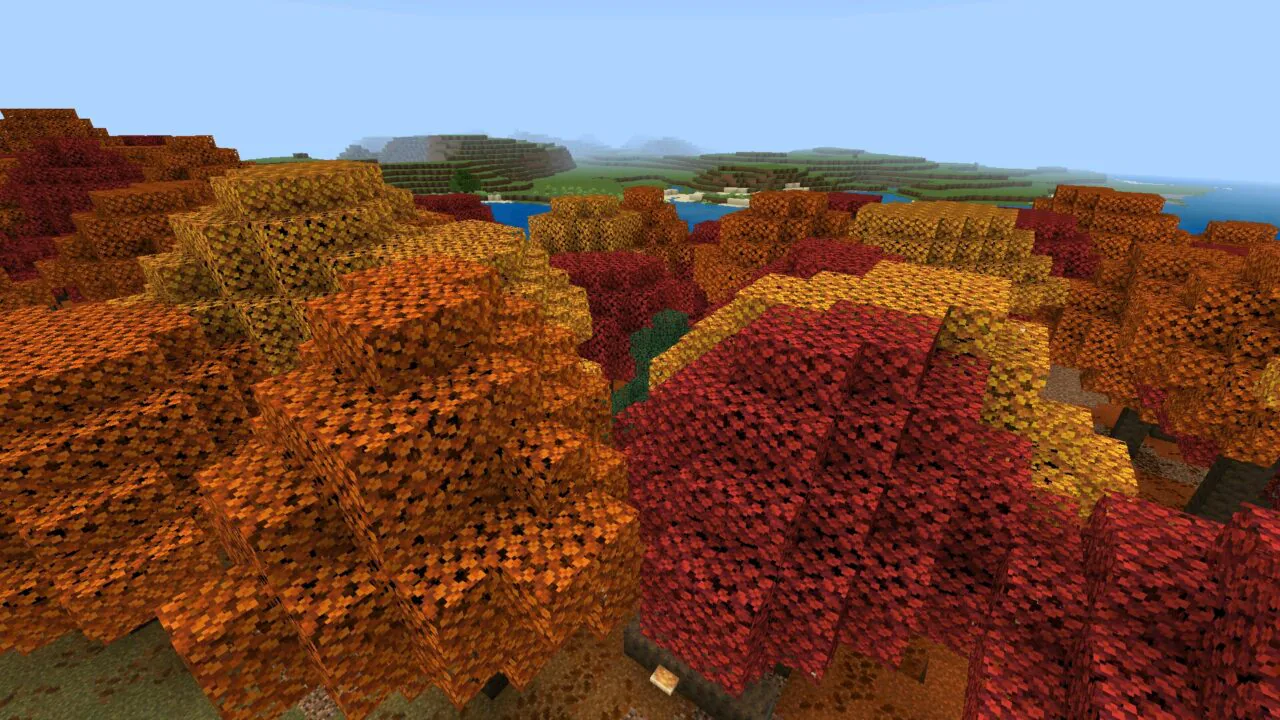
Download Minecraft Bedrock APK free for Android — pick the latest stable Release for everyday play and Realms, or grab the newest Beta to test upcoming features.
| Minecraft 26.40 04.08.2026: Latest Stable version |
|
| Minecraft 26.50.24 05.08.2026: Latest Beta version |
Below is the full list of Minecraft Bedrock branches available for Android — from the earliest 0.x Pocket Edition builds through the latest 26.x year-based releases. Each branch links to a dedicated page with every patch, Beta, and Hotfix for that version.
Download Minecraft 26.50.24 (1.26.50.24) APK for Android Phones and this…
Download Minecraft 26.40 (1.26.40) APK for Android Phones to get…
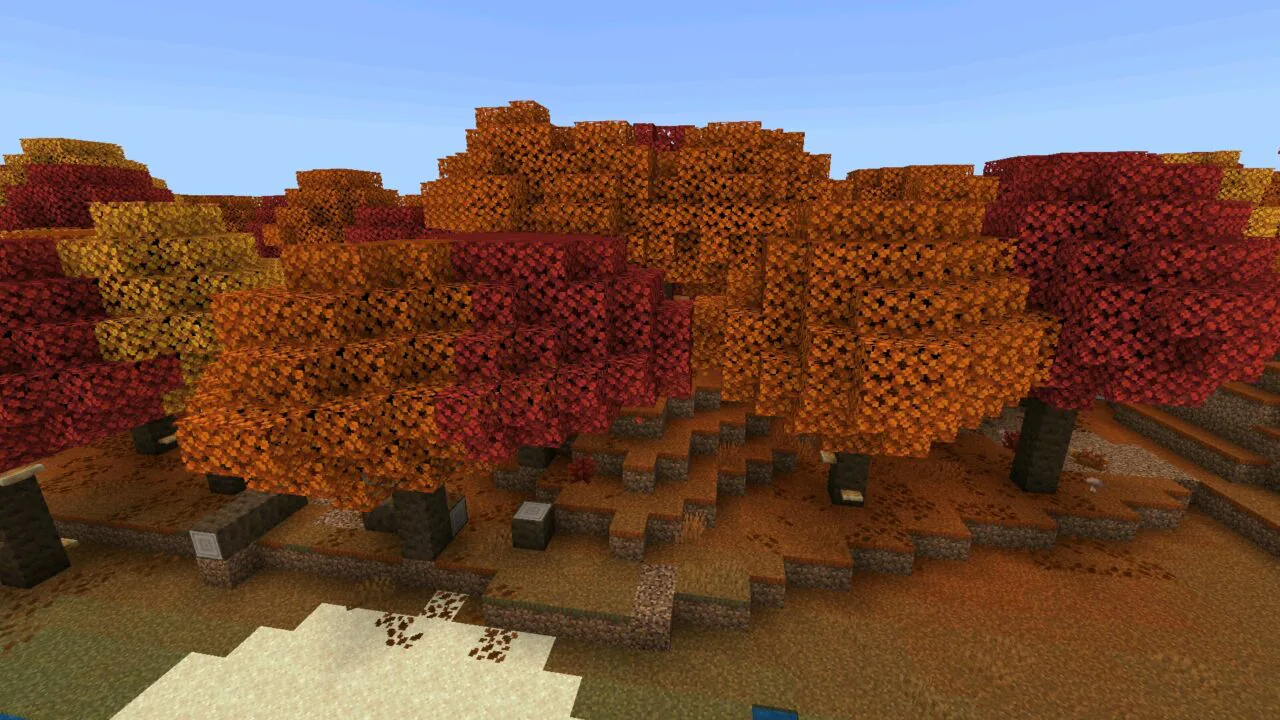
Shared worlds lead this test Beta, with repairs across Realms…
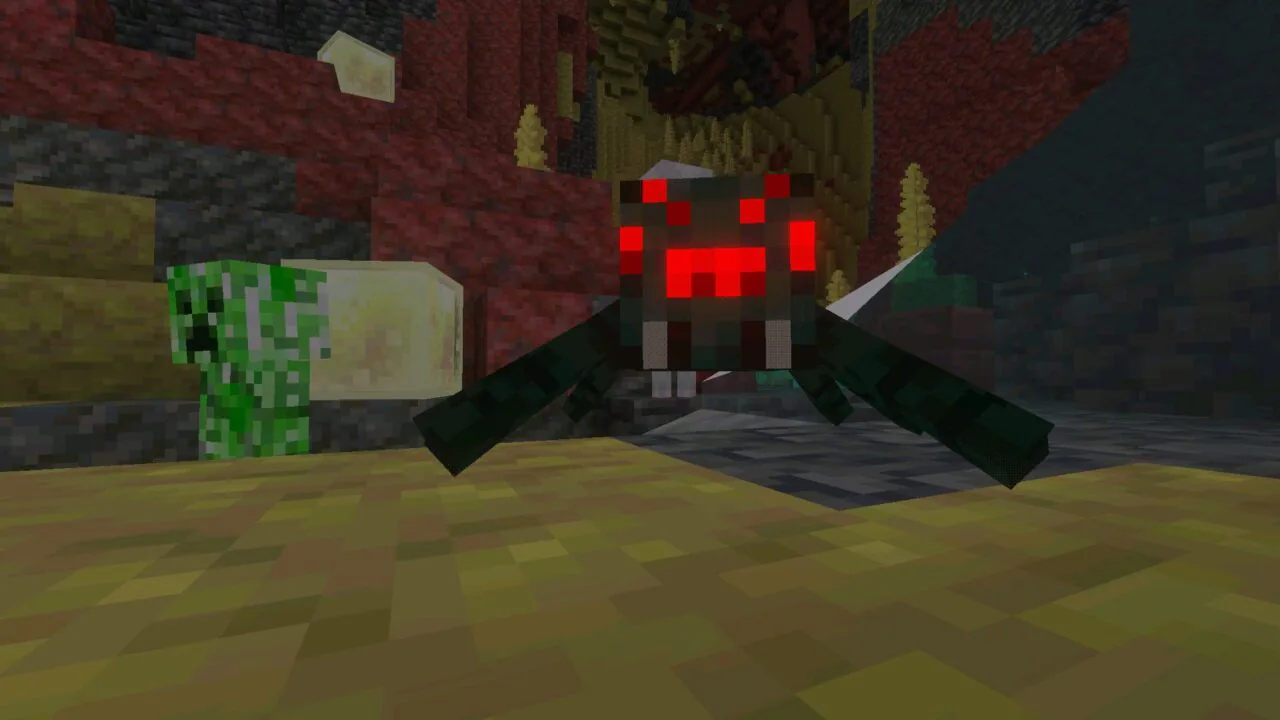
Texture bleeding on custom blocks is the single target of…
Download Minecraft 26.50.20 (1.26.50.20) APK if your Realm keeps respawning…
Download Minecraft 26.40.31 (1.26.40.31) APK if your worlds live on…
Download Minecraft 26.33 (1.26.33) APK to grab the newest hotfix…
Download Minecraft 26.40.30 (1.26.40.30) APK to test Mojang’s Drop 3…
Download Minecraft 26.32 APK for Android free and install the…
Download Minecraft 26.40.27 APK for Android free and install the…
Download Minecraft 26.31 (1.26.31.1) APK for Android free: a stable…
Download Minecraft 26.30 (1.26.30) APK for Android free — the…
Every Minecraft APK on this site is checked before publication so that the file you install on Android matches what Mojang ships, not a modified or repackaged version. The verification process is simple and consistent across every release on the site.
com.mojang.minecraftpe and the Mojang Studios digital signature.Minecraft Bedrock for Android is split into numbered branches. Each branch corresponds to a major content update — 1.16 Nether Update, 1.19 The Wild Update, 1.21 Tricky Trials — and contains multiple patches, hotfixes, and Beta builds inside. The right APK for you depends on what you want from the game: the newest features, the best stability for your device, compatibility with a Realm or server, or support for a specific add-on.
Below is every active Minecraft PE branch with a dedicated page containing every patch and build for that version. Pick the branch that fits your device and your worlds.
Minecraft Bedrock uses a layered version number written in the format MAJOR.MINOR.PATCH.BUILD. A typical Release looks like 1.21.81 or 1.20.81, while a Beta or Preview build adds a fourth segment, such as 1.21.130.22.
The first number (MAJOR) has stayed at 1 throughout the history of Bedrock Edition. The second number (MINOR) identifies the major update — 1.16 is the Nether Update, 1.19 is The Wild Update, 1.21 is Tricky Trials. The third number (PATCH) marks a stable release inside the same branch: 1.21.0 is the original Tricky Trials release, 1.21.50 is The Garden Awakens drop, and 1.21.80 is Mounts of Mayhem. Higher patch numbers within the same MINOR usually mean more bug fixes and feature drops layered on top of the original release.
The fourth segment, when present, identifies the exact build. Numbers ending in .20 through .29 are typically Beta or Preview builds inside that patch line — 1.21.130.22, for example, is a Beta inside the 1.21.130.x patch chain. Public Release builds usually have no fourth number or end at .0x.
Starting with version 1.26, Mojang introduced a parallel year-based notation written as 26.x. This is the same APK as 1.26.x — the file 26.13 and 1.26.13 are byte-for-byte identical, just written in two valid formats. Both notations are used across changelogs, websites, and add-on creators.
The rule of thumb when picking from the lists above is simple: higher patch numbers within the same MINOR branch are more stable. Pick the latest patch of the branch you want unless you specifically need an earlier build for server, Realm, or add-on compatibility.
Mojang ships Minecraft Bedrock through a fixed release cycle. Knowing what each build type means helps you pick the right APK for your situation.
Release — the stable public build. Works with Realms, featured servers, and the vast majority of add-ons. This is the default choice for everyday play, and it is what the Latest Release hot-button at the top of this page points to.
Beta — an early-access build with upcoming features. Beta builds are distributed through Google Play on Android and may include experimental gameplay, unfinished content, and engine changes. They can crash, corrupt worlds, and cannot connect to Realms by design. Beta is the right choice only if you specifically want to test pre-release features.
Preview — Mojang's newer testing program that gradually replaces Beta on Windows, iOS, and consoles. On Android, the Beta channel is still the standard testing route. Same trade-offs as Beta: early features, lower stability, limited online compatibility.
Hotfix — a small urgent update released after a Release to fix critical crashes, severe performance issues, or broken UI scaling. Hotfixes do not add new gameplay features. If a Release version causes problems on your device, the next Hotfix is usually the safest move.
Patch — an incremental update that improves stability and compatibility over time. Patches inside the same branch (such as 1.21.50 → 1.21.60 → 1.21.70) often add named feature drops while preserving compatibility with worlds and add-ons from earlier patches in that branch.
The lifecycle progresses from Beta or Preview → Release → Hotfix or Patch. Stability increases through the cycle. For everyday Android play, the latest Release or Hotfix of the branch you need is almost always the right pick.
Minecraft Bedrock Edition is the cross-platform version of Minecraft built for Android, iOS, Windows 10/11, Xbox, PlayStation, and Nintendo Switch. When someone searches for a Minecraft APK download, they are looking for Bedrock — APK is the Android installation format, and the only Minecraft edition that ships as an Android APK is Bedrock. Every download on this site is a Bedrock APK.
Minecraft PE (Pocket Edition) is the original name of the mobile version, and today it is fully integrated into Bedrock. The terms are used interchangeably: "Minecraft PE 1.21" and "Minecraft Bedrock 1.21" on Android refer to the same game, the same APK file, and the same set of features. The "PE" name remains common on download pages and add-on sites, but technically there is no separate Pocket Edition anymore.
The defining feature of Bedrock Edition is cross-platform play. An Android player can join the same world as a friend on Xbox, PlayStation, Switch, iOS, or Windows 10/11, as long as everyone is on a compatible Bedrock version. This is what version-matching means in practice — Bedrock unifies all these platforms under one engine and one update schedule.
Minecraft Java Edition is a completely separate product, built on different technology, and runs only on PC, Mac, and Linux. Java Edition does not have an Android APK and never has. It cannot connect to Bedrock servers, cannot use Bedrock add-ons, and shares no save format with Bedrock. If you are downloading an APK, you are downloading Bedrock — Java does not enter into it.
Bedrock is developed by Mojang Studios, which is owned by Microsoft. Mojang manages the version cycle, signs the APK files, and publishes the official changelogs. Note: Minecraft Dungeons is a separate game from Mojang and is not related to Bedrock APK downloads — if you came here looking for Dungeons, that is a different product with a different Android app.
Minecraft Bedrock for Android is officially distributed through two channels: Google Play and direct APK files signed by Mojang Studios. Google Play is the default for most users — it auto-updates the game, verifies file integrity at install time, and ties the install to your Google account for easy reinstalls.
Manual APK installation is the alternative, and it exists for cases where Google Play cannot serve what you need. Google Play only delivers the latest Release of the current branch — if you want a specific patch (for add-on compatibility, server matching, or device performance reasons), or if you want to install a Beta build outside the Play Store enrollment, you need an APK file. Manual APK install is also the only option in regions where Google Play does not list Minecraft, or on Android devices without Google services.
The single most important thing to verify when installing any Minecraft APK is authenticity. An official Minecraft Bedrock APK has the package name com.mojang.minecraftpe. After installing, you can confirm this in Settings → Apps → Minecraft → App Info. If the package name is anything else, the file is not the official Mojang build and should be removed.
Beyond the package name, Android performs digital signature verification on every APK at install time. Official Minecraft builds are signed by Mojang Studios, and Android checks this signature against any existing Minecraft installation on the device. This is what makes the system secure: a file that claims to be Minecraft but is signed by someone else will fail to install or trigger a security warning.
Signature verification is also why the "App not installed" error appears so often when switching between Minecraft sources. If you have Minecraft from Google Play installed and try to install an APK from a different source on top, Android sees two different signatures for the same package name and blocks the install. The fix is simple: uninstall the existing Minecraft first (back up your worlds — see the Looking for an Older Version section below), then install the new APK. From that point, stick to one installation source for that device.
Manual APK installation should be treated as a controlled tool for version selection, not a replacement for official distribution. Google Play remains the safest default for users who only want the latest Release. APK files become useful when version control matters — and that is exactly what this site exists for.
Once you have picked a build from one of the version pages and downloaded the APK, the install process on Android takes about a minute. The exact menu paths differ slightly between Android versions and manufacturer skins, but the steps are the same everywhere.
If Android shows "App not installed", a parse error, or a signature conflict during step 3, jump to the Troubleshooting subsection below — these are the three most common install errors and each has a known fix.
Minecraft Bedrock APK runs on a wide range of Android devices, but performance and feature support vary by Android version, processor architecture, and available RAM. Java Edition does not run on Android in any form — there is no Java APK, no Java mobile port, and no plan for one. If you are on Android, Bedrock is the only option, and every APK on this site is a Bedrock build.
The minimum supported Android version depends on which Minecraft branch you install. Older branches like 1.16 and 1.17 still launch on Android 7, while the newest 26.x branch requires Android 9 or later for stable performance. Most current Minecraft branches target Android 8.0 as the baseline.
Processor architecture matters as much as Android version. Modern Minecraft builds require a 64-bit ARM (arm64-v8a) processor, which covers virtually every Android phone made since 2018. Older 32-bit ARMv7 devices can run earlier Minecraft branches (1.16 through some 1.20 patches) but are no longer supported on the newest releases. Devices with x86 processors have limited and inconsistent support — these are mostly older Android tablets and emulators, not standard phones.
RAM is the practical limit on which version runs smoothly. The 1.16 and 1.17 branches run on devices with 2 GB RAM. Branches 1.19 and 1.20 work on 3 GB but feel comfortable on 4 GB. The 1.21 and 26.x branches expect 4 GB RAM as a real minimum, with 6 GB recommended for dense scenes (Trial Chambers, Sulfur Caves, large Realms with many players). Storage requirements have grown alongside features — current builds need around 1 GB of free space for the game, worlds, and cache.
World compatibility follows the version cycle. Worlds created in an older branch open and convert in a newer branch — but the conversion is one-way and permanent. A 1.20 world loaded in 1.21 can no longer be opened in 1.20 afterward. Worlds created in a newer branch usually cannot be opened in an older branch at all, because the newer branch contains blocks, mobs, or world-generation features that the older engine cannot read. Patches inside the same branch (such as 1.21.50 → 1.21.81) are mutually compatible and worlds move freely between them.
If a Minecraft build does not launch on your device, the cause is almost always one of three things: Android version too old for that branch, RAM too low for the build's content load, or a 32-bit device trying to run a 64-bit-only APK. Switching to an earlier branch (or a lighter patch within the same branch) usually solves it.
Bedrock Edition does not use Java-style mods. Instead, it has a parallel system called add-ons, distributed as .mcaddon or .mcpack files. An add-on is a packaged combination of a behavior pack (which changes how mobs, items, or game logic behave) and a resource pack (which changes how things look and sound). On Android, you install an add-on by tapping the .mcaddon file — Minecraft opens automatically and imports it into your library.
This is one of the most common reasons players download a specific Minecraft APK rather than the latest from Google Play. Add-ons are version-locked to the engine they were built against. An add-on made for 1.21.50 may break, fail to load, or crash the game on 1.21.80 or 1.26.x because internal APIs, entity formats, or scripting hooks changed between versions. Popular add-on creators usually update their packs after a Minecraft release, but the gap can be days or weeks — and some smaller add-ons never get updated at all.
The practical rule is simple: match the APK to your add-on, not the other way around. Before installing a new Minecraft version, check which game version the add-ons you use support. If they support 1.21.x, the safest path is to install the latest 1.21 patch (currently 1.21.132) rather than jumping to 26.x. Patches inside the same branch (1.21.50 → 1.21.60 → 1.21.81) usually preserve add-on compatibility, while jumps between branches (1.21 → 1.26) frequently break things.
Some character, mob, and gameplay add-ons require Experimental Gameplay to be enabled in world settings. If you install an add-on, load a world, and the new content is missing or appears broken, open the world's settings and turn on the experimental toggles the add-on requires. The required toggles are usually listed by the add-on creator on their download page.
If an add-on stops working after a Minecraft update, the diagnostic order is: confirm the add-on supports your installed Minecraft version, verify the experimental toggles, then try downloading the previous Minecraft patch from the relevant version page on this site to restore the working setup. The category pages for each branch (1.20, 1.21, 1.26) keep every patch available specifically for cases like this.
Every APK on this site is verified before it goes live. Each file is checked for the official package name com.mojang.minecraftpe and for a valid Mojang Studios digital signature. APKs with mismatched signatures, modified package names, or repackaged contents are rejected — only the unmodified Mojang-signed builds are published. Each file is then test-installed and launched on a real Android device to confirm it works.
You can verify the same things yourself after install. The package name is visible in Settings → Apps → Minecraft → App Info. The signature check happens automatically: Android will not install an APK whose signature does not match the certificate already associated with that package name on the system. This is exactly what triggers the "App not installed" error described below.
To download an APK on Android, you also need to enable Install unknown apps for the browser you use. The exact menu path varies by Android version: on Android 8–9 it is Settings → Security → Install unknown apps; on Android 10 and later it moved to Settings → Apps → Special app access → Install unknown apps. On Samsung devices the path is under Biometrics and security; on Xiaomi MIUI it is under Privacy protection → Special permissions. Pick the browser you used to download the APK (Chrome, Samsung Internet, Firefox, or any other) and toggle the permission on.
After installation completes, it is good practice to turn off Install unknown apps for that browser. The permission stays granted until you revoke it, so disabling it after each manual install limits the surface where unknown APKs could be installed accidentally. For the full process, see Trust and Download Safety.
Most Minecraft APK problems on Android fall into three groups: install errors, launch crashes, and performance issues. Each has a small set of known causes and fixes.
"App not installed" or signature conflict. This happens when you install a Minecraft APK on top of a different Minecraft build with a mismatched signature — for example, replacing a Google Play install with a manual APK from another source, or switching between two APK sources. Android blocks the install to prevent silent app replacement. Fix: uninstall the existing Minecraft first (worlds remain on the device if you backed up /sdcard/games/com.mojang/minecraftWorlds/), then install the new APK. After that, keep using the same source for future installs on that device.
"Parse error". Android cannot read the APK file. The three common causes are: the file is corrupted (redownload it), your Android version is older than what the build requires (check the Android Compatibility section above), or the APK is 64-bit only and your device is 32-bit (rare, but happens on older or budget devices). Use the version pages on this site to pick a build compatible with your hardware.
Game crashes on launch. Open Settings → Apps → Minecraft → Storage and tap Clear cache — not Clear data, which would delete your worlds. Reboot the device and launch again. If the crash continues, uninstall and reinstall the APK. On Samsung One UI and Xiaomi MIUI, manufacturer overlays sometimes interfere with the first launch — disabling battery optimization for Minecraft (Settings → Apps → Minecraft → Battery → Unrestricted) often resolves it.
Game crashes on specific content. Crashes that only happen in Trial Chambers, Sulfur Caves, the Pale Garden, or other heavy biomes are usually GPU-related. Lower the Render Distance to 8 chunks, disable Fancy Graphics, and turn off Smooth Lighting in Video settings. If the crashes continue, switch to an earlier patch within the same branch — heavy visuals in the newest patches sometimes need a hardware refresh that your device cannot deliver yet.
Low FPS or stuttering. Close background apps, free up storage (Minecraft cache grows over time), and reduce Render Distance to 8–10 chunks. On 4 GB RAM devices, switching from a Beta build to the latest Release of the same branch often improves performance significantly — Beta builds are not optimized to the same level as Release.
"Not enough storage". Minecraft needs roughly 1 GB free during install, plus space for worlds and cache afterward. Clear unused apps, photos, or downloads, then retry. On low-storage devices, prefer a lighter Minecraft branch (1.20 or earlier) over the heaviest 26.x builds.
Multiplayer in Minecraft Bedrock depends on one core rule: everyone needs a compatible version. The APK you install on Android has to match the version your friends, your server, or your Realm is running. When versions don't match, Bedrock blocks the connection with a generic "outdated client" or "incompatible version" error and gives no further detail — that is how strict the version match is.
Cross-platform play is the headline feature of Bedrock. An Android player on the right version can join Xbox, PlayStation, Nintendo Switch, Windows 10/11, and iOS players in the same world. The catch is that all of those platforms also need to be on a compatible Bedrock version. When Mojang releases a new Release, platforms update at slightly different times — Android typically updates within hours through Google Play, while console platforms can lag by a day or two. During that window, cross-play between platforms can break temporarily until everyone is on the new version.
There are three multiplayer routes on Android, and they have different version requirements:
Featured Servers and Marketplace Servers — large public servers maintained by Mojang partners (Lifeboat, Mineplex, CubeCraft, The Hive). These run on the latest Release version and require you to be on the same Release. They reject Beta and Preview builds. Joining is automatic from the in-game Servers tab once you are signed in with a Microsoft account.
Realms — Mojang's subscription multiplayer service. Realms always run on the latest stable Release and only accept Release builds. Beta and Preview clients cannot connect to Realms by design, so if Realms is your main use case, never install a Beta APK. The Realms version automatically tracks the public Release, so as long as you are on the latest Release APK, your Realm will work.
Personal and community servers (BedrockConnect, custom servers via direct IP) — version requirements depend on the server. Some community servers stay on a specific older patch (1.21.30, 1.20.81) for stability and add-on support, and rejecting newer clients is intentional. Always check the server's listed version and install the matching APK from the relevant version page on this site.
A free Microsoft account is required for almost all online play — Featured Servers, Realms, Marketplace, and friend invites all sign you in through Microsoft. Single-player and local LAN play work fully offline without an account, so if you only play solo, no sign-in is needed.
If multiplayer fails after install, the troubleshooting order is: confirm you are on the same exact version as the server or your friends; confirm you are on a Release build (not Beta); confirm you are signed in with Microsoft for any online feature; then check network permissions and that the device's date and time are correct (a clock skew of more than a few minutes blocks the Microsoft sign-in).
Most players download the latest Release because newer is usually better — newer features, fewer bugs, active server compatibility. But there are real situations where an older Minecraft APK is the right choice, and this site keeps every patch of every branch online specifically for those cases.
The most common reason to download an older version is add-on compatibility. If your favourite character pack, gameplay overhaul, or texture set was last updated for 1.20.81 and breaks on 1.21 or 26.x, the cleanest fix is to install the exact APK the add-on was built against. Add-ons are version-locked, and waiting for a creator to update can take weeks or never happen at all.
The second reason is server or Realm version matching. Some community servers stay on a specific patch for stability or to keep their add-on chain working — 1.21.30, 1.20.81, and 1.19.83 are common stable anchors. If you cannot connect to a server you used to play on, the cause is usually a version mismatch, and downloading the matching APK from this site fixes it instantly.
The third reason is device performance. Newer Minecraft branches add features that increase rendering load and RAM usage. The 1.21 Trial Chambers, the 26.x Static Colored Lighting, and the Sulfur Caves visuals all run noticeably heavier than 1.20 or 1.19. On a 3 GB or 4 GB RAM device that struggles with the newest branch, dropping to 1.20.81 or 1.19.83 often restores smooth gameplay without losing the parts of Minecraft you actually use.
The fourth reason is preserving worlds. World saves convert one-way: a 1.20 world opened in 1.21 cannot be opened in 1.20 ever again. If you have a long-running world you do not want to risk, staying on the version that world was built for is the safe move — and if you accidentally upgraded and want to go back, your previous build of Minecraft is on the version page for that branch.
Always back up your worlds before switching versions. On Android, world saves are stored at /sdcard/games/com.mojang/minecraftWorlds/. Copy this folder to another location on the device or to cloud storage before installing a different Minecraft APK. To restore, place the folder back at the same path after the new install. If you skip this step and the new version corrupts or converts the world, the old version cannot read it back.
One important warning about downgrading: worlds created in a newer Minecraft cannot be opened in an older Minecraft. If your world was created or opened in 1.26, going back to 1.21 will fail with a "world is incompatible" error or, worse, render the world with missing blocks shown as purple "unknown block" tiles. Always test the rollback on a copy first, and keep the original world folder backed up. The version page for each branch (1.16, 1.17, 1.18, 1.19, 1.20, 1.21, 1.26) keeps every patch available so you can pick the exact build you need.
Every Minecraft Bedrock release comes with an official changelog from Mojang, published on minecraft.net and inside the in-game What's New screen. The changelog is the only reliable source for deciding whether to update — it lists exactly what changed, what was fixed, and what might break.
A typical Mojang changelog has three core sections: New Features, Changes, and Fixed Bugs. Larger releases also have an Experimental Features section for content that requires the Experimental Gameplay toggle, and a Technical Changes section for add-on creators describing API changes that may break existing add-ons.
When deciding whether to update, the most important sections to read are Fixed Bugs and Technical Changes. Fixed Bugs tells you whether the issues you have been hitting (specific crashes, world loading errors, multiplayer disconnects) are addressed in this build — if they are, updating is worth the risk. Technical Changes is where compatibility with your current add-ons is at stake — if the changelog mentions changes to entity formats, scripting APIs, or world generation, expect at least some of your add-ons to break.
There are a few specific phrases in changelogs that should make you pause before updating:
For minor patches that only list bug fixes and no Technical Changes section, updating is almost always safe and worthwhile. For major patches that introduce new features, new biomes, or new mobs, read the full changelog before updating — especially if you have a long-running world or an add-on setup you depend on.
Yes. Every APK on this site is verified for the official package name com.mojang.minecraftpe and a valid Mojang Studios digital signature before publication. Each file is then test-installed on a real Android device to confirm it launches cleanly. Files with mismatched signatures or modified contents are rejected. For the full process, see Trust and Download Safety.
The APK files on this site are direct downloads of official Mojang-signed Minecraft Bedrock builds. Minecraft Bedrock is a paid game sold by Mojang Studios — the version you are downloading reflects whichever copy of Minecraft you own or are licensing through Microsoft. This site is a download index, not a license redistribution.
For the newest content and active server compatibility in 2026, the latest Release in the 26.x branch (currently 26.13) is the default choice. For maximum stability with existing add-ons and add-on packs released through 2024–2025, the latest 1.21 patch (1.21.132) is the strongest pick. For older Android devices with 2–3 GB of RAM, 1.20.81 or 1.19.83 run noticeably lighter without losing the core Minecraft experience. The version pages for each branch list every patch available with stability notes.
No, not for single-player. Offline single-player worlds and local LAN multiplayer work without any sign-in. A free Microsoft account is required for online features: Realms, Featured Servers, the Marketplace, friend invites, and cloud world sync. The account is free to create and the same account works across Android, iOS, Xbox, PlayStation, Switch, and Windows 10/11.
On Android, all your Minecraft worlds are saved in /sdcard/games/com.mojang/minecraftWorlds/. Open this folder in any file manager, copy it to another location on the device, to an SD card, or to cloud storage like Google Drive. To restore, place the folder back at the same path after installing the new Minecraft version. Always back up before switching between major versions — world conversions are one-way, and a 1.21 world cannot be opened in 1.20 once it has been loaded in the newer build.
Both are Mojang's testing programs for upcoming Minecraft features, and both deliver early-access builds with experimental content. The practical difference is platform: Beta is the testing channel on Android (distributed through Google Play opt-in) and originally on Windows and Xbox. Preview is the newer channel on iOS, Windows, and Xbox, distributed as a separate app rather than an opt-in. On Android, the Beta channel remains the standard. Both have the same trade-offs: early features, lower stability, world corruption risk, and no Realms access. If you do not specifically want to test pre-release features, install a Release build instead.
The most common cause is a signature conflict — Android sees that you already have Minecraft installed (from Google Play or another APK source) with a different digital signature and blocks the install to prevent silent app replacement. The fix is to uninstall the existing Minecraft first (back up your worlds at /sdcard/games/com.mojang/minecraftWorlds/ beforehand), then install the new APK. Other causes are insufficient storage (Minecraft needs roughly 1 GB free) and a corrupted download (redownload the APK).
Yes. Uninstall your current Minecraft build (after backing up worlds), then install the older APK from the relevant version page. Note that worlds created or opened in a newer version cannot be opened in an older version — they will either fail to load or render with missing blocks. If you specifically want to roll back to use add-ons or match a server, plan around the world compatibility limitation: keep a backup of your worlds before they get touched by the newer version.
Worlds are stored in a separate folder (/sdcard/games/com.mojang/minecraftWorlds/) and are not removed when Minecraft itself is reinstalled. They survive uninstalling and reinstalling the same version, and they survive upgrades to a newer version. The risk is one-way conversion: opening a 1.20 world in 1.21 converts it permanently and it cannot be opened in 1.20 again. Always back up your worlds folder before switching to a different branch.
The four most common causes are insufficient RAM (the 26.x branch needs 4 GB minimum, 1.21 prefers 4 GB, older branches like 1.20 work on 3 GB), an Android version too old for the build, full storage (Minecraft cache grows over time), and graphics settings set too high for the device. Try clearing the app cache (Settings → Apps → Minecraft → Storage → Clear cache, never Clear data), lowering Render Distance to 8 chunks, disabling Fancy Graphics, and freeing up storage. If problems continue, install a lighter Minecraft branch (1.20 or 1.19) which runs more smoothly on lower-end hardware.
If a Minecraft APK link does not load or the file fails to install on a device that should support it, report it through the Contacts page. Include your Android version, device model, and the exact Minecraft build you tried to download — that is enough information to reproduce and fix the issue.