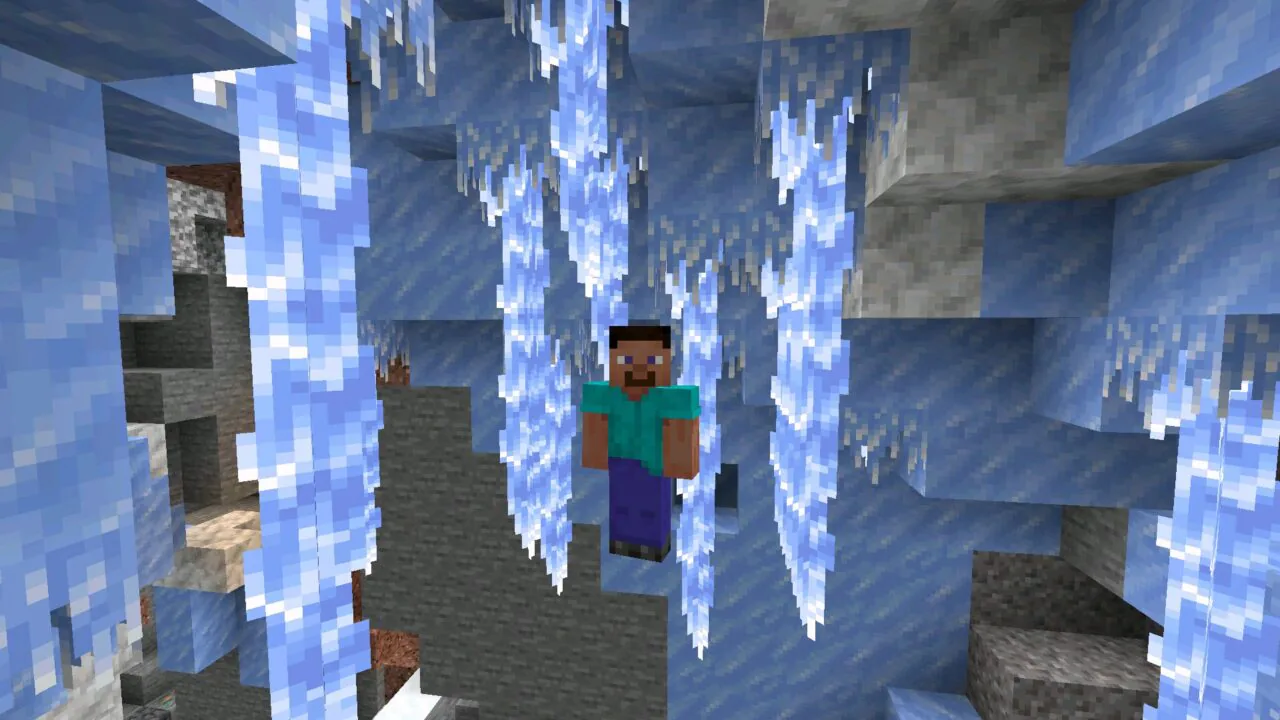
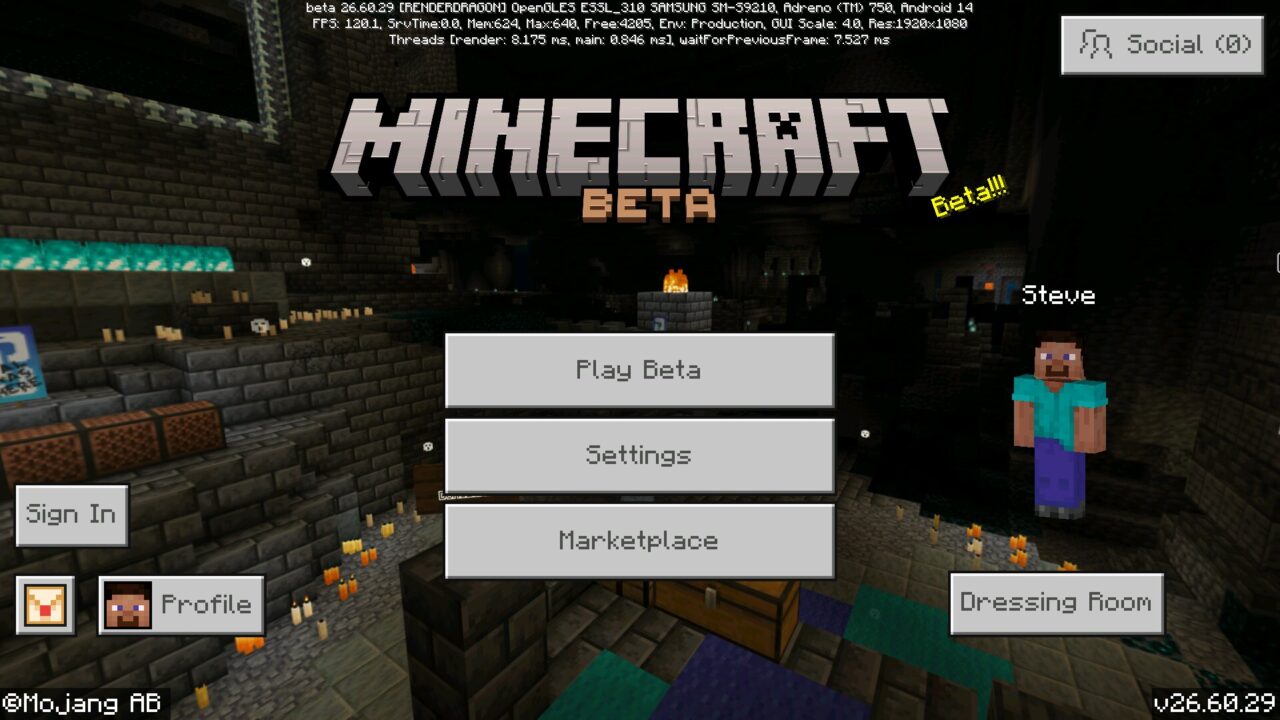
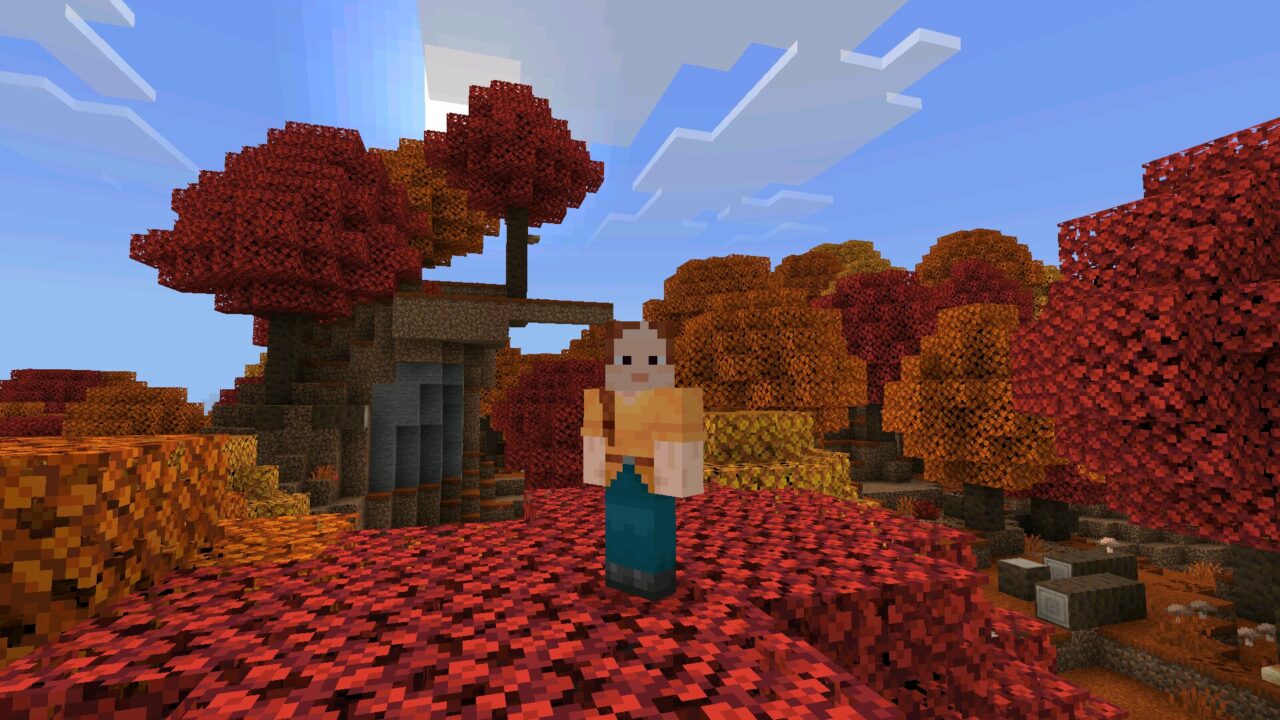
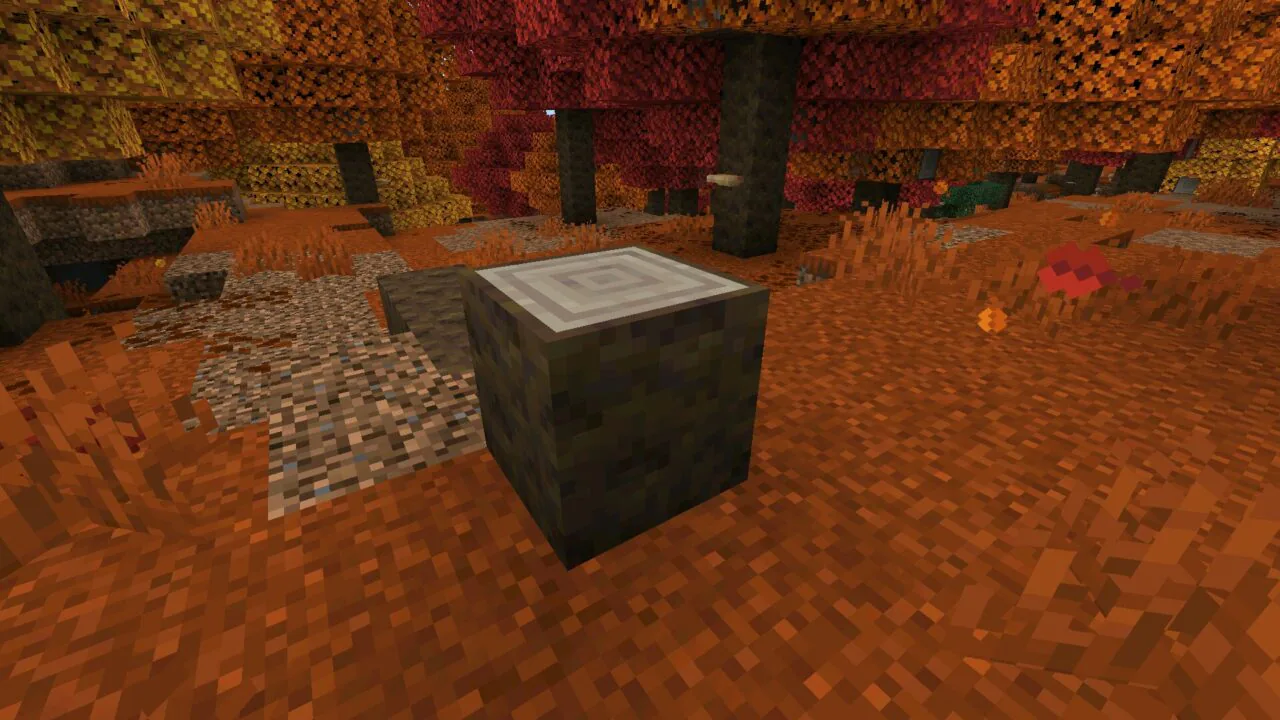
Download Minecraft 26.30.25 / 1.26.30.25 APK for Android if you…
Download Minecraft PE 1.26 APK for Android — Tiny Takeover & Chaos Cubed (All Builds)
Download Minecraft 1.26 APK free for Android and explore the new 26.x year-based numbering — featuring Tiny Takeover (redesigned baby mobs, craftable Name Tags, Golden Dandelion) and Chaos Cubed (Sulfur Caves, Cinnabar, Sulfur Cube). Pick any build below and start playing today.
Download Minecraft 26.30.21 / 1.26.30.21 if you want to test…
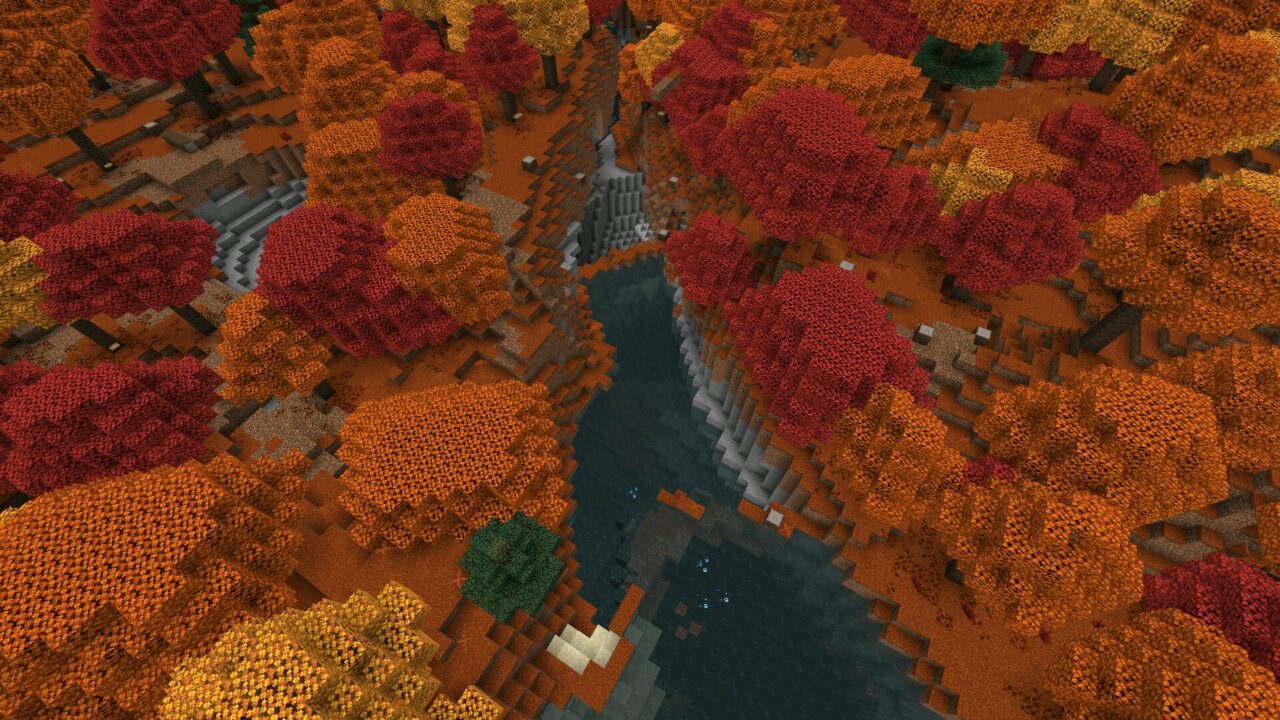
Download Minecraft 26.20.28 / 1.26.20.28 APK for Android to try…
Download Minecraft 26.20.27 / 1.26.20.27 APK for Android to check…
Download Minecraft 26.20.26 / 1.26.20.26 APK for Android if you…
Download Minecraft 26.13 / 1.26.13 APK for Android Release build…
Download Minecraft 26.12 APK for Android to install the latest…
Download Minecraft 26.20.24 / 1.26.20.24 APK for Android if you…
Download Minecraft 26.20.22 APK for Android to review the latest…
Download Minecraft 26.10 / 1.26.10 APK and install the latest…
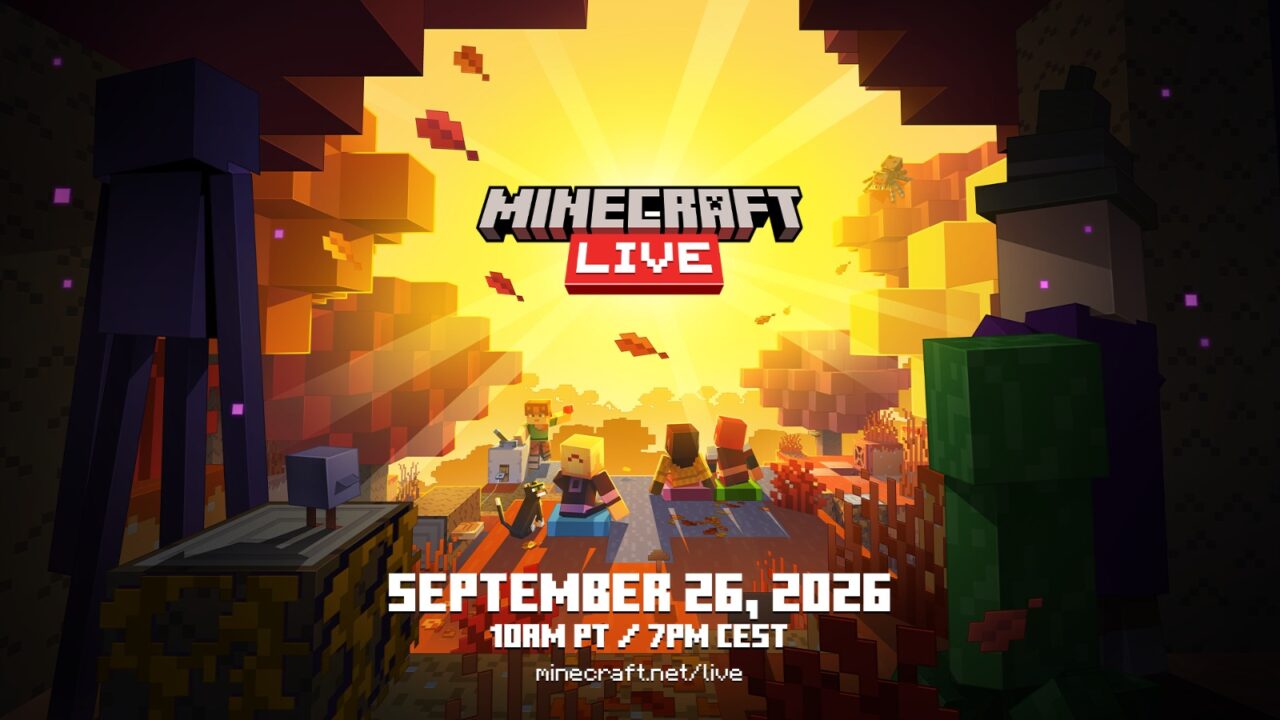
Minecraft Live 2026: the global annual presentation for Minecraft players…
Download Minecraft 26.20.21 APK for Android to check what changed…
Minecraft 1.26 (26.x) — A New Era for Bedrock Edition in 2026
Minecraft 1.26 marks a turning point in Bedrock Edition history: it is the first release where Mojang officially switched to a year-based version numbering system, written as 26.x. This branch launched in February 2026 and starts a new update cycle after the 1.21 branch closed with its final patch 1.21.132.
You will see this update written in two formats — 1.26.x (the legacy format) and 26.x (the new Mojang format). Both refer to the same version. For example, 1.26.10 and 26.10 are identical builds. Many players, websites, and add-on creators still use the old "1.x" notation, so both styles are accepted.
The 1.26 branch contains two major content drops: Tiny Takeover (the launch drop, focused on baby mobs and crafting changes) and Chaos Cubed (the second drop, focused on sulfur caves and a new mining loop). All APK builds on this page are official Bedrock Edition releases from Mojang Studios.
Tiny Takeover — The First Major Drop of 26.x
Tiny Takeover is the launch drop of the new numbering era, with a "cuteness" theme that completely redesigns baby mobs across the game. For years, baby mobs in Bedrock were just smaller versions of their adults — Tiny Takeover gives them their own distinct identity:
- New models with bigger heads and rounder proportions
- Custom hitboxes synced with Java Edition
- Unique sounds — higher-pitched, distinct from adult mobs
- New behaviors — more energetic movement, playful animations
Mobs redesigned in Tiny Takeover include baby cows, pigs, wolves, cats, rabbits, sheep, chickens, polar bears, mooshrooms, baby zombies, and baby drowned. Rabbits also got reworked ear proportions for a more natural look.
Tiny Takeover also adds two long-awaited features: Golden Dandelion — a new craftable item that, when fed to a baby mob, keeps it permanently small (perfect for zoos and decorative builds), and craftable Name Tags — for the first time you can craft Name Tags from paper, ink sac, and string instead of hunting for them in dungeon chests.
Chaos Cubed — Sulfur, Cinnabar, and a New Mining Loop
Chaos Cubed is the second major drop of the 1.26 branch, available in build 26.20 and later. While Tiny Takeover focused on cute and decorative content, Chaos Cubed brings hostile new biomes and a fresh mining experience:
- Sulfur Caves — a new underground biome with yellow walls, sulfur deposits, and a hazardous atmosphere
- Sulfur Cube — a brand new block found in Sulfur Caves, used for crafting and decoration
- Cinnabar — a deep red mineral that generates exclusively in Sulfur Caves, used for advanced crafting recipes
- New hostile mobs that spawn only in Sulfur Caves (introducing fresh combat encounters)
- New tools and items tied to sulfur extraction and processing
Chaos Cubed adds a new vertical exploration loop — Sulfur Caves generate at specific depths and reward players willing to mine deeper. The combination of yellow sulfur, red cinnabar, and dark cave rock creates one of the most visually distinct underground biomes Bedrock has ever had.
How to Install Minecraft 1.26 APK on Android
Once you've picked a build above and downloaded the APK, follow these steps to install Minecraft PE 1.26 on your Android device:
- Open Android Settings.
- On Android 8-9 go to Security → Install unknown apps. On Android 10+ open Apps → Special app access → Install unknown apps. Pick the browser or file manager you used to download the Minecraft 1.26 APK.
- Enable Allow from this source for that app.
- Open the downloaded APK file and tap Install.
- Wait for installation to finish, then launch Minecraft.
Official Minecraft APKs have the package name com.mojang.minecraftpe and a digital signature from Mojang Studios. Android uses this signature to verify the file and update the game in place.
After installing, turn off Install unknown apps for your browser. If you already have a different Minecraft version installed, check the Troubleshooting section below before installing 1.26 over it.
System Requirements for Minecraft 1.26 on Android
Minecraft 1.26 demands more than 1.21 due to the redesigned baby mob system, Static Colored Lighting (introduced in 26.20), and Sulfur Caves rendering. Stable performance depends on RAM, free storage, and CPU architecture:
- Android 9.0 or later (Android 12+ recommended)
- 4 GB RAM minimum (6 GB recommended for colored lighting and dense Sulfur Cave generation)
- At least 2 GB of free storage for the game, worlds, and cache
- ARM64 (arm64-v8a) processor — 32-bit devices are not supported
- GPU with Vulkan or OpenGL ES 3.2+ support for new lighting effects
On weaker devices (3-4 GB RAM), pick build 26.13 — it has heavy CPU and RAM optimizations and battery-life improvements compared to 26.20+. The Chaos Cubed visuals in 26.20 add rendering load even when not exploring Sulfur Caves.
Why Download Minecraft 1.26 APK Instead of an Older Branch
Most Android players download Minecraft 1.26 because it is the active development branch in 2026 with the freshest content:
- Newest features unavailable in any older branch — Sulfur Caves, Cinnabar, redesigned baby mobs, craftable Name Tags, Golden Dandelion
- Static Colored Lighting (build 26.20) for visually richer worlds
- Latest performance optimizations and bug fixes
- Active server compatibility — most major Bedrock servers updated to 1.26 by mid-2026
- Modern Realms support with the latest Microsoft account features
If your device cannot handle 1.26's higher requirements, you may prefer staying on 1.21.132 — the final patch of the previous branch with Tricky Trials content. For the absolute latest build, you can download the latest Minecraft Bedrock update from the main downloads page.
Minecraft Bedrock, Java, and PE — Which One Is 1.26 APK
Every Minecraft 1.26 APK on this page is Bedrock Edition. This is the cross-platform version that runs on Android, iOS, Windows 10/11, Xbox, PlayStation, and Nintendo Switch.
Java Edition only runs on PC, Mac, and Linux and has no Android APK. Minecraft PE (Pocket Edition) is the original mobile name — today it is part of Bedrock.
This means "Minecraft PE 1.26" and "Minecraft Bedrock 1.26" on Android are the same game, developed by Mojang Studios.
How to read a Minecraft 1.26 / 26.x version number
Mojang now uses two valid number formats. The new format is YEAR.DROP.PATCH — for example 26.20.5 means year 2026, drop 20, patch 5. The legacy format prefixes the same number with "1." — so 1.26.20.5 = 26.20.5 = the same APK.
A four-number build like 26.30.20.21 is a Beta inside the 26.x branch. Higher patch numbers usually mean more bug fixes — the latest stable Release is normally the safest choice.
Minecraft 1.26 Build Types — Release, Beta, and Preview
Minecraft Bedrock follows a fixed release cycle. Knowing the difference helps you pick the right 1.26 build:
- Release — stable public build. Works with Realms, featured servers, and most add-ons. Recommended for everyday play.
- Beta — early-access build with upcoming features. Beta builds may crash, corrupt worlds, and cannot connect to Realms.
- Preview — newer testing program that gradually replaces Beta. Same trade-offs: early features, less stability, limited online compatibility.
- Hotfix / Patch — small update on top of a Release. 26.0, 26.1, 26.10, 26.11, 26.13, and 26.20 are all patches inside the 1.26 branch.
Notable releases in the 1.26 / 26.x branch:
- 26.0 (February 2026) — first build of the new numbering era, introduced Tiny Takeover features experimentally
- 26.1 (March 2026) — official Tiny Takeover drop with full baby mob redesigns, Golden Dandelion, and craftable Name Tags
- 26.10, 26.11, 26.13 — bug fixes and optimizations on top of Tiny Takeover (26.13 is best for low-end devices)
- 26.20 — Chaos Cubed drop with Sulfur Caves, Cinnabar, Sulfur Cube, plus Static Colored Lighting
Multiplayer, Realms, and Cross-Platform Play on 1.26
Minecraft 1.26 Bedrock supports multiplayer, Realms, and cross-platform play. Version matching matters: two Android devices on different 1.26 patches usually work together, but a 1.26 device and a 1.21 device will not.
Cross-platform play lets Android players join friends on Xbox, PlayStation, Nintendo Switch, Windows 10/11, and iOS. All players need to be on a compatible Bedrock version.
Realms servers run a specific Bedrock version, so you need a matching Release build to join. 1.26 Beta and Preview builds cannot connect to Realms by design.
Online play (Realms, featured servers, Marketplace) requires a free Microsoft account. Single-player offline and local LAN play work without an account.
Mods and Add-ons for Minecraft 1.26
Bedrock Edition uses add-ons — behavior packs and resource packs packaged as .mcaddon or .mcpack files. These replace Java-style mods on Android.
Most 1.26 add-ons install by tapping the file, which opens Minecraft and imports them automatically. Many character and gameplay add-ons require Experimental Gameplay enabled in world settings.
If an add-on looks broken after installing, open your world's settings and enable the experimental toggles it needs.
1.26 is a strong branch for new add-ons because the Tiny Takeover baby mob redesign and Chaos Cubed Sulfur Cave biome opened fresh modding territory. However, add-ons made for 1.21 often break in 1.26 due to engine changes — check that your favorite add-on supports 26.x specifically.
World Compatibility and Backups When Switching 1.26 Builds
Before installing a different Minecraft version on top of 1.26 (or installing 1.26 on top of an older version), back up your worlds.
On Android, world saves are stored in /sdcard/games/com.mojang/minecraftWorlds/. Copy the folder to another location on your device or to cloud storage. Restore by placing the folder back in the same path after installing.
Important: worlds created in 1.26 cannot be opened in 1.21 or earlier — the new baby mob system and bounding box changes make these saves incompatible backwards. Once a 1.21 world is loaded in 1.26, it gets converted permanently. Always back up before upgrading.
Troubleshooting Minecraft 1.26 APK Install Errors
Most issues with a 1.26 APK fall into three groups — installation, launch, and performance.
"App not installed" or signature conflict
This happens when you install a 1.26 APK on top of a different Minecraft version with a mismatched digital signature.
Uninstall the existing Minecraft first (worlds stay on the device if you backed up /sdcard/games/com.mojang/minecraftWorlds/), then install the 1.26 APK. Also check free storage.
"Parse error"
Android cannot read the APK. Common causes: corrupted file (redownload), your Android version is too old for this 1.26 build, or a 64-bit APK (arm64-v8a) on a 32-bit device. 1.26 specifically requires ARM64 — older devices with ARMv7 chips will not run it.
Check your device architecture and pick a compatible build.
Game crashes when entering Sulfur Caves
Sulfur Caves contain dense particle effects and Static Colored Lighting in 26.20+. On weaker GPUs, this can cause crashes. Lower Render Distance to 8 chunks, disable Fancy Graphics, and turn off Smooth Lighting in video settings. If crashes continue, switch to build 26.13 — it does not include the Chaos Cubed visuals.
Low FPS or stutter in 26.20
Static Colored Lighting in 26.20 is GPU-heavy. Close background apps, free up storage, and reduce Render Distance to 8-10 chunks. On 4 GB RAM devices, build 26.13 runs significantly smoother than 26.20.
FAQ — Minecraft 1.26 APK for Android
Are 1.26 and 26.x the same?
Yes. They are two valid ways to write the same version. Mojang switched to year-based numbering (26 = 2026), but many websites and players still use the old "1.26" prefix. The APK file itself is identical — 26.13 = 1.26.13 = the same download.
What's new in Tiny Takeover?
Tiny Takeover is the launch drop of 1.26, introduced in build 26.1 (March 2026). It redesigns all baby mobs in the game — cows, pigs, wolves, rabbits, sheep, polar bears, and others — with new models, hitboxes, sounds, and behaviors. It also adds Golden Dandelion (an item that keeps baby mobs permanently small) and craftable Name Tags using paper, ink sac, and string.
What's new in Chaos Cubed?
Chaos Cubed is the second major drop of 1.26, available in build 26.20 and later. It introduces Sulfur Caves — a hostile new underground biome — along with Sulfur Cube (a new buildable block), Cinnabar (a red mineral for advanced crafting), and new hostile mobs that spawn exclusively in Sulfur Caves.
Which Minecraft 1.26 build should I download?
For the latest content with Chaos Cubed, choose 26.20. For maximum stability and battery life on low-end devices, choose 26.13. If you want the original Tiny Takeover drop without later changes, pick 26.1. The Beta and Preview builds are only worth using if you specifically want to test pre-release features.
How do I craft Name Tags in 1.26?
For the first time, Name Tags have a crafting recipe. Combine paper, ink sac, and string in the Crafting Table — no more hunting through dungeon chests for them. Pair with Golden Dandelion to permanently name your favorite baby mobs.
Where do I find Sulfur Caves?
Sulfur Caves generate underground in the 26.20 Chaos Cubed drop. They are recognizable by yellow sulfur deposits and red Cinnabar veins. Mining within Sulfur Caves yields Sulfur Cubes and Cinnabar — both used for crafting recipes added in this drop.
Is Minecraft 1.26 APK safe to install on Android?
Yes, when the file is downloaded from a trusted version page and carries the official package name com.mojang.minecraftpe. The APK is digitally signed by Mojang — Android verifies it automatically during install.
Can I download Minecraft 1.26 from Google Play?
Yes — Google Play offers the current Minecraft release, which in 2026 is the 1.26 / 26.x branch. However, Google Play only delivers the latest build, so if you want a specific patch (like 26.13 for stability or 26.1 for the original Tiny Takeover), manual APK install is the way.
Can I run Minecraft 1.26 on a 2 GB RAM device?
Likely not smoothly. 1.26 requires 4 GB RAM minimum, especially with Chaos Cubed visuals in 26.20. Devices with 2-3 GB RAM may launch the game but will experience heavy lag. For weaker devices, stay on 1.21.132 — it is much lighter while still receiving regular community add-on support.
Does Minecraft 1.26 support multiplayer and Realms on Android?
Yes — Release builds of 1.26 support Bedrock multiplayer, Realms, and cross-platform play. Beta and Preview builds of 1.26 cannot connect to Realms. All players need compatible Bedrock versions.
Do I need a Microsoft account to play Minecraft 1.26?
Single-player and local LAN play work offline without an account. Realms, featured servers, and Marketplace require a free Microsoft account.