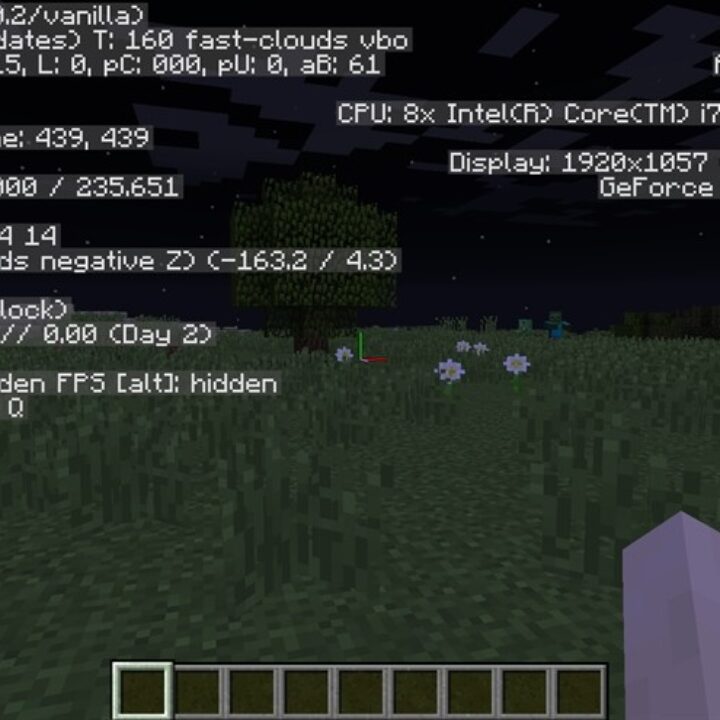
Coordinates Mod for Minecraft Bedrock

Coordinates Mod for Minecraft Bedrock

Download Coordinates Mod for Minecraft Bedrock to mark bases, link portals, plan farms, and stop losing important places.
26 September 2026
  1. 5
  2. 4
  3. 3
  4. 2
  5. 1
(25 votes, Rating: 3.4 out of 5)
Download Download New Mods

Download Coordinates Mod for Minecraft PE: show your exact location, navigate without maps, remember base positions, and plan Nether portal shortcuts more easily.

Coordinates MCPE Mod Highlights

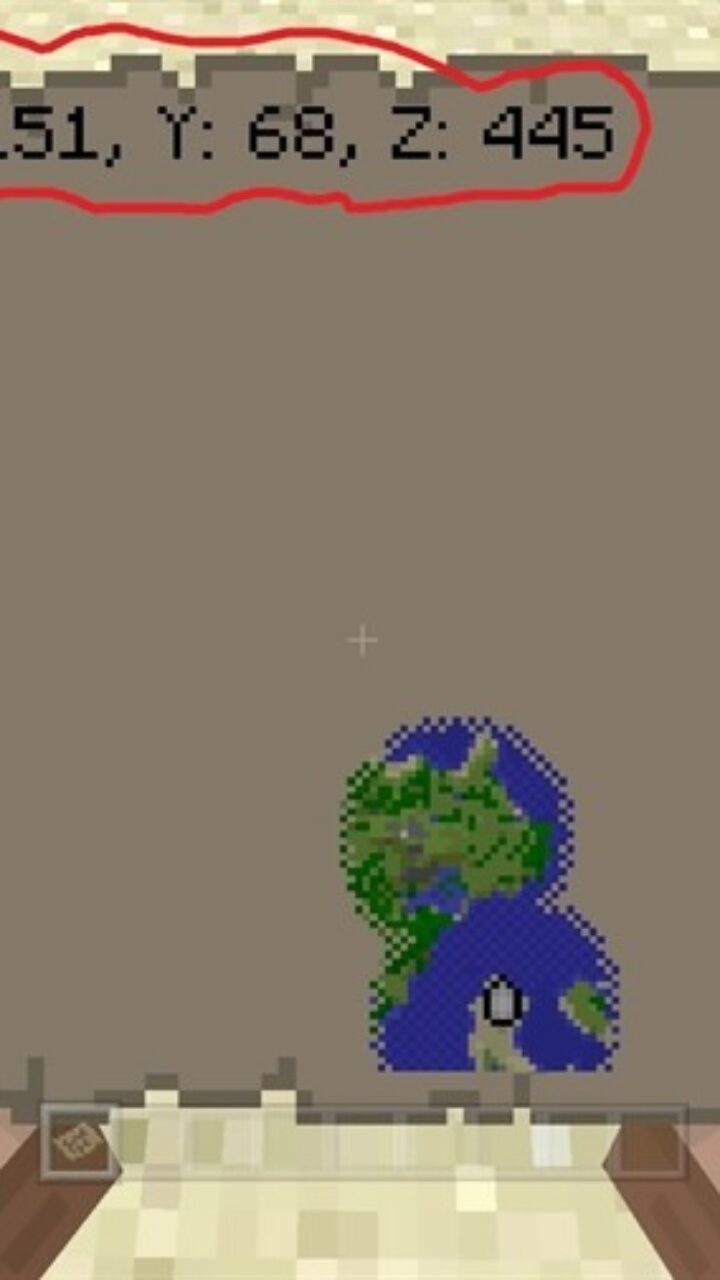
The original version of Minecraft Bedrock Edition gives players only a few navigation tools for forests, jungles, deserts, caves, and long-distance travel. Maps can help, but they have limits and do not always solve the problem.

A single map cannot cover every journey. Players often need to create another map, expand it, or rely on memory while moving farther away from home.

A compass is useful too, but it usually points to the spawn point or bed. It does not show the exact position of a base, farm, mine, portal, or hidden storage room.

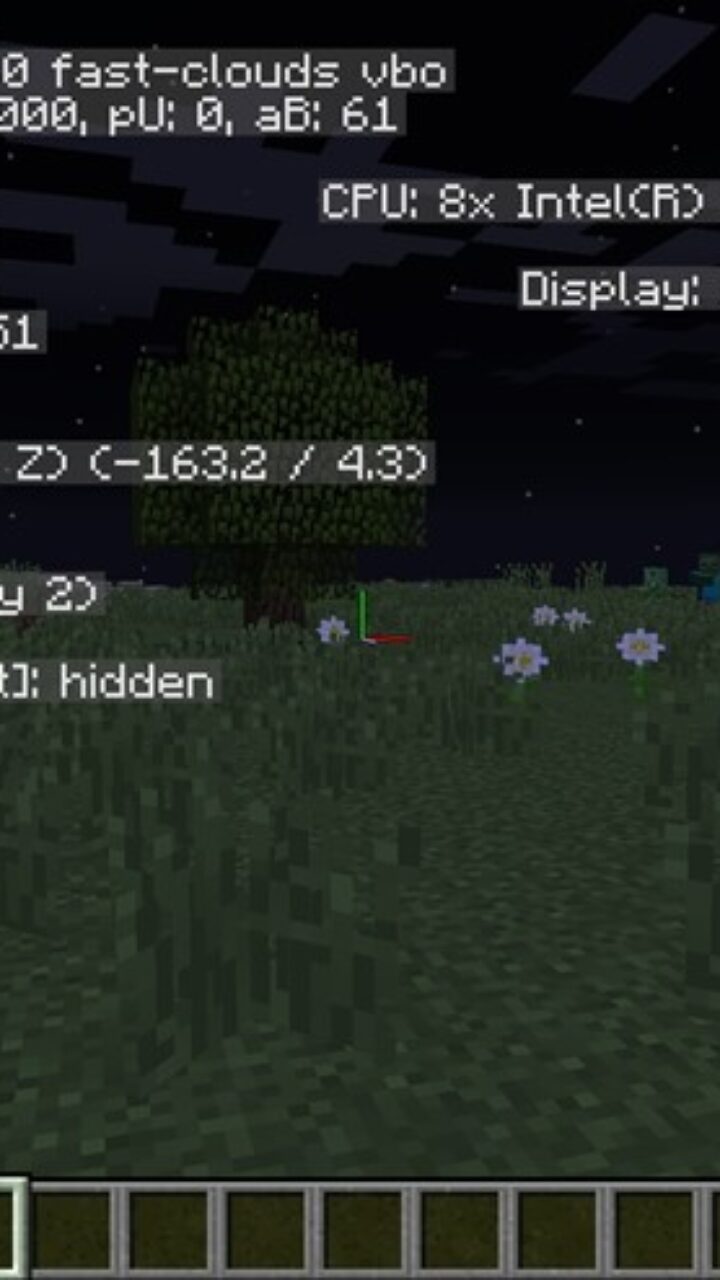
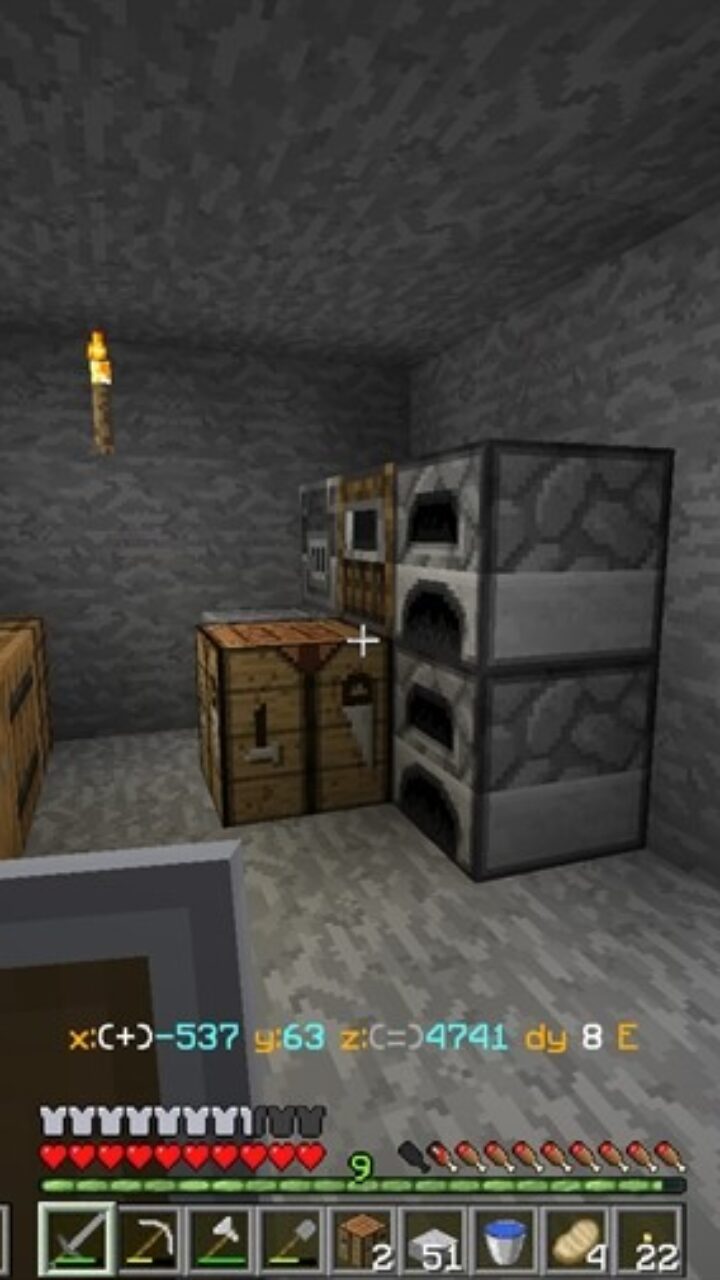
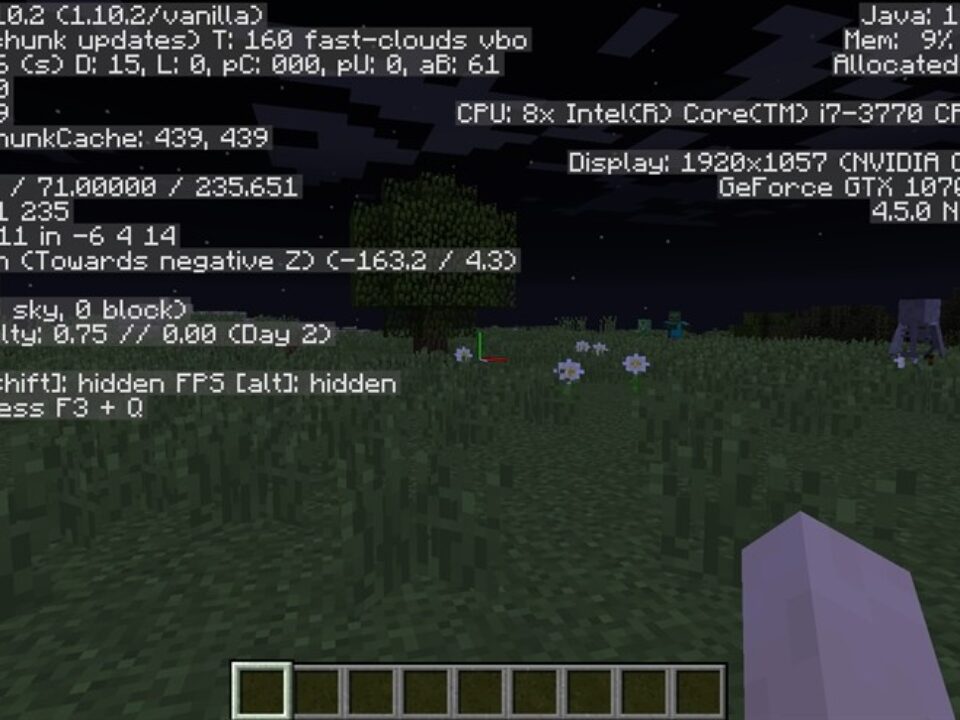
Coordinates solve this problem by turning the player location into simple numbers. With XYZ values, Minecraft PE users can mark important places and return to them without guessing.

Coordinates

Coordinates Mod for Minecraft PE makes navigation easier by showing the player location directly in the world. This is useful for players who often lose houses, caves, villages, or portal spots.

The main benefit is speed. Instead of opening maps or trying to remember terrain, players can write down the three numbers and return later.

Save important XYZ positions before long trips. A small note can protect bases, farms, mines, and portals from being lost.

Players who like practical features and new gameplay options can also explore Possibility Mods for Minecraft PE and improve different parts of their world.

The addon is helpful for exploration, mining, building, and multiplayer. Friends can share coordinates to meet faster or find the same location without confusion.

In older game versions, coordinates were not always easy to access. This made travel harder for mobile players, especially in large survival worlds.

The Coordinates Unlocker idea keeps things simple. Install the addon, start the world, and use location numbers to understand where the player is.

Navigation Use

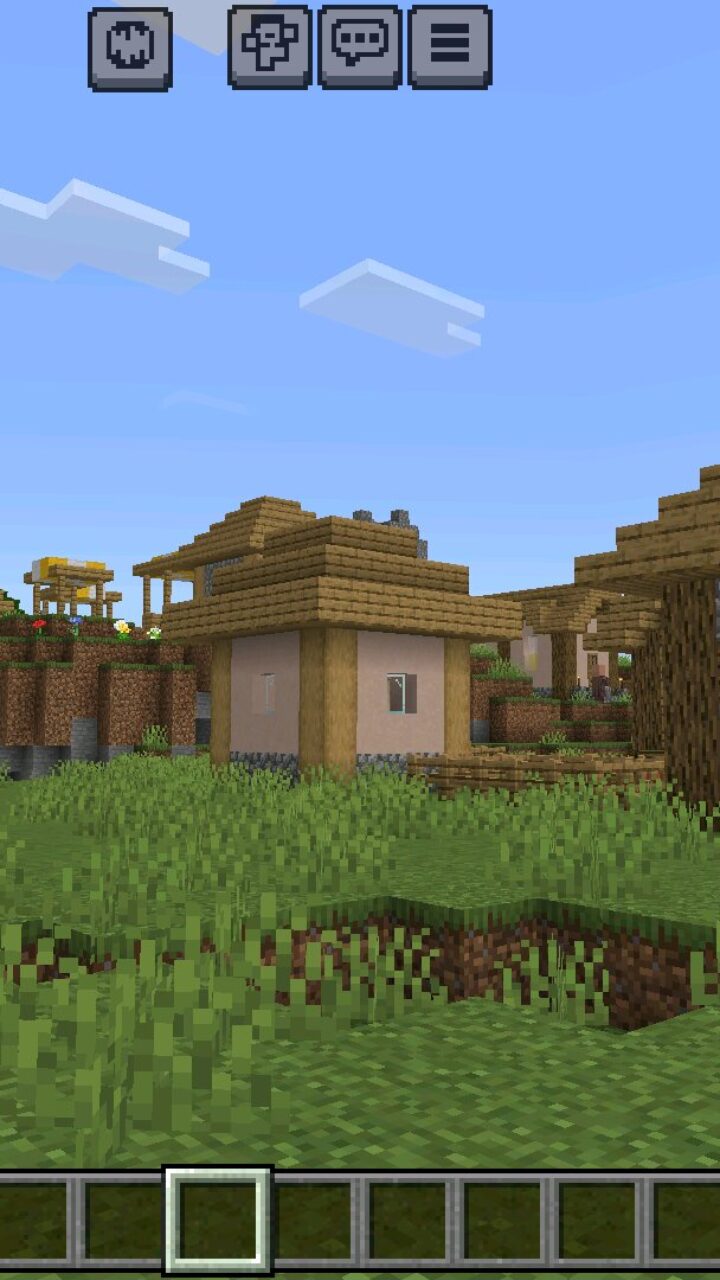
Minecraft Bedrock Edition players can use coordinates for many daily tasks. They can mark the main base, mob farms, rare biomes, strongholds, villages, trial areas, and mining tunnels.

This is especially useful when the world becomes large. A player may travel thousands of blocks, but written coordinates still provide a clear way back.

Coordinates also help with building projects. Large bases, roads, farms, and portals can be planned more accurately when players know exact positions.

Use coordinates together with signs or notes. This makes large survival worlds easier to organize on mobile devices.

Coordinates Plus

Download Coordinates mod for Minecraft Bedrock with Coordinates Plus to show extra location data for chunk planning, Nether shortcuts, portal linking, and farm placement.

The addon helps players compare Overworld and Nether positions, but the Show Coordinates option should be enabled for the display to work correctly.

  • Does Coordinates Mod show the player location?
  • Will Coordinates Mod help with Nether portals?
  • Can Coordinates Mod be useful for farms?

Download Coordinates Mod for Minecraft PE

Coordinates
Coordinates Plus
Coordinates Mod for Minecraft Bedrock
26 September 2026 3.4
Coordinates Mod f...

Download Coordinates Mod for Minecraft PE: show...
Anime Jutsu Mod for Minecraft Bedrock
16 September 2026 5
Anime Jutsu Mod f...

Download Anime Jutsu Mod for Minecraft PE: unlo...
Minimap Mod for Minecraft PE
3 August 2026 3.7
Minimap Mod for M...

Download Minimap Mod for Minecraft PE: keep a r...
Realism Mod for Minecraft PE
17 January 2026 2.8
Realism Mod for M...

Download Realism Mod for Minecraft PE: transfor...

1 Comments

  1. I always lose my mine entrances, so this would help a lot. Portal coords are even better if you build shortcuts between bases.