Download Minecraft 26.0 APK (1.26.0) for Android
Minecraft 26.0 APK (1.26.0) for Android – stable release version.
Download
Download Minecraft Latest version
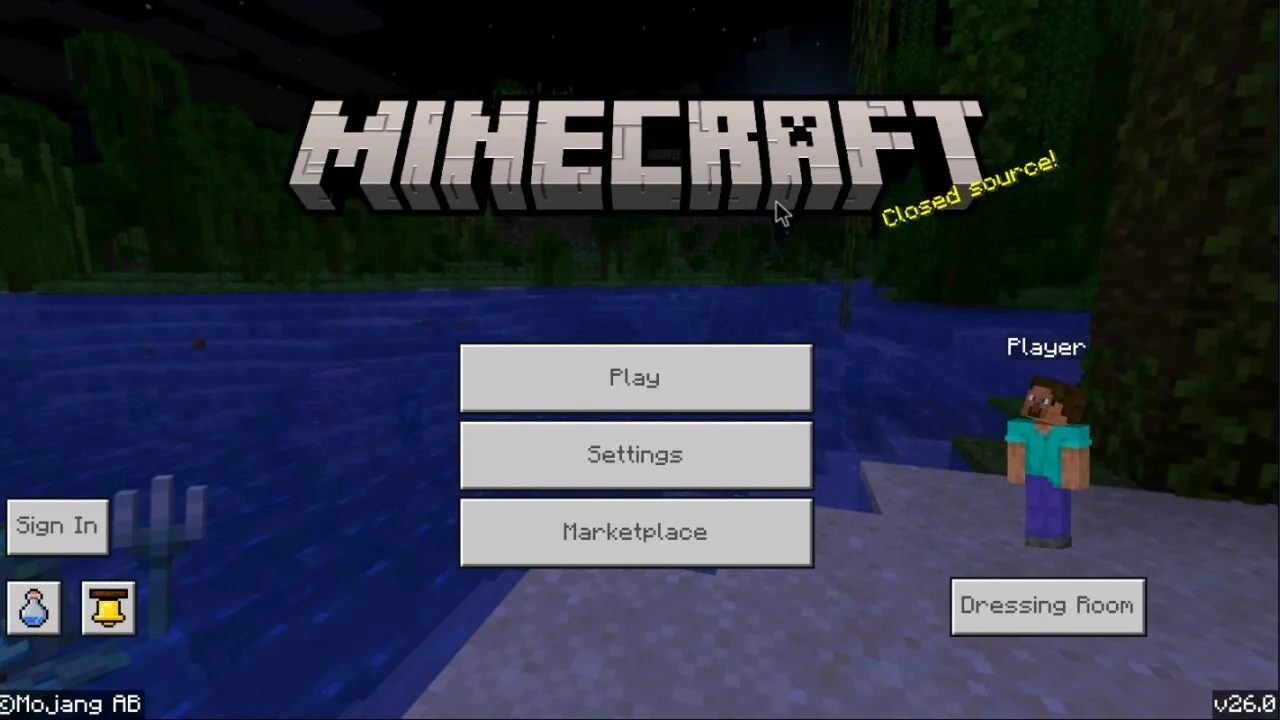
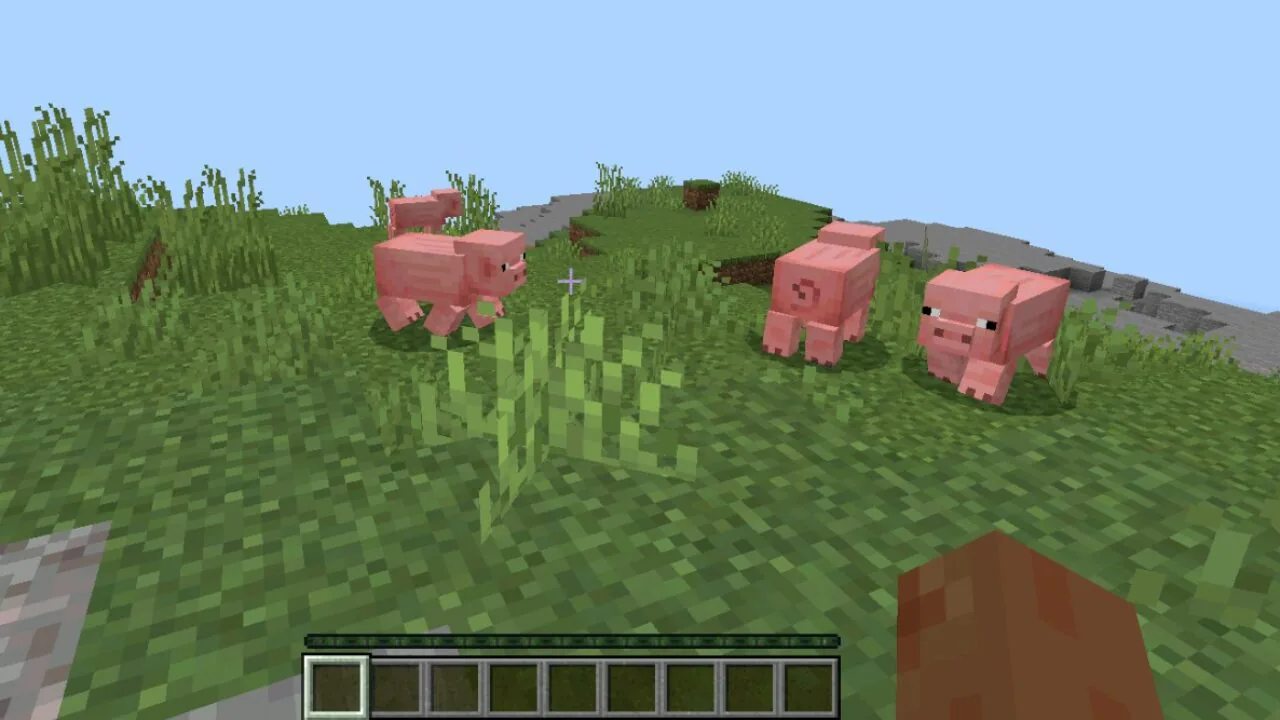


- Is Minecraft 26.0 APK (1.26.0) a release or a beta?
- Do I need to delete the old version before installing Minecraft 26.0 APK?
- Is Minecraft 26.0 APK safe to download?
- How to download Minecraft 26.0 APK (1.26.0) on Android?
Minecraft 26.0 Download


My dream has always been to inspire other people do great things. Thence I started this website. Hope you like it.
Minecraft 26.20.2...
Download Minecraft 26.20.21 APK for Android to ...
Minecraft 26.20.2...
Download Minecraft 26.20.20 / 1.26.20.20 apk fo...
Minecraft 26.10.2...
Download Minecraft 26.10.27 / 1.26.10.27 APK fo...
Minecraft 26.10.2...
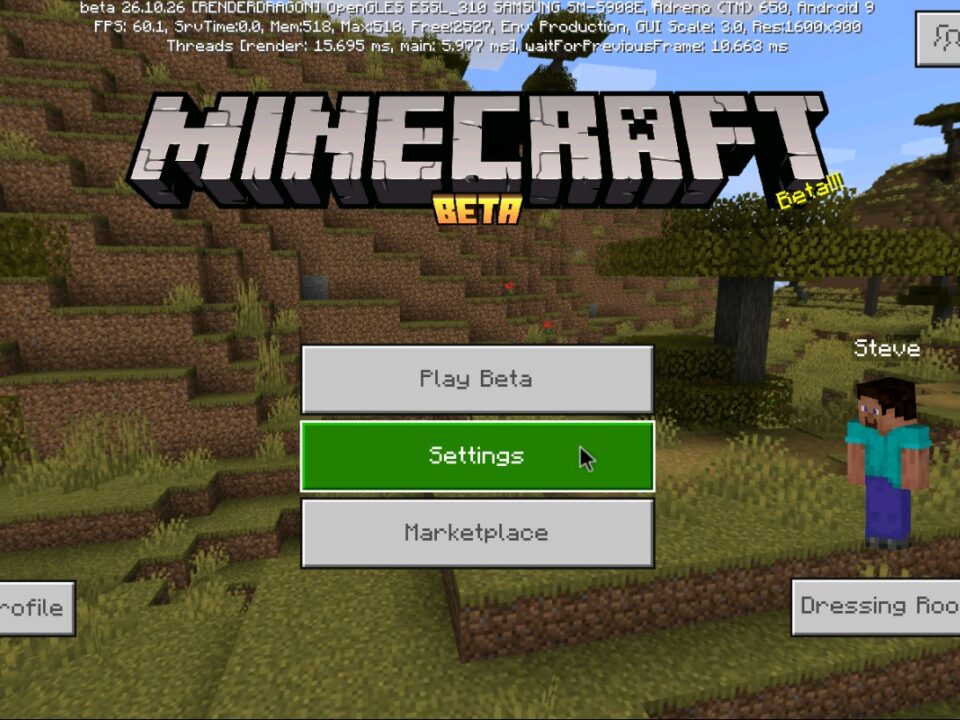
Download Minecraft 26.10.26 / 1.26.10.26 APK an...
8 Comments
Leave a Reply
Installed 26.0 on my Android and it runs smoother than the previous build. The baby mob models look nicer, and crafting name tags is a nice little bonus. No crashes so far.
Where ya found it?
There are 4 files at the bottom of the article. I installed them too, and everything is fine.
how do I download the apk ?
There are 4 files at the bottom of the article. I installed them too, and everything is fine.
It says there’s a conflict with other files, but I already deleted the previous version of Minecraft. Any solutions?
Try these steps — this conflict usually happens because some old Minecraft data is still stored on the device:
1. Go to Android Settings → Apps → Minecraft and make sure the game is completely removed.
2. Open your file manager and delete these folders if they still exist:
* Android/data/com.mojang.minecraftpe
* games/com.mojang
3. Clear cache of Google Play Services and the Package Installer (in Apps settings).
4. Restart the phone.
5. Install the APK again.
If the error still appears, the APK might be signed differently from the previous build. In that case, you must fully remove all remaining Minecraft files before installing the new version.
Works?