Download Lego Texture Pack for Minecraft PE: turn blocks, armor,…
Texture
Franchise
Download Texture Packs for Minecraft PE for free on Android: every file in the catalog comes in the .mcpack format.
Packs of every style are collected on one page. Choose a ready file in Fast Download or browse the catalog by resolution and compatibility.
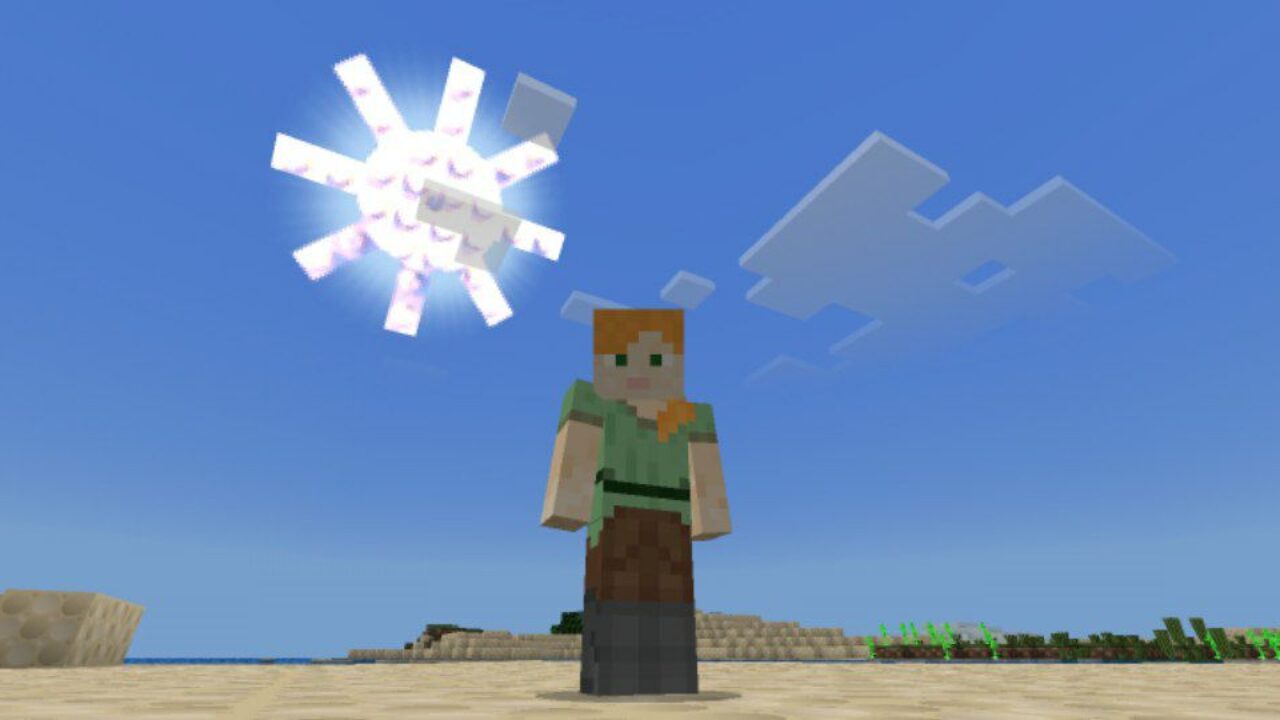
Download Lego Texture Pack for Minecraft PE: turn blocks, armor,…
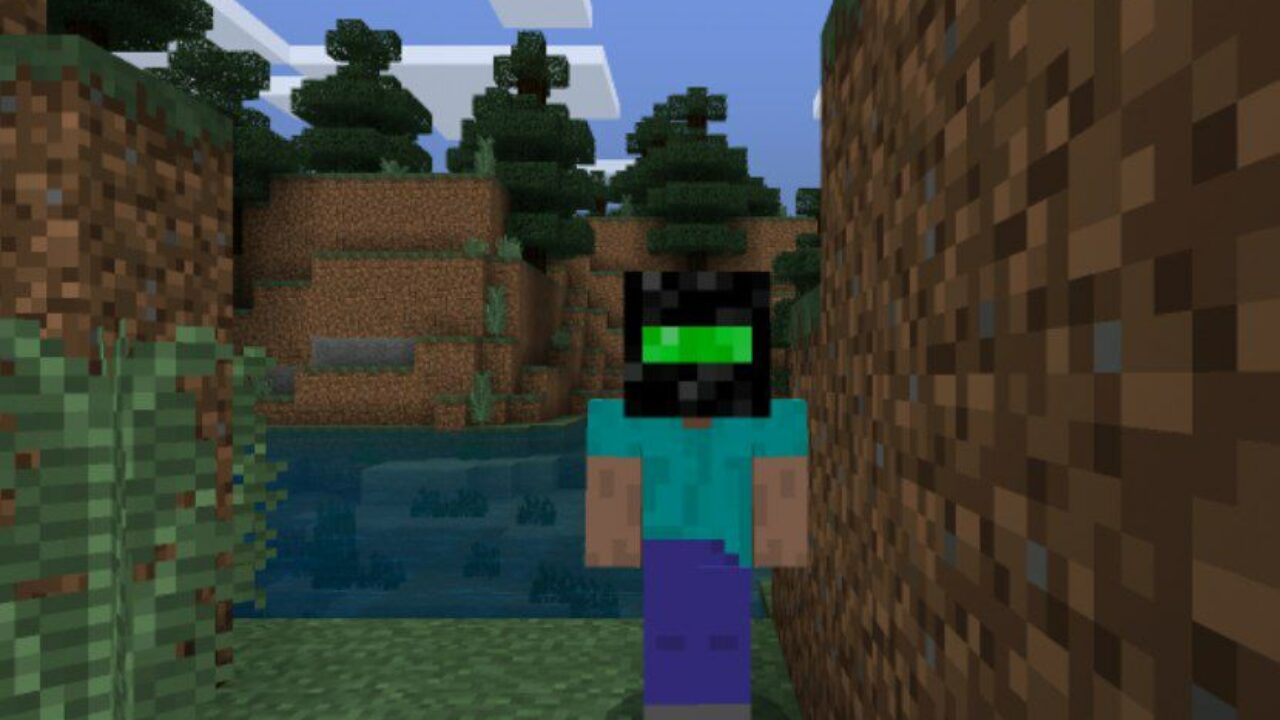
Download Night Vision Texture Pack for Minecraft PE: explore gloomy…
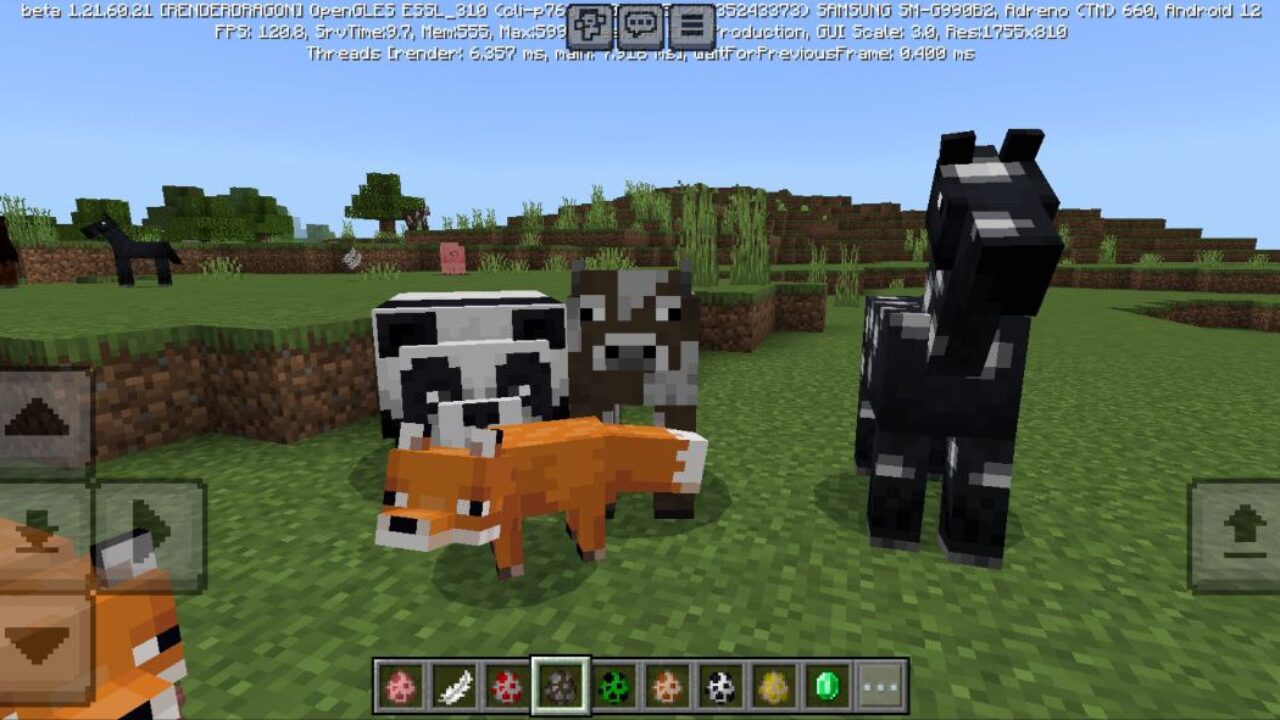
Download Fresh Animations Texture Pack for Minecraft PE: turn stiff…
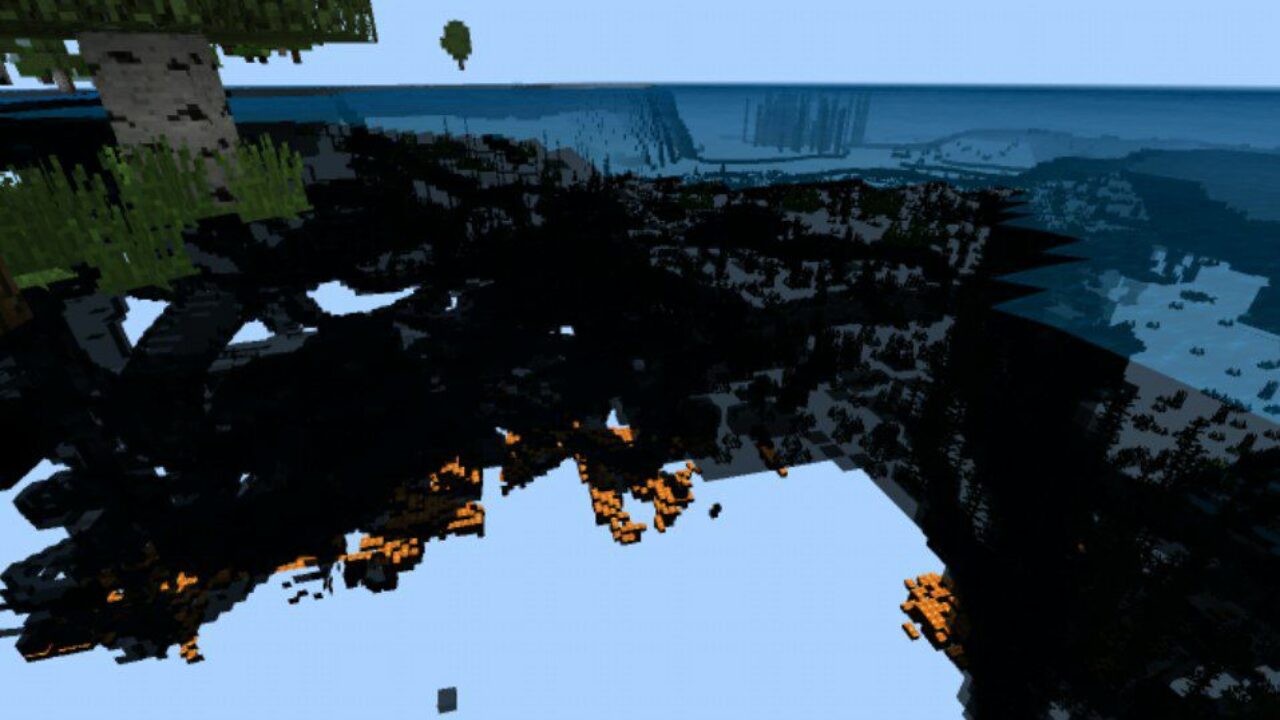
Download X-Ray Texture Pack for Minecraft PE: see valuable ores…
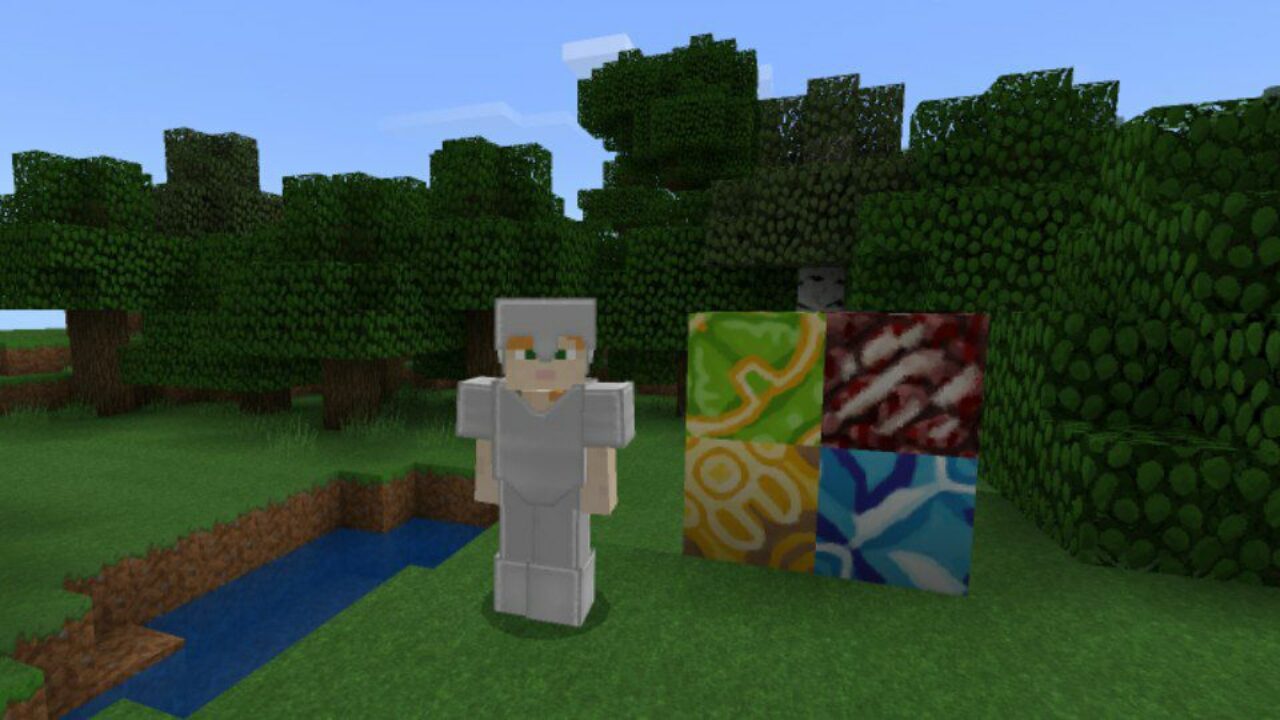
Download Faithful Texture Pack for Minecraft PE: improve the cubic…
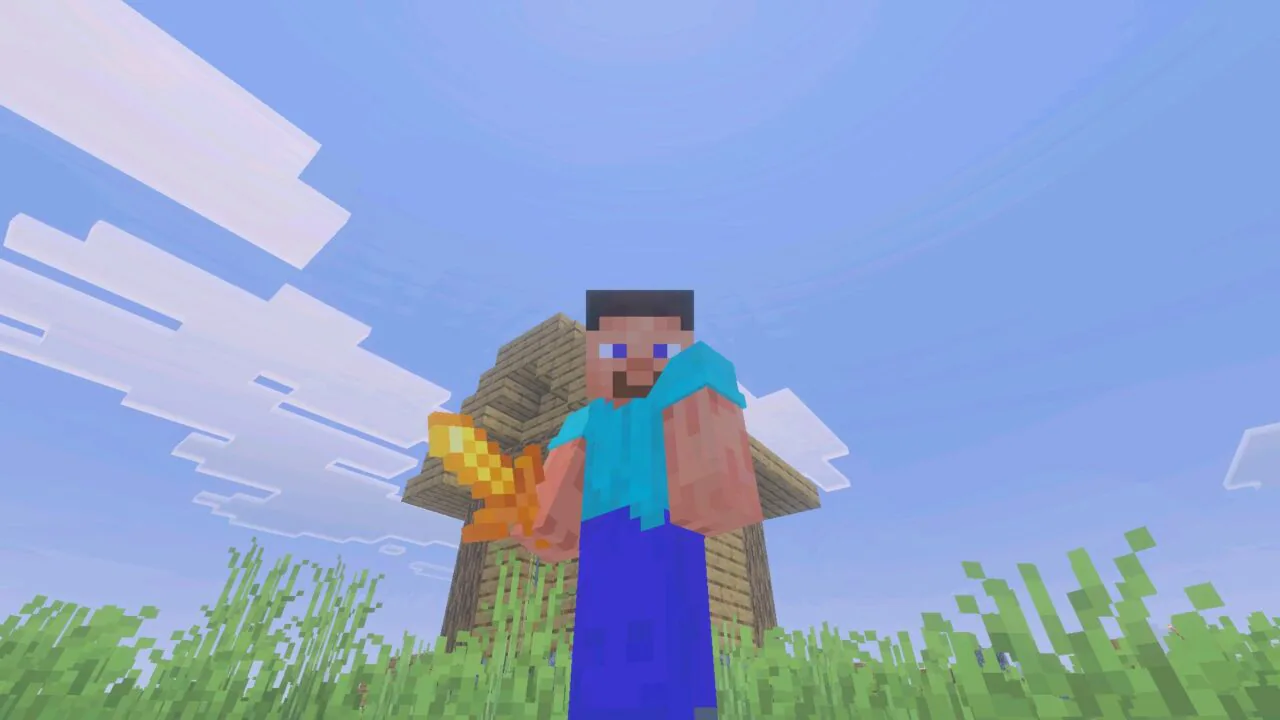
Download PvP 16x Texture Pack for Minecraft PE: improve mobile…
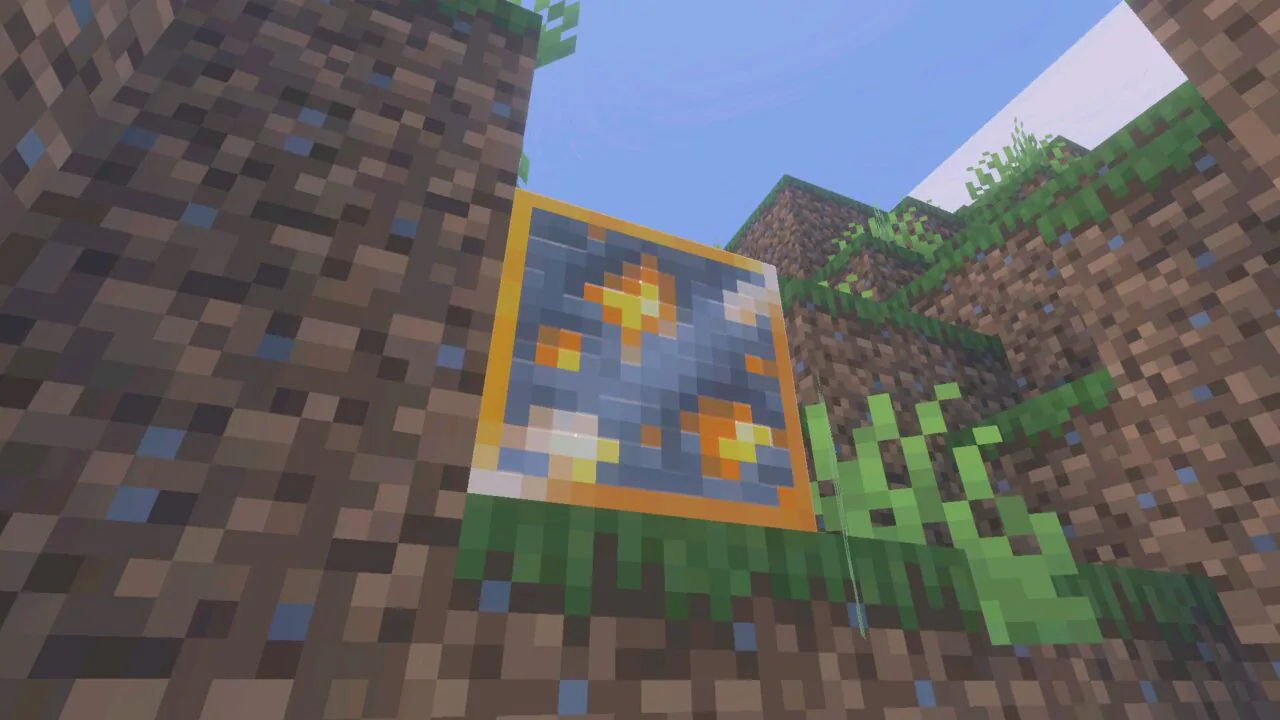
Download Glowing Ores Texture Pack for Minecraft PE: make underground…
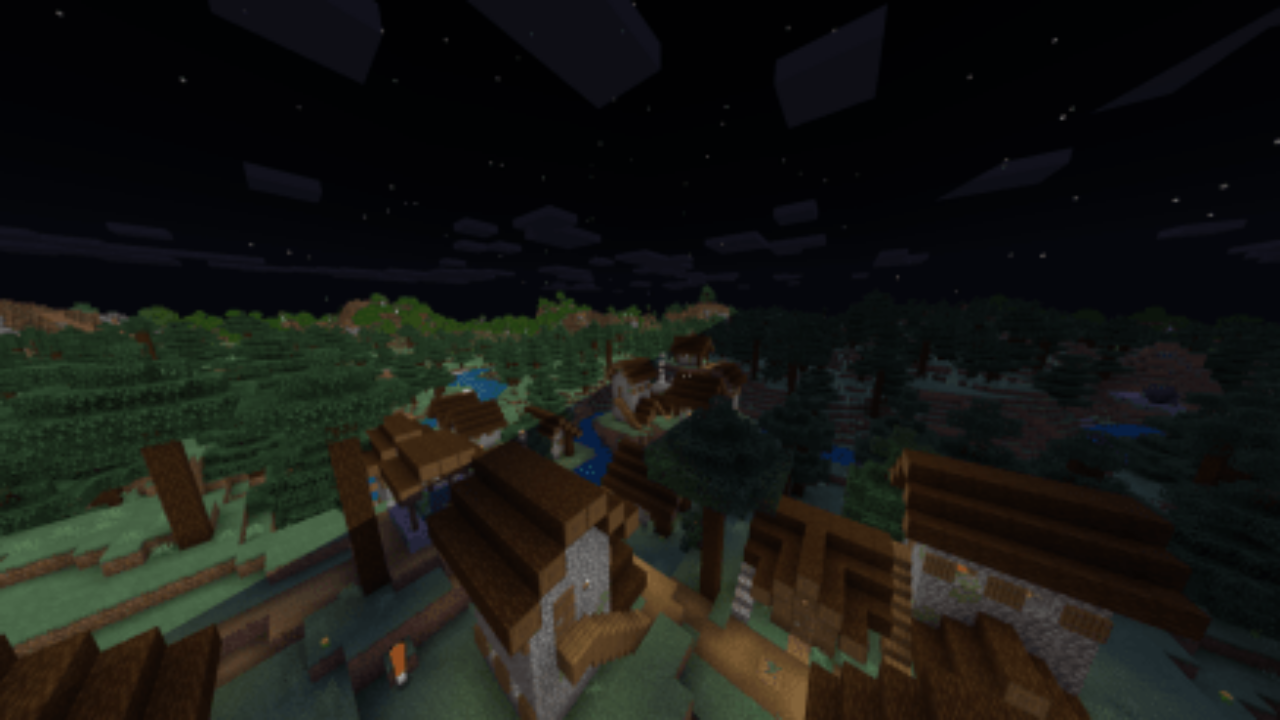
Download FullBright Texture Pack for Minecraft PE: remove darkness from…
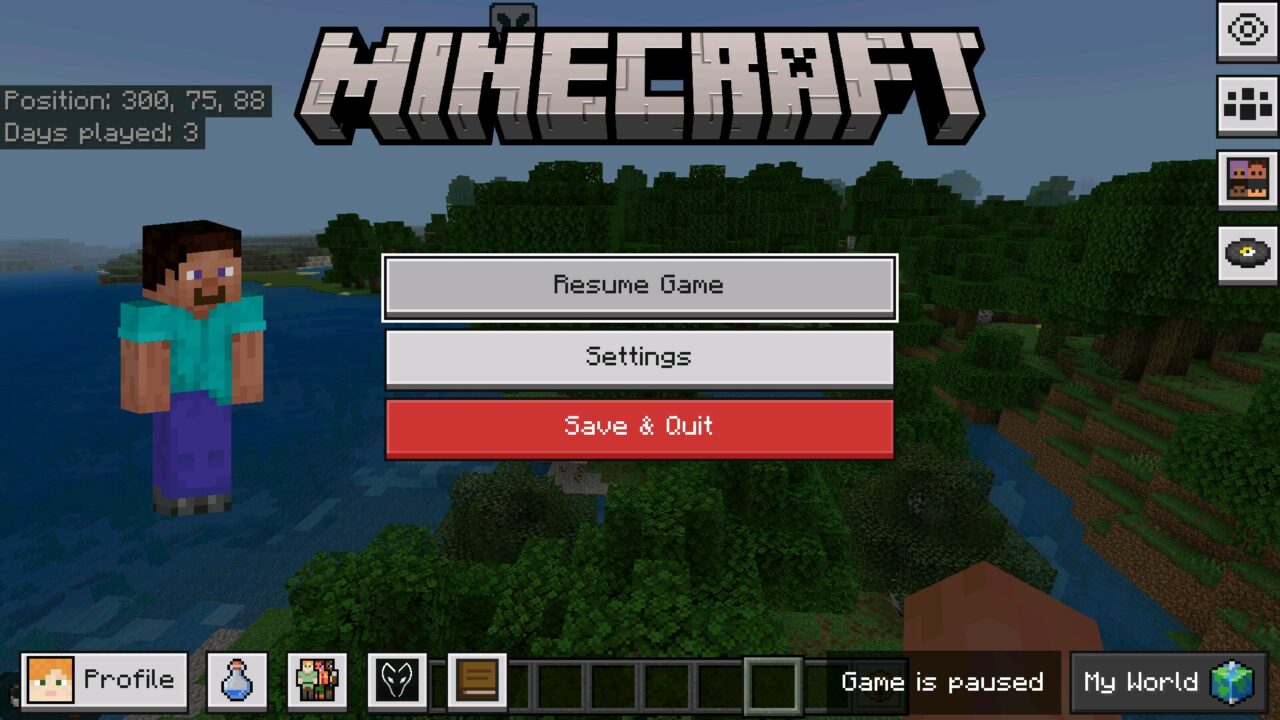
Download Deesse UI Texture Pack for Minecraft PE: redesign menus,…
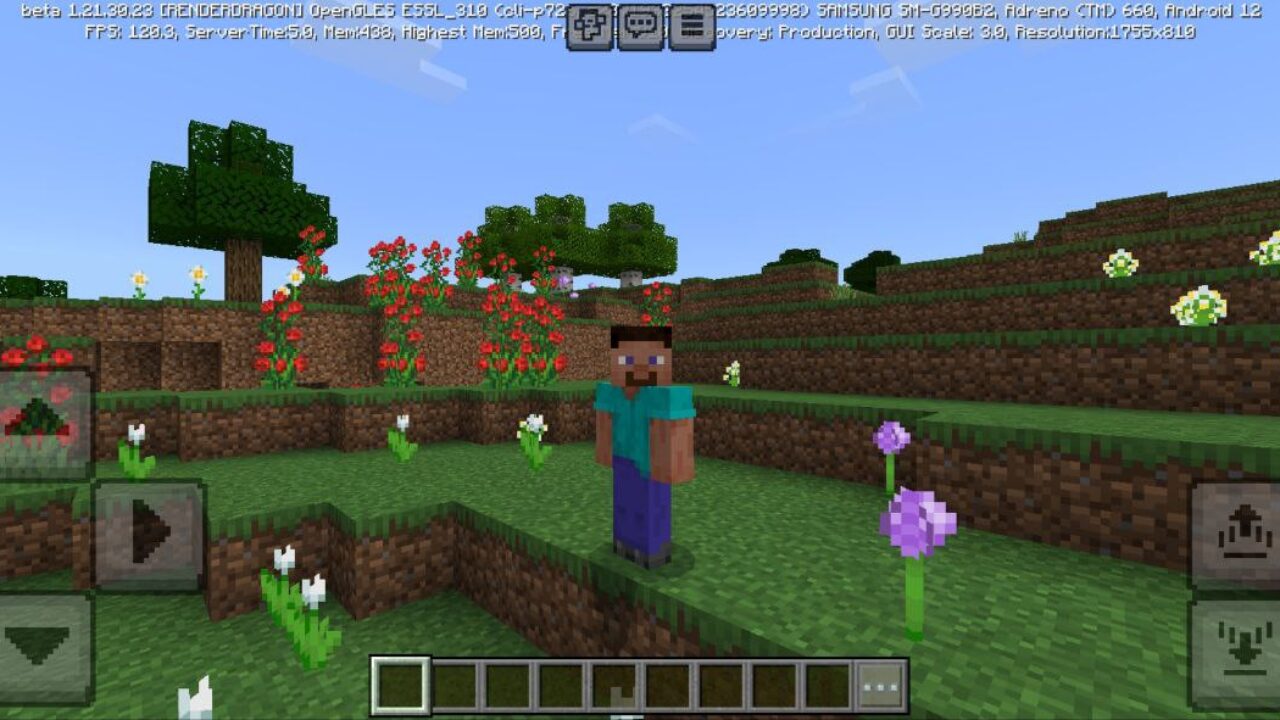
Download Bare Bones Texture Pack for Minecraft PE: turn your…
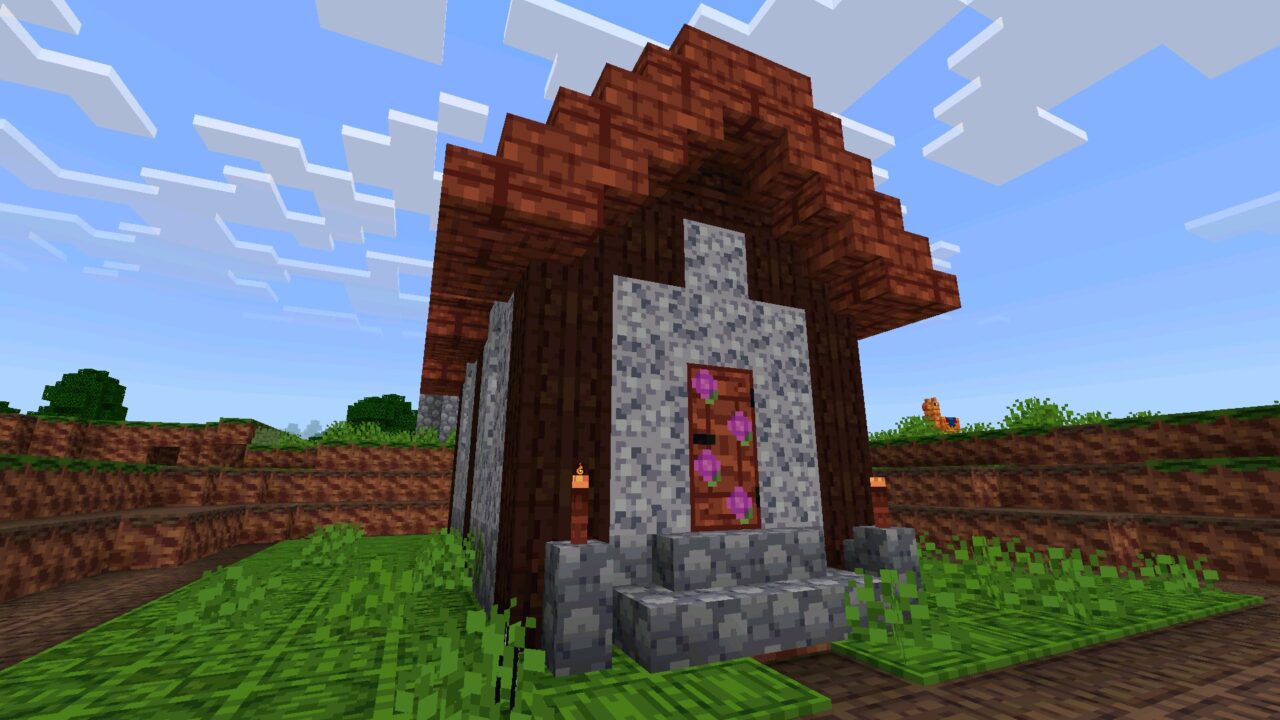
Download Rusty Toons Texture Pack for Minecraft PE: transform your…
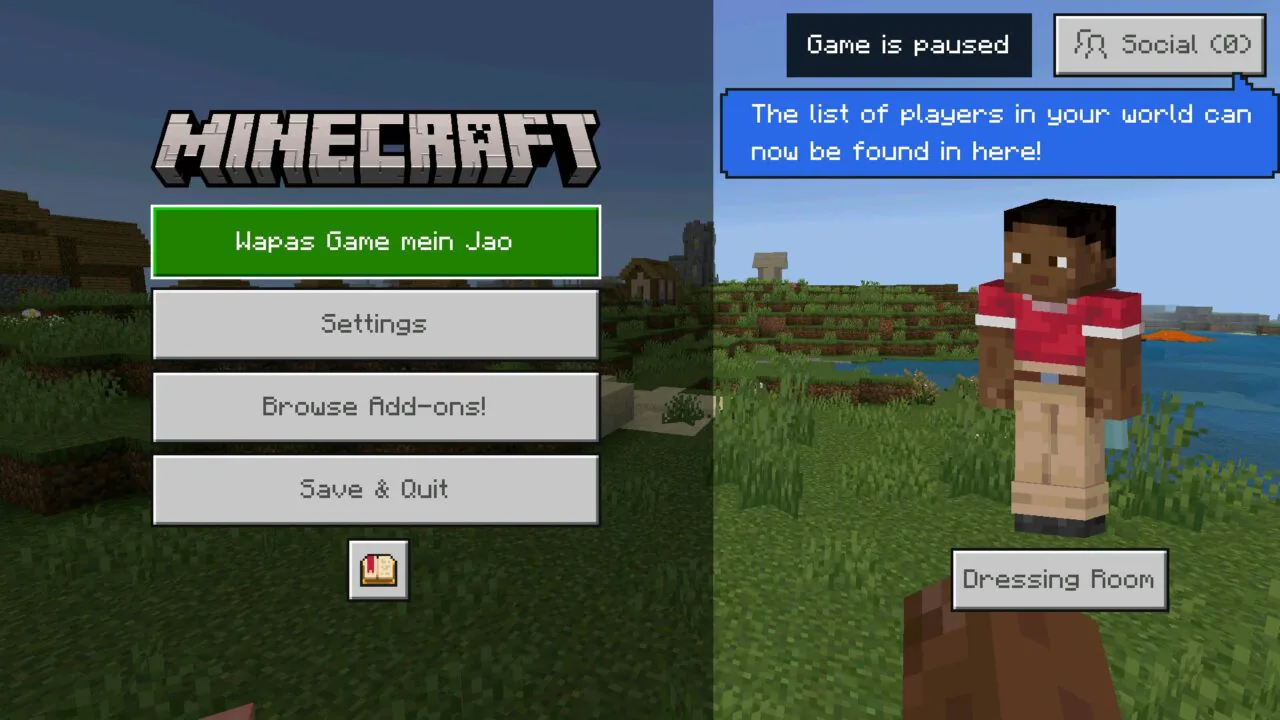
Download Hinglish Language Texture Pack for Minecraft PE: change the…
The most popular free texture packs for Minecraft PE are published in this catalog in the .mcpack format. Browse the collection by visual style, open the selected pack, check its compatibility and save the file to a phone or tablet.
The files bring visual improvements for blocks, items, weapons, armor, mobs, particles, water, the sky, inventory and other interface elements. These downloads change how the game looks without replacing its survival, building or crafting mechanics.
Ten collections are available for different graphics, devices and gameplay preferences:
A resource pack can replace individual visual elements or redesign most of the Minecraft world. Depending on the selected file, changes may apply to terrain, plants, tools, armor, creatures, menus, the hotbar, inventory icons, particles or animations.
Some downloads focus on appearance, while practical options make mobile gameplay easier to read. Screenshots on each publication show which elements are affected before the file is saved.
Resolution indicates how much detail an image contains. Packs with 8x or 16x graphics are generally more suitable for older and low-end Android devices.
Resolutions such as 32x and 64x provide additional detail while remaining practical for many modern phones and tablets. Options with 128x graphics or higher require more memory: if FPS drops, worlds load slowly or the game closes unexpectedly, select a lower resolution and deactivate other visual improvements.
Each item in the catalog opens a separate publication with screenshots, a description, supported builds, file size and a direct download. Check the compatibility information before saving the file, because older graphics may display recently added blocks or interface elements incorrectly.
Downloads on MCPE-Planet are distributed in the .mcpack format. Android sends this format straight to Minecraft Bedrock, so there is no need to extract archives or copy folders manually.
After downloading a .mcpack file, open it with Minecraft and wait for the import message. The new resource can then be activated through Global Resources or in the settings of a selected world.
Short answers to the questions players ask most often before saving a pack.
Select a collection or publication on this page, check the screenshots and compatibility information, and use the download section on the individual pack page to save the .mcpack file.
Yes, every resource pack published in this catalog can be saved without payment. Each publication contains its own file section and information about the available variants.
A texture pack primarily replaces graphics, while resource pack is the broader term used in Minecraft Bedrock, because the same package can also contain interface elements, animations, particles and sounds. Both names are commonly used for visual .mcpack downloads.
Check the supported build range displayed next to the download. If the installed game falls outside that range, some blocks, items or menus may remain unchanged or appear incorrectly.
Open the downloaded file with Minecraft, wait for the import to finish and activate the pack through Global Resources or the settings of a selected world. No archives or manual copying are required for this format.
Confirm that the import finished successfully and that the resource is activated. If it still does not appear, restart the game, move the pack above conflicting resources and verify its compatibility.
High-resolution graphics, animations and several simultaneously active resources can reduce performance. Lower resolutions usually require less memory and are more suitable for older mobile devices.
Standard visual resources do not normally disable achievements, because they do not change gameplay rules. A package containing additional gameplay components may work differently, so its individual description should be checked.
Many visual resources can be applied through Global Resources, but a server may use its own required pack and override some elements. Server rules may also restrict utility options that provide additional visibility.