Download Minecraft 26.20.26 / 1.26.20.26 APK for Android if you want a current Bedrock beta build that does more than preview upcoming ideas. This version is especially relevant for mobile players because it not only keeps the 1.26 beta line moving forward, but also improves how several systems behave during real play.
What this Minecraft 26.20.26 beta build means for Android
Minecraft PE 26.20.26 / 1.26.20.26 Download is a Beta build for Android players who want to test the active Bedrock branch before the stable rollout. In this version, Mojang focuses less on announcing completely new themes and more on making current experimental content feel more responsive, readable, and practical on touch devices.
This is a Beta build of Minecraft Bedrock Edition for Android testing. Features, balancing, and technical behavior may still change before the final release branch.
Main changes in Minecraft Bedrock 26.20.26
- Sulfur Cube knockback now reacts more clearly to hit angle, attacker position, and damage amount
- Smelting damaged armor now produces nuggets
- Placement sound for waterloggable blocks in water has been fixed
- Blocks can now only be placed above a flowerpot while crouching
- Ghost item behavior with Jukebox and Composter interactions while holding armor has been fixed
- Realms Admin log has been added to the new Realms Hub
- Realms Stories crash on high member count Realms has been fixed
- The Members tab in Realms Stories now loads correctly
- Xbox world data syncing now happens when a specific world is selected
- Several interface fixes improve short text display, emoji rendering, and touch settings visibility
| Version |
Minecraft 26.20.26 / 1.26.20.26 |
| Edition |
Minecraft Bedrock Edition Beta |
| Platform |
Android APK |
| Main focus |
Sulfur Cube tuning, gameplay fixes, Realms updates, UI and stability improvements |
| Best use case |
Testing current Bedrock beta features on phone before stable release |
Sulfur Cube feels more interactive in this build
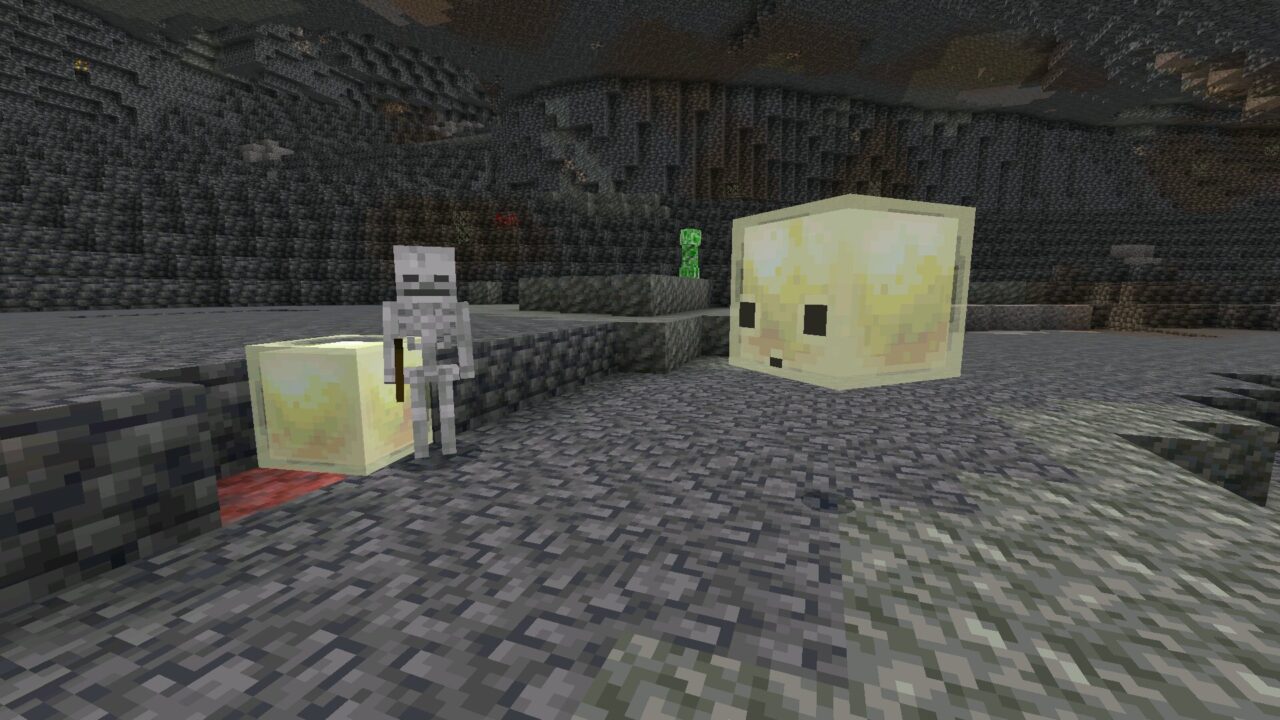
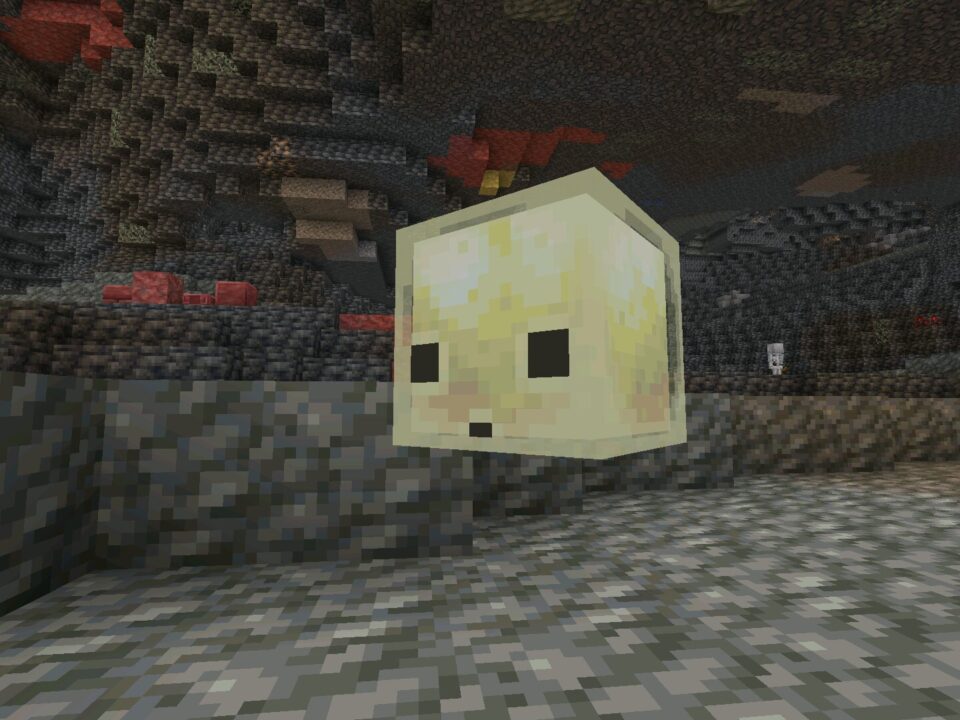
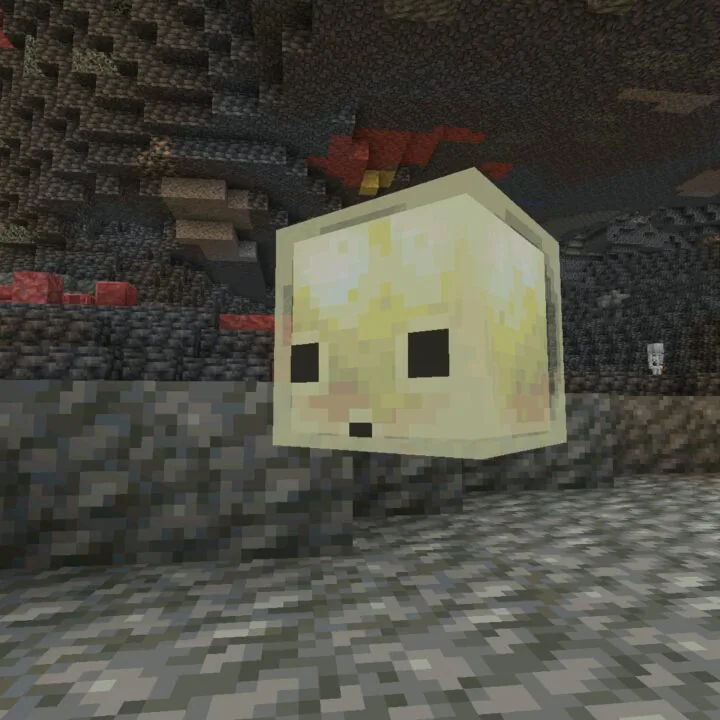
The biggest gameplay-facing change in MCPE 26.20.26 / 1.26.20.26 is how the Sulfur Cube responds when hit. It now reacts to the direction of the attack, the position of the player, and the damage dealt. In simple terms, the mob behaves less like a static curiosity and more like a mechanic that players can read and experiment with. Hits from different angles create different movement results, so encounters feel clearer and more physical.
Existing sulfur content is now supported by better behavior
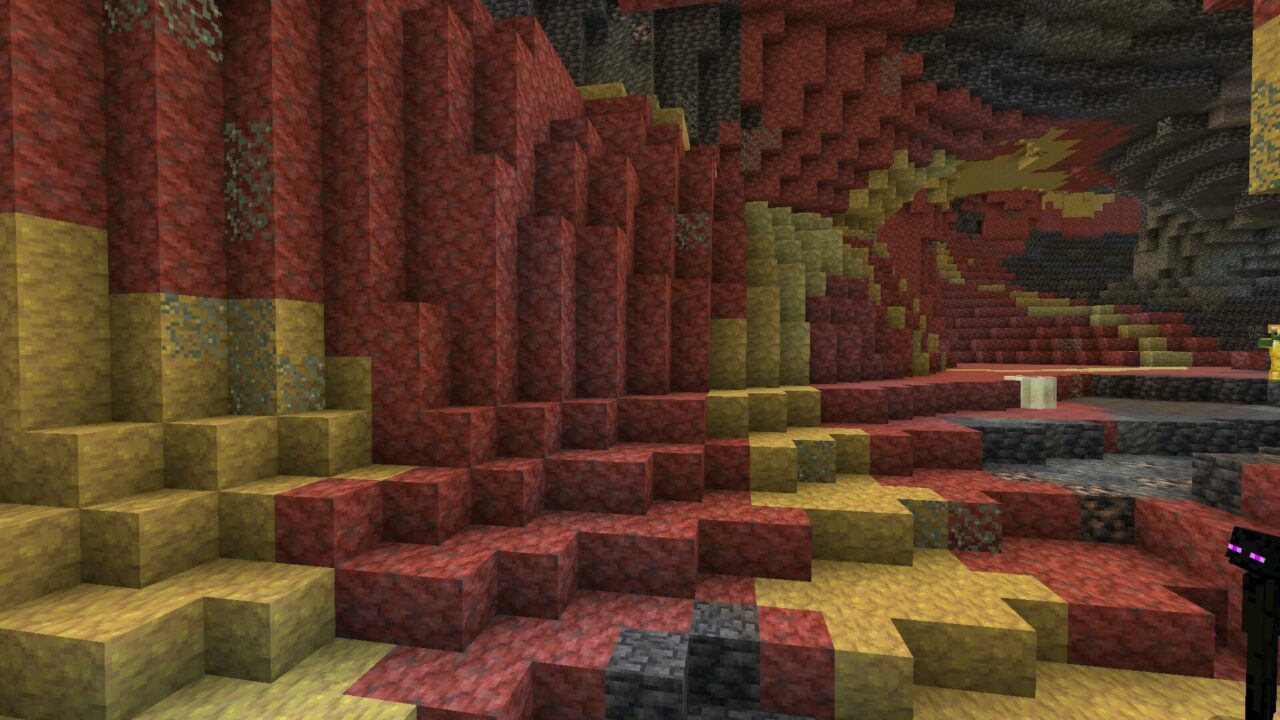
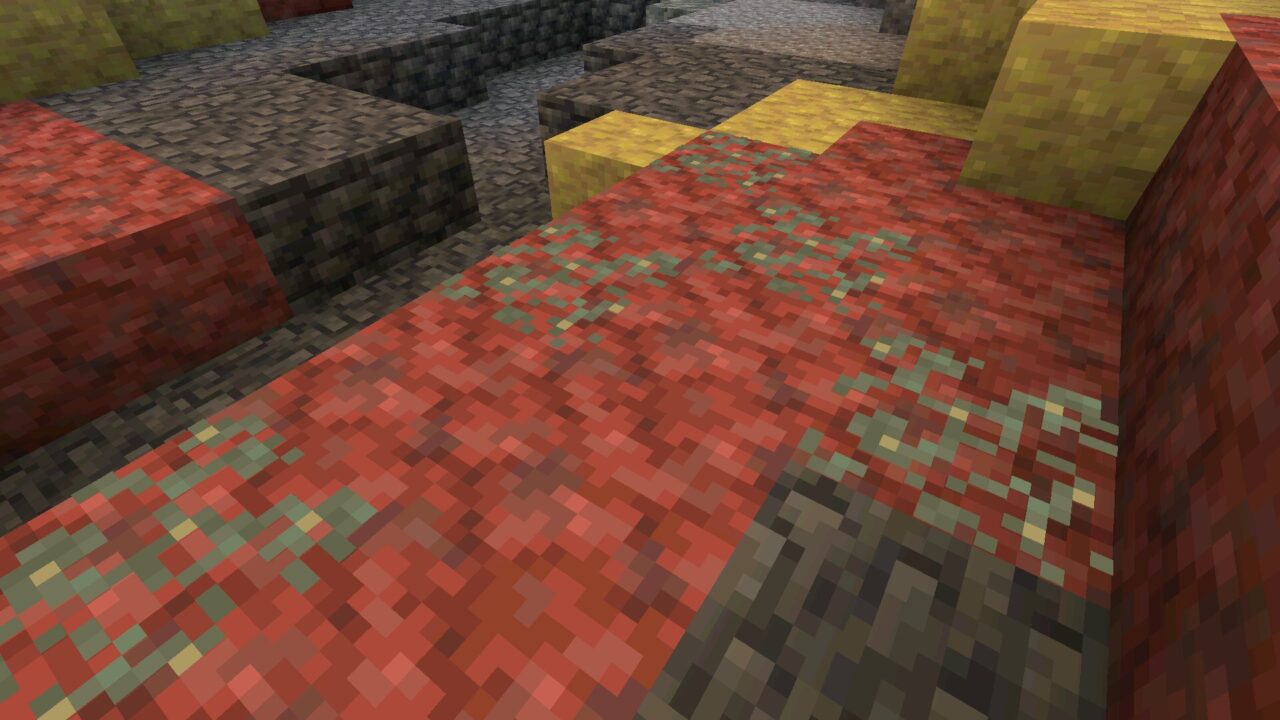
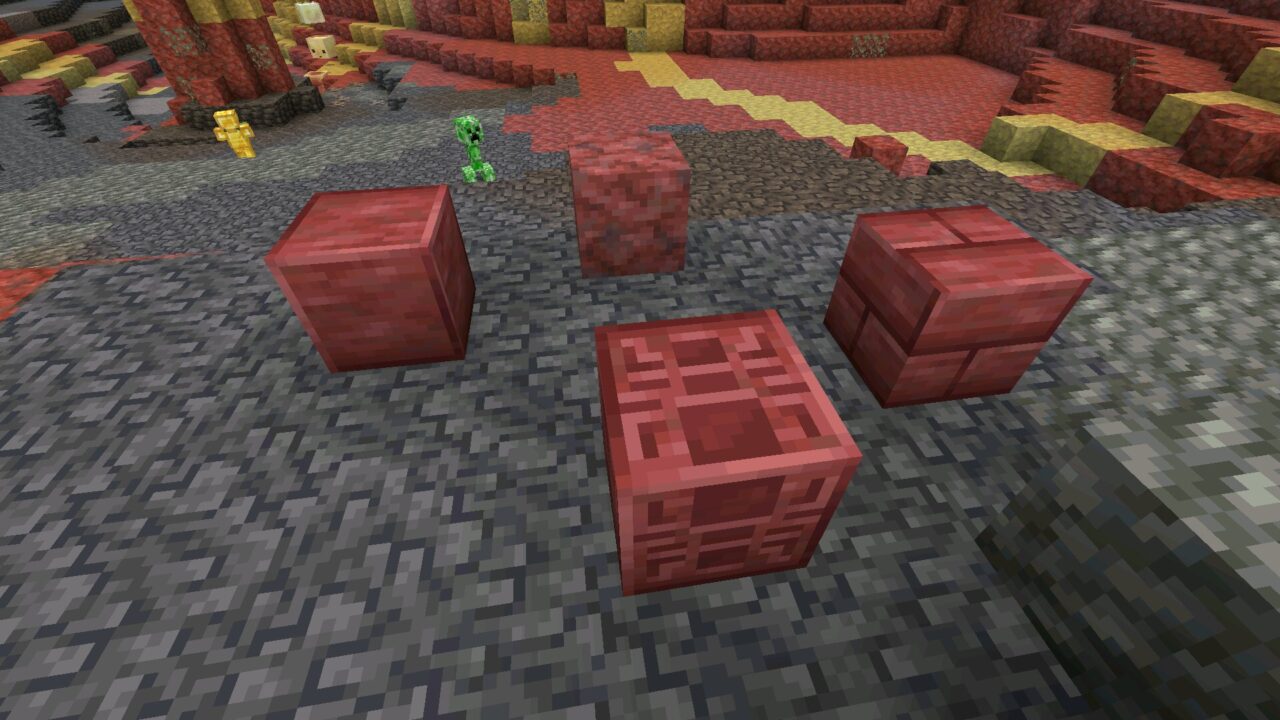
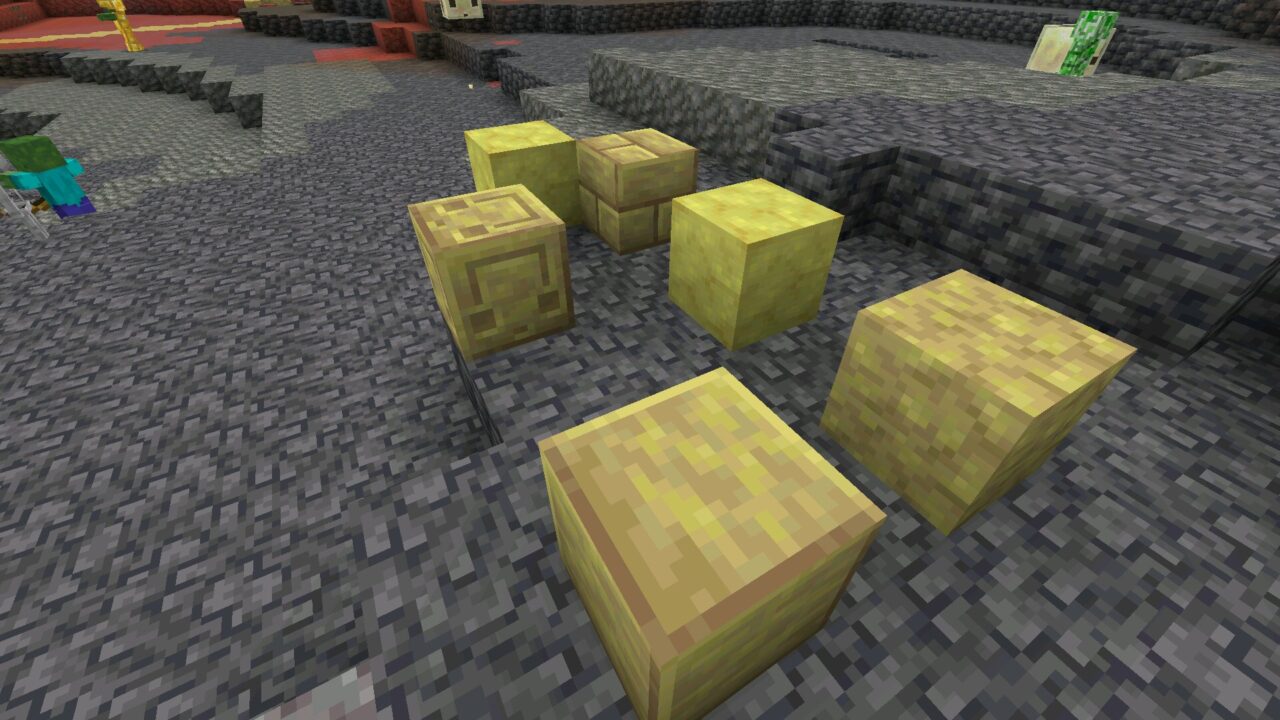
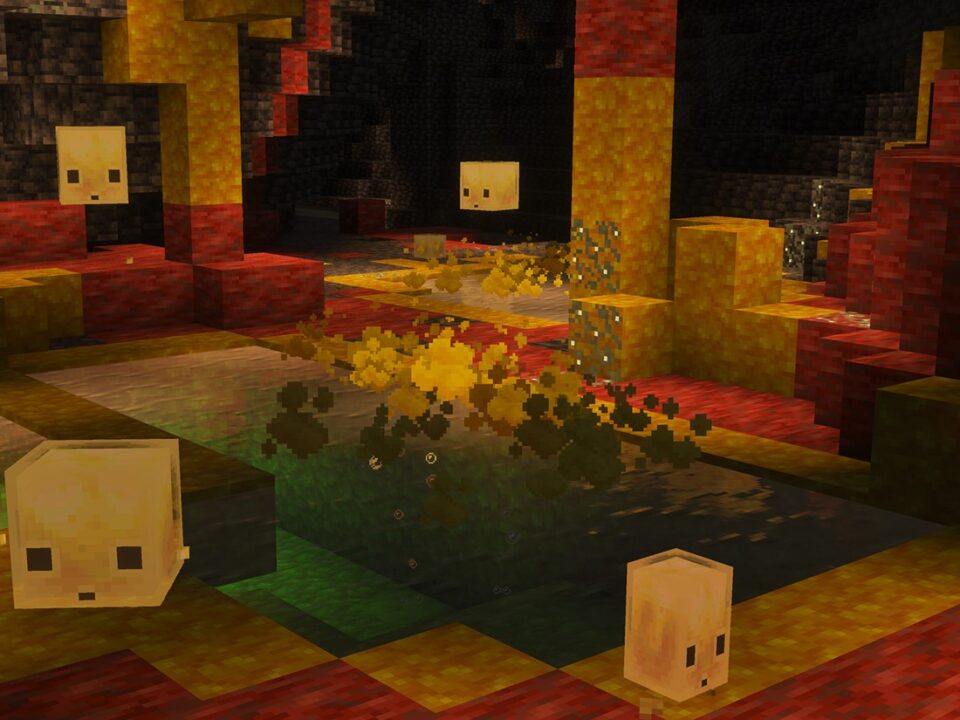
Sulfur Caves, Sulfur Springs, Potent Sulfur, and the sulfur-themed block sets still define the visual identity of this beta cycle, but 26.20.26 is more about refining how that content plays than introducing all of it for the first time. That matters on Android, because beta features only become worth installing when they move beyond concept value and start feeling consistent during actual exploration.
For players using experimental worlds, this means the build has a stronger practical side. The sulfur theme is no longer just interesting to look at. It is becoming easier to test, compare, and understand in ordinary survival or creative sessions.
Gameplay fixes beyond the headline features
This beta also includes several changes that improve ordinary play even outside sulfur content. Damaged armor now gives nuggets when smelted, which makes the result more logical and useful. Block placement above flowerpots now requires crouching, which reduces accidental interaction. Another fix removes a ghost item issue that could appear when using a Jukebox or Composter while holding armor.
Even the sound layer received attention. Waterloggable blocks placed in water now play their placement sound correctly, which is a small detail, but it helps the game feel less broken during normal building on mobile.
Realms and interface improvements
Minecraft Bedrock 26.20.26 / 1.26.20.26 also pushes the beta line forward in online and interface quality. Realms Admin log has been added to the new Realms Hub, which gives players and realm owners better visibility into what is happening. The build also fixes a crash in Realms Stories on high member count Realms and resolves the issue where the Members tab failed to load correctly.
On the interface side, Mojang fixed missing short-lived strings, corrected emoji rendering in small HUD tooltips, and adjusted the visibility of the Delayed Breaking Blocks setting for specific touch control modes. These are not flashy changes, but for a phone player they matter because they reduce friction in menus and touch settings.
Stability and performance on mobile
This version is still a beta, so it should not be treated as a fully stable long-term build for every main survival world. Even so, it carries more polish than a rough preview snapshot. Syncing of Xbox world data now happens when a specific world is selected, and the wider package of gameplay, UI, Realms, and interaction fixes makes the build easier to test seriously on Android.
That balance is important. A useful beta is not just one that shows new content early. It is one that gives players a readable idea of how the next update is shaping up without overwhelming them with broken edge cases.
Compatibility with Android devices
This APK is best suited for phones and tablets that already run recent Minecraft Bedrock builds without memory or storage pressure. Newer mid-range and flagship Android devices are the safer choice for beta testing. On weaker hardware, preview builds may take longer to load, heat the device more, or behave less predictably than the stable branch.
Should you install this version
If you mainly want a clean stable experience for a long-term survival world, it still makes sense to compare other minecraft 26 versions first. But if you want to test how the sulfur-themed beta branch is being refined, check the updated Sulfur Cube behavior, and see a more polished preview of the 1.26 line on Android, this build offers more than simple background bug fixing.
This version is a strong choice for Android players who want current Bedrock beta content with more readable mob behavior, better Realms support, and a cleaner overall testing experience.
Safety and legality
Before installing any Minecraft 26.20.26 / 1.26.20.26 apk, make sure the page clearly marks the build as Beta, shows the exact version, and separates preview content from stable releases. That is especially important for Android users, because misleading APK pages often mix old changelogs, wrong version labels, or modified packages into one download flow.
It is also smart to back up worlds before testing, avoid altered files with unclear contents, and remember that installation responsibility, device compatibility, and local licensing rules remain with the user.
Official source
Minecraft Beta & Preview 26.20.26: https://feedback.minecraft.net/hc/en-us/articles/44927450403725-Minecraft-Beta-Preview-26-20-26
0 Comments