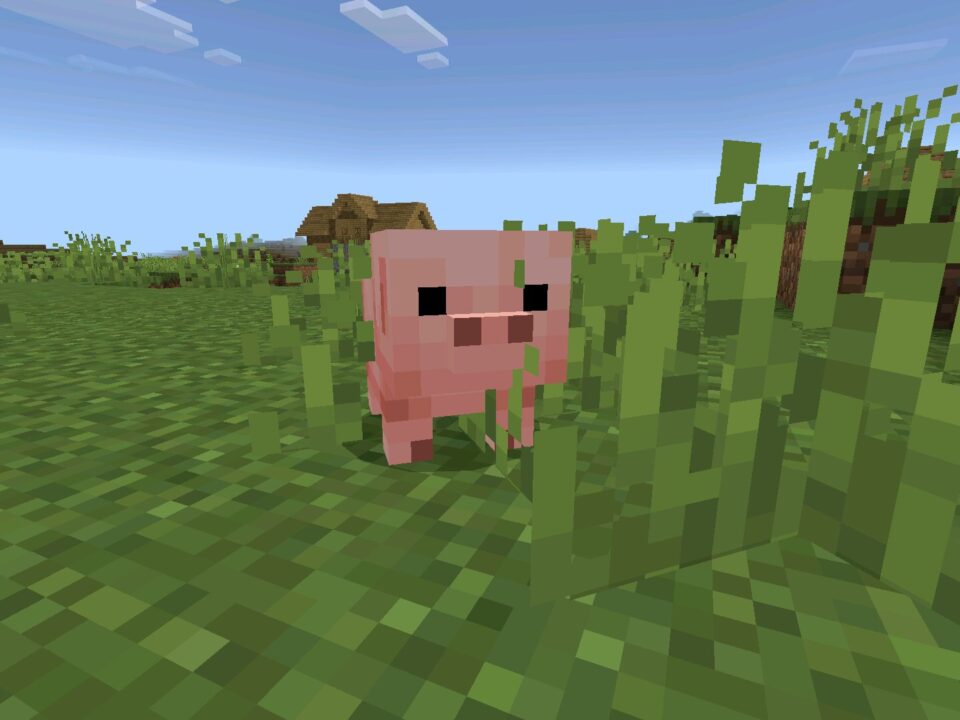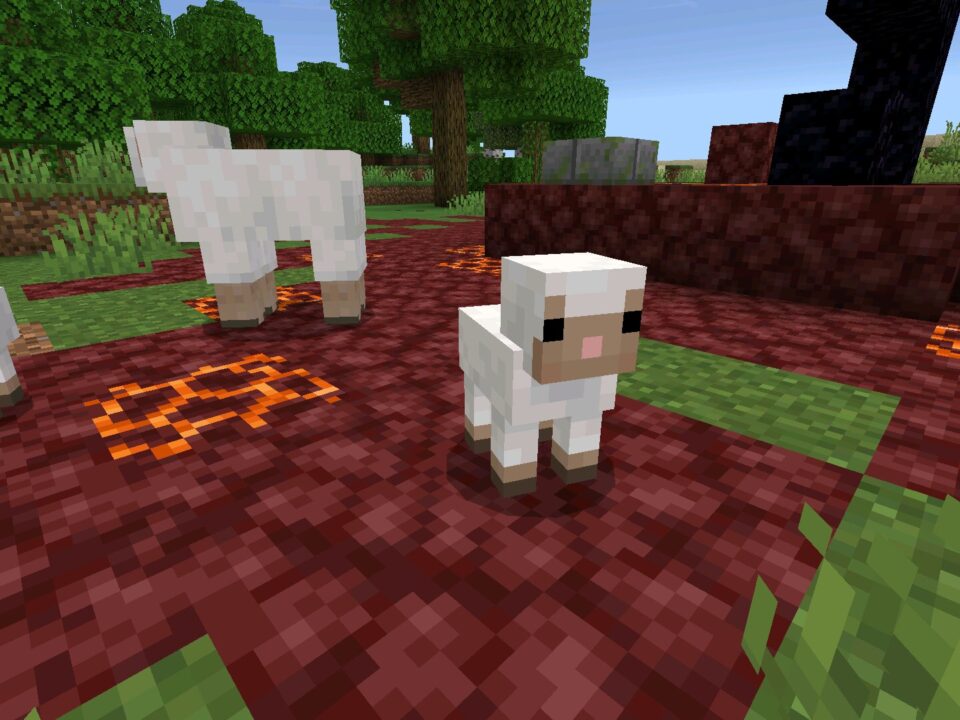
Download Minecraft 26.10.23 / 1.26.10.23 APK to test the newest Beta build on Android with refreshed baby mob visuals and practical mobile focused fixes. If you play Minecraft Bedrock on a phone, this update matters because it improves clarity, UI reliability, and lighting behavior without changing how the game fundamentally feels.
What this version is and why it matters on Android
Minecraft Bedrock Edition 26.10.23 / 1.26.10.23 is a Beta build for MCPE players who want to test upcoming changes early. On mobile, small issues like unreadable icons, odd lighting, or glitchy menus are more noticeable, so updates like this can feel bigger than the changelog looks.
Quick version summary
| Version |
26.10.23 / 1.26.10.23 |
| Edition |
Minecraft Bedrock Edition (MCPE) |
| Build type |
Beta version (testing build) |
| File format |
APK for Android |
| Best for |
Players who want early fixes and can tolerate minor test bugs |
Main changes in 26.10.23
- Baby mobs received model and texture updates for better readability.
- Golden Dandelion gained new crafting uses and new mob interactions.
- A new Describe key binding helps identify blocks and mobs using text and TTS.
- Vibrant Visuals lighting received fixes and broader entity support.
- Multiple UI and Realms issues were corrected for cleaner navigation.
Gameplay content you will actually notice
Baby mobs look updated and more consistent
Several baby mob models and textures were updated, including piglin, villager, zombie villager, zombified piglin, zombie, husk, and drowned. Mobile players benefit because silhouettes and details are easier to read during fast movement. Armor for humanoid babies now uses a dedicated model, and baby mobs no longer shrink the items they hold, so visuals look less “off” in third person and in screenshots.
Golden Dandelion changes
Golden Dandelion can no longer be Bone Mealed, but it now has more practical uses. You can craft suspicious stew with it, turn it into yellow dye, and it can be picked up by Endermen and other mobs that pick up items. It can also distract Piglins, which is a small but real survival interaction that works well in quick mobile sessions.
Note Block trumpet for copper blocks
A trumpet instrument was added for Note Blocks when paired with Block of Copper, Cut Copper, and Chiseled Copper. This is a neat creative touch if you build on Bedrock, and it is easy to test even on a phone.
Stability and performance on mobile
This Beta includes fixes that reduce annoying edge cases in everyday play. Examples include villagers sometimes appearing to lie on the ground instead of in bed while sleeping, UI icons not showing at the lowest GUI scale, and improvements to lighting behavior in Vibrant Visuals when holding certain light emitting blocks.
Beta builds can behave differently across devices. If you keep long term survival worlds, consider backing them up before installing a new MCPE testing build.
Compatibility checks for your Android phone
If you install APK builds on Android, keep it simple: confirm your OS version is supported by your current Bedrock branch, make sure you have enough free storage for the download plus game data, and avoid mixing files from older Beta builds. If you notice crashes right after launch, it is often a mismatch between the build and your device environment, not your world.
For related downloads in the same 1.26 line, you can browse the category here: Minecraft PE 1.26 downloads.
Decision guide: should you download this build
Choose this version if you want the newest Beta fixes, updated baby mob visuals, and the Describe accessibility feature on Android. If you need maximum stability for daily play, you may prefer a stable release branch instead of a testing build.
If your goal is to Download Minecraft 26.10.23 / 1.26.10.23 APK for Android testing, this build is a solid pick because it targets visuals, UI behavior, and rendering issues that affect mobile play the most.
Safety and legality notes before installing
Only install files you can verify. Check that the APK name, version label, and source match what you expect, and scan downloads with a reputable mobile security app. Avoid “repacked” builds that add unknown permissions or extra installers. You are responsible for what you install on your phone, and for keeping your account and worlds safe.
Best practice on Android: keep one clean install path, remove old leftover Beta files, and test the new build first on a copy of your world.
Source: https://feedback.minecraft.net/hc/en-us/articles/43440116088589-Minecraft-Beta-Preview-26-10-23
0 Comments