Download Minecraft 26.20.26 / 1.26.20.26 APK for Android if you…
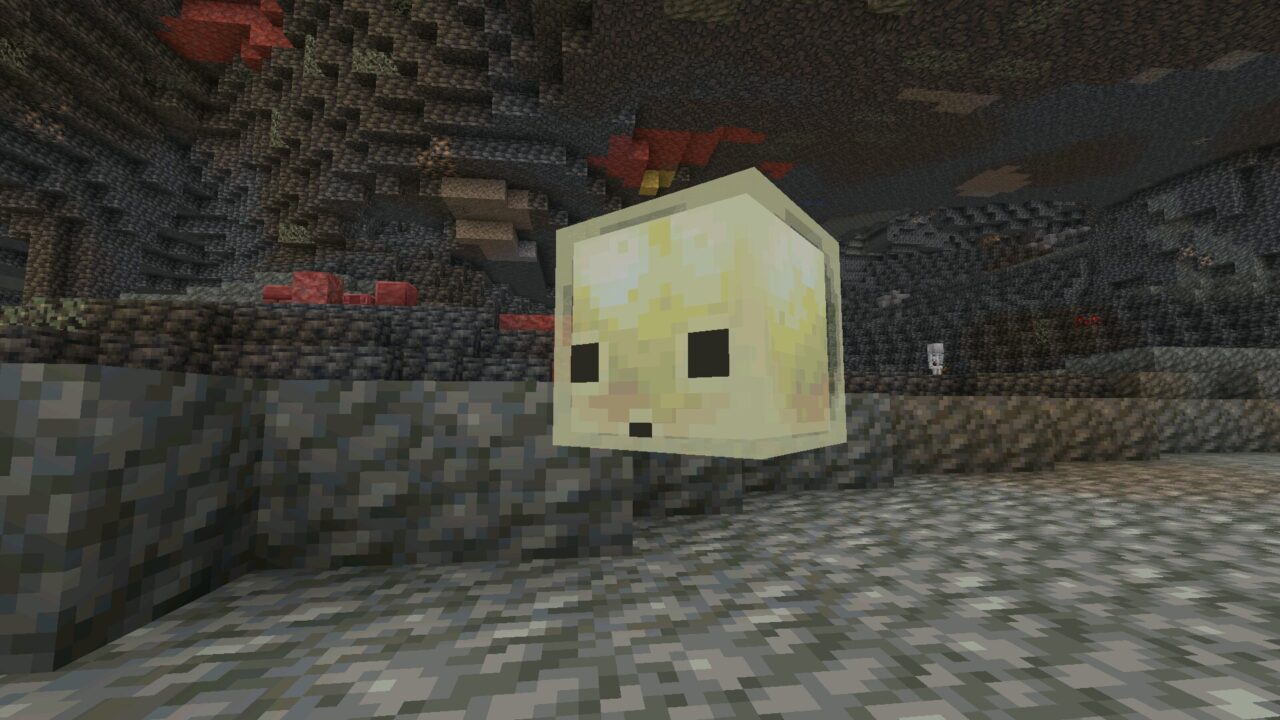
Chaos Cubed
26.20.26
Beta
Download Minecraft 1.26 APK for Android and get Bedrock Edition builds from the 26.x series for your mobile device. This page collects release, beta, and preview versions so you can quickly choose the build you need and install it on Android.
Use the download section below to install Minecraft 1.26 APK or select a specific build depending on your needs. Release versions are recommended for normal gameplay, while beta and preview builds allow you to test new features earlier.
Download Minecraft 26.20.26 / 1.26.20.26 APK for Android if you…
Download Minecraft 26.13 / 1.26.13 APK for Android Release build…
Download Minecraft 26.12 APK for Android to install the latest…
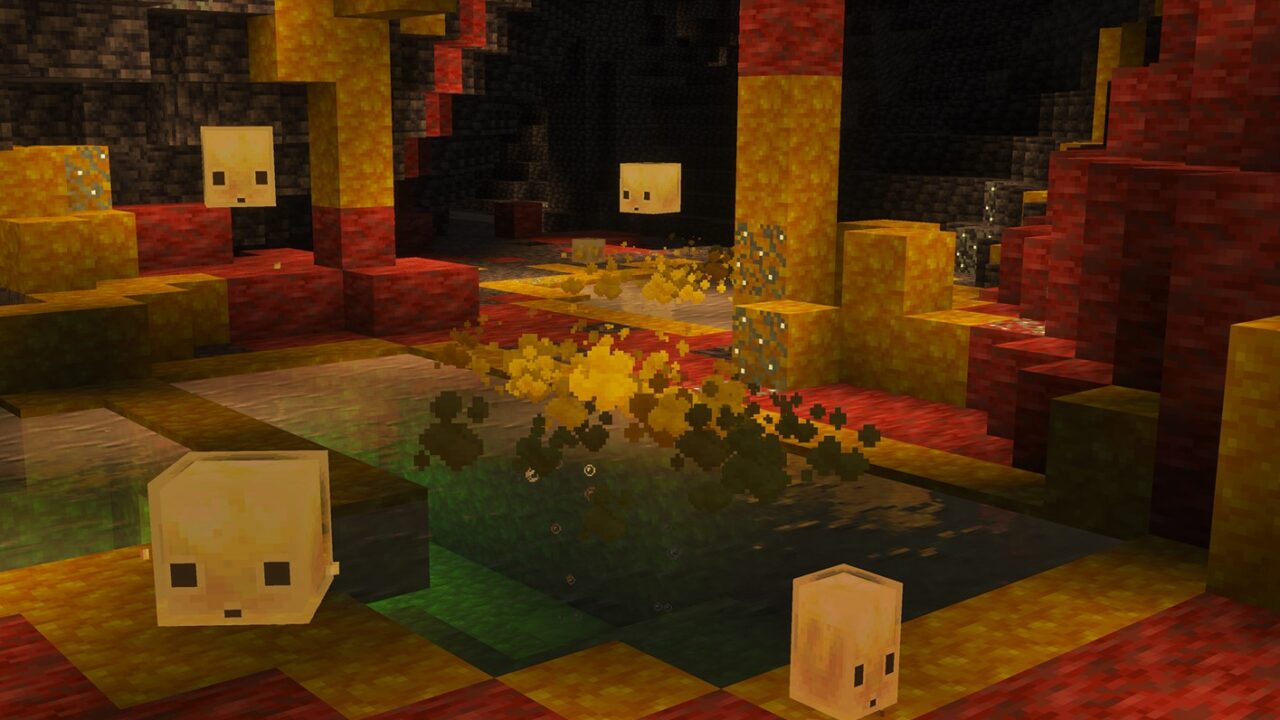
Download Minecraft 26.20.24 / 1.26.20.24 APK for Android if you…
Download Minecraft 26.20.22 APK for Android to review the latest…
Download Minecraft 26.10 / 1.26.10 APK and install the latest…
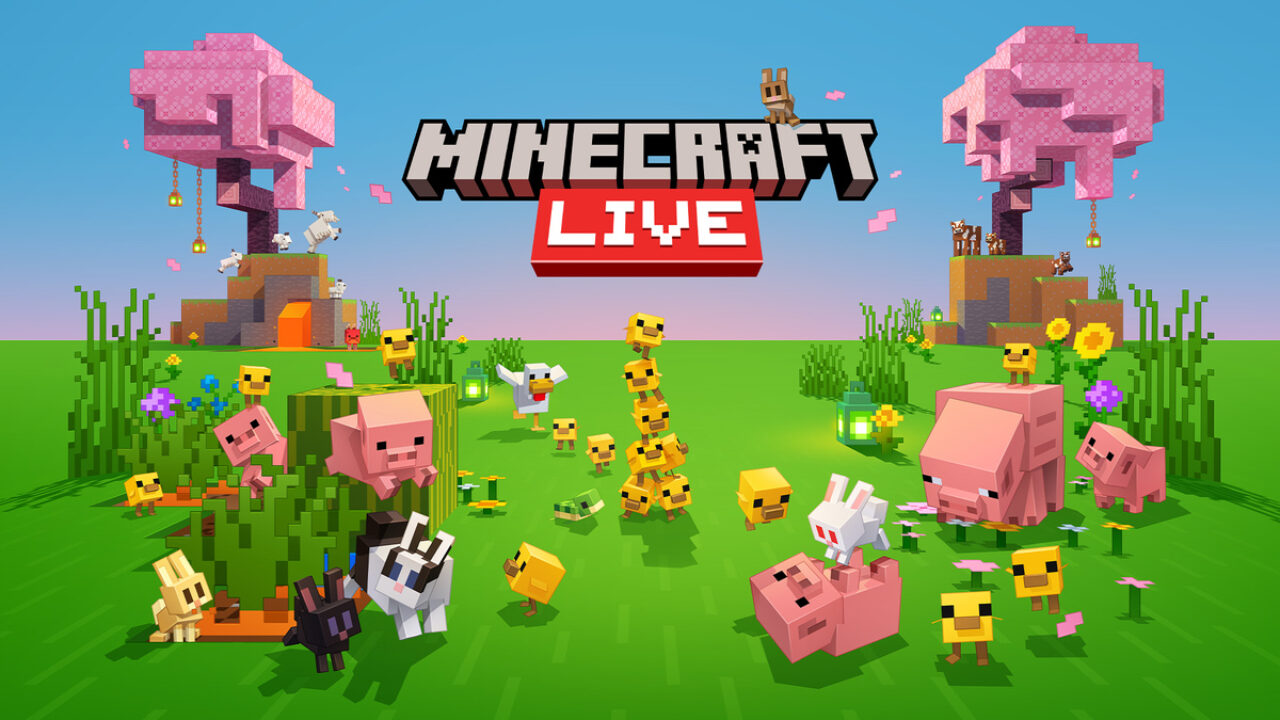
Minecraft Live 2026: the global annual presentation for Minecraft players…
Download Minecraft 26.20.21 APK for Android to check what changed…
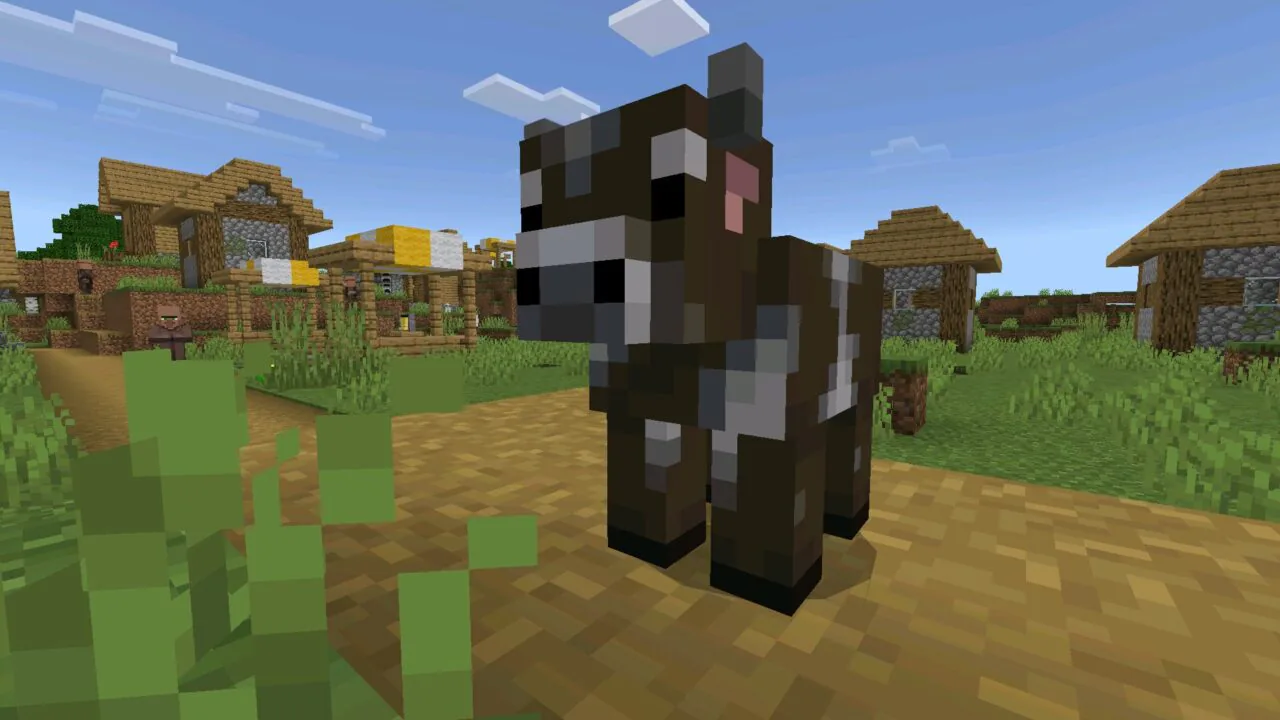
Download Minecraft 26.20.20 / 1.26.20.20 apk for Android to test…
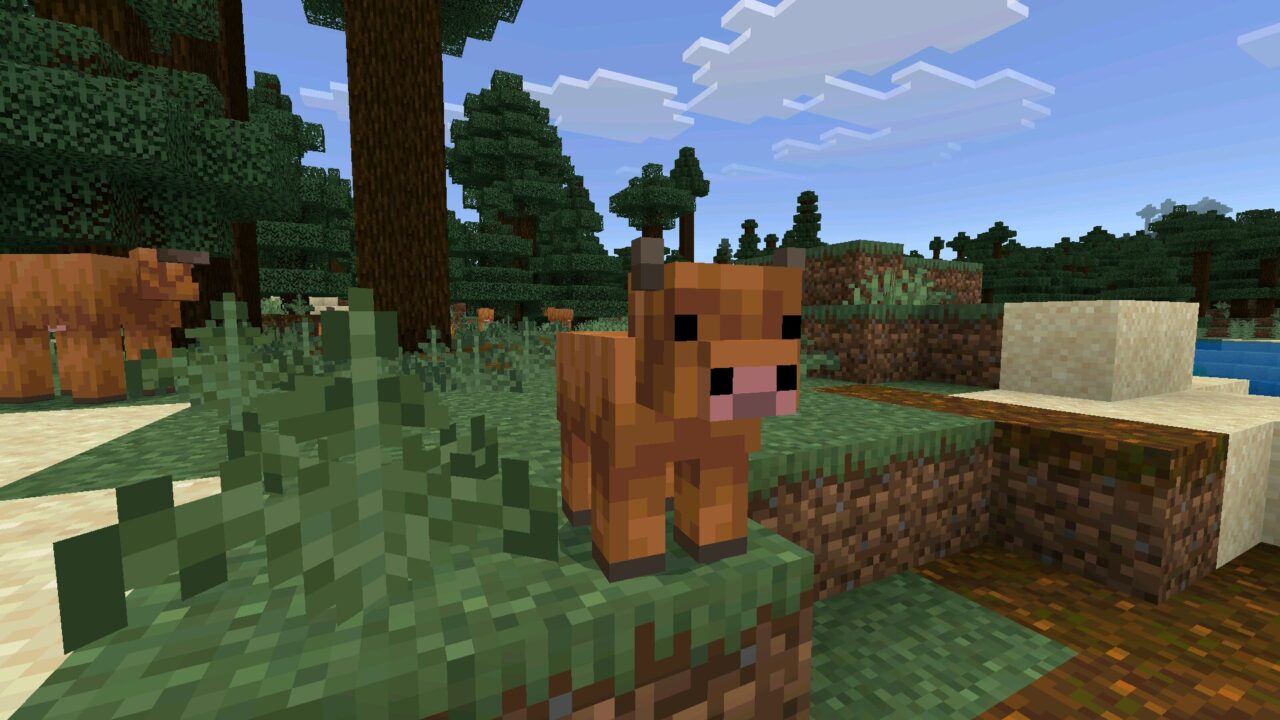
Download Minecraft 26.10.27 / 1.26.10.27 APK for Android to test…
Download Minecraft 26.10.26 / 1.26.10.26 APK and explore the newest…
Download Minecraft 26.3 / 1.26.3.1 APK and install a hotfix…
Minecraft 1.26 is an active Bedrock Edition branch for Android devices. This version line includes stable releases for everyday gameplay as well as beta and preview builds for players who want to test upcoming content earlier on mobile.
This page works as a central hub where you can download Minecraft 1.26 APK for Android, compare stable builds, and open newer testing versions when they become available. If you need the safest option for normal gameplay, choose the latest release version. If you want early access to future changes, use the newest beta or preview build. You can also download minecraft apk for android from the main downloads page and browse other Bedrock versions there.
The table below lists stable release builds from the Minecraft 1.26 branch. Beta and preview posts can be used if you want to test newer Bedrock changes before they reach the final Android release.
| Version | Type | Download |
|---|---|---|
| Minecraft 1.26.12 | Release | Download Minecraft 1.26.12 APK |
| Minecraft 1.26.10 | Release | Download Minecraft 1.26.10 APK |
| Minecraft 1.26.3 | Release | Download Minecraft 1.26.3 APK |
| Minecraft 1.26.2 | Release | Download Minecraft 1.26.2 APK |
| Minecraft 1.26.1 | Release | Download Minecraft 1.26.1 APK |
| Minecraft 1.26.0 | Release | Download Minecraft 1.26.0 APK |
Minecraft 1.26 is also the version branch to watch if you want early access to new Bedrock content on Android. Upcoming updates for this cycle include Tiny Takeover and Chaos Cubed, which expand the game with fresh mobs, blocks, and underground exploration features.
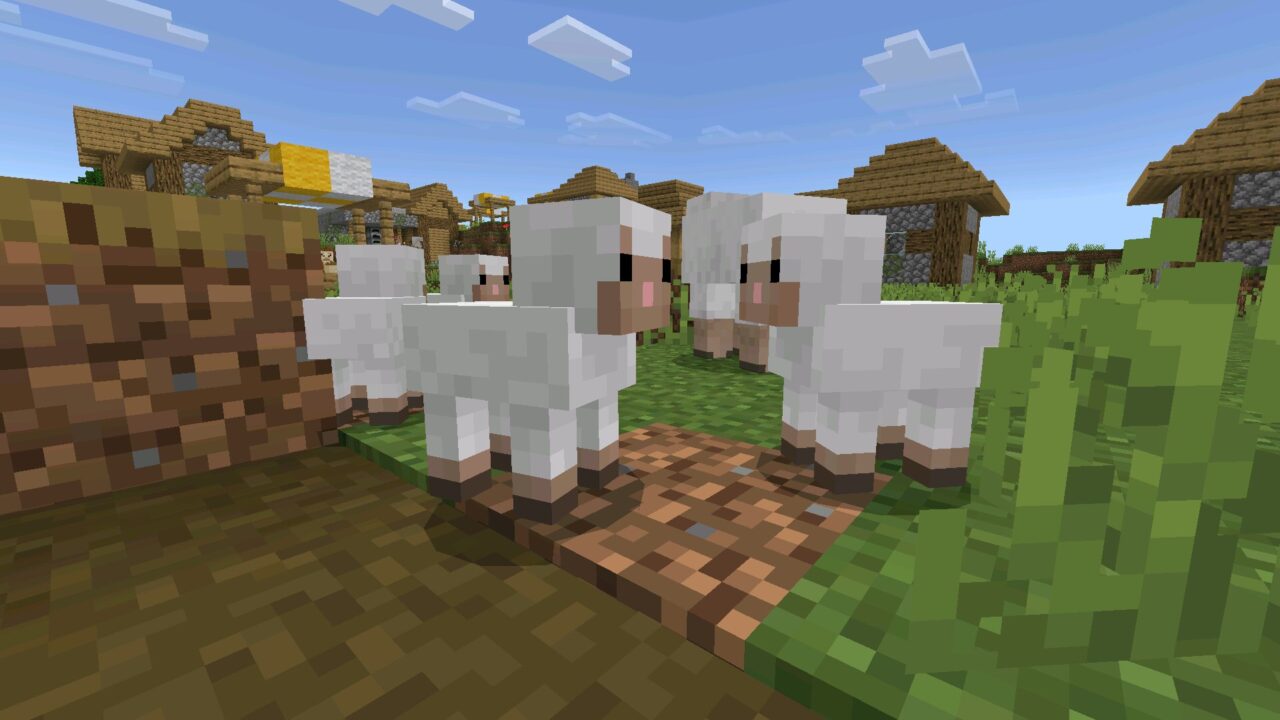
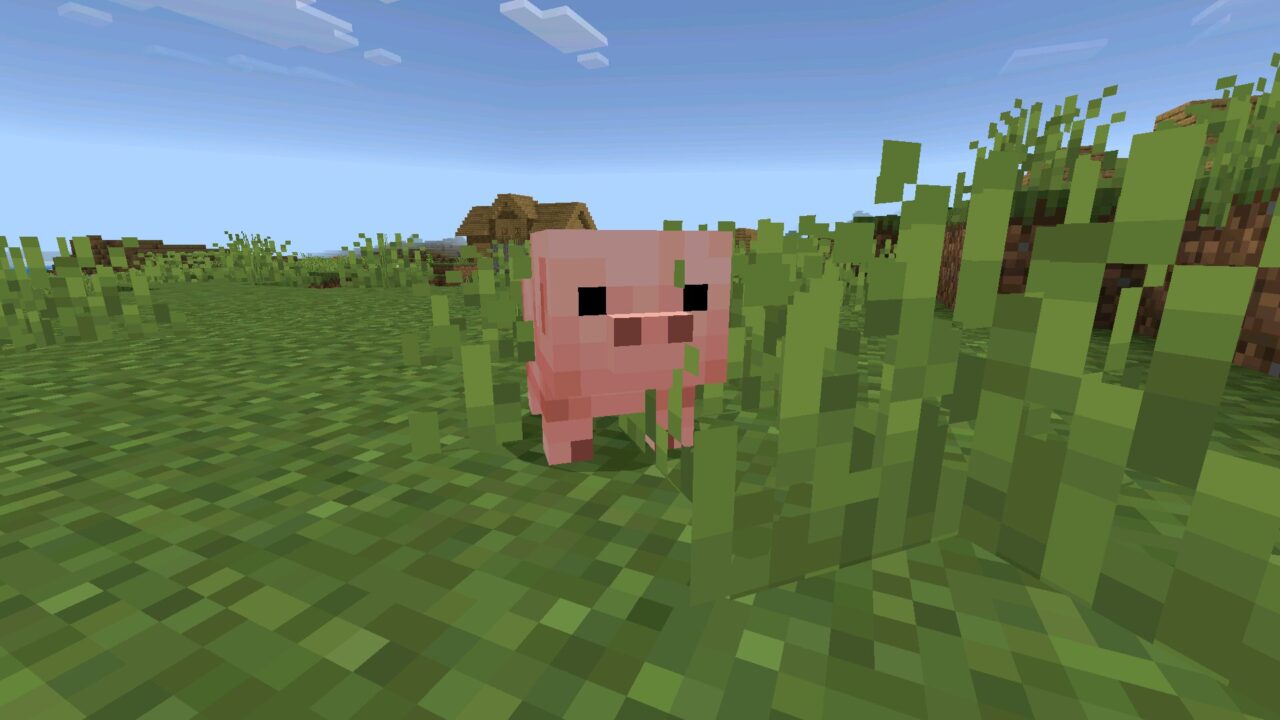
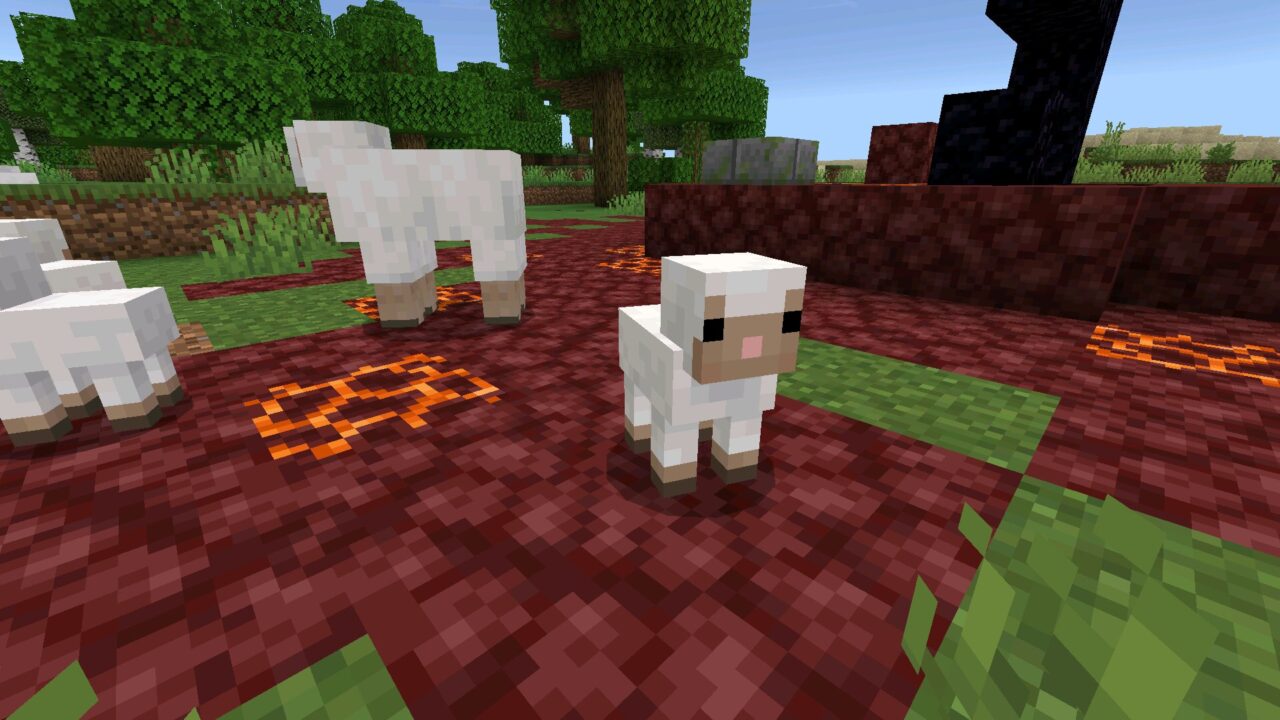
Tiny Takeover brings redesigned baby mob variants and craftable name tags. Chaos Cubed adds sulfur caves, new sulfur block sets with polished and brick variants, and the sulfur cube mob. Sulfur can react with water and create steam that causes nausea, while the sulfur cube can absorb fallen blocks and change its behavior depending on what it consumes. For players who want these features as early as possible, beta and preview builds are the most important Minecraft 1.26 versions to watch.
Choose the build based on stability, multiplayer needs, and whether you want early access to upcoming gameplay features.
If stable performance matters most, use the latest release APK. If you want to test features like Tiny Takeover content or future sulfur caves updates earlier, use the newest beta or preview version from the Minecraft 1.26 line.
Installing the APK manually is useful when you want a specific Minecraft 1.26 build on your phone or tablet, including an older stable release or a newer testing version.
After installation, you can disable this permission again for better device security.
Minecraft 1.26 is designed for modern Android devices, but smooth gameplay still depends on your hardware and available storage.
This page is made for fast mobile navigation, so you can quickly open a version page, read the changelog, and download the APK that fits your needs.
These are the main questions players usually have before downloading a Minecraft 1.26 APK build on Android.
Yes. Players often shorten Minecraft 1.26 to Minecraft 26, and both names refer to the same Bedrock version line.
The latest release version is the best choice for stable gameplay, smoother multiplayer, and fewer bugs. Beta and preview builds are better for testing future features earlier.
If you want to follow future content like Tiny Takeover, sulfur caves, or the sulfur cube as early as possible, beta and preview builds are the best option. Stable release builds are better for everyday play.
Yes, if you download files from trusted sources. It is also a good idea to disable manual install permission after setup for better security.
Yes, this page can be updated with new release, beta, and preview builds from the Minecraft 1.26 series.