Cozy Toon Shader for Minecraft Bedrock

Cozy Toon Shader for Minecraft Bedrock

Download Cozy Toon Shader for Minecraft Bedrock to enjoy warm lighting, soft cel shading, and a charming cartoon-inspired world.
19 October 2026
  1. 5
  2. 4
  3. 3
  4. 2
  5. 1
(1 vote, Rating: 5 out of 5)
Download Download New Shaders

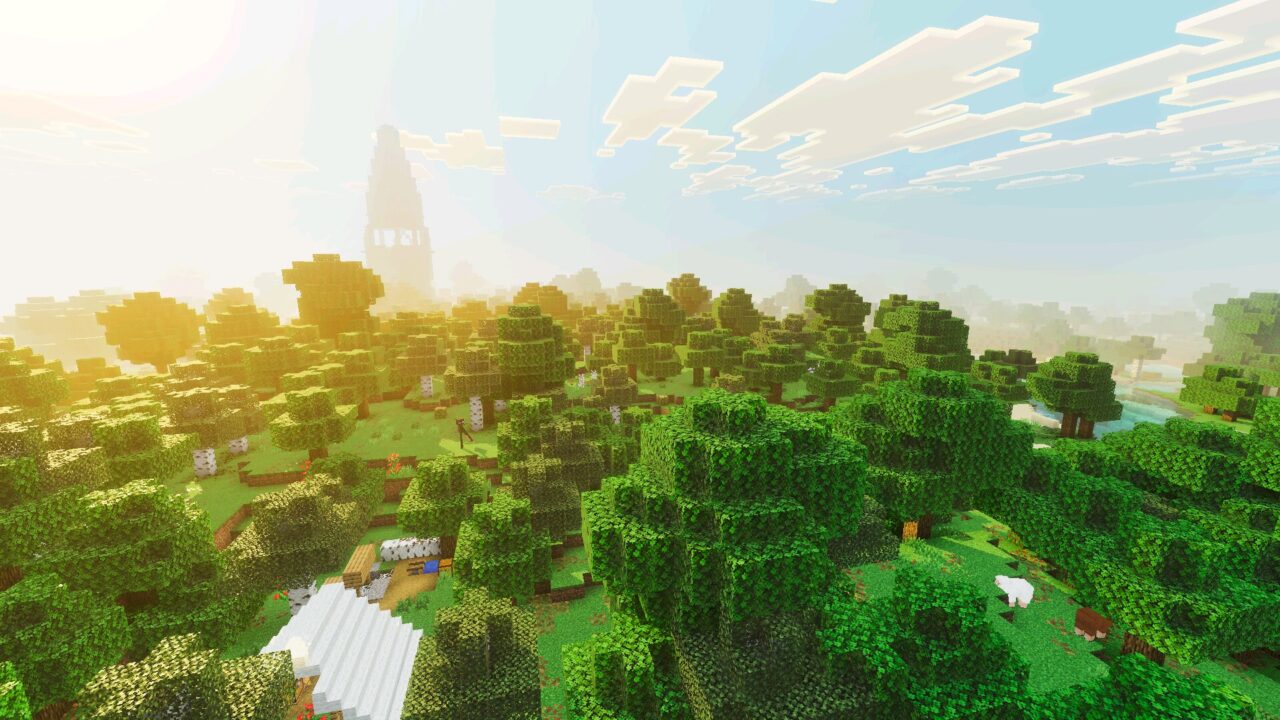
Download Cozy Toon Shader for Minecraft PE: transform your mobile world with warm lighting, soft cel shading, clean cartoon-inspired visuals, and a cozy atmosphere that makes familiar landscapes look like an animated adventure.

Cozy Toon Shader for Minecraft PE

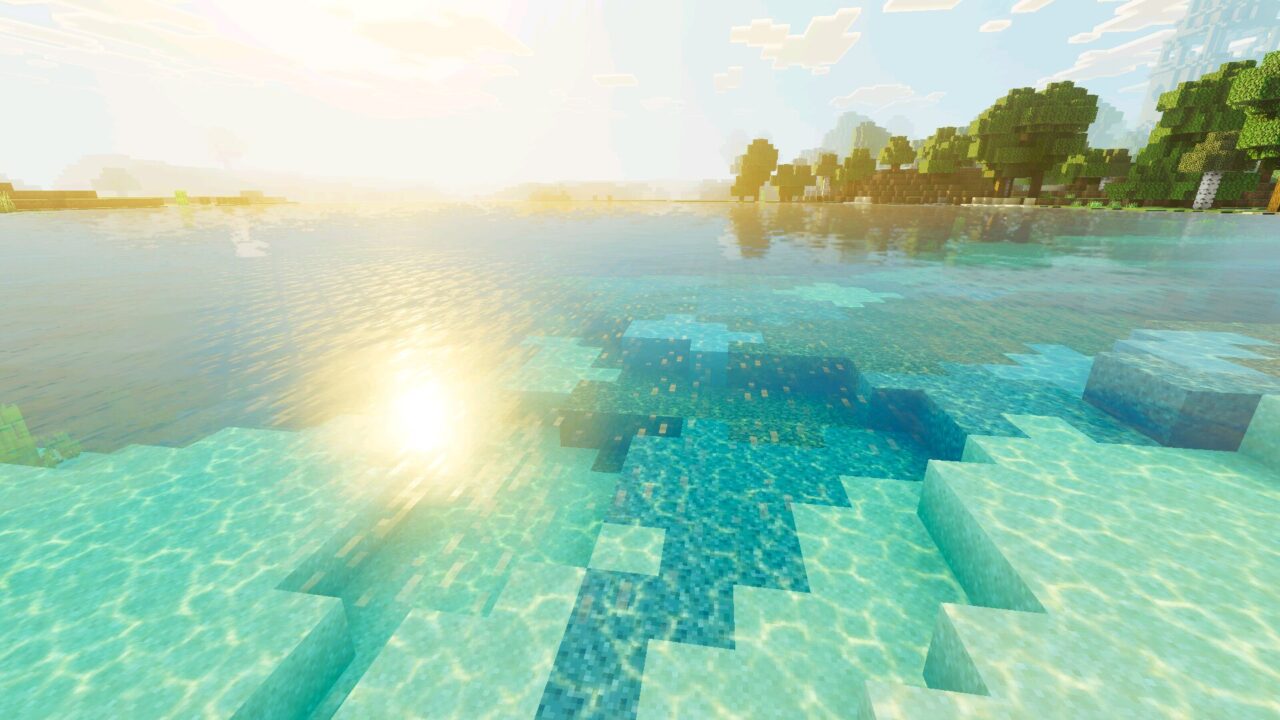
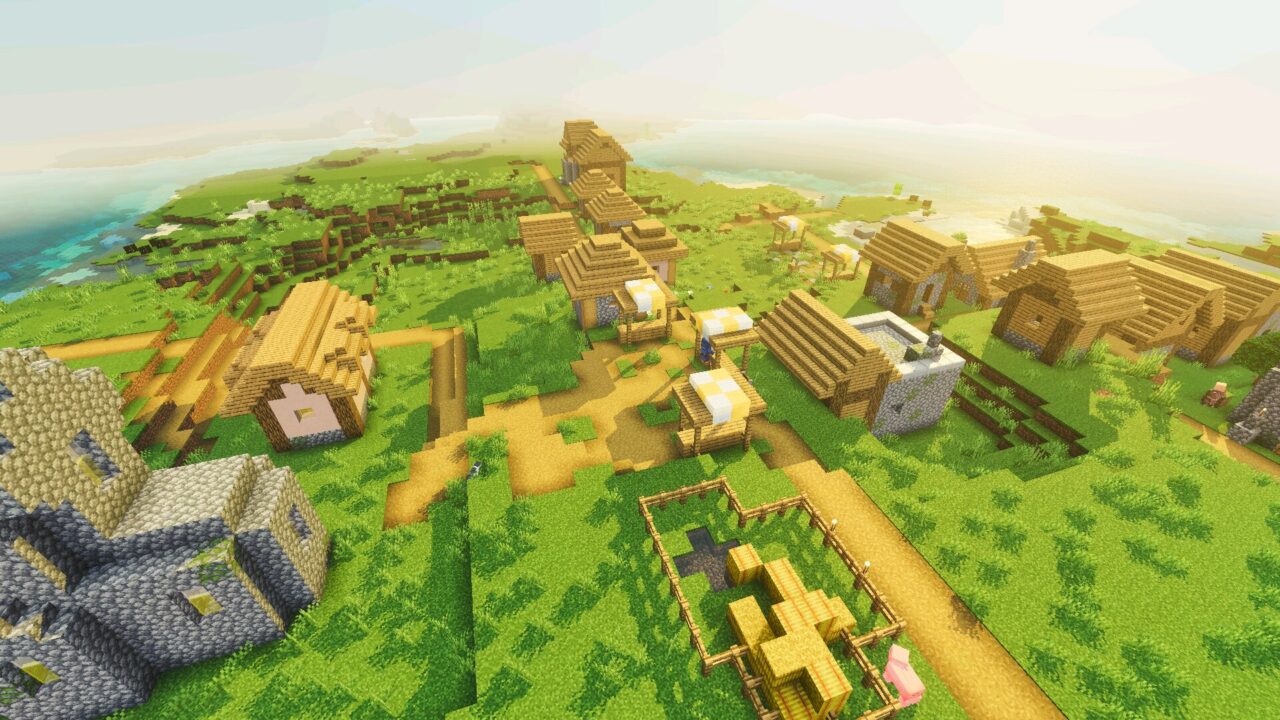
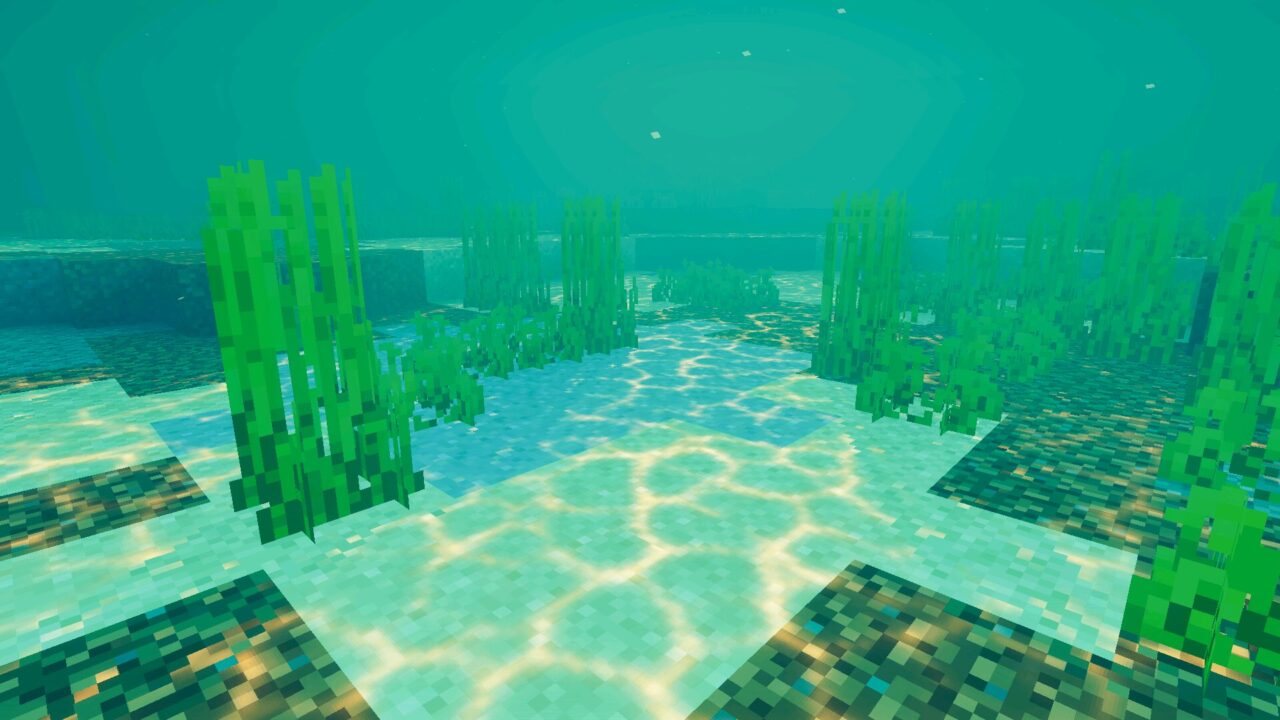
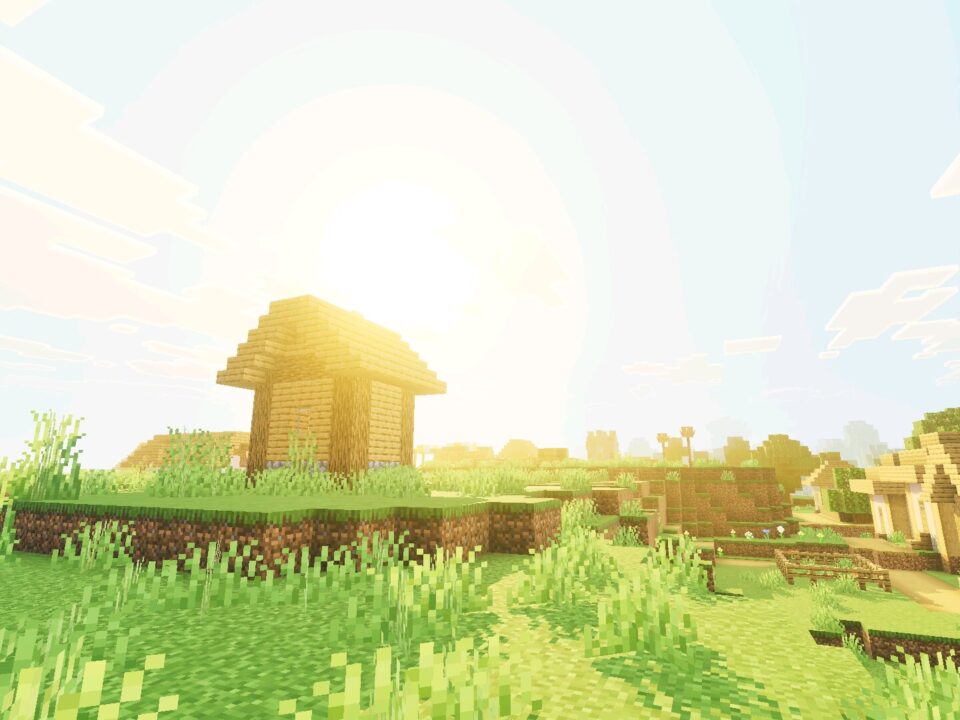
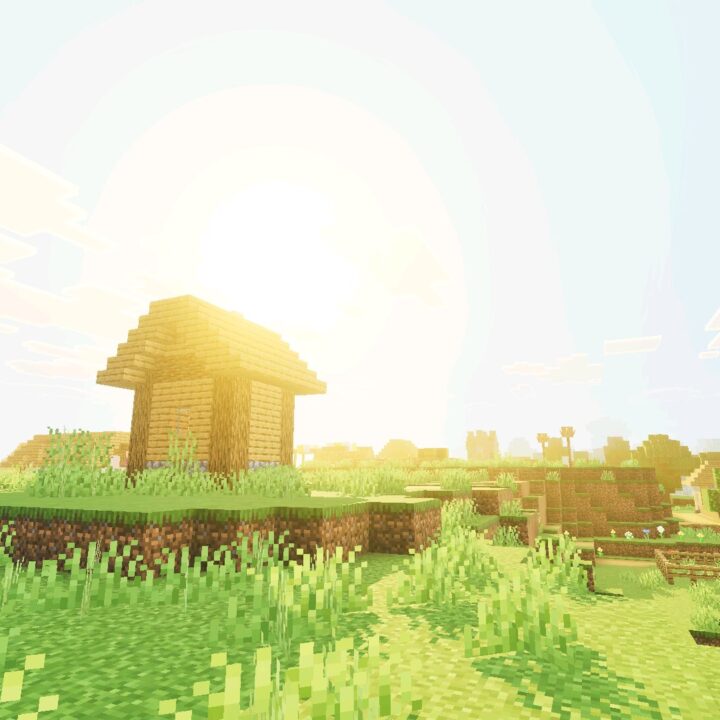
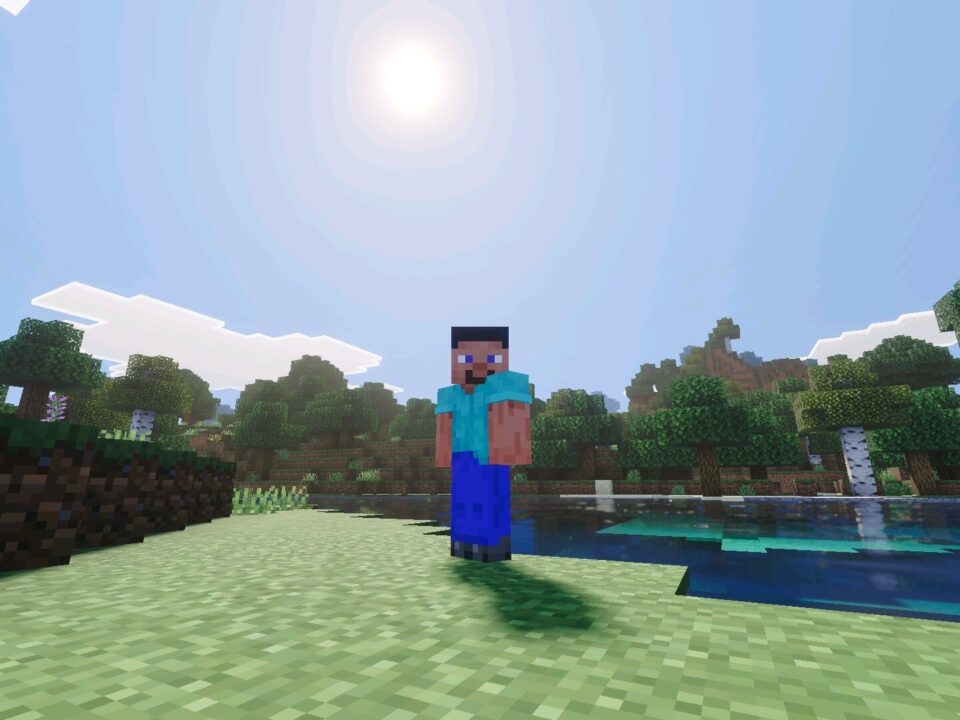
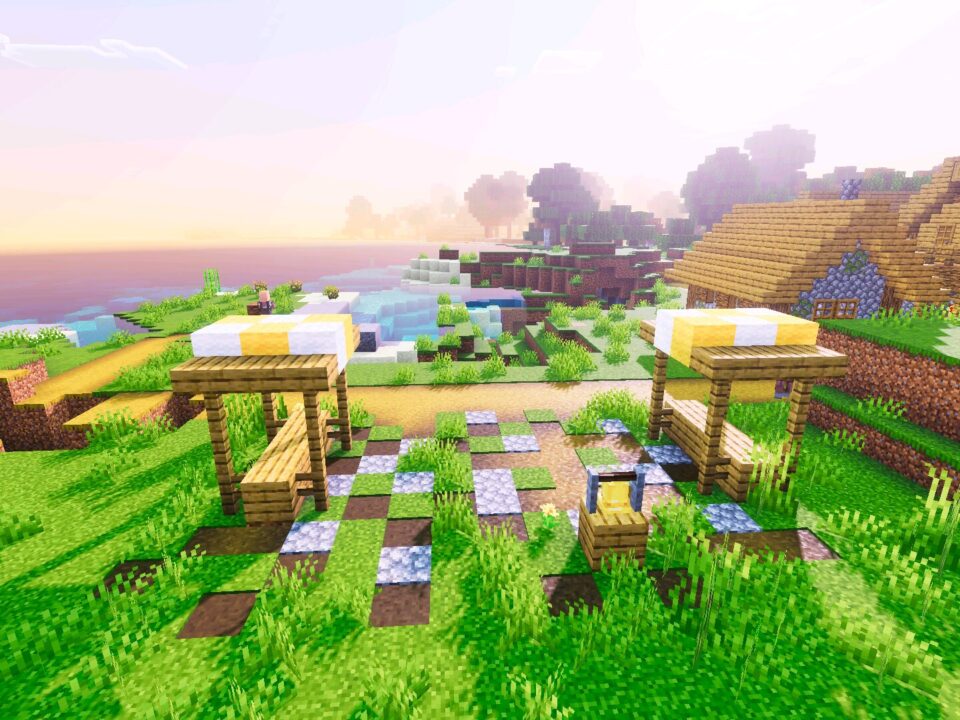
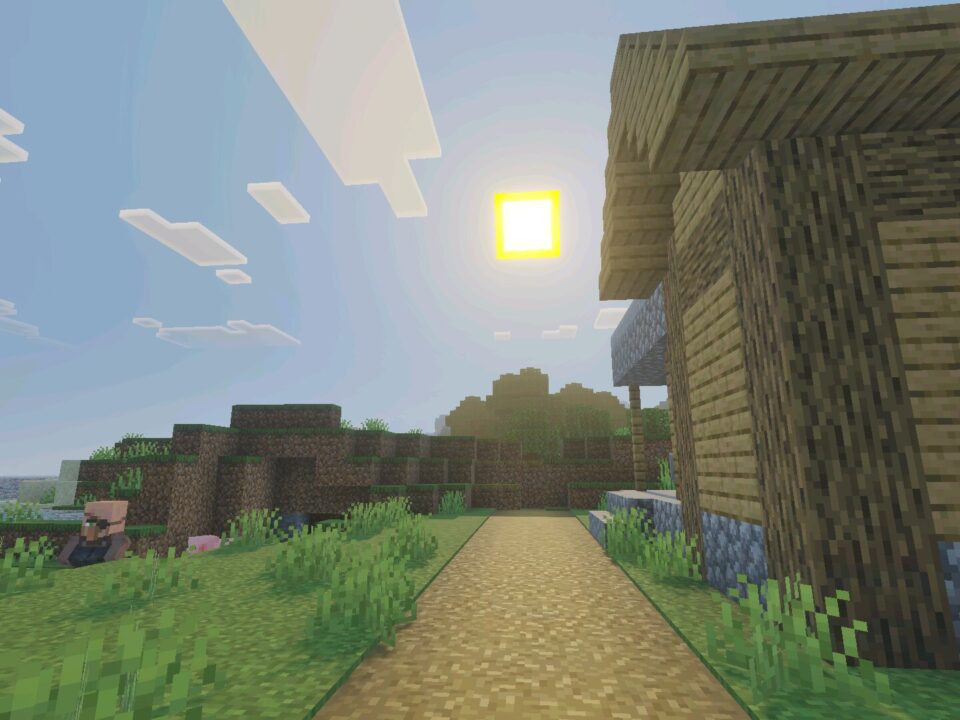
Cozy Toon Shader gives Minecraft Bedrock Edition a warm, cartoon-inspired appearance. Instead of focusing on extreme realism, it uses simplified shading and gentle lighting to create a softer visual style.

The main inspiration comes from cel shading, a technique commonly associated with animated films and cartoons. It gives the blocky environment a distinctive appearance while preserving the recognizable Minecraft aesthetic.

The shader is especially suitable for players who enjoy colorful landscapes, comfortable building environments, and a clean visual presentation during everyday survival.

Cozy Toon

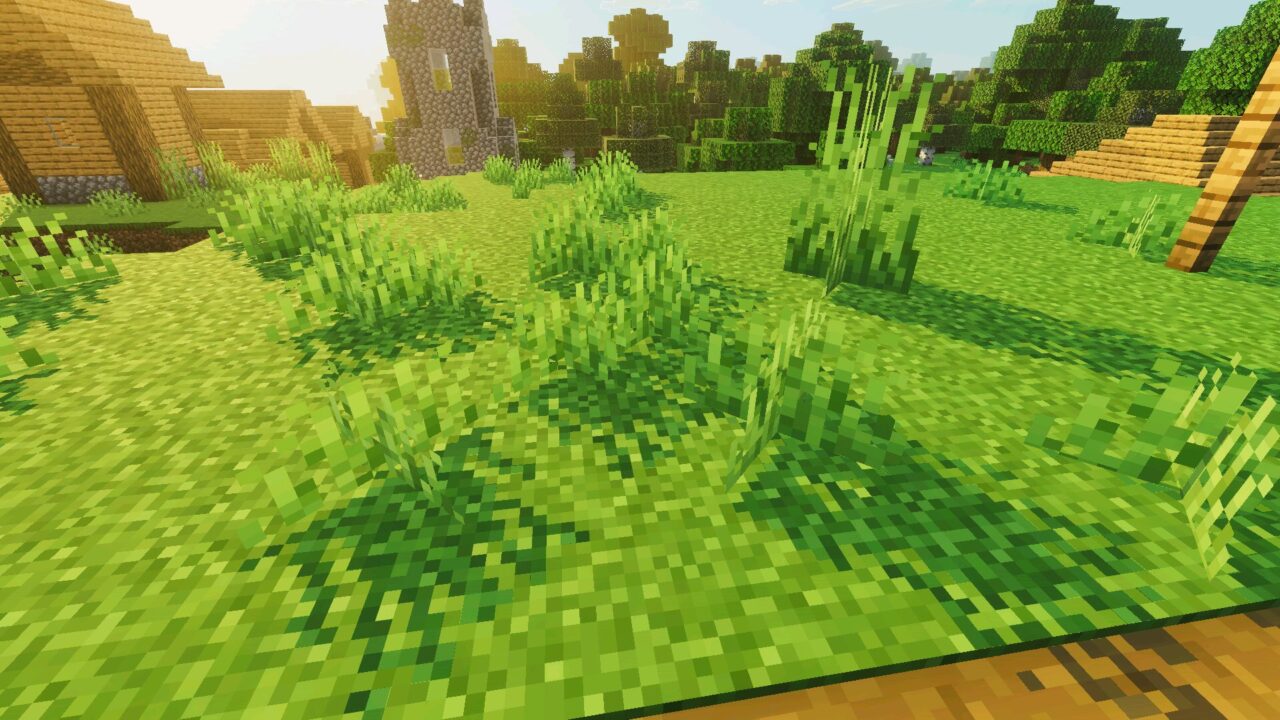
The most recognizable feature of Cozy Toon is its cartoon-style shading. It changes how surfaces respond to lighting, creating a more illustrated appearance instead of a conventional realistic look.

Buildings, terrain, and natural landscapes gain a unified visual atmosphere. The effect is designed to complement the game’s familiar block shapes rather than replace them with completely different designs.

Cel shading works particularly well with simple textures. Large surfaces and recognizable shapes help maintain the clean appearance that defines this project.

Cozy Toon focuses on warm lighting and cartoon-style shading. The shader is designed for visual atmosphere rather than realistic graphics.

Players who prefer this artistic direction can also explore Shaders for Minecraft to discover other ways to customize the appearance of their worlds.

Warm Lighting

Cozy Toon Shader uses soft, warm lighting to create a comfortable atmosphere during exploration and building. The visual changes make familiar locations feel more like scenes from an animated world.

The lighting is intended to work together with the cartoon shading. Instead of overwhelming the environment with complicated effects, it supports the simple and recognizable appearance of blocks and landscapes.

This approach is useful for players who want their survival worlds to feel visually different without abandoning the original artistic identity of Minecraft.

Bare Bones Compatibility

The developer recommends using Cozy Toon together with Bare Bones. Its simplified textures complement the shader and help create a consistent cartoon-inspired style.

Bare Bones reduces unnecessary visual detail, allowing the shading and warm lighting to become more noticeable. The combination produces a cleaner appearance that resembles an animated environment.

However, Bare Bones is a recommendation rather than a stated installation requirement. Players can experiment with the shader’s appearance using their preferred visual settings.

Installation

Cozy Toon Shader requires a compatible loading method because the standard Bedrock client does not officially support custom shaders on every platform.

Android users can install the shader through MB Loader. The application allows compatible custom graphical effects to load when launching the game.

Follow these steps:
  1. Install MB Loader from Google Play.
  2. Launch Minecraft through the MB Loader application.
  3. Import the Cozy Toon Shader file into the game.
  4. Open Settings and activate the shader in Global Resources.
  5. Enter a world and check whether the cartoon shading and lighting are displayed correctly.
Launch the game through MB Loader before activating the shader on Android. Compatibility depends on the device, installed game version, and loader support.

If the visual changes do not appear, check the loader compatibility and confirm that the shader is enabled in Global Resources.

FAQ

Does Cozy Toon Shader require a special loader on Android?

Yes. Cozy Toon Shader requires a compatible loader such as MB Loader because the standard Bedrock client does not officially support this custom rendering method.

Will Cozy Toon Shader work without Bare Bones?

Bare Bones is recommended for the intended cartoon appearance, but it is not listed as a mandatory requirement. The shader can be tried with other visual settings.

Can Cozy Toon Shader affect performance on mobile devices?

Performance depends on the device, game version, and shader loader. Players with less powerful phones may experience different results.

  • What if shader does not work?
  • Can I use it on servers?
  • How do I install this shader?

Download Shader for Minecraft PE

Cozy Toon
Cozy Toon Shader for Minecraft Bedrock
19 October 2026 5
Cozy Toon Shader ...

Download Cozy Toon Shader for Minecraft PE: tra...
Arce Visuals Shader for Minecraft Bedrock
7 October 2026 5
Arce Visuals Shad...

Download Arce Visuals Shader for Minecraft PE: ...
Reze Visuals Shader for Minecraft Bedrock
24 September 2026 3.3
Reze Visuals Shad...

Download Reze Visuals Shader for Minecraft PE: ...
Gurjar X Shader for Minecraft Bedrock
23 September 2026 5
Gurjar X Shader f...

Download Gurjar X Shader for Minecraft PE: add ...

1 Comments

  1. Tried this with Bare Bones on my phone and the whole village looks like a cartoon now haha. The warm lighting is really nice, especially around my little wooden house.