Download BrineFlash OffHand Mod for Minecraft PE: use weapons, food, potions, tools, and blocks in your second hand, switch items instantly, and enjoy Java-style offhand controls on Android, Windows, and consoles.
BrineFlash OffHand Mod for Minecraft PE
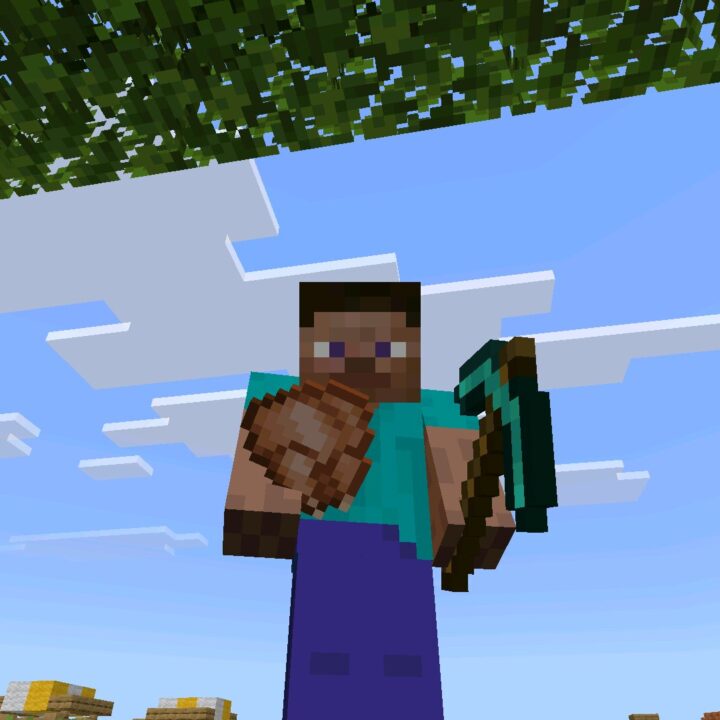
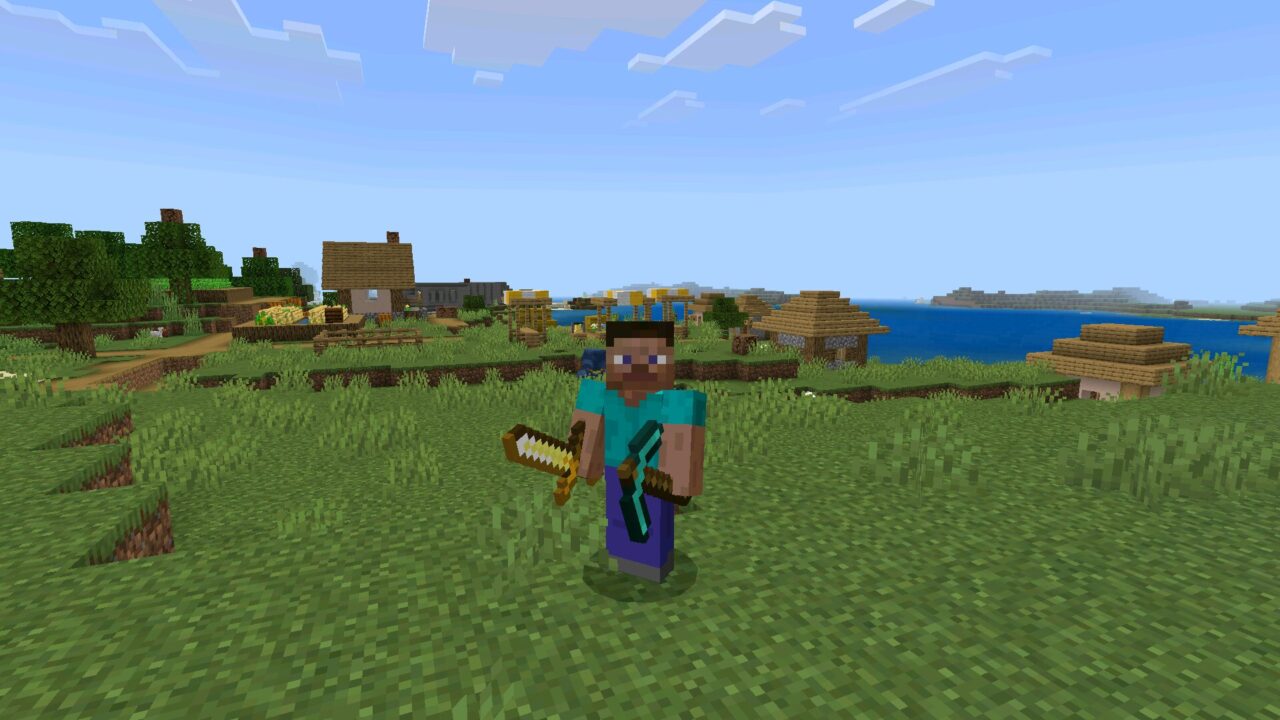
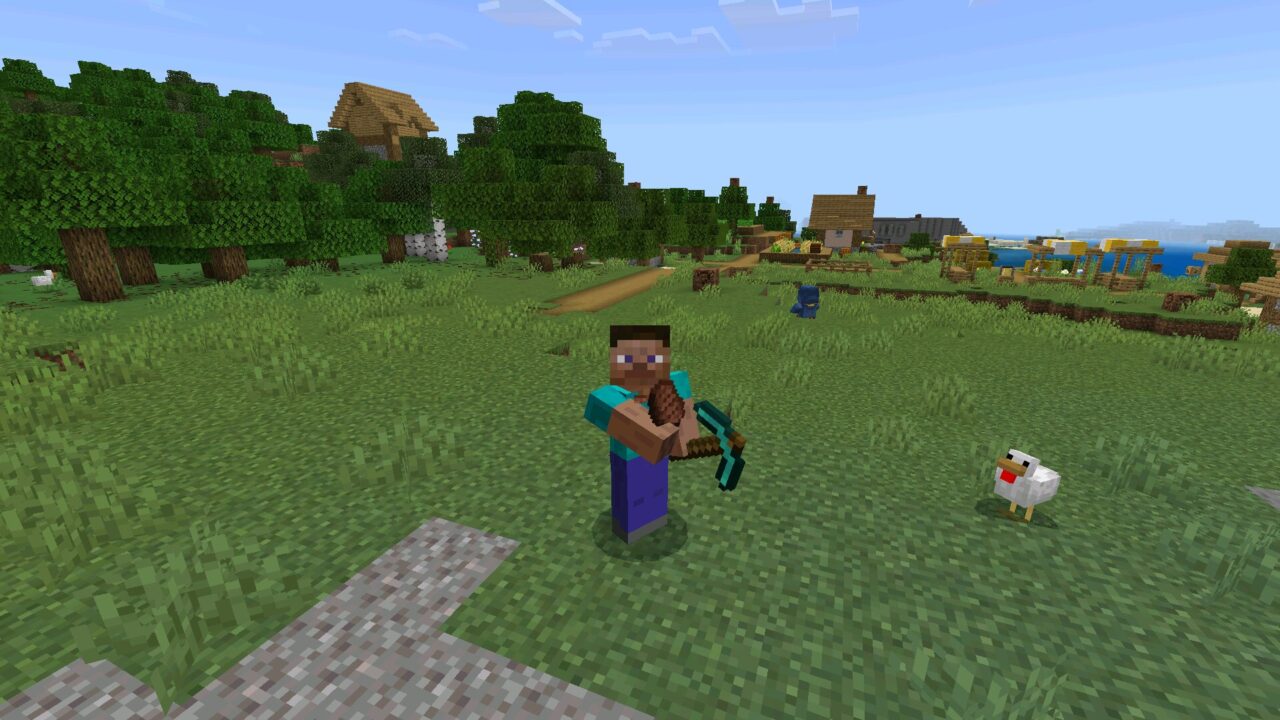
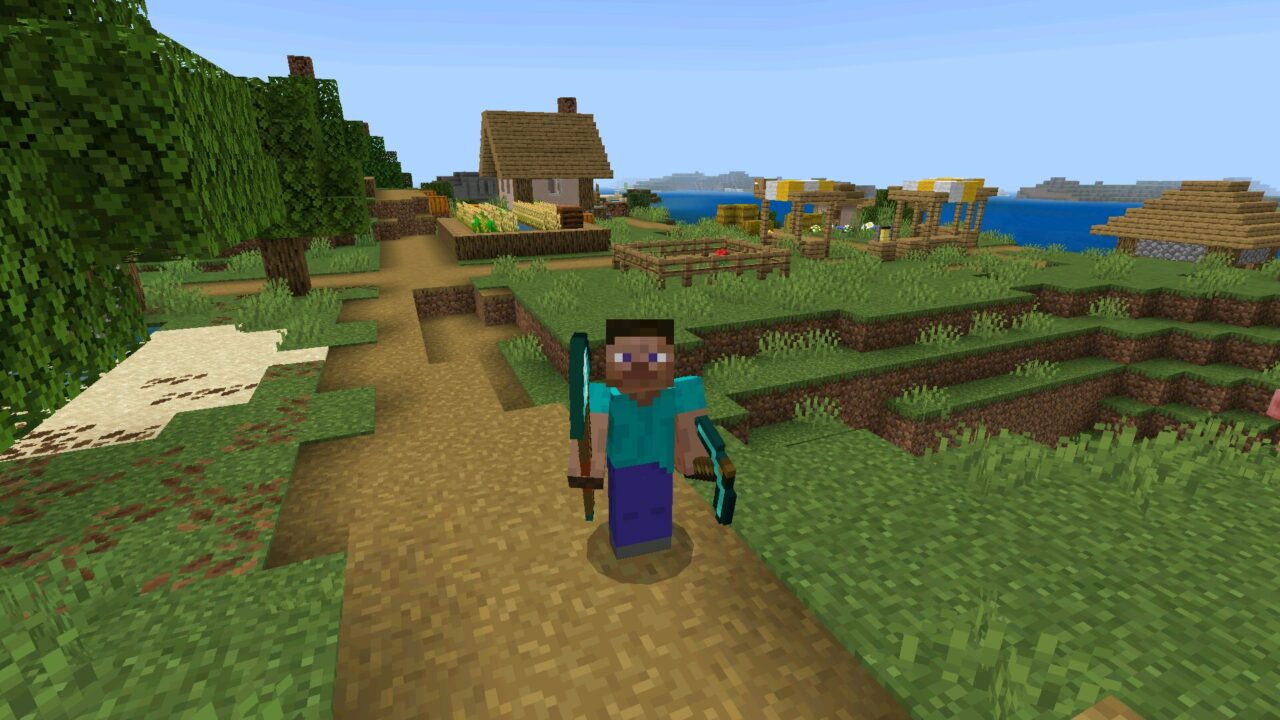
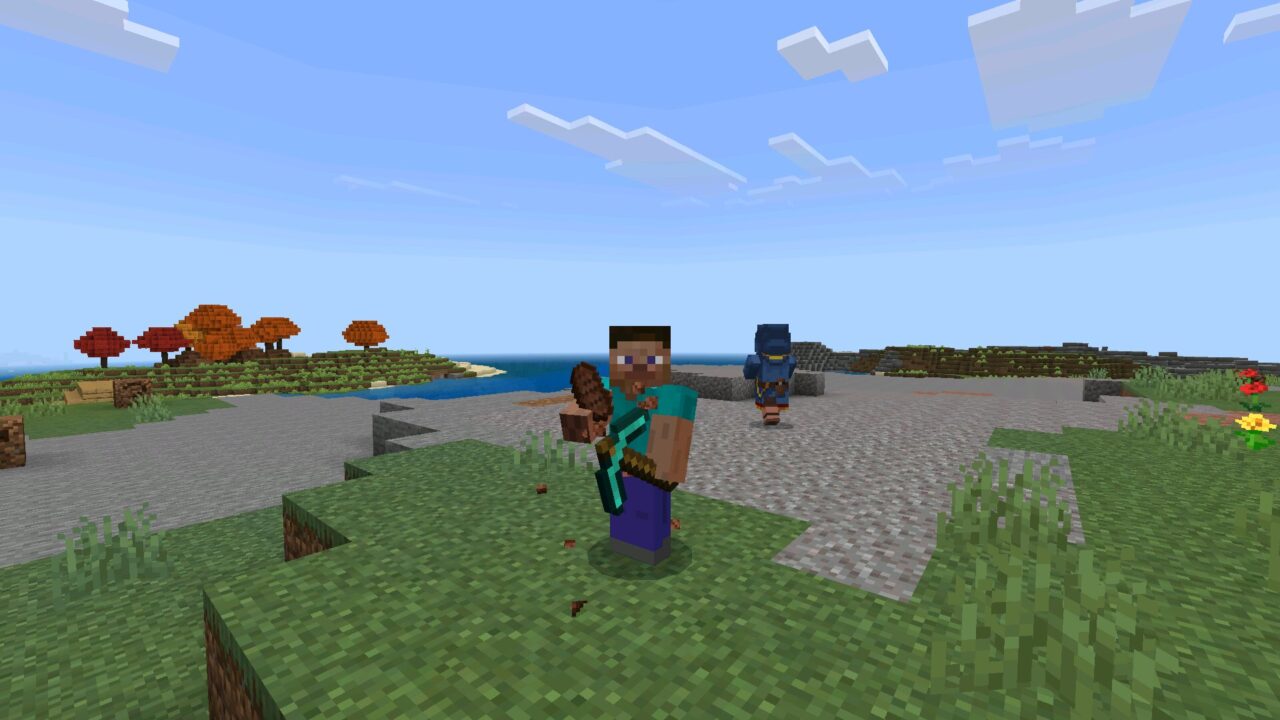
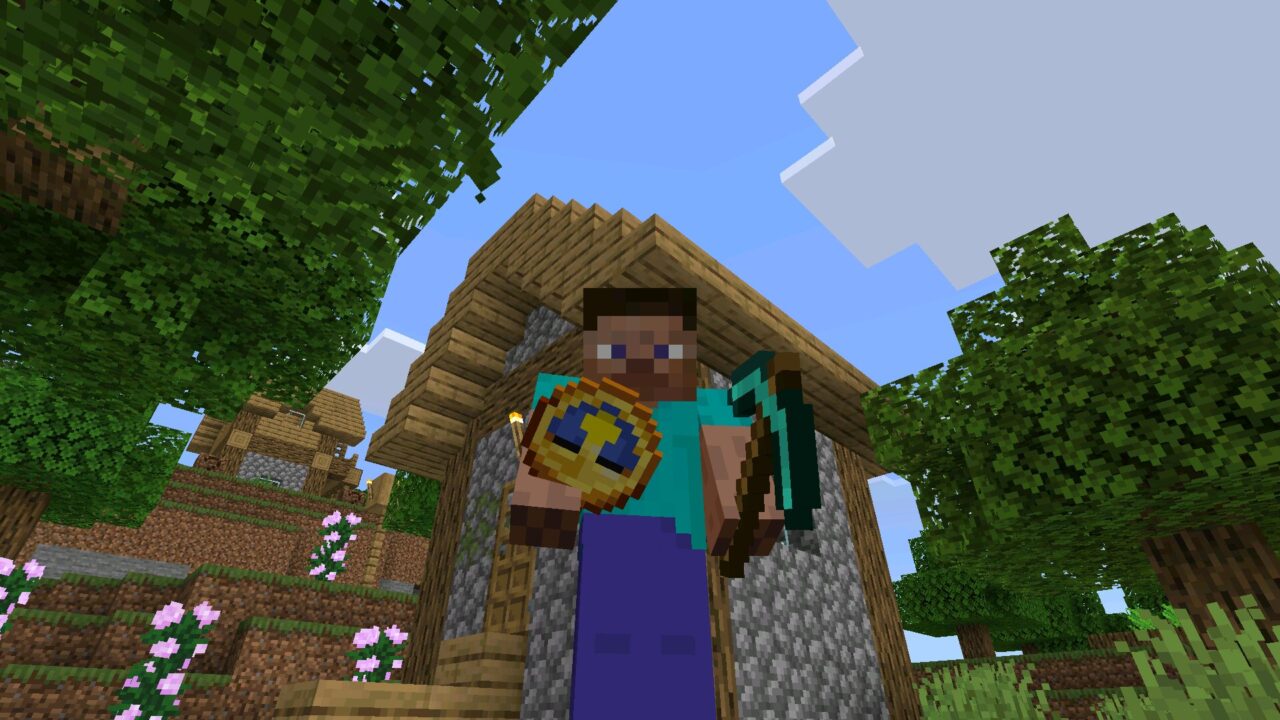
BrineFlash OffHand Mod brings Java-style offhand functionality to Minecraft Bedrock Edition. Based on the OffHand-On-Bedrock addon, it allows players to use their second hand for much more than holding a shield or Totem of Undying.
The addon supports over 1,400 items, including weapons, projectiles, food, potions, tools, and building blocks. A custom OffHand HUD displays the equipped item and makes switching between hands easier.
The system works with touchscreen controls, game controllers, and PC keyboards. Players can eat, shoot, throw projectiles, place blocks, and perform other actions without constantly changing their main-hand equipment.
BrineFlash OffHand
The BrineFlash OffHand mod for Minecraft PE introduces a dedicated interface slot for managing the second hand.
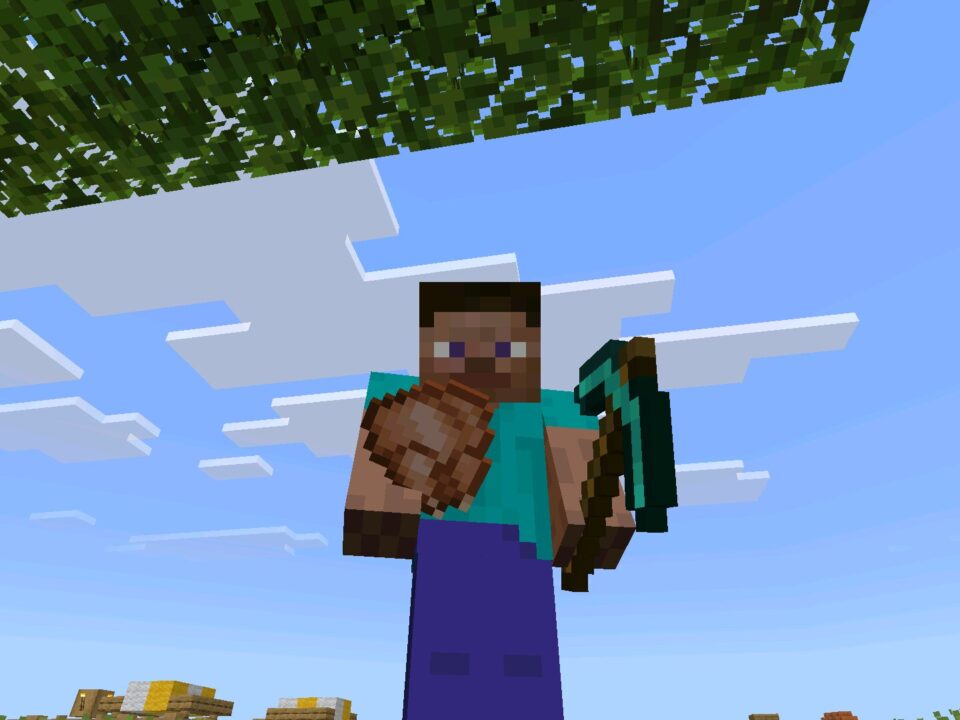
Players can equip supported items and use their functionality directly from the offhand. The system also includes an almost instant swap feature that exchanges items between the main hand and offhand.
Earlier versions used a 10-tick swapping delay, equivalent to half a second. The improved system makes switching considerably faster.
Left-handed players can activate the Left Handed Inventory subpack in the Resource Pack settings. This moves the offhand slot to the opposite side of the hotbar.
The addon supports more than 1,400 items and works with touchscreens, controllers, and keyboards. Offhand swapping does not require cheats.
How to Use OffHand on Different Platforms
The BrineFlash OffHand addon includes different controls depending on the device.
Android and Touchscreen
On mobile devices, players can swap items by tapping the OffHand slot.
When the second hand contains an item, tap its slot to exchange it with the main-hand item. If the offhand is empty, tap the red-lined area shown in the interface.
This allows mobile players to manage equipment without opening the inventory every time they need another item.
Xbox and PlayStation
Players using a controller can exchange their main-hand and offhand items by pressing Sneak twice.
The default buttons are:
- Xbox: double-press B.
- PlayStation: double-press Circle.
This shortcut works without opening a separate menu.
PC and Keyboard
Windows players can enter /f in the chat to swap their equipped items. The command works without enabling cheats.
For easier access, users can assign the command to a keyboard macro through Settings, Controls, and Keyboard & Mouse.
This creates a convenient shortcut for switching items during combat, mining, or construction.
Weapons and Projectiles
One of the main features is the ability to use weapons from the second hand.
The addon supports bows, spears, and tridents. Players can draw a bow, charge a spear, or throw a trident without moving it to their main hand.
Tridents also support Riptide and Loyalty. This allows players to travel through water or rain and retrieve thrown weapons using their usual enchantment effects.
The bow includes smooth zoom functionality. To configure it, enter /setfov followed by a value between 30 and 110 that matches the game’s FOV setting.
Players interested in other practical gameplay improvements can explore Utility Mods for Minecraft and discover additional ways to simplify everyday activities.
Food, Potions and Blocks
The addon allows players to eat and drink directly from the offhand while keeping another item equipped.
Food consumption includes a third-person animation. Potions are supported as well, allowing users to drink or throw them without switching their primary equipment.
Other supported projectiles include:
- Wind Charges;
- Ender Pearls;
- Splash and Lingering Potions.
Players can also place ordinary blocks using their second hand. The placement system supports building and bridging, including placing blocks while moving across open spaces.
Tools remain functional as well. Axes can strip logs, hoes can till dirt, and shovels can create paths.
Dynamic lighting is available for additional light-emitting items. Firework Rockets can also be activated from the offhand to boost Elytra flight at normal speed.
Installation
BrineFlash OffHand requires a compatible Bedrock release, starting with 1.26.50.
Install the supplied .mcaddon file, which imports three components: Behavior Pack, Resource Pack, and Assets Pack.
Activate the OffHand Behavior Pack under Behavior Packs, then enable both the OffHand Resource Pack and Assets Pack under Resource Packs.
All three packs must be activated for the interface and item visuals to work correctly. The addon is designed to preserve achievements and supports the /f command without cheats.
Once the packs are active, place a supported item in the offhand slot and use the appropriate controls for your device.
FAQ
Does BrineFlash OffHand Mod allow players to use food, weapons, and blocks in the second hand?
Yes. BrineFlash OffHand Mod supports over 1,400 items, including weapons, food, potions, projectiles, tools, and building blocks. Players can perform supported actions directly from the offhand.
Can BrineFlash OffHand Mod swap items on Android, Xbox, and Windows?
Yes. Mobile players tap the offhand slot, controller users double-press Sneak, and keyboard users enter /f or assign it to a supported command macro.
Will BrineFlash OffHand Mod work on mobile without disabling achievements?
The addon is designed to preserve achievements and does not require cheats for its swapping command. A compatible Bedrock release and all three included packs are required.


Finally got used to tapping the second slot instead of opening my inventory every two seconds. Having food ready while I’m mining is such a small thing but it makes playing on my phone way less annoying.