Download UDs Shade Visuals Shader for Minecraft PE: transform your world with tropical cyan landscapes, crystal-clear turquoise water, intense sunlight reflections, glowing blocks, and cinematic dark nights.
UDs Shade Visuals Shader for Minecraft PE
UDs Shade Visuals Shader introduces a colorful visual style with tropical landscapes, realistic lighting effects, and dramatic contrasts between day and night. Created by UDGAMER, the shader is designed for Minecraft Bedrock Edition with Vibrant Visuals support.
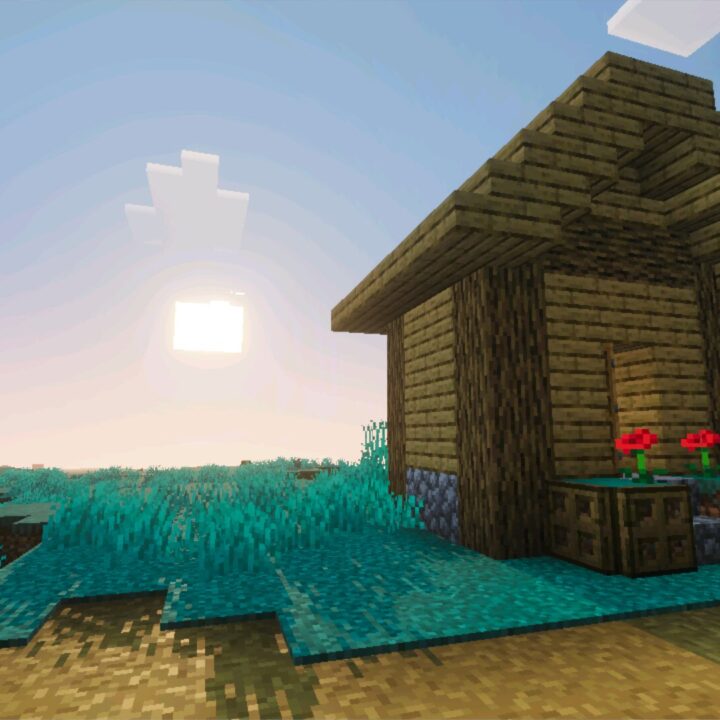
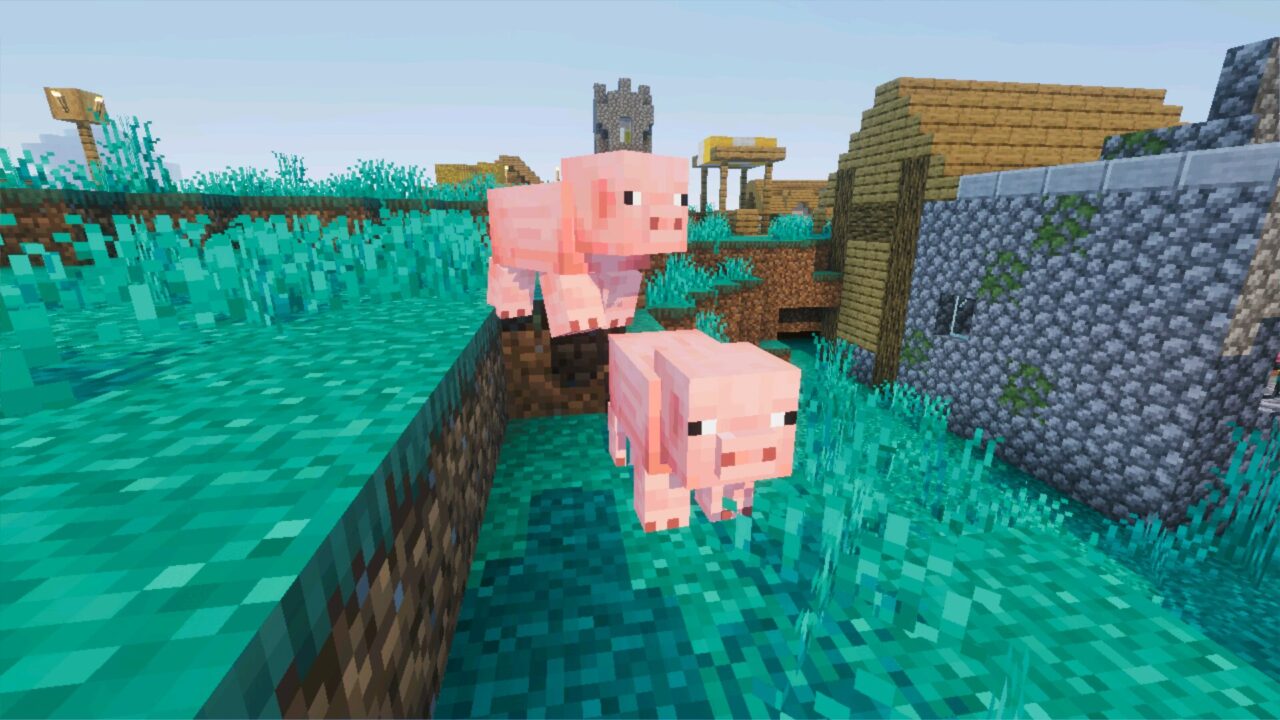
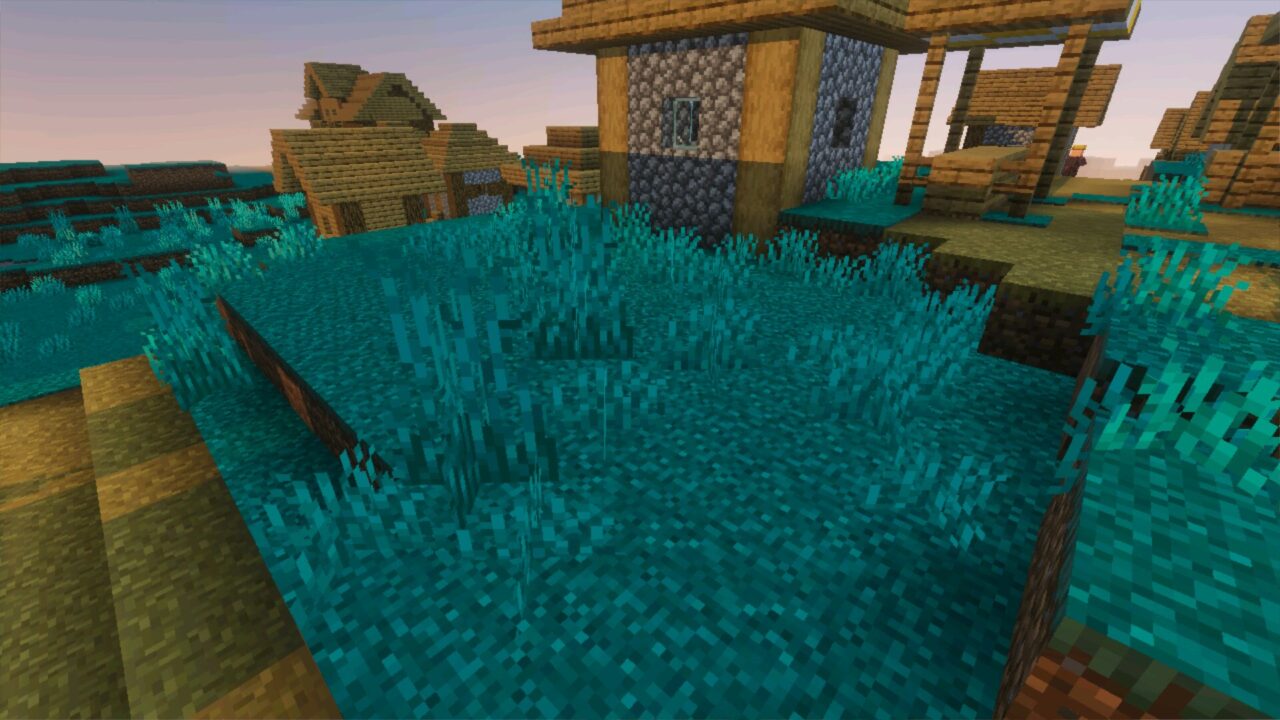
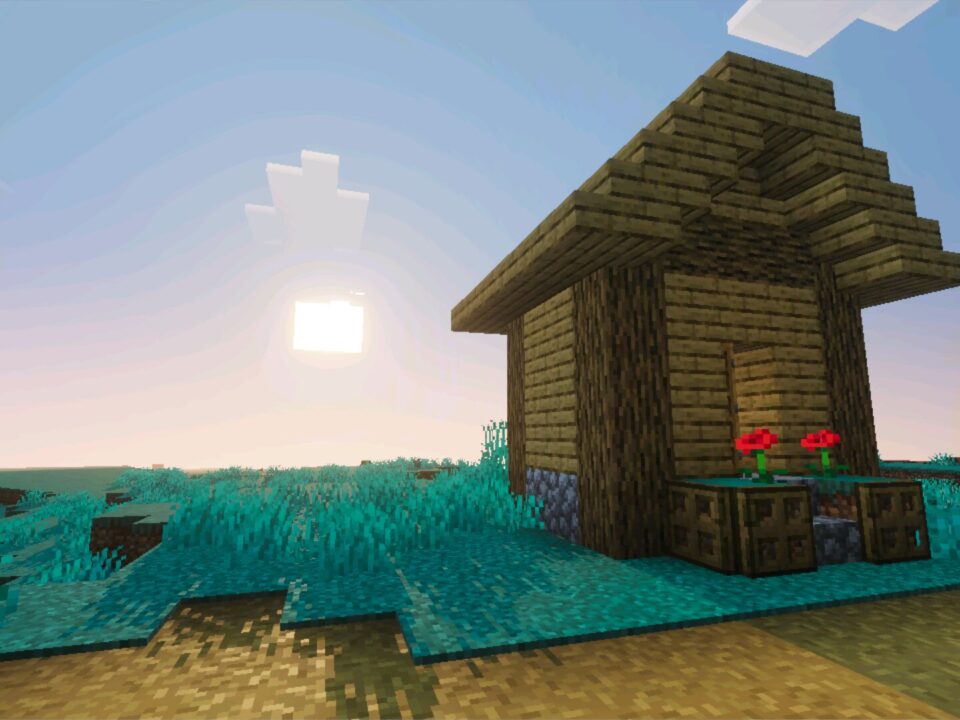
The most noticeable changes affect sunlight, water, vegetation, and atmospheric lighting. Grass receives fresh cyan tones, trees become more vibrant, and bright reflections make rivers and oceans stand out.
The shader also transforms nighttime environments. Darkness becomes deeper, while torches, lanterns, and glowing blocks provide warm illumination. These effects create a more cinematic atmosphere without changing gameplay mechanics.
UDs Shade Visuals
UDs Shade Visuals Shader gives ordinary landscapes a distinctive tropical appearance. Grass takes on bright cyan-green tones, while emerald foliage makes forests and open areas appear more colorful.
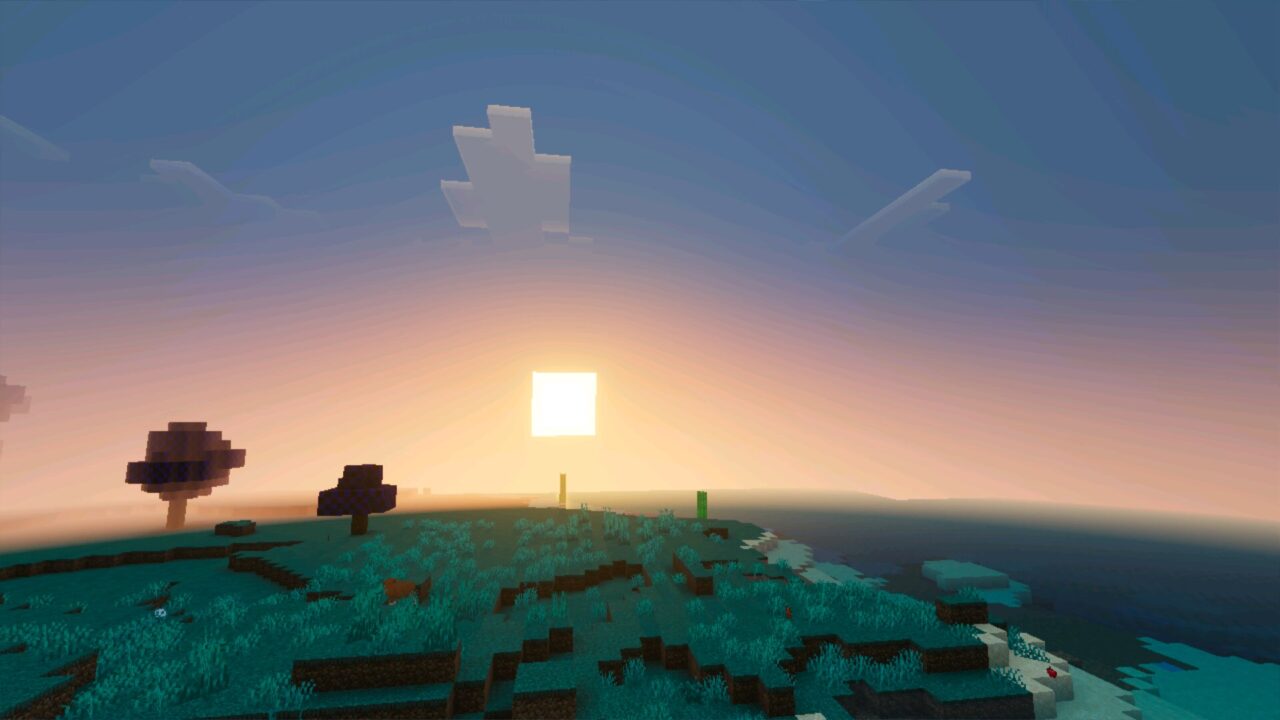
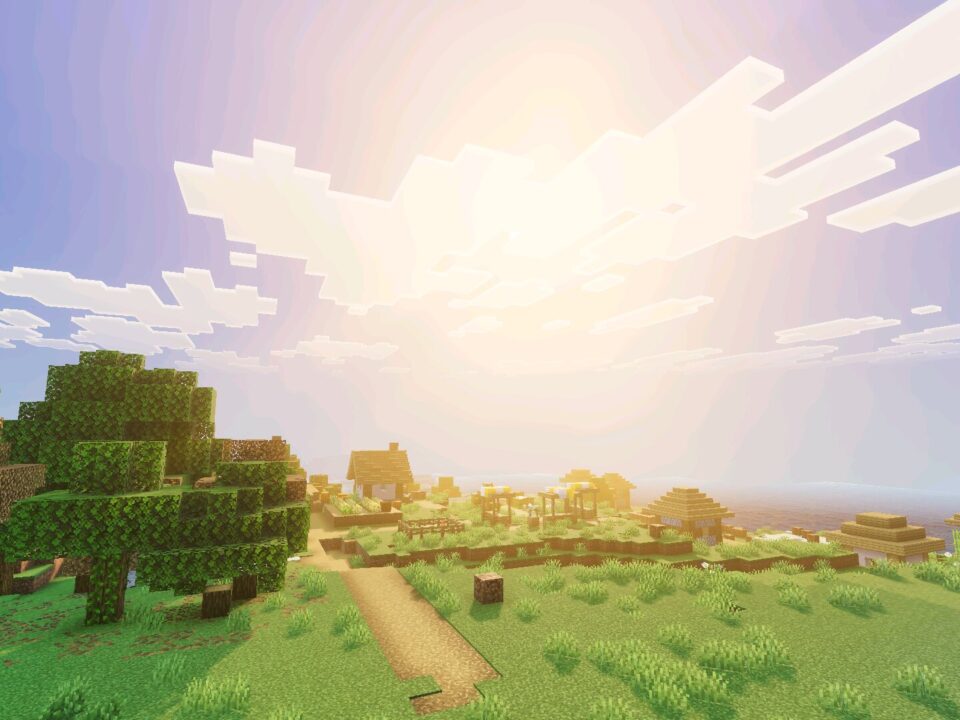
Sunlight is another important feature. Golden rays create intense glare and bloom, especially when light passes through tree canopies.
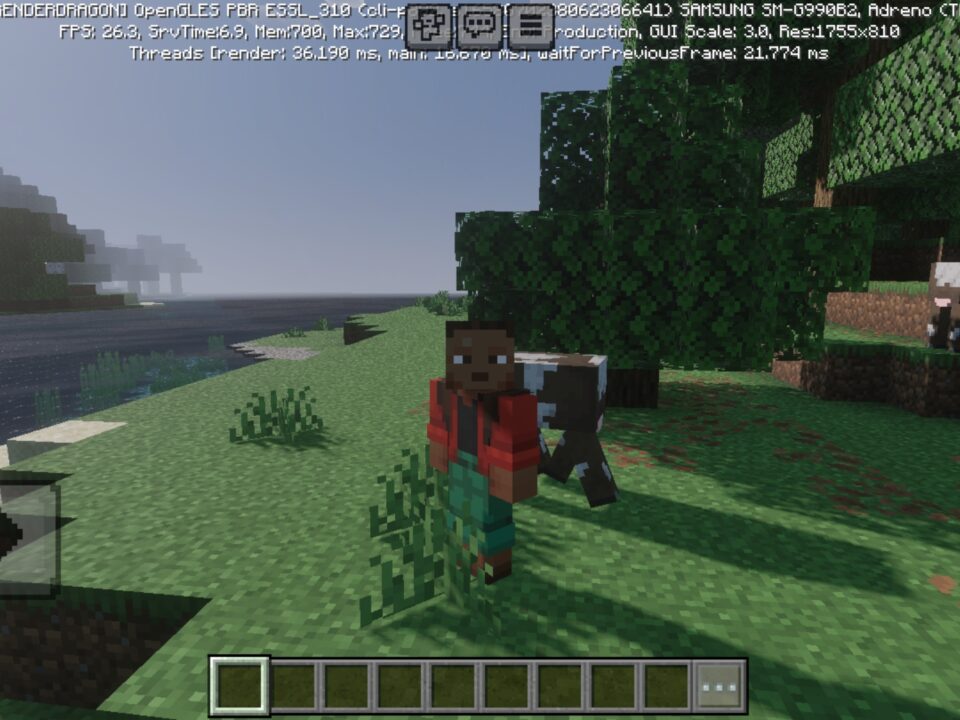
These effects are particularly noticeable during daytime exploration. Forests receive bright highlights, while open landscapes appear more saturated under direct sunlight.
The lighting creates strong contrasts between illuminated surfaces and shaded areas, giving familiar environments additional visual depth.
UDs Shade Visuals uses vibrant cyan vegetation, golden sun glare, and HDR bloom. The shader requires a supported Vibrant Visuals or Deferred Lighting graphics mode.
Crystal Water and Reflections
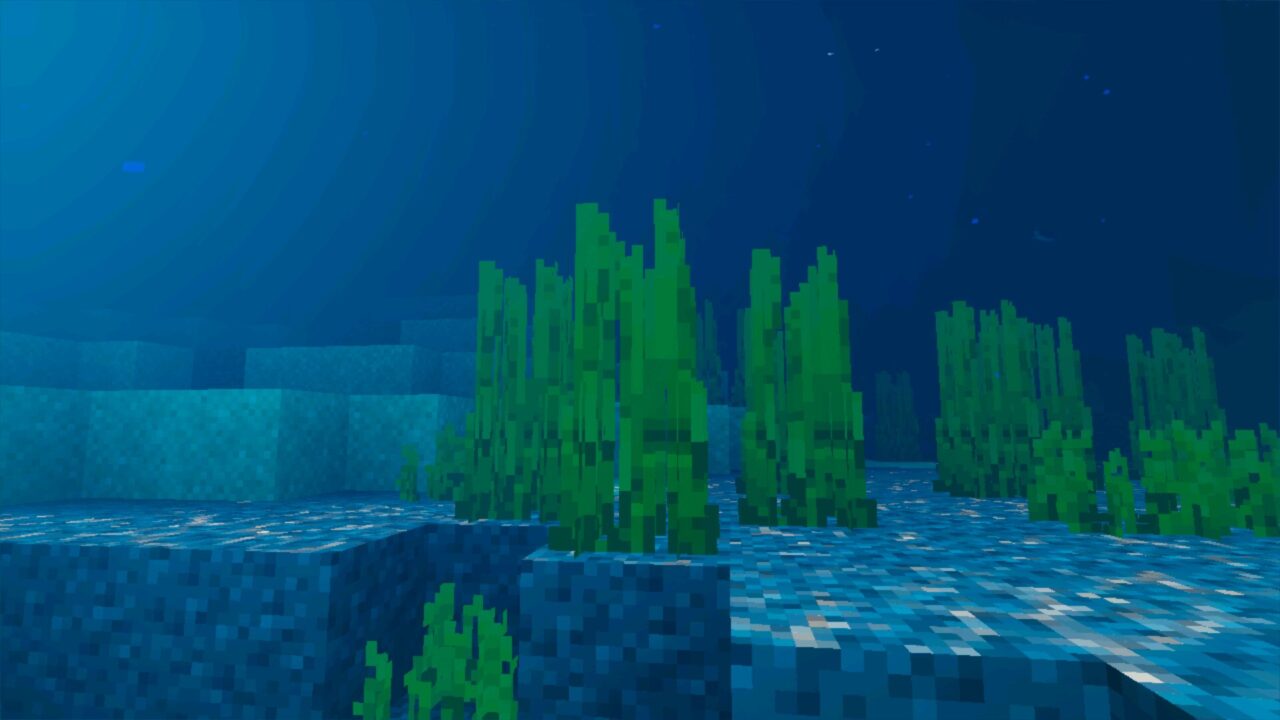
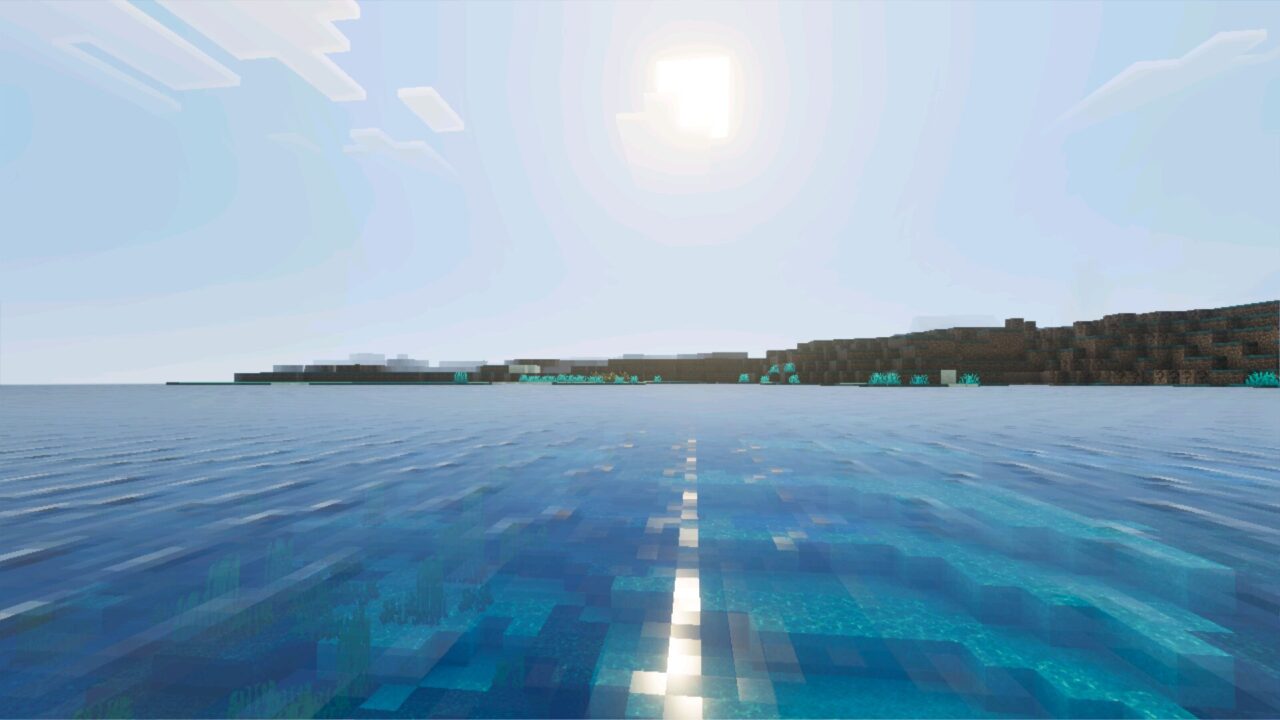
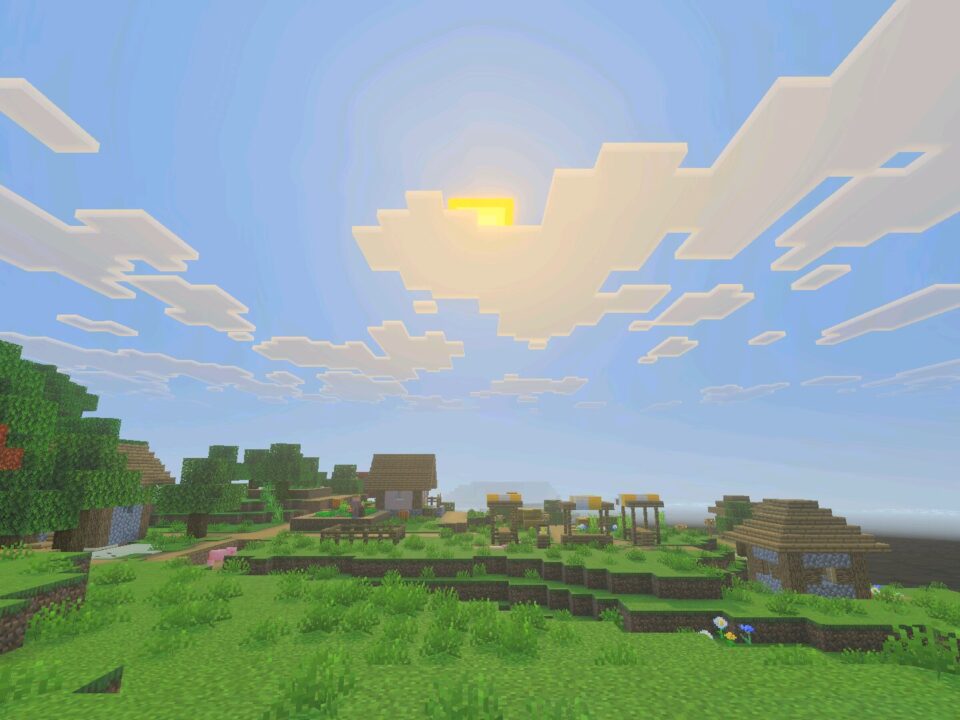
Water receives a major visual improvement. Rivers, lakes, and oceans feature clear turquoise colors that complement the surrounding tropical landscape.
The shader also introduces strong sunlight reflections across water surfaces. When sunlight reaches the water, it creates a bright trail of reflected light.
This effect makes coastal areas particularly attractive for screenshots. Beaches, islands, and waterfront buildings benefit from the contrast between cyan vegetation and sparkling water.
Players who prefer different lighting styles can explore Shaders for Minecraft and compare other approaches to environmental graphics.
Cinematic Nights and Glowing Blocks
The shader changes nighttime visibility by introducing deep darkness and stronger lighting contrasts.
Instead of keeping the landscape evenly illuminated, nighttime areas become significantly darker. Light sources therefore play a more noticeable role during exploration.
Lanterns and torches cast warm pools of light that contrast with the surrounding darkness. This creates a cozy atmosphere around houses, villages, and other illuminated structures.
Glowstone and lava also receive enhanced emissive effects. Their bright HDR bloom makes them stand out in dark environments.
The UDs Shade Visuals shader creates a clear visual difference between daytime adventures and nighttime survival. Players who enjoy atmospheric lighting will notice these changes most when traveling after sunset.
Nether and End Atmosphere
The shader also changes the appearance of other dimensions.
In the Nether, smoky crimson fog combines with glowing lava to create an intense red atmosphere. The lighting emphasizes the dangerous environment without introducing new gameplay elements.
The End receives a different color palette. A deep violet void surrounds the landscape, while End Crystals become more visually prominent through their glowing effects.
These changes give each dimension its own atmosphere while maintaining the recognizable appearance of the original world.
The Nether features crimson fog and glowing lava, while the End receives a violet atmosphere with bright End Crystals. Actual performance depends on the device and graphics settings.
Recommended Graphics Settings
UDs Shade Visuals is designed for Bedrock 1.21.80 and newer versions supporting Vibrant Visuals or Deferred Lighting.
The creator recommends the following settings to reproduce the intended appearance:
- Graphics Mode: Vibrant Visuals or Deferred Technical Preview;
- Sun Shadows: On;
- Bloom: 80–85%;
- Water Reflections: On;
- Brightness: 45–50%.
Keeping brightness near the recommended level helps preserve the shader’s dark nighttime atmosphere.
The creator has tuned the visuals with smooth 60 FPS gameplay in mind, although actual frame rates depend on hardware capabilities and rendering settings.
FAQ
Does UDs Shade Visuals Shader require Vibrant Visuals to display its lighting effects?
Yes. UDs Shade Visuals Shader is designed for the Vibrant Visuals or Deferred Lighting rendering system. A compatible Bedrock version and supported graphics hardware are required.
Will UDs Shade Visuals Shader maintain 60 FPS on mobile devices?
The shader is optimized with smooth 60 FPS gameplay in mind, but this frame rate is not guaranteed. Performance depends on the device, graphics capabilities, and selected visual settings.
Can UDs Shade Visuals Shader make nighttime environments brighter without removing its effects?
Players can adjust the brightness slider to improve visibility. The creator recommends 45–50% to preserve the intended dark atmosphere and contrast with glowing light sources.





Set my brightness to 48 and now the path to my house looks completely different at night. Had to add a few more lanterns, but the water reflections during the day are worth it.