Download Daydream Visuals Shader for Minecraft PE: transform your world with colorful biome lighting, cinematic god rays, atmospheric fog, glowing light sources, enhanced water, and vibrant skies from dawn to midnight.
Daydream Visuals Shader for Minecraft PE
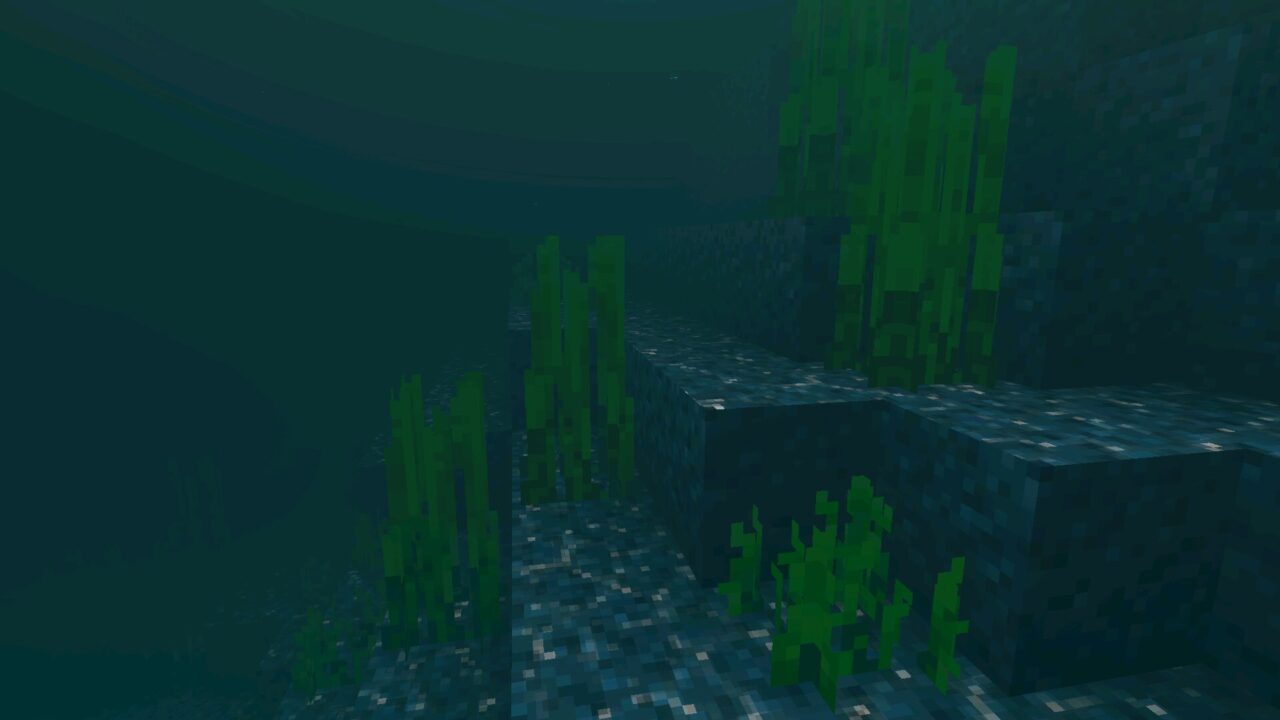
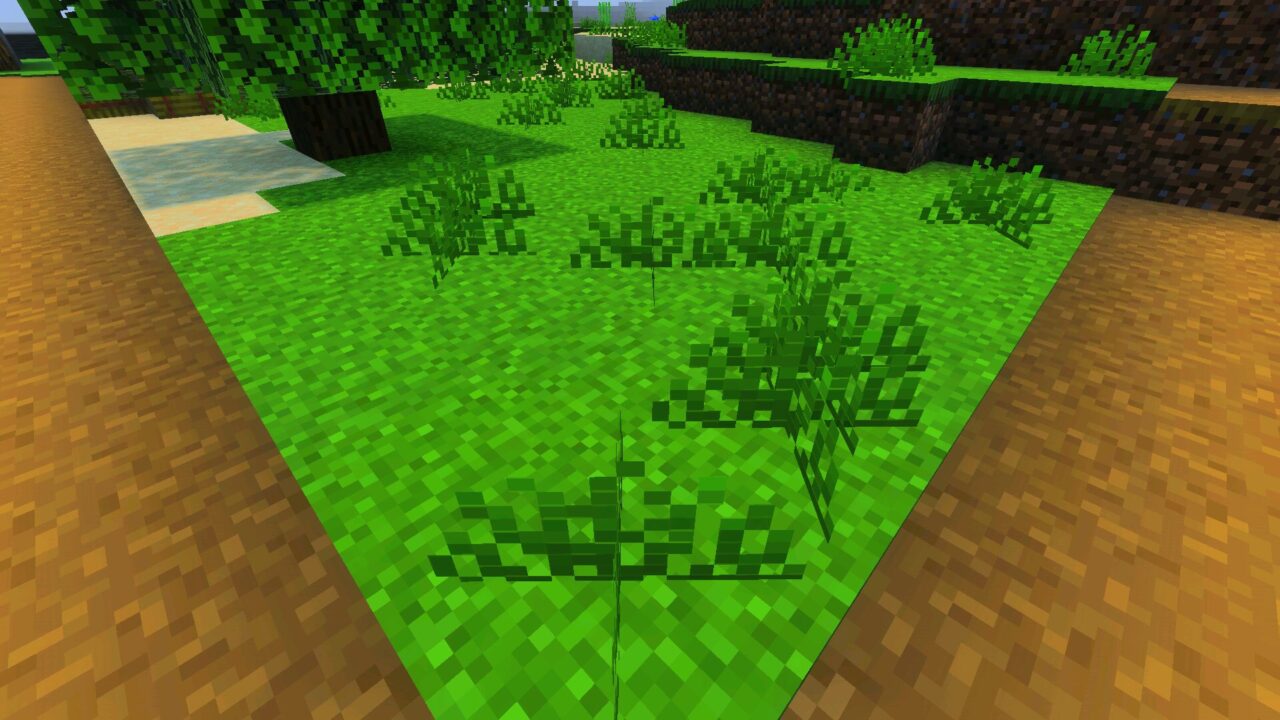
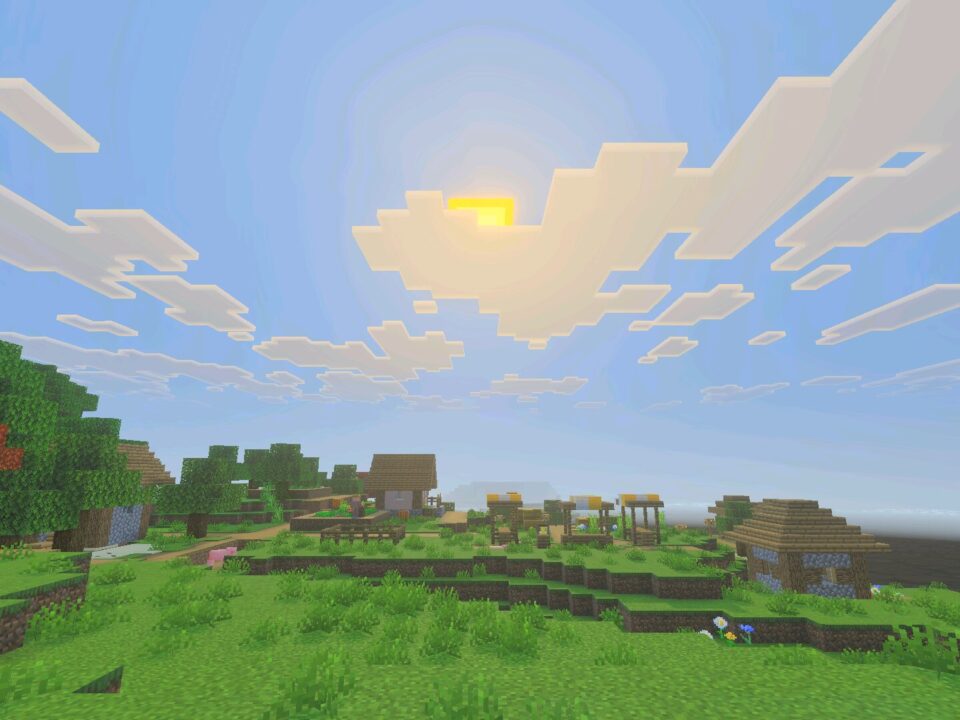
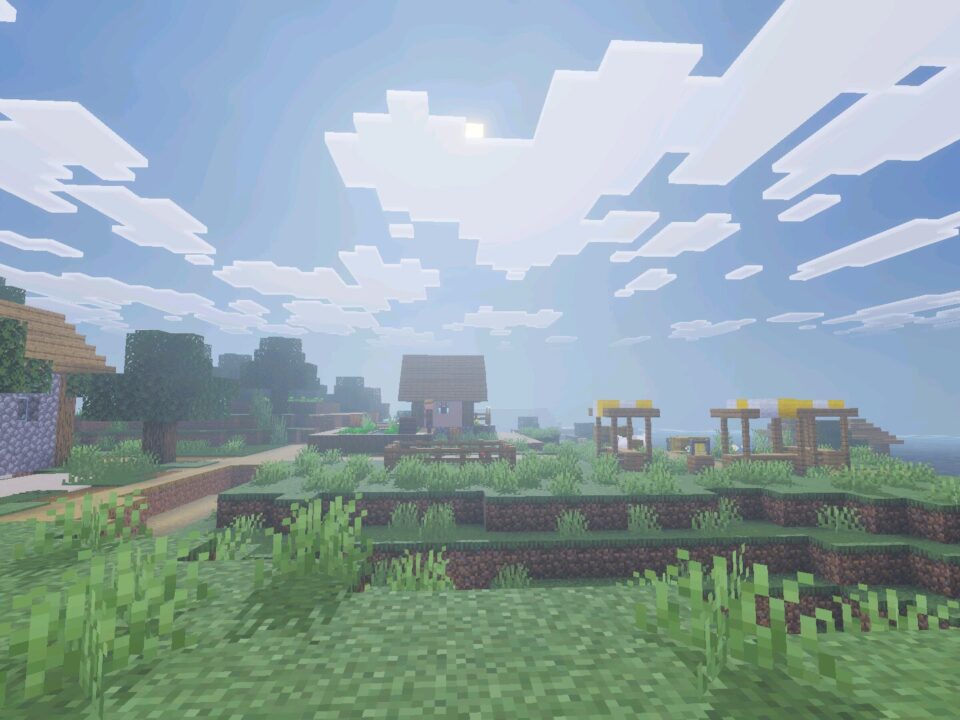
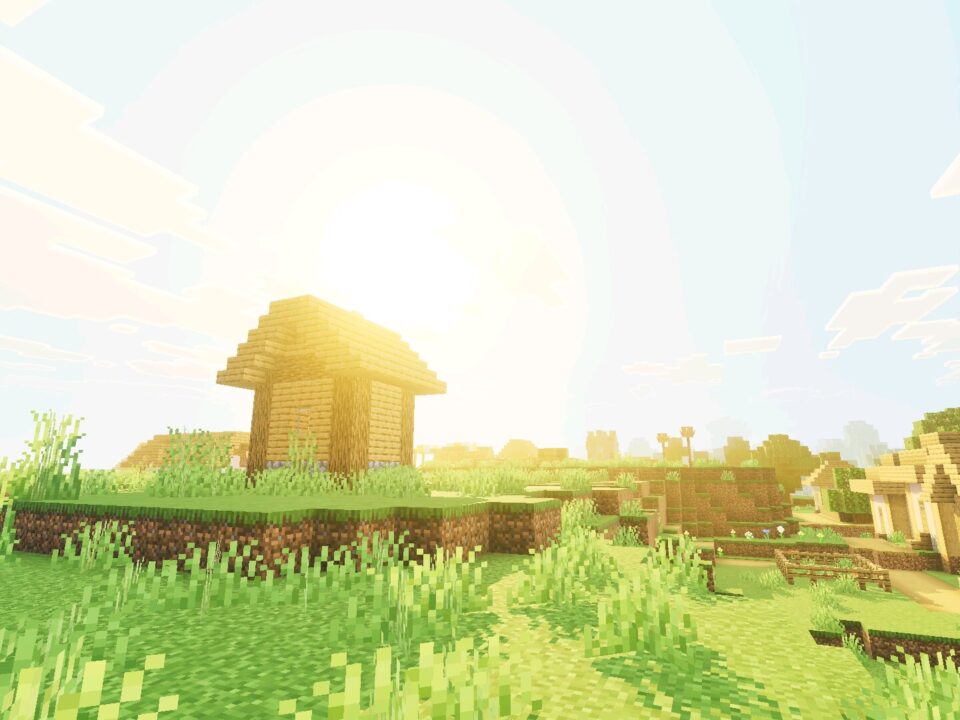
Daydream Visuals Shader enhances Minecraft Bedrock Edition with colorful lighting and atmospheric effects designed for the Vibrant Visuals graphics system. Forests become more mysterious, underground locations receive distinctive illumination, and familiar landscapes gain richer colors.
The shader changes the atmosphere across all 88 biomes through individual fog settings, lighting adjustments, and color grading. It also enhances particles, skies, water, and environmental lighting without changing the basic gameplay.
Daydream Visuals
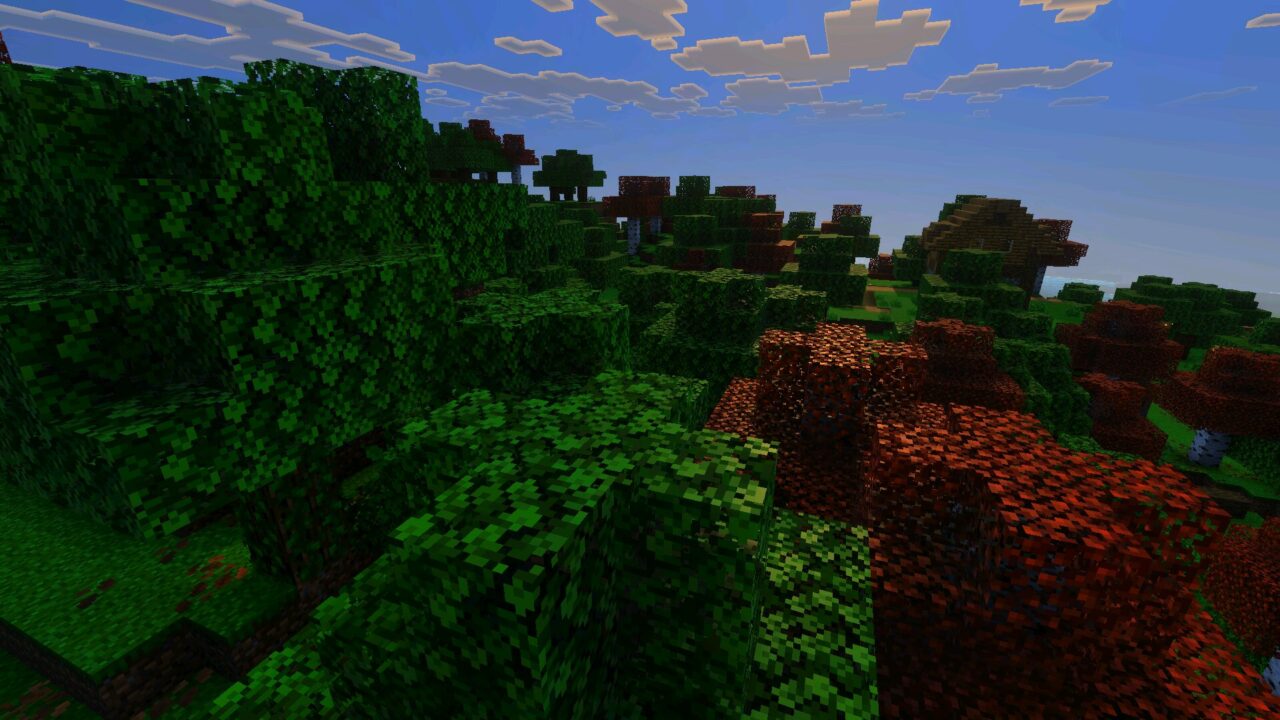
Daydream Visuals Shader gives every biome its own visual character. Forests, mountains, and other landscapes receive different combinations of atmospheric fog and lighting that reflect their surroundings.
The color grading is also adjusted separately for all 88 biomes. This creates noticeable differences between locations instead of applying the same lighting style everywhere.
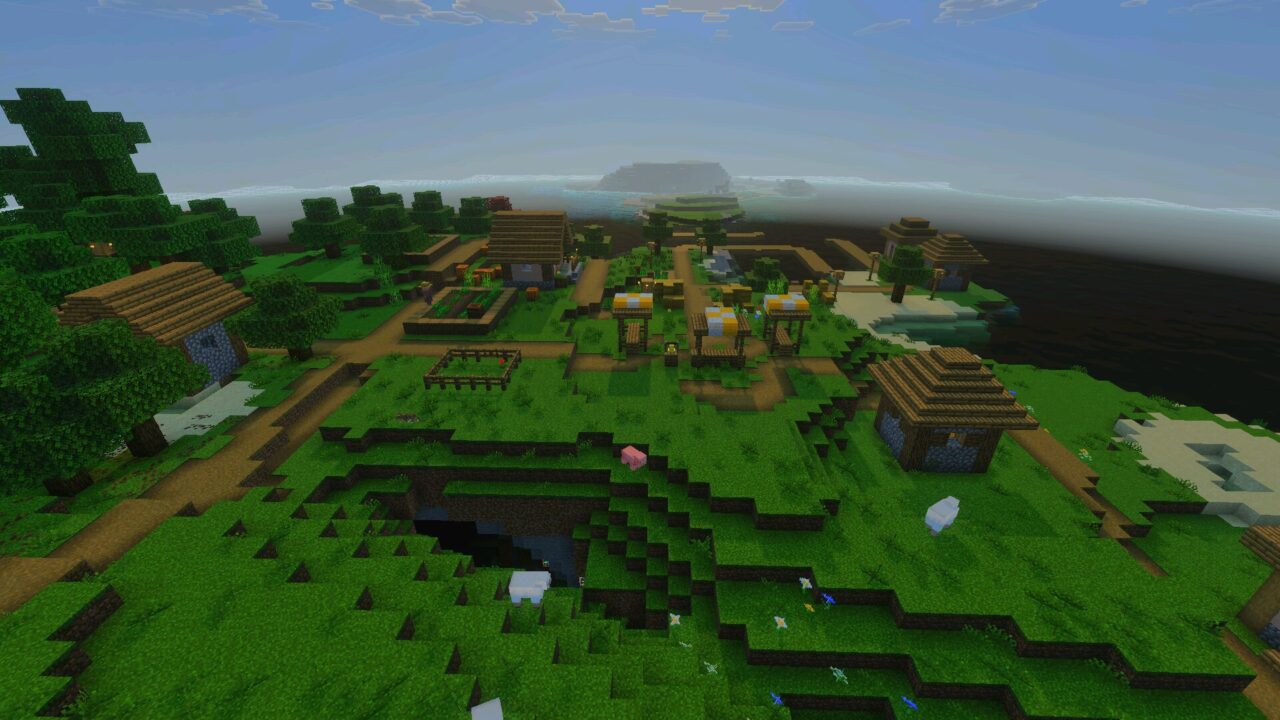
Fog adds depth to distant terrain, while brighter colors make natural environments more expressive. Enchanted forests become particularly atmospheric as soft haze blends with the surrounding vegetation.
Daydream Visuals includes individual fog, lighting, and color adjustments for all 88 biomes. The changes extend beyond the Overworld into other dimensions.
God Rays and Dynamic Skies
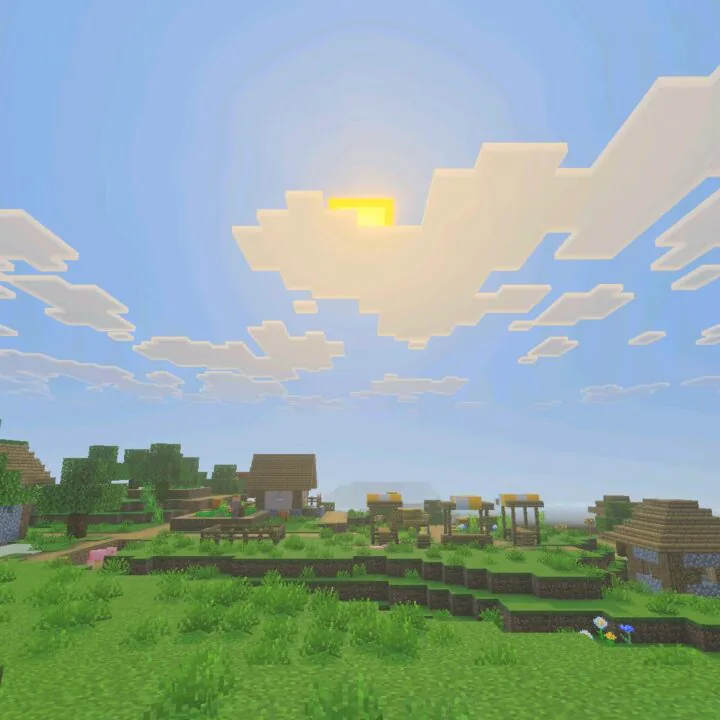
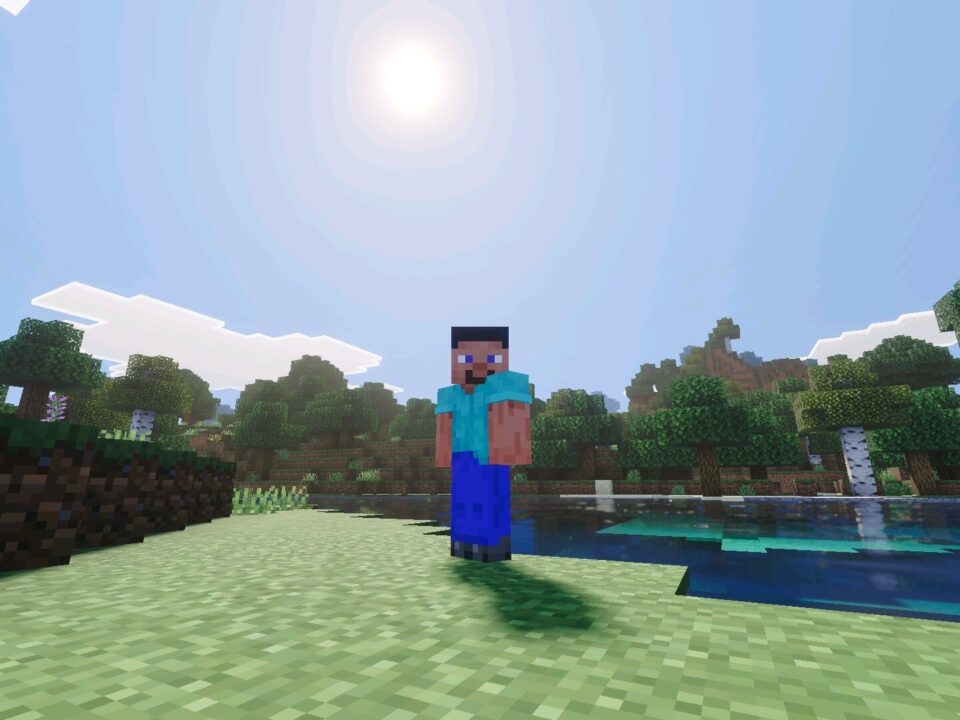
Sunlight receives cinematic god rays that change density depending on the time of day. These beams add depth to outdoor environments and make the lighting feel more dynamic.
The sky also changes from dawn through midnight, creating different visual conditions as the day progresses. Combined with atmospheric effects, these transitions make exploration more visually engaging.
Players interested in comparing different lighting styles can explore Shaders for Minecraft and discover other ways to enhance the game’s appearance.
Nether and End
The improvements are not limited to the Overworld. Daydream Visuals also reworks the Nether and End with lighting and atmospheric adjustments tailored to their environments.
Individual biome settings give these dimensions more distinctive colors and visual depth. Traveling between different areas becomes more noticeable because the surrounding atmosphere changes with the location.
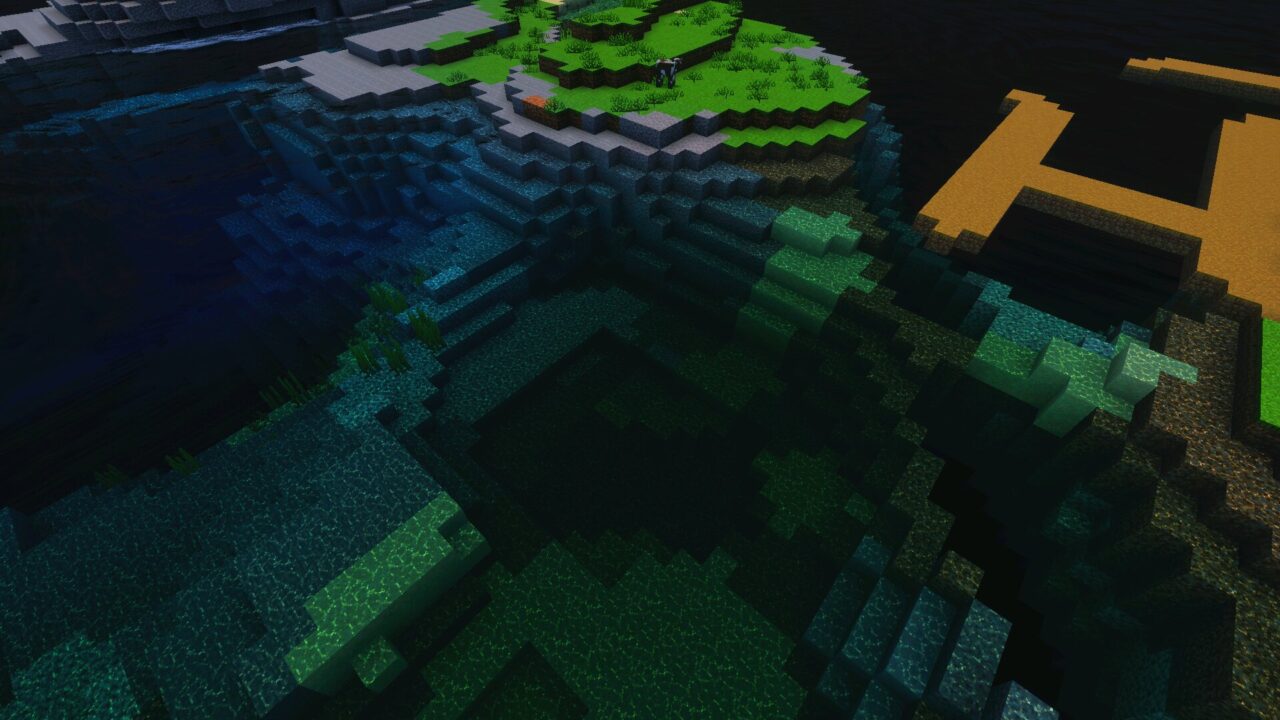
The Deep Dark receives special attention. Its environment is illuminated with sculk-inspired cyan tones, creating a recognizable appearance that emphasizes the unusual underground biome.
Water and Colored Light Sources
The shader introduces custom water tuning alongside its broader lighting improvements. Water becomes part of the surrounding visual atmosphere rather than appearing completely separate from the environment.
Daydream Visuals is designed to work alongside other visual packs. Compatibility can still depend on whether another pack changes the same graphics settings.
Colored light sources provide additional variation to illuminated areas. Together with improved particles, these effects make caves, landscapes, and other locations more visually distinctive.
FAQ
Does Daydream Visuals Shader require Vibrant Visuals?
Daydream Visuals Shader is designed for the Vibrant Visuals graphics system. Players need a compatible Bedrock version and device that supports this rendering mode.
Will Daydream Visuals Shader affect FPS on mobile devices?
The additional lighting, fog, and particle effects may affect performance depending on the device. Less powerful phones may experience lower FPS when using demanding graphics settings.
Can Daydream Visuals Shader work alongside other visual packs?
Yes. Daydream Visuals Shader is described as compatible with other packs, although combinations that modify the same visual settings may produce conflicts.



Went into the Deep Dark to grab some sculk and got distracted by the blue lighting down there. Kinda forgot I was supposed to be sneaking until the Warden showed up 💀