Download Mellow Shader for Minecraft PE: enjoy warm golden sunsets, soft shadows, atmospheric fog, colorful lighting, animated water, and beautiful skies without sacrificing smooth gameplay on mobile devices.
Mellow Shader for Minecraft PE
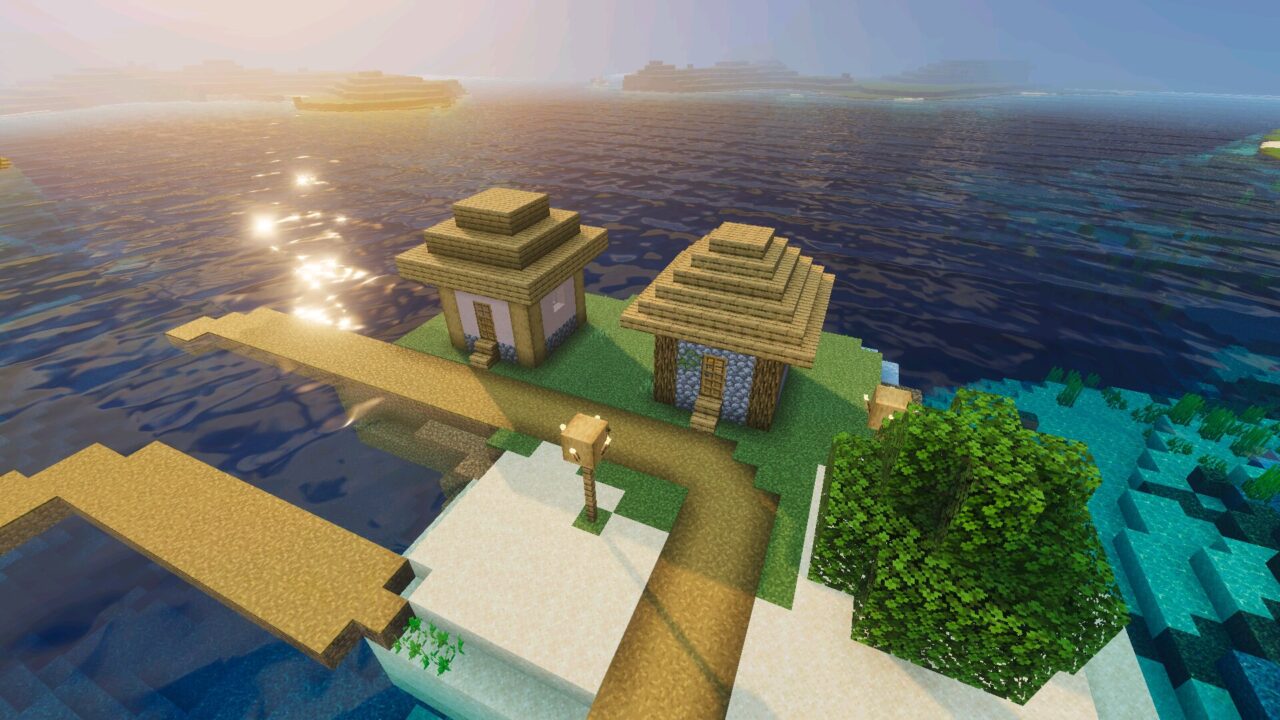
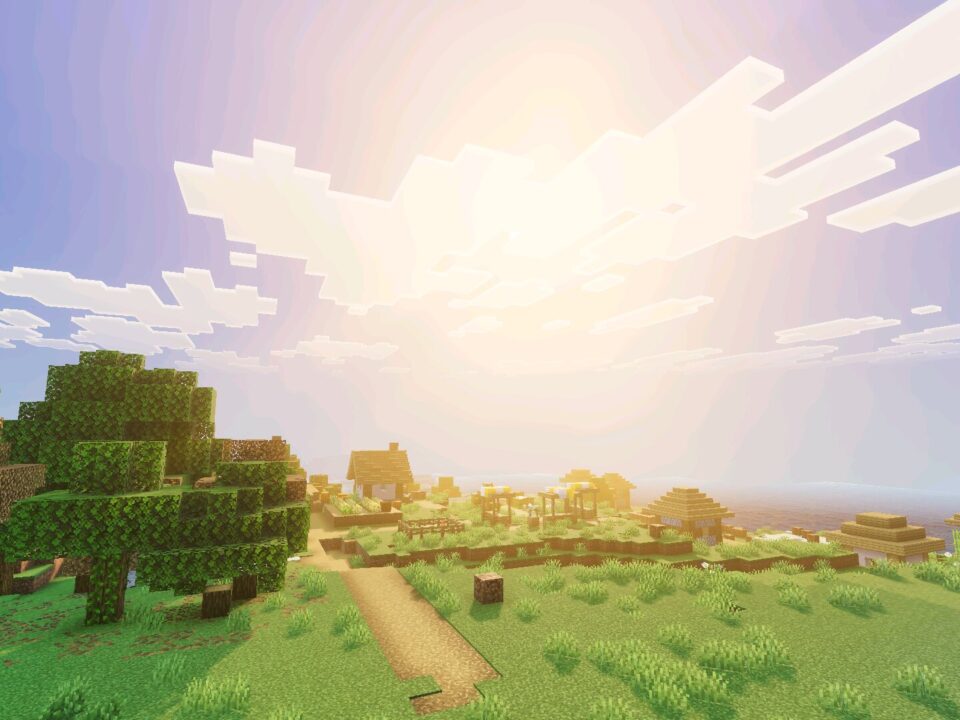
Mellow Shader gives Minecraft Bedrock Edition a softer, more cinematic appearance while preserving the familiar visual style of the game. Its main feature is warm natural lighting that changes throughout the day, creating golden mornings, bright afternoons, and colorful evenings.
The shader combines lightweight volumetric lighting, smooth shadows, and carefully adjusted colors. Instead of overwhelming the screen with intense effects, it creates a balanced atmosphere suitable for everyday survival and exploration.
Special attention is given to performance. The visual improvements are designed to remain lightweight, making them more accessible to players using mobile devices.
Mellow Shaders
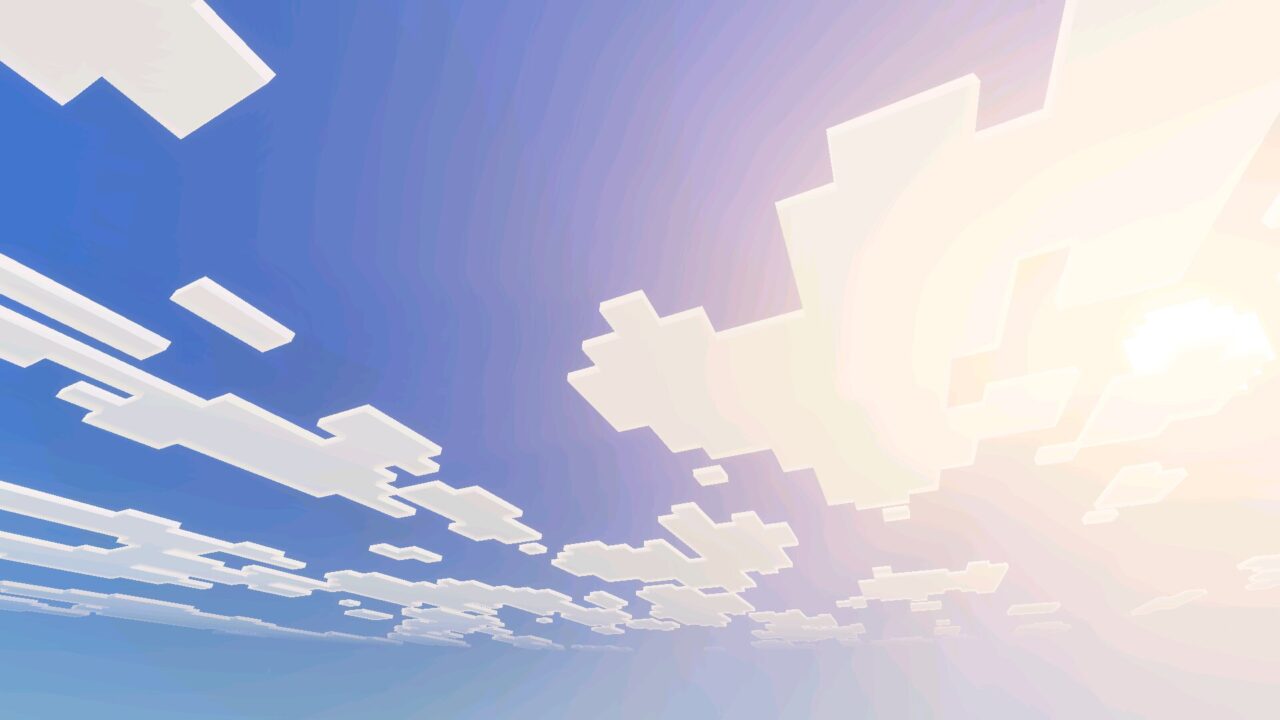
Mellow Shader transforms the appearance of the sky throughout the day. Sunrises introduce soft yellow light that gradually develops into warm orange tones.
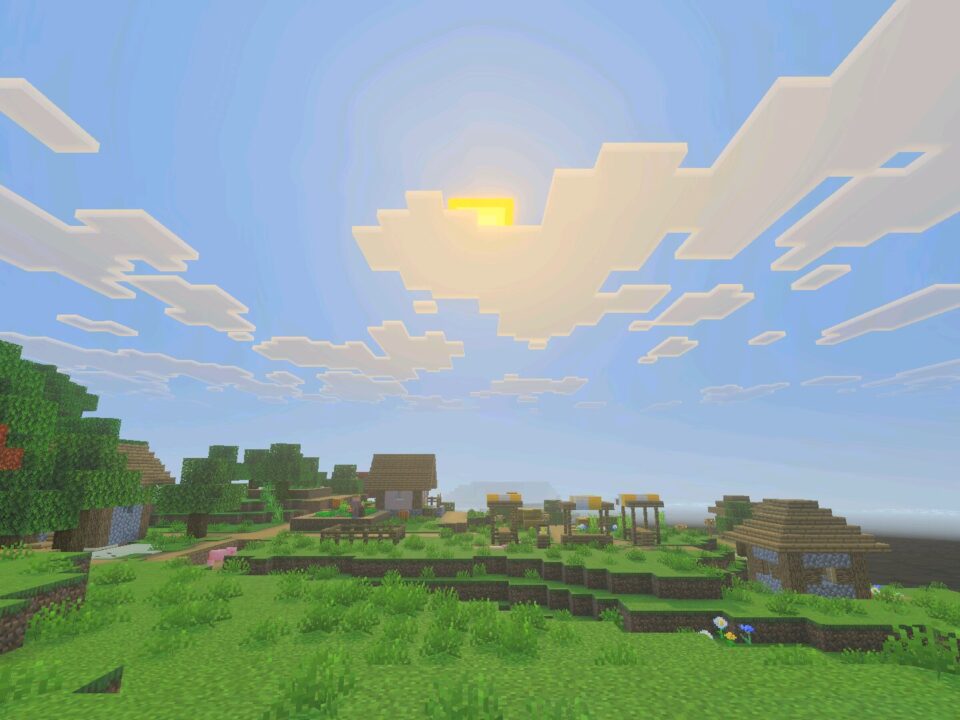
During midday, the sky becomes a clear blue, creating a natural contrast with the surrounding terrain. As evening approaches, golden sunlight returns and gives landscapes a warmer appearance.
Nighttime brings deep indigo colors, replacing the ordinary dark sky with a richer atmosphere. Twinkling stars and occasional multicolored shooting stars add movement to the nighttime scenery.
The shader uses ACES tone mapping with a 6200K white balance to maintain consistent colors and natural-looking lighting transitions.
Mellow Shader uses lightweight lighting effects and soft shadows. Its color grading emphasizes warm sunlight without making daytime landscapes excessively saturated.
Atmospheric Fog
The Mellow Shader for Minecraft PE includes 13 fog profiles covering 78 biomes. These settings help different environments maintain their own visual character.
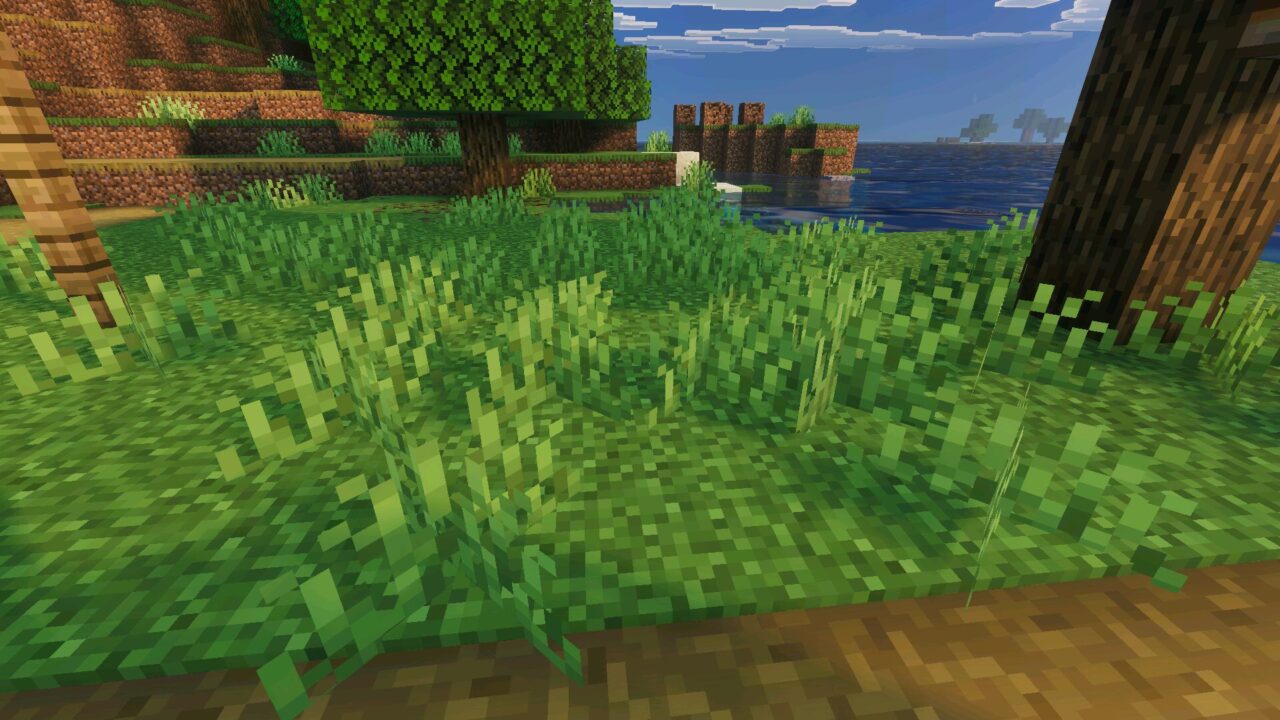
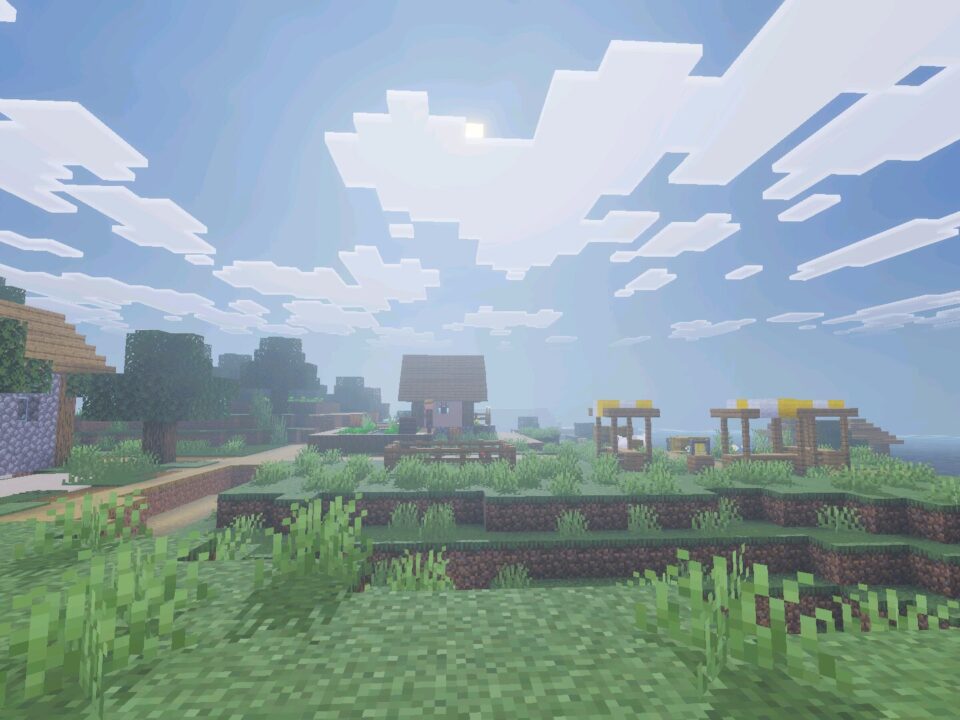
Rather than applying identical atmospheric effects everywhere, the shader adjusts fog according to the surrounding biome. This makes transitions between different landscapes feel more natural.
Forests, open terrain, and other environments benefit from carefully balanced visibility and atmospheric depth.
Players interested in experimenting with different lighting styles can explore Shaders for Minecraft PE and compare alternative visual effects.
Lighting and Shadows
One of the most noticeable improvements is the combination of smooth shadows and colored light sources.
Torches, lanterns, campfires, glowstone, and copper bulbs receive enhanced lighting effects. Their colors contribute to the atmosphere of underground bases, houses, and other enclosed locations.
The shader also includes subtle environmental particles, such as floating motes, sparkles, and wind flakes. These details make outdoor scenes feel more active without dramatically changing their appearance.
Soft shadow edges help buildings and natural terrain look more polished. The lighting remains relatively restrained to avoid unnecessary visual complexity.
Water and Block Details
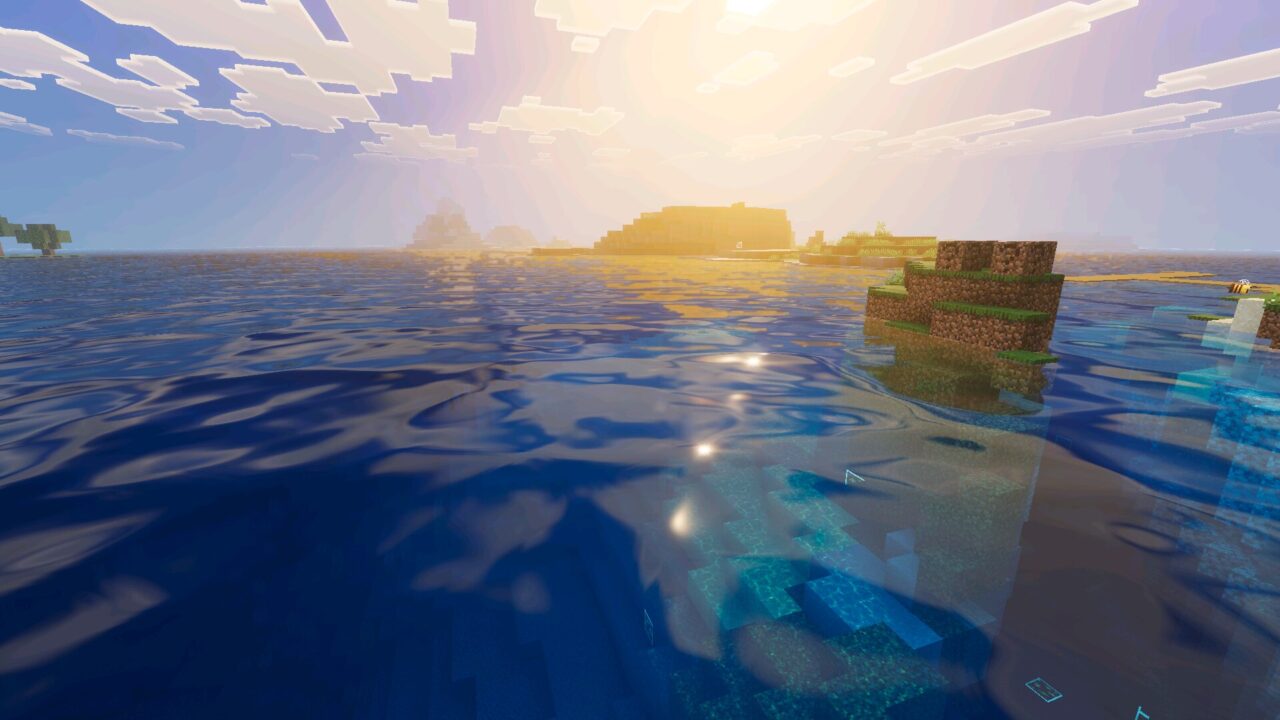
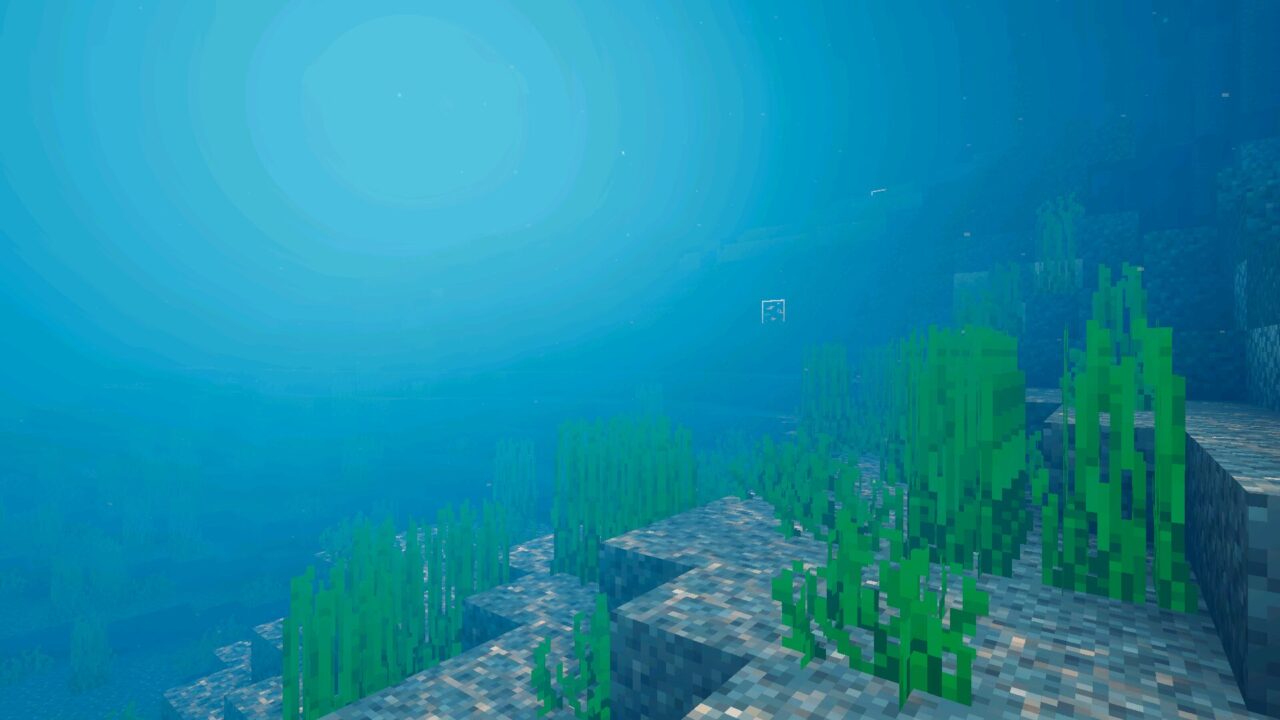
Mellow Shader introduces animated water with gentle surface waves and caustic effects. These changes give rivers, lakes, and oceans a more natural appearance.
PBR water textures add further detail, making aquatic environments more visually interesting during exploration.
The shader also enhances selected ore blocks through PBR materials. Metallic surfaces and emissive details make these blocks stand out from ordinary stone.
These improvements are especially noticeable when examining underground environments or exploring locations containing multiple light sources.
Nether and End
The Nether and End receive their own lighting, fog, and color-grading settings. Each dimension maintains a distinct atmosphere rather than sharing the appearance of the Overworld.
The End features special ambient effects, including an aurora that adds color to its unusual landscape.
These details create additional visual variety while retaining the recognizable appearance of both dimensions.
Mellow Shader is designed for lightweight performance across different devices. Actual frame rates depend on hardware, graphics settings, and the complexity of the surrounding world.
The combination of atmospheric effects and restrained visual changes makes the shader suitable for survival, building, and ordinary exploration.
FAQ
Does Mellow Shader change lighting across different biomes?
Yes. Mellow Shader includes 13 fog profiles covering 78 biomes, allowing different environments to display distinct atmospheric effects while maintaining consistent color grading.
Will Mellow Shader reduce FPS on mobile devices?
The shader is designed to minimize performance costs through lightweight lighting and shadow effects. Actual FPS depends on the device, graphics settings, and the surrounding environment.
Can Mellow Shader improve water and lighting without changing gameplay?
Yes. Mellow Shader focuses on visual improvements such as animated water, colored lighting, enhanced ore surfaces, and atmospheric skies without introducing new gameplay mechanics.
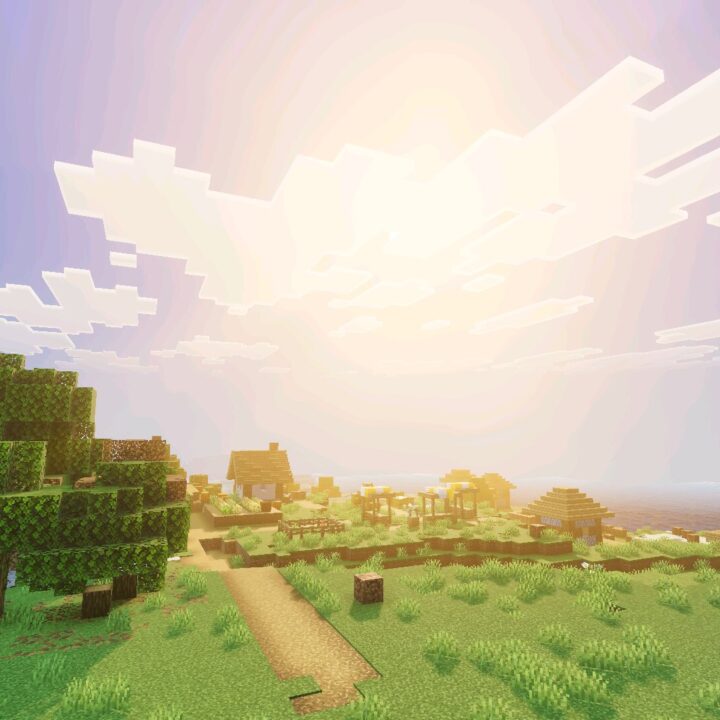




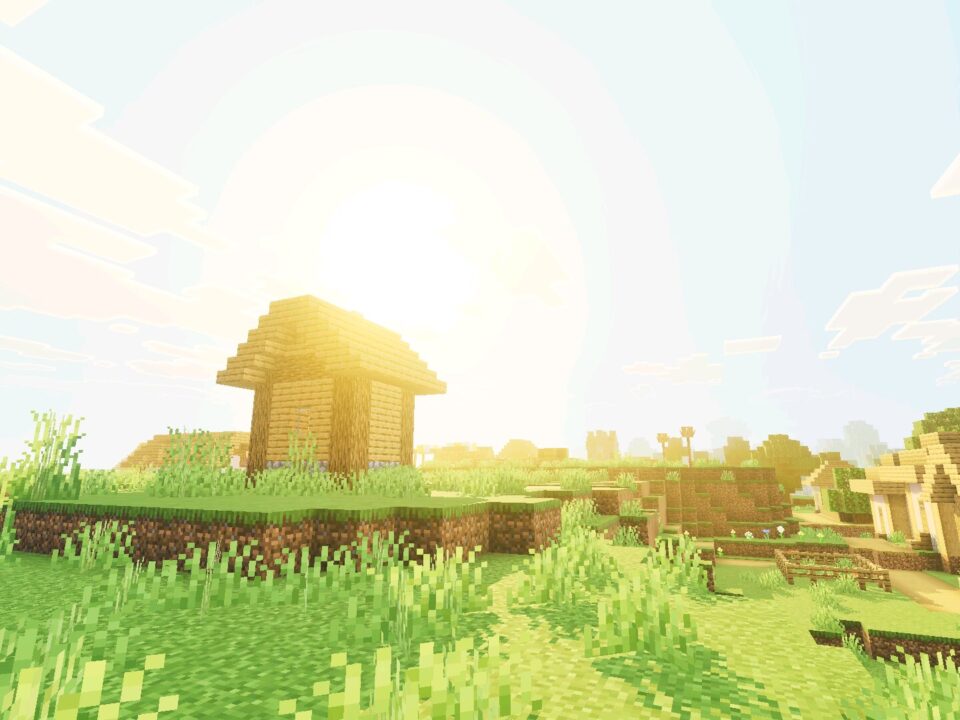
Was fixing the roof of my house when the sunset started and I just stood there watching it. The orange light looks really nice without making everything too bright. My phone handled it fine too.