Download OS Client Texture Pack for Minecraft PE: transform your game with a custom PvP interface, hitbox outlines, damage indicators, FPS and CPS counters, a minimap, animated cosmetics, and adjustable HUD elements.
OS Client Texture Pack for Minecraft PE
OS Client Texture Pack by oSkullo brings a complete PvP client-style experience to Minecraft Bedrock Edition. It replaces the standard interface with customizable screens, combat effects, useful HUD indicators, and animated cosmetic accessories.
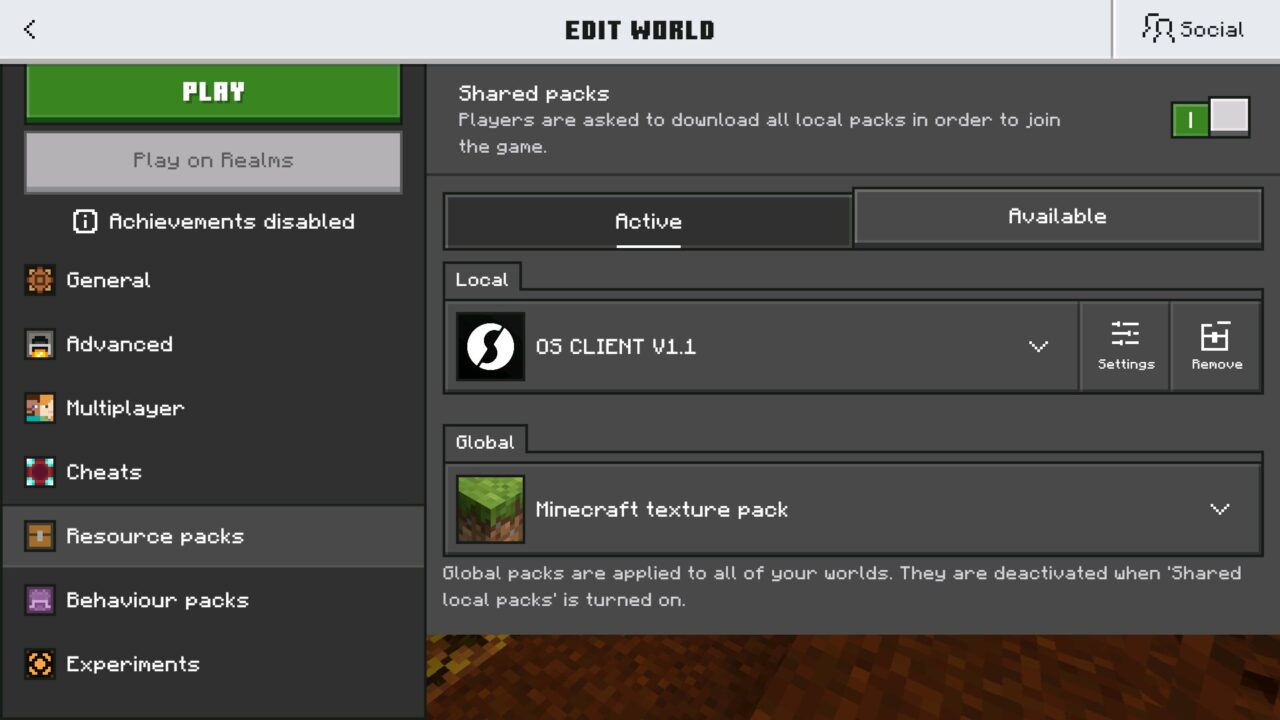
The texture pack works without an external launcher. Players can activate it through Global Resources and customize its features directly in the pack settings.
Almost every visual element can be adjusted, including its position, size, and transparency. This allows mobile players to create a comfortable interface for PvP battles and everyday gameplay.
OS Client
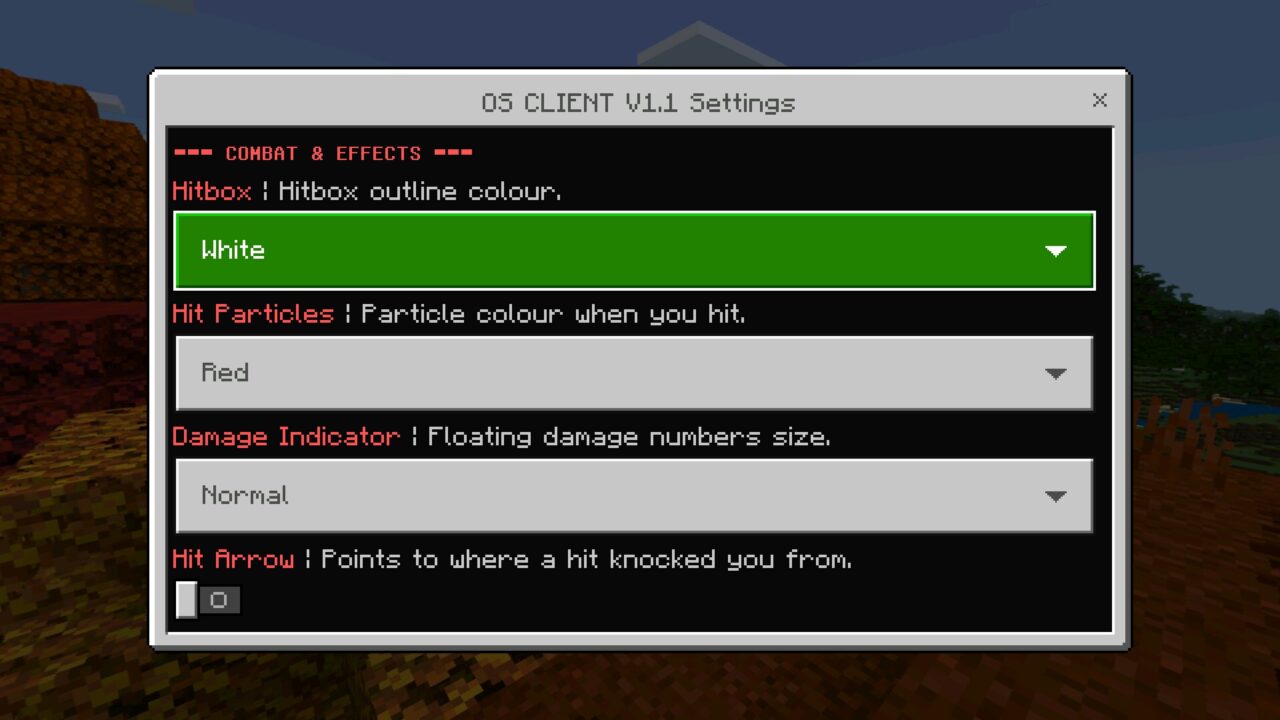
OS Client introduces several combat features designed to make battles easier to follow. Players can enable hitbox outlines in nine colors to improve the visibility of targets.
Hit particles are available in ten colors, along with a Rainbow option. Each successful attack can produce colorful effects that make combat more noticeable.
The texture pack also includes floating damage numbers with four size options: Small, Normal, Large, and Huge.
A directional hit arrow shows where an incoming attack came from. This helps players identify the direction of damage during fast encounters.
Additional particle trails include Hearts, Stars, Flames, Sparkles, and Skulls.
Combat effects can be customized separately. Choose hitbox colors, damage indicator sizes, and particle styles through the pack settings.
Custom HUD
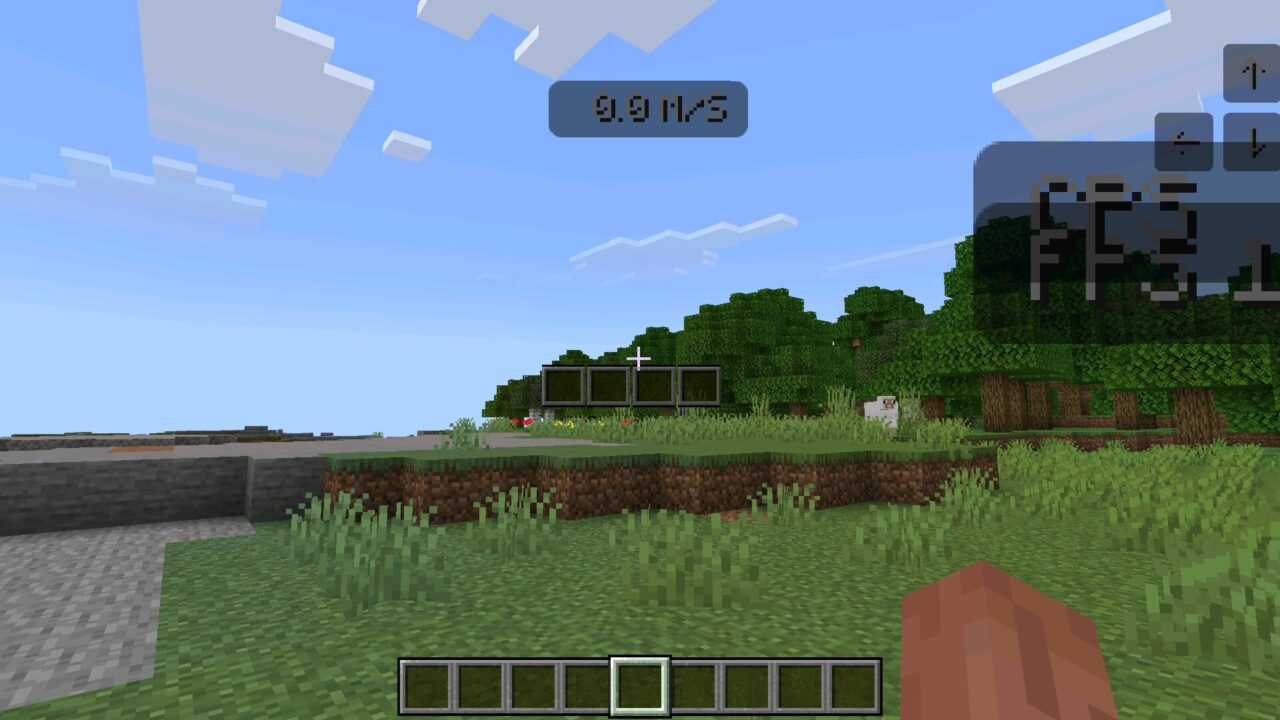
The OS Client Texture Pack includes several useful indicators that display gameplay information directly on the screen.
The available HUD features include:
- FPS Counter: displays the current frame rate.
- CPS Counter: shows clicks per second.
- Keystrokes: displays Jump, Sneak, LMB, and RMB inputs.
- Speedometer: measures movement speed in blocks per second.
- Armor HUD: displays equipped armor and its durability.
The armor indicator offers four layouts, including vertical and horizontal arrangements with optional backgrounds.
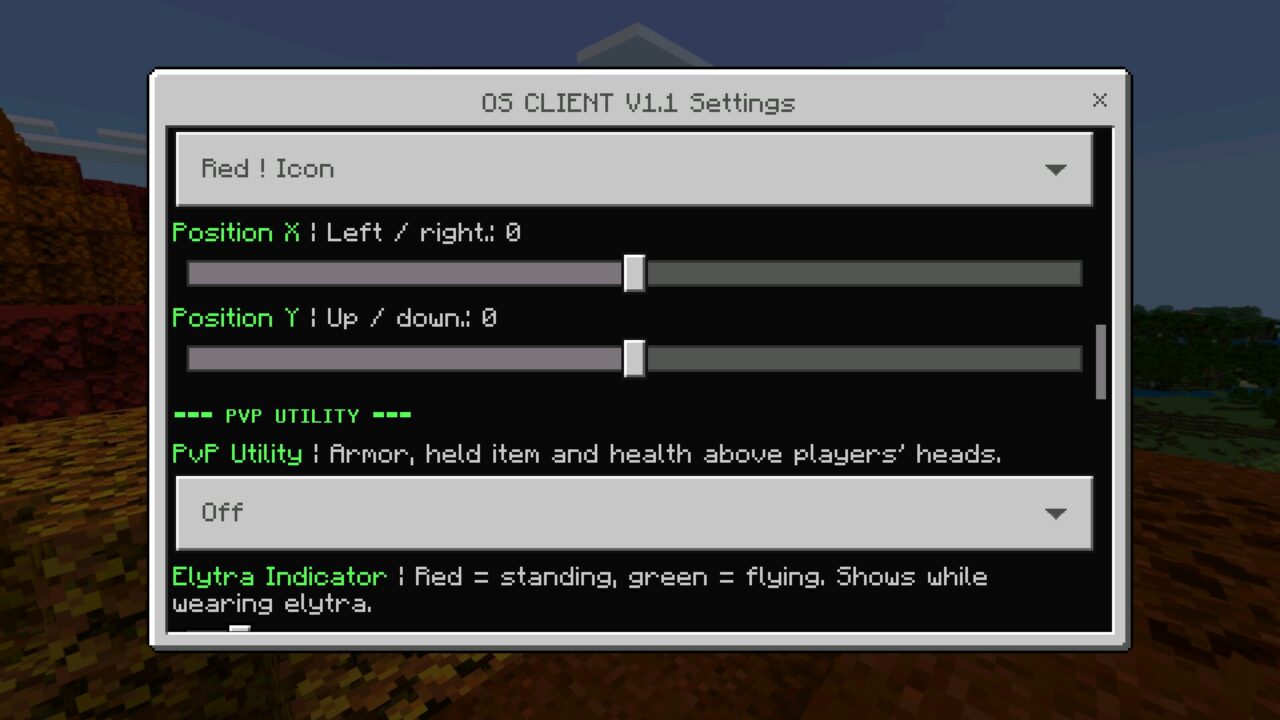
Players can adjust the position, size, and opacity of individual elements. This is particularly useful on smaller phone screens where unnecessary indicators can obstruct gameplay.
For other interface improvements, explore Utility Texture Packs for Minecraft and discover additional ways to customize the gaming experience.
Chunk Map
OS Client includes a minimap that displays nearby chunk boundaries. Players can change its range, size, transparency, and position.
Chunk borders can use a Java-style appearance or one of ten colors, including a Rainbow option. These boundaries are also visible in third-person view.
Waypoint beams provide temporary navigation markers. Players can set their duration to one, ten, or sixty minutes.
The map offers a convenient way to monitor surrounding chunks without relying entirely on the standard game interface.
Cosmetics
The texture pack introduces numerous animated accessories for customizing the player’s appearance.
Available cosmetics include wings, a headband, a halo, an aura, and floating decorations. Players can also add a small kitten that floats nearby, sits on their shoulder, or walks alongside them.
Other accessories include Darkness shoes and gloves, a katana, and a cape with animation and physics options.
The Hide My Armor feature allows players to display their chosen appearance without visible armor covering it.
Custom Interface
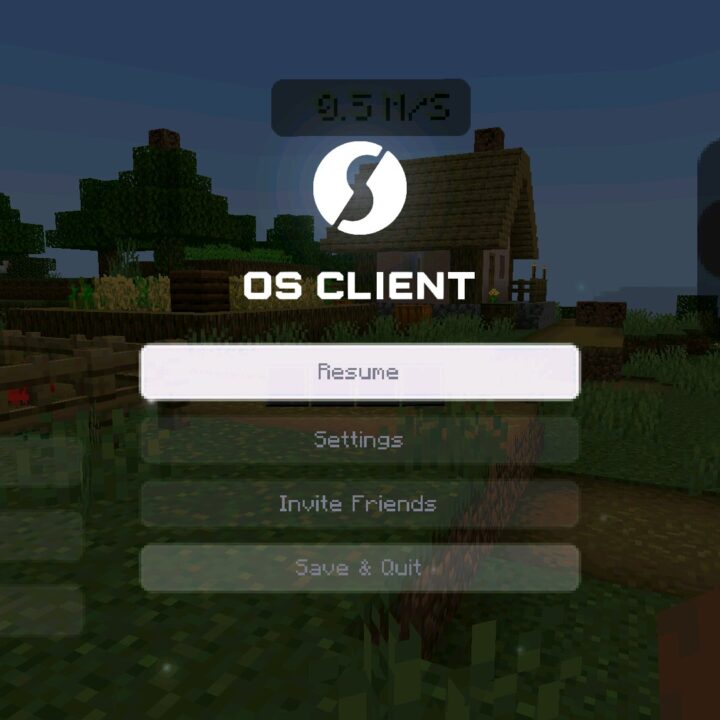
OS Client replaces several standard Minecraft PE screens with a redesigned visual interface.
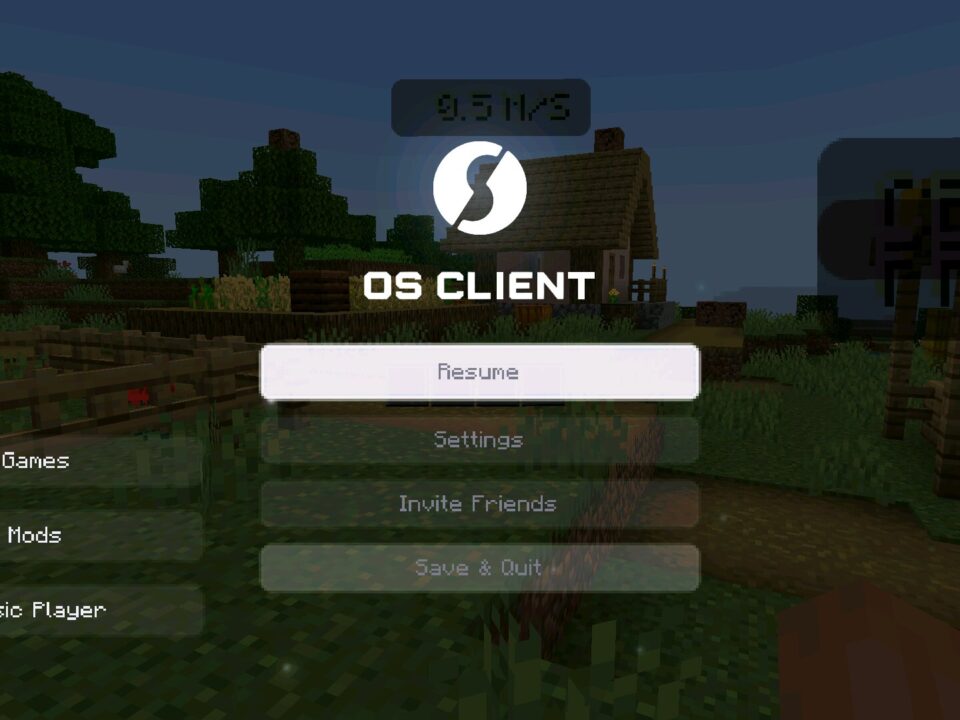
The start screen, pause menu, and loading screen receive custom appearances. Animated logos, background music, and unique click sounds make the interface feel different from the original game.
Activate OS Client under Global Resources and place it at the top of the pack list. Open its settings to enable features and adjust the HUD layout.
Additional features include built-in mini-games, a music card, and a customized chat screen.
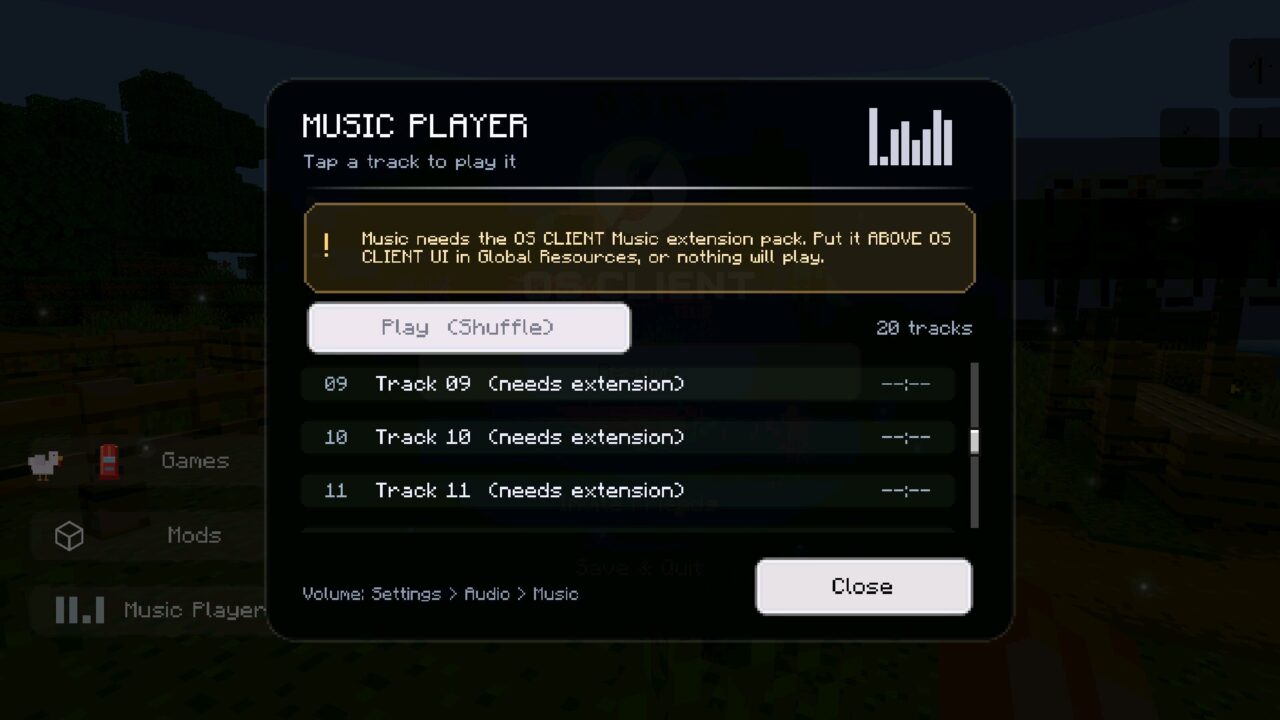
The optional music player supports 20 tracks but requires the separate OS Client Music extension, which must be placed above the main pack in Global Resources.
FAQ
Does OS Client Texture Pack require an external launcher to use its PvP features?
No. OS Client Texture Pack works through Global Resources. Activate the pack and configure its combat effects, HUD indicators, and cosmetics through the available settings.
Can OS Client Texture Pack display FPS, CPS, and armor durability on mobile?
Yes. It includes FPS and CPS counters, a speedometer, keystrokes, and an armor durability indicator. Players can customize the layout and visibility of these elements.
Will OS Client Texture Pack work with other interface texture packs?
Other packs that modify the same interface elements may cause conflicts. Place OS Client above them in Global Resources and test compatibility with your preferred configuration.

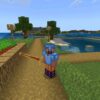

The little kitten sitting on my shoulder is completely unnecessary and I’m keeping it forever. Also moved the armor display to the side so it doesn’t cover half my phone screen anymore.