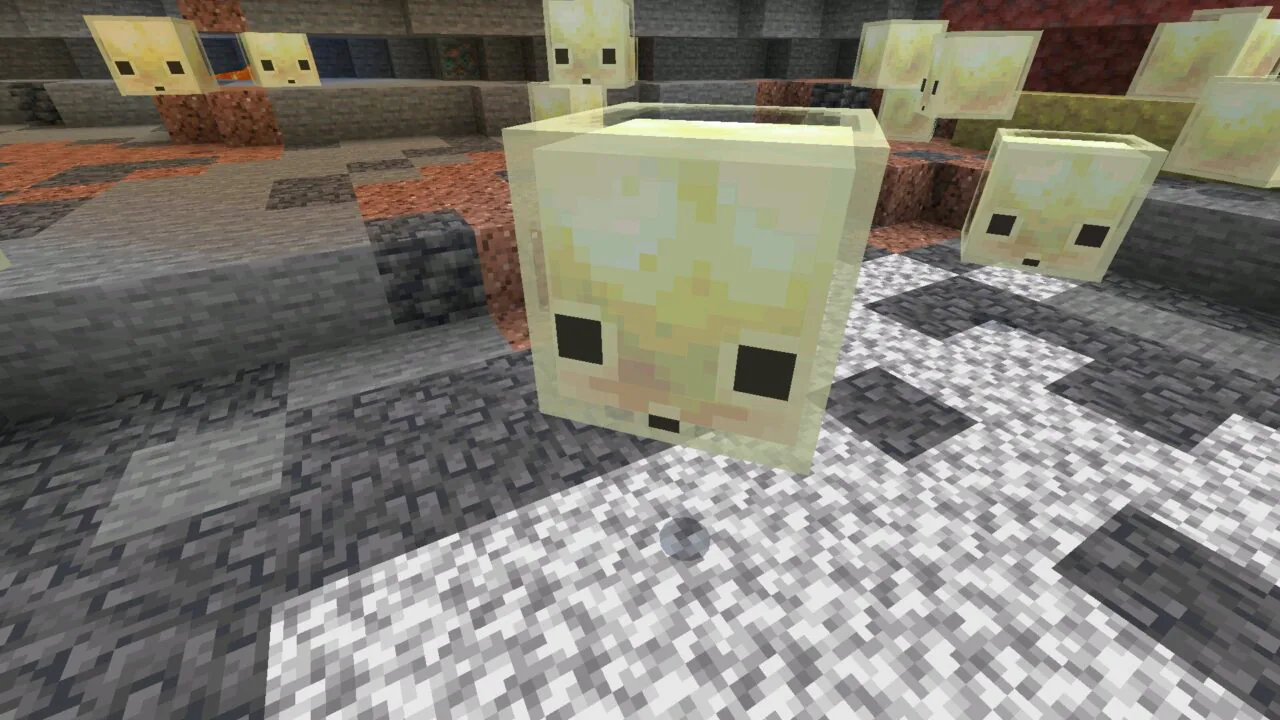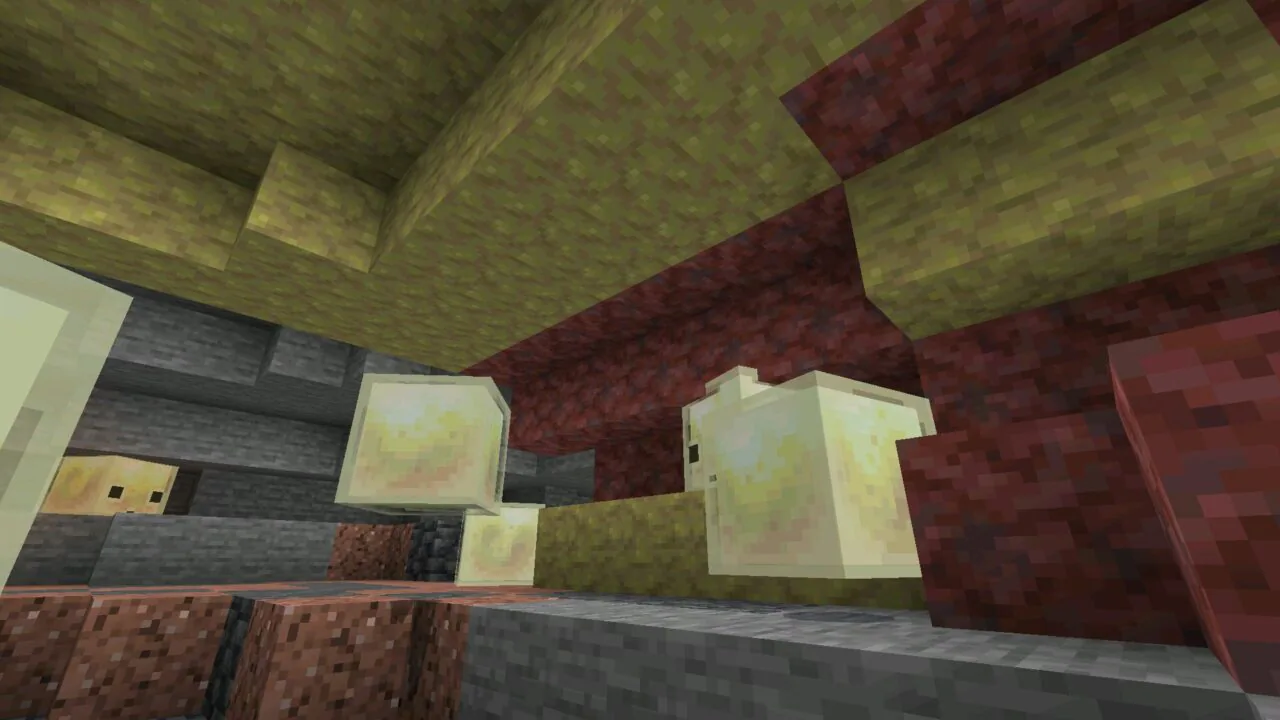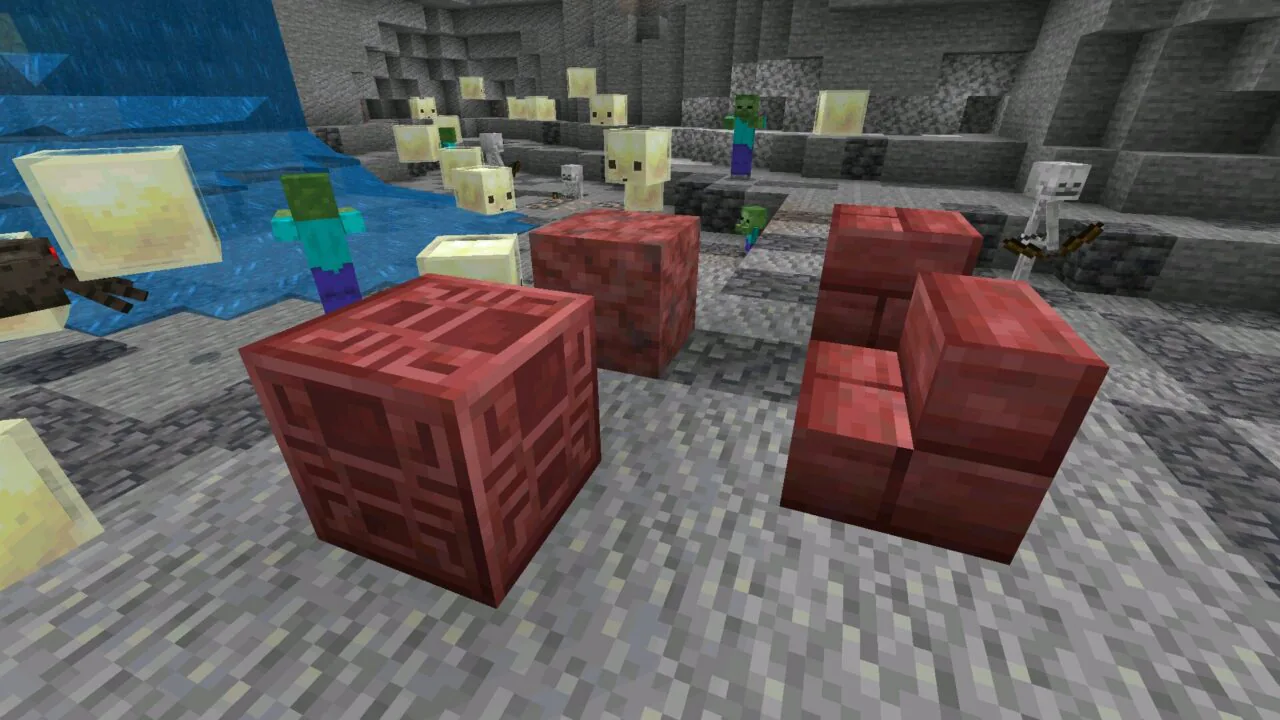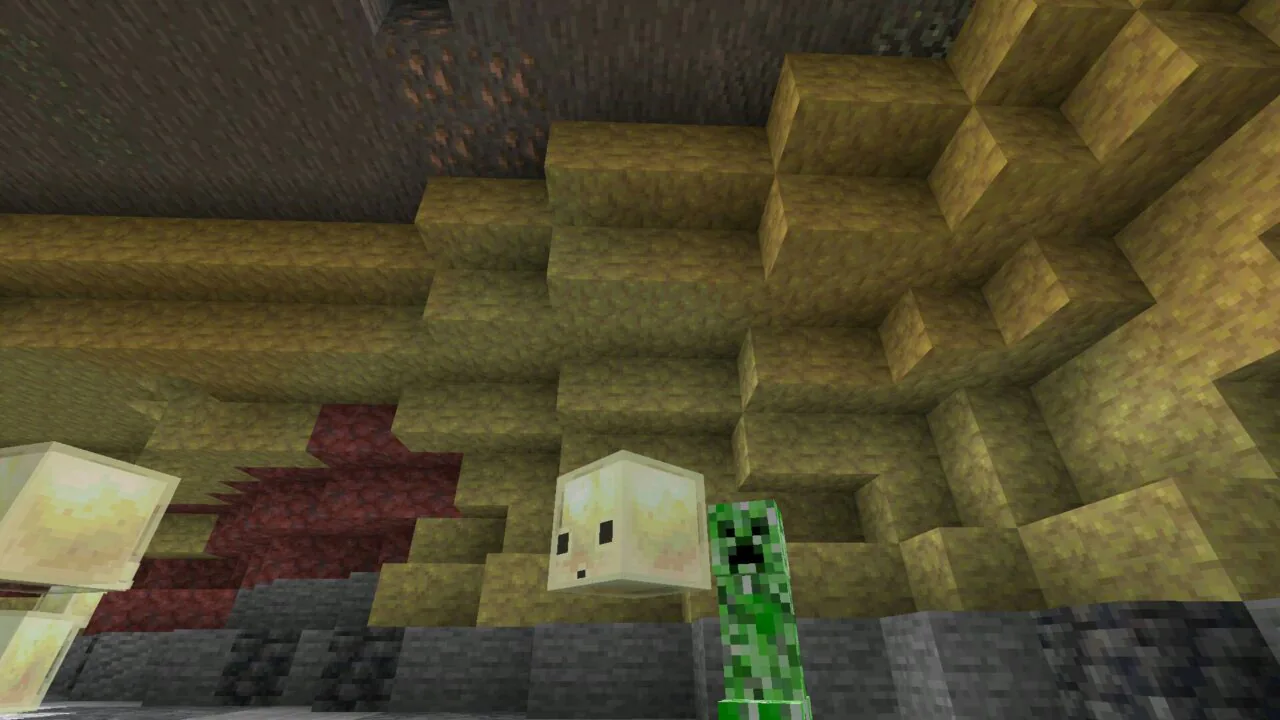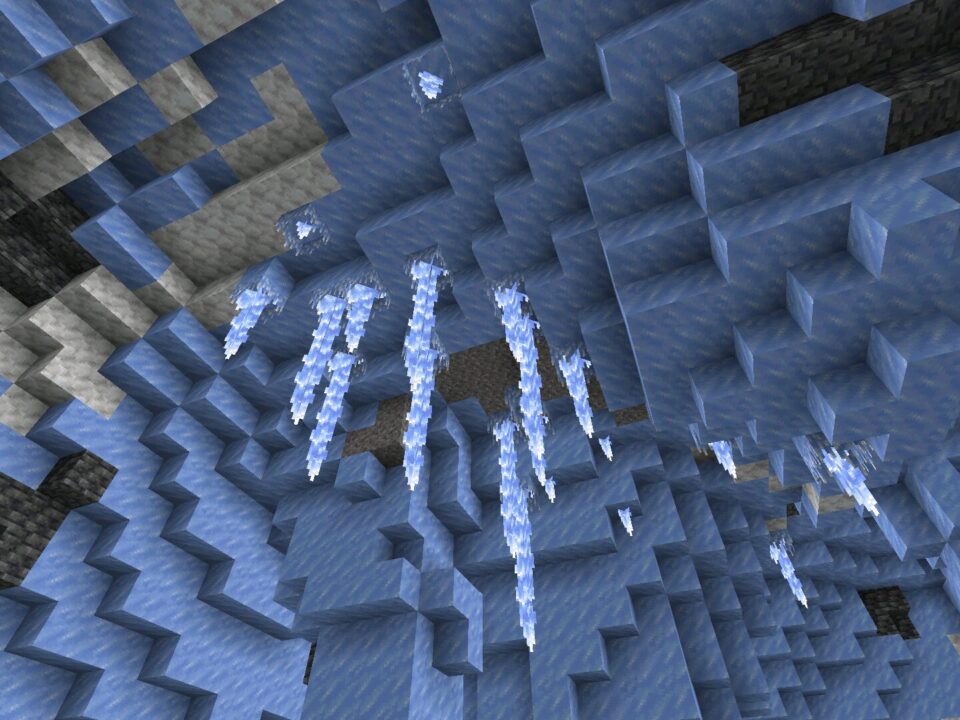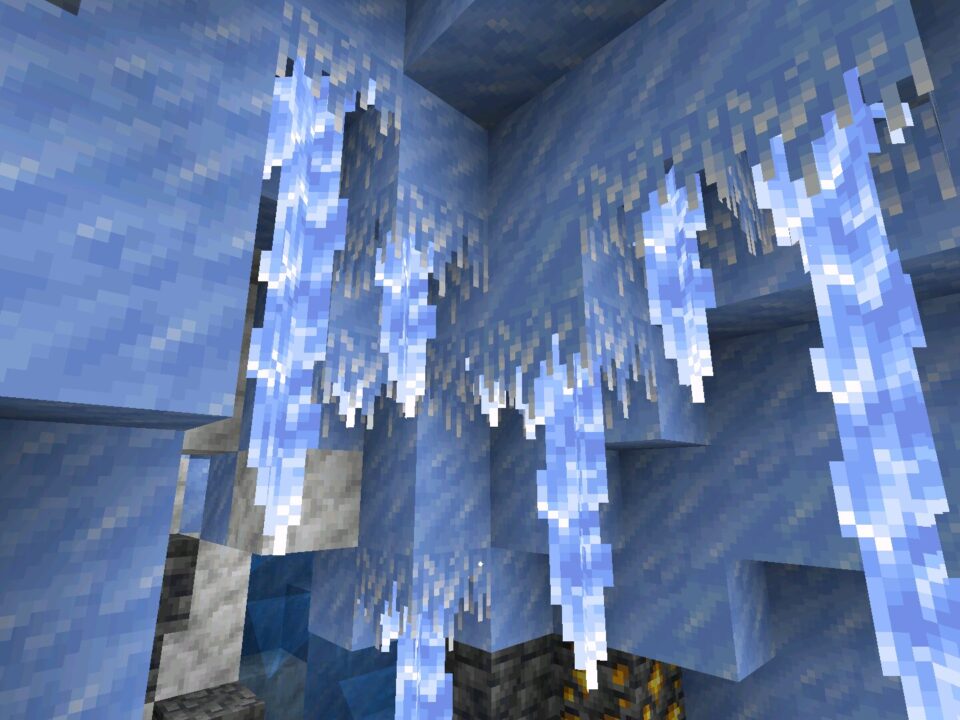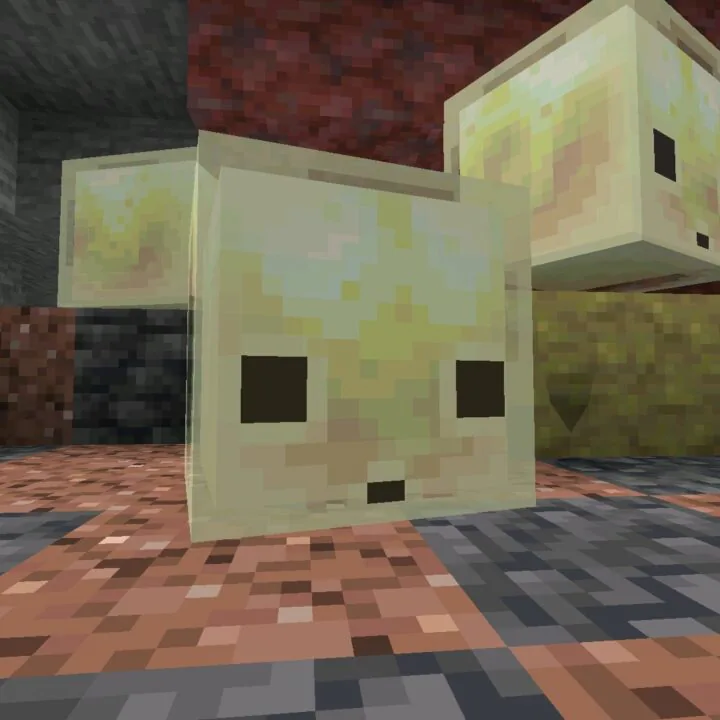
Download Minecraft 26.30.32 / 1.26.30.32 APK for Android and test the newest Beta update focused on Chaos Cubed fixes, smoother Sulfur Cube behavior, graphical repairs, and improved gameplay stability for mobile devices.
Mojang continues refining experimental mechanics in Minecraft Bedrock Edition 26.30.32 / 1.26.30.32. This build is especially relevant for Android players who actively test new features, custom worlds, resource packs, and multiplayer sessions on phones and tablets.
What Is Minecraft 26.30.32?
This Beta update is mainly focused on bug fixing and gameplay corrections instead of large content additions. Several changes improve how Chaos Cubed mechanics behave inside normal survival gameplay, while others repair visual problems and technical systems connected to Bedrock testing.
| Information |
Details |
| Version |
Minecraft 26.30.32 / 1.26.30.32 |
| Edition |
Minecraft Bedrock Edition Beta |
| Platform |
Android phones and tablets |
| File Type |
APK |
| Focus |
Chaos Cubed fixes and stability improvements |
Main Changes in the Update
The core purpose of this build is improving unfinished mechanics before they move closer to stable Bedrock gameplay. Most changes affect Sulfur Cubes, Potent Sulfur interactions, terrain generation, and visual rendering.
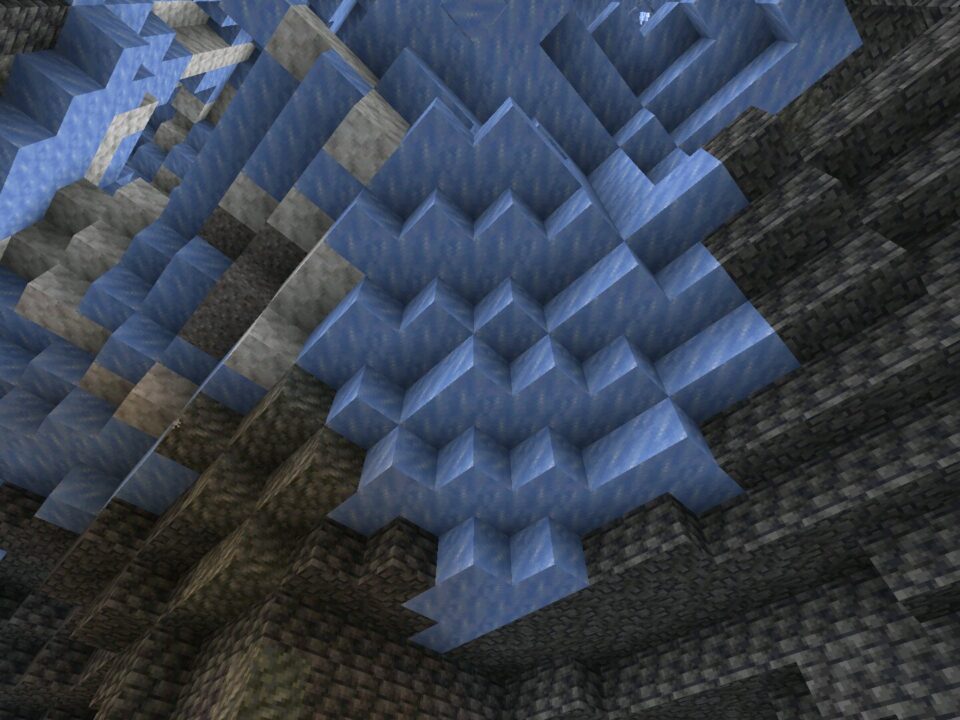
- Sulfur Caves now blend correctly with nearby pre-generated chunks.
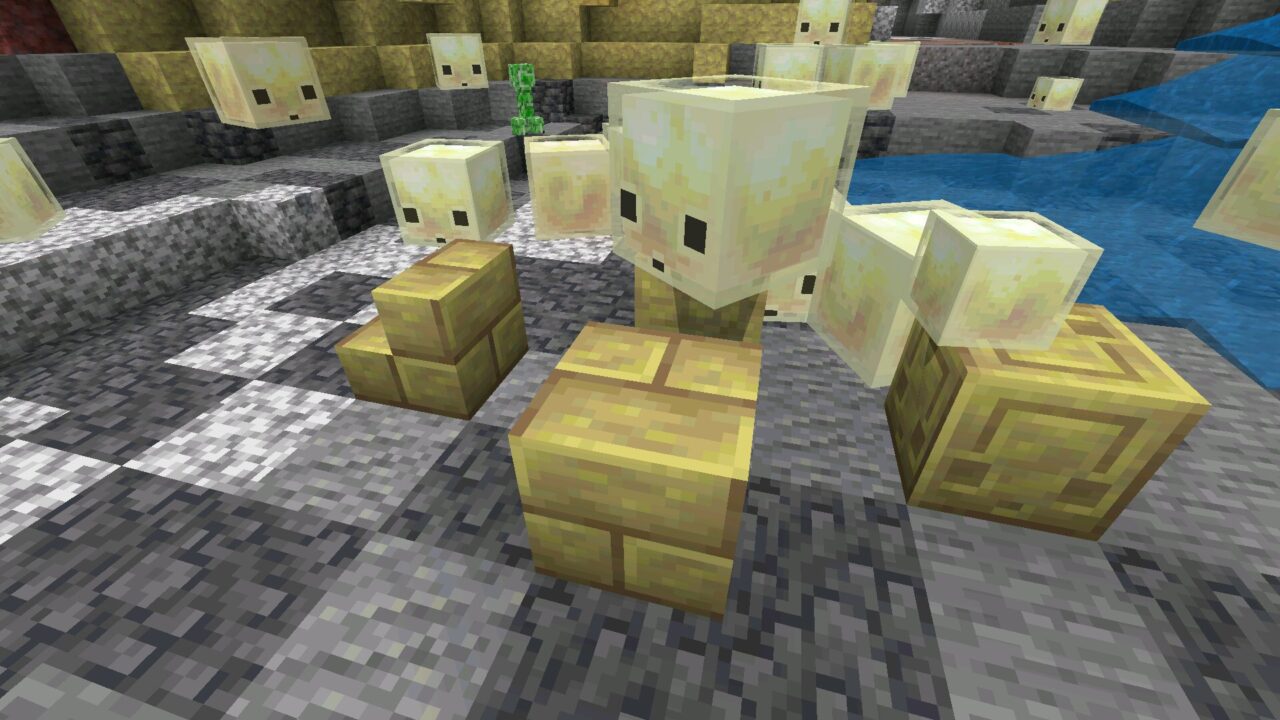
- Sulfur Cubes no longer get stuck after ejecting blocks.
- TNT Sulfur Cubes can now be activated by Redstone dust.
- Potent Sulfur eruptions can push Boats and falling blocks.
- Visual corruption on mobs using Vibrant Visuals with PBR packs was fixed.
- Music returned to Mega Taiga and Redwood Taiga Mutated biomes.
Minecraft PE 26.30.32 / 1.26.30.32 Download is mostly aimed at players who enjoy testing experimental gameplay systems and newer Bedrock mechanics on Android before broader release deployment.
Sulfur Cube Improvements
The Sulfur Cube received the biggest amount of adjustments in this Beta. Mojang improved movement logic, knockback behavior, and interactions with TNT and Redstone systems.
Movement and Physics Fixes
Previously, Sulfur Cubes could sometimes sink into terrain or stop moving after ejecting their stored block. That behavior has now been corrected, making movement feel far more reliable during survival gameplay and testing worlds.
Bucket Behavior Changes
When players released a Sulfur Cube from a Bucket, it previously kept some of the movement velocity from the capture moment. In Minecraft Bedrock 26.30.32 / 1.26.30.32, this issue was removed so the entity behaves more naturally after release.
Better Redstone Interaction
Sulfur Cubes carrying TNT can now be primed using Redstone dust pointing directly at them. This creates more consistent Redstone experiments for advanced Bedrock players building traps, launch systems, and mechanical survival contraptions.
Potent Sulfur and World Behavior
Potent Sulfur interactions now feel more dynamic. Eruptions are capable of propelling Boats and falling blocks, making environmental reactions easier to notice during gameplay.
Sulfur Caves also blend more smoothly with older terrain chunks. This helps prevent awkward world generation borders when exploring previously generated worlds after updating to the new Beta version.
Graphics Stability and Audio
Visual quality and immersion also received attention in this update. Android users running enhanced texture packs or experimental rendering options may notice the improvements immediately.
Vibrant Visuals Rendering Fix
Mojang fixed corrupted visuals affecting mobs when Vibrant Visuals was enabled together with PBR resource packs using actor heightmap textures. This issue mainly affected players testing advanced Bedrock graphics on compatible mobile hardware.
Biome Music Returns
Music playback now works correctly again inside Mega Taiga and Redwood Taiga Mutated biomes. While small compared to gameplay mechanics, this helps restore the atmosphere during exploration.
Performance on Android Devices
The update also includes stability improvements connected to multiplayer sessions. Mojang fixed a crash that could happen when players joined local multiplayer sessions too slowly on XBOX-connected environments.
For Android users, overall gameplay behavior feels more predictable during experimental feature testing. Devices with newer chipsets and Android 10 or higher should handle this build more comfortably, especially when using larger worlds or resource packs.
Players searching for minecraft 26 versions can also explore additional builds through the
minecraft 1.26 apk download section to compare gameplay behavior across the current update branch.
Compatibility and Installation Notes
This APK is intended for Android phones and tablets capable of running recent Minecraft Bedrock Beta builds. Installing experimental versions on older devices may result in lower FPS, rendering issues, or unstable chunk loading.
Before installation, users should verify available storage space, Android compatibility, and whether their current worlds are backed up properly. Beta versions can introduce unfinished behavior that may affect existing saves.
Safety and File Verification
Download Minecraft 26.30.32 / 1.26.30.32 APK only from trusted sources that clearly publish changelogs and original version information. APK files should always be checked before installation, especially when testing Beta builds on a primary Android device.
Reliable download pages normally provide direct version numbers, explain gameplay changes transparently, and avoid modified package names. Players should also understand that experimental Bedrock builds may contain unfinished systems and temporary bugs while Mojang continues active development.
Source: https://feedback.minecraft.net/hc/en-us/articles/46149394356877-Minecraft-Beta-Preview-26-30-32
0 Comments