Vulkan Core Texture Pack for Minecraft PE

Vulkan Core Texture Pack for Minecraft PE

Download Vulkan Core texture pack for Minecraft Bedrock to remove fog, cut particles, and lock a stable high FPS.
3 August 2026
  1. 5
  2. 4
  3. 3
  4. 2
  5. 1
(1 vote, Rating: 5 out of 5)
Download Download New Textures

Download Vulkan Core Texture Pack for Minecraft PE: strip away fog, heavy particles, and complex animations to push your phone toward its maximum frame rate.

Vulkan Core Texture Pack for Minecraft PE

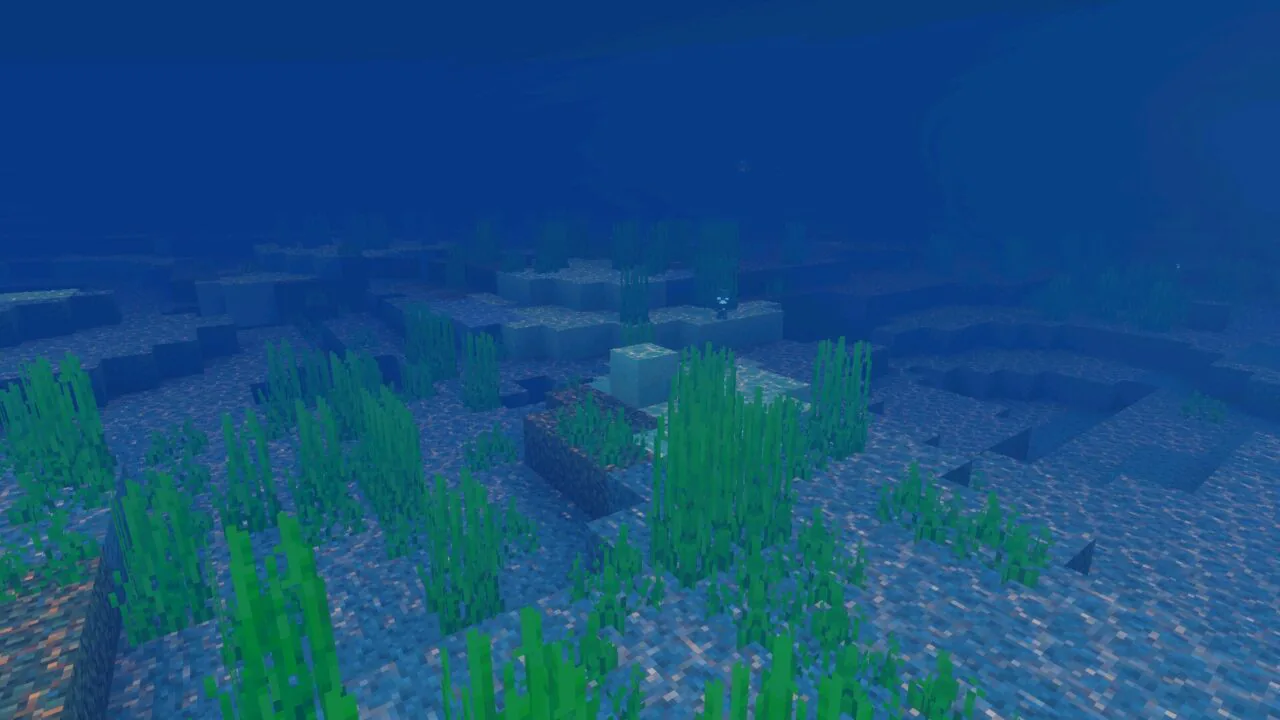
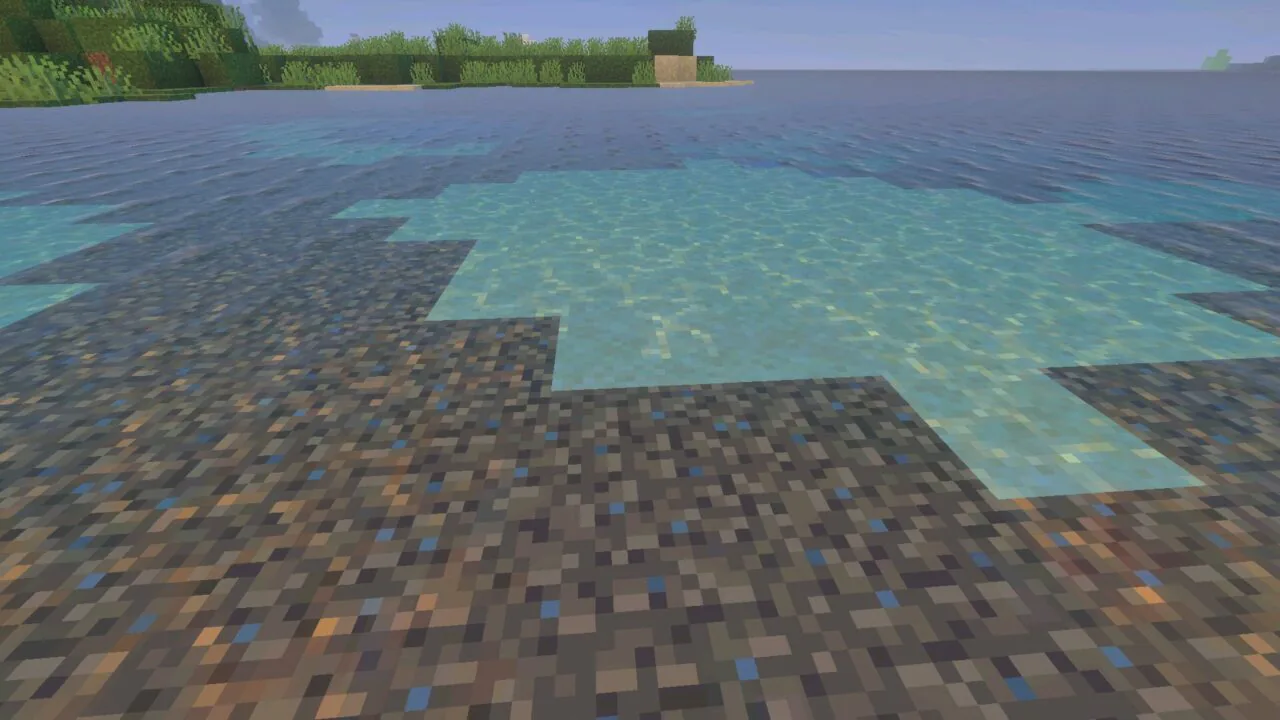
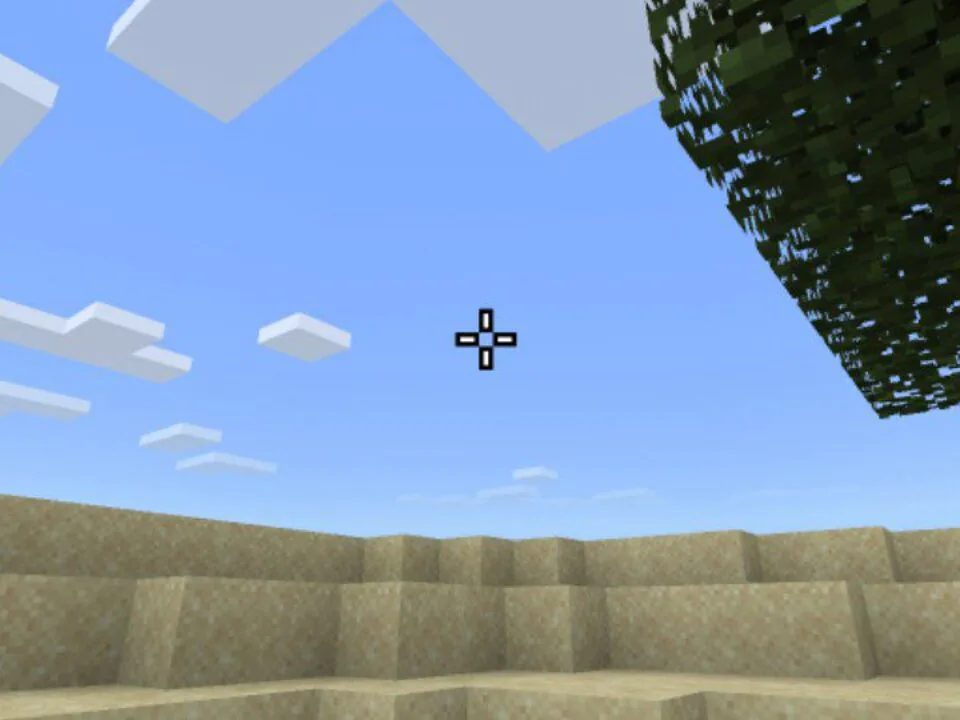
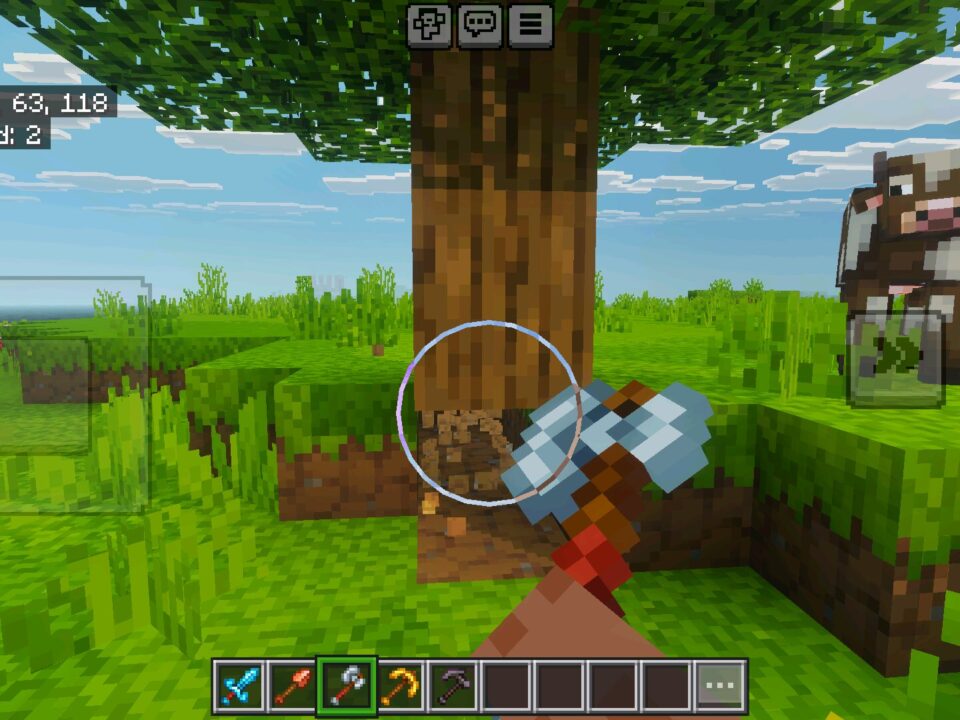
Vulkan Core texture pack for Minecraft PE cuts the graphics load down to the essentials. No fog, no unnecessary particles, simplified animations.

The result is a cleaner image and a higher FPS ceiling on mobile hardware. World generation, blocks, and gameplay rules stay untouched.

It works as an all-in-one solution, so a single pack handles optimization and color correction at the same time.

Vulkan Core

Download Vulkan Core texture pack for Minecraft Bedrock to pick one of three presets:

  • Standard — full shader support, stable behavior, no full grass;
  • Pro — vivid and fluid look, optimized fog, faster FPS, better stability, full grass;
  • Ultra — patched and fully optimized deferred shaders, maximum performance on low and mid devices, full grass.

Standard and patched Ultra both keep shaders functional. Both hold stable even with Vibrant Visuals enabled.

Switching presets takes seconds in the global resources list, so testing all three on one device is quick.

Start with Standard. Move to Ultra only if the phone still drops frames.

Performance

Frame rate in Minecraft Bedrock Edition climbs toward the display refresh limit, and the exact ceiling depends on the device.

Stutters and sudden dips get smoothed out. Frame pacing stays even during sprinting, mining, and combat.

Heavy scenes run without slowdowns: large builds, redstone farms, wide open terrain. Snapdragon, Apple, and MediaTek chipsets gain the most from it.

Comparable optimization goals appear in other Utility Texture Packs for Minecraft PE, though the mode system here covers a wider range of hardware.

Visuals and Colors

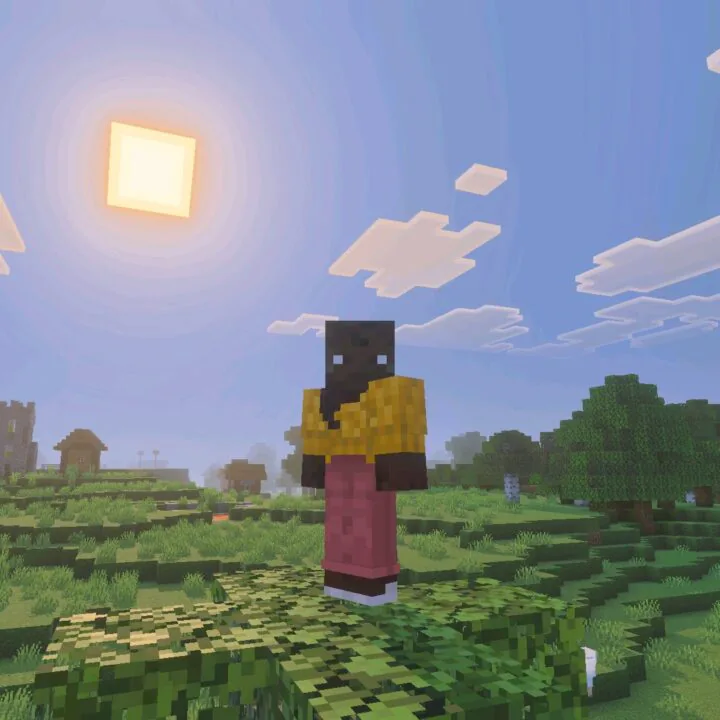
The Vulkan Core texture pack keeps colors rich instead of washing them out for speed.

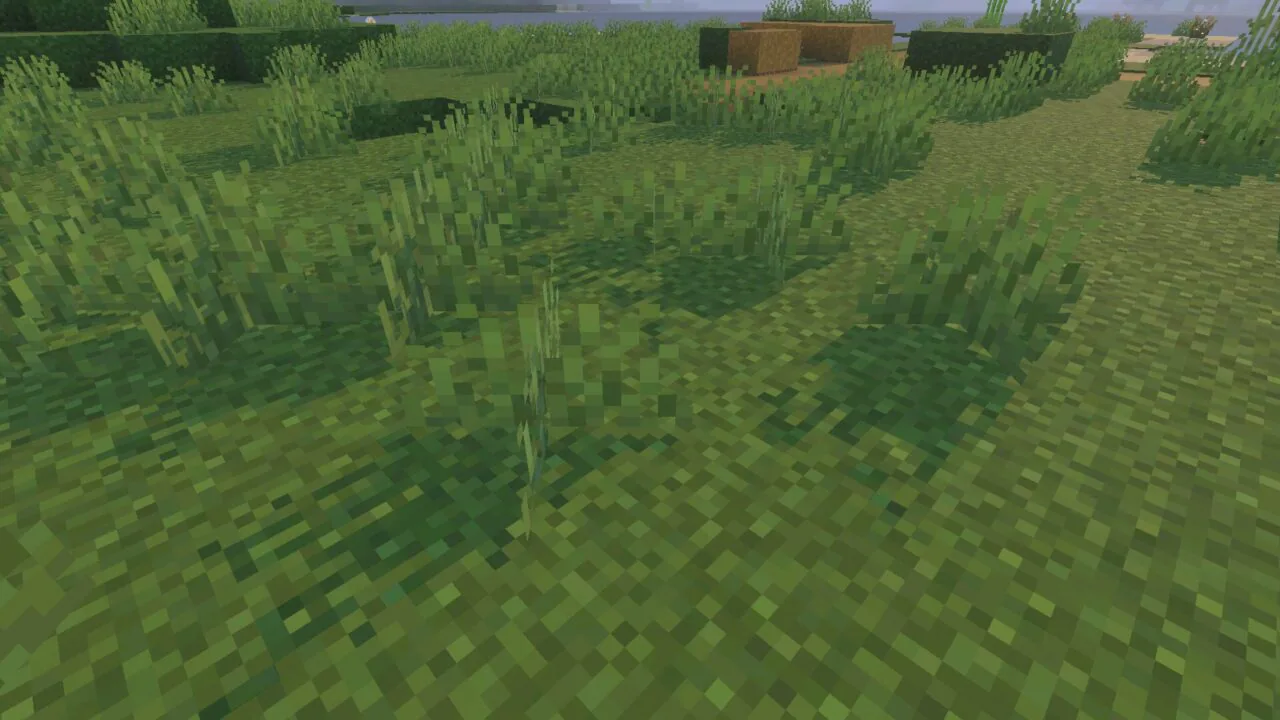
Biomes look sharp and clearly separated. Edges stay crisp even at low render distance.

Brightness and contrast are balanced for visibility. Caves, night surfaces, and deep water read better without extra light sources.

Effects and Details

Vulkan Core texture pack drops every non-essential particle effect from the frame.

Clear sightlines matter most in caves and open fights. Fewer particles keep targets visible.

Animations are simplified rather than removed, so mobs, items, and tools still read correctly during play.

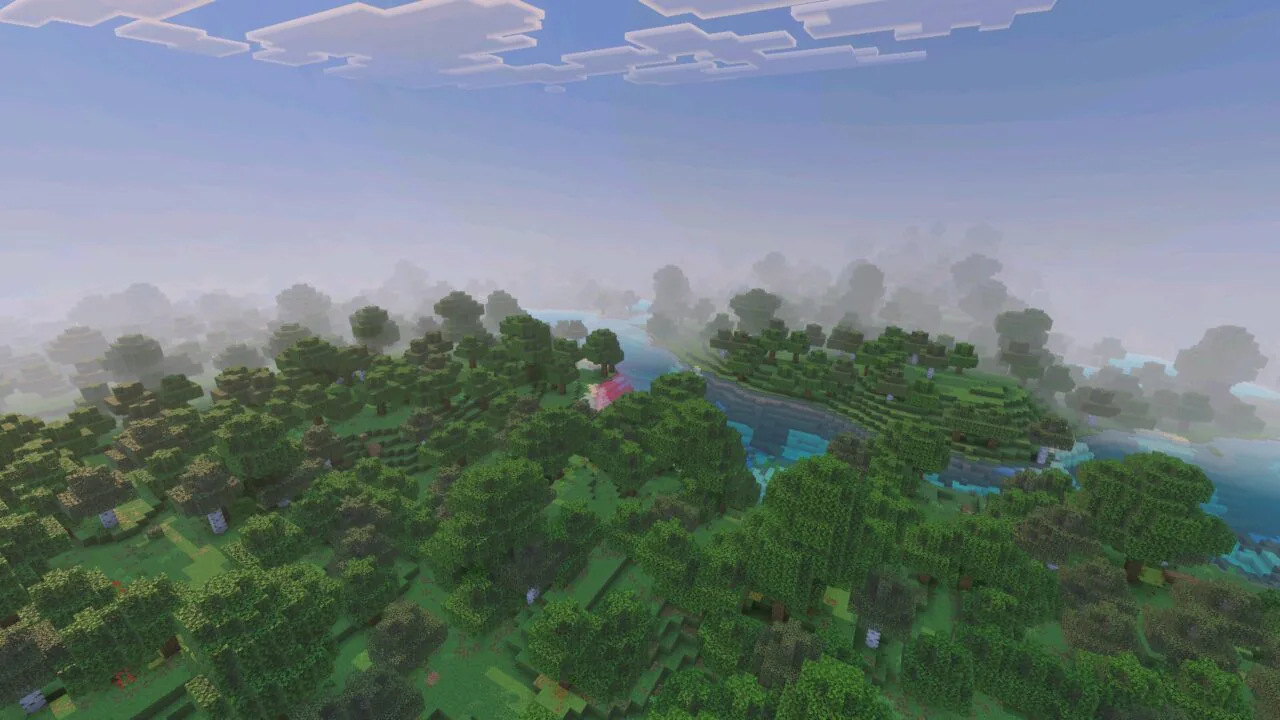
Fog removal extends the visible range at the same render distance. Navigation gets easier, and hostile mobs are spotted earlier.

  • Does Vulkan Core work with shaders installed on top?
  • Will Vulkan Core raise FPS on a low-end phone?
  • Can Vulkan Core be combined with other texture packs?

Download Vulkan Core Texture Pack for Minecraft PE

Vulkan Core

Vulkan Core Texture Pack for Minecraft PE
3 August 2026 5
Vulkan Core Textu...

Download Vulkan Core Texture Pack for Minecraft...

Download Night Vision Texture Pack for Minecraft PE
16 July 2026
Download Night Vi...

Download Night Vision Texture Pack for Minecraf...

Download X-Ray Texture Pack for Minecraft PE
14 July 2026
Download X-Ray Te...

Download X-Ray Texture Pack for Minecraft PE: s...

PvP 16x Texture Pack for Minecraft PE
13 July 2026 5
PvP 16x Texture P...

Download PvP 16x Texture Pack for Minecraft PE:...

1 Comments

  1. Grabbed the ultra mode and my old phone finally holds 60 without cooking itself. no fog is a bit weird at first but seeing mobs way earlier is worth it