View Model Texture Pack for Minecraft Bedrock

View Model Texture Pack for Minecraft Bedrock

Download View Model Texture Pack for Minecraft Bedrock to use hand offset, item scale, rotation, cleaner aiming, and Action and Stuff support.
2 September 2026
  1. 5
  2. 4
  3. 3
  4. 2
  5. 1
(1 vote, Rating: 5 out of 5)
Download Download New Textures

Download View Model Texture Pack for Minecraft Bedrock: adjust first-person hand position, item scale, offset, and rotation for cleaner mobile aiming, building, and combat.

View Model Texture Pack for Minecraft Bedrock

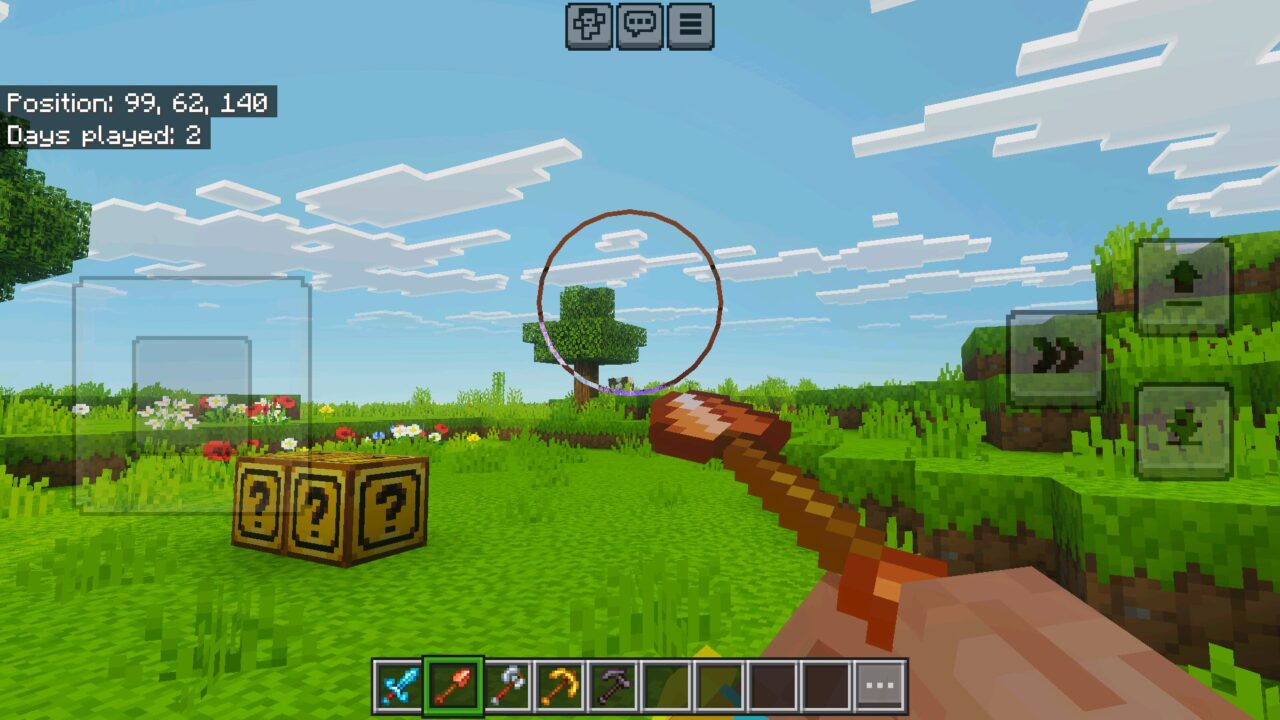
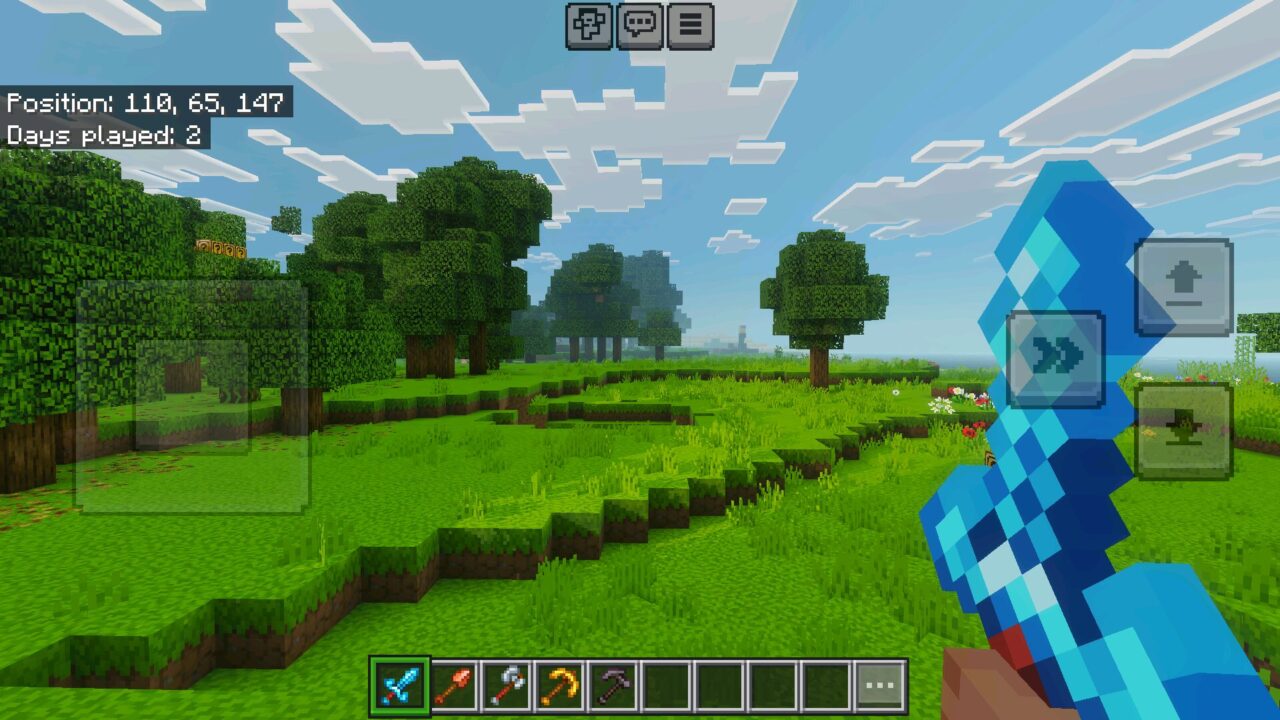
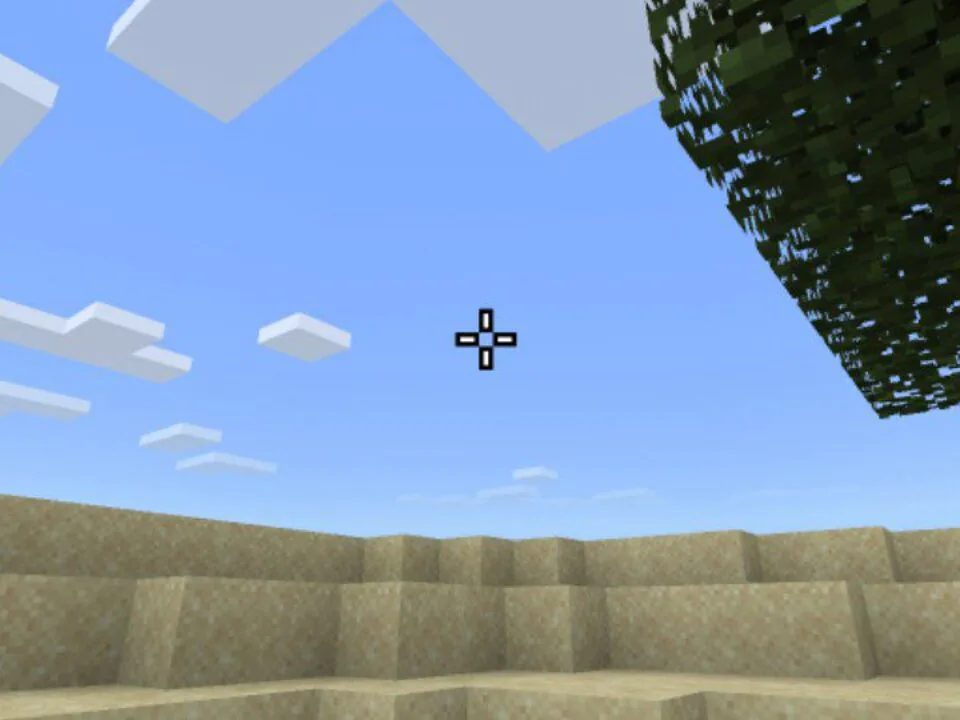
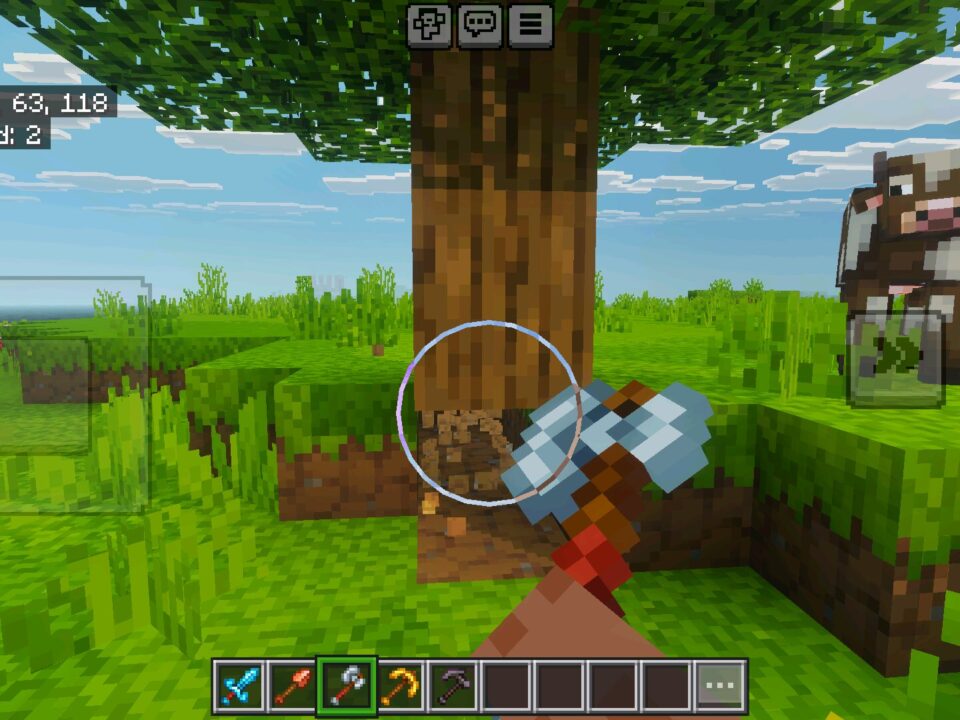
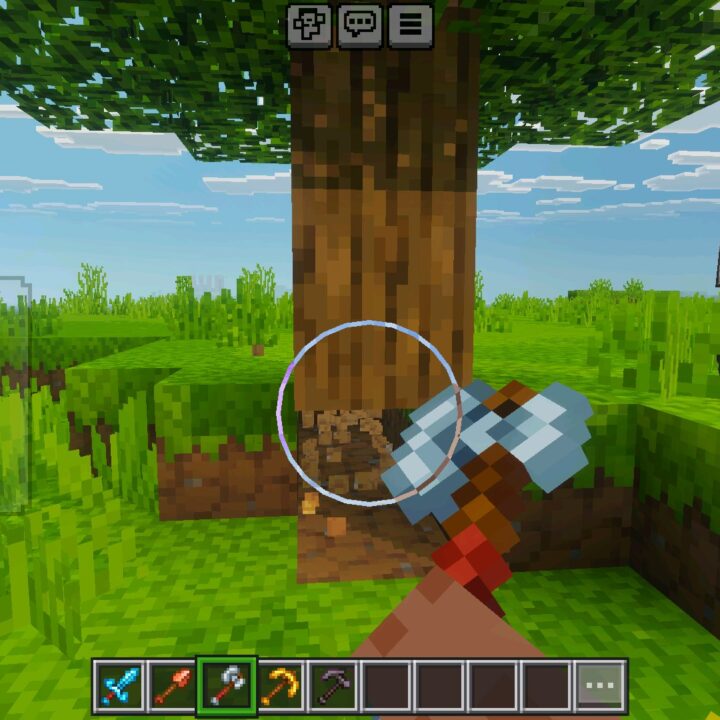
View Model Texture Pack changes how the player sees the hand and held item in first person. This is useful because the default position does not fit every screen, especially on phones where the item can sit too close, too high, or cover the block being targeted.

The texture pack is made for the Action and Stuff setup by Justpals. It works as a visual utility layer, not as a gameplay overhaul. It does not add mobs, items, blocks, or world generation changes.

Minecraft Bedrock Edition players can adjust the first-person view through in-game menus. Offset, scale, and rotation can be changed without external tools, file editing, or complicated setup.

View Model 1.3

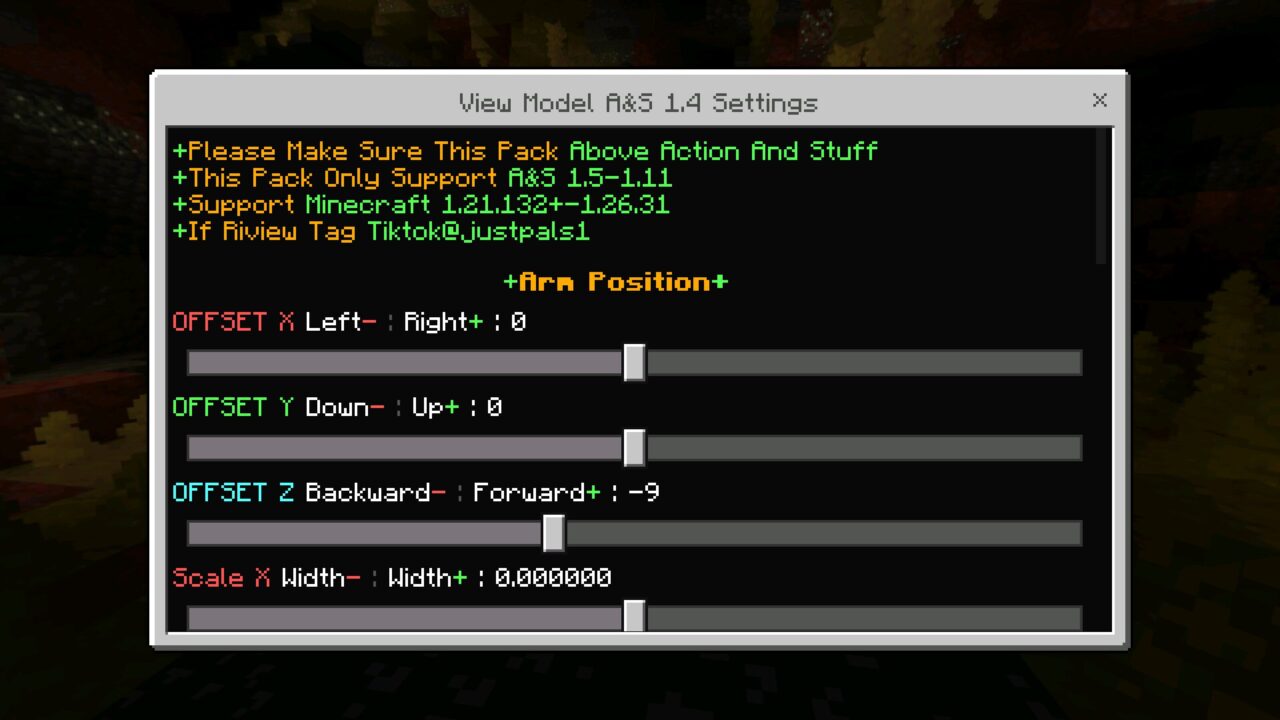
View Model Texture Pack gives players control over four key areas. The hand can move left, right, up, or down, while the held item can be shifted closer to or farther from the camera.

Scale changes how large the item looks on screen. Rotation turns the hand view in different directions, which helps when a sword, pickaxe, or block covers too much of the center view.

This texture pack is made for first-person comfort. It changes the view only and keeps the world itself untouched.

Version 1.3 is useful for players who want a stable layout with the same menu logic used by later builds.

View Model A&S by Justpals 1.4

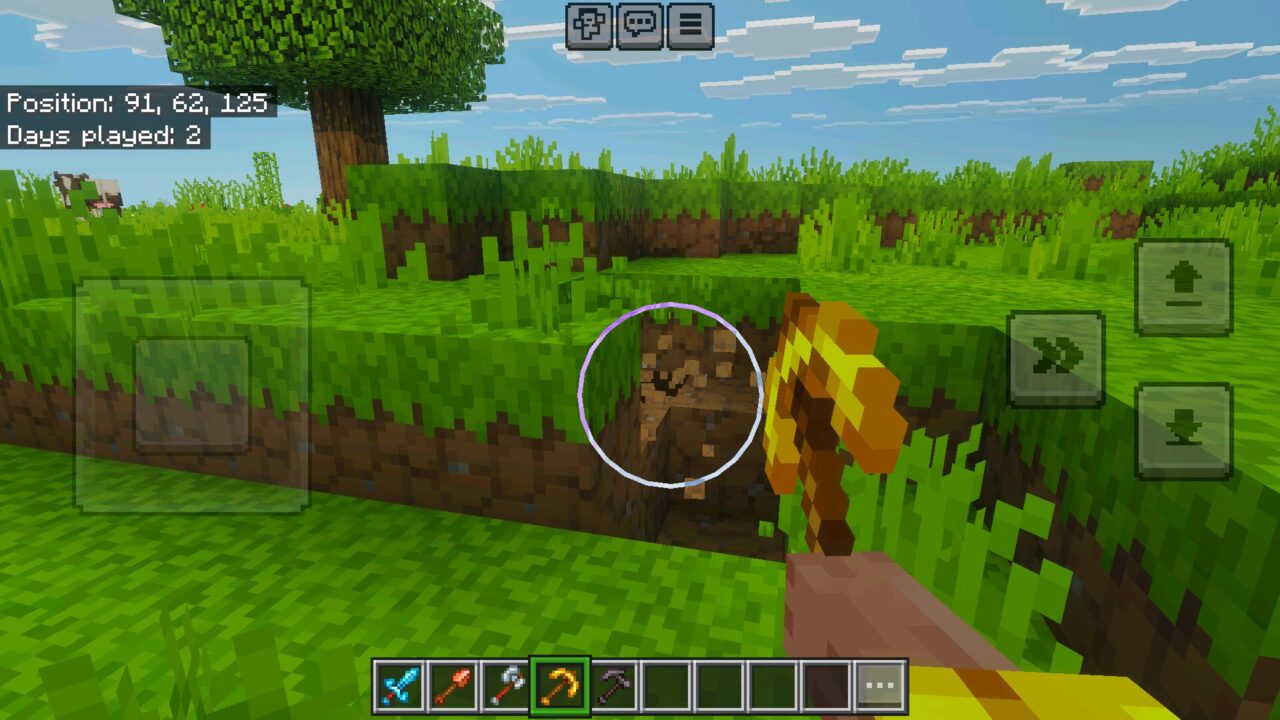
View Model 1.4 keeps the focus on screen comfort during normal play. The biggest benefit appears when players spend a lot of time mining, placing blocks, or fighting on a small display.

A lower and smaller item view can make aiming easier. Builders can keep block edges visible, while PvP players can move the weapon away from the target area.

For more small-screen tools and clean interface changes, players can browse Utility Texture Packs for Minecraft and find more practical visual upgrades.

The texture pack works through settings inside the game. Once the values feel right, they stay applied in the world and do not need constant adjustment.

VM A&S 1.4.1

Minecraft PE users often need a different first-person layout than desktop players. Touch controls already take part of the screen, so a large hand model can make movement and building harder.

View Model 1.4.1 continues the same idea by keeping the configuration simple. Players can change one value at a time, return to gameplay, and check how the hand position feels in real use.

This is especially helpful for Android and tablet users. A phone may need a smaller view, while a tablet can support a more cinematic position.

The texture pack also keeps compatibility focused on Action and Stuff. It layers on top of that resource pack and keeps the same general style.

VM by Justpals 1.4.2

View Model 1.4.2 is the best choice for players who want the latest supported setup from this group. It keeps the same practical purpose: clearer first-person gameplay with adjustable hand placement.

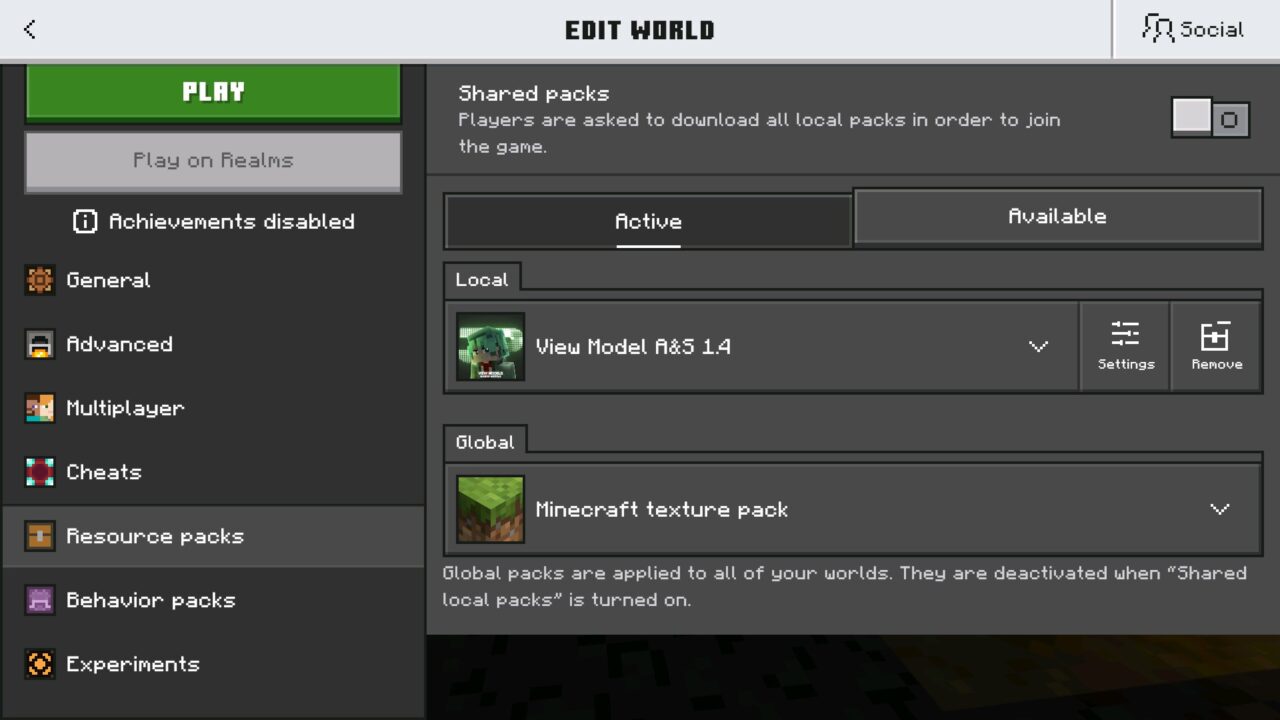
To install it, open the .mcpack file, import it into the game, and enable it in the world Resource Packs settings. Place it above Action and Stuff in the pack order so the sliders load correctly.

Change one setting at a time. This makes it easier to understand which slider affects offset, size, or rotation.

After configuration, enter the world and test mining, block placement, sword use, and normal movement. The right setup should make the item easier to see without blocking the target.

  • What if texture pack does not work?
  • Can I use it on servers?
  • How do I install this texture pack?

Download View Model Texture Pack for Minecraft PE

View Model v1.3
View Model v1.4
View Model v1.4.1
View Model v1.4.2
View Model Texture Pack for Minecraft Bedrock
2 September 2026 5
View Model Textur...

Download View Model Texture Pack for Minecraft ...
Arabic Language Texture Pack for Minecraft PE
12 August 2026 2.6
Arabic Language T...

Download Arabic Language Texture Pack for Minec...

Vulkan Core Texture Pack for Minecraft PE
3 August 2026 3
Vulkan Core Textu...

Download Vulkan Core Texture Pack for Minecraft...

Download Night Vision Texture Pack for Minecraft PE
16 July 2026
Download Night Vi...

Download Night Vision Texture Pack for Minecraf...

1 Comments

  1. Moving the sword out of the middle would help a lot. On phone it always feels like half my screen is just hand and item.