FPS Boost and Optimization Mod for Minecraft Bedrock

FPS Boost and Optimization Mod for Minecraft Bedrock

Download FPS Boost and Optimization Mod for Minecraft Bedrock to use several tools, lighter effects, Render Dragon tweaks, and object control.
22 September 2026
  1. 5
  2. 4
  3. 3
  4. 2
  5. 1
(4 votes, Rating: 3 out of 5)
Download Download New Mods

Download FPS Boost and Optimization Mod for Minecraft Bedrock: improve performance, monitor frame rate, reduce heavy effects, manage objects, and make mobile gameplay smoother.

What is unique in FPS Mod?

There are many ways to improve gameplay quality, but performance is one of the most important. If the frame rate is low, Minecraft PE players can face freezes, delays, and crashes during normal survival.

FPS Boost and Optimization Mod helps users understand what affects performance and adjust settings for smoother gameplay. It focuses on frame rate control, lighter visuals, cleaner menus, and better device stability.

Explore the possibilities of Utility Mods for Minecraft PE to transform the gameplay and make everyday survival more comfortable on mobile devices.

Counter

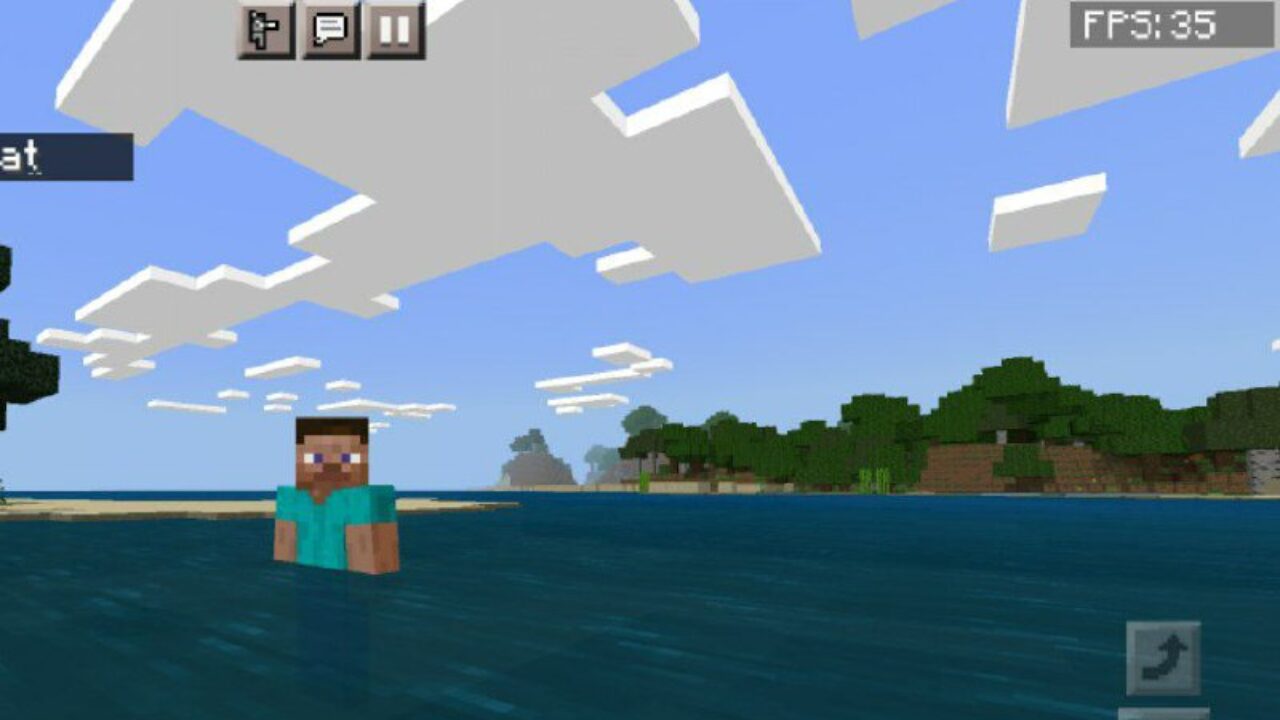
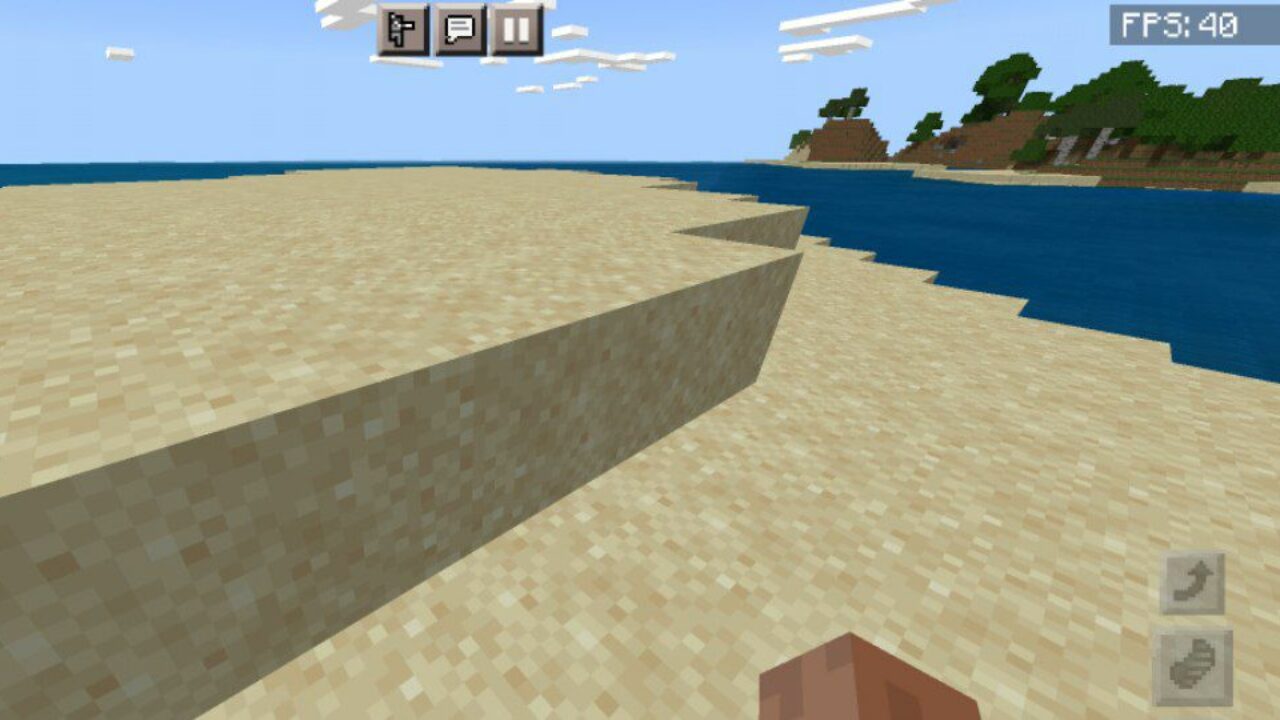
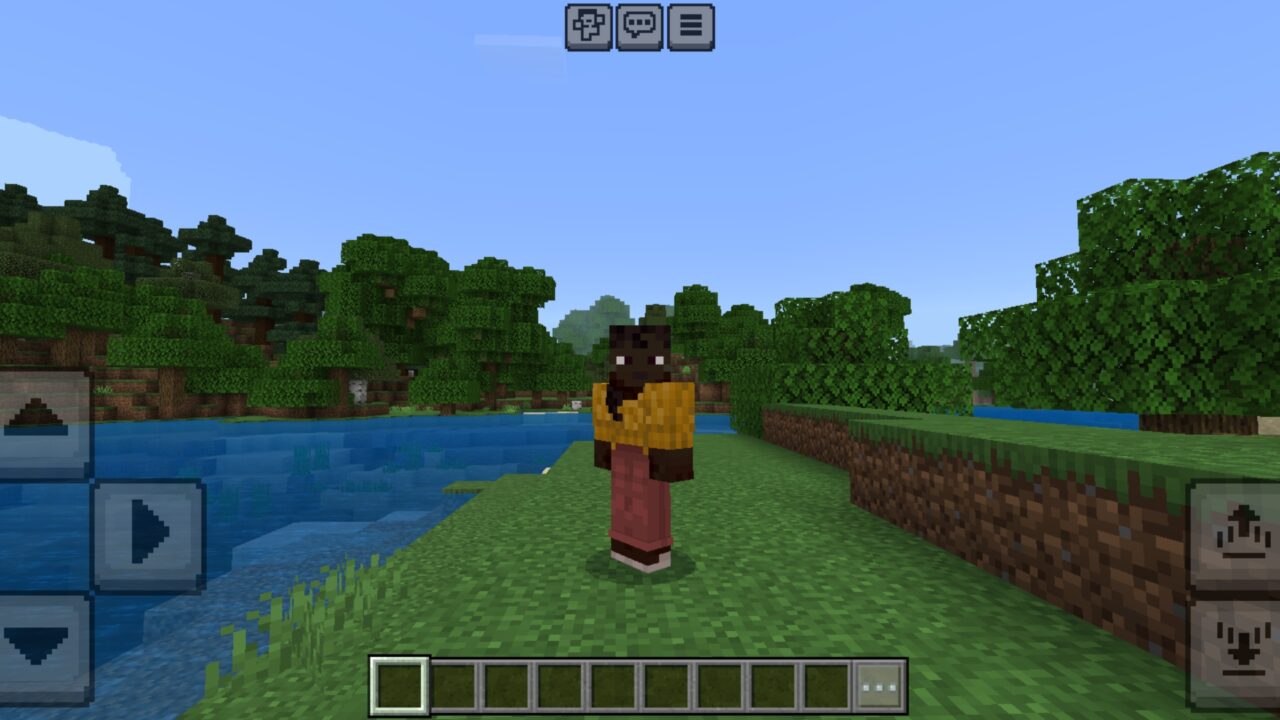
After installing this update for FPS Mod, information about the number of frames per second appears in the upper right corner of the screen. This helps players understand how stable the game is.

The counter is useful when testing addons, textures, shaders, or large worlds. If the frame rate drops, players can quickly notice what loads the device too much.

Use the FPS counter before changing settings. It helps compare performance before and after optimization.

Minecraft Bedrock Edition users can use this information to decide which features should be disabled or reduced for smoother gameplay.

Bedrocktimize

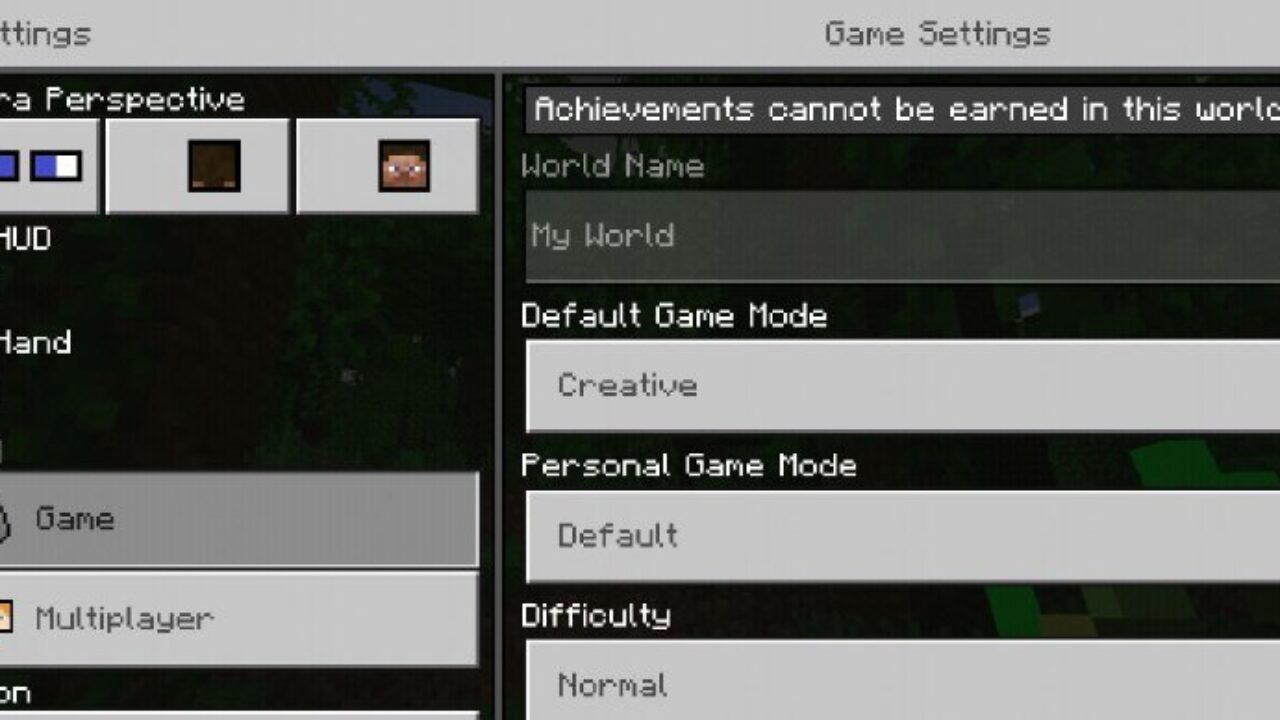
Bedrocktimize gives players more control over game settings and the interface. It adds access to hidden options and makes optimization easier to manage from inside the game.

The authors replaced several in-game screens and added new parameters. For example, Vertical Synchronization can help control FPS, while quick camera switching makes gameplay more comfortable.

This part of the FPS Boost and Optimization addon is useful for players who want a cleaner settings menu and more direct control over performance.

FPS+ Client

With this update, players can customize many visual details that affect performance. It is possible to disable texture animations, reduce rain particles, remove clouds, and turn off shadows.

These changes are useful on weaker devices. They reduce unnecessary effects and help the world run more smoothly during survival, building, and exploration.

The updated menu allows users to change parameters manually. Players can keep the look they prefer while removing the effects that create the most lag.

FPS Up

FPS Up focuses on maximum performance. It disables particles and animations that may affect the overall stability of MCPE.

This makes the cubic world easier to explore without constant delays. The update is best for users who prefer smooth movement over decorative effects.

Players can use it in large worlds, multiplayer sessions, mob-heavy areas, or places where performance drops during travel.

For the best result, test optimization settings one by one. This helps find a smooth balance without removing more effects than needed.

Optimizer

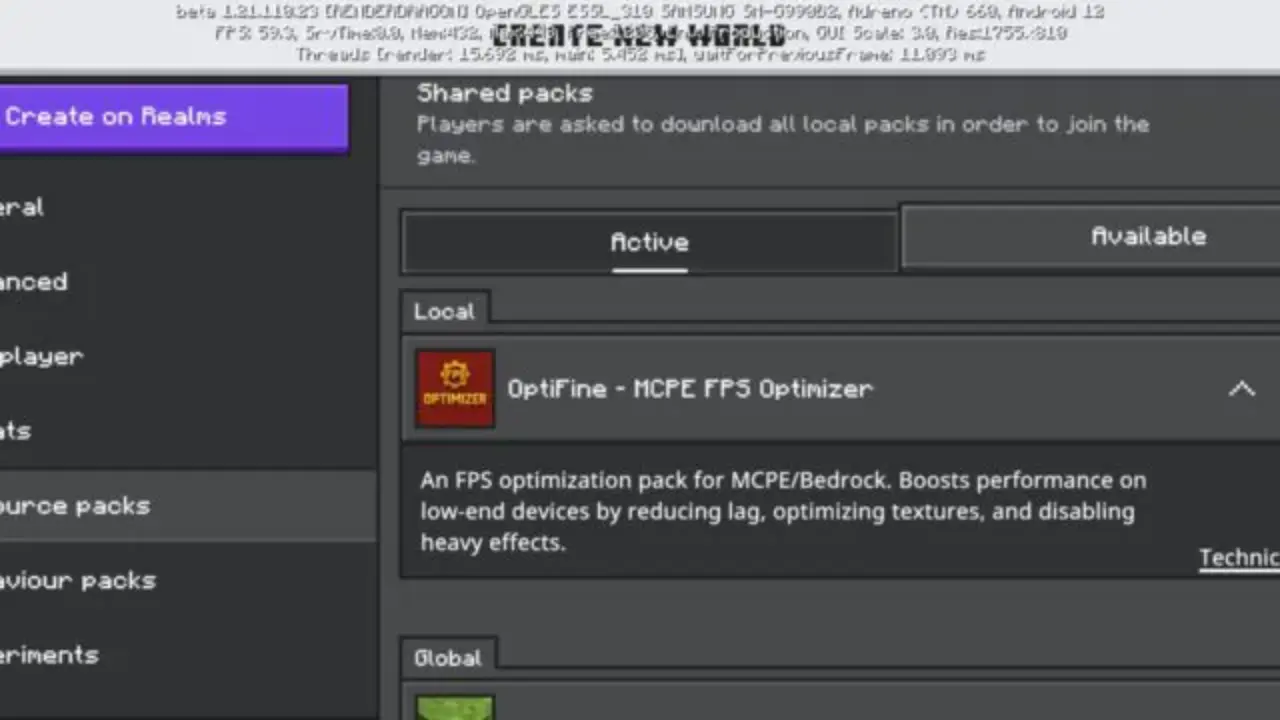
Optimizer improves the engine for Render Dragon and reduces the use of heavy effects. Fog, animations, and different particles become lighter, which helps prevent crashes and unstable performance.

The update is designed for smooth gameplay even on budget-friendly devices. It keeps the focus on practical optimization, so players can explore, build, and survive with fewer interruptions.

Luzma Boost

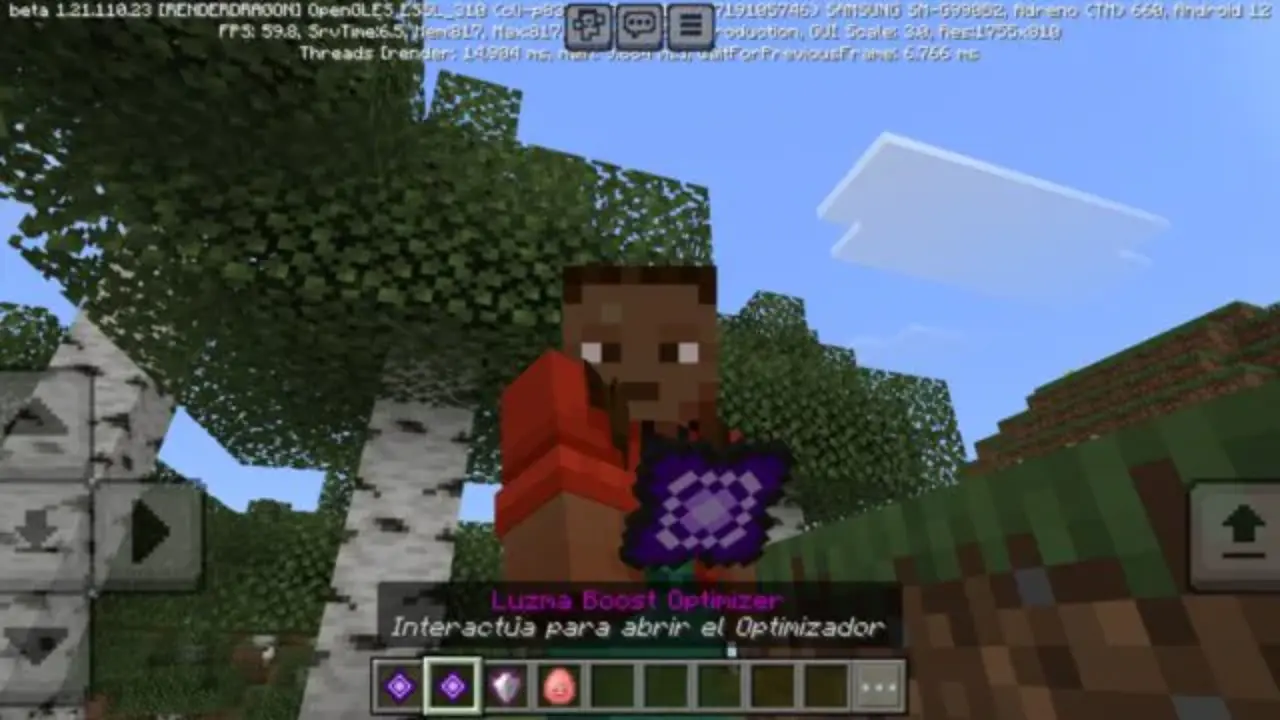
Download FPS Boost and Optimization mod for Minecraft Bedrock with Luzma Boost to use a personal assistant, understand what consumes device resources, and manage objects intelligently.

The addon can classify mobs and items in real time, apply custom restrictions, and improve control in crowded locations.

  • How do I install this FPS Mod?
  • Can this mod be run in a multiplayer game?
  • What if the mod does not work?

Download FPS Mod for Minecraft PE

FPS Counter
Bedrocktimize
FPS+ Client
FPS Up
Optimizer
Luzma Boost

Higher Discount From Cured Villagers Mod for Minecraft Bedrock
22 September 2026 5
Higher Discount F...

Download Higher Discount From Cured Villagers M...
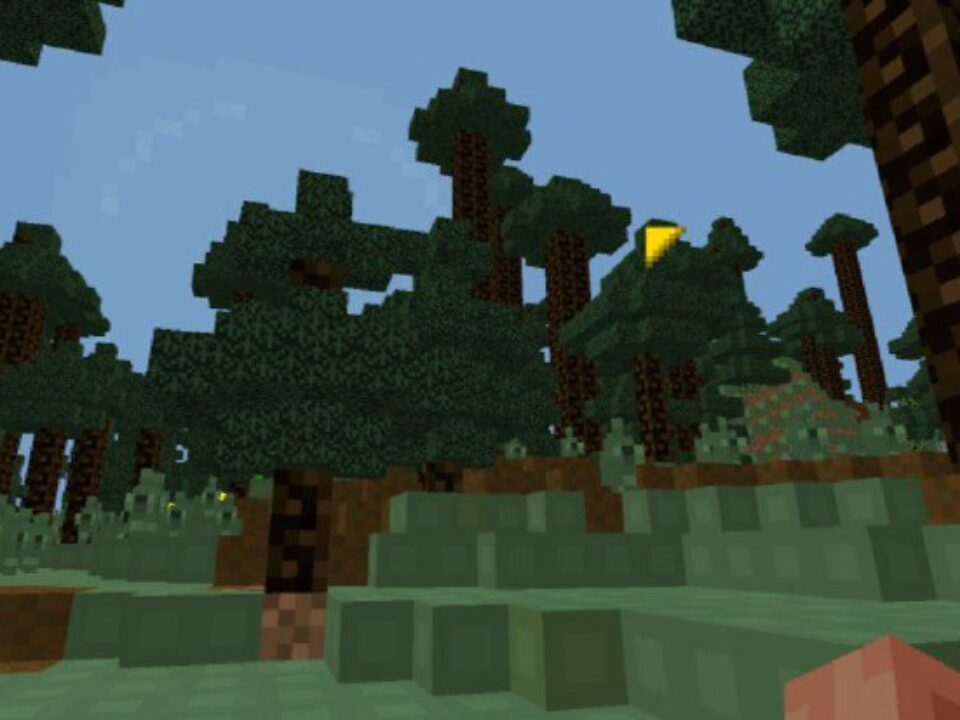
FPS Boost and Optimization Mod for Minecraft Bedrock
22 September 2026 4
FPS Boost and Opt...

Download FPS Boost and Optimization Mod for Min...
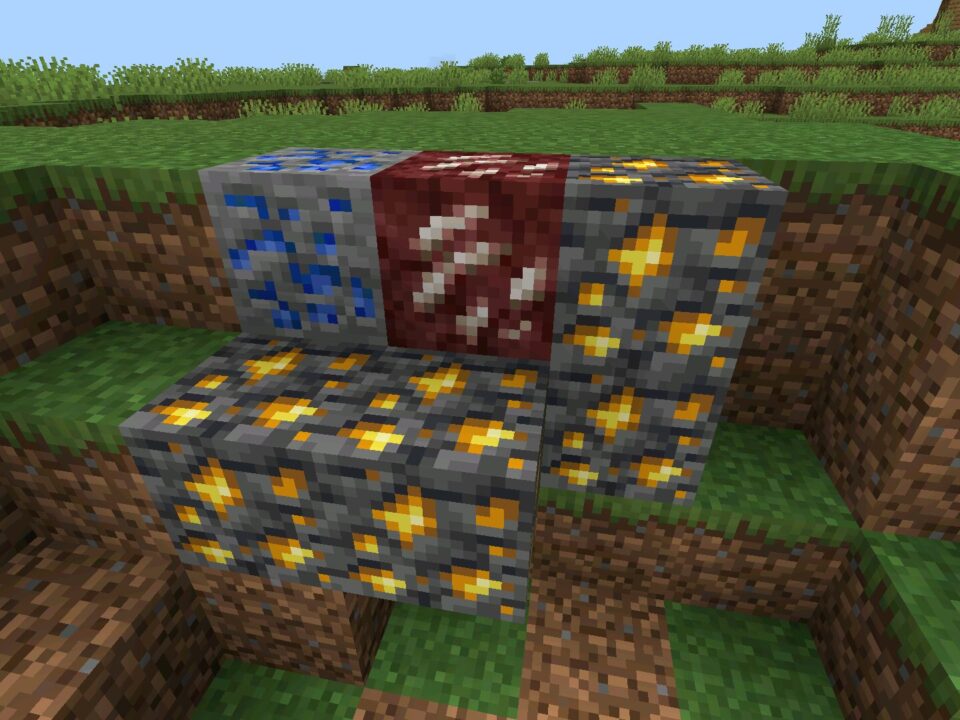
Ore Boost Mod for Minecraft Bedrock
21 September 2026 5
Ore Boost Mod for...

Download Ore Boost Mod for Minecraft PE: increa...
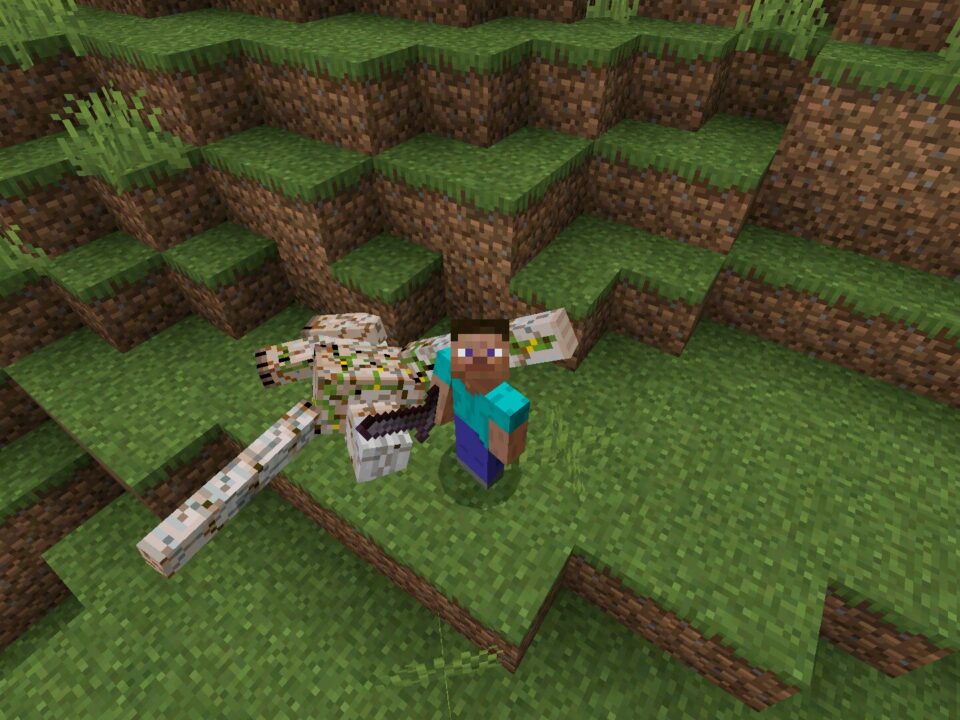
Real Ragdoll Mod for Minecraft Bedrock
29 August 2026 5
Real Ragdoll Mod ...

Download Real Ragdoll Mod for Minecraft PE: rep...

1 Comments

  1. The object control sounds really useful. My worlds usually lag near farms, so being able to limit crowded areas would help a lot.