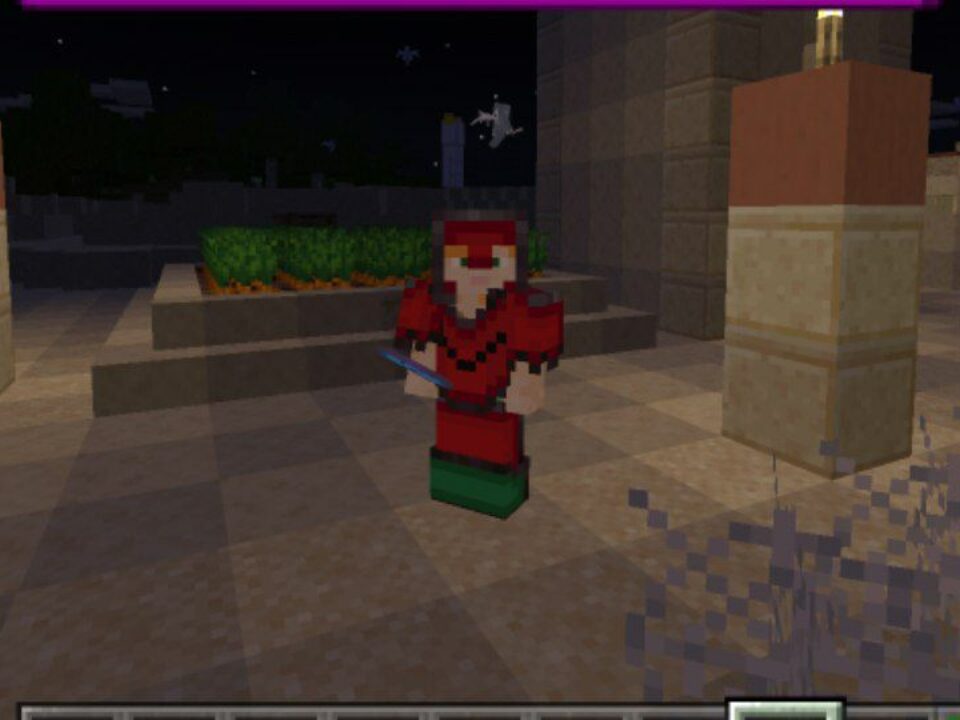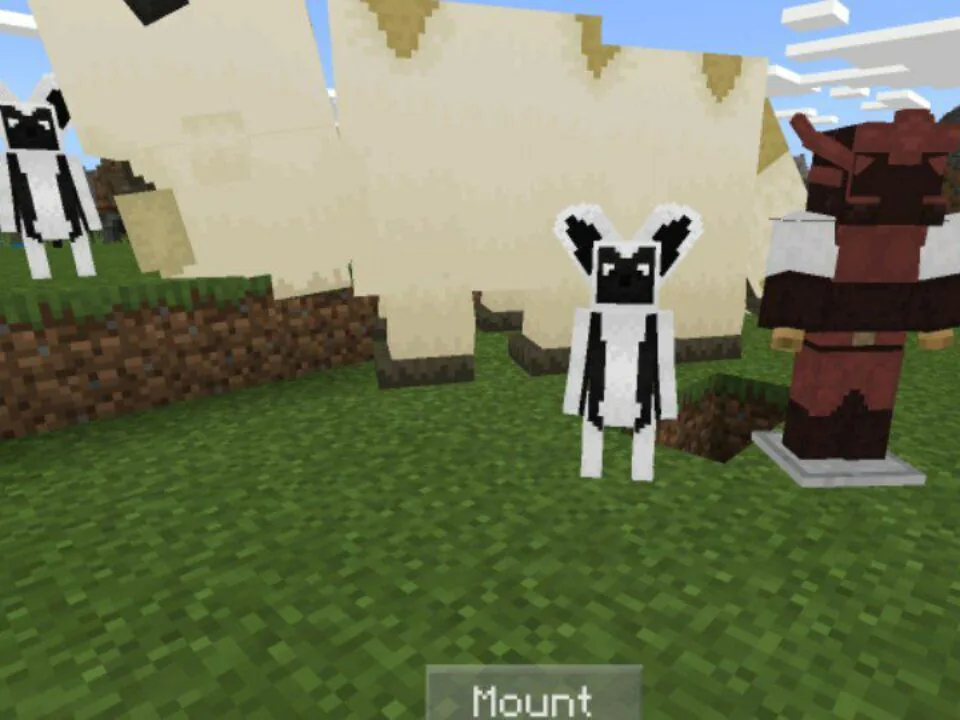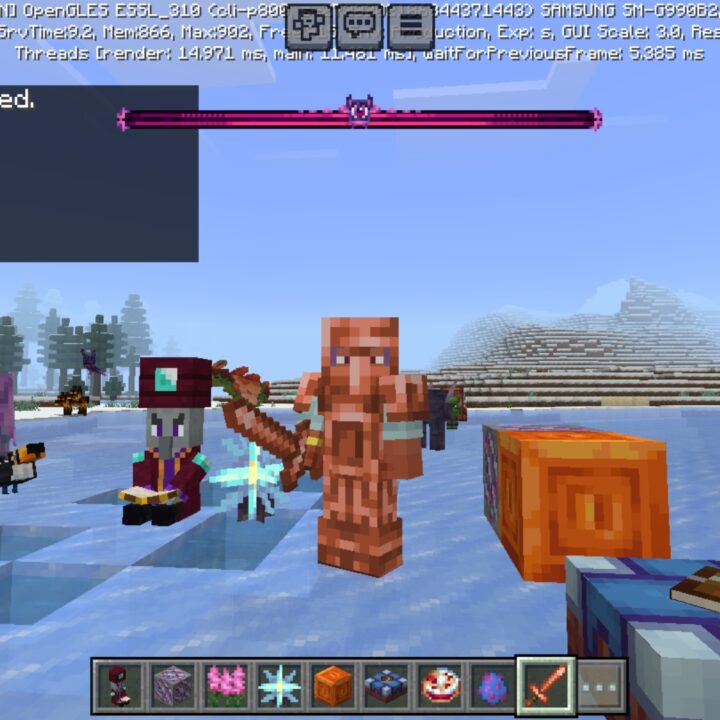
Download Better on Bedrock Mod for Minecraft PE: explore a reworked survival world with new biomes, structures, dungeons, mobs, bosses, weapons, armor, guidebook access, and technical fixes.
Better on Bedrock Mod for Minecraft Bedrock Edition
Better on Bedrock, created by Poggy, is one of the biggest vanilla-style overhauls for Minecraft Bedrock Edition. Instead of adding one separate mechanic, it improves the survival loop through world generation, exploration, combat, and progression.
The Overworld gets fresh terrain and structures, while the Nether and the End also receive new content. Even experienced MCPE players can find new goals from the first hours of a world.
Technically, the Better on Bedrock addon works as a behavior pack and resource pack combined into one file. It can run on Android, iOS, and Windows without third-party launchers.
Use the Better on Bedrock Mod when you want a fresh experience without leaving the familiar cubic world. Players who also want new powers for their character can check out Abilities Mods for Minecraft PE, which features the coolest updates in that category.
Better on Bedrock
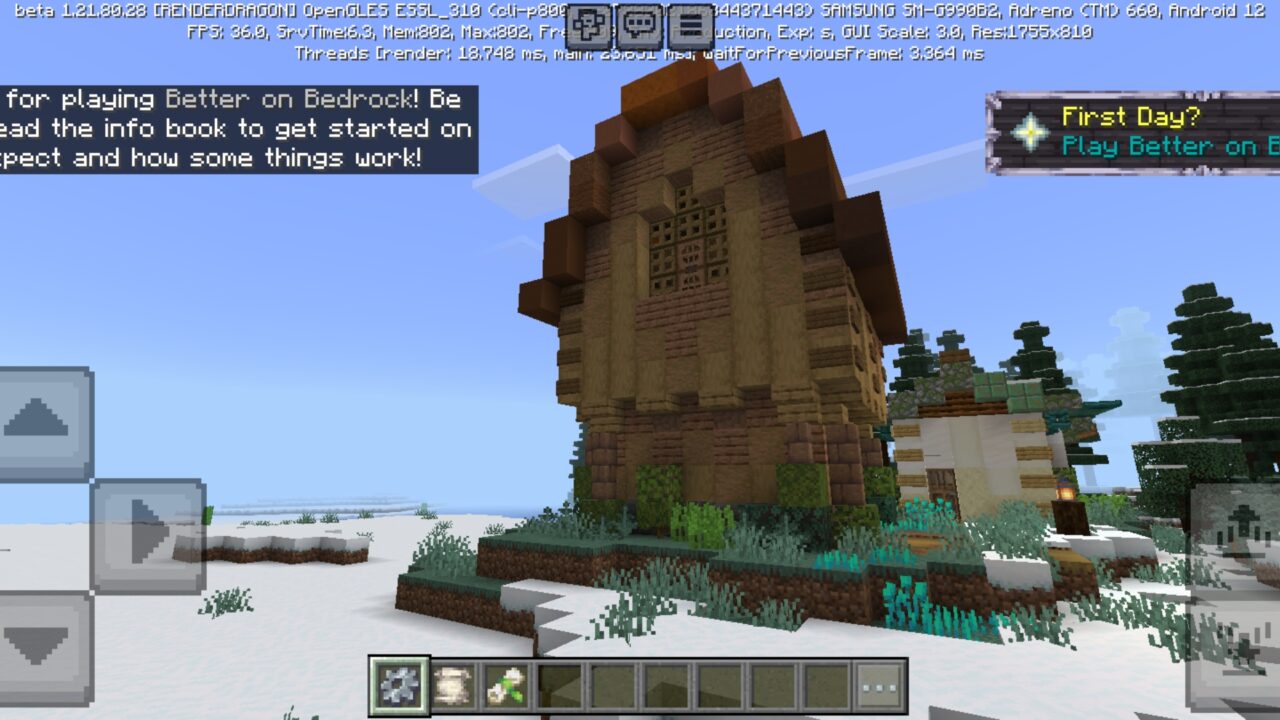
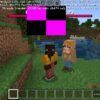
As soon as a player enters a new world with the Better on Bedrock Mod for Minecraft, a message with basic information appears, and a new item shows up in the hotbar. Interact with it to open the settings menu and other important options.
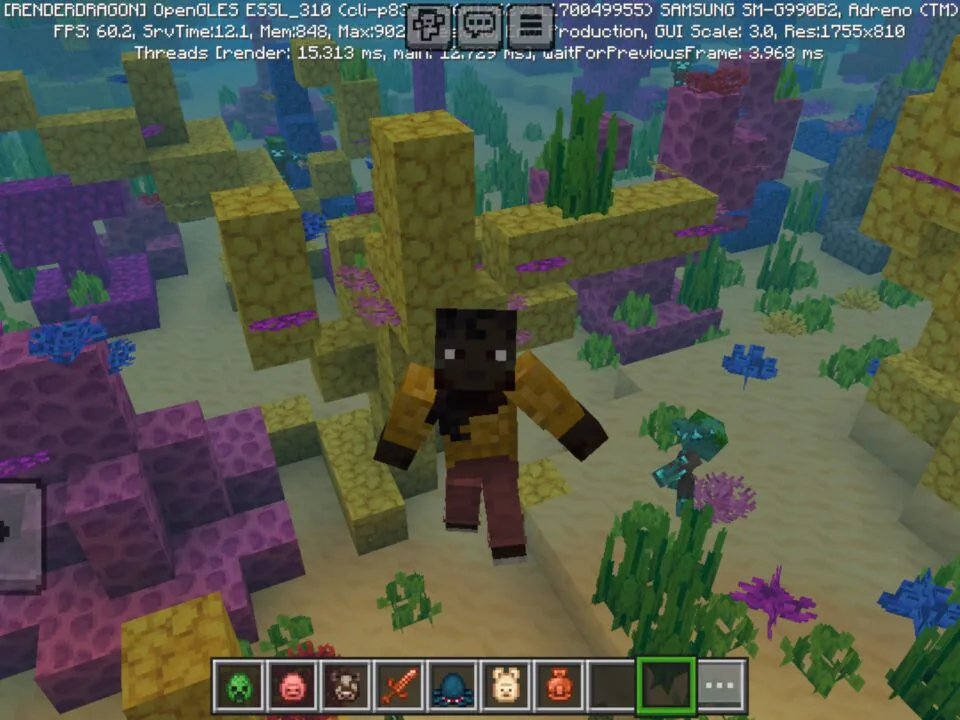
Exploration is the main source of progression. Players can discover custom biomes, camps, towers, ruins, dungeons, and loot chests while moving through new areas.
Start a new world for the best result. New biomes and structures appear more correctly in freshly generated chunks.
Outposts remain dangerous places with bandits defending valuable loot. Rare items, stronger enemies, and custom generation make travel more important than in normal survival.
Mobs
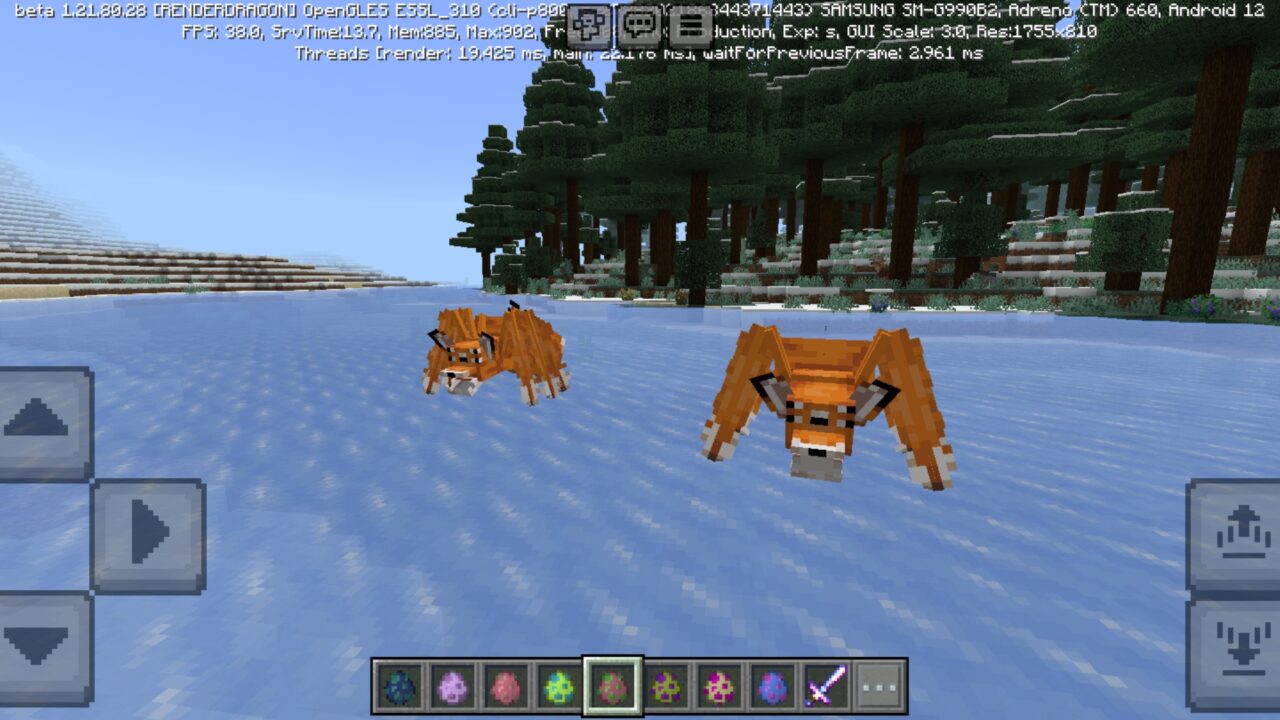
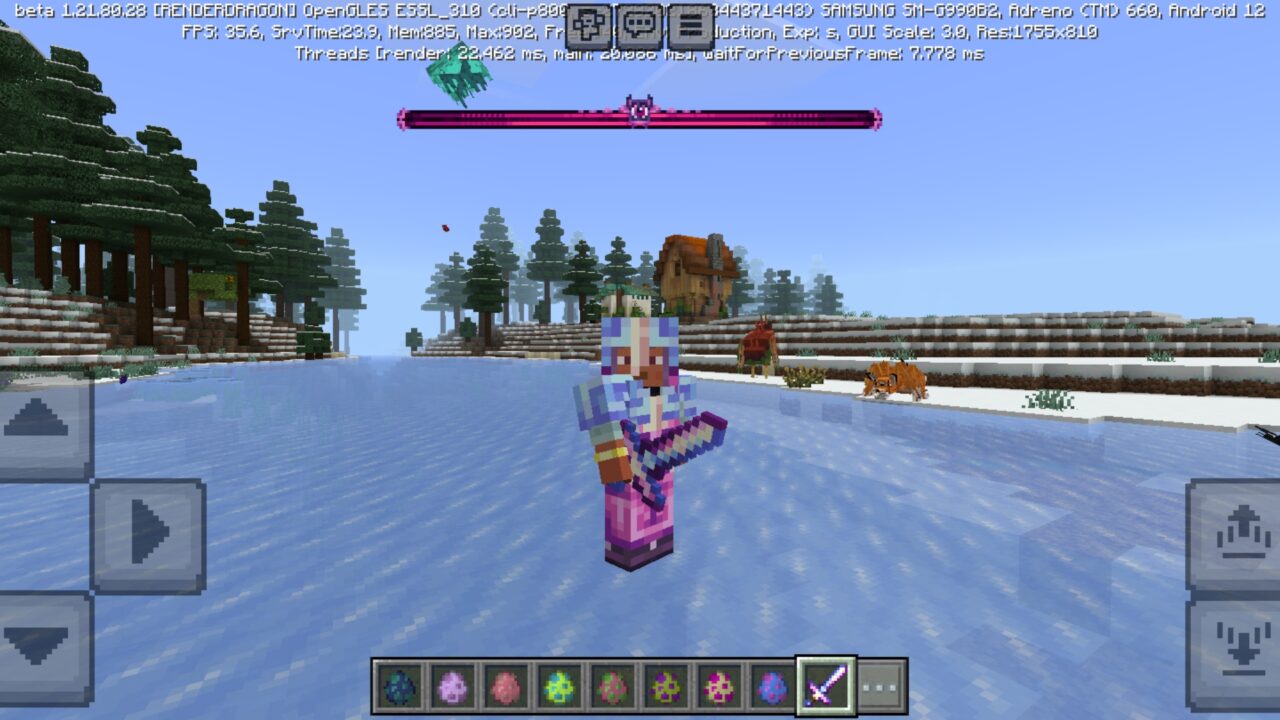
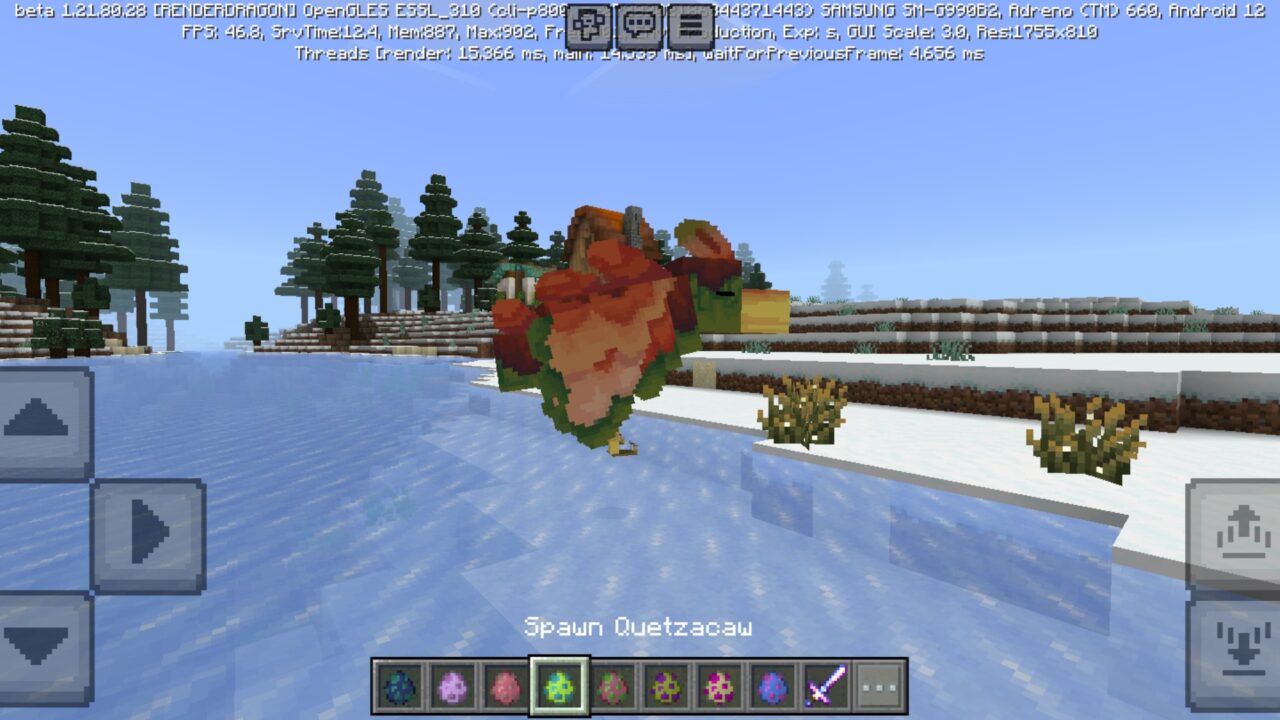
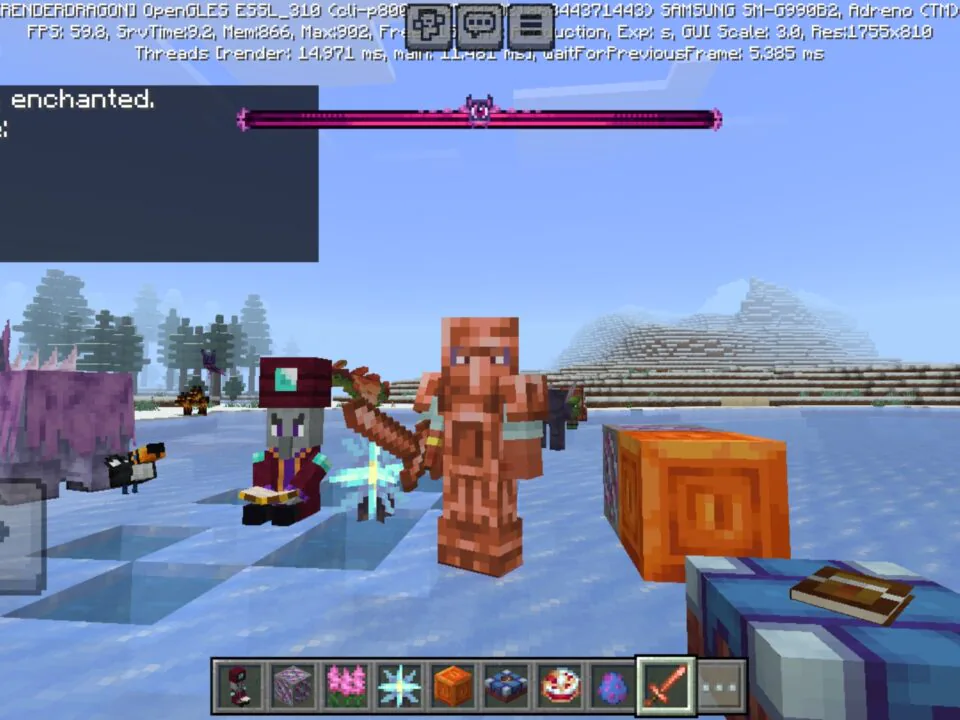
The Better on Bedrock Mod would not be complete without new creatures. Hostile mobs roam the surface and caves, peaceful animals appear in biomes, and bosses create stronger late-game challenges.
Every creature has its own role and drops. This makes hunting, farming, and fighting more useful for players who want new crafting paths and better equipment.
Weapons and Equipment
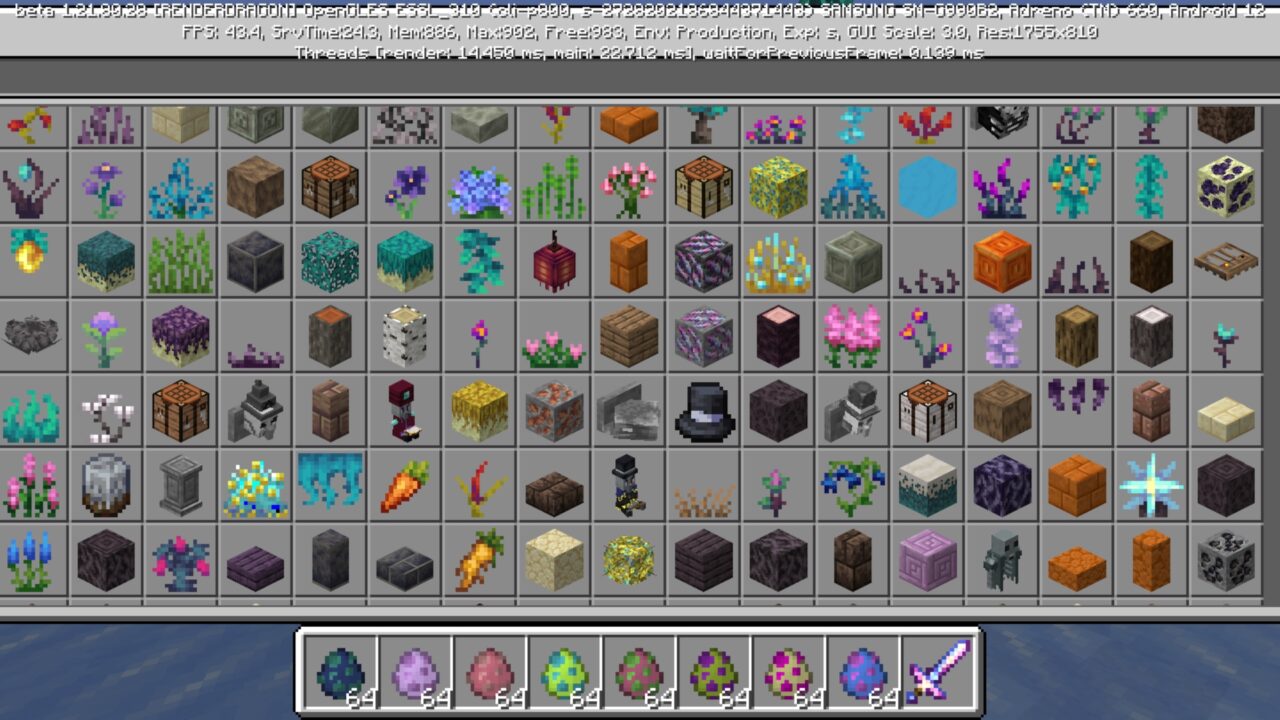
Rare materials and mob drops can be used to craft armor sets, tools, and weapons. Each item has its own value, so preparation before raids or boss fights matters.
Minecraft PE users can improve their survival strategy through better gear. The addon gives players more reasons to explore dangerous places and collect resources carefully.
How to Install Better on Bedrock Addon
- Download Better on Bedrock latest version in .mcaddon format.
- Open the file, and Minecraft will import the behavior pack and resource pack automatically.
- Create a new world and enable both packs in the world settings.
- Turn on experimental toggles if the pack requests them, then start the game.
Tip: the Better on Bedrock MCPE addon adds new biomes and structures, so they only appear in unexplored chunks. A new world gives the cleanest result. If you add the pack to an old world, make a backup first.
Back up important worlds before installing a large overhaul. It is safer to test the pack alone before adding other addons.
Better on Bedrock v1.2.1
Better on Bedrock v1.2.1 is a focused update for smoother survival use, clearer interface wording, and cleaner generated structures. It does not change the main overhaul idea, but improves how players interact with the pack during normal gameplay.
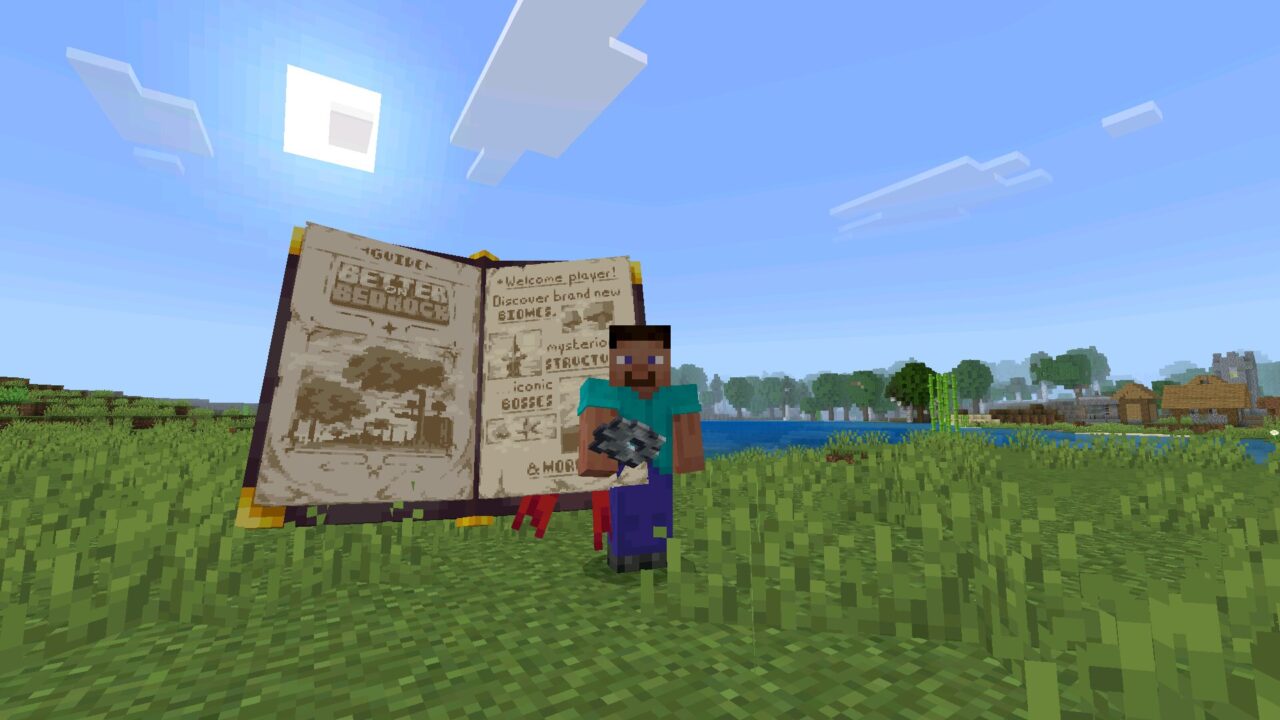
The Guide Book can now be obtained in Survival mode with the /guidebook command. This is useful when players need quick access to information without changing mode or restarting the world.
The WAWLA interface also became clearer. The old “Can Harvest” label was renamed to “Ready to Harvest,” so Minecraft Bedrock Edition players can understand block and crop status faster.
The update also improves stability. The scripting version was updated to v2, and structures containing unknown blocks were fixed, which makes exploration cleaner in newly generated areas.
The guidebook command is useful. Big survival packs can get confusing fast, so having a way to pull up help without restarting is nice.