Dimz Inventory Texture Pack for Minecraft PE

Dimz Inventory Texture Pack for Minecraft PE

Version MCPE: 1.21.0 - 1.26.50
16 February 2025
  1. 5
  2. 4
  3. 3
  4. 2
  5. 1
(2 votes, Rating: 3 out of 5)
Download Download New Textures

Download Dimz Inventory Texture Pack for Minecraft PE: get the opportunity to expand the functionality of using armor and other options in the cubic world, apply these innovations in the game.

Dimz Inventory Texture Pack for Minecraft Bedrock Edition

Several really cool and useful innovations are offered to Minecraft PE players by the authors of this texture pack. All of them involve the use of inventory, armor, and weapons. And it becomes clear that this update is perfect for every user of the cubic world who appreciates convenience and does not want to waste time.

Installing the Dimz Inventory Texture Pack is very easy to use. But there are many features without which you will not be able to use all the new options. Even more diverse add-ons that will help users in the game can be found in Utility Textures for MCPE.

Important changes

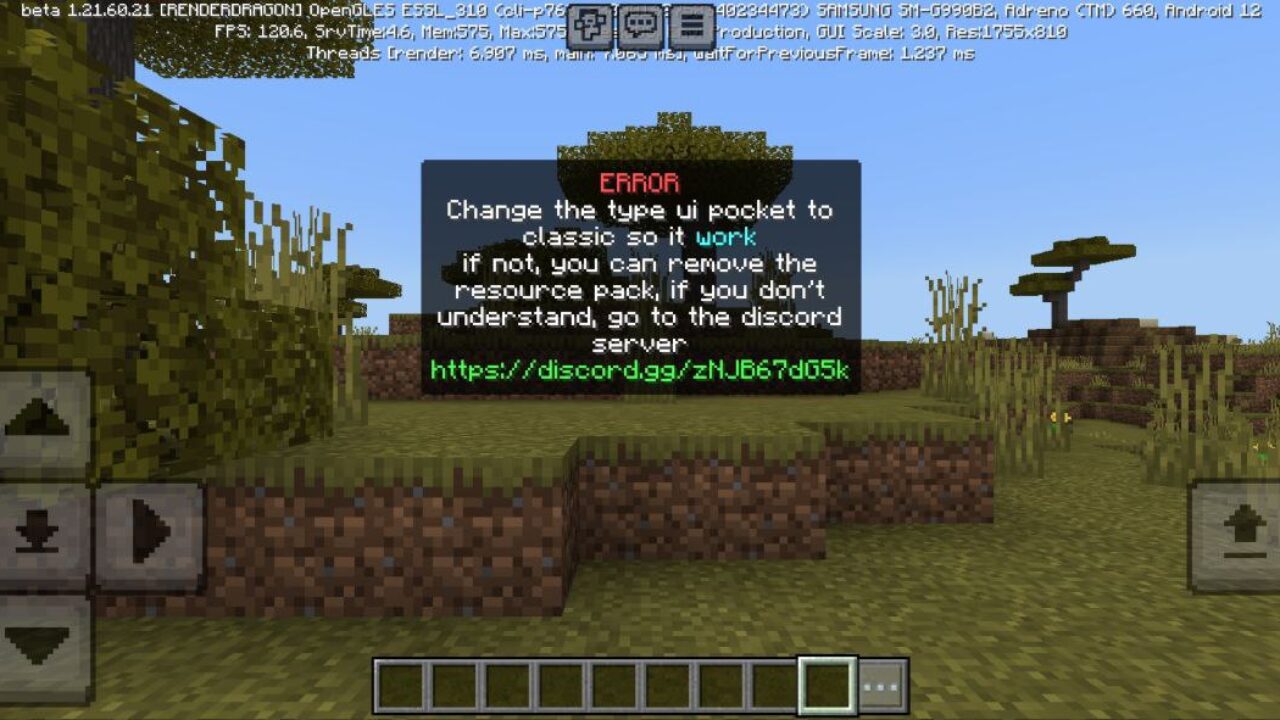
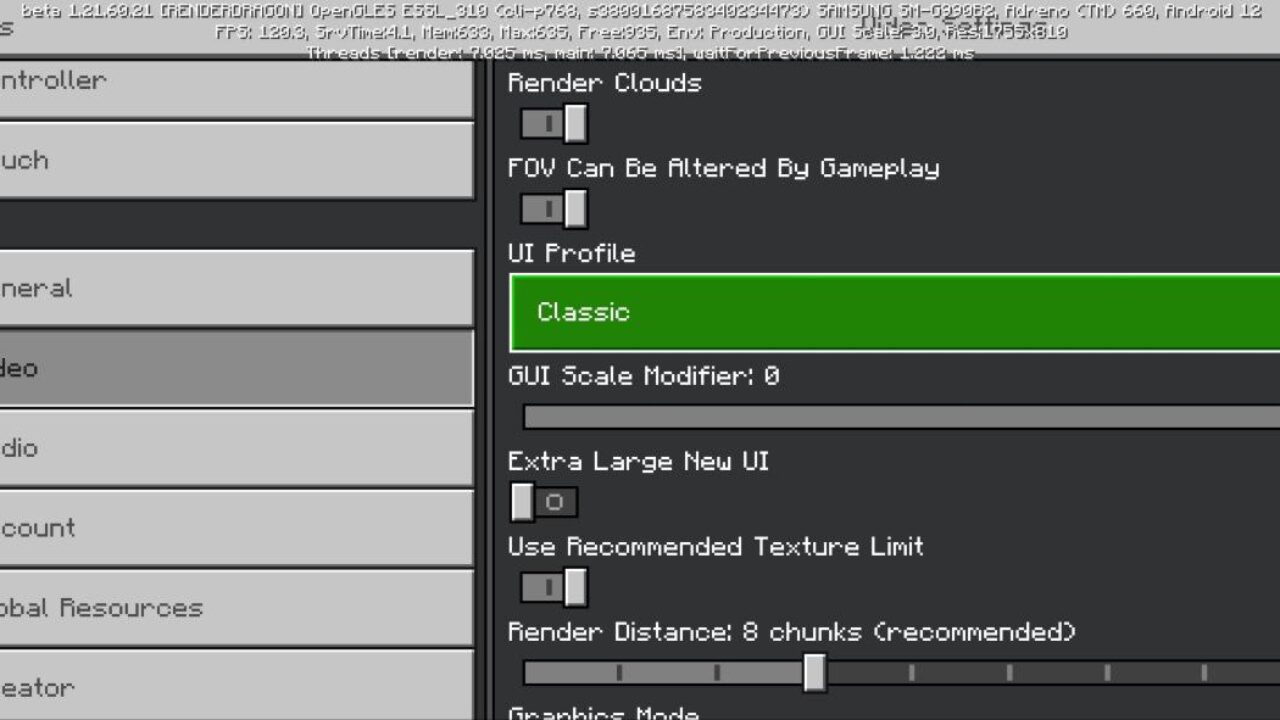
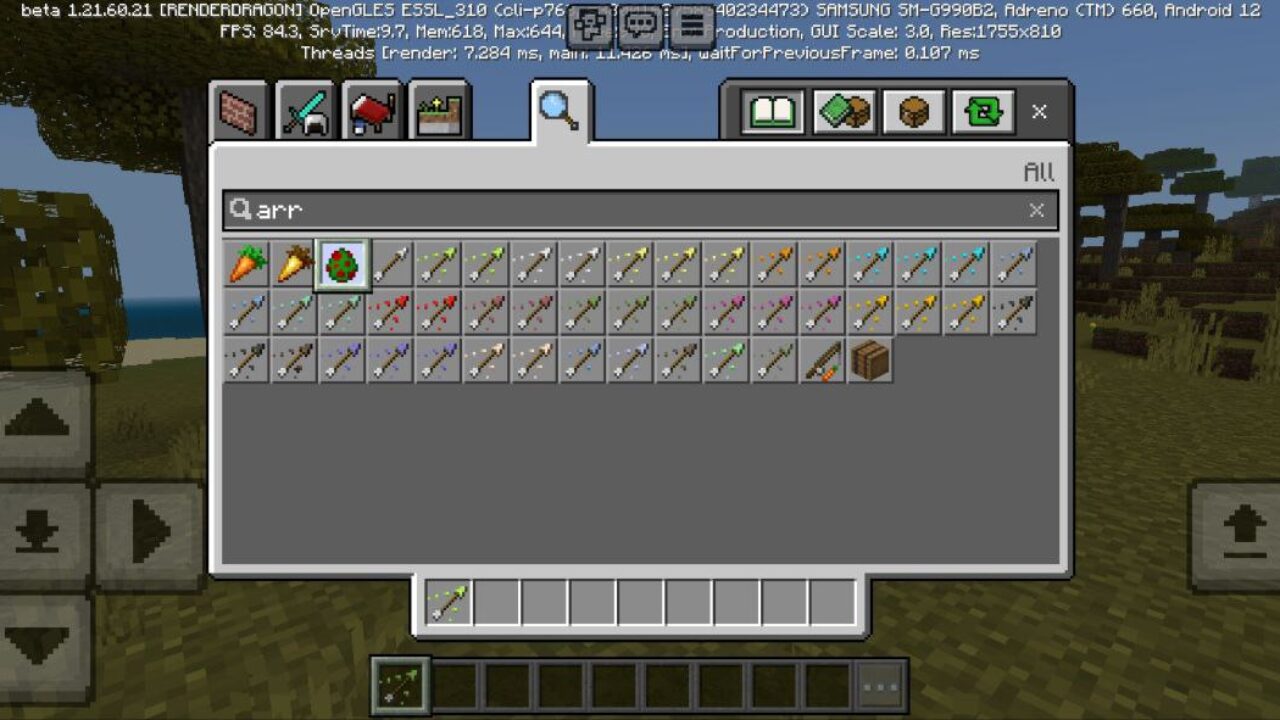
After a Minecraft Bedrock Edition player has installed this texture pack. So they need to open the settings menu immediately. Next, in the Video section, find the User Interface Type subsection. In order for all the innovations to take effect, it is necessary to choose the Classic version.

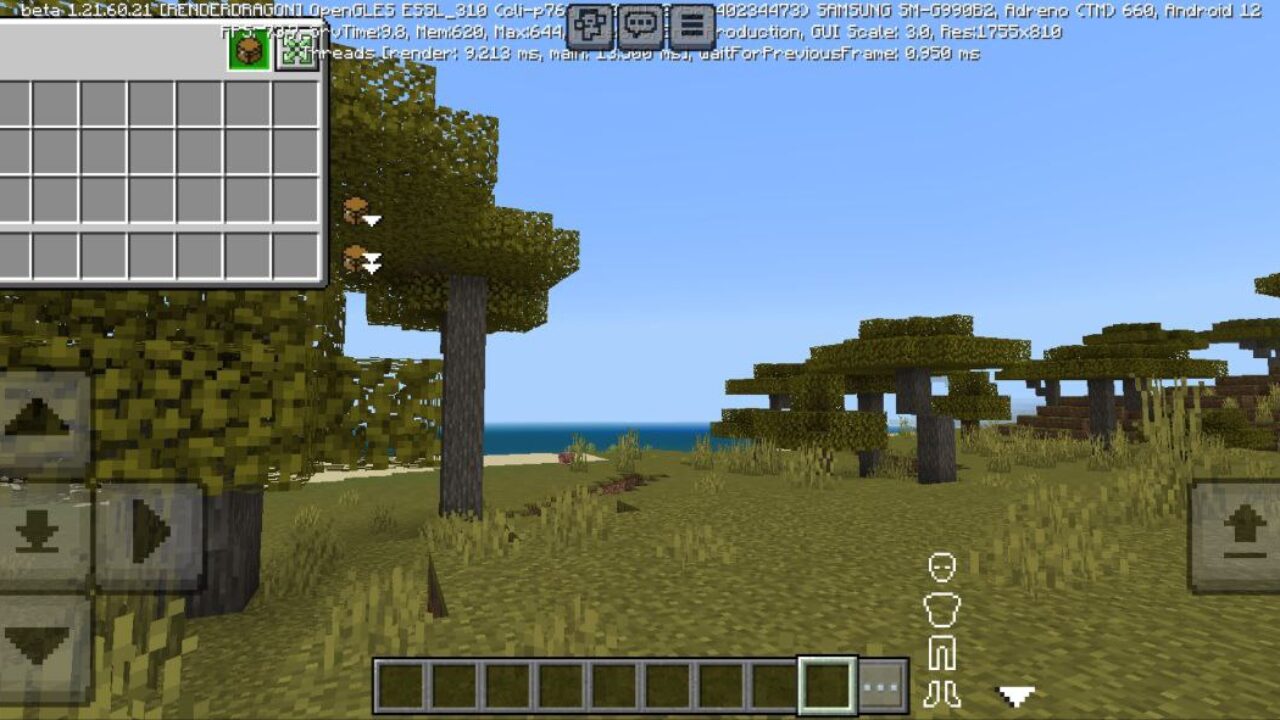
After that, return to the playing field and open the inventory. So a new button will appear in it, which shows two green arrows. Click this button. Now, in the Dimz Inventory Texture Pack, you can start studying and applying new options directly.

Using

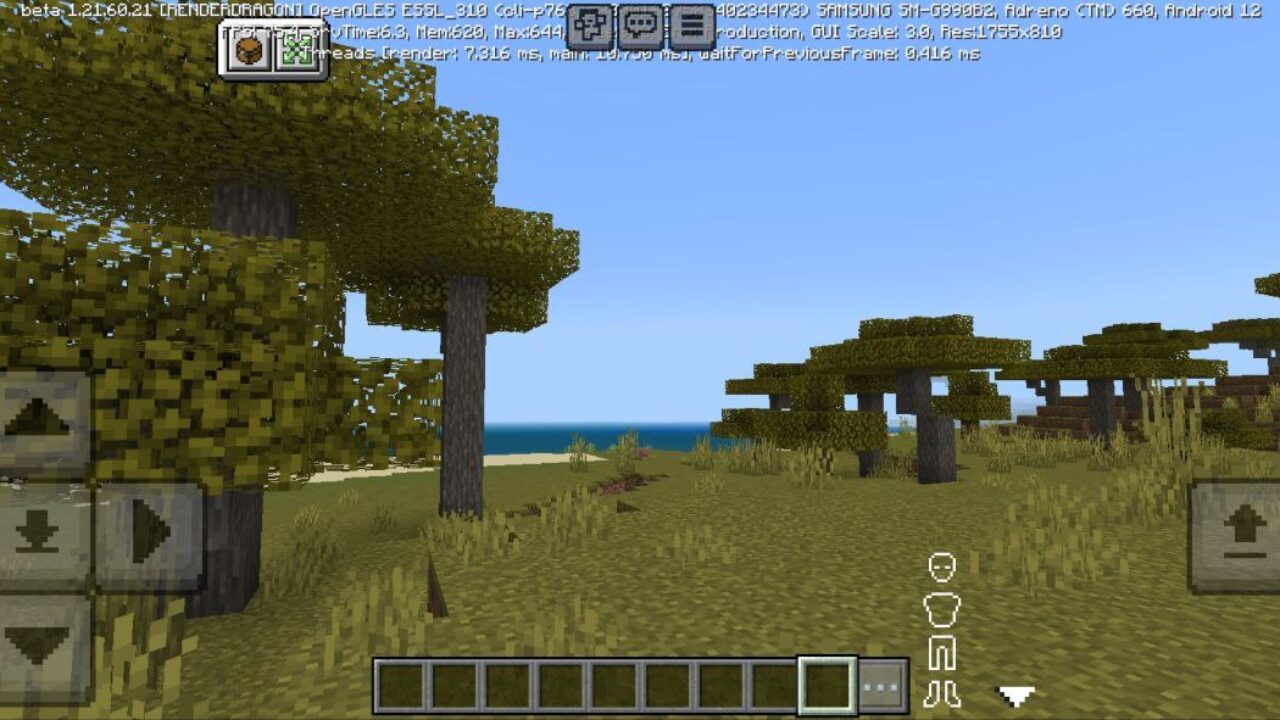
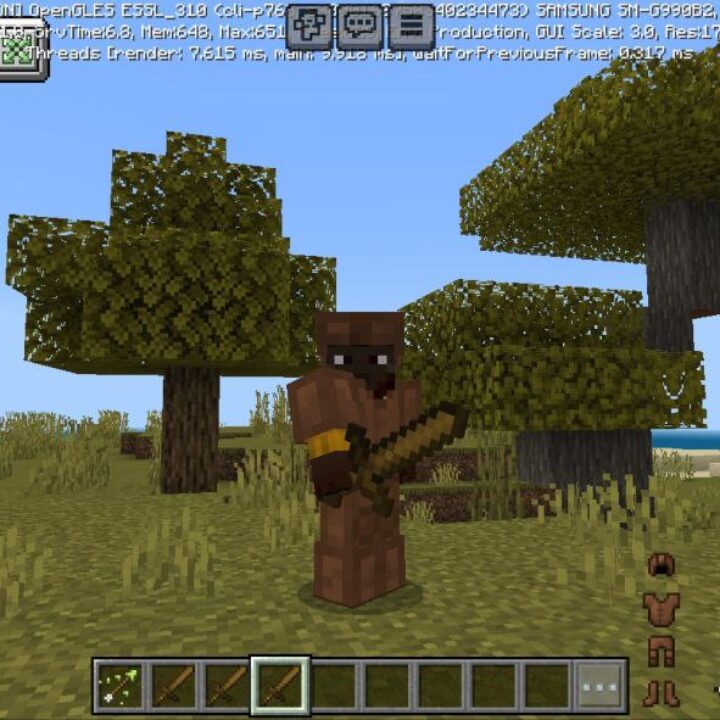
If the player who installed the Dimz Inventory Texture Pack has fulfilled all the conditions described above, new elements will appear on his playing field. Firstly, this is a schematic representation of all parts of the armor. Its color will change depending on the type of equipment worn. Also, here you can see the strength of each element. These images are located to the right of the quick-access toolbar.

You will also notice new buttons at the top of the screen. They can be used to display information about the contents of the inventory on the playing field. By the way, this area in MCPE can also be moved.

  • What if the Dimz Inventory texture pack does not work?
  • Can I use it on servers?
  • How do I install this texture pack?

Download Dimz Inventory Texture Pack for Minecraft PE

Crosshair Texture Pack for Minecraft Bedrock
16 September 2026 2.6
Crosshair Texture...

Download Crosshair Texture Pack for Minecraft P...
Void Born Client Texture Pack for Minecraft Bedrock
6 September 2026 5
Void Born Client ...

Download Void Born Texture Pack for Minecraft P...
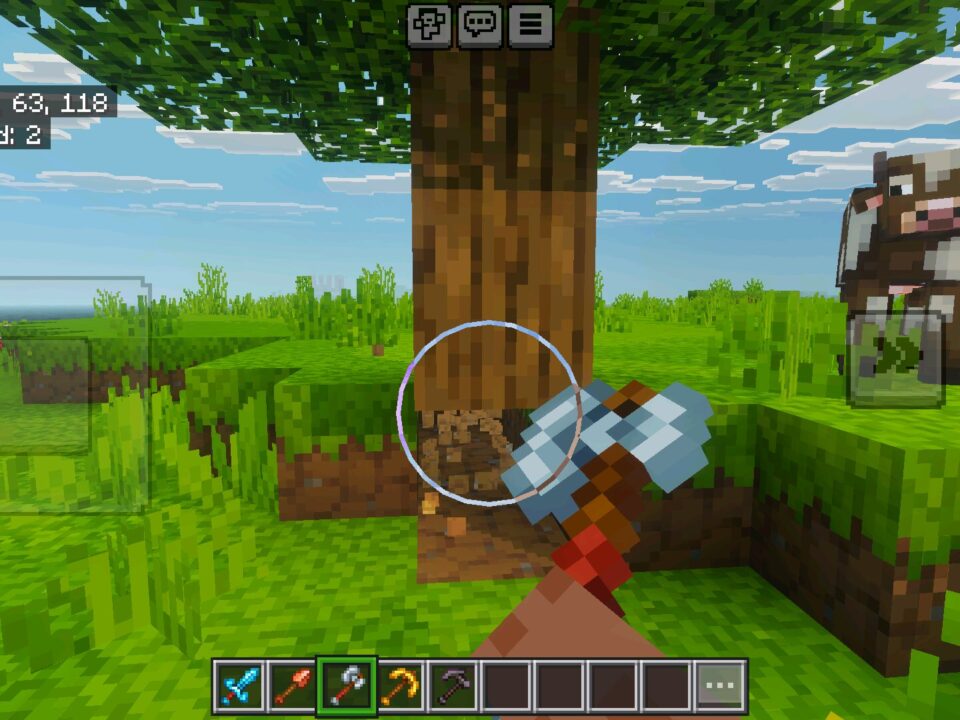
View Model Texture Pack for Minecraft Bedrock
2 September 2026 5
View Model Textur...

Download View Model Texture Pack for Minecraft ...
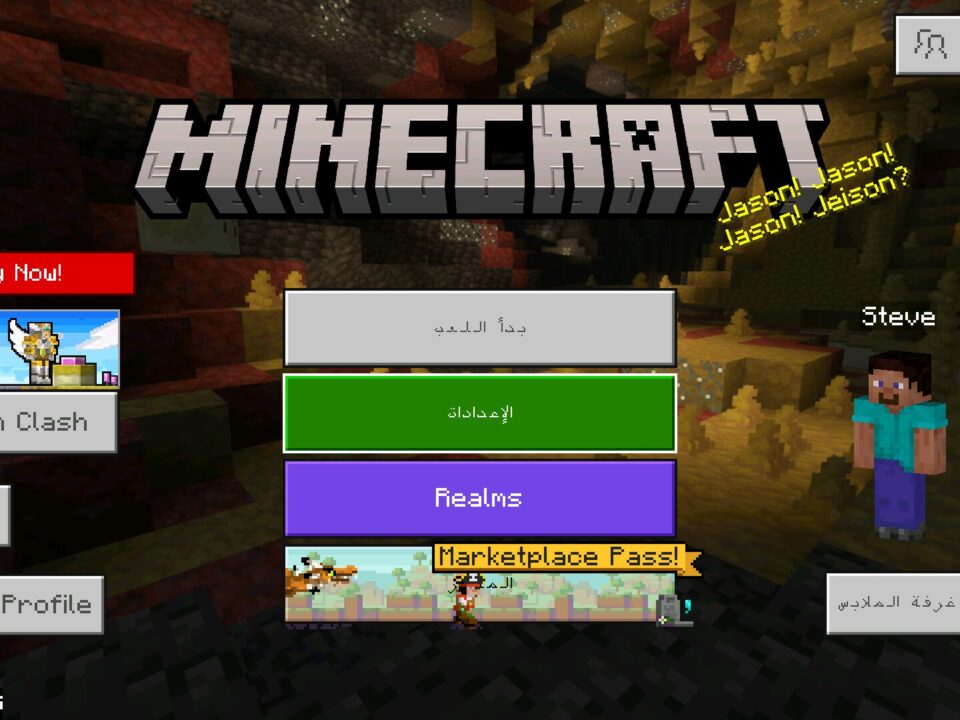
Arabic Language Texture Pack for Minecraft PE
12 August 2026 2.6
Arabic Language T...

Download Arabic Language Texture Pack for Minec...

0 Comments