Zyra Visuals Shader for Minecraft PE

Zyra Visuals Shader for Minecraft PE

Download Zyra Visuals Shader for Minecraft Bedrock to add soft light, sky depth, fog, shadows, water reflections, and natural scenery.
1 August 2026
  1. 5
  2. 4
  3. 3
  4. 2
  5. 1
(1 vote, Rating: 5 out of 5)
Download Download New Shaders

Download Zyra Visuals Shader for Minecraft PE: improve lighting, sky depth, fog, soft shadows, water reflections, and natural atmosphere in your mobile world.

Zyra Visuals Shader for Minecraft PE

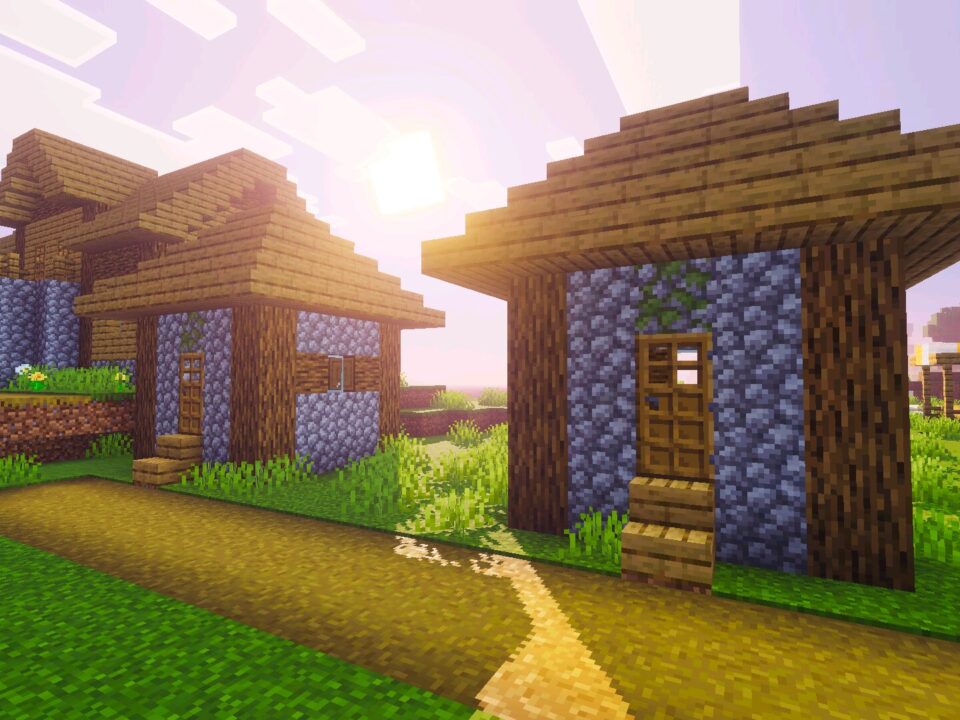
Zyra Visuals Shader is created for players who want a cleaner world without losing the classic block style. It changes the way light, color, fog, water, and shadows work around the environment.

Zyra does not add new items, mobs, blocks, or gameplay mechanics. Its main purpose is visual balance. Bright scenes become softer, dark areas receive more depth, and outdoor locations feel less flat during exploration.

For Minecraft PE players, this is useful in survival bases, creative buildings, screenshots, and calm travel. The picture becomes more atmospheric, but the world still looks familiar.

Zyra Visuals

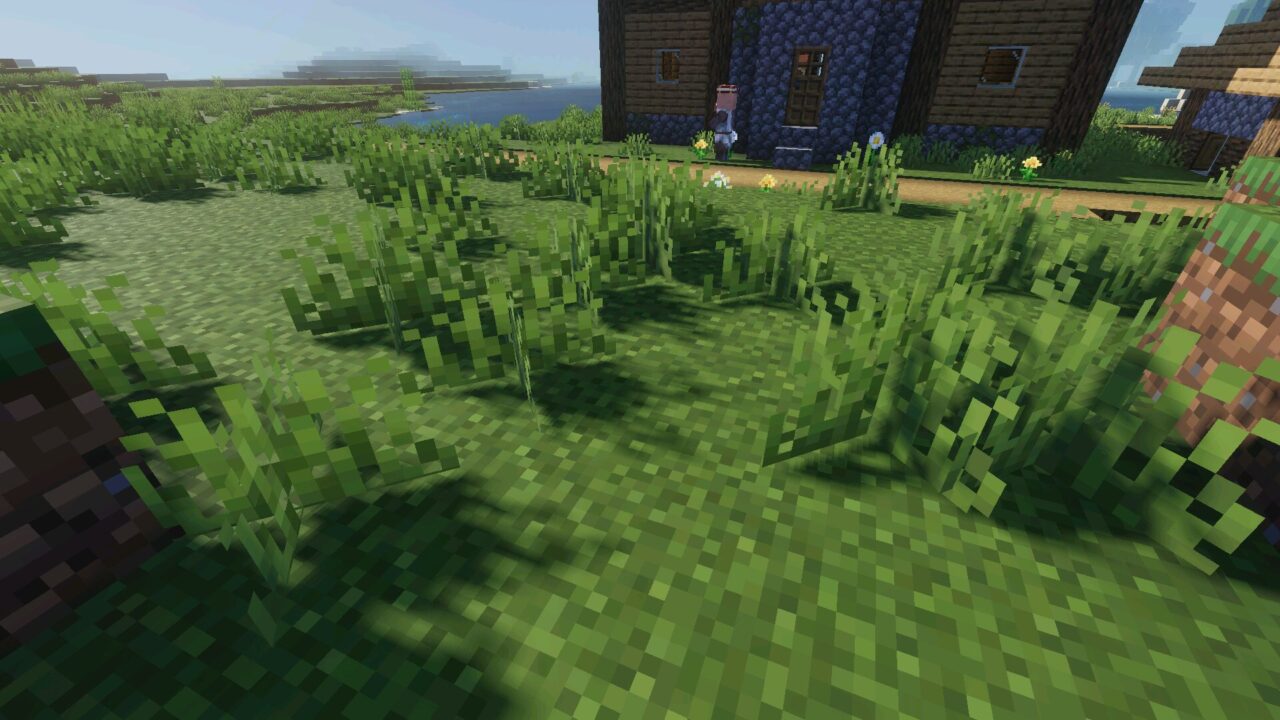
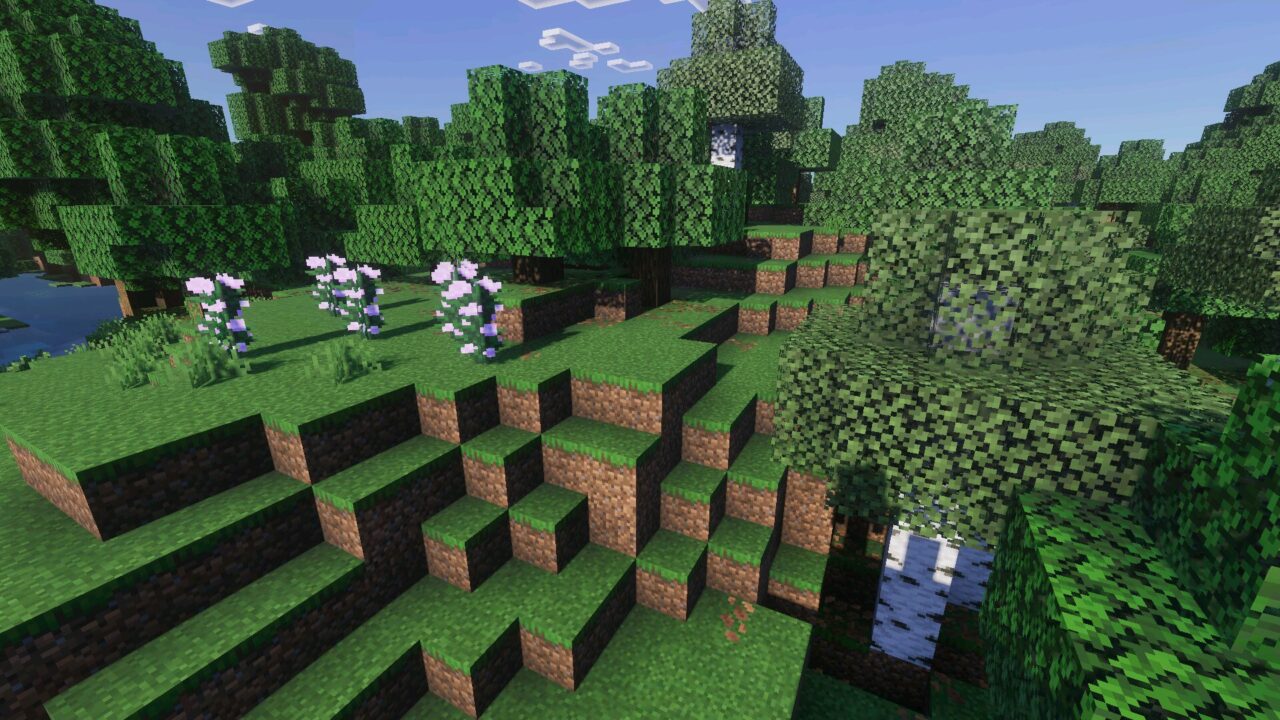
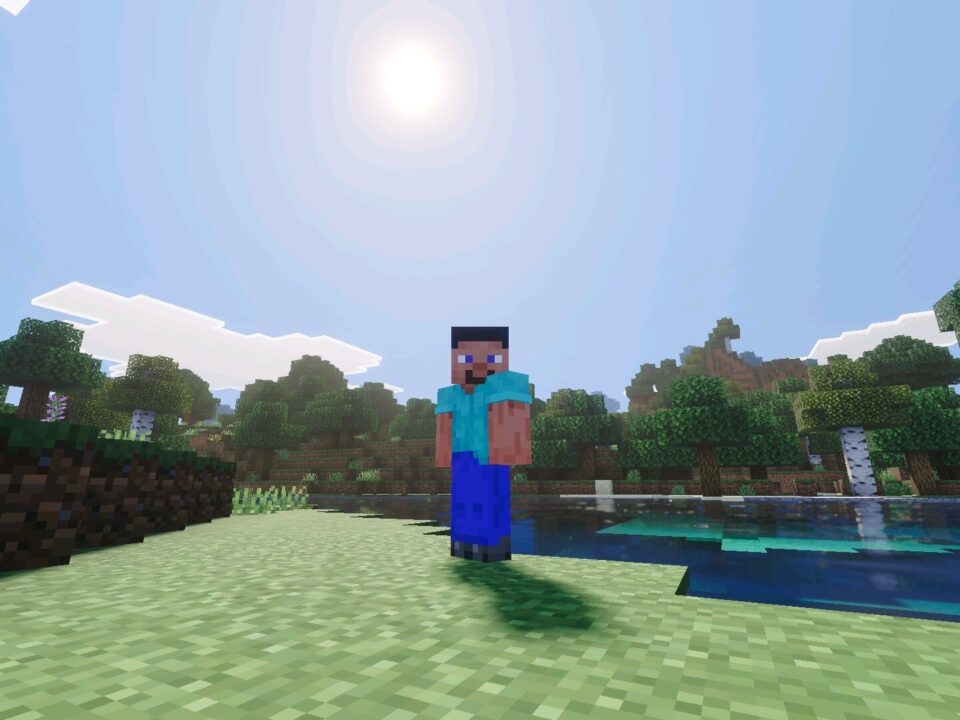
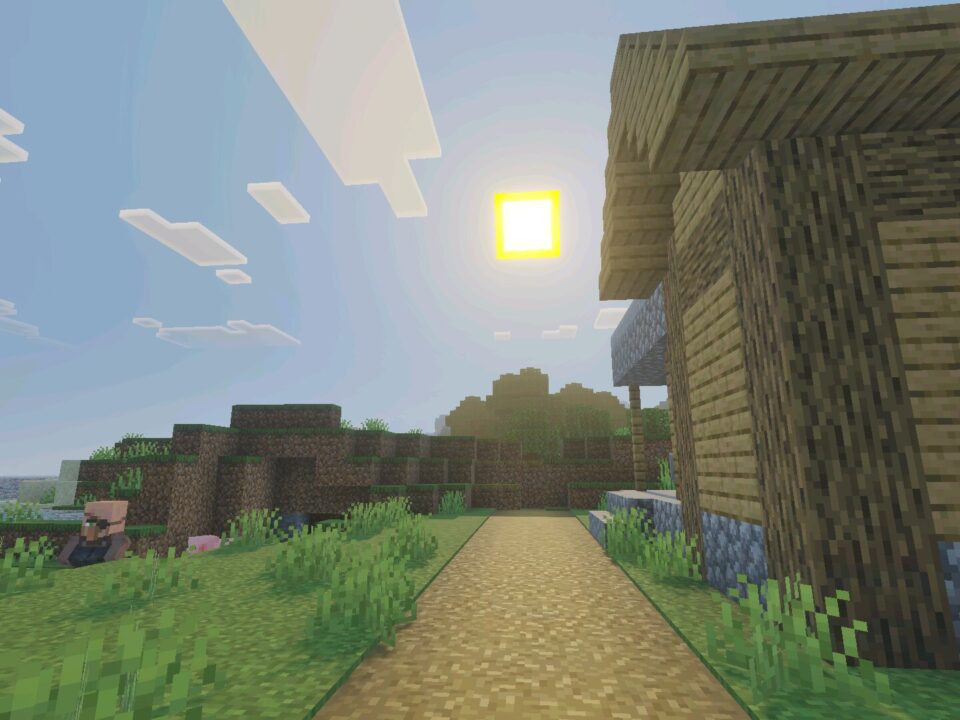
Zyra Visuals focuses on smoother light behavior. Daytime blocks do not look too sharp, and terrain receives a softer tone when the sun is high.

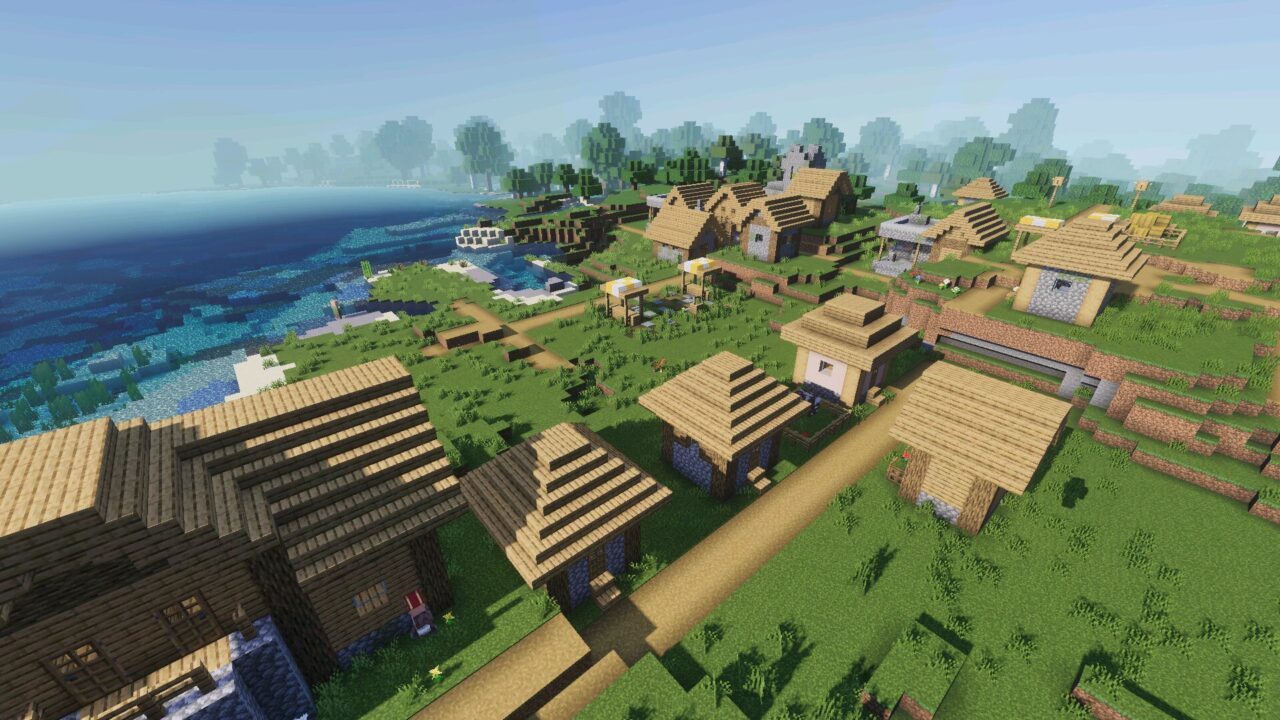
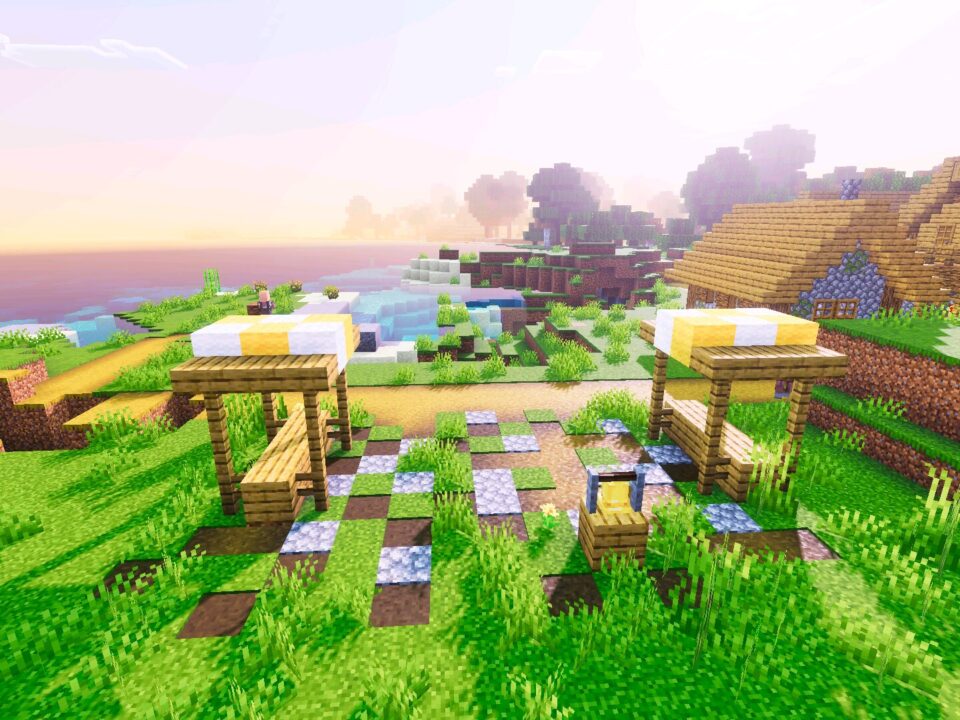
This is especially noticeable around houses, paths, farms, hills, and forests. Simple builds feel more grounded because shadows and light blend better with the surrounding area.

Zyra is best for players who want a soft realistic picture without a heavy fantasy or cartoon style.

Open areas benefit the most. Plains, rivers, fields, and mountain sides look more comfortable because the lighting feels balanced instead of harsh.

Sky and Fog

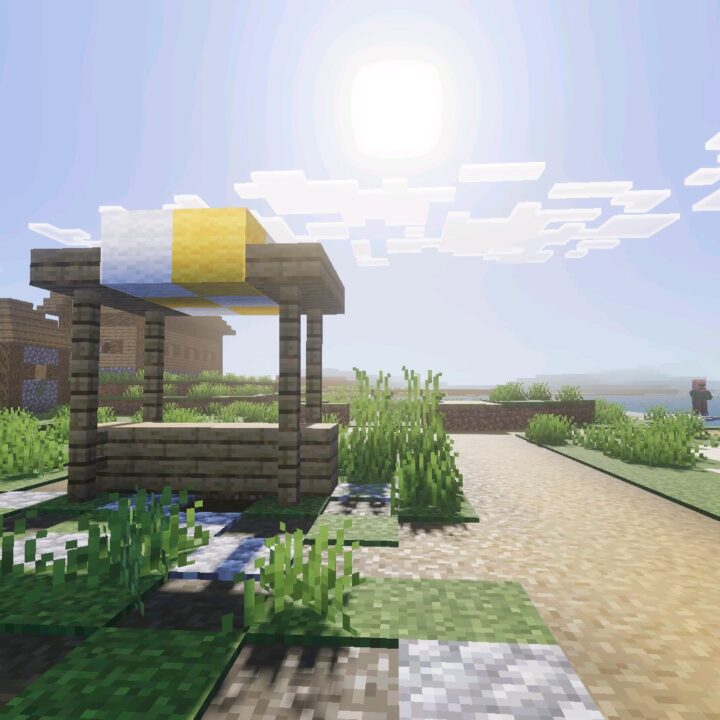
Zyra Visuals Shader for Minecraft Bedrock Edition improves the sky with calmer colors and a more polished atmosphere. Daytime scenes feel cleaner, while evenings gain a deeper cinematic mood.

Fog adds distance and volume to large spaces. It helps mountains, coastlines, forests, and wide plains blend naturally with the horizon.

Players who want to compare similar visual upgrades can browse Shaders for Minecraft PE and choose another style for their device.

The fog is not only a decorative effect. It makes long-distance views feel less empty and gives exploration a stronger sense of space.

Water and Reflections

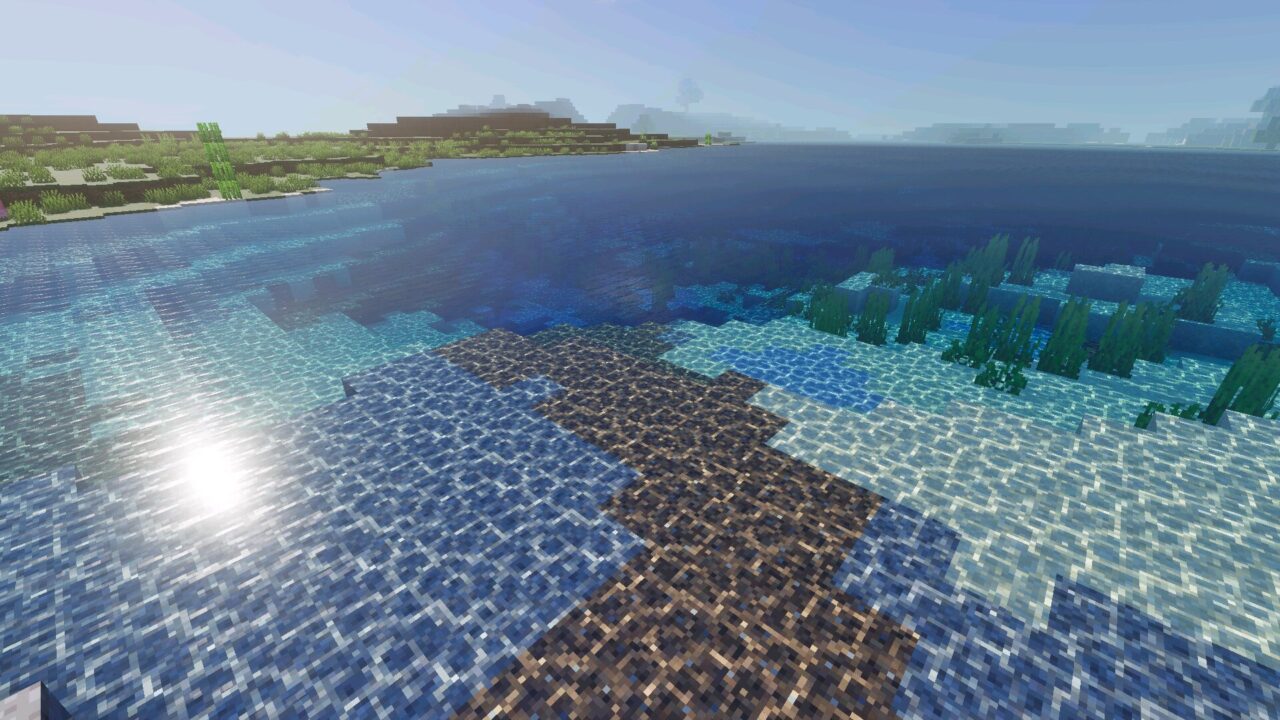
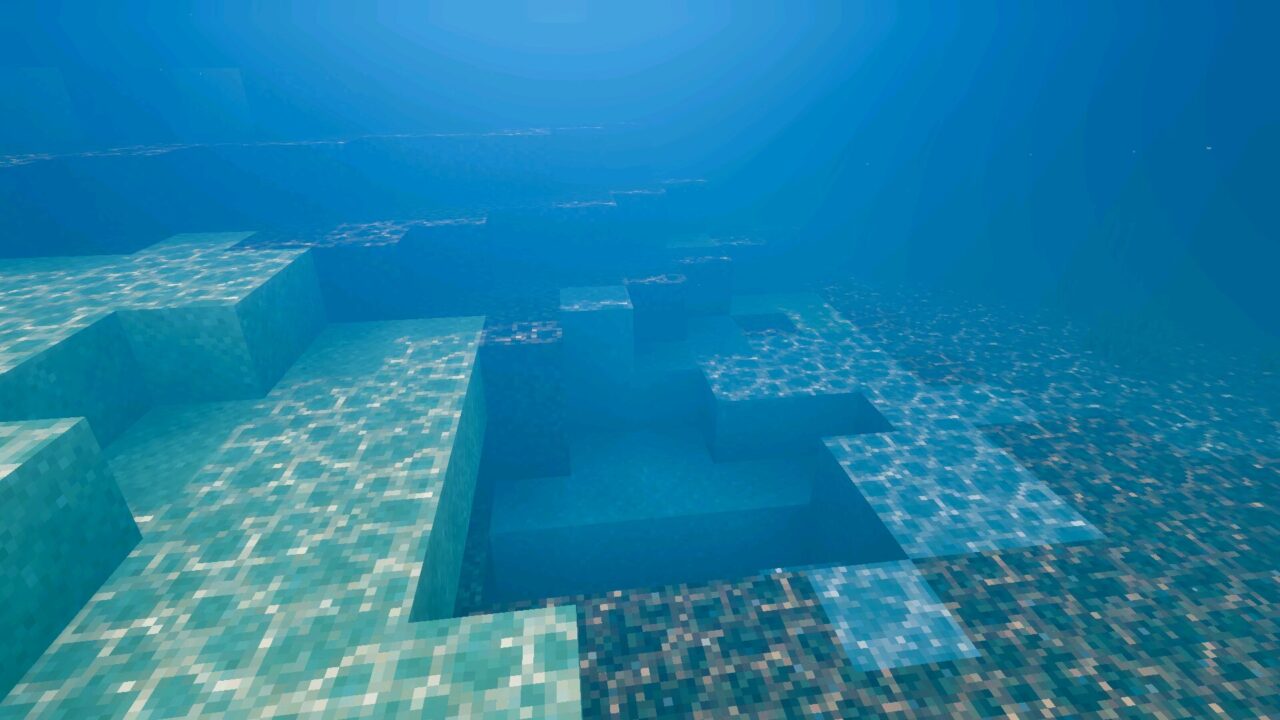
Water receives a more expressive look. Rivers, lakes, and oceans become cleaner, while reflections help outdoor scenes feel more natural near the shore.

This is useful for docks, bridges, islands, beach houses, river bases, and any build placed close to water. The environment looks more complete when the surface reacts better to light.

Use this shader on stronger phones for better sky depth, softer shadows, and improved water scenes.

Zyra Visuals is aimed at mid- to high-end devices. Weaker hardware may struggle because the package changes several important rendering parts at once.

If performance drops, players can lower video settings before testing the world again. Render distance and other visual options can affect smoothness in large areas.


  • Does Zyra Visuals Shader change gameplay mechanics?
  • Will Zyra Visuals Shader work well on low-end phones?
  • Can Zyra Visuals Shader improve water areas?

Download Zyra Visuals Shader for Minecraft PE

Zyra Visuals
Zyra Visuals Shader for Minecraft PE
1 August 2026 5
Zyra Visuals Shad...

Download Zyra Visuals Shader for Minecraft PE: ...

Realism Visuals Shader for Minecraft PE
31 July 2026 5
Realism Visuals S...

  Download Realism Visuals Shader for Mine...

Newb Explementary Shader for Minecraft PE
30 July 2026 5
Newb Explementary...

Download Newb Explementary Shader for Minecraft...

Newb Lumina Shader for Minecraft PE
29 July 2026 3
Newb Lumina Shade...

Download Shader for Minecraft PE: Shader for Mi...

1 Comments

  1. I like the softer look here. It sounds good for screenshots near rivers, but I would probably lower settings first on my phone.