ZenXveda Shader for Minecraft PE

ZenXveda Shader for Minecraft PE
Download ZenXveda Shader for Minecraft Bedrock to get true darkness, vivid skies, glowing ores, reflective armor, and mobile mode.
22 July 2026
  1. 5
  2. 4
  3. 3
  4. 2
  5. 1
(1 vote, Rating: 5 out of 5)
Download Download New Shaders

Download ZenXveda Shader for Minecraft PE: upgrade your mobile world with true darkness, vivid skies, PBR glow, reflective armor, performance modes, and Java-style atmosphere.

ZenXveda Shader for Minecraft PE

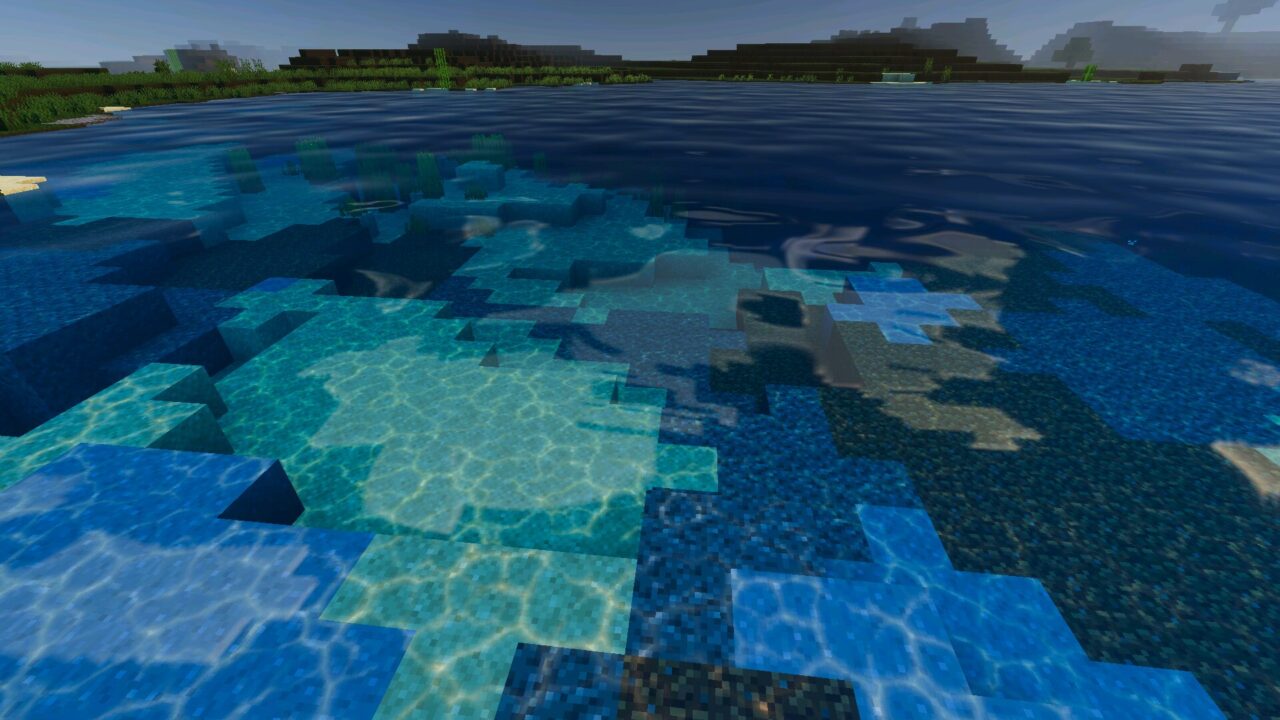
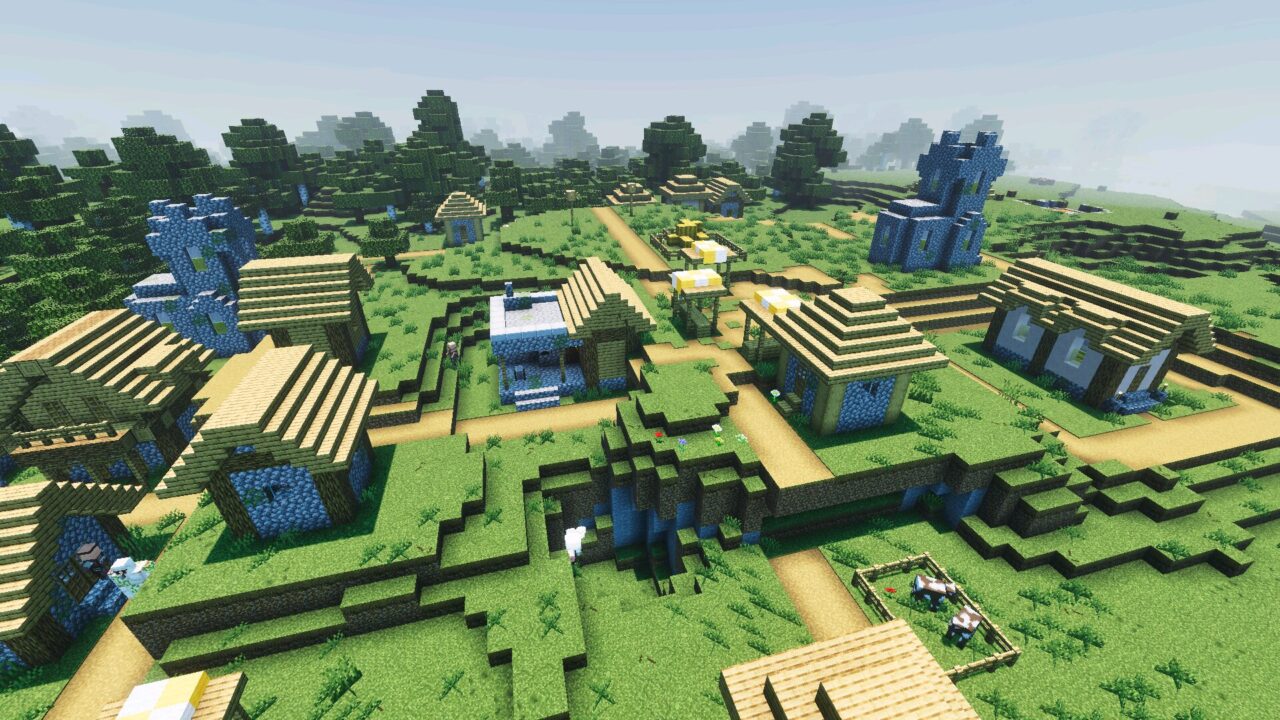
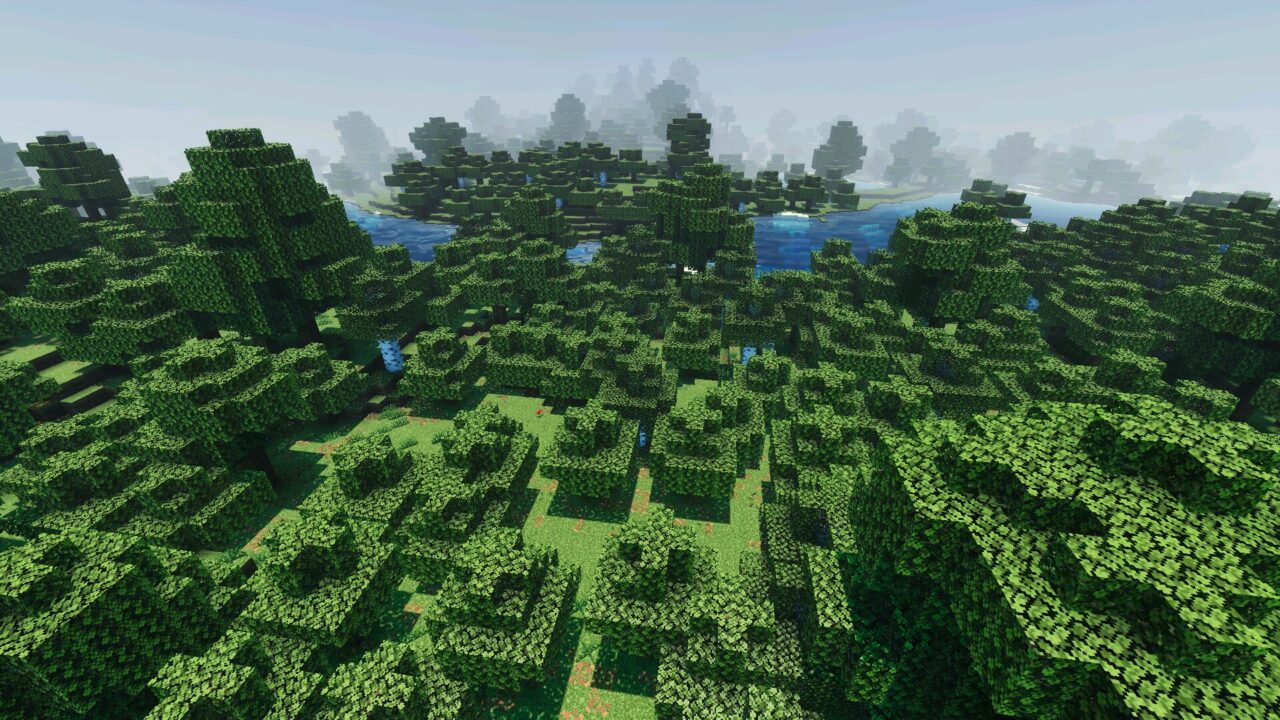
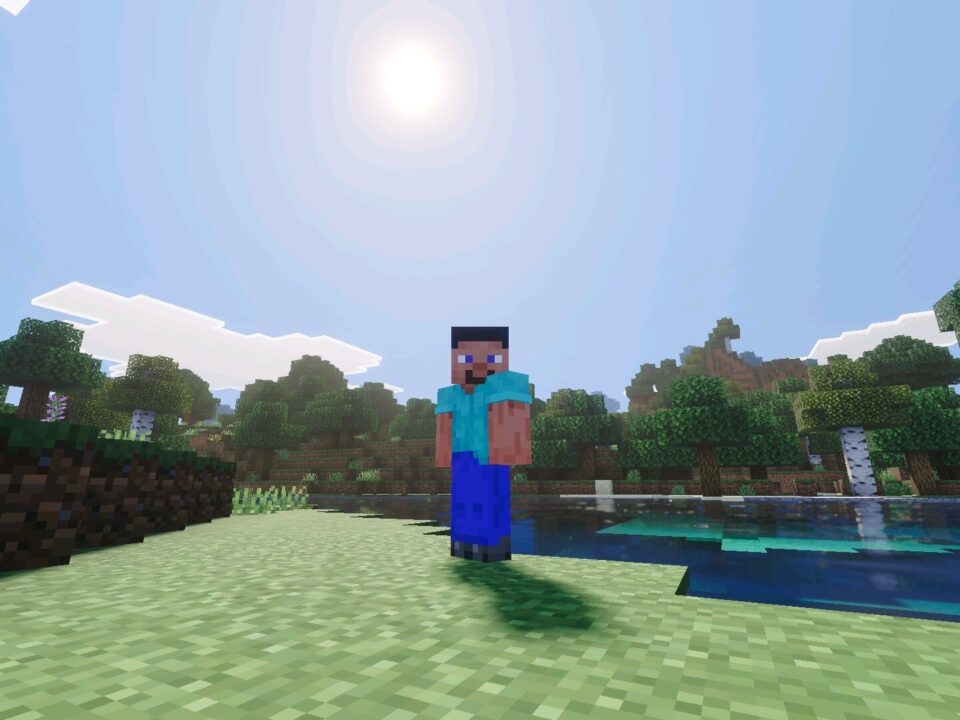
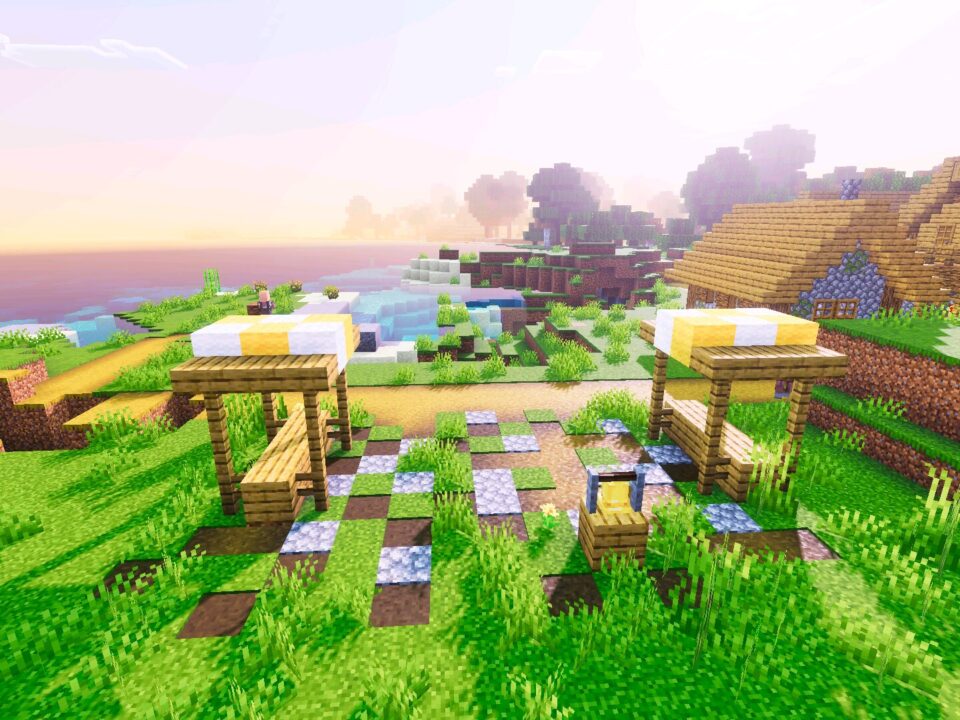
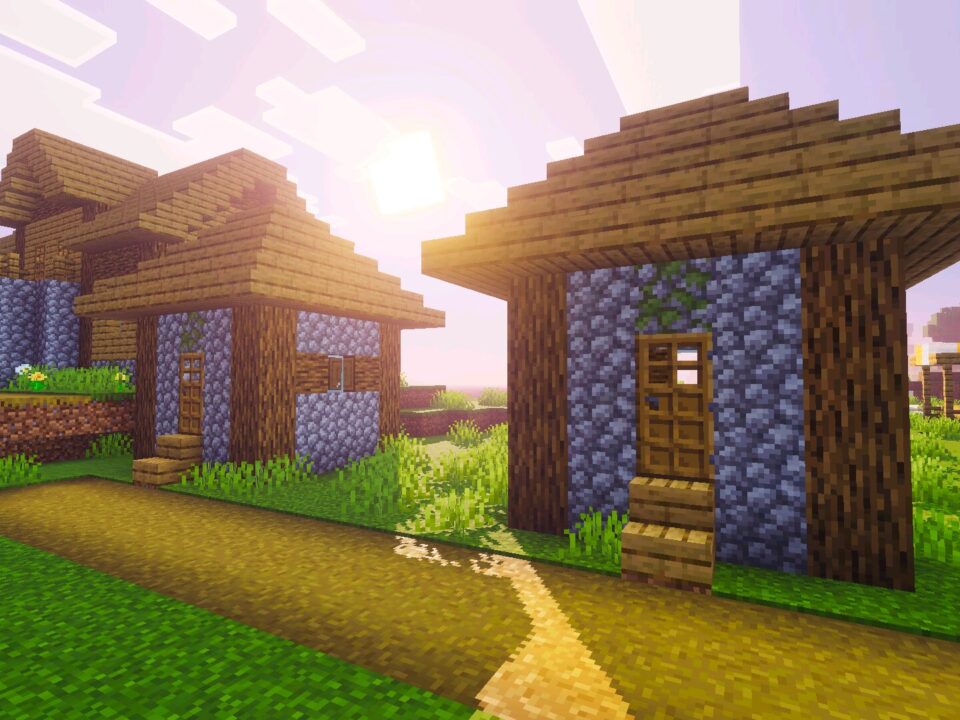
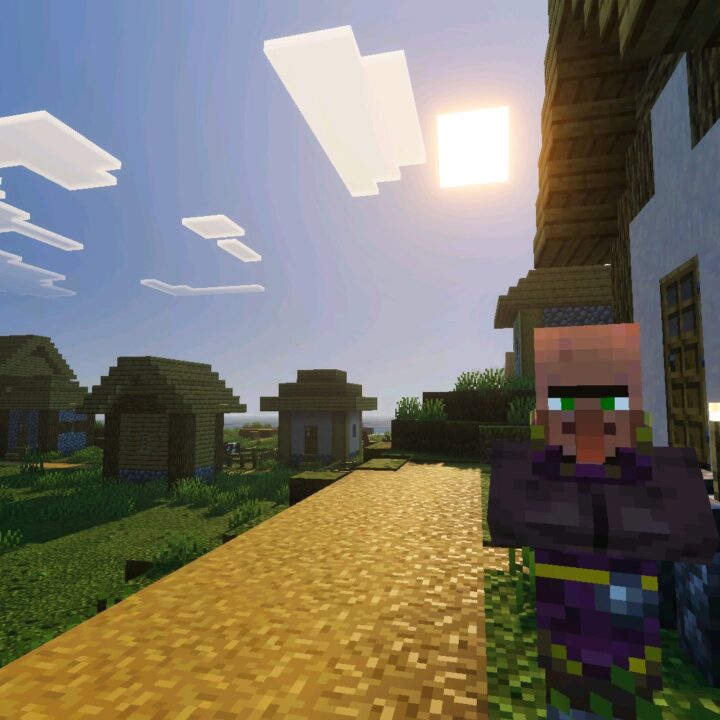
ZenXveda Shader is a large visual overhaul made to bring a premium Java-style look into Bedrock gameplay. It focuses on darker nights, richer skies, cleaner terrain, glowing ores, reflective armor, and device-based performance choices.
The shader is built for different hardware levels. Players can choose a heavier PBR mode, a lighter lighting-focused mode, or a mobile option tuned for phones and tablets.

For Minecraft PE players, this makes the visual setup more flexible. The world can look cinematic on strong devices or softer and faster on weaker hardware without changing survival rules.

ZenXveda

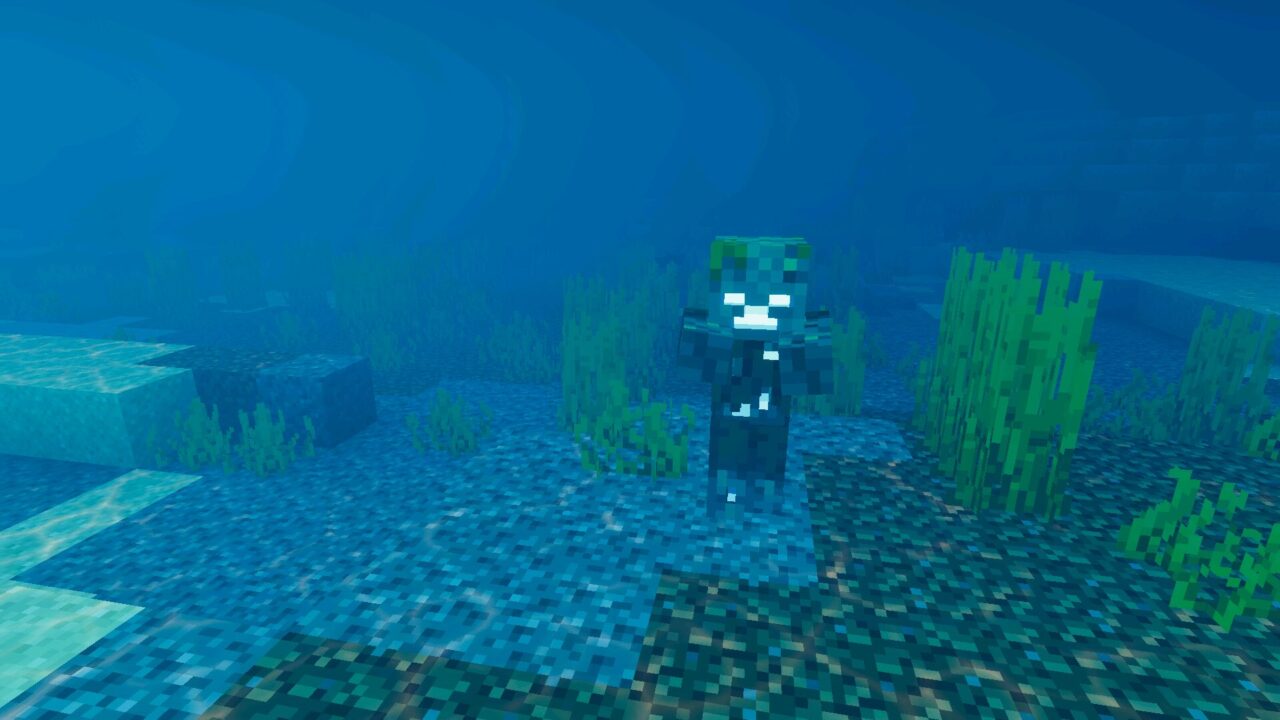
ZenXveda Shader makes caves and nights feel much more serious. Deep places can become almost pitch-black until a torch or another light source reveals the area.

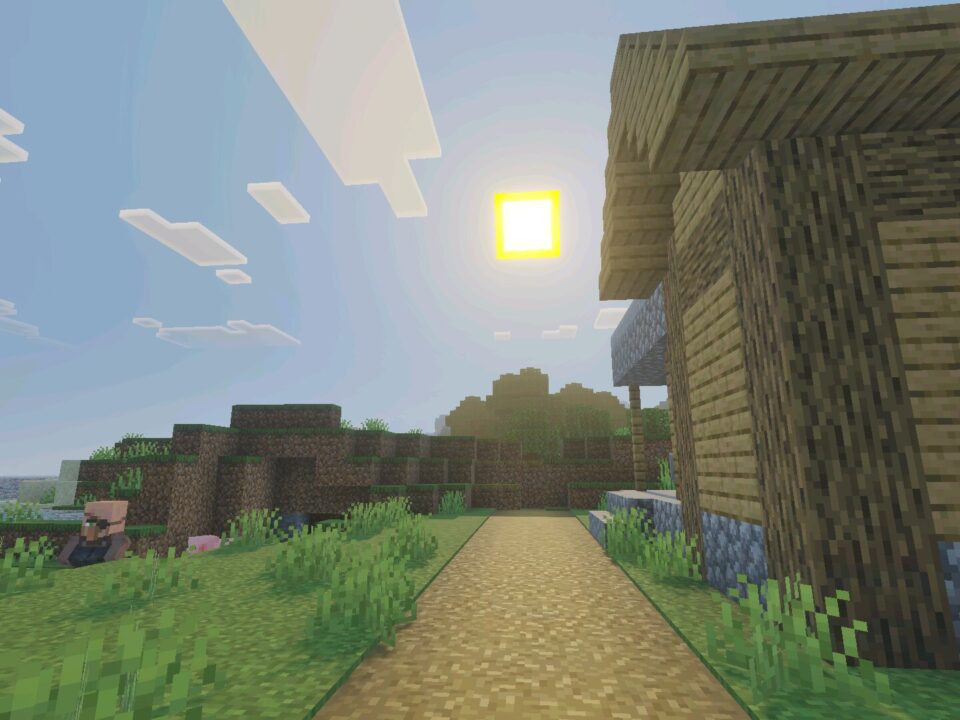
The sky also receives a cleaner and more vivid look. Deep blue daytime scenes and custom horizon fog remove the washed-out feeling of vanilla visuals.

True darkness changes exploration strongly. Torches, glow blocks, and safe routes become much more important in caves and at night.

The main menu also receives a custom 360-degree panorama, giving the game a more polished visual identity before the world even loads.

Players who want to compare other visual upgrades can also browse Shaders for Minecraft PE and choose another style for their device.

PBR and Surface Detail

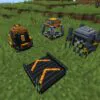
ZenXveda Shader adds next-gen material behavior through PBR support. Ores can emit light in dark places, while diamond, iron, and gold armor reflect the world more naturally.

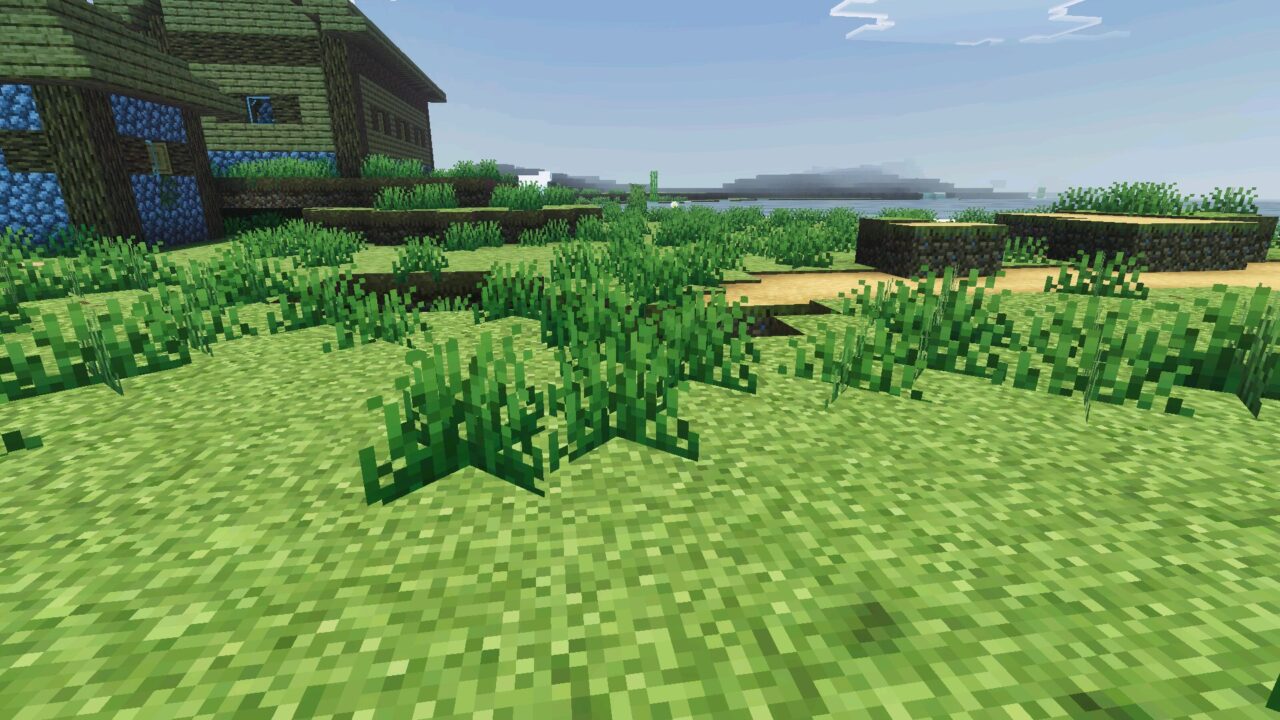
Grass also receives a smoother, cleaner look. This helps terrain feel less noisy and gives forests, plains, and hills a softer atmosphere during normal travel.

Minecraft Bedrock Edition players still keep clear vanilla water. ZenXveda leaves water readable and familiar, which helps during swimming, building, and survival exploration.

Performance Options

The shader includes three subpack choices through the Global Resources menu. Real Ray Tracing PBR is the strongest option for high-end devices, with reflective metals, emissive ores, 3D depth, and volumetric effects.

Fake Ray Tracing Low GPU keeps the bright aesthetic but removes the heaviest PBR cost. It is better for mid-range devices that need balance.

Start with Mobile Optimized if performance is uncertain. Move higher only when the world stays smooth and responsive.

Mobile Optimized is made for phones and tablets. It reduces harsh contrast and neon saturation, giving the world a faded, natural look with faster frame rates.

  • Does ZenXveda Shader make caves darker?
  • Will ZenXveda Shader work on mobile devices?
  • Can ZenXveda Shader use PBR effects?

Download ZenXveda Shader for Minecraft PE

ZenXveda

ZenXveda Shader for Minecraft PE
22 July 2026 5
ZenXveda Shader f...

Download ZenXveda Shader for Minecraft PE: upgr...

Newb X Blissful HDR Shader for Minecraft PE
21 July 2026 5
Newb X Blissful H...

Download Newb X Blissful HDR Shader for Minecra...

Newb X Dragon Shader for Minecraft PE
20 July 2026 5
Newb X Dragon Sha...

Download Newb X Dragon Shader for Minecraft PE:...

Newb X Stars Shader for Minecraft PE
19 July 2026 5
Newb X Stars Shad...

Download Newb X Stars Shader for Minecraft PE: ...

1 Comments

  1. The mobile mode sounds like the safest choice for me. True darkness and glowing ores are cool, but I still want smooth movement in caves.