Realism Visuals Shader for Minecraft PE

Realism Visuals Shader for Minecraft PE

Download Realism Visuals Shader for Minecraft Bedrock to add warm sunsets, deeper nights, soft shadows, and cleaner atmosphere.
31 July 2026
  1. 5
  2. 4
  3. 3
  4. 2
  5. 1
(1 vote, Rating: 5 out of 5)
Download Download New Shaders


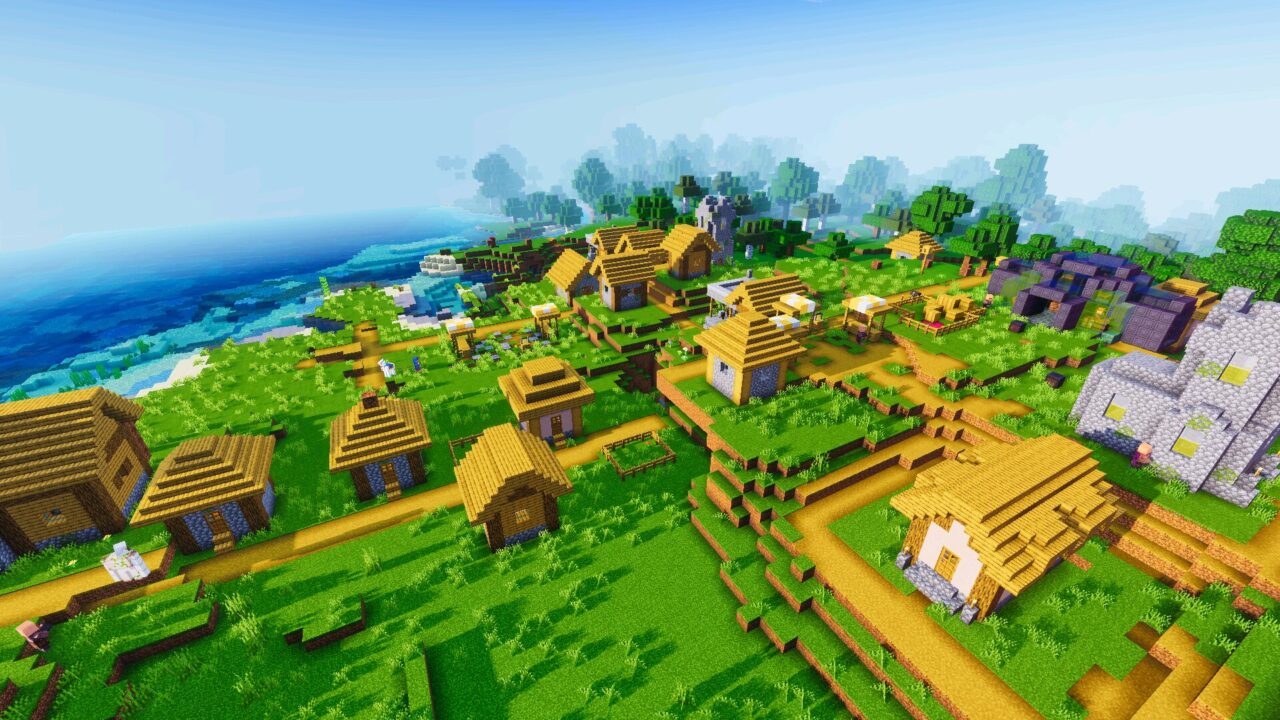
Download Realism Visuals Shader for Minecraft PE: add cinematic lighting, smooth sky colors, warmer sunsets, deeper nights, better shadows, and natural atmosphere to your mobile world.

Realism Visuals Shader for Minecraft PE

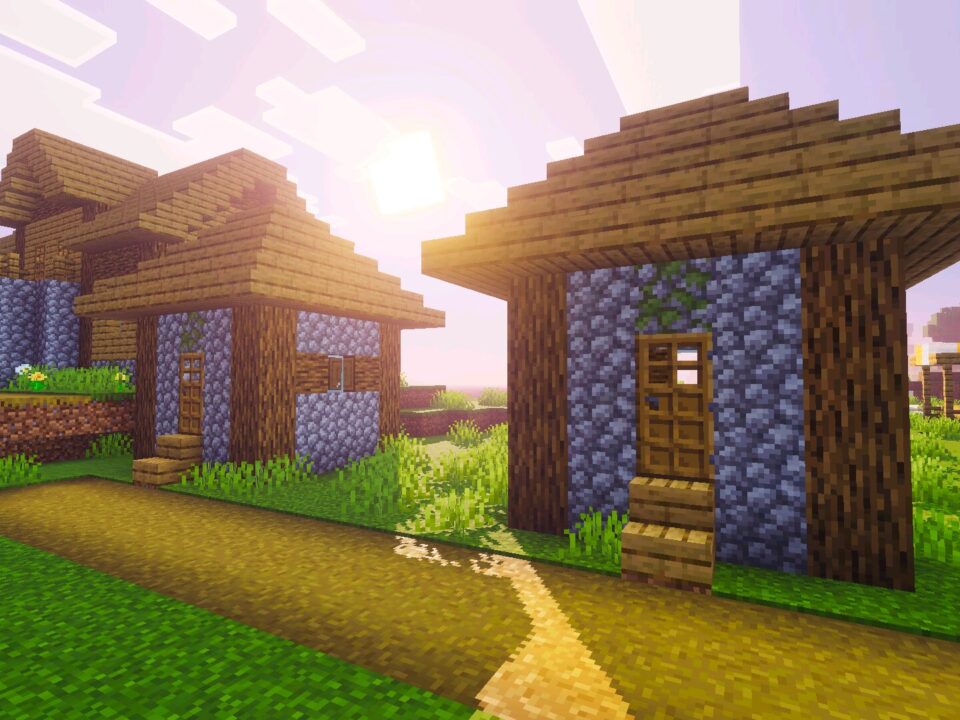
Realism Visuals Shader improves the look of the game through natural light, cleaner colors, and a calmer cinematic style. It does not change block interaction, survival rules, crafting, or combat.

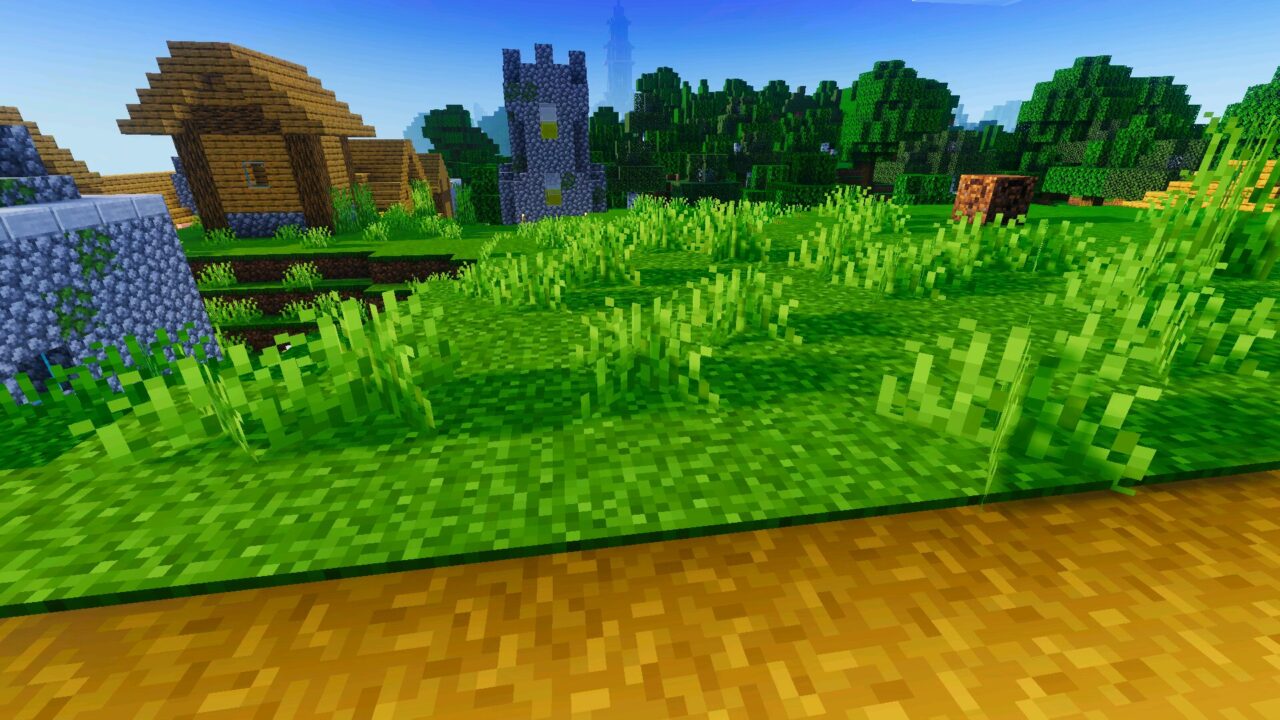
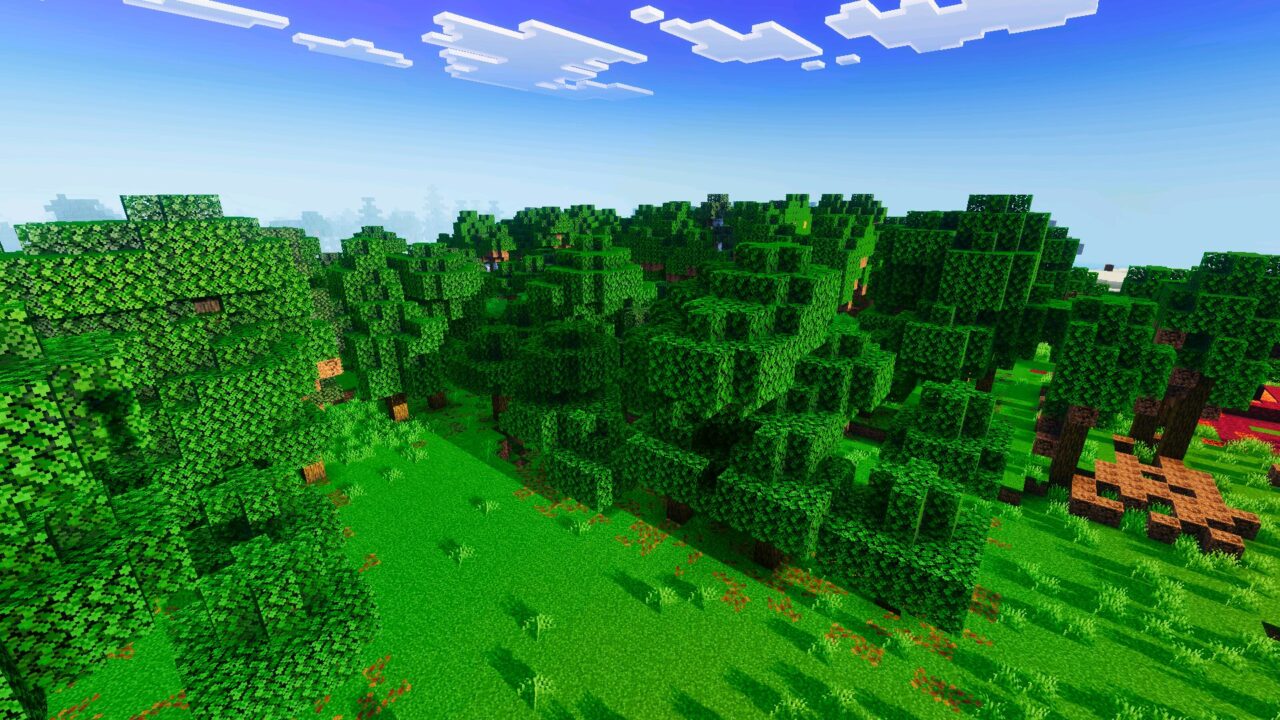
The main goal is to make familiar locations feel more expressive. Forests, villages, plains, mountains, farms, and bases receive better depth because light and shadow behave more smoothly across the scene.

For Minecraft PE players, this is useful in survival, creative building, screenshots, and simple exploration. The world stays recognizable, but the atmosphere feels warmer and more complete.

Realism Visuals

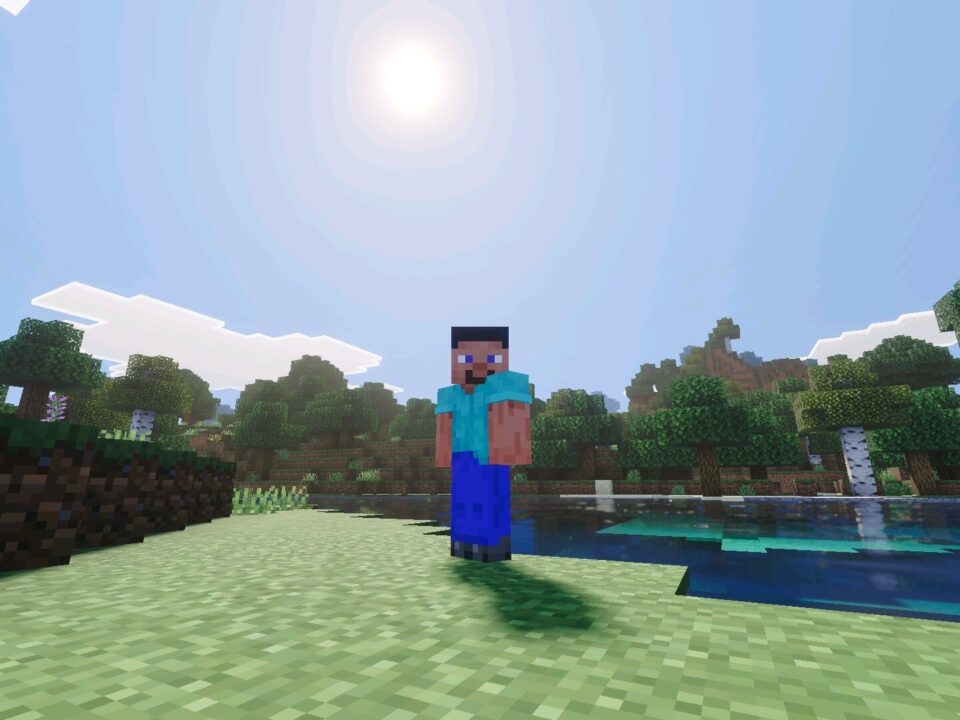
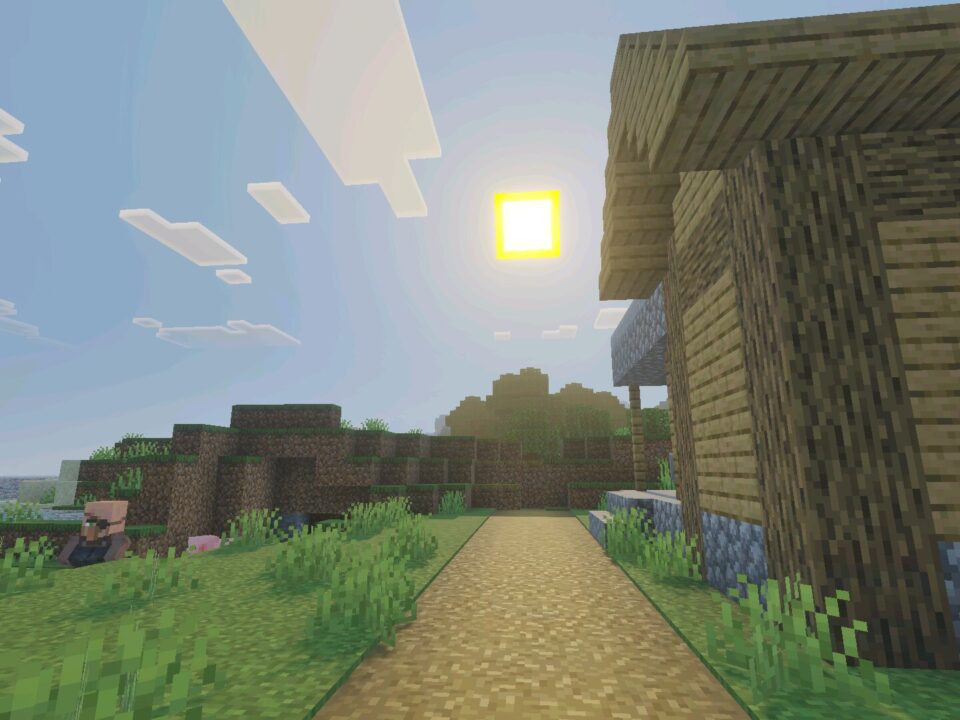
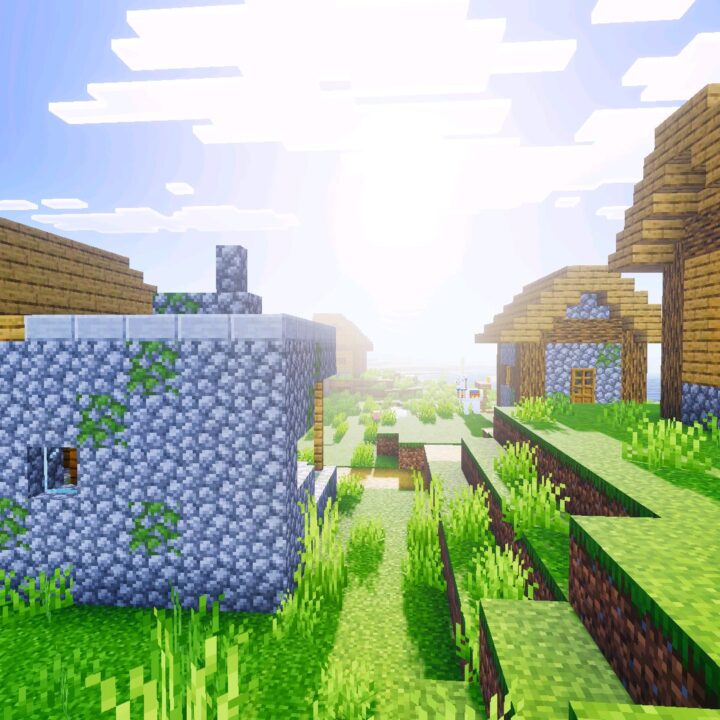
Realism Visuals focuses on soft sunlight and smooth brightness. Daytime areas look cleaner, while shaded corners feel less flat and more natural.

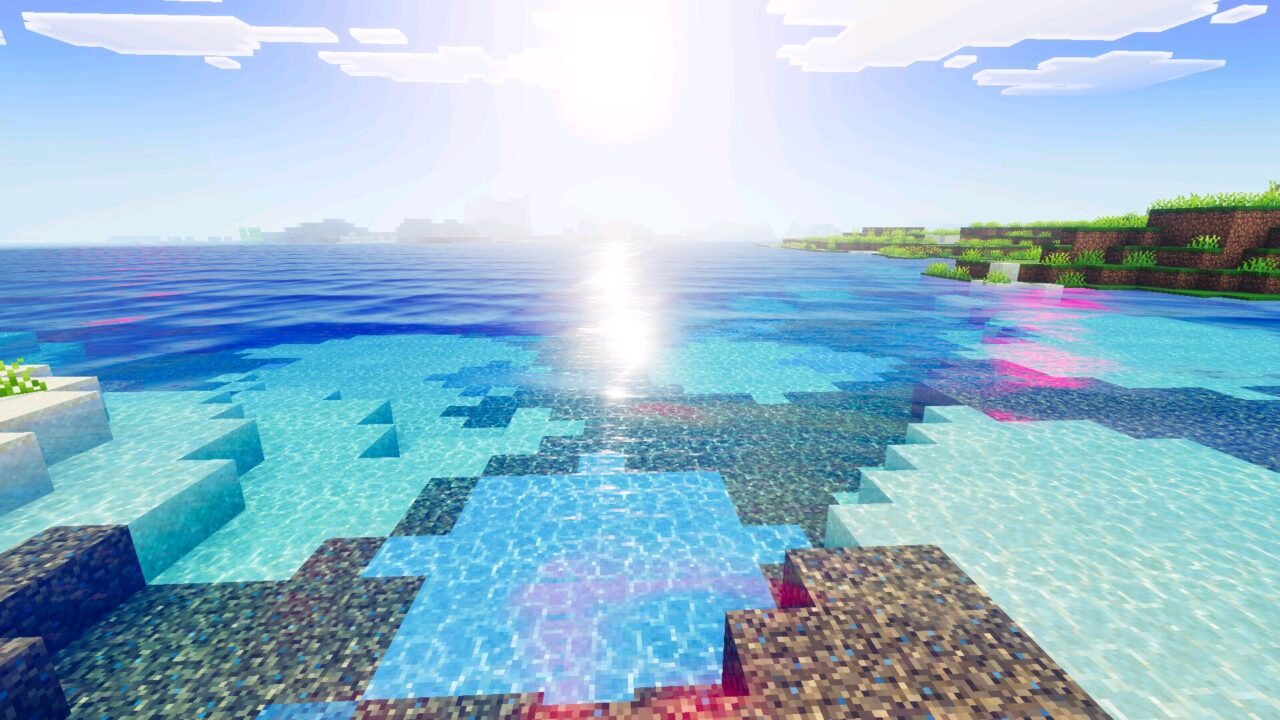
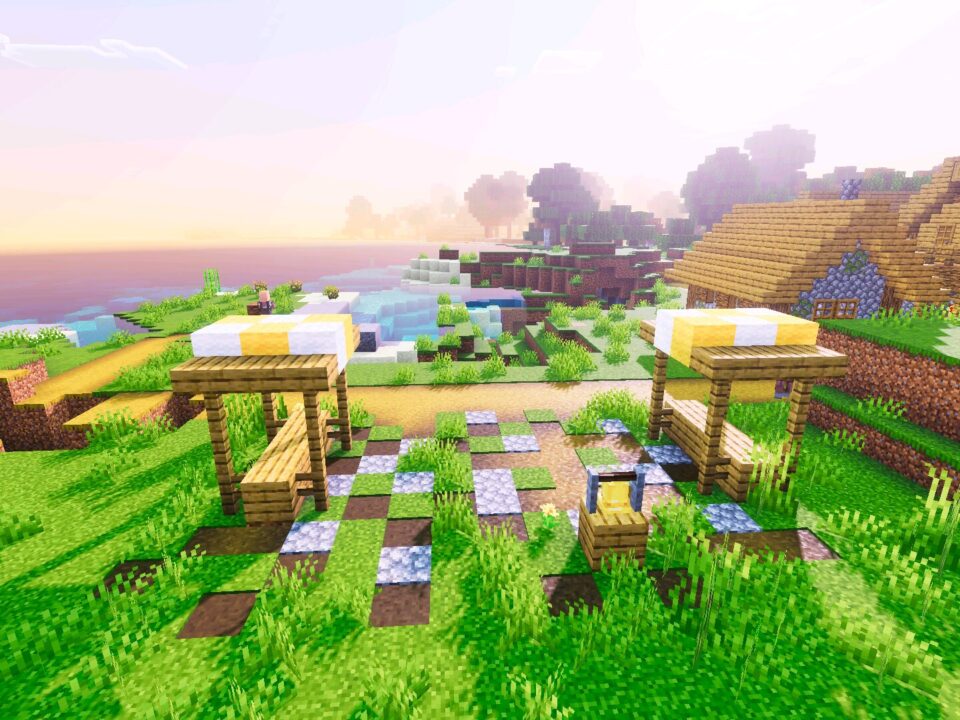
Sunrise and sunset scenes receive warmer tones. The sky blends more gently, so open fields, mountain views, and water areas look better during time changes.

This shader is made for players who want a natural picture without turning the game into an overly heavy visual setup.

The blocky style remains clear. Buildings still look like Minecraft, but the lighting around roofs, paths, walls, and terrain gives them more depth.

Atmosphere and Shadows

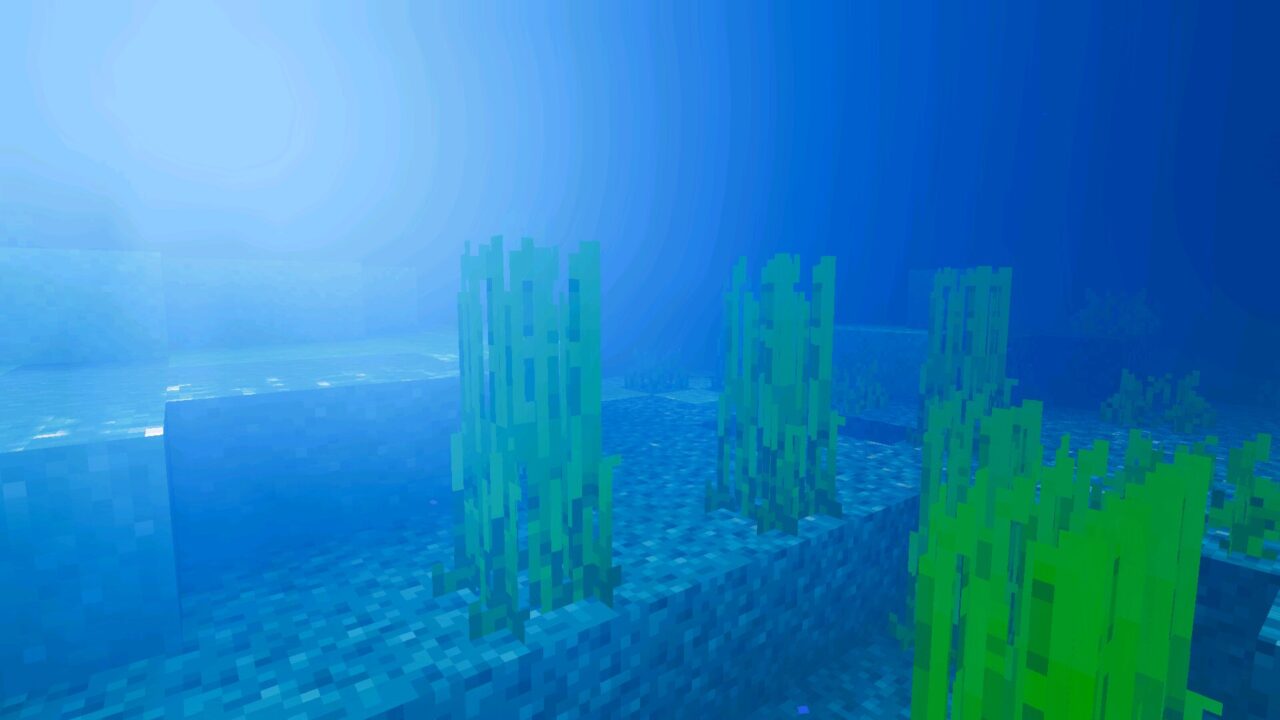
Realism Visuals Shader for Minecraft Bedrock Edition adds a brighter atmosphere with stronger environmental detail. The world feels less static because colors, contrast, and shadows work together more naturally.

Shadows help structures stand out. Houses, bridges, gardens, farms, and terrain edges become easier to read, especially when the sun is low.

Players who want to compare other visual styles can browse Shaders for Minecraft PE and choose a different option for their device.

Night and evening scenes also gain more depth. Dark areas keep a stronger mood, while the overall picture stays readable enough for normal gameplay.

Requirements

To work correctly, Realism Visuals needs Vibrant Visuals enabled in the game settings. Without this option, lighting, shadows, and atmosphere effects may not appear as intended.

This requirement is important because the pack depends on supported rendering features. Players should turn on Vibrant Visuals before entering the world and testing the final look.

Enable Vibrant Visuals first if the lighting does not look correct. Lower video settings may help if the game feels heavy.

Performance can depend on the device, world size, and active settings. Smaller render distance and lighter video options may improve smoothness on weaker phones.

  • What if shader does not work?
  • Can I use it on servers?
  • How do I install this shader?

Download Realism Visuals Shader for Minecraft PE

Realism Visuals

Realism Visuals Shader for Minecraft PE
31 July 2026 5
Realism Visuals S...

  Download Realism Visuals Shader for Mine...

Newb Explementary Shader for Minecraft PE
30 July 2026 5
Newb Explementary...

Download Newb Explementary Shader for Minecraft...

Newb Lumina Shader for Minecraft PE
29 July 2026 3
Newb Lumina Shade...

Download Shader for Minecraft PE: Shader for Mi...

KUDA Shader for Minecraft PE
29 July 2026 3.5
KUDA Shader for M...

Download KUDA Shader for Minecraft PE: change t...

1 Comments

  1. The Vibrant Visuals requirement is good to know. I like shaders that keep the normal blocks but make sunsets and shadows look cleaner.