Nexora Visuals Shader for Minecraft PE

Nexora Visuals Shader for Minecraft PE

Download Nexora Visuals for Minecraft Bedrock to get warm sunlight, deeper colors, and a softer, more atmospheric world.
17 August 2026
  1. 5
  2. 4
  3. 3
  4. 2
  5. 1
(1 vote, Rating: 5 out of 5)
Download Download New Shaders

Download Nexora Visuals Shader for Minecraft PE: bring warm sunlight, deeper colors, and a softer, more atmospheric look to your mobile world.

Nexora Visuals Shader for Minecraft PE

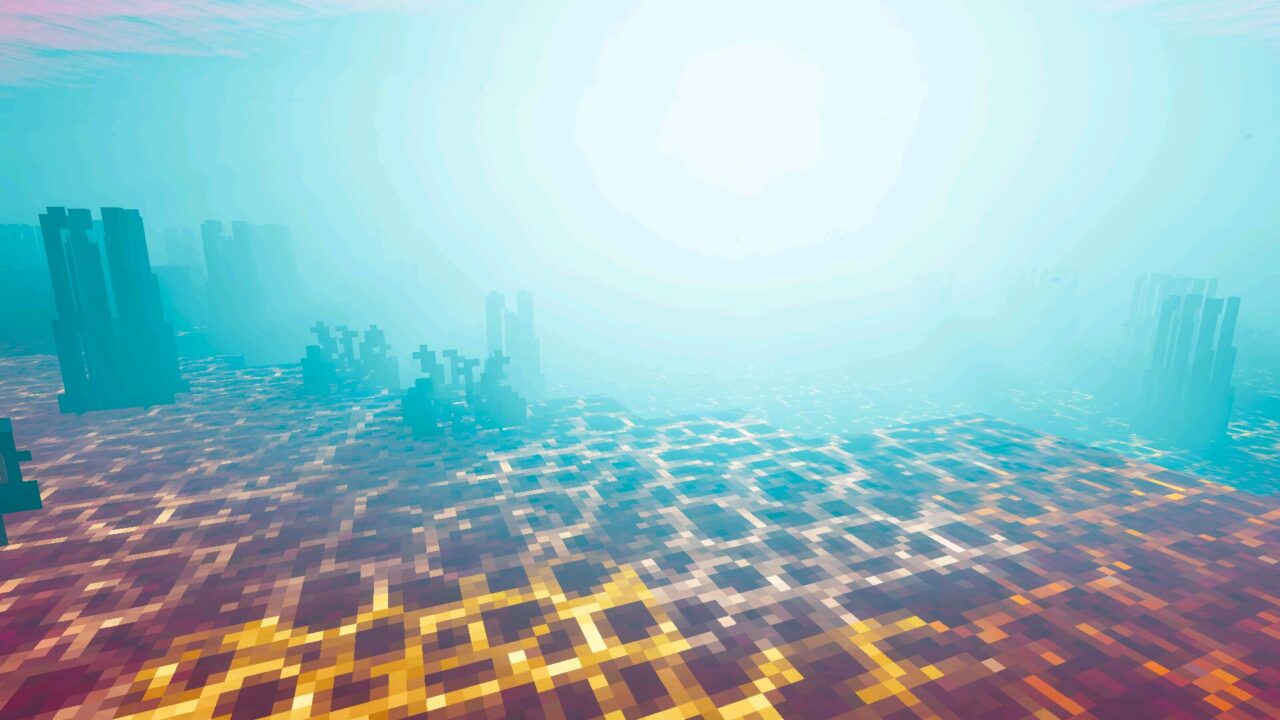
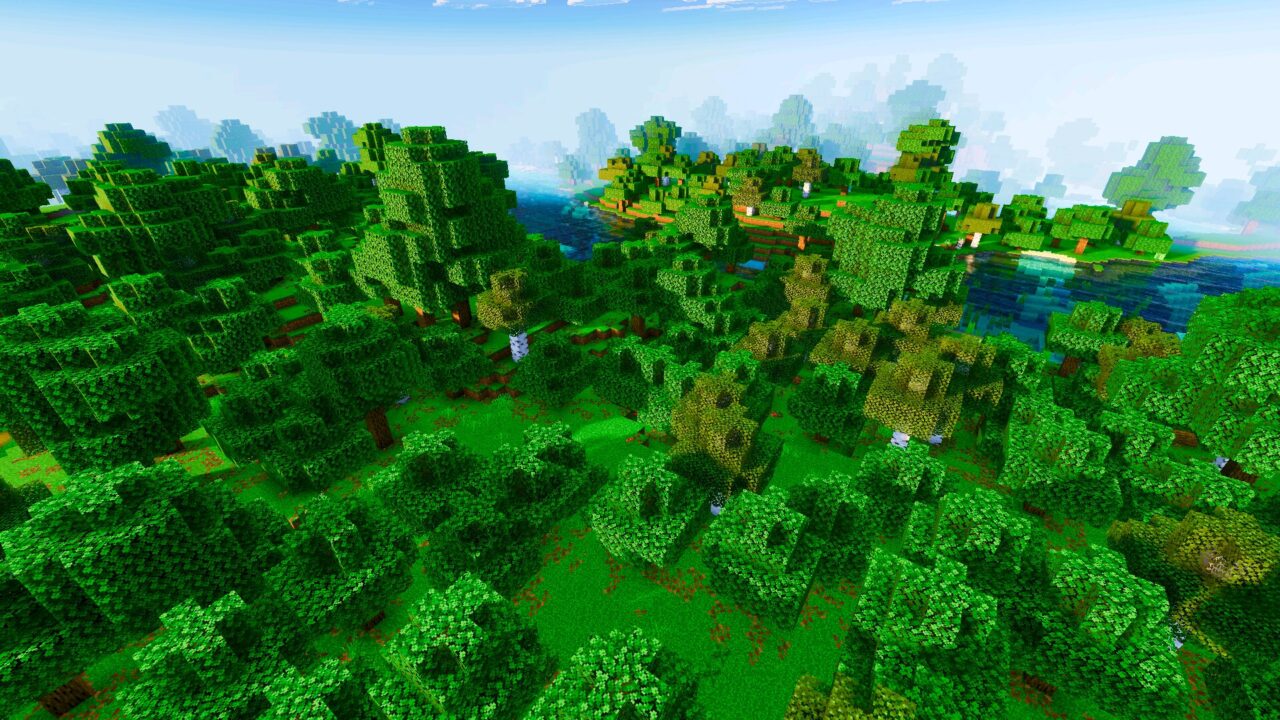
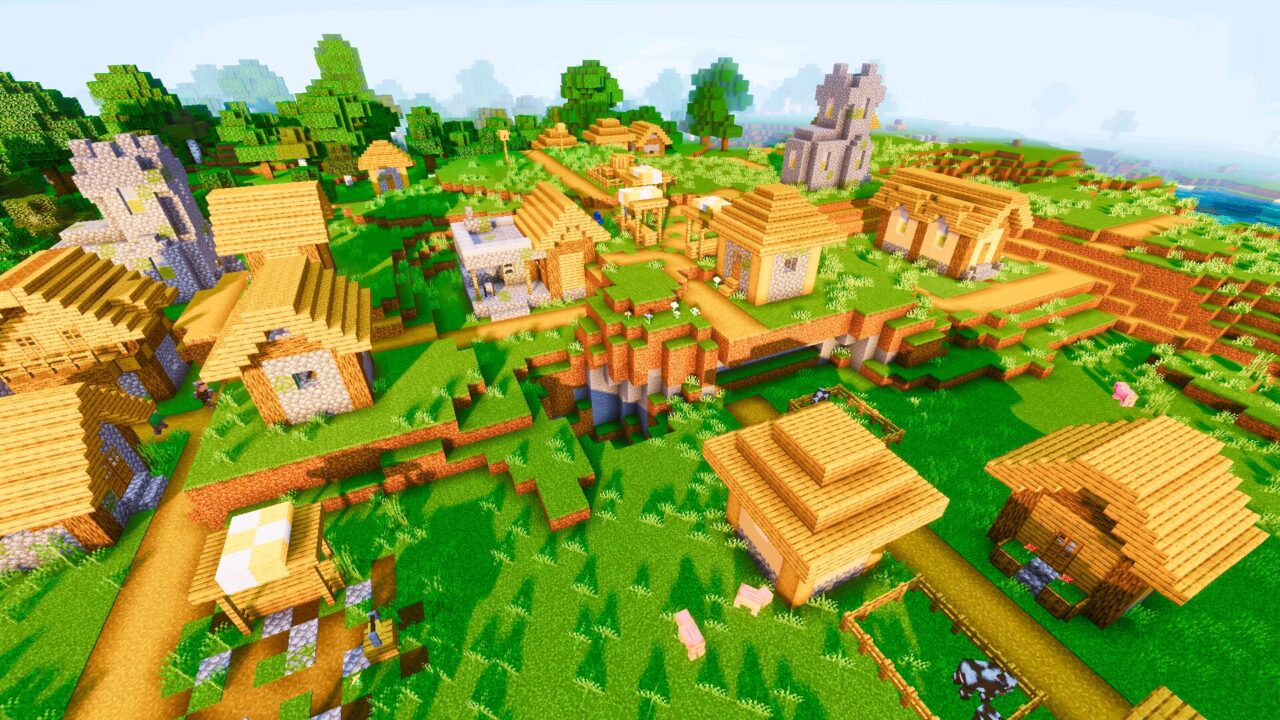
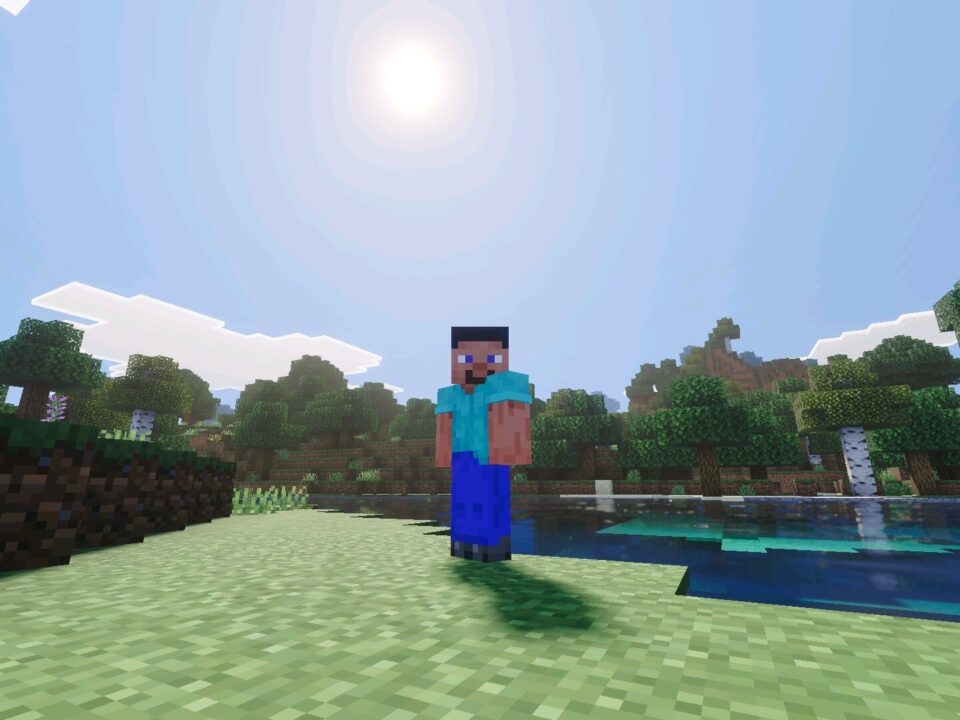
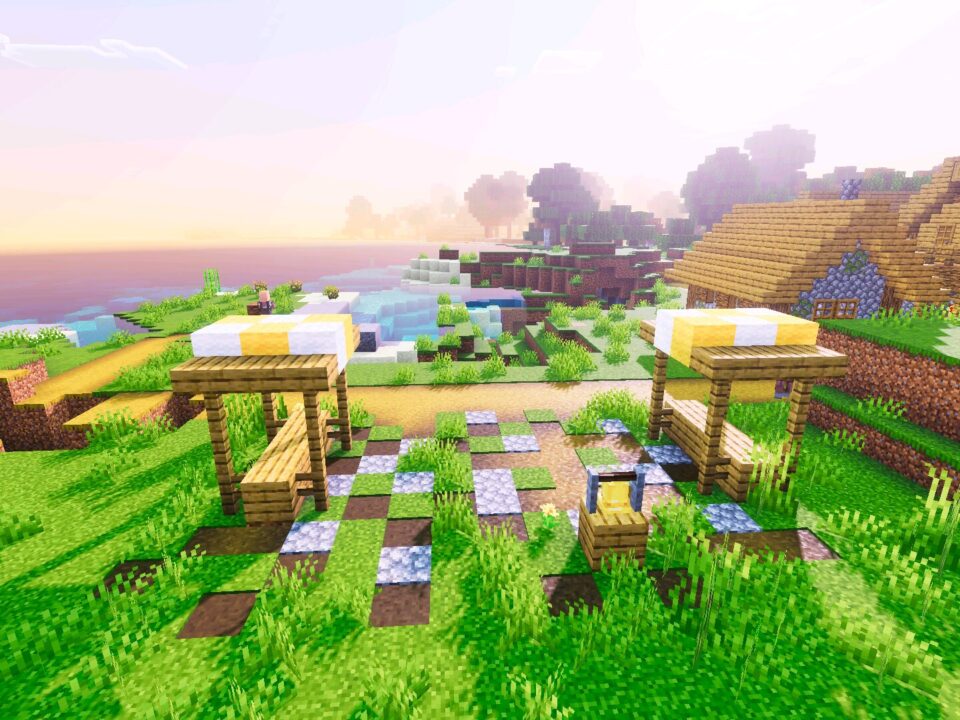
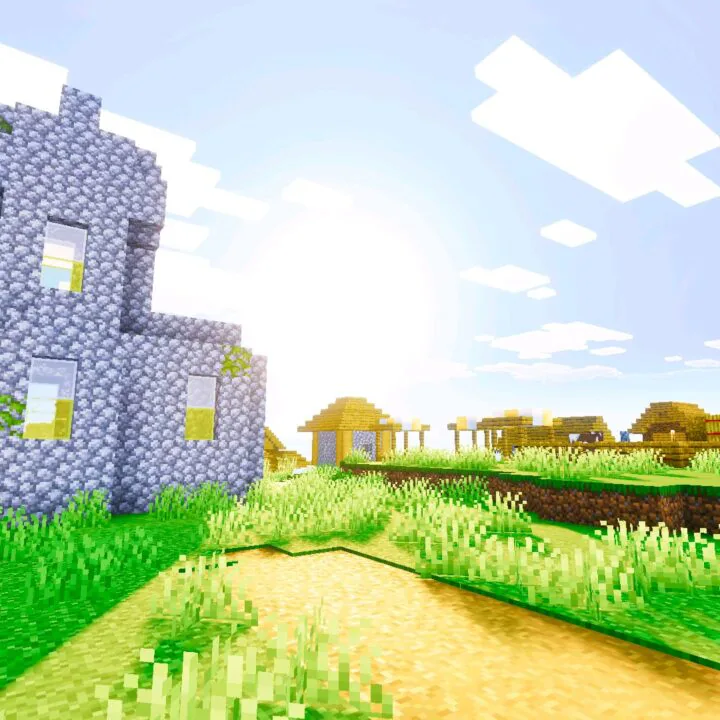
Nexora Visuals gives the world a warm, saturated tone. Colors get deeper, light spreads softer, and the air feels heavier in the best way. Nothing looks artificial. The scene simply reads as more alive, which is exactly what most Minecraft PE players want from a visual upgrade.

Nexora Visuals

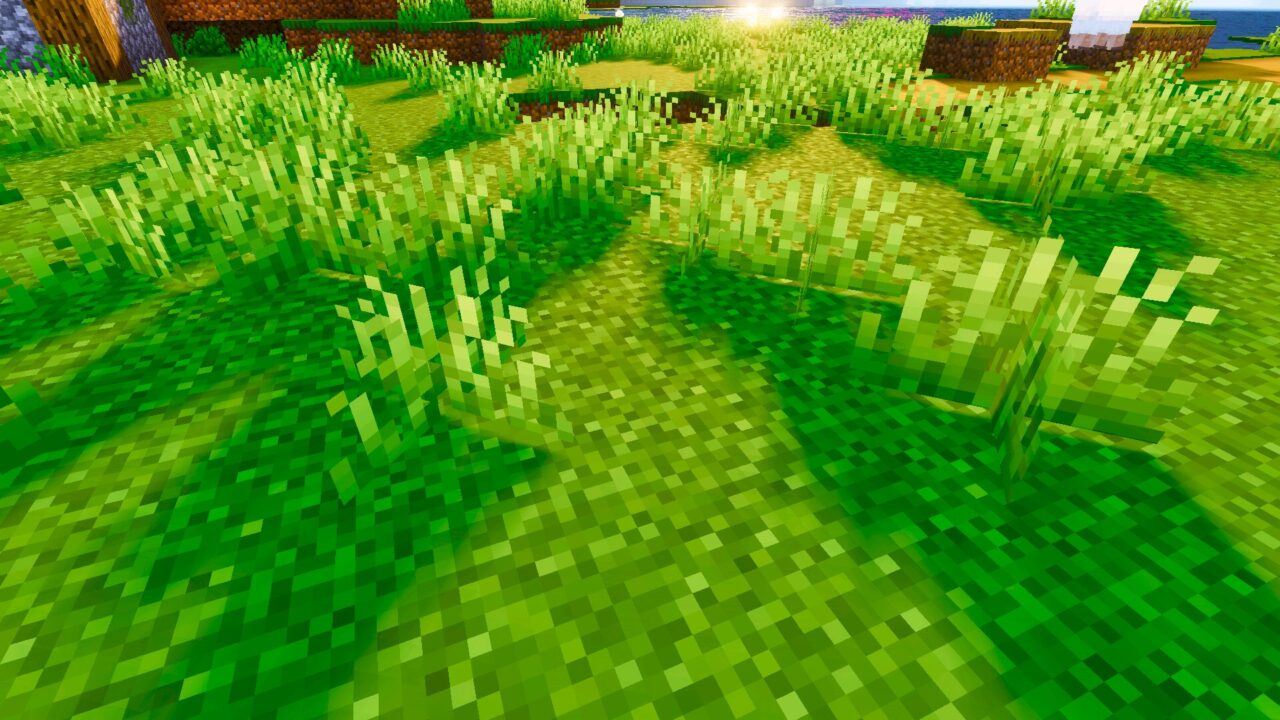
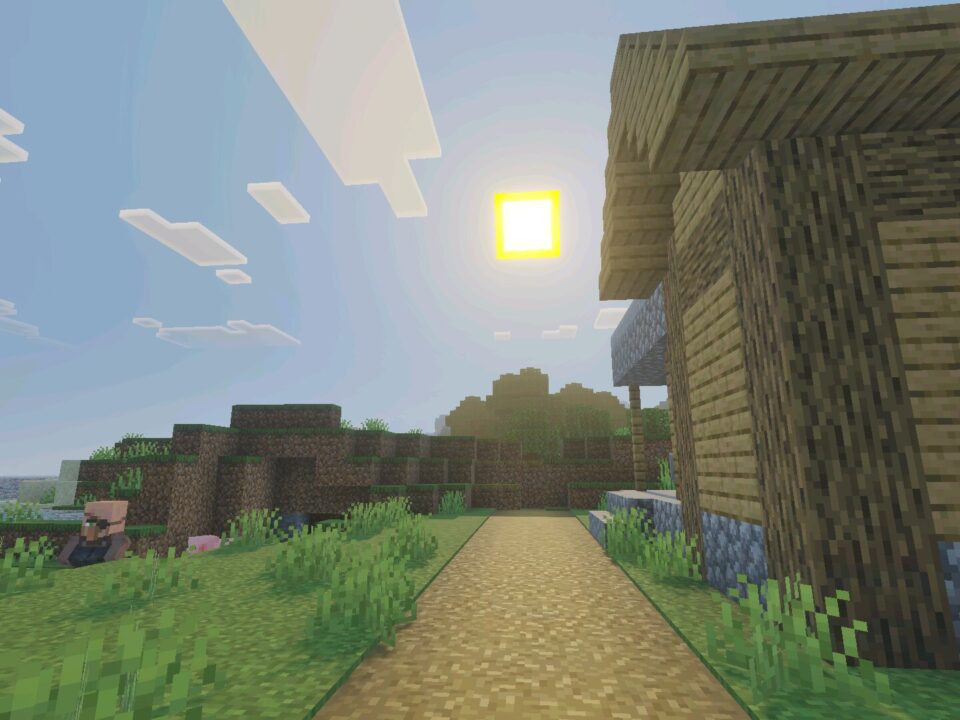
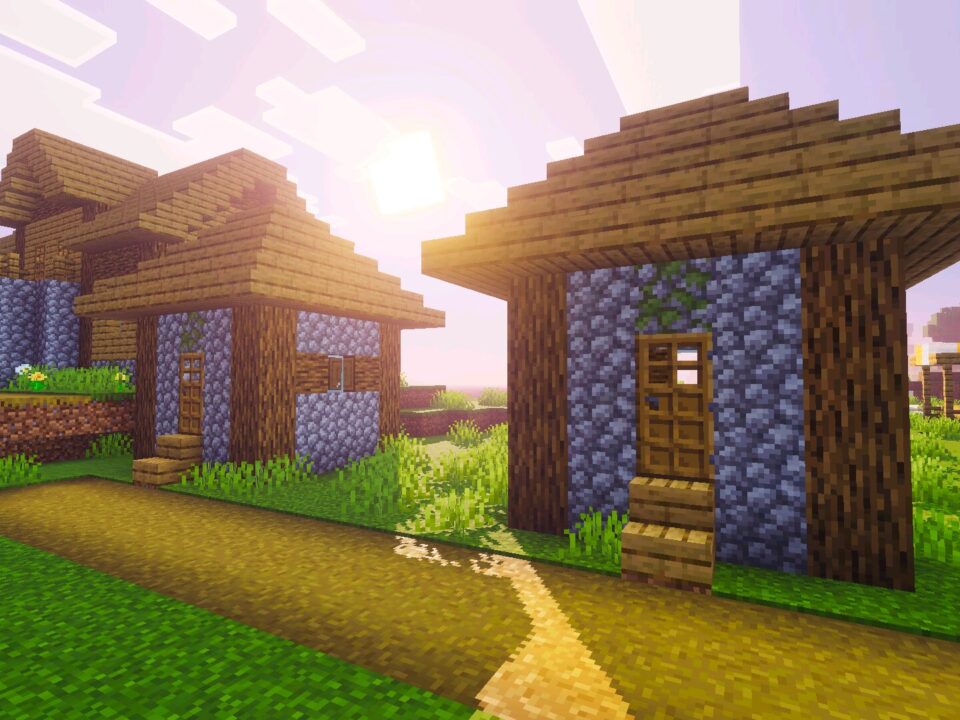
It starts with color. Grass turns richer, wood gains contrast, stone stops looking flat and gray. Sunlight falls across surfaces in soft gradients instead of hard blocks of brightness. Shadows stay readable, so caves and interiors keep their shape. The Nexora Visuals shader chases atmosphere, not heavy effects.

Warm tones look strongest at sunrise and sunset. Check both before judging the style.

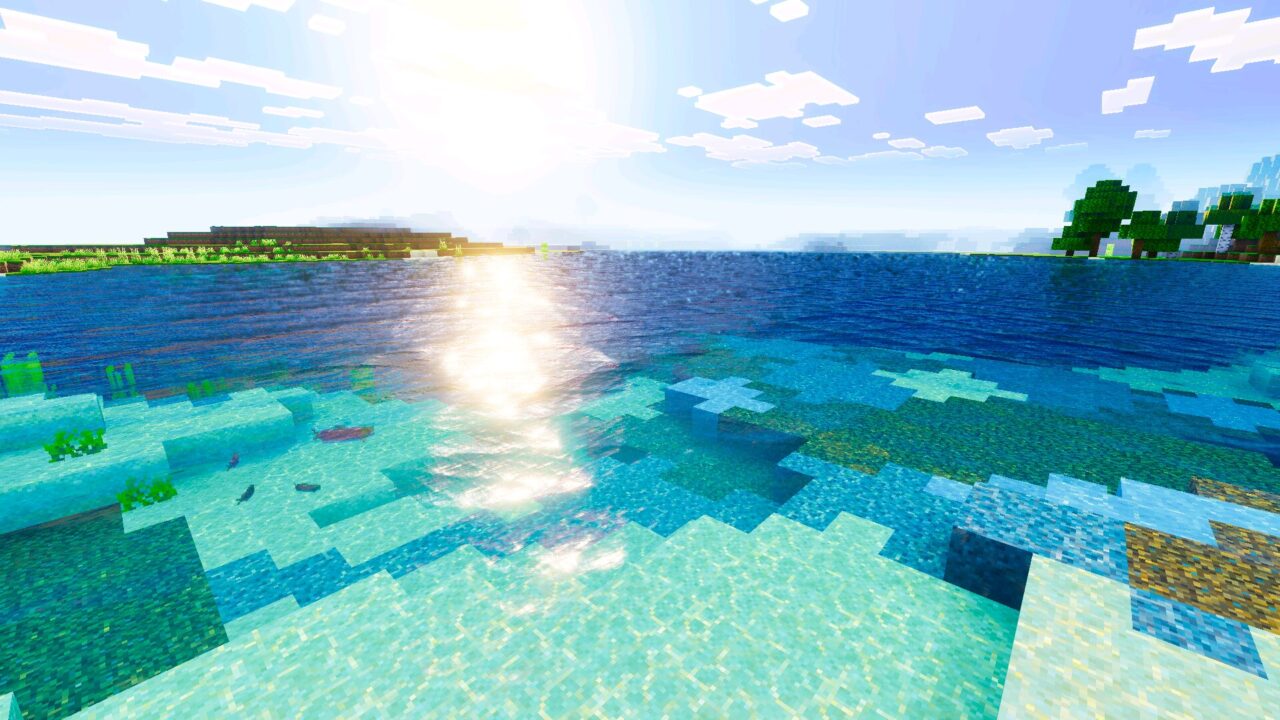
Sky and water follow the same rules. Reflections stay clean, clouds blend into the horizon, and distant terrain fades without a harsh cut. Want a different mood? Browse the full Shaders for Minecraft PE collection and compare.

Main features

Saturated color grading across every biome. Warm, directional daylight. Smooth day-to-night transitions with no sudden jumps. Balanced contrast that keeps the hotbar and chat easy to read. The Nexora Visuals shader for Minecraft PE works on its own, with no extra tools required.

Performance stays reasonable for this kind of visual pack. Effects are layered lightly, so mid-range phones can still hold a stable frame rate at normal render distance.

Practical use

Builders gain the most here. Warm light separates wood, copper, and terracotta clearly, so palettes are easier to plan before placing hundreds of blocks. Screenshots need almost no editing. Minecraft Bedrock Edition worlds keep their own identity, just with better lighting.

Keep the shader at the top of the global resources list so its settings apply first.

Survival sessions feel calmer too. Nights stay dark but readable, so torch placement still matters without turning the screen into a black wall. Farming, mining, and exploring all look better while working exactly as before.

Download Nexora Visuals shader for Minecraft Bedrock, enable it in global resources, and reload the world once. Turn it off any time. The world file stays untouched.

  • Does Nexora Visuals work without any extra mods or launchers?
  • Will Nexora Visuals lower FPS on a mid-range phone?
  • Can Nexora Visuals be used together with other resource packs?

Download Nexora Visuals Shader for Minecraft PE

Nexora Visuals
Nexora Visuals Shader for Minecraft PE
17 August 2026 5
Nexora Visuals Sh...

Download Nexora Visuals Shader for Minecraft PE...

Grafika Shader for Minecraft PE
14 August 2026 5
Grafika Shader fo...

Download Grafika Shader for Minecraft PE: add a...

Cat RTX Shader for Minecraft PE
9 August 2026 4.5
Cat RTX Shader fo...

Download Cat RTX Shader for Minecraft PE: add r...

Alpha Optimizer Shader for Minecraft PE
9 August 2026 5
Alpha Optimizer S...

Download Alpha Optimizer Shader for Minecraft P...

1 Comments

  1. honestly didn’t expect much from another warm shader, but sunsets over my base look unreal now. still runs fine on my old phone if i drop the render distance a little.