Download Gurjar X Shader for Minecraft PE: add clean natural lighting, soft shadows, realistic water, balanced colors, and Vibrant Visuals support to your mobile world.
Gurjar X Shader for Minecraft PE
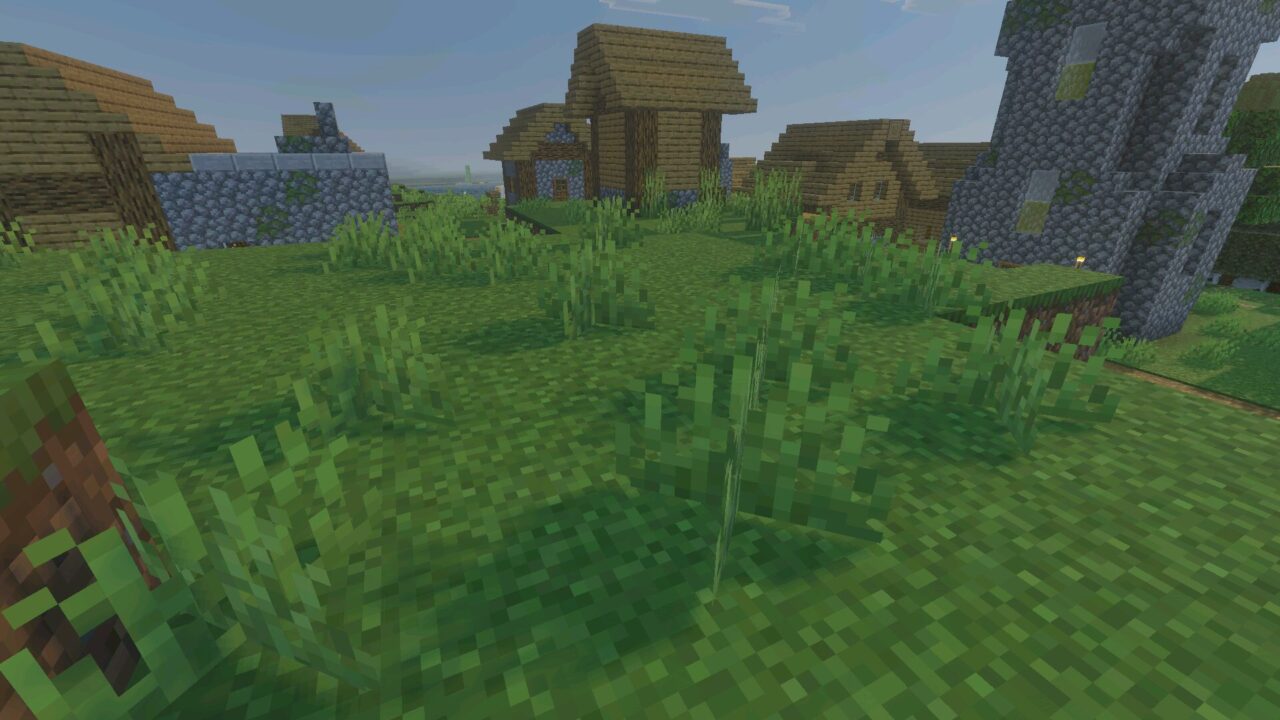
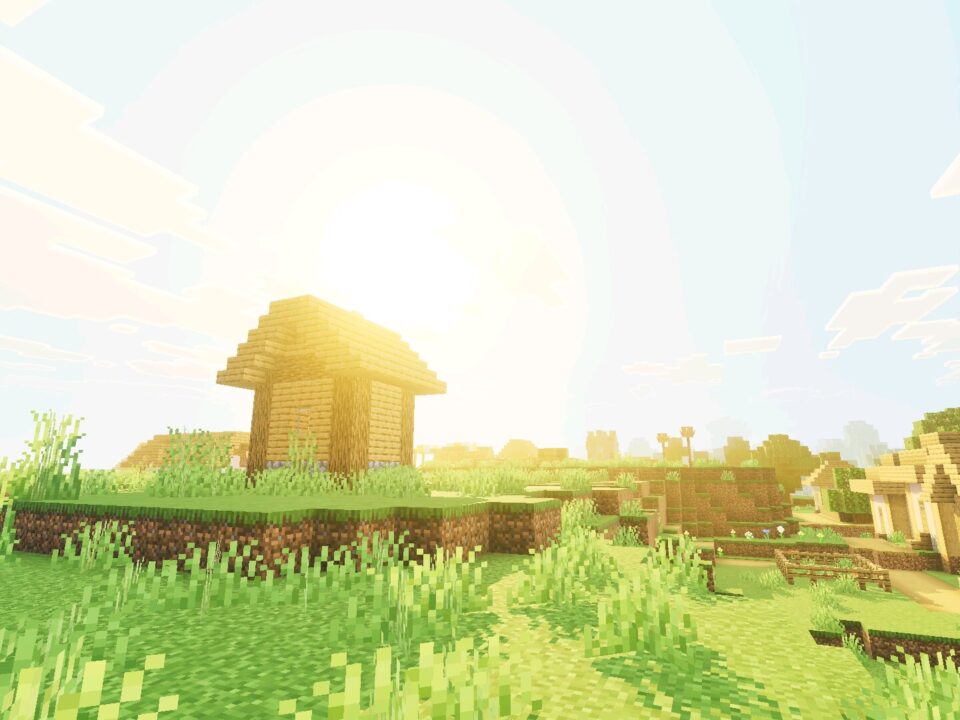
Gurjar X Shader gives the world a clean and natural look without pushing the image into heavy stylization. It is made for players who want Minecraft PE to look better while still keeping blocks, mobs, terrain, and builds easy to read.

The shader is built around Mojang’s native Vibrant Visuals render pipeline. Its main goal is dependable lighting for everyday gameplay, whether players are building, exploring, farming, fighting mobs, or just looking at the scenery.
Unlike dramatic cinematic styles, this version stays balanced. Colors remain close to the original world, but lighting, water, sky, and shadows feel smoother and more polished.
Gurjar X
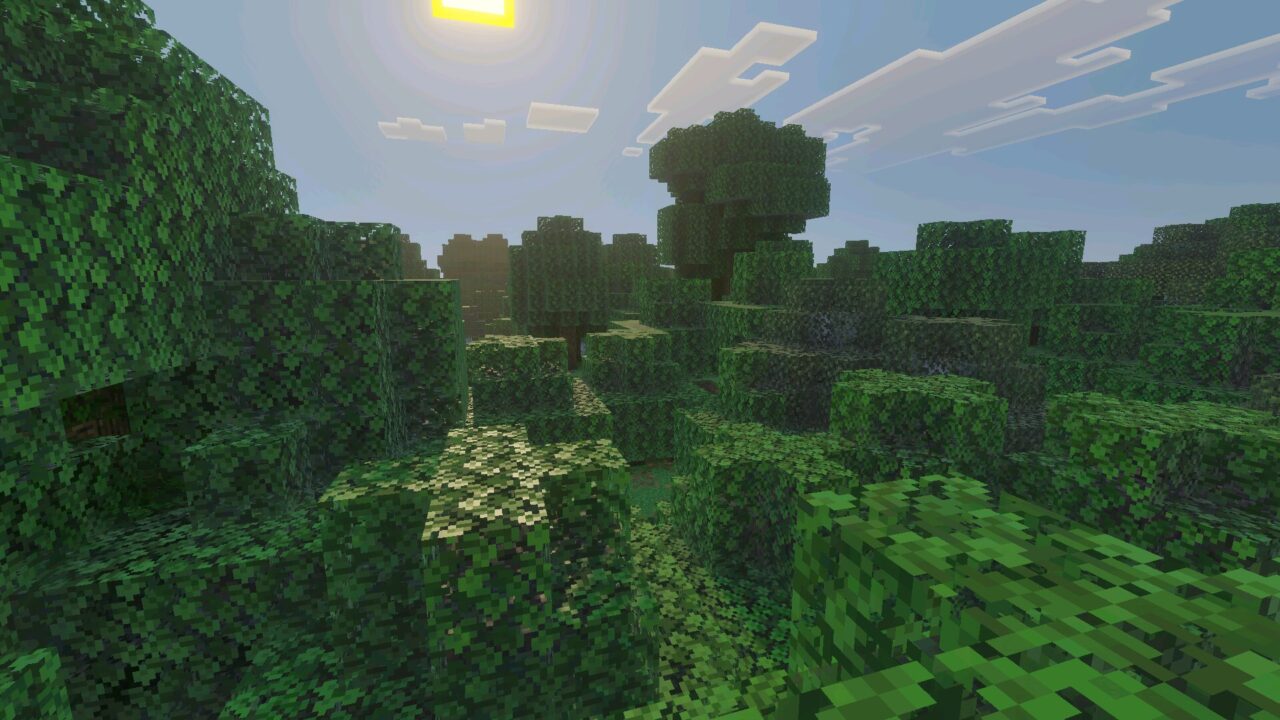
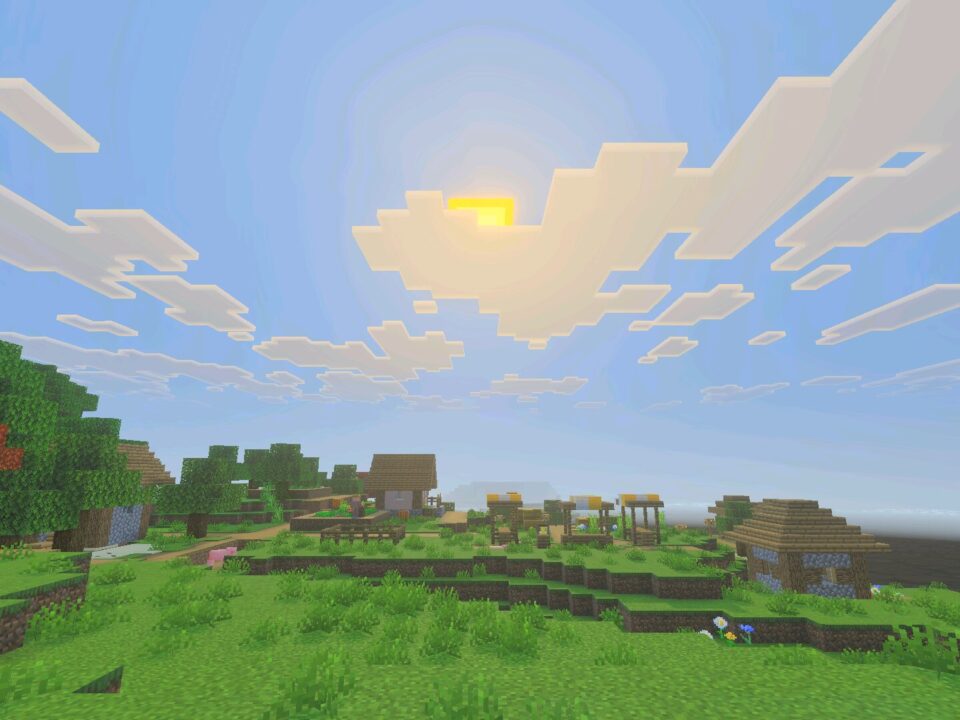
Gurjar X Shader for Minecraft PE uses a smooth day and night lighting curve. Mornings feel fresh, midday looks clear, and evenings become warmer without turning the whole world too orange.
The sun and moon lighting changes gently during the full cycle. This makes long survival sessions more comfortable because terrain and mobs stay visible at different times of day.
This shader is best for players who want cleaner visuals without strong color filters or heavy dramatic effects.
The lighting also helps builders. Houses, paths, farms, and terrain keep their intended colors, so players can work on details without fighting against exaggerated tones.
Sky and Atmosphere
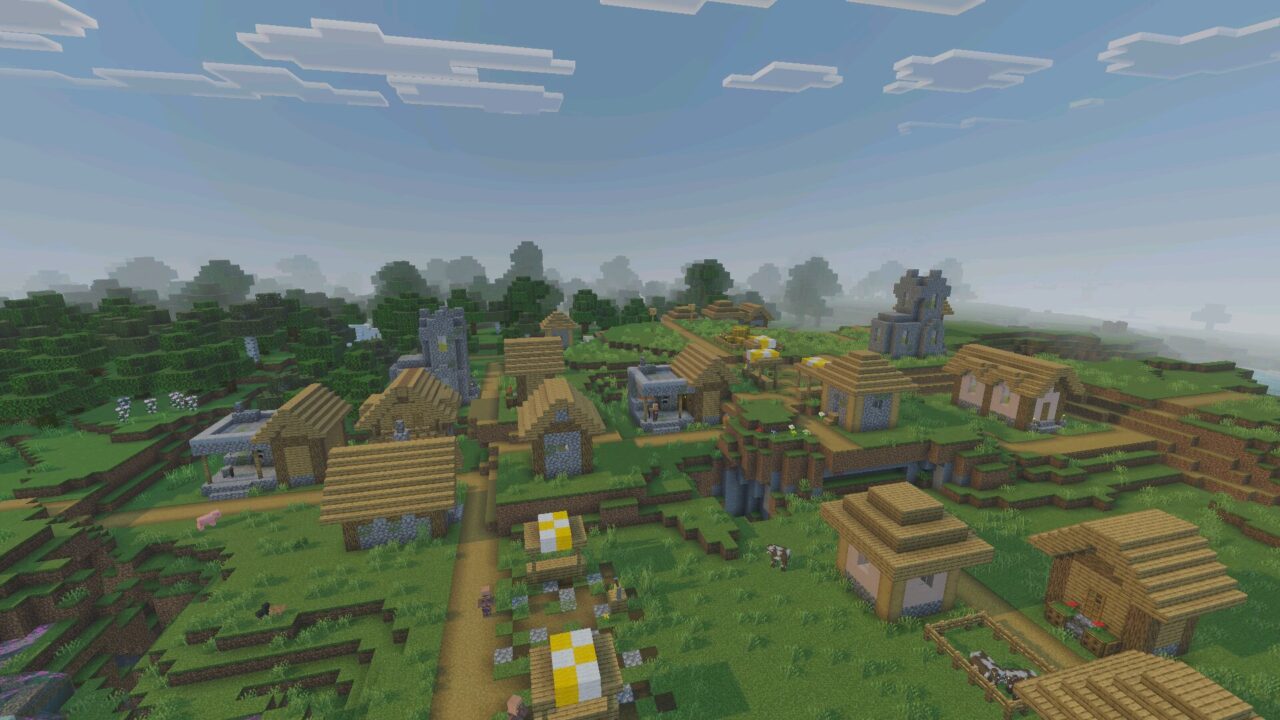
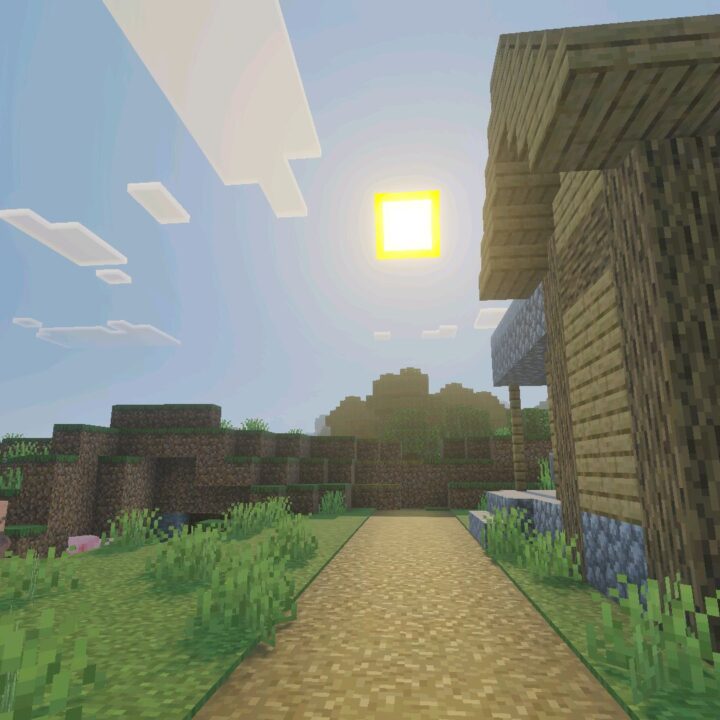
The sky is tuned for a believable look. Daytime stays blue, sunrise and sunset become softly warmer, and the horizon blends naturally with light fog.
Minecraft Bedrock Edition players can still see distant terrain clearly. This is useful when exploring, planning builds, searching for landmarks, or judging distance across open areas.
Players who want more visual styles for different worlds can also browse Shaders for Minecraft and compare other lighting options.
The atmosphere does not cover the world with thick haze. It keeps the view open, calm, and readable, which makes this shader practical for normal survival.
Balanced Colors
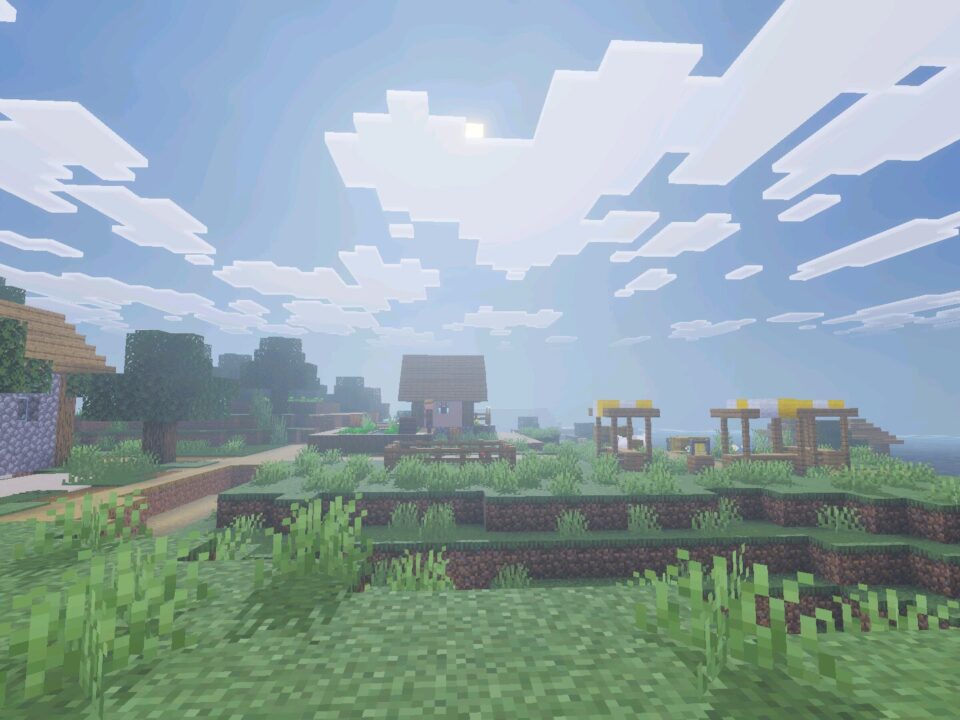
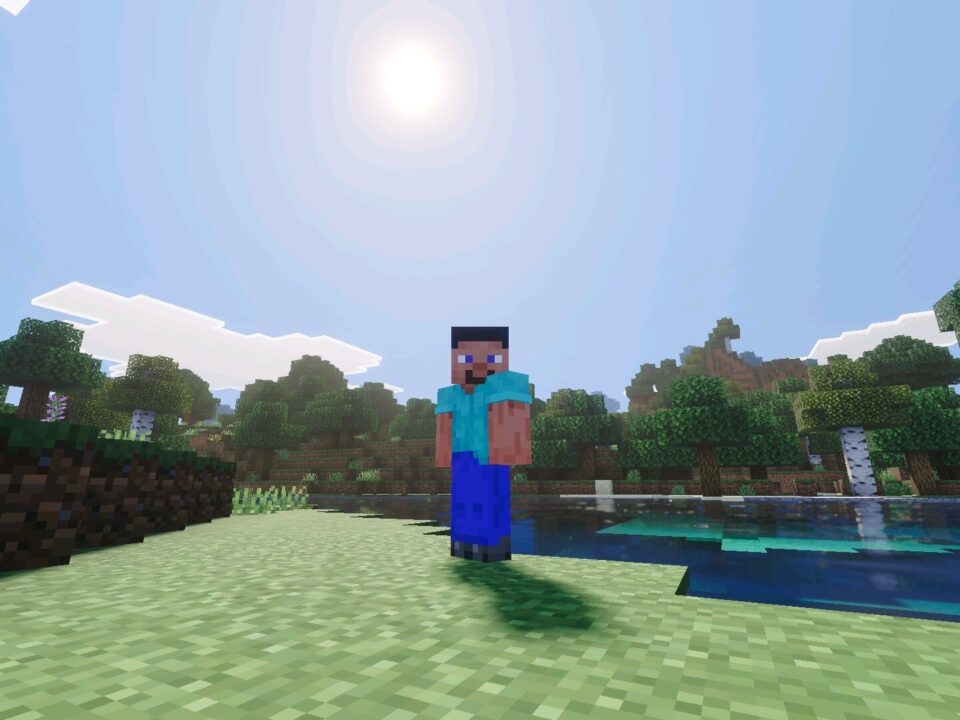
Gurjar X Shader keeps color grading neutral. Grass stays green, stone stays grey, and water keeps a clean blue tone without strange tinting.
The saturation is mild, and the contrast is gentle. This helps the shader work with many builds, biomes, and textures without making them look too different from the intended style.
This balanced look is useful for screenshots too. Players can get better lighting while still showing their builds honestly.
Shadows and Water
Soft shadows help the world feel more grounded. They add depth to blocks and terrain without sharp edges that distract from gameplay.
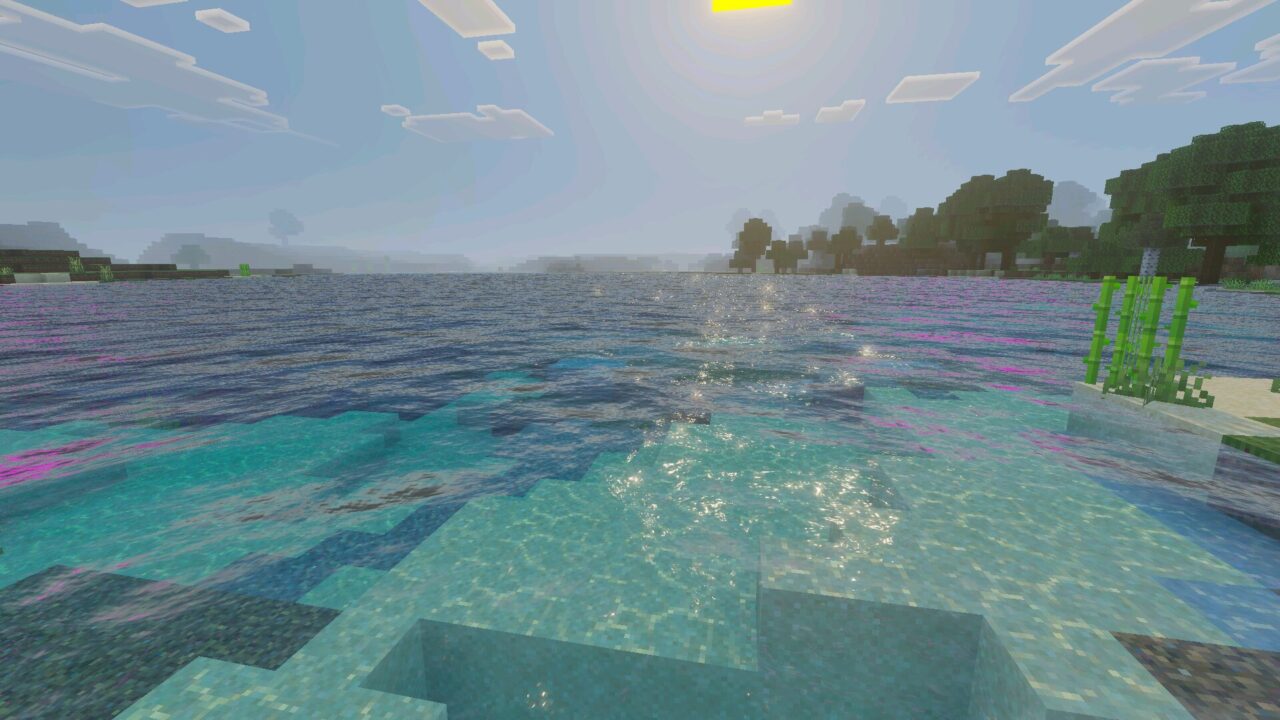
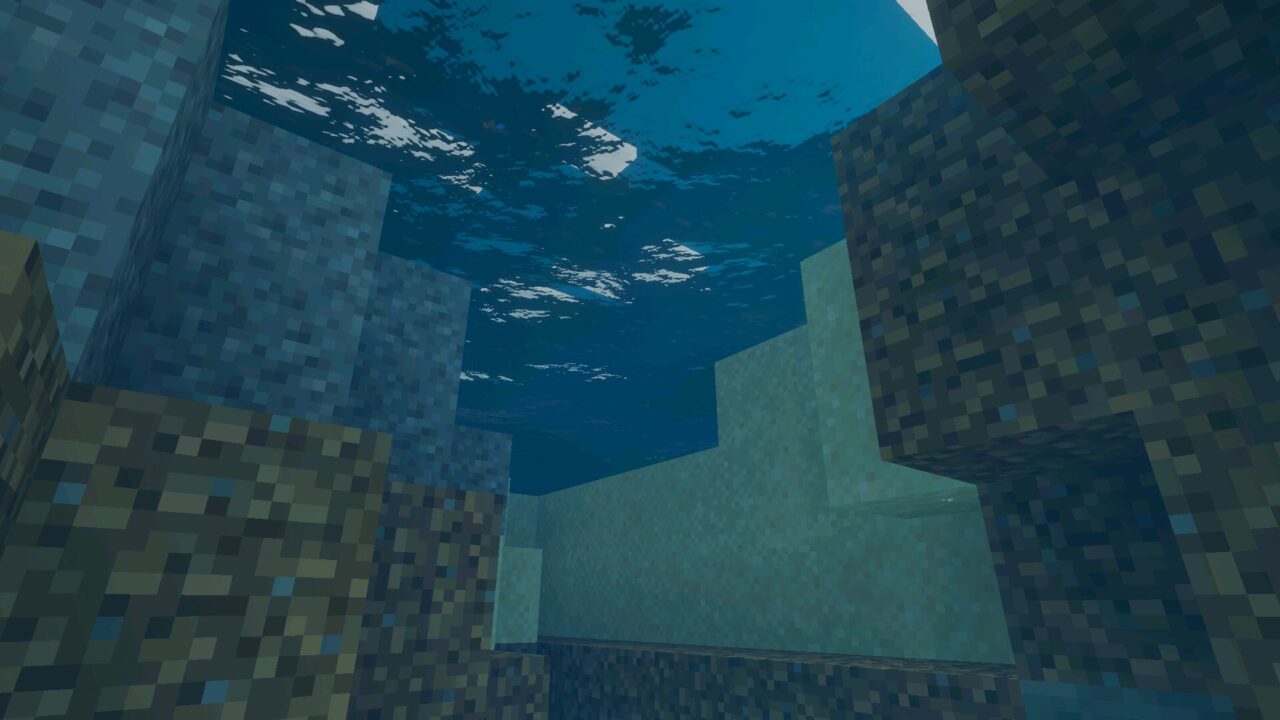
Water has natural wave motion, subtle wind-driven ripples, and a clean caustics look. Oceans, rivers, and lakes feel more alive without exaggerated shimmer.
Use only one Gurjar X style at a time. Different styles from the same series can conflict because the top active one takes priority.
The shader loads through one dedicated style, so players do not need to search for sliders or menus. Once enabled, the Standard look applies automatically.
Installation and Use
To use the shader, import the file into the game and enable it before creating or loading a world. The Vibrant Visuals experimental toggle should be enabled at world creation on a device that supports the deferred rendering pipeline.
If another Gurjar X style is already active, disable it first. This helps the Standard version apply correctly and avoids visual priority issues.
I like shaders that do not change the whole color of my builds. Clean lighting and normal-looking blocks are exactly what I need.