Bloom Visuals Shader for Minecraft Bedrock

Bloom Visuals Shader for Minecraft Bedrock

Download Bloom Visuals for Minecraft Bedrock to get aurora skies, PBR reflections, golden hour sunsets, and biome moods.
4 September 2026
  1. 5
  2. 4
  3. 3
  4. 2
  5. 1
(1 vote, Rating: 5 out of 5)
Download Download New Shaders

Download Bloom Visuals Shader for Minecraft PE: bring aurora night skies, warm golden sunsets, real metal reflections, and a separate mood for every biome into your mobile world.

Bloom Visuals Shader for Minecraft PE

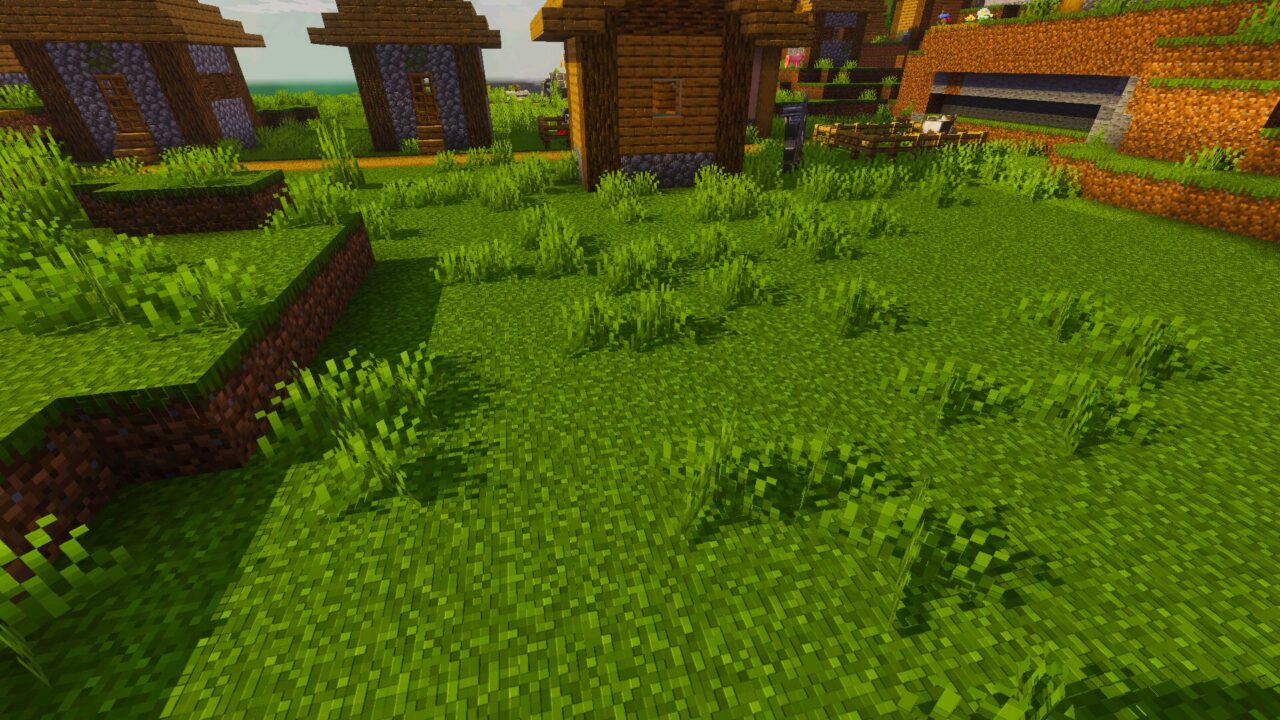
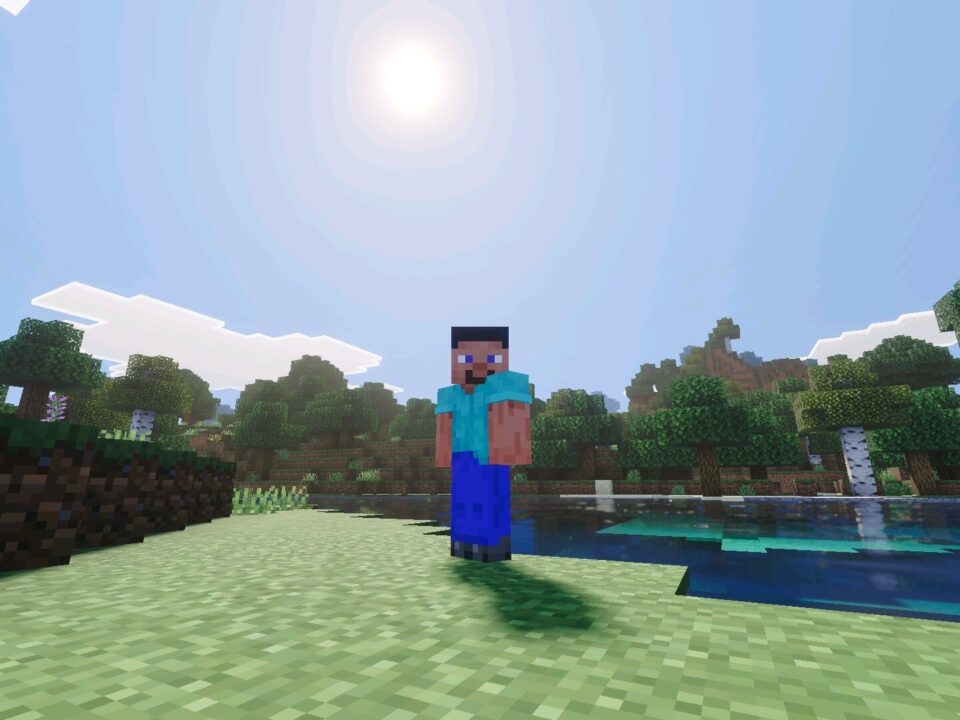
Vanilla lighting is flat. The Bloom Visuals shader replaces it with a full atmosphere system that reacts to time of day and to the biome around the player.

Snowy villages sit under shifting auroras. Cherry groves turn deep pink. Green forests fill with sunlight. Nothing in the world is rebuilt, only the light and the air change.

Bloom Visuals

Night is the strongest part of this pack. Auroras move across the sky in vivid colors and shift while the player watches.

Behind them sits a crisp starry sky. A dark forest at midnight now has a reason to look up instead of running straight to a bed.

Auroras are visible from any biome. Open ground gives the widest view of the sky.

Biome Moods

Every biome gets its own lighting profile. Deserts run hot and dusty, snowy peaks stay cold and pale, birch forests glow soft on the floor.

The Bloom Visuals shader for Minecraft PE keeps these moods separate, so travel between regions feels like a real change of place. Compare it with other options in the list of Shaders for Minecraft before you pick a favorite.

PBR Reflections

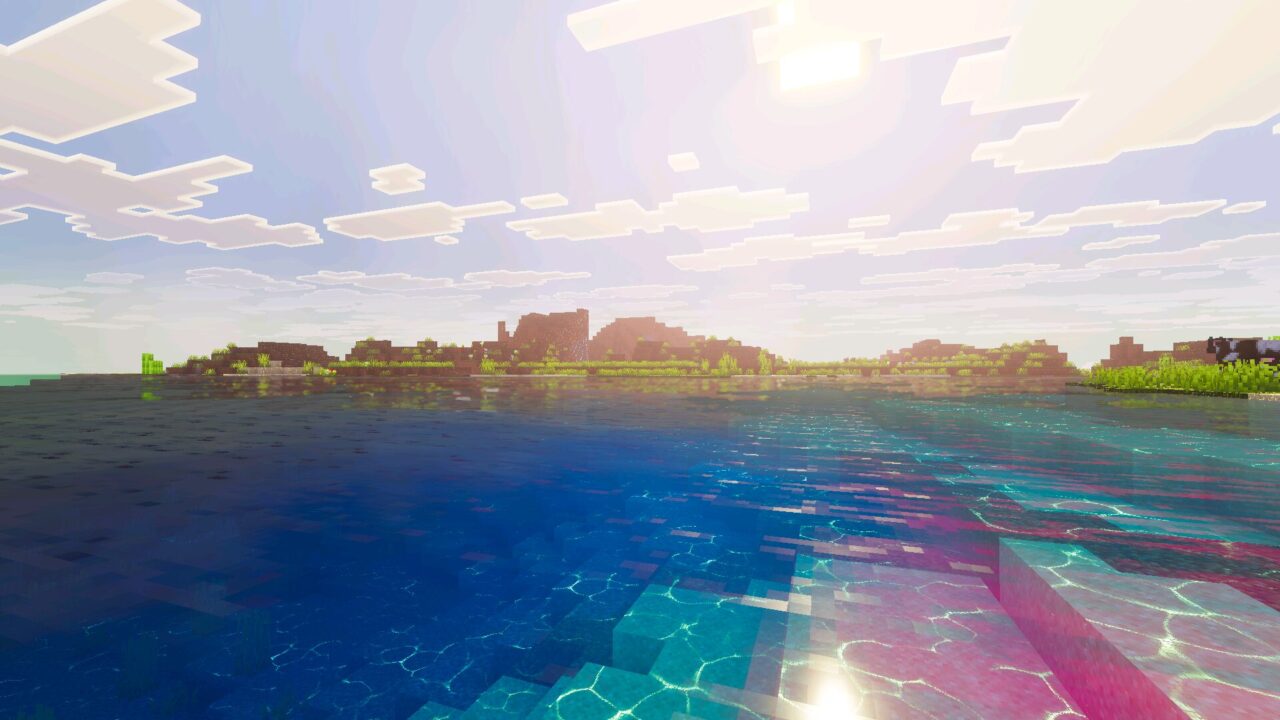
PBR support is built in. Metal blocks and items catch real style reflections instead of staying matte.

Iron, gold and diamond gear look different under sunlight than under torchlight. No RTX device is required for this to work.

Golden Hour

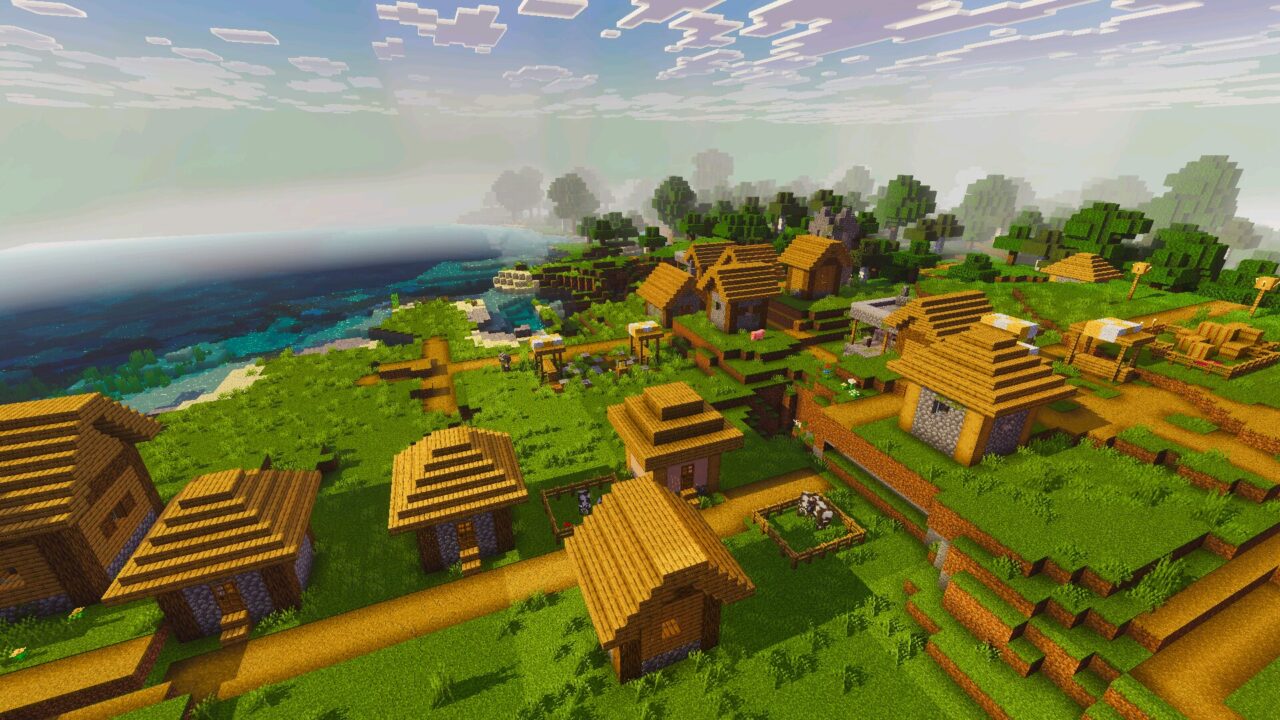
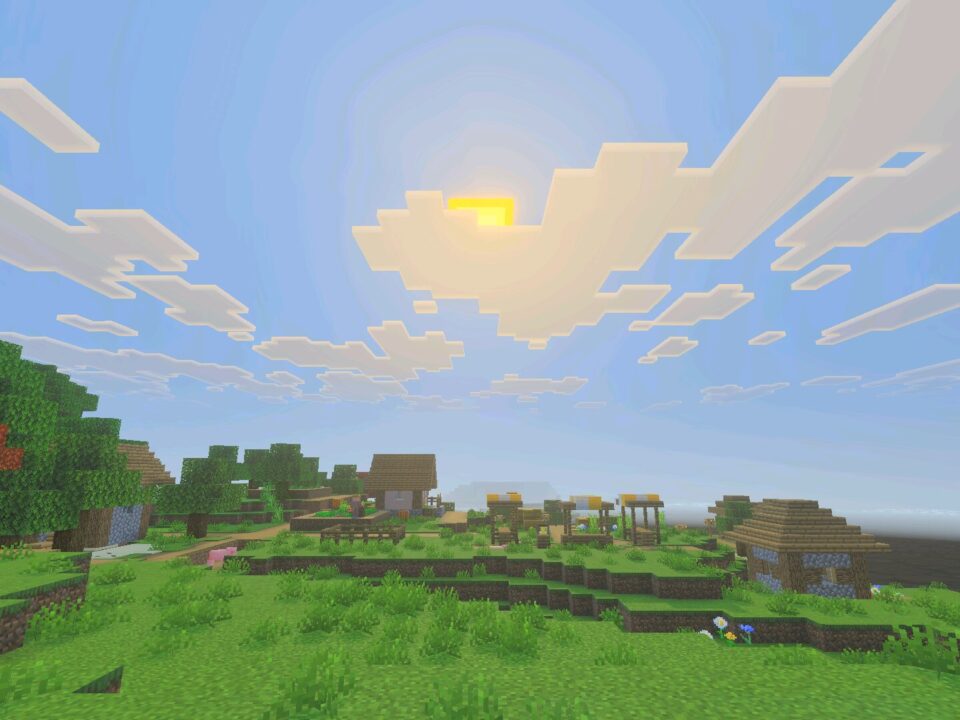
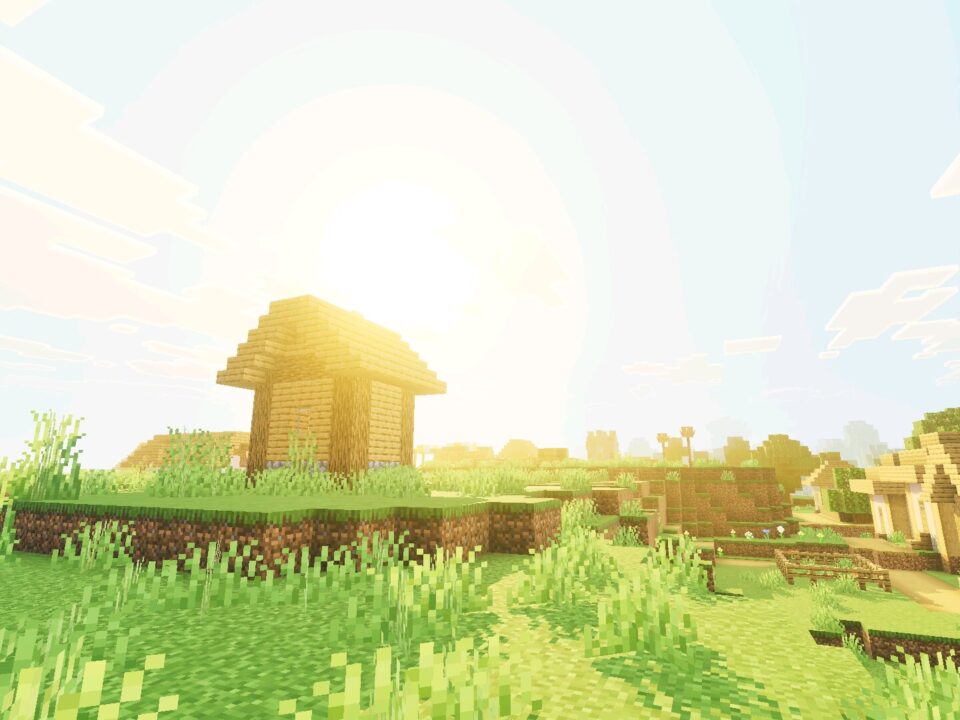
Sunrise and sunset run through a warm golden pass. Light stretches low across the terrain and paints everything in soft orange.

Cherry blossom meadows and hilltop views gain the most from it in Minecraft Bedrock Edition. Screenshots taken during those minutes need no editing.

Fog and Depth

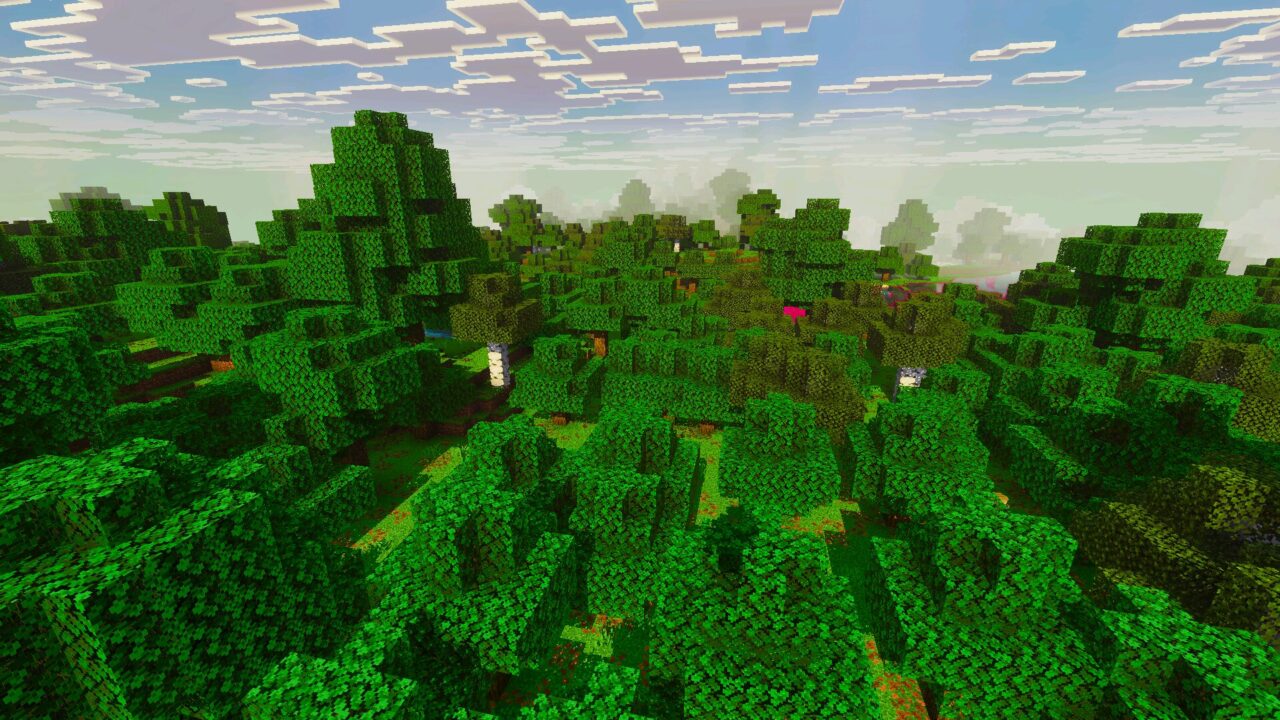
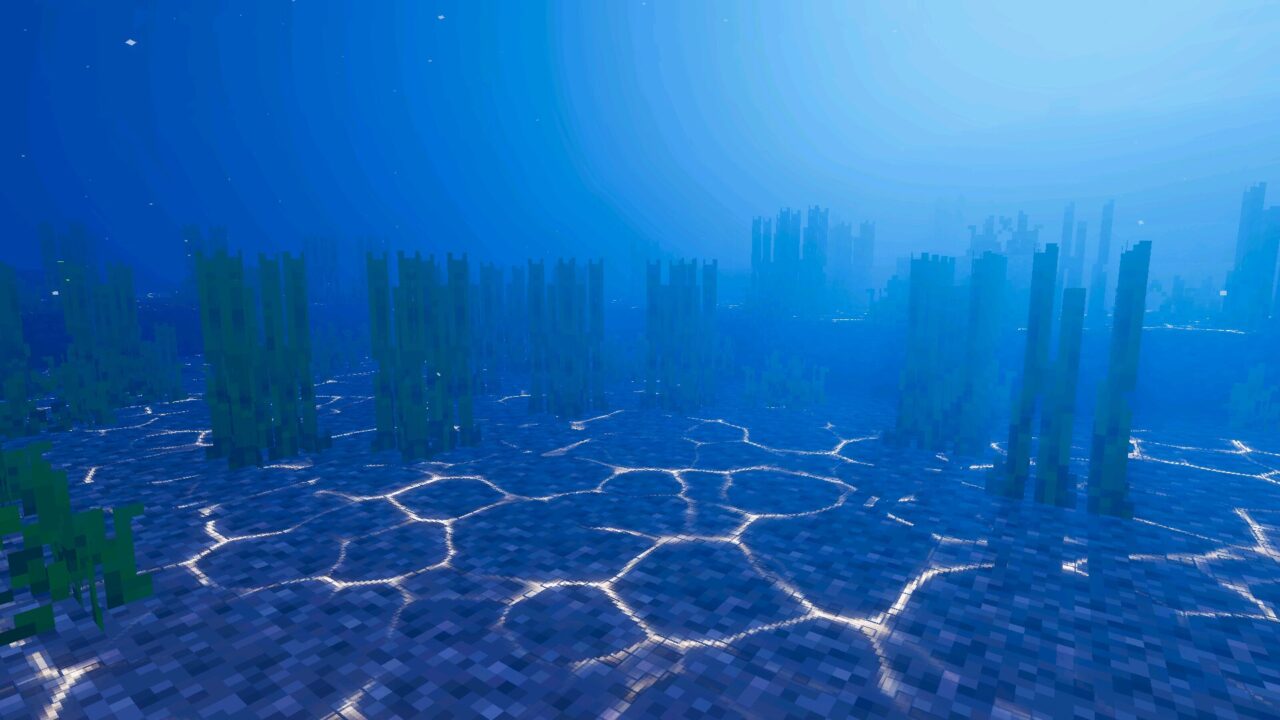
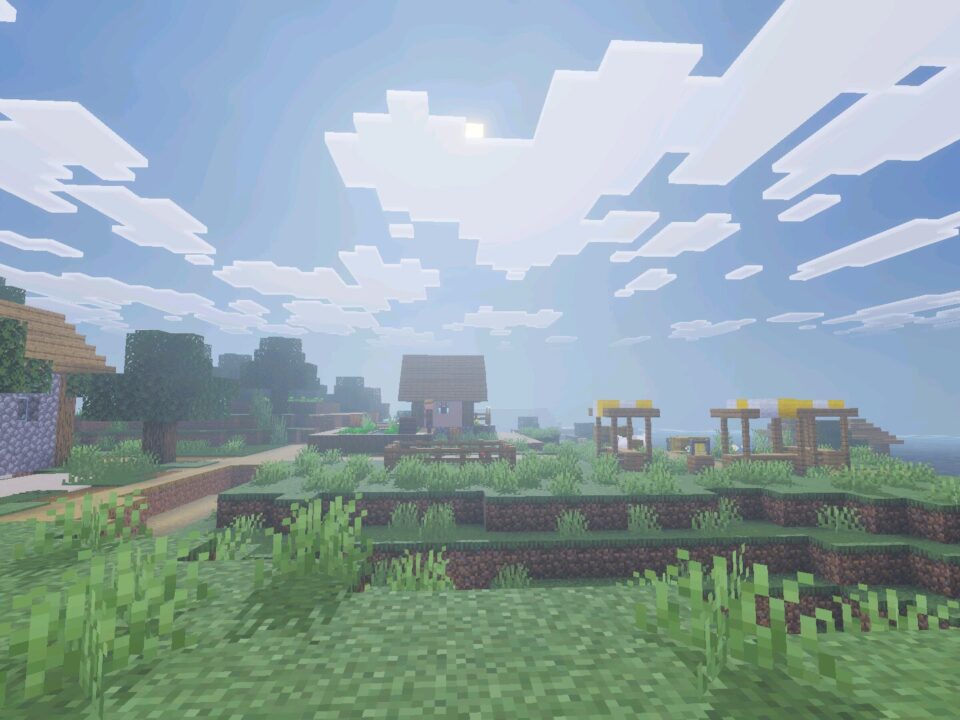
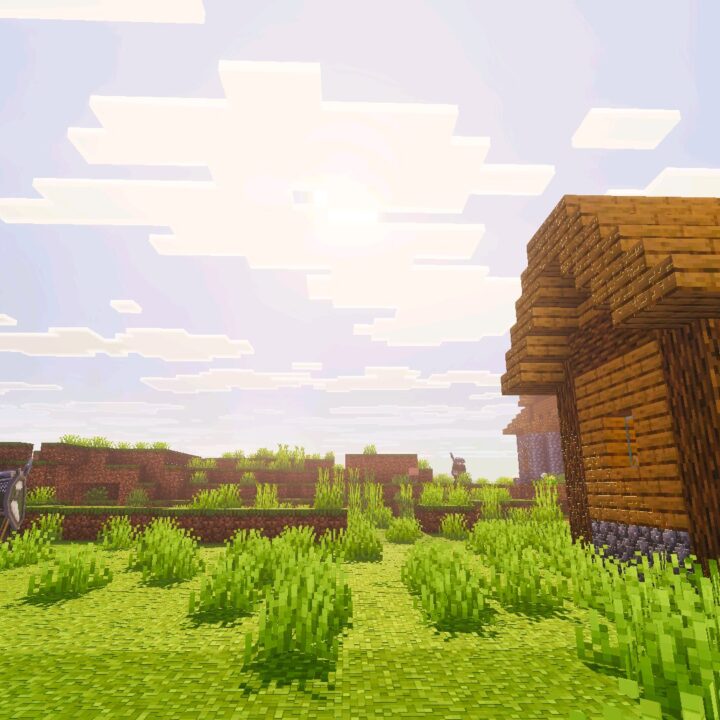
Rich atmospheric fog covers all biomes. Distance now reads correctly, and light shafts cut through dark oak canopies.

Godrays in a dark forest make the space feel closed and heavy. Open plains keep a clean horizon line instead of a hard cut.

Turn your render distance up a few chunks. Fog and godrays need space to build depth.

How to Use It

The file installs like any resource pack. Open it with the game, activate it in your world settings, and the new lighting applies at once.

Download Bloom Visuals shader for Minecraft Bedrock, then walk one full day cycle. Morning, golden hour, and the aurora night each show a different side of the pack

  • Does Bloom Visuals need any extra mods to work?
  • Will Bloom Visuals drop FPS on a weaker phone?
  • Can Bloom Visuals be used with a texture pack at the same time?

Download Bloom Visuals Shader for Minecraft PE

Bloom Visuals
Bloom Visuals Shader for Minecraft Bedrock
4 September 2026 5
Bloom Visuals Sha...

Download Bloom Visuals Shader for Minecraft PE:...

PureTone Visuals Shader for Minecraft Bedrock
26 August 2026 5
PureTone Visuals ...

Download PureTone Visuals Shader for Minecraft ...

Nexora Visuals Shader for Minecraft PE
17 August 2026 4.5
Nexora Visuals Sh...

Download Nexora Visuals Shader for Minecraft PE...

Grafika Shader for Minecraft PE
14 August 2026 5
Grafika Shader fo...

Download Grafika Shader for Minecraft PE: add a...

1 Comments

  1. first night after installing i just stood on a hill for like 10 mins watching the sky lol. runs fine on my phone at 8 chunks, dropped a bit at 12 tho