Azify Revive Shader for Minecraft PE

Azify Revive Shader for Minecraft PE

Download Azify Revive Shader for Minecraft Bedrock to get reworked water, sun bloom, glowing ores, and waving plants.
2 August 2026
  1. 5
  2. 4
  3. 3
  4. 2
  5. 1
(1 vote, Rating: 5 out of 5)
Download Download New Shaders

Download Azify Revive Shader for Minecraft PE: reworked water, soft sun bloom, sharp shadows, and vivid colors that rebuild the whole mobile world.

Azify Revive Shader for Minecraft PE

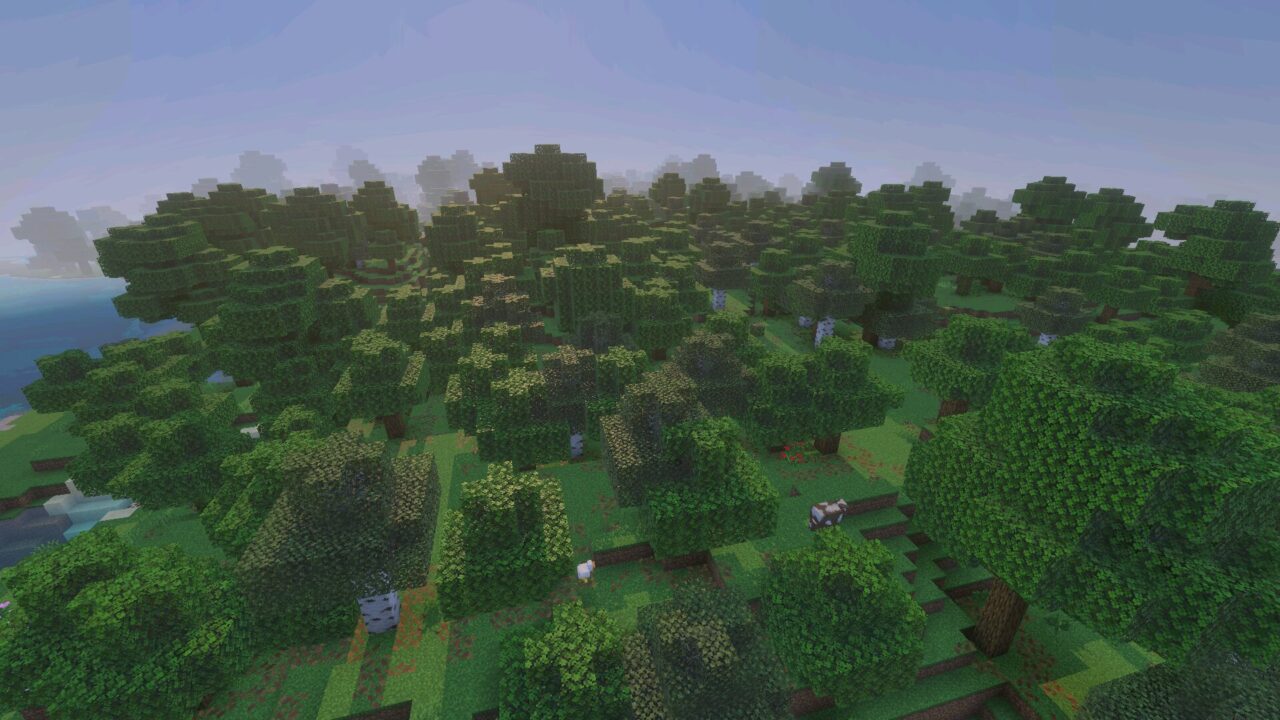
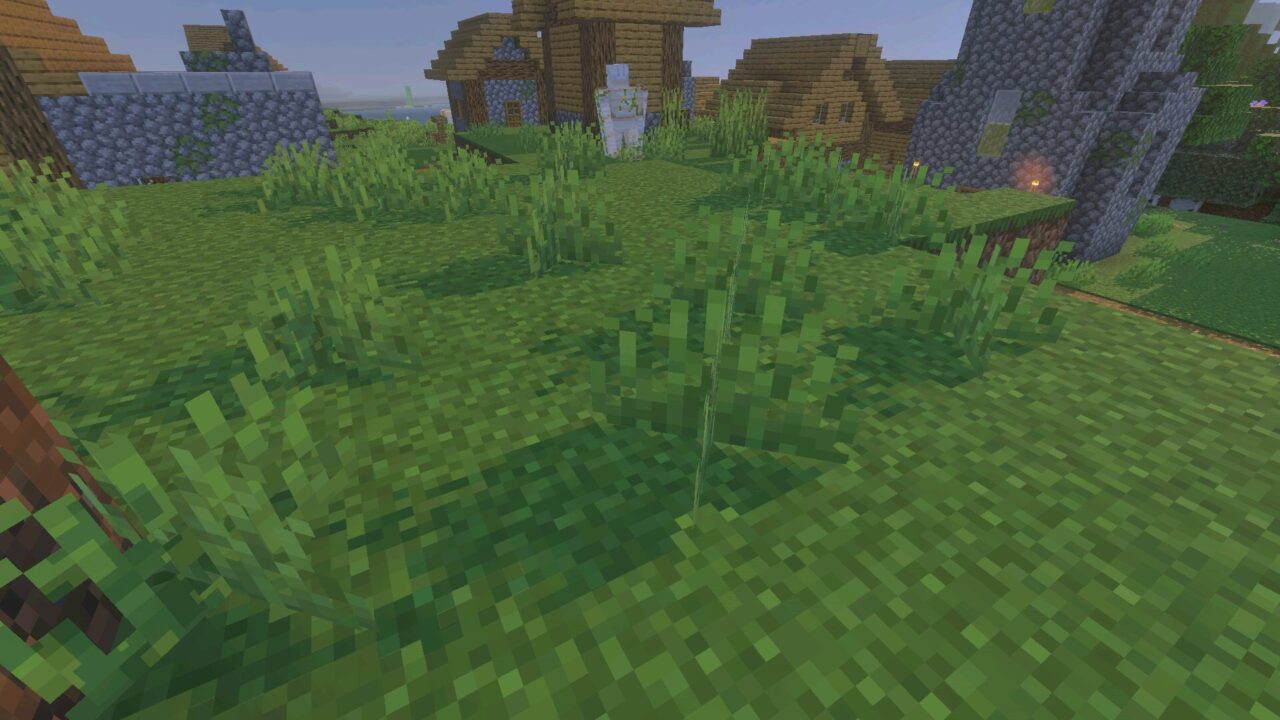
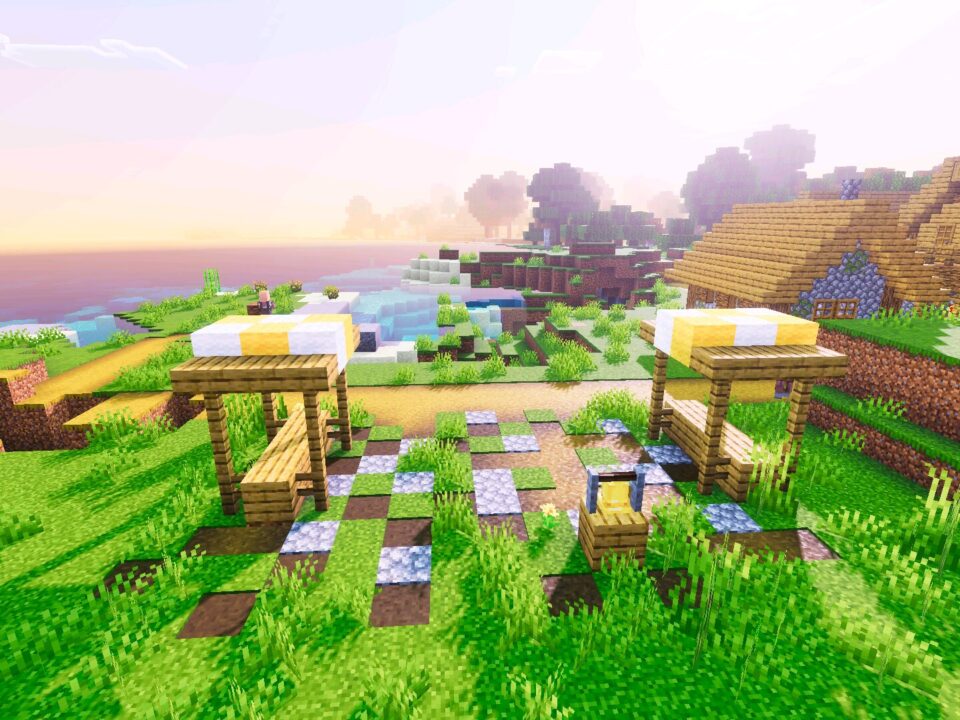
Azify Revive shader for Minecraft PE is a realistic pack made for Bedrock devices. Water, light, shadows, and colors change at the same time, so the world looks different from the very first sunrise.

The pack runs on Android, iOS, and Windows. All three dimensions are covered: the Overworld, the Nether, and the End.

Azify Revive

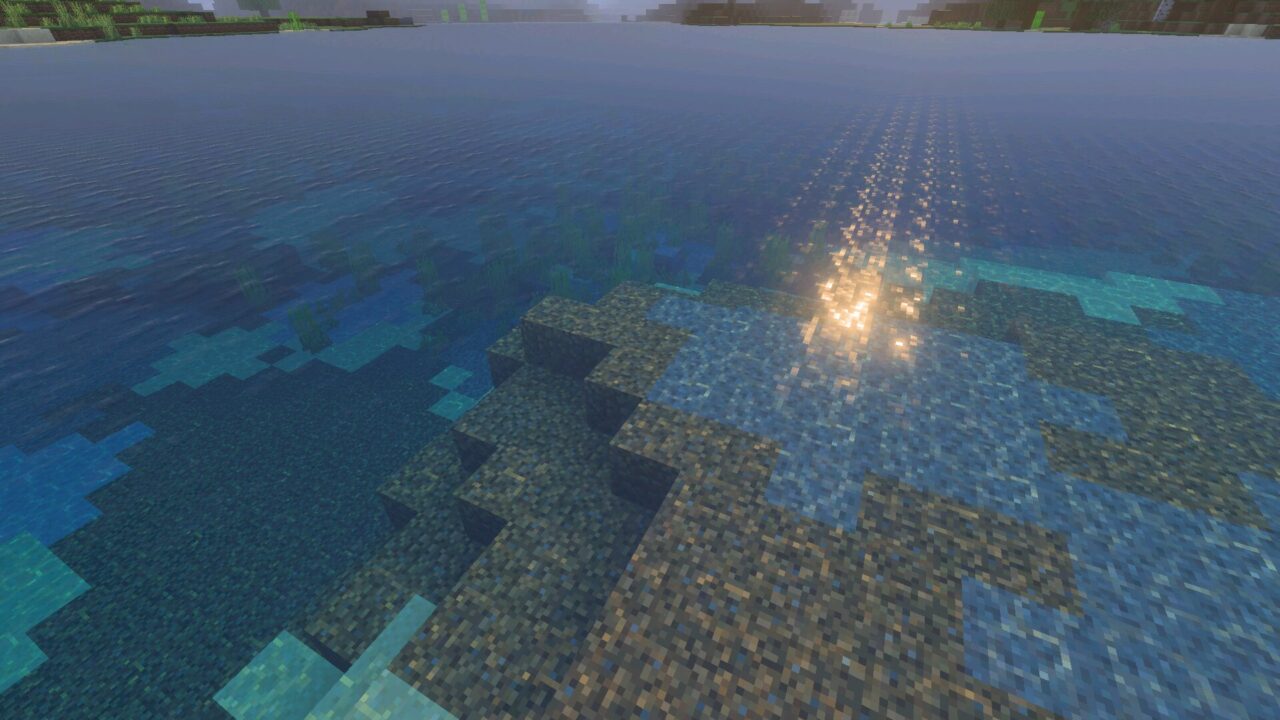
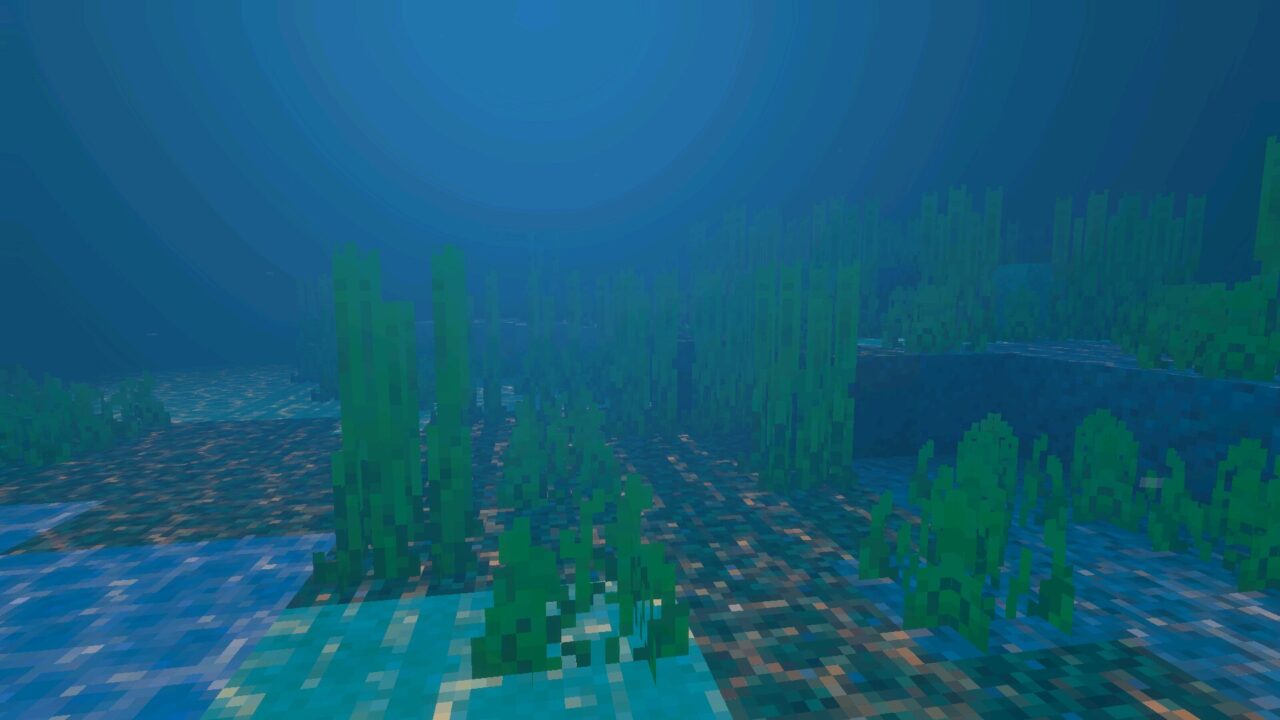
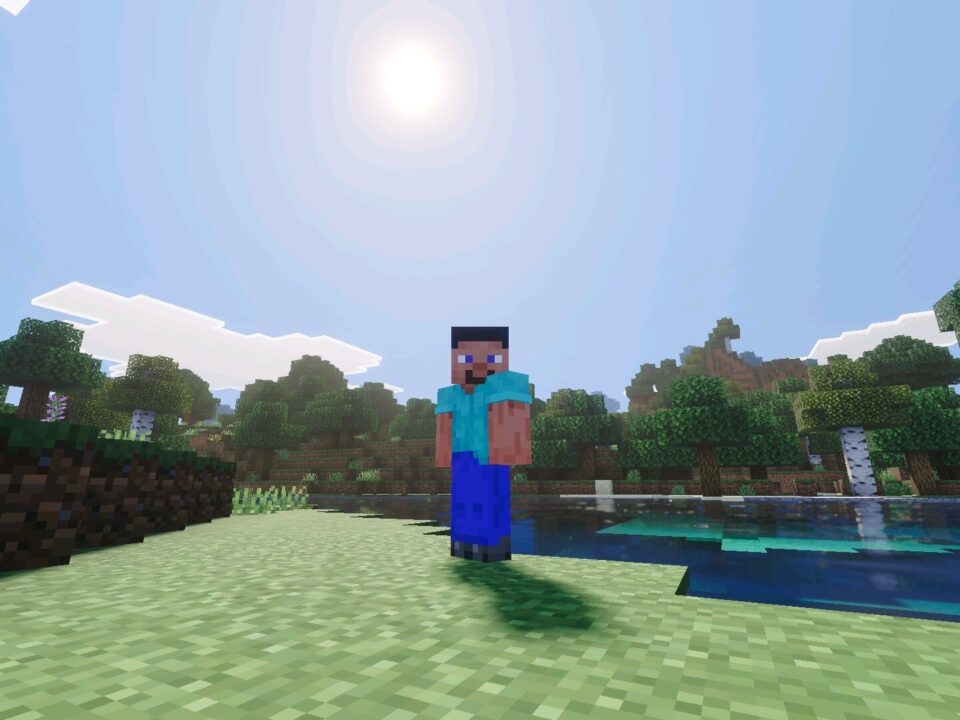
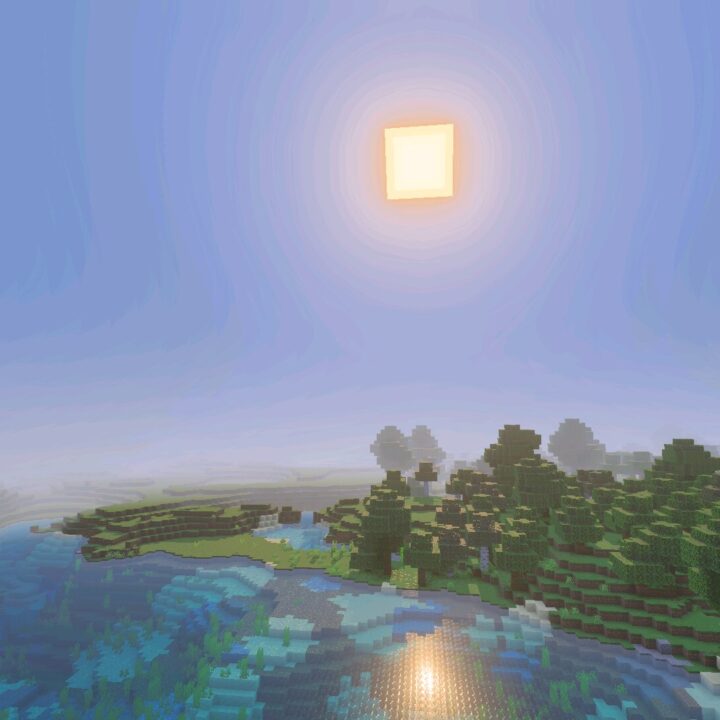
Water is the main reason to download Azify Revive shader for Minecraft Bedrock. The surface moves with real depth and reflects the sky, terrain, and nearby blocks.

Oceans, rivers, and small ponds each read differently. Boat trips and diving look much closer to real footage than in vanilla lighting.

Water reflections are the heaviest part of the pack. Lower the render distance first if the picture starts to stutter.

Sun Bloom and Sharper Shadows

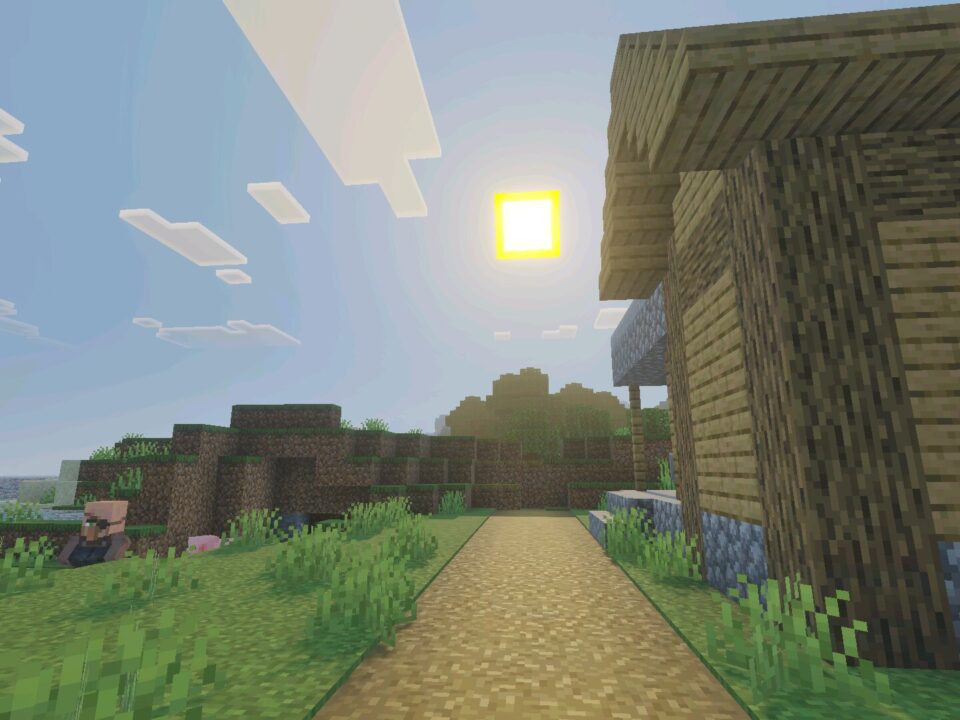
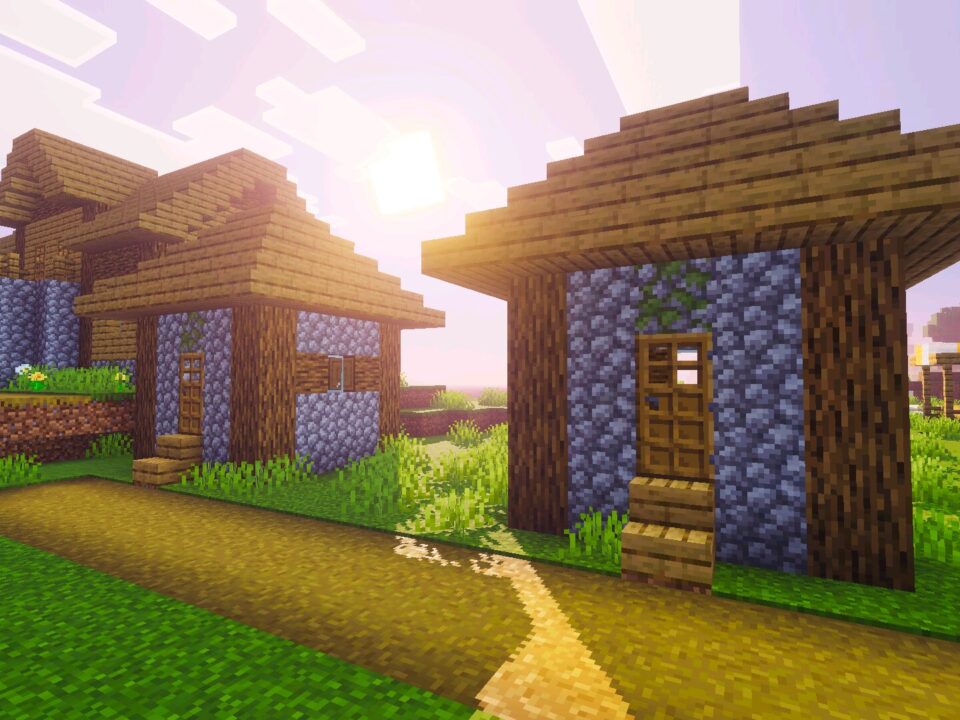
High-quality sun bloom is the second strong side of the Azify Revive shader. Light spreads softly around the sun, breaks through leaves, and fills open fields with warm glare.

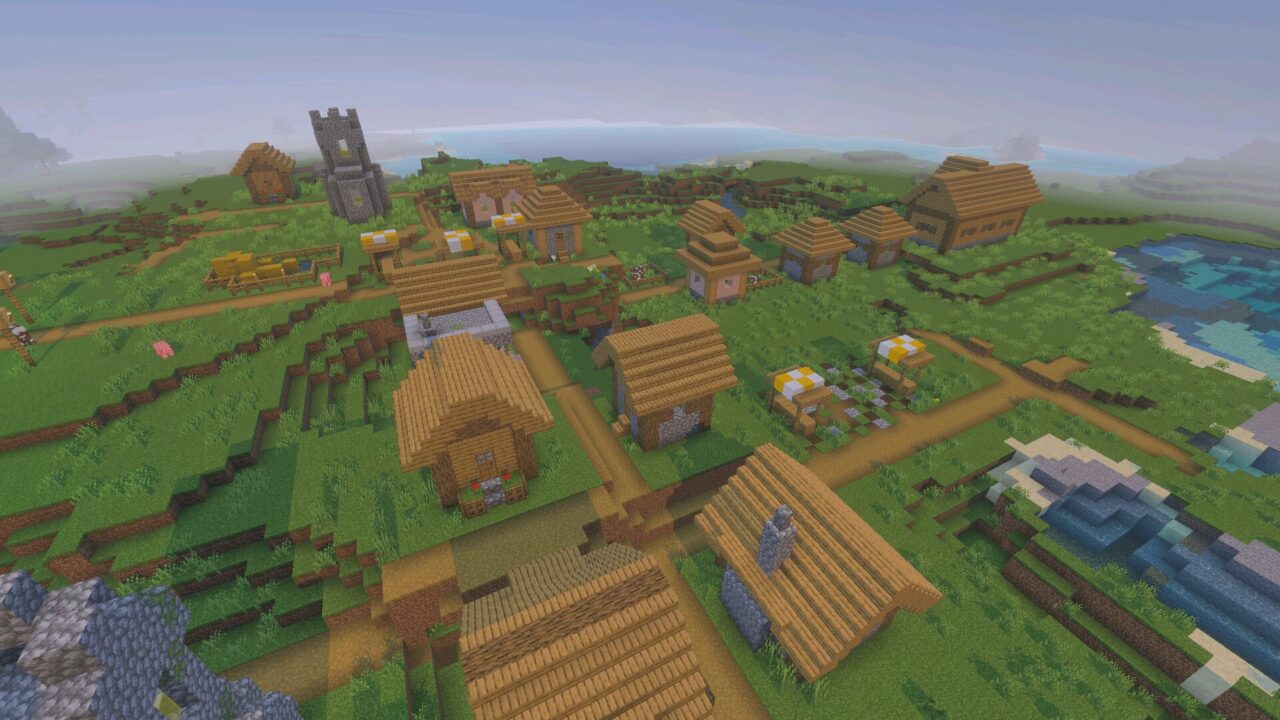
Shadows became sharper and follow block edges precisely. Mornings and evenings gain long, clean silhouettes instead of flat gray patches.

Vibrant Colors and Metal Reflections

Color enhancement works without turning the picture into a heavy filter. Grass, stone, and sand keep their original tone but gain contrast and saturation.

Metallic surfaces react to light realistically. Iron blocks, gold, and polished materials catch highlights depending on the viewing angle. More options are collected in Shaders for Minecraft PE.

Dynamic Clouds, Glowing Ores, Waving Plants

Small details carry the atmosphere in Minecraft PE. Clouds move across the sky in volumetric layers instead of standing still above the world.

Ores glow softly inside dark caves, which makes mining faster and more readable. Wheat, grass, and leaves wave in the wind and give the terrain constant motion.

Glowing ores help most in deep caves. Torch spam becomes optional during long mining runs.

Performance on Mobile Devices

Azify Revive shader keeps the balance between quality and playable FPS. Mid-range phones handle it at moderate settings, while stronger devices run the full effect list.

Installation goes through the standard resource pack menu of Minecraft Bedrock Edition. No extra tools are required, and the pack can be switched off at any moment.

  • Can Azify Revive Shader be applied through the standard resource pack settings?
  • Will Azify Revive Shader drop FPS on a mid-range phone?
  • Is Azify Revive Shader compatible with texture packs enabled at the same time?

Download Azify Revive Shader for Minecraft PE

Azify Revive
Azify Revive Shader for Minecraft PE
2 August 2026 5
Azify Revive Shad...

Download Azify Revive Shader for Minecraft PE: ...

Zyra Visuals Shader for Minecraft PE
1 August 2026 5
Zyra Visuals Shad...

Download Zyra Visuals Shader for Minecraft PE: ...

Realism Visuals Shader for Minecraft PE
31 July 2026 5
Realism Visuals S...

  Download Realism Visuals Shader for Mine...

Newb Explementary Shader for Minecraft PE
30 July 2026 5
Newb Explementary...

Download Newb Explementary Shader for Minecraft...

1 Comments

  1. Loaded it last night and just stood by the lake for ten minutes. Water is unreal. Had to drop render distance to 8 on my phone but after that it ran totally fine.