GUI Overhaul Texture Pack for Minecraft Bedrock

GUI Overhaul Texture Pack for Minecraft Bedrock

Download GUI Overhaul for Minecraft Bedrock to change menu colors, clean up buttons and pick from three interface styles.
11 September 2026
  1. 5
  2. 4
  3. 3
  4. 2
  5. 1
(2 votes, Rating: 5 out of 5)
Download Download New Textures

Download GUI Overhaul Texture Pack for Minecraft PE: improve the style of graphic design in the game, make menus cleaner and be inspired by something new.

GUI Overhaul Texture Pack for Minecraft Bedrock Edition

In order for every Minecraft PE user to fully enjoy their adventures, the design of the game should be as convenient and enjoyable as possible. The author of this texture pack suggests just such changes in the graphic design of the game.

Nothing in the world itself is touched. Only the windows, buttons and panels you tap a hundred times per session. Install GUI Overhaul Texture Pack right now to transform the surrounding space. Even more useful options are available in the Improved Default Texture Pack for Minecraft Bedrock, and choose the most suitable option for yourself.

GUI Overhaul

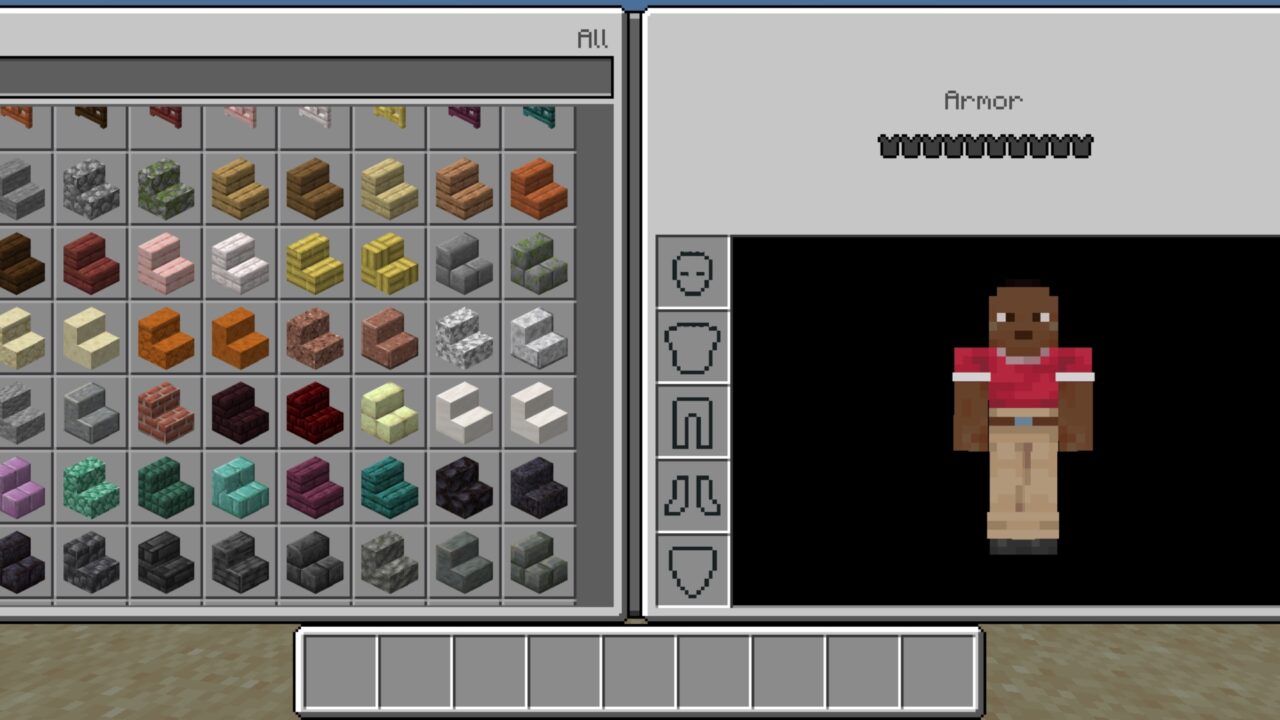
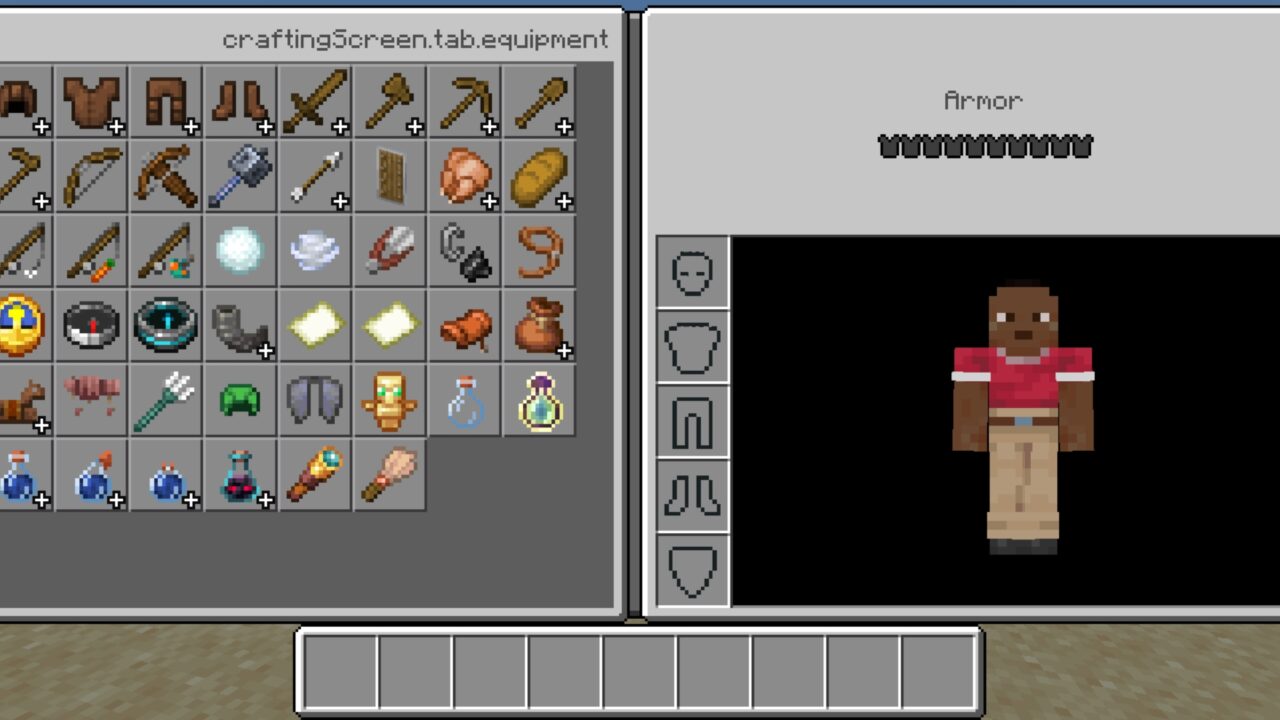
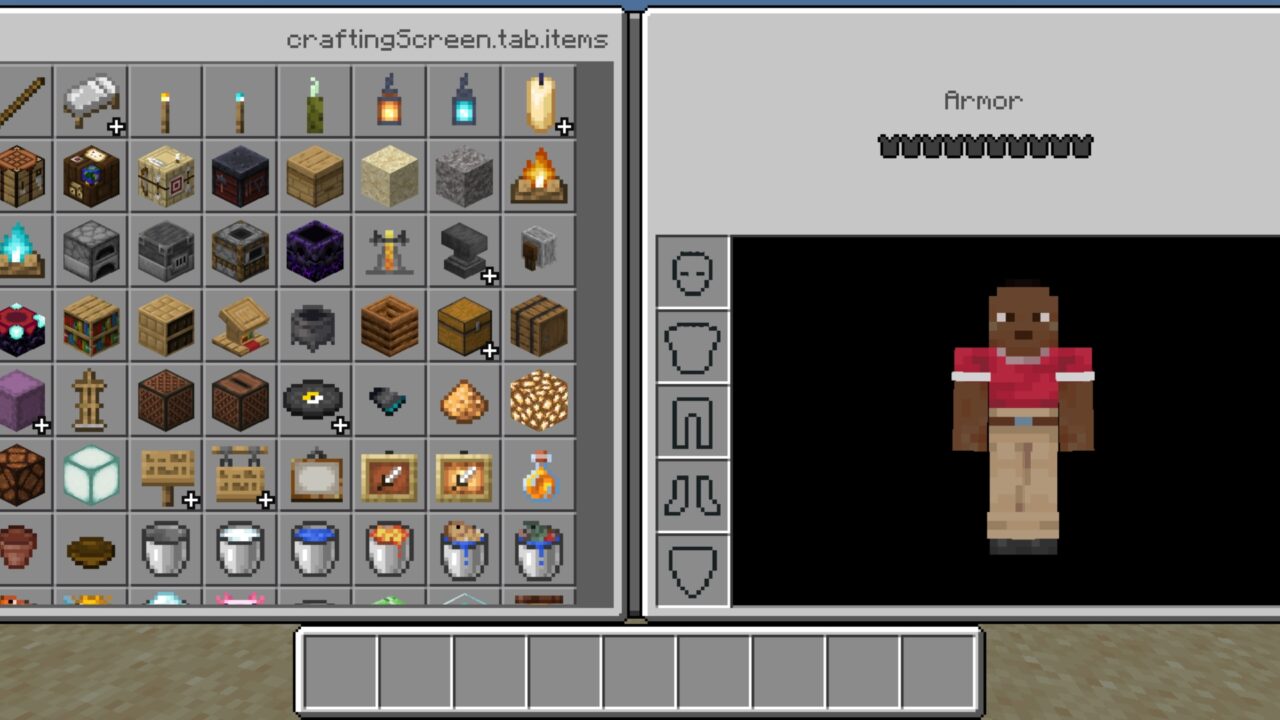
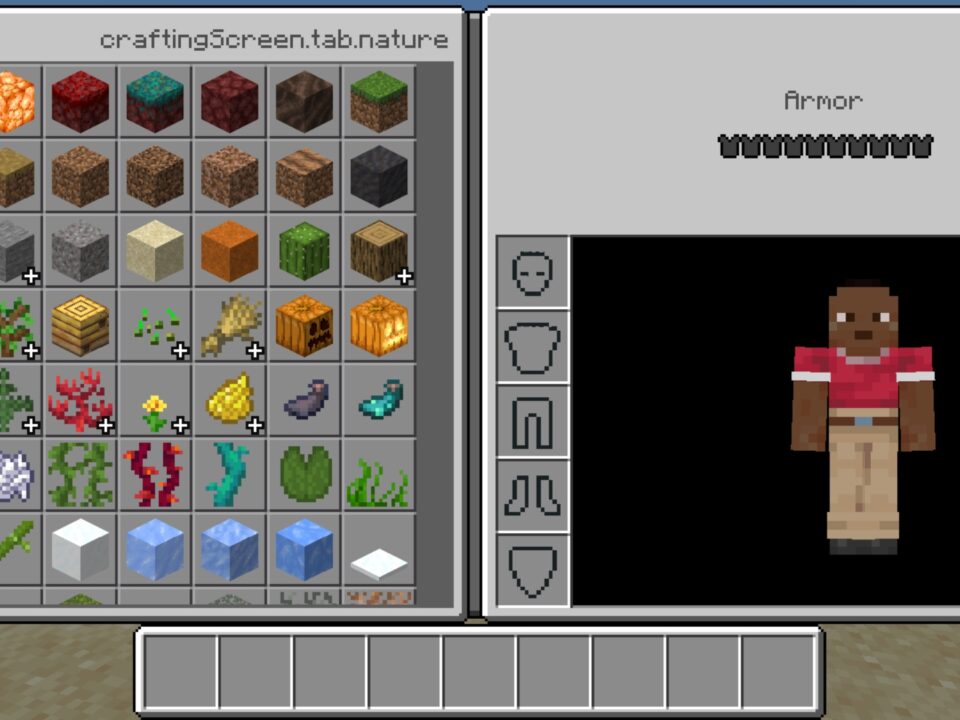
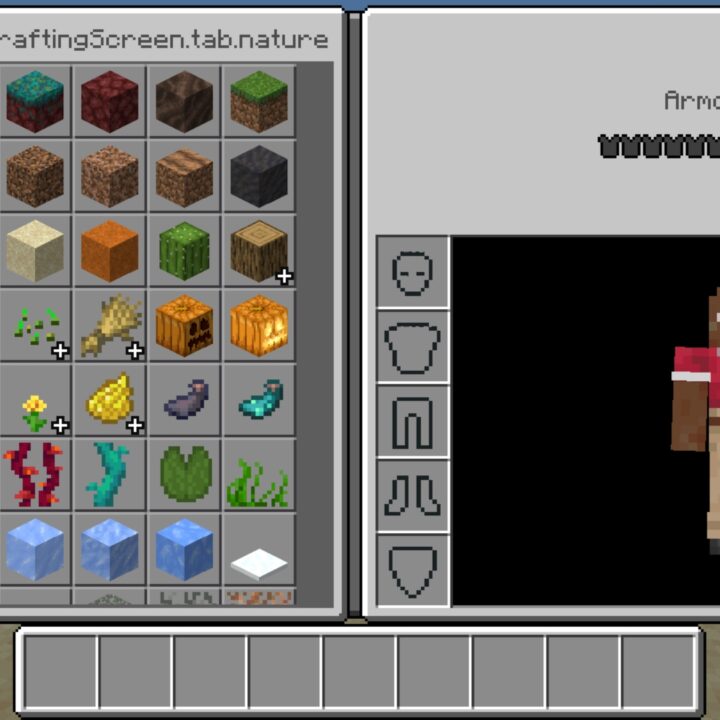
During the installation of this texture pack, users can change the information display settings. For example, add a menu name at the top of the Inventory. This can be useful for Minecraft Bedrock Edition players with any level of training.

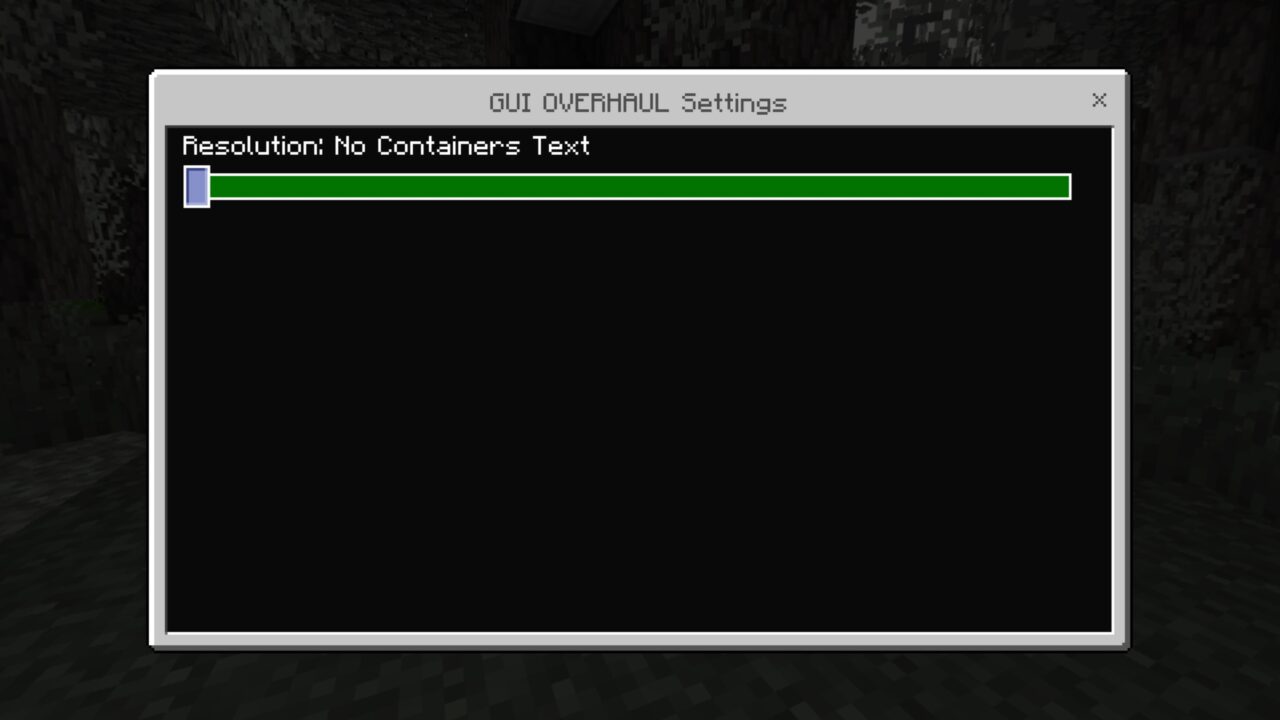
Adjust the display so it is as convenient as possible during the game. Small labels save time when you are searching for the right tab on a phone screen.

Turn on Experimental settings before loading the pack. Some interface options stay locked without it.

New features

Each new option in MCPE helps you enjoy the gameplay without being distracted by external imperfections. With updates like the GUI Overhaul Texture Pack, players get to decide how the game space looks.

Slots read faster, buttons sit where your thumb expects them, and long sessions stop straining your eyes. Share your setup with other users who are looking for the same thing.

Stardew Valley GUI

This variant rebuilds the interface in the style of the farming game of the same name. Every menu window drops its dark base and switches to a warm sand tone taken from the original.

Items in the inventory stand out much better against the lighter background. The shift is drastic, so give yourself a few sessions to adjust. The GUI Overhaul texture pack for Minecraft PE feels like a different game once this skin is on.

Better GUI

Here the direction is the opposite: darker, but never pure black. A soft mix of gray and black keeps the screen comfortable during hours of play.

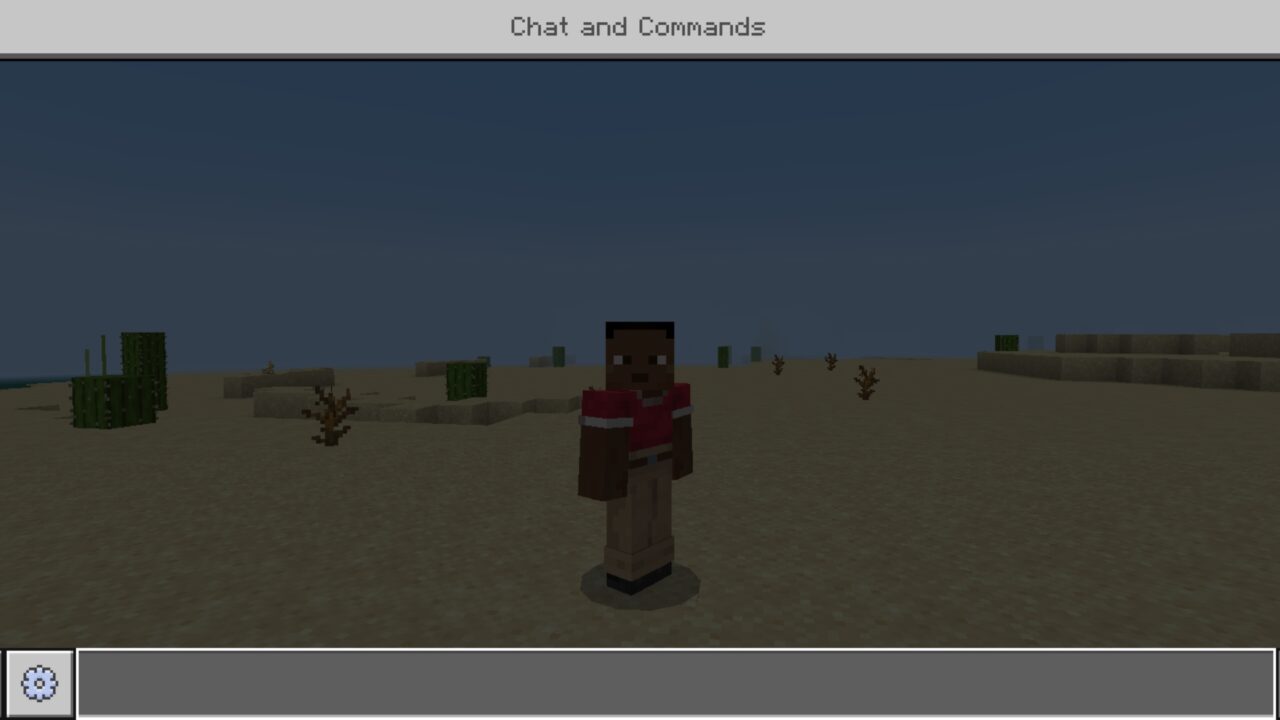
The QAT becomes slightly darker and more transparent right after installation. Chat, emote and pause buttons follow the same treatment.

Inventory windows use a richer background shade, which makes the contents of each slot easier to separate at a glance.

Pick one style and stick with it. Loading two interface packs at once makes buttons overlap.

Classic Java Gui

Players who remember the older look will recognize it instantly. Elements get stripped back to a concise form with no extra clutter.

The start screen, achievements, skin selection, progress and world templates are all rebuilt in the classic style. The author keeps expanding that list with each release.

  • Does GUI Overhaul require any addons to work?
  • Will GUI Overhaul lower FPS on a weak phone?
  • Can GUI Overhaul be combined with other texture packs?

Download GUI Overhaul Texture Pack for Minecraft PE

GUI Overhaul
Stardew Valley GUI
Classic Java Gui
Better GUI

GUI Overhaul Texture Pack for Minecraft Bedrock
11 September 2026 5
GUI Overhaul Text...

Download GUI Overhaul Texture Pack for Minecraf...

Clear Sight Texture Pack for Minecraft Bedrock
25 August 2026 5
Clear Sight Textu...

Download Clear Sight Texture Pack for Minecraft...

Xnova Remastered Texture Pack for Minecraft PE
12 August 2026 1.8
Xnova Remastered ...

Download Xnova Remastered Texture Pack for Mine...
Wanderer Visuals Texture Pack for Minecraft PE
15 March 2026 3
Wanderer Visuals ...

Download Wanderer Visuals Texture Pack for Mine...

1 Comments

  1. hollow_lantern_72

    switched to the dark one and my eyes stopped hurting after night sessions. inventory actually readable now on a small screen, wish this was default honestly