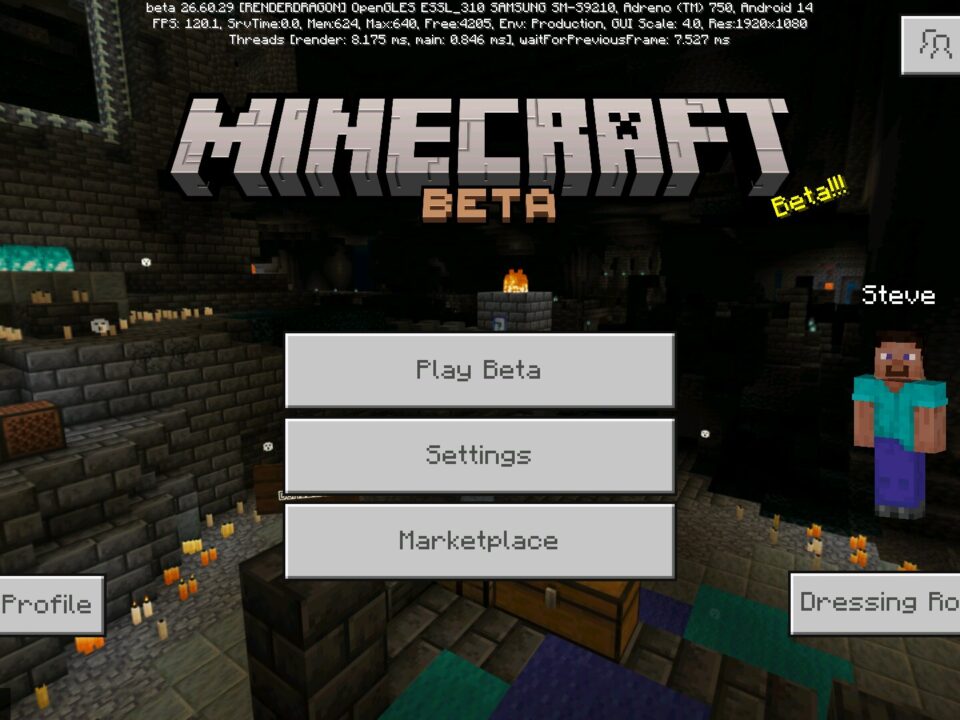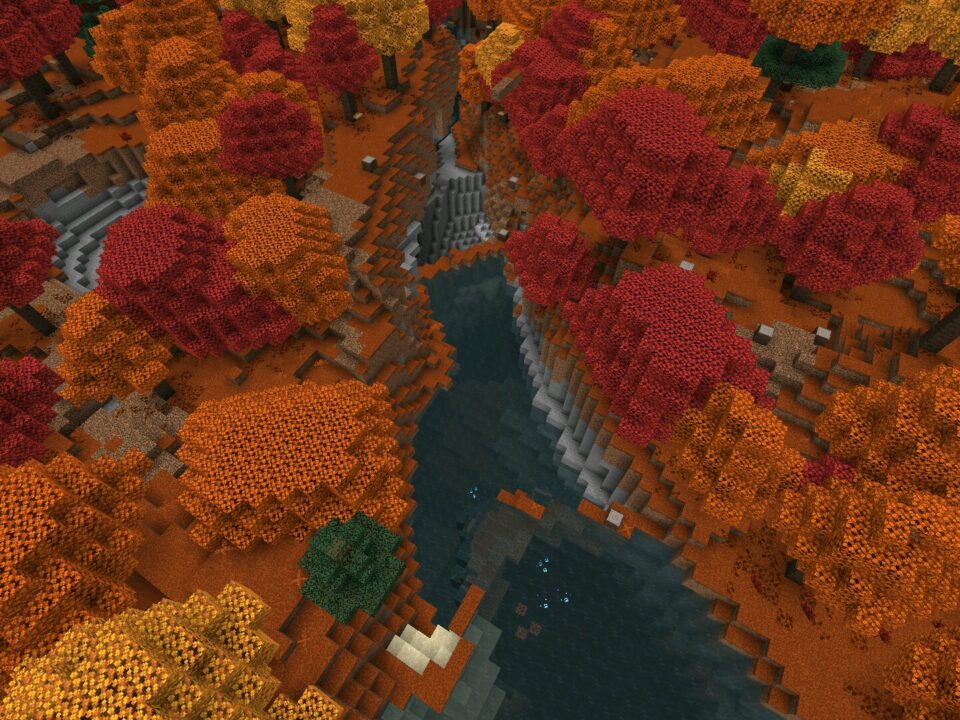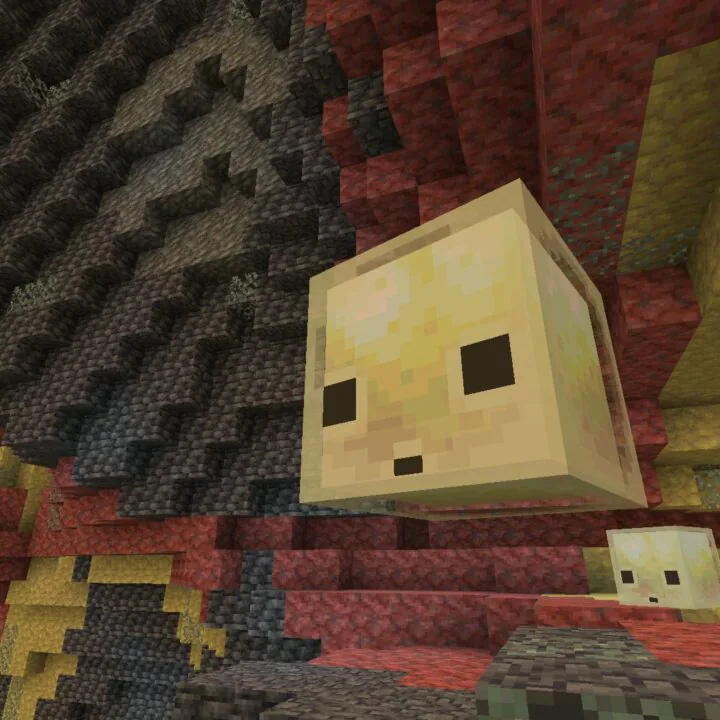
Download Minecraft 26.30.27 / 1.26.30.27 APK for Android if you want to test the final pre-release tweaks before Chaos Cubed officially closes its experimental phase.
This Beta build polishes the parts of Sulfur biomes that felt unfinished and clears out a stack of bugs that mobile players have been flagging for weeks.
Why this Beta matters right now
26.30.27 isn’t a Hotfix — it’s the last sweep of changes before Mojang locks Chaos Cubed into a stable Bedrock release. If you’ve been holding off on Sulfur Caves because they felt rough, this is the version where the biome finally clicks.
The reworked Sulfur Springs alone change how the surface of the Overworld looks. Add the new Sulfur Cube archetype and the bee changes, and the Beta starts feeling closer to a content drop than a test build.
Beta versions can carry forward incompatibilities. Keep a backup of any worlds you care about before installing this Minecraft 26.30.27 APK Android build.
What’s new in 26.30.27
| Sulfur Springs |
Larger size, varied shapes, Tuff borders, flatter terrain placement. |
| Sulfur Cube archetypes |
New Slow Bouncy type from stone blocks; magma absorption damage. |
| Potent Sulfur |
No longer inert — erupts on a cycle and emits Noxious Gas. |
| Bees |
Now follow, breed, and age via Chorus Flowers and Spore Blossoms. |
| Stability |
Vibrant Visuals, Ray Tracing, Realms Hub, mob audio fixes. |
Sulfur Springs feel like a real biome
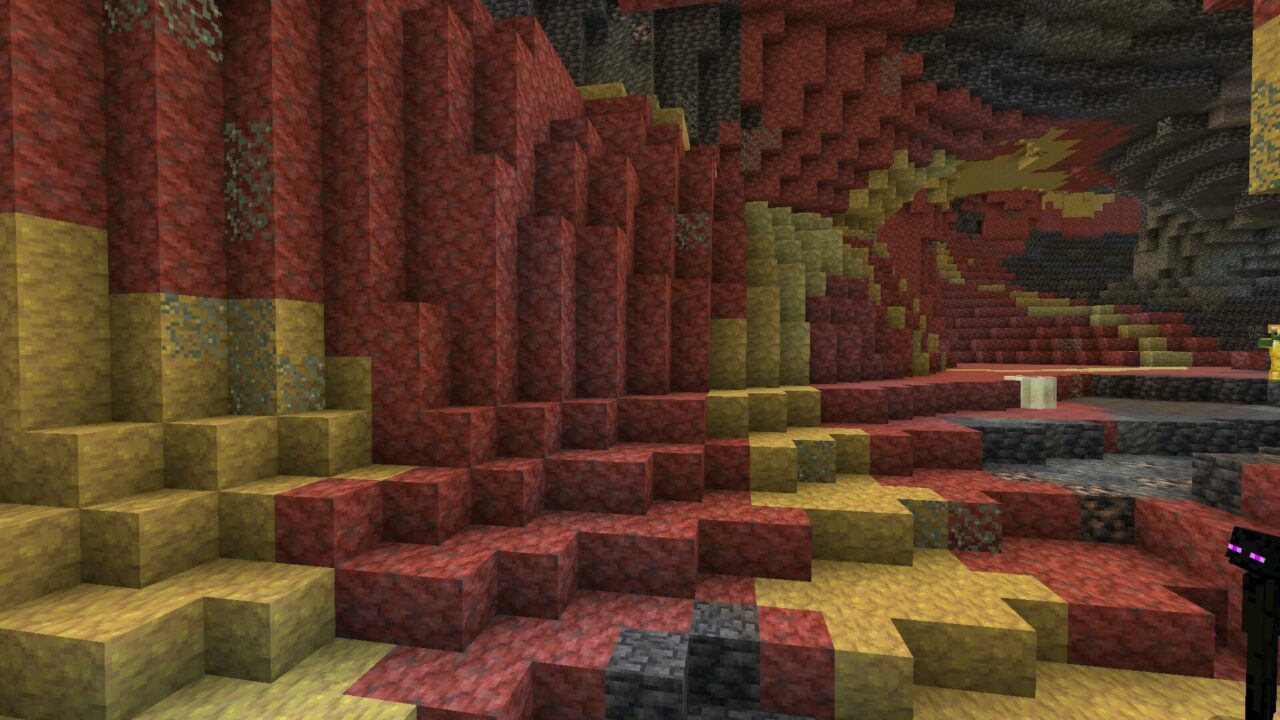
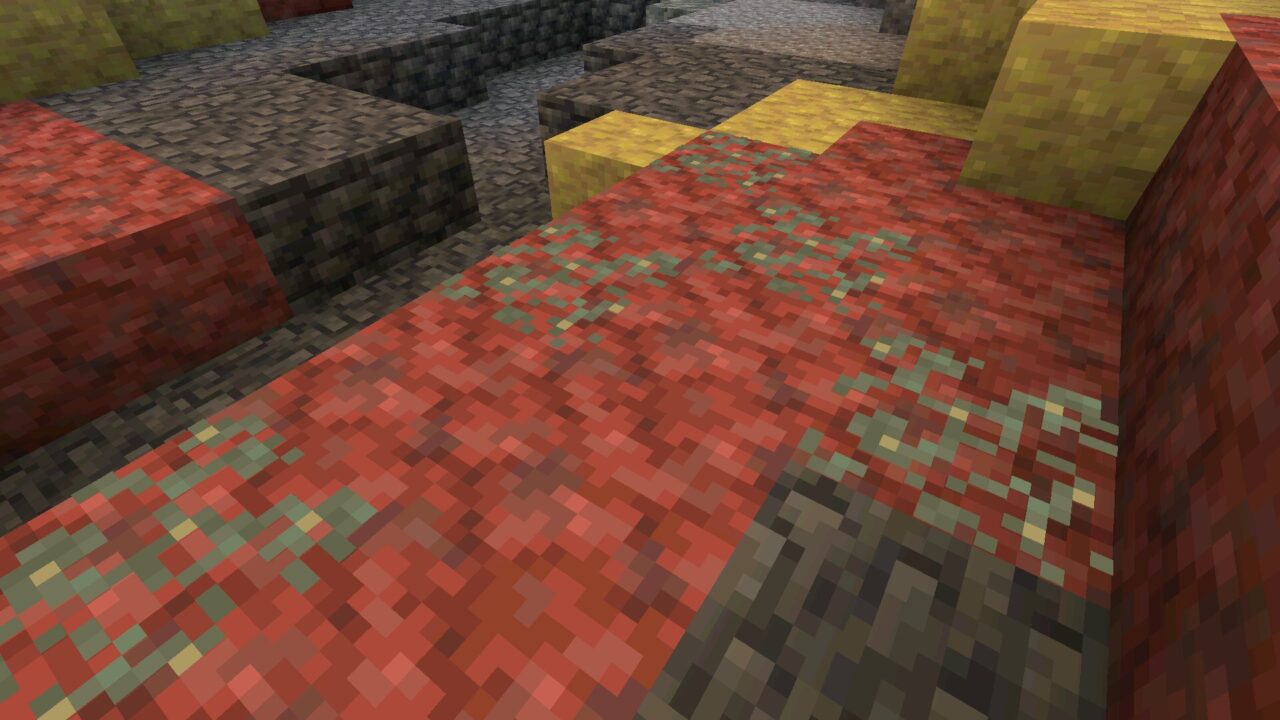
The Springs got a serious visual upgrade. Bigger pools, more varied shapes, Tuff scattered around the edges, and the whole thing now favors flatter terrain instead of awkwardly clinging to mountainsides.
Potent Sulfur inside the Springs no longer just sits there. It erupts on a timer and pumps out Noxious Gas, which gives the biome a working geothermal vibe instead of looking like a static set piece.
Sulfur Cube becomes more interesting
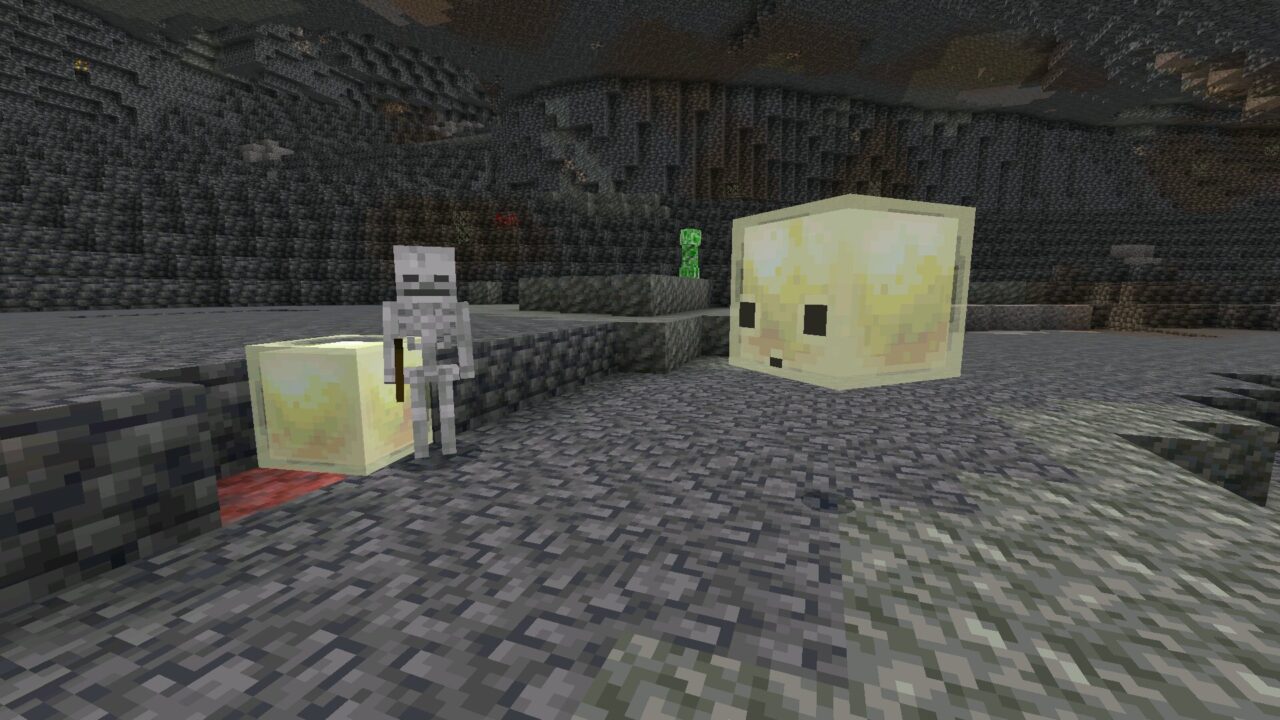
Stone-type blocks now turn a Sulfur Cube into the Slow Bouncy archetype — slower hops, higher knockback resistance, and noticeably heavier in combat. Dirt and Concrete Powder still produce the Regular archetype.
Feed a cube a Magma Block and it deals contact damage to anything that touches it, but it won’t aggro nearby mobs or set them on fire. You can also breed Sulfur Cubes by using a Spawn Egg on an existing one.
Caves are easier to find
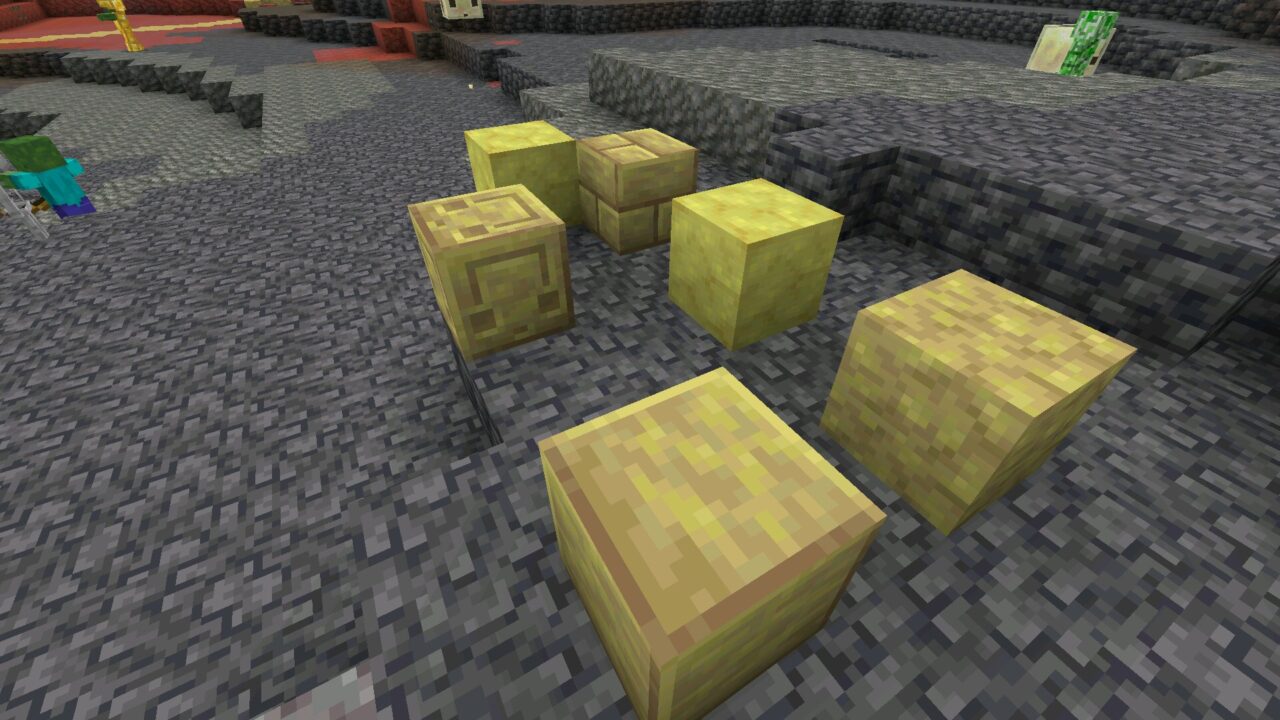
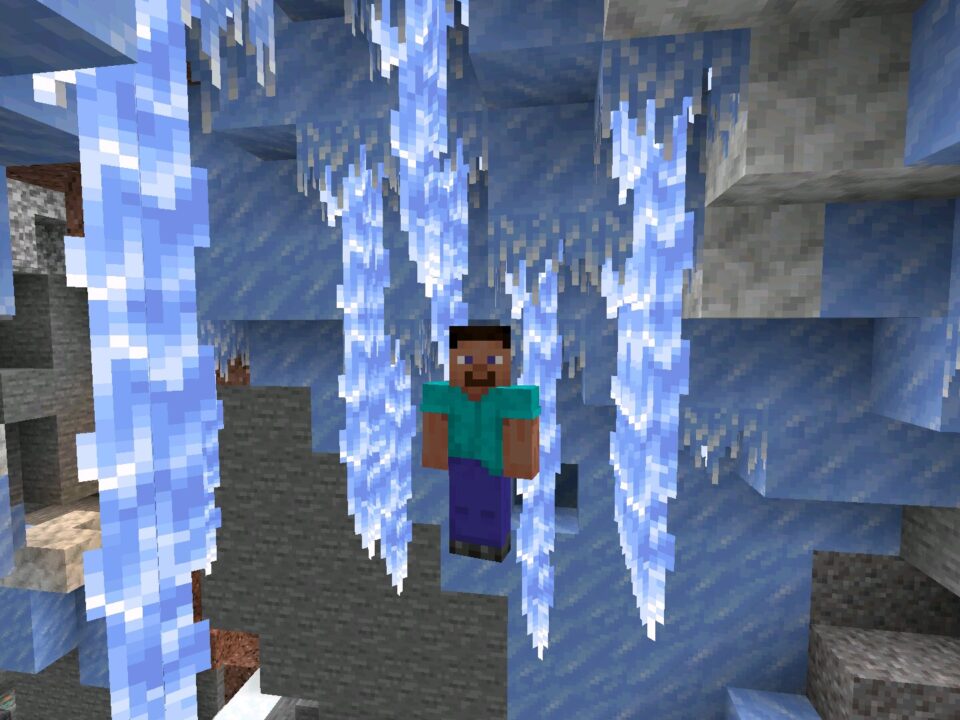
Water fog inside Sulfur Caves is now green instead of blue. Tuff and Granite were removed from the cave gradient based on player feedback, leaving more visible Sulfur and a higher chance of finding pools.
The biome is now less likely to spawn under Oceans or in mountain ranges, which makes Sulfur Caves much easier to locate during normal Android survival runs.
Stability and mobile performance
Quality-of-life fixes land where they matter for phone play. Vibrant Visuals lighting after teleport is corrected, Ray Tracing textures and name tags now render properly, and a freeze that triggered on certain resource packs was patched.
Mob audio no longer flips to underwater variants when the mob is above the surface, and Enderpearls finally stop teleporting players into walls — a bug that’s been around far too long.
Compatibility with Android devices
26.30.27 runs on the same Android hardware range as the previous 1.26 builds. Mid-tier phones from the last five years handle it without issues, and tablets benefit slightly from the Vibrant Visuals work.
| Game version |
26.30.27 (1.26.30.27) |
| Platform |
Android APK |
| Edition |
Minecraft Bedrock Edition Beta |
| Release type |
Beta version |
| Drop |
Chaos Cubed final tests |
Should you install it now
If you’re already playing Bedrock on Android and want to see how Chaos Cubed will land in the next stable version, this Beta is the cleanest preview you’ll get. If your worlds are precious and you can’t risk format changes, wait for the stable release.
The middle ground works well too: install the APK on a secondary world, explore the new Sulfur biomes, then go back to your main save when the stable build drops.
Safety and file check
Match the version label and package name against what Mojang has published before installing anything. The APK should identify itself as 26.30.27 — not as a renamed older build dressed up to look new.
Stick to known sources, keep your worlds backed up, and avoid mirrors that promise extra features. Players are responsible for their own download choices, and the safest routine is the simplest one: verify, back up, install.
Browse the rest of the branch in the Minecraft 26 download section to compare versions before deciding.
Source: https://feedback.minecraft.net/hc/en-us/articles/45637355669645-Minecraft-Beta-Preview-26-30-27
0 Comments