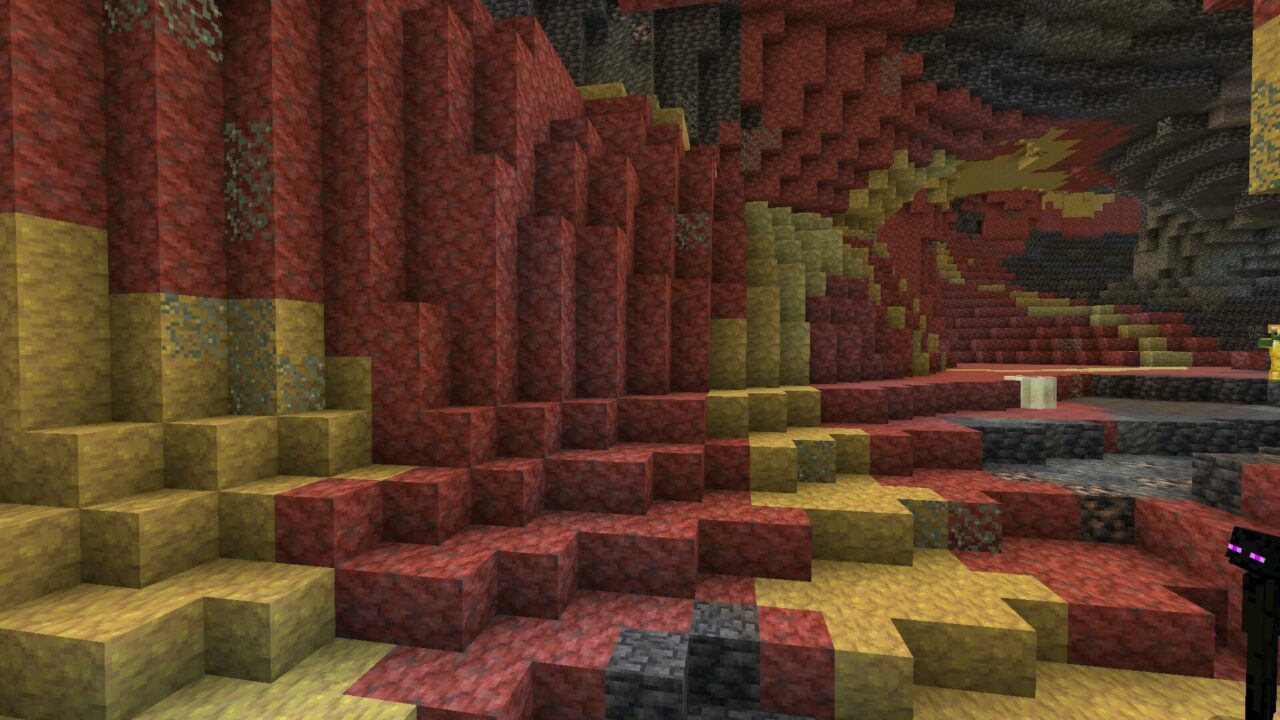
Download Minecraft 26.21 / 1.26.21 APK for Android if you need a focused Release hotfix with crash fixes, furnace repair, and better mobile stability. This version is made for players who want Minecraft Bedrock to open, load, and run more reliably on a phone.
What Is Minecraft 26.21 / 1.26.21
Minecraft 26.21 / 1.26.21 is a small hotfix update for Bedrock players. It does not add a new mob, biome, weapon, or large gameplay system. The main purpose is to fix problems found after the previous update and make the game more stable across supported platforms.
For Android users, this kind of update can be more important than a feature update. A crash on launch, a frozen furnace screen, or a broken interface button can stop a normal survival session. MCPE 26.21 / 1.26.21 focuses on exactly these practical problems.
Minecraft Bedrock Edition 26.21 / 1.26.21 may appear on different platforms at different times because the hotfix rolls out after platform approval.
Main Version Details
| Item |
Details |
| Version |
Minecraft 26.21 / 1.26.21 |
| Edition |
Minecraft Bedrock Edition |
| Platform |
Android and other Bedrock platforms |
| File Type |
APK Android package |
| Update Type |
Release hotfix |
Main Changes in Minecraft 26.21 / 1.26.21
The official changelog is short, but the fixes are useful for daily mobile play. Mojang focused on gameplay polish, interface behavior, crash repair, and technical block logic.
Furnace Freeze Fixed
The update fixes a freeze that could happen when opening a furnace without recipes. This sounds like a small issue, but it could interrupt basic survival progress. Furnaces are used often for food, ore, glass, stone, and many other resources, so this repair helps normal gameplay feel smoother.
Gameplay Bug Fixes
The changelog also mentions various gameplay fixes and improvements. Mojang does not list every small correction, but this usually means the update cleans up problems that affected regular play. For mobile users, even small stability improvements can reduce irritation during mining, building, or world loading.
Crash Fixes During Play
Minecraft 26.21 / 1.26.21 fixes several crashes that could occur during gameplay. This is one of the most important parts of the Release because Android devices can vary a lot in memory, chipset, storage speed, and background app behavior.
Launch Crash Fixed
The hotfix also fixes a crash that could happen on launch. If Minecraft closed before reaching the main menu, this version is especially relevant. A launch fix is important because the game must first start correctly before worlds, servers, skins, or settings can be used.
Search for People Crash Fixed
Mojang fixed a crash linked to the “Search for people” button when the player was not signed in. This issue was listed as MCPE-235488. It is a useful fix for players who open social or account related menus before signing in.
Gameplay Content in This Hotfix
This update does not introduce new gameplay content. There are no new mobs, blocks, recipes, structures, or world features in the official notes. The value of Minecraft PE 26.21 / 1.26.21 Download is stability, not new content.
That makes the version suitable for players who prefer a cleaner build after a larger update. If you want to browse nearby builds from the same branch, use the minecraft pe 26 download section.
Android Compatibility and Phone Use
Minecraft 26.21 / 1.26.21 apk is aimed at Android players who need a stable Bedrock build for everyday mobile gameplay. The exact performance still depends on the phone. A newer device with enough free storage and memory will usually handle MCPE better than an older phone with many background apps.
Before installing, make sure there is enough free space for the APK, game data, worlds, resource packs, and cache files. It is also smart to back up important worlds before changing versions.
This Release is a reasonable choice if the previous build caused crashes, launch problems, or interface freezes during normal play.
Safety and File Responsibility
Download Minecraft Bedrock 26.21 / 1.26.21 Download files only from sources you trust. A clean APK should match the expected version, should not ask for strange extra permissions, and should not include unrelated apps. If the file name, package behavior, or installer screen looks suspicious, do not continue.
APK installation is always the user’s responsibility. Check the source, keep a backup of worlds, and avoid modified packages that promise unrealistic features. A safe update should focus on the real fixes listed by Mojang, not fake unlocks or hidden installers.
Final Download Notes
Download Minecraft 26.21 / 1.26.21 APK if you want a compact Release hotfix for Android with fewer crashes and a fixed furnace issue. This is not a big content update, but it is useful for players who care about stable Bedrock gameplay on a phone.
The version is also suitable for users who want a free update path without unnecessary changes to the core game. It keeps the familiar Minecraft experience and focuses on fixing problems that could interrupt play.
Source: https://feedback.minecraft.net/hc/en-us/articles/45844706302221-Minecraft-Bedrock-Edition-26-21-Hotfix-Changelog
0 Comments