Download Minecraft 1.21.120 for Android free The Copper Age Update: turn the humble orange metal into tools, light sources, and a tiny helper that keeps your storage in perfect order.
Minecraft 1.21.120 Bedrock Update (1.21.120.4): The Copper Age
Minecraft 1.21.120 is a Bedrock Edition release that develops The Copper Age: copper here turns into gear, lamps, storage, and even a small working mob. Crafters have long asked for a more modern picture, so the update keeps polishing Vibrant Visuals. Biome contrast became softer, underwater caves are lit correctly, and the black sky bug on some Android devices is finally fixed.
Minecraft patch 1.21.120 goes beyond graphics: the Game Menu and settings screens received a fresh layout, touch controls got small fixes, and hotbar hotkeys now move items faster. The team behind Minecraft PE 1.21 ships such improvements almost every week, so the gameplay stays stable in survival and multiplayer on mobile devices.
Lots of options
A sandbox stays exciting only while the inventory offers real choice. To light caves and territories at night, heroes usually pick between a campfire, a torch, and a lantern — and the copper era makes this list noticeably longer.
In Minecraft Bedrock 1.21.120, the Copper Lantern received an animated flame and a fresh texture, so it is no longer confused with the regular lantern, while the Copper Torch got its own distinctive look.
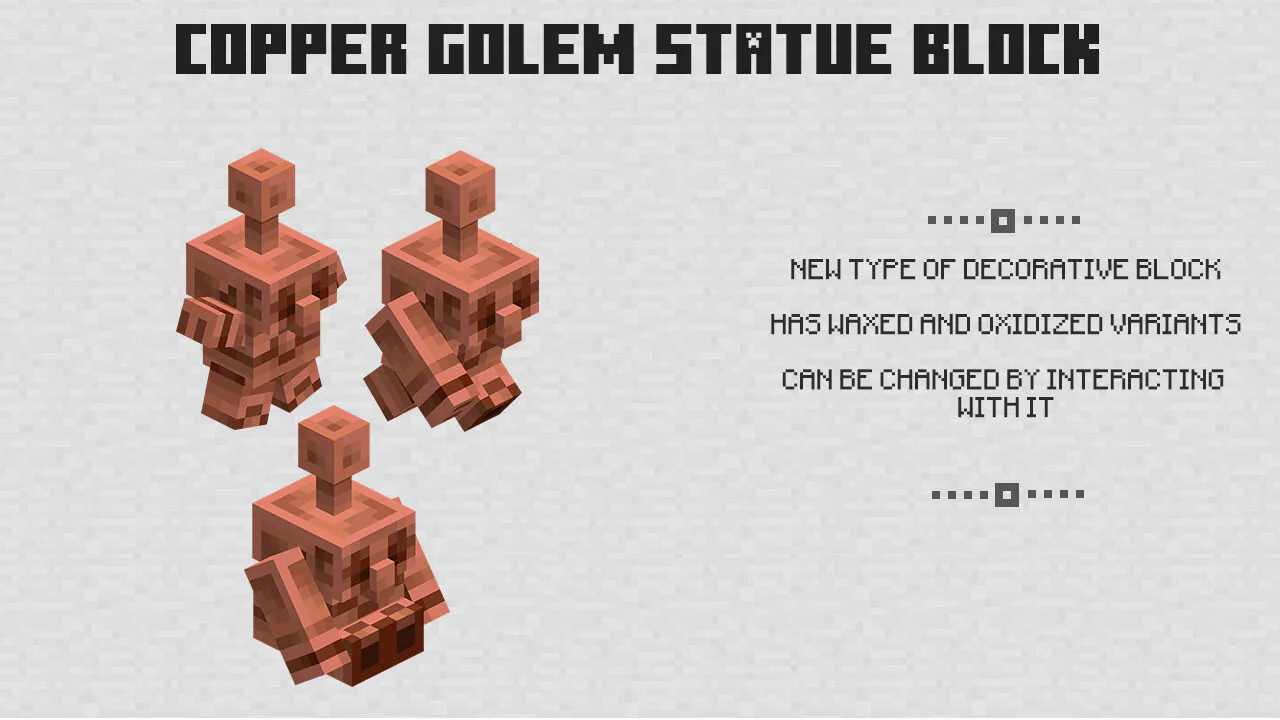
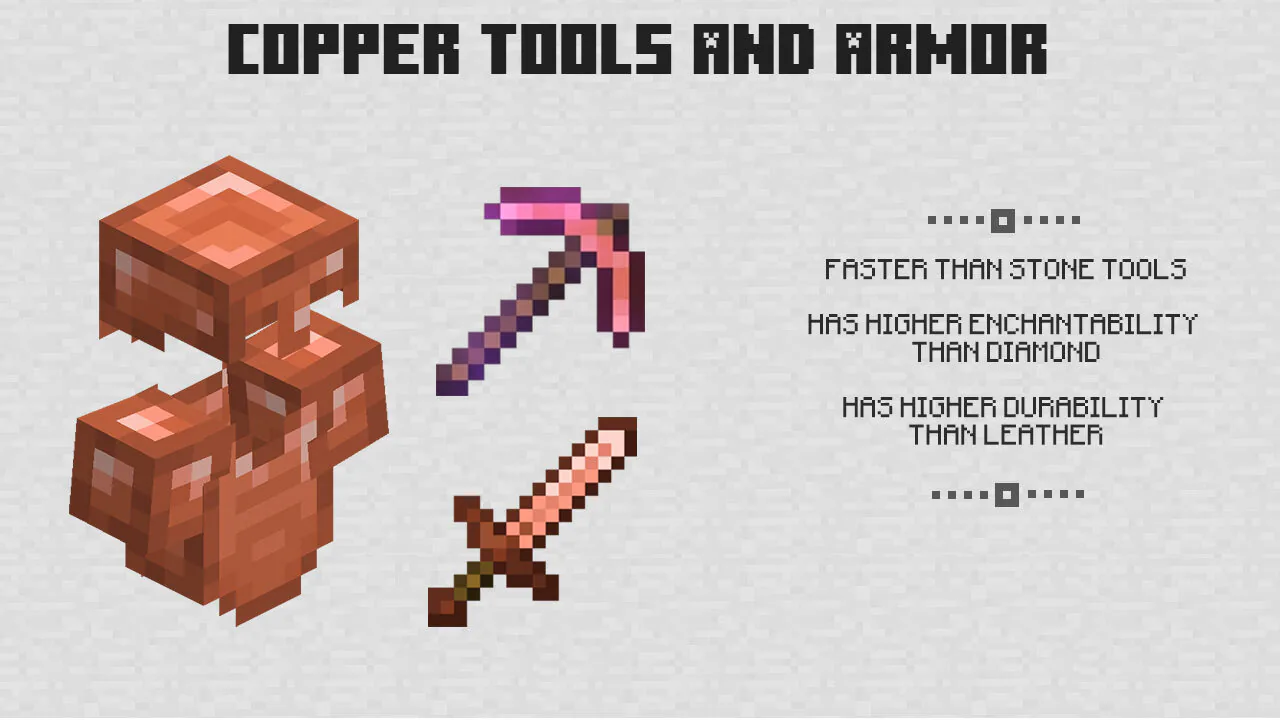
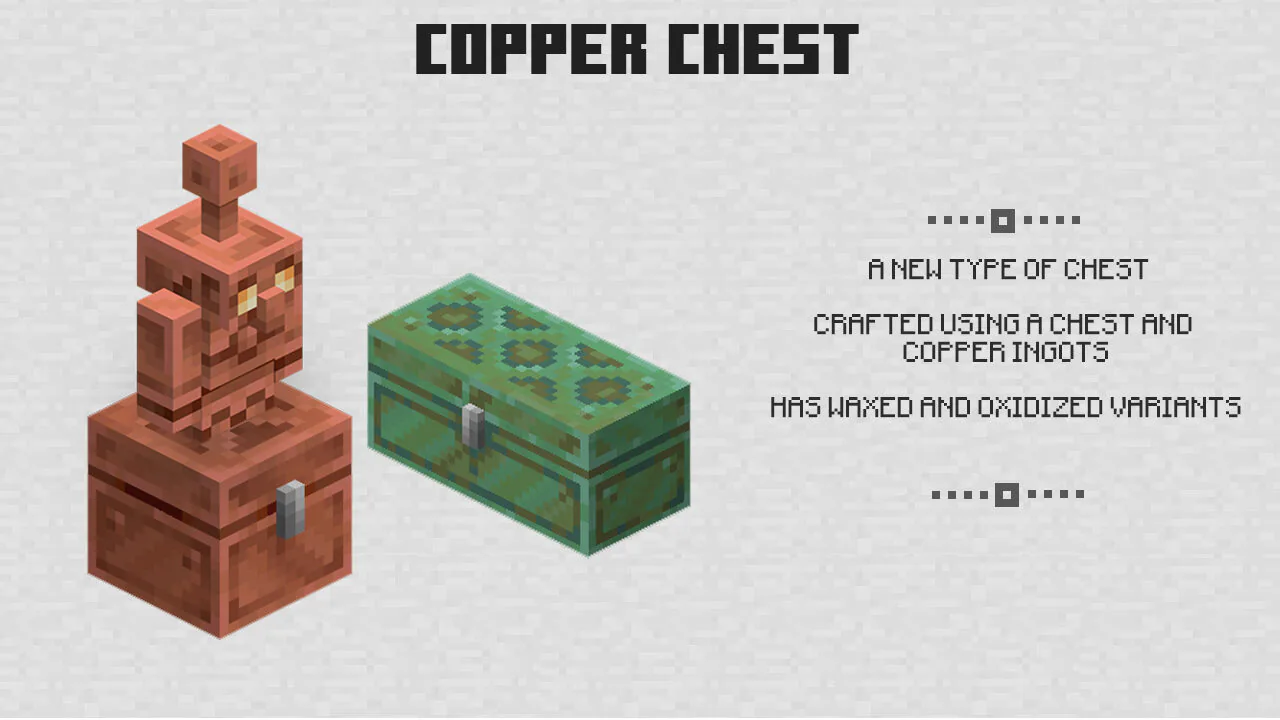
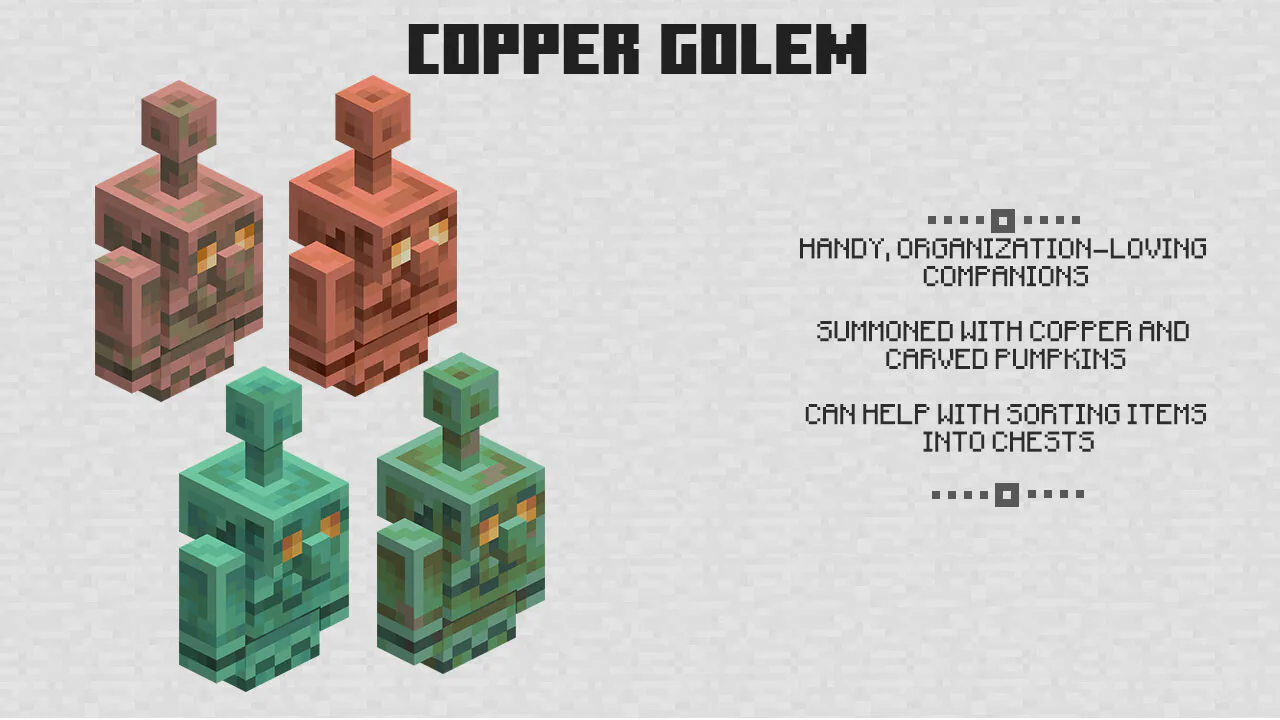
This versatile metal is a godsend for anyone equipping a base: copper goes into tools, armor, horse armor, and a sword that even Wither Skeletons gladly pick up. The Copper Golem takes care of order — the little worker grabs items from a copper chest, carries them to nearby containers, and sorts everything by type. Interact with the busy mob, and it drops whatever it is carrying; without care, the helper slowly oxidizes into a statue that now glows inside a Glow Item Frame.
Interior
When the cubic world was only beginning its history, nobody could imagine it becoming this cozy. Minecraft Bedrock Edition 1.21.120 keeps adding functional furniture that not only decorates a home but also works for its owner.
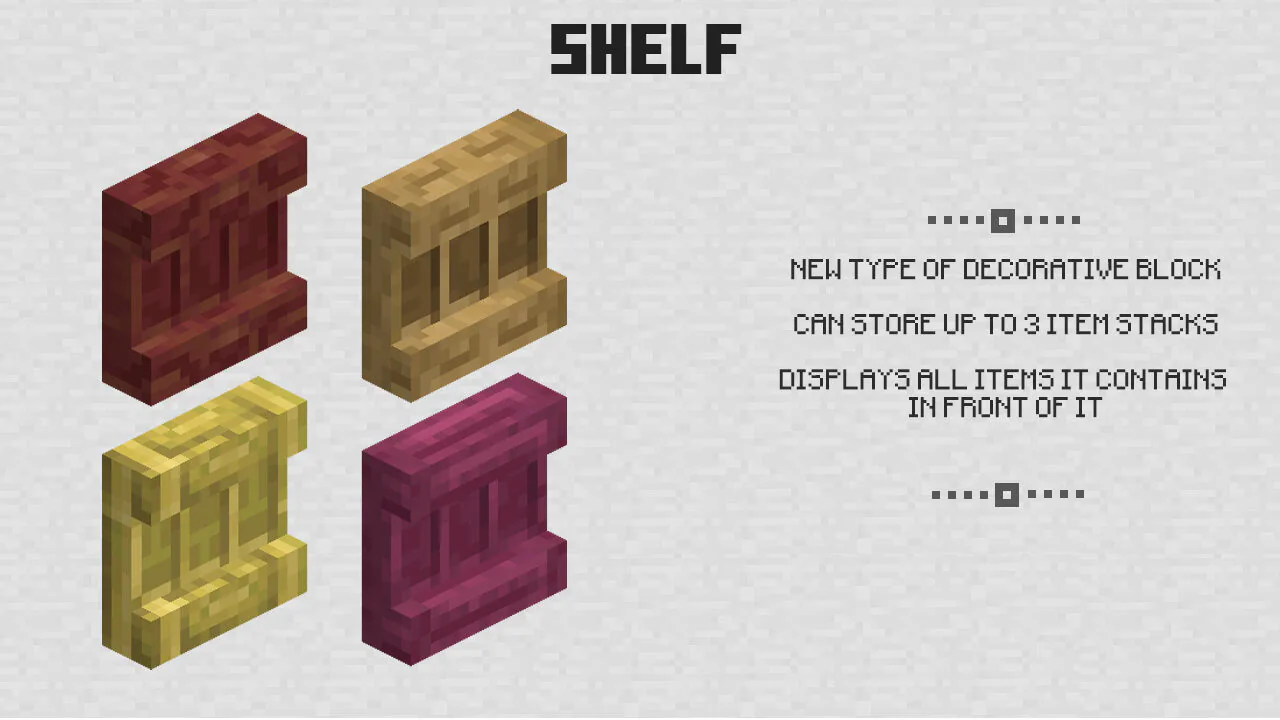
Shelves are the clearest example: interact with the block to place an item, take it back, or swap it in a second. In Minecraft v1.21.120, the block became friendlier to redstone mechanisms as well — placing, removing, or swapping things emits a vibration of frequency 3 or 6, so smart contraptions can react to your storage.
Turn on Vibrant Visuals in the video settings before decorating: softer lighting and updated biome colors make copper interiors look especially warm on mobile screens.
The Minecraft 1.21.120 download will suit survival architects, redstone engineers, and MCPE fans who simply love tidy chests. Grab the fresh build for Android, hand the routine to the golem, and spend the evening decorating shelves instead of sorting loot.
FAQ
How to download Minecraft PE 1.21.120 for Android?
Use the button on this page: save the installation file to your device, open it, and confirm the setup. After the first launch, sign in to your account, and The Copper Age content will be waiting in the game.
How to install the Minecraft 1.21.120 APK on Android?
Back up your favorite worlds first, then run the downloaded file and follow the on-screen steps. When the installation ends, launch the game — new blocks and mobs appear in survival and in the creative inventory automatically.
What does the Copper Golem do?
The Copper Golem sorts items: it takes stuff from a copper chest and distributes it into nearby containers by type. Interacting with the mob makes it drop what it carries, and over time the helper oxidizes into a statue.
How do Shelves work?
A Shelf keeps items right on the wall: interact with it to place, remove, or swap things in seconds. The block also emits vibrations and reacts to redstone power, so it easily joins automated builds.
Did the graphics change in this release?
Yes, the Vibrant Visuals mode keeps evolving: biome contrast became softer, underwater caves received correct lighting, and the black sky bug on some Android phones disappeared. On mobile devices the picture now looks cleaner and calmer.
I am fight for you
This is my favorite game!