Minecraft 1.21 Tricky Trials Update for Bedrock Edition on Android
Minecraft 1.21, known as Tricky Trials, is the most actively updated Bedrock branch on Android. It introduced Trial Chambers with the new Trial Spawner, the powerful Mace weapon, and new mobs like the Breeze and Bogged.
Unlike earlier versions, 1.21 expanded through a series of ongoing feature drops — Bundles of Bravery, The Garden Awakens, Spring to Life, Chase the Skies, The Copper Age, Mounts of Mayhem, and Winter Drop. Each drop added new biomes, mobs, blocks, or gameplay systems inside the 1.21 branch.
Minecraft 1.21 runs smoothly on most modern phones and supports a huge library of add-ons built for this branch. Every APK on this page is a Bedrock Edition build — there is no Android APK for Java Edition.
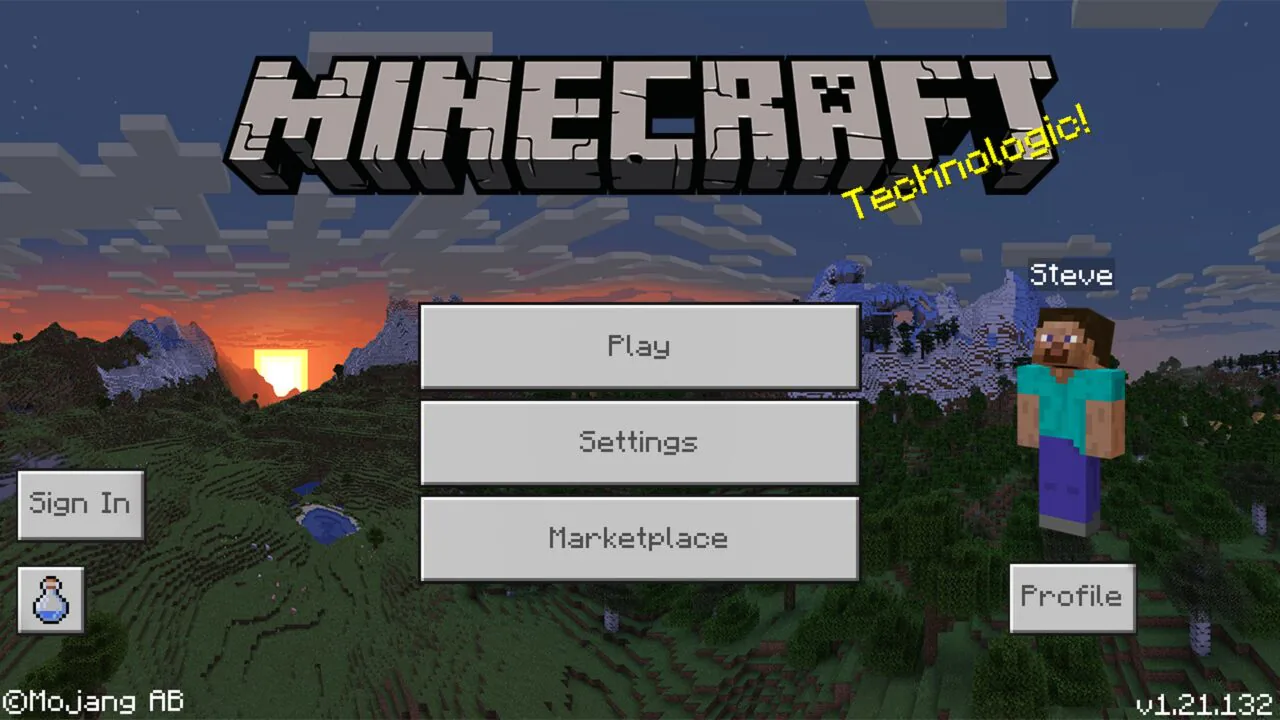
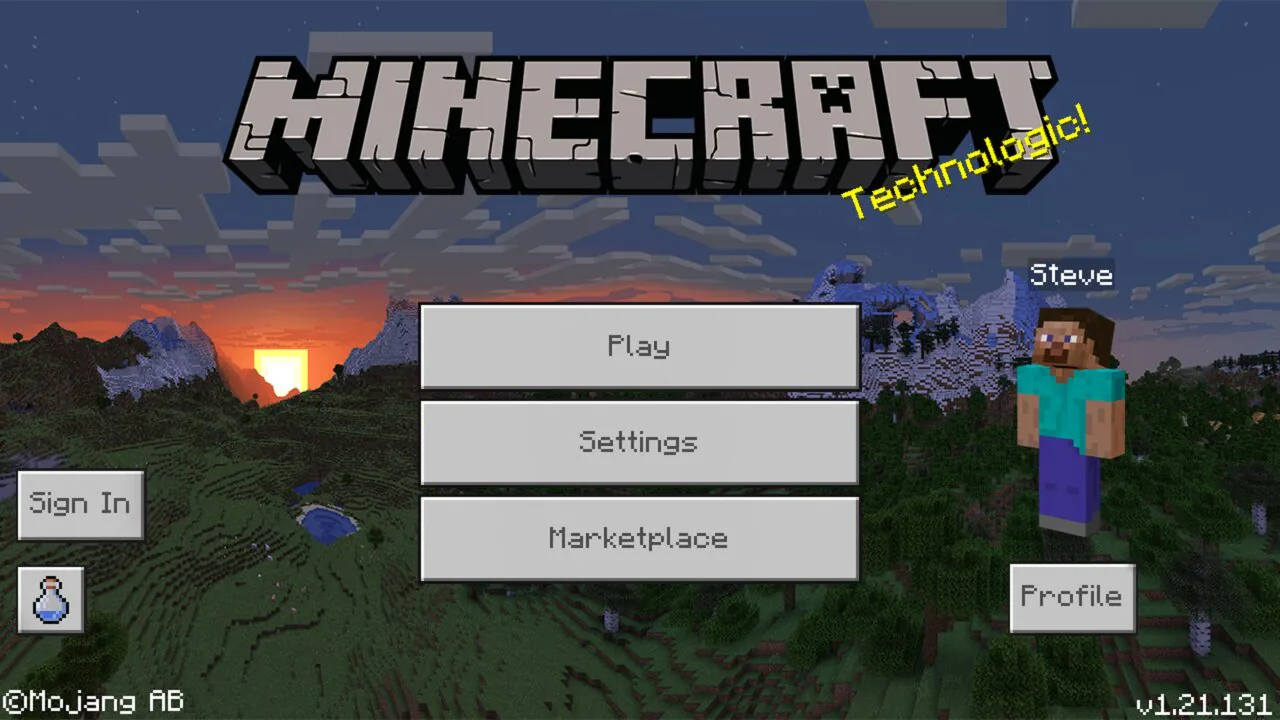
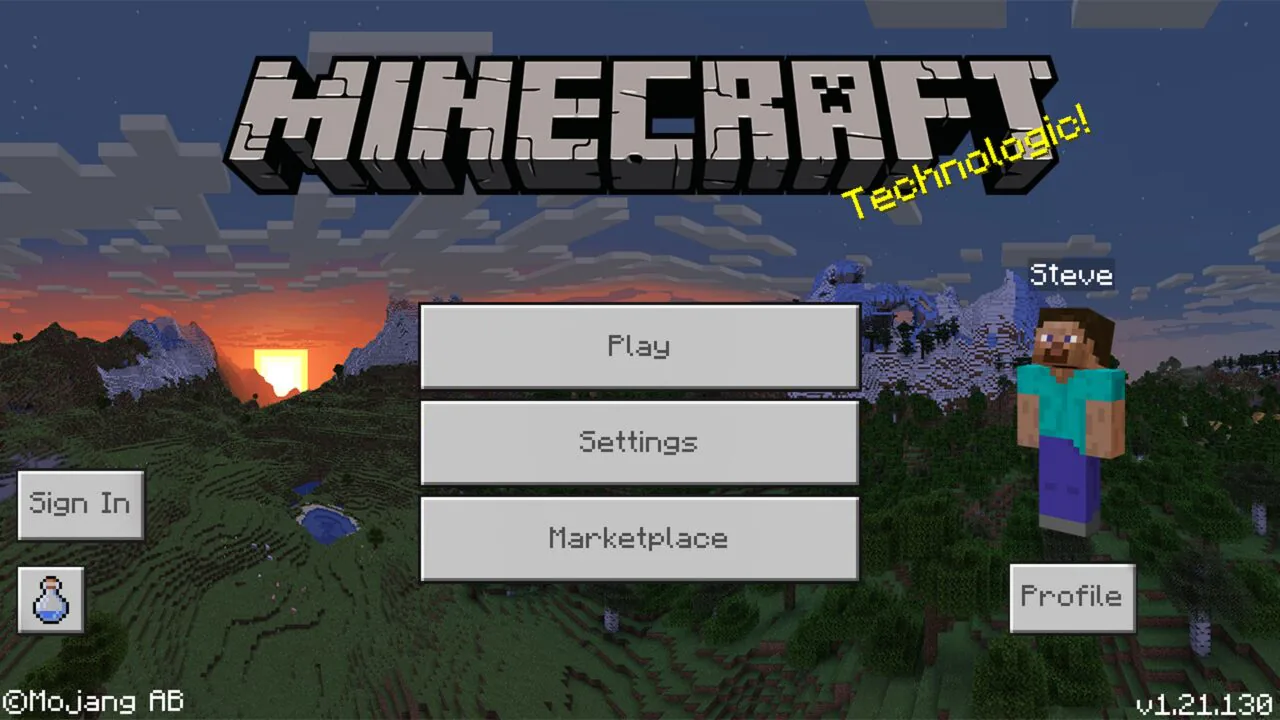
Minecraft 1.21 Build Overview — 1.21.132, 1.21.131, and 1.21.130
The three most recent Release builds inside the 1.21 branch are 1.21.132, 1.21.131, and 1.21.130. All of them support Bedrock multiplayer, Realms, and add-ons.
- Minecraft 1.21.132 — the latest Release in the 1.21.130.x patch line and the most stable option. It contains the newest bug fixes and is recommended for everyday play, Realms, and cross-platform multiplayer.
- Minecraft 1.21.131 — earlier Release patch. Use it if a specific add-on, map, or server was last tested on this build, or if 1.21.132 shows issues on your device.
- Minecraft 1.21.130 — the base 1.21.130 Release. Recommended for matching a Realm or server that did not upgrade past 1.21.130, or for older devices where later patches run worse.
Pick 1.21.132 if you just want to play. Choose 1.21.131 or 1.21.130 only if you need exact version matching for a world, server, or add-on.
How to Install Minecraft 1.21 APK on Android
Once you picked a build above and downloaded the APK, follow these steps to install Minecraft PE 1.21 on your Android device:
- Open Android Settings.
- On Android 8–9 go to Security → Install unknown apps. On Android 10+ open Apps → Special app access → Install unknown apps. Select the browser or file manager you used to download the APK.
- Enable Allow from this source for that app.
- Open the downloaded APK file and tap Install.
- Wait for installation to finish, then launch Minecraft.
Official Minecraft APKs have the package name com.mojang.minecraftpe and a digital signature from Mojang Studios. Android uses that signature to verify the file and to update the game in place.
After installation, turn Install unknown apps off for your browser. If you already have a different Minecraft version installed, check the Troubleshooting section below before installing 1.21 over it.
System Requirements for Minecraft 1.21 on Android
Minecraft 1.21 runs on most modern Android devices. Stable performance depends on RAM, free storage, and CPU architecture:
- Android 8.0 or higher (older 1.21 builds may run on Android 7, performance not guaranteed)
- Minimum 2 GB RAM (4 GB recommended for multiplayer, add-ons, and Trial Chambers rendering)
- At least 1 GB of free storage for the game, worlds, and cache
- ARM64 (arm64-v8a) processor; some older 1.21 builds also support 32-bit (armeabi-v7a)
Trial Chambers and Breeze fights are more demanding than regular gameplay due to the wave-based spawner system and particle effects. If frame rates drop inside a Trial Chamber, lower render distance to 8–10 chunks and turn off high-resolution resource packs.
Why Download Minecraft 1.21 APK Instead of the Latest Version
Most Android players download Minecraft 1.21 for one of four reasons:
- A specific 1.21 patch (1.21.0, 1.21.20, 1.21.50, 1.21.80, and so on) that matches a server, Realm, or add-on.
- A Bedrock server or Realm still running on a specific 1.21 build.
- A world built around Trial Chambers, the Mace, or drops that came before the latest update.
- A device that runs smoother on an older 1.21 patch than on the newest one.
Minecraft 1.21 is the longest-running Bedrock branch in recent history. It received multiple named feature drops — Tricky Trials, Bundles of Bravery, The Garden Awakens, Spring to Life, Chase the Skies, The Copper Age, Mounts of Mayhem, and Winter Drop. Many players stay on a specific 1.21 patch because the features they want were added in that drop.
If you just want the newest Minecraft release, you can download the latest Minecraft Bedrock update from the main downloads page. Otherwise, stay on 1.21 and pick the Release build that matches your needs.
What's New in Minecraft 1.21 — Tricky Trials and Feature Drops
Minecraft 1.21 started as the Tricky Trials update and then grew through a series of named drops. Below are the main features added across the branch.
Tricky Trials (1.21.0)
- Trial Chambers — large underground structures with copper blocks, tuff, and combat arenas
- Trial Spawner — spawner that summons waves of mobs and drops rewards after each wave
- Vault and Ominous Vault — loot containers that open with Trial Keys and Ominous Trial Keys
- Mace — new heavy weapon that deals massive critical damage based on fall distance
- Heavy Core — rare item used to craft the Mace, dropped from Ominous Vaults
- Breeze — new hostile mob that throws Wind Charges and jumps around the arena
- Bogged — swamp skeleton variant that shoots poison-tipped arrows
- Wind Charge — throwable item that pushes players and mobs
- Crafter — automatic crafting block powered by redstone
- Ominous Bottle and Bad Omen rework — Bad Omen now turns Trial Chambers into Ominous Trials
- New copper blocks — copper bulbs, copper doors, copper trapdoors, and copper grate
- Tuff block family — full tuff wall, stair, slab, and polished variants
Bundles of Bravery (1.21.20)
- Bundles — inventory item that stores multiple stacks in one slot, finally added to Bedrock
The Garden Awakens (1.21.50–1.21.60)
- Pale Garden biome — eerie forest biome with pale oak trees and white foliage
- Creaking — new hostile mob that only moves when players are not looking
- Creaking Heart block — spawns and controls the Creaking
- Pale Oak wood set — full wood family including planks, stairs, signs, and boats
- Resin blocks and Resin Bricks — new building materials
Spring to Life (1.21.70)
- New mob variants — cold and warm variants for pigs, cows, and chickens
- Wildflowers, Leaf Litter, and Firefly Bush — new decorative plants
- Bush block — new natural variant of foliage
Chase the Skies (1.21.80)
- Happy Ghast — tameable Ghast variant that can carry multiple players across the sky
- Dried Ghast block — used to hatch a Ghastling into a Happy Ghast
- Locator Bar — HUD feature that shows the direction of other players
The Copper Age (1.21.90+)
- Copper tools and copper armor — full new tier between stone and iron
- New copper blocks and lanterns — expanded copper building palette
- Copper Golem — buildable utility mob
Mounts of Mayhem and Winter Drop (1.21.100+)
- New mobs and hostile variants — expanded combat and mount gameplay
- Hardcore Mode on Bedrock — the classic one-life mode finally arrived on Bedrock Edition
- Winter-themed blocks and gameplay tweaks — seasonal content additions
For Android players, 1.21 is the most content-rich Bedrock branch to date — new combat, new mobs, new biomes, and major quality-of-life features like Bundles and Hardcore Mode.
Minecraft Bedrock, Java, and PE — Which One Is 1.21 APK
Every Minecraft 1.21 APK on this page is Bedrock Edition. This is the cross-platform version that runs on Android, iOS, Windows 10/11, Xbox, PlayStation, and Nintendo Switch.
Java Edition runs only on PC, Mac, and Linux and has no Android APK. Minecraft PE (Pocket Edition) is the original mobile name — today it is part of Bedrock.
This means "Minecraft PE 1.21" and "Minecraft Bedrock 1.21" on Android are the same game, developed by Mojang Studios.
How to read a Minecraft 1.21 version number
Minecraft Bedrock uses a MAJOR.MINOR.PATCH.BUILD format. For example, 1.21.132 means major branch 1, minor update 21 (Tricky Trials and drops), patch 132.
A four-number build like 1.21.130.22 is a Beta inside the 1.21 branch. Higher patch numbers mean more bug fixes and later feature drops — the latest Release (1.21.132) is normally the safest choice.
Minecraft 1.21 Build Types — Release, Beta, and Preview
Minecraft Bedrock follows a fixed release cycle. Knowing the difference helps you pick the right 1.21 build:
- Release — stable public build. Works with Realms, featured servers, and most add-ons. The latest 1.21 Release is 1.21.132 — recommended for everyday play.
- Beta — early-access build with upcoming features. 1.21 Betas look like 1.21.80.2x or 1.21.110.2x. Can crash, damage worlds, and cannot connect to Realms.
- Preview — newer testing program that gradually replaces Beta. Same trade-offs: early features, less stability, limited online compatibility.
- Hotfix / Patch — small update on top of a Release. The 1.21 branch has dozens of patches inside it because of the feature drop cycle — every major drop ships as a series of .x patches.
If you just want to play, take 1.21.132. Choose an older patch only if you need it for a specific add-on, server, or world. Take a Beta only if you want to test new features.
Multiplayer, Realms, and Cross-Platform Play on 1.21
Minecraft 1.21 Bedrock supports multiplayer, Realms, and cross-platform play. Version matching matters: two Android devices on different 1.21 patches usually work together, but a 1.21 device and a 1.20 device will not.
Cross-platform play lets Android players join friends on Xbox, PlayStation, Nintendo Switch, Windows 10/11, and iOS. All players need to be on a compatible Bedrock version.
Realms servers run a specific Bedrock version, so you need a matching Release build to join. 1.21 Beta and Preview builds cannot connect to Realms by design.
Online play (Realms, featured servers, Marketplace) requires a free Microsoft account. Offline single-player and local LAN play work without one.
Mods and Add-ons for Minecraft 1.21
Bedrock Edition uses add-ons — behavior packs and resource packs packaged as .mcaddon or .mcpack files. These replace Java-style mods on Android.
Most 1.21 add-ons install by tapping the file, which opens Minecraft and imports it automatically. Many character and gameplay add-ons require Experimental Gameplay to be enabled in world settings.
If an add-on looks broken after install, open your world's settings and turn on the experimental toggles it needs.
1.21 is an active branch for modding because Trial Chambers, the Mace, new mobs, and feature drops gave creators fresh mechanics to build on. If your favorite add-on was last updated for a specific 1.21 patch, stay on that Release — Bedrock add-ons often break when a new drop ships.
World Compatibility and Backups When Switching 1.21 Builds
Before installing a different Minecraft version over 1.21 (or installing 1.21 over a newer version), back up your worlds.
On Android, world saves are stored in /sdcard/games/com.mojang/minecraftWorlds/. Copy the folder to another location on your device or to cloud storage. Restore it by putting the folder back in the same path after installation.
Important: worlds created in 1.21 contain Trial Chambers, Pale Gardens, Creaking, Happy Ghasts, copper tools, and other content that will not render correctly in 1.20 or earlier. Unknown blocks and items appear as purple error blocks.
Inside the 1.21 branch itself, worlds from a later drop may show missing blocks when opened in an earlier 1.21 patch. Always back up before upgrading or downgrading.
Troubleshooting Minecraft 1.21 APK Install Errors
Most problems with a 1.21 APK fall into three groups — installation, launch, and performance.
"App not installed" or signature conflict
This happens when you install a 1.21 APK over a different Minecraft version with a mismatched digital signature.
Uninstall the existing Minecraft first (worlds stay on the device if you backed up /sdcard/games/com.mojang/minecraftWorlds/), then install the 1.21 APK. Also check free storage.
"Parse error"
Android cannot read the APK. Usual causes: corrupted file (redownload), Android version too old for this 1.21 build, or a 64-bit APK (arm64-v8a) on a 32-bit device.
Check your device architecture and pick a matching build.
Game crashes inside Trial Chambers or during Breeze fights
Go to Settings → Apps → Minecraft → Storage and tap Clear cache (not Clear data — that deletes worlds). If it still crashes, uninstall and reinstall the APK.
Trial Chambers have dense particle effects and multiple spawners at once, which can stress low-end devices. Lower render distance to 8 chunks before entering a Trial Chamber.
Low FPS or stutter
Close background apps, free up storage, and lower render distance inside Minecraft.
Pale Gardens, Happy Ghast rendering, and Wind Charge particle effects can drop FPS on 2 GB RAM devices. Turn off fancy graphics, reduce render distance to 8–10 chunks, and avoid high-resolution resource packs on entry-level phones.
FAQ — Minecraft 1.21 APK for Android
Which Minecraft 1.21 version should I download?
For stable gameplay and Realms access, 1.21.132 (the latest Release of the branch) is the safest choice. Older patches like 1.21.131 or 1.21.130 help if you need a specific add-on, server, or world version.
Is Minecraft 1.21 APK safe to install on Android?
Yes, when the file is downloaded from a trusted version page and has the official package name com.mojang.minecraftpe. The APK is digitally signed by Mojang — Android verifies it automatically during install.
Can I download Minecraft 1.21 from Google Play?
Google Play serves the current Minecraft release, which for most users is inside the 1.21 branch. However, Google Play only offers the latest patch — if you need a specific earlier 1.21 build (for example, 1.21.130 for a server), manual APK install is the only option.
What is the difference between Minecraft 1.20 and 1.21?
Minecraft 1.20 is Trails & Tales — it added the Cherry Blossom biome, the Sniffer, archaeology, Armor Trims, Camels, and Bamboo wood.
Minecraft 1.21 is Tricky Trials — it added Trial Chambers, the Trial Spawner, the Mace, the Breeze, the Bogged, and the Crafter. The 1.21 branch then continued with named drops like The Garden Awakens, Chase the Skies, The Copper Age, and Winter Drop.
What is a Trial Chamber in Minecraft 1.21?
A Trial Chamber is a large underground structure generated from copper and tuff blocks. Inside, you will find Trial Spawners that summon waves of mobs and drop rewards, plus Vaults and Ominous Vaults that open with keys.
Trial Chambers are the core new exploration content of 1.21 and the main source of Mace crafting materials.
How do I craft the Mace in Minecraft 1.21?
The Mace is crafted from a Breeze Rod and a Heavy Core. Breeze Rods drop from Breezes inside Trial Chambers, and Heavy Cores drop only from Ominous Vaults — opened with Ominous Trial Keys obtained from Ominous Trial Spawners.
Does Minecraft 1.21 support multiplayer and Realms on Android?
Yes — Release builds of 1.21 support Bedrock multiplayer, Realms, and cross-platform play. Beta and Preview builds of 1.21 cannot connect to Realms. All players need compatible Bedrock versions.
Do I need a Microsoft account to play Minecraft 1.21?
Single-player and local LAN play work offline without an account. Realms, featured servers, and the Marketplace require a free Microsoft account.